
Yokai Streetwear Identity Portrait
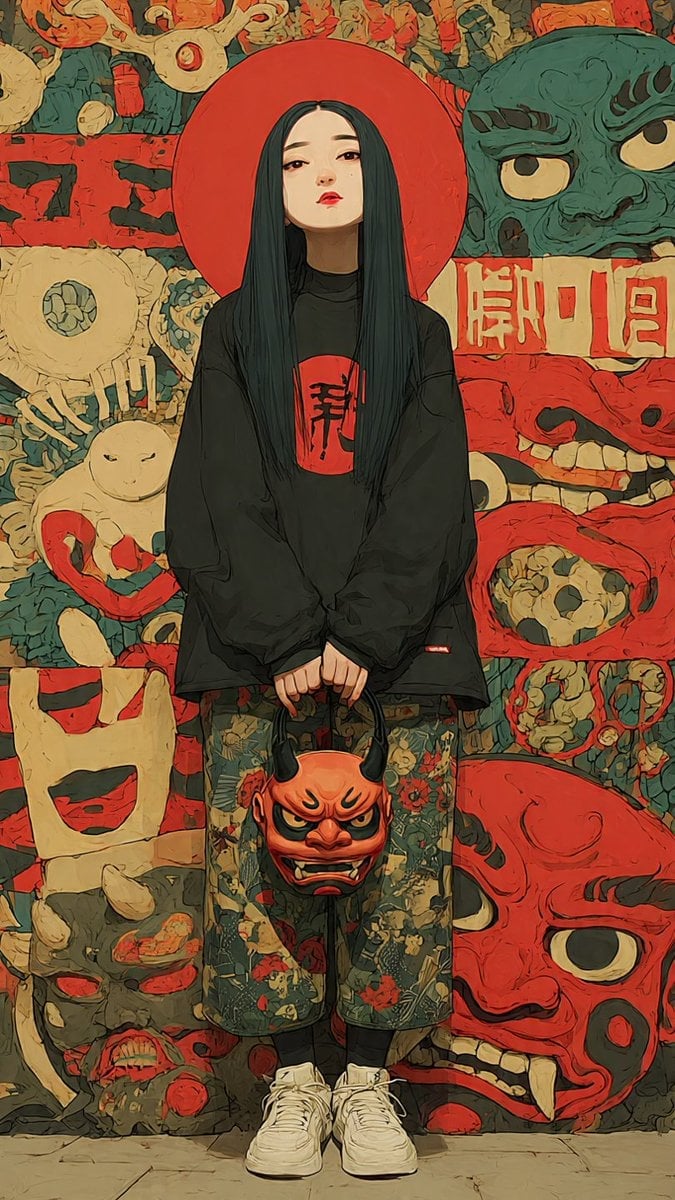
Generates a vertical anime-style fashion identity portrait with an anonymous figure, oni mask prop, and dense Japanese yokai mural background.
- Prompt included
- Model and format preset
- Free template
The prompt behind this image
Copy the exact prompt behind Yokai Streetwear Identity Portrait, or open it in the studio and make it yours.
Create a vertical full-body anime streetwear identity portrait of {argument name="character name" default="a mysterious young woman"} standing centered and facing forward, with a deliberately soft blurred rectangular face for anonymity. She has very long straight {argument name="hair color" default="black hair with deep teal highlights"} falling past her chest, and a large flat red circular halo/disc directly behind her head. Outfit: oversized black long-sleeve sweatshirt with a red square chest patch containing bold black Japanese calligraphy, loose cropped floral-pattern pants in muted green with red and beige flowers, black socks, and chunky white sneakers. Her hands hang together in front, holding one orange-red oni demon mask by its black horns; the handheld mask has angry eyes, black brows, tusks, and a grimacing mouth. Background: a dense Japanese yokai/oni mask mural in a hand-painted graphic style, using muted red, cream, teal-green, black, and tan. Include exactly eight large visible background mask/face motifs: 1 teal-green snarling mask at upper right, 2 cream cyclops mask at middle left, 3 pale rabbit-like figure with red ring at lower left, 4 cream square grinning face at left lower middle, 5 gray demon head at bottom left, 6 red skull-like panel face at middle right, 7 huge red oni face at bottom right, and 8 a crowded top strip of small red and cream grotesque masks. Add a horizontal cream sign with red Japanese-style characters behind the subject on the right, and rough black brush marks on red panels on the left. Visual style: moody editorial fashion illustration mixed with cel-shaded anime, thick ink outlines, painterly texture, slightly distressed poster surface, high detail, subdued vintage colors, symmetrical composition, low-angle full-body framing, no photorealism, no extra people, no watermark. Use {argument name="canvas ratio" default="9:16 vertical"} composition and a gritty Japanese folklore streetwear aesthetic.
How to use Yokai Streetwear Identity Portrait in 3 steps
- 1Upload ImagePNG, JPG or paste
Add your photo
Upload the photo the template builds on. The prompt, model and format are already set.
- 2…a portrait of your subject in softgolden-hour light, 85mm…
Personalize
Edit the subject and creative details for your destination.
- 3Generate
Generate
Press Generate — your image is created in PicX Studio, so you can compare it with the original and refine one variable at a time.
More like this
Templates with the same subject, style or setup. Open one to see its prompt.












Make it yours
Yokai Streetwear Identity Portrait works as-is. These are the safest ways to change it without losing the look.
Change one field
Copy a single group, rewrite it, and generate again so you can see what that field is doing.
Keep the frame, change the subject
Hold the composition and light of Yokai Streetwear Identity Portrait, then swap wardrobe, props or the person for a new take.
| If the result… | Why | Fix |
|---|---|---|
| The result drifts from the preview | Too many fields changed at once. | Reuse Yokai Streetwear Identity Portrait as-is first, then change one group — subject, light, or setting. |
| The model over-stylizes the scene | The prose prompt leaves finish and camera underspecified. | Add one camera or lighting sentence and stay on GPT Image 2. |
More GPT Image 2 templates
Other prompts made for GPT Image 2.

Six VTuber Japanese Logo Sheet

Realistic Portrait of Woman and Deer

The Vista Modular Condo Poster

AI Model Routing Comparison Infographic

2.5D Anime Art Board

Isometric Productivity Desk Scene

New York Double Exposure Poster

Four-Panel AI Landscape Comparison

Japanese Tatami Lifestyle Magazine Cover

NESCAFÉ Coffee Map Poster
More image prompts
Fresh picks from across the catalog.
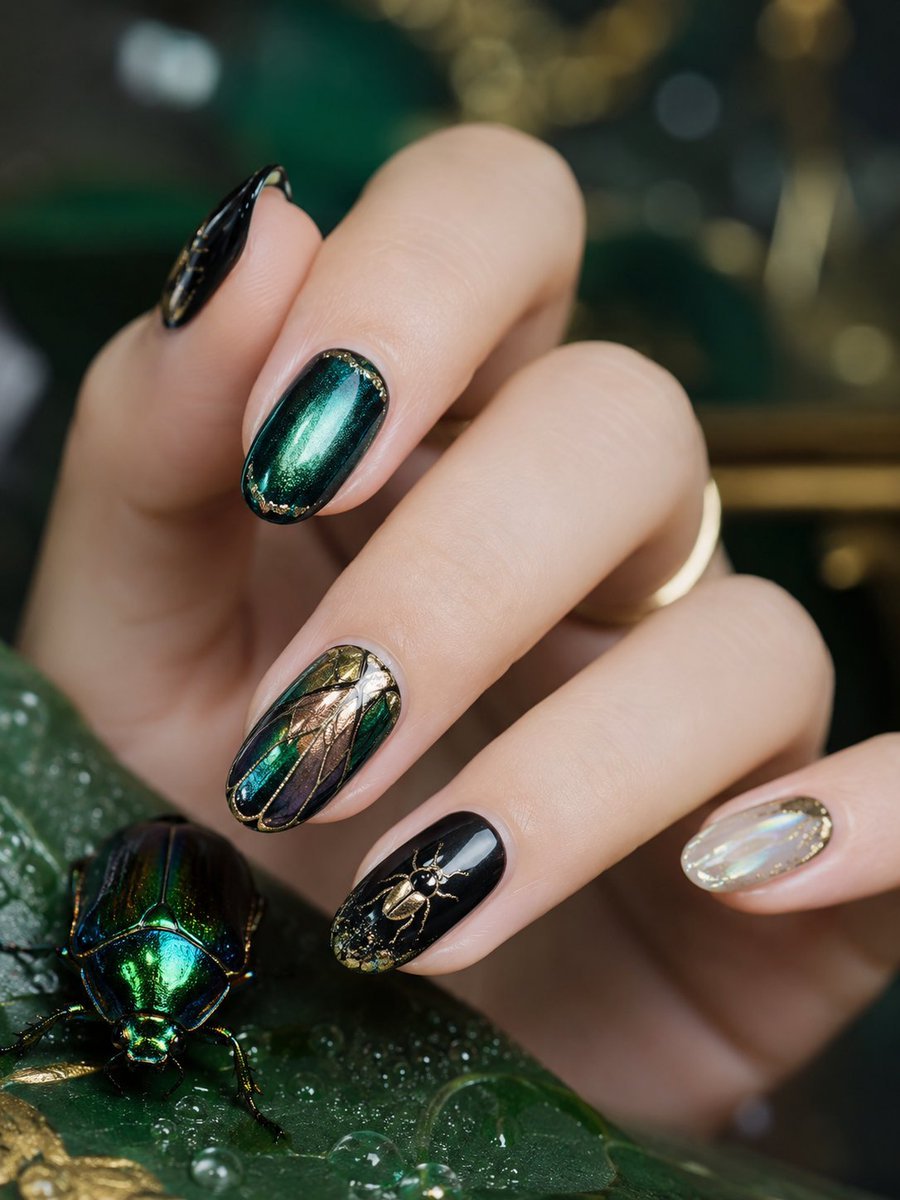
Realistic High-End Nail Art Generator
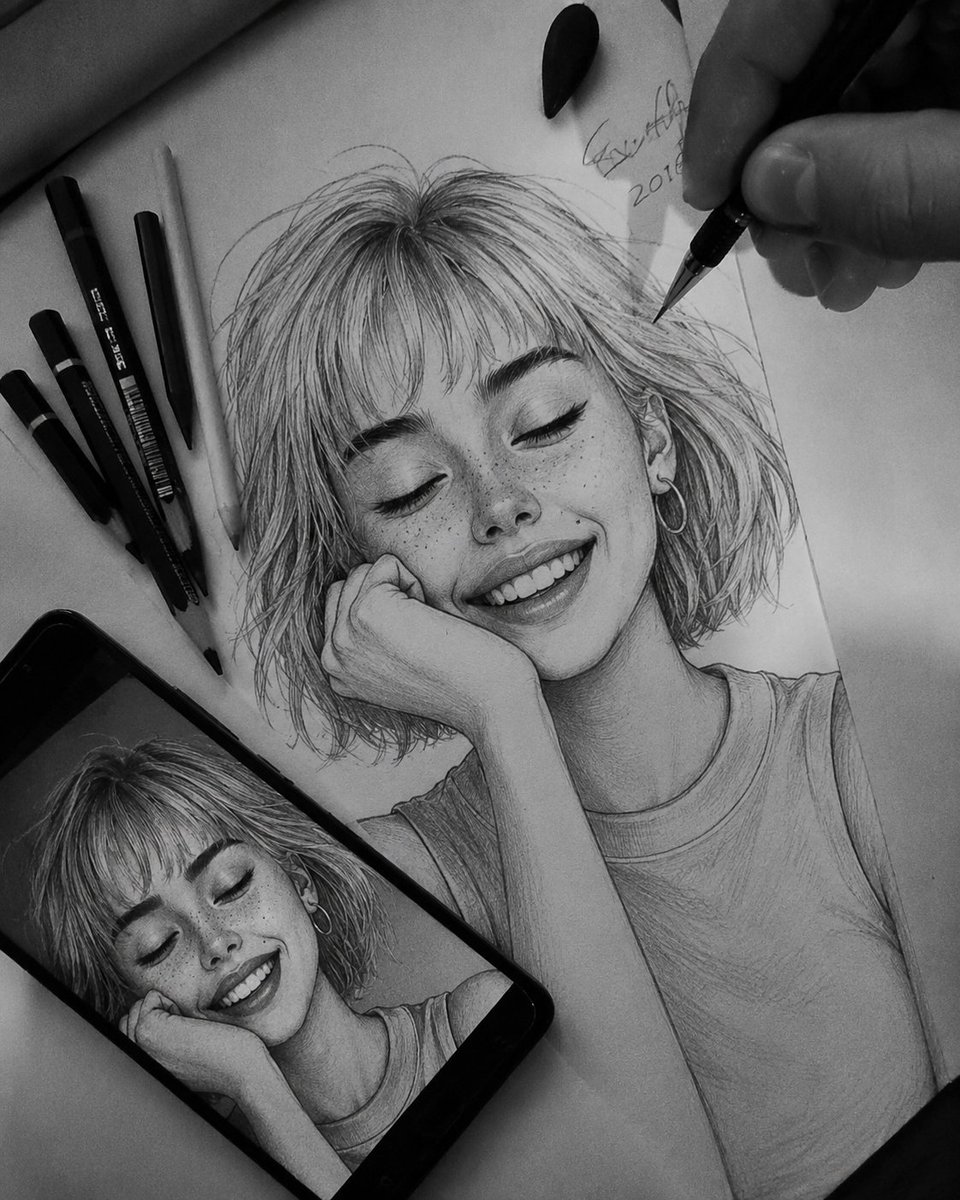
Hyper-Realistic Graphite Sketch Portrait
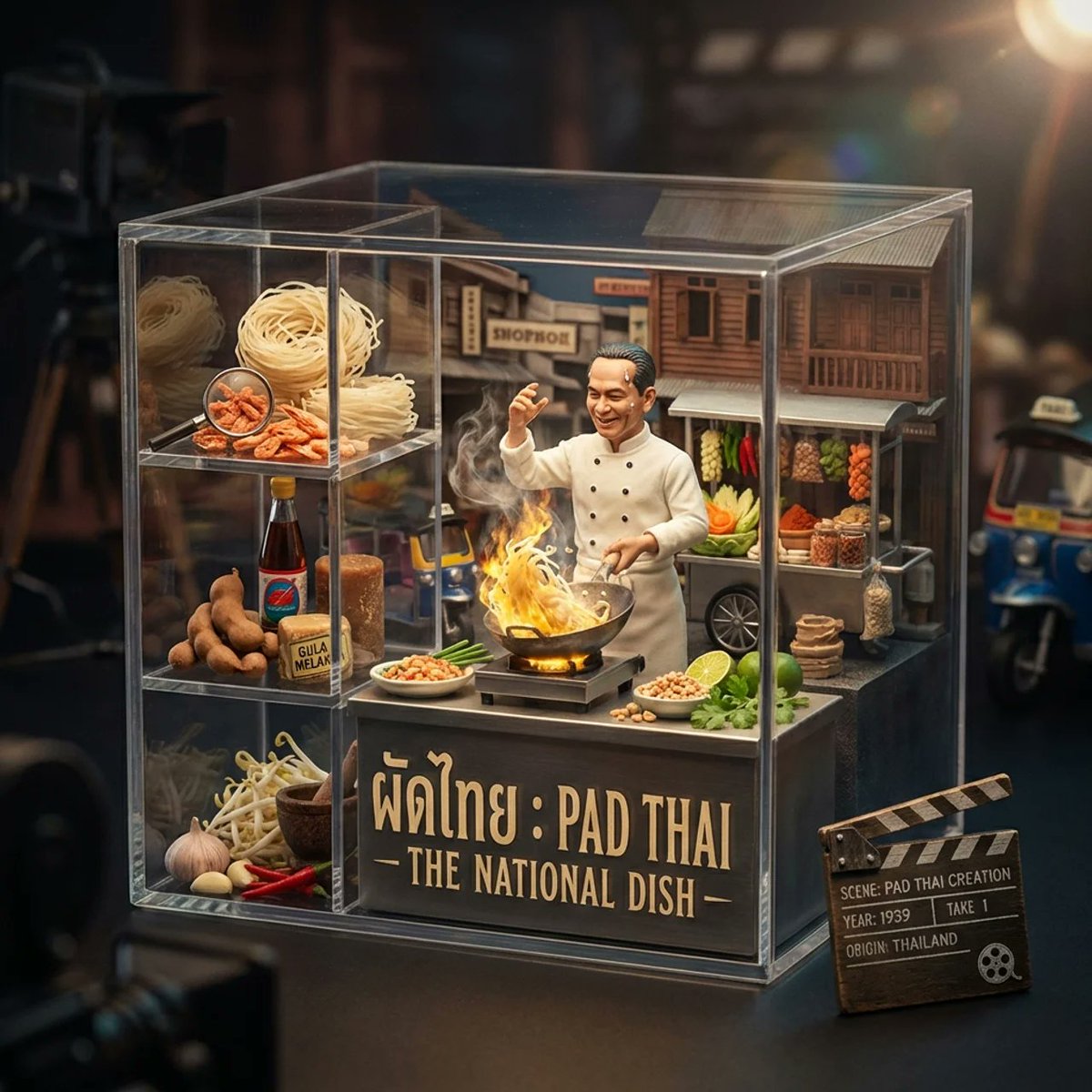
Gourmet Collectible Cinematic Dish Visualization

Cinematic Sunset Water Splash Portrait
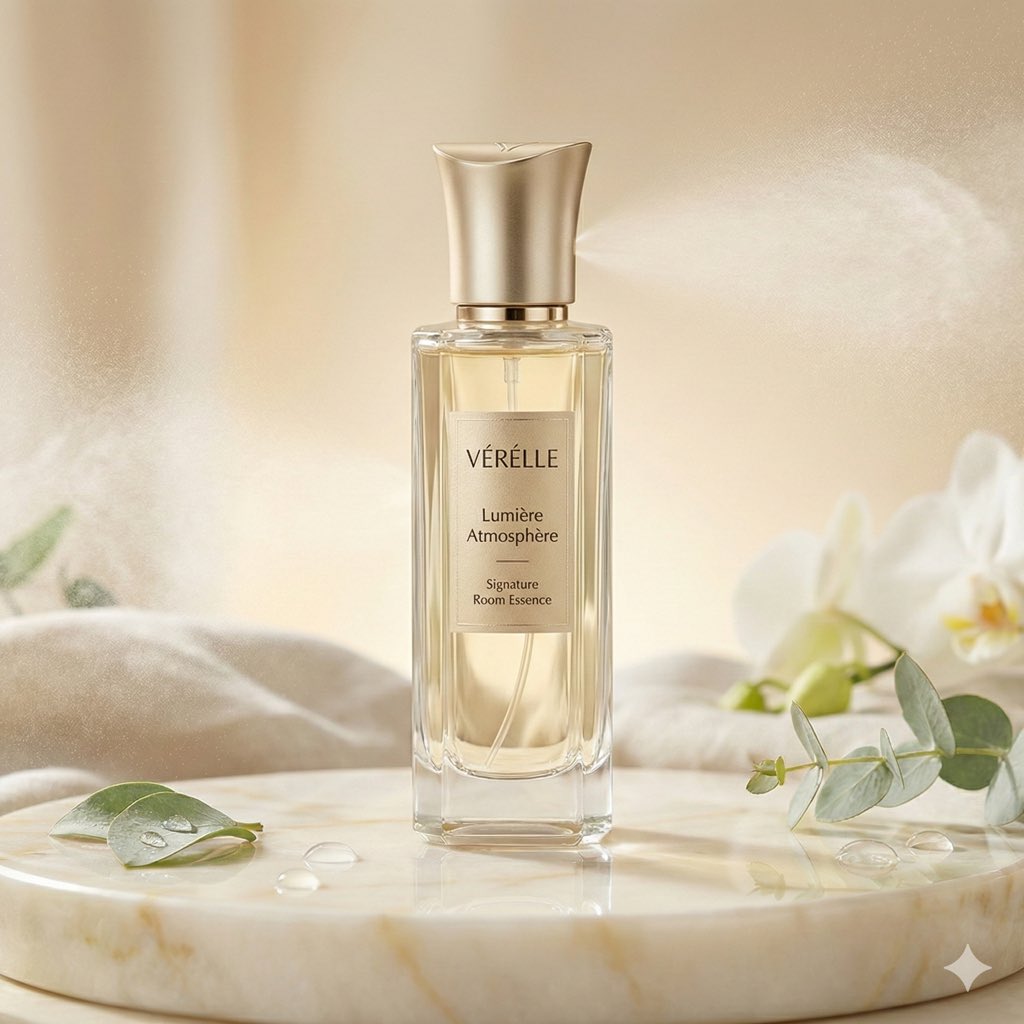
Luxury Home Fragrance Commercial Photography (JSON Format)
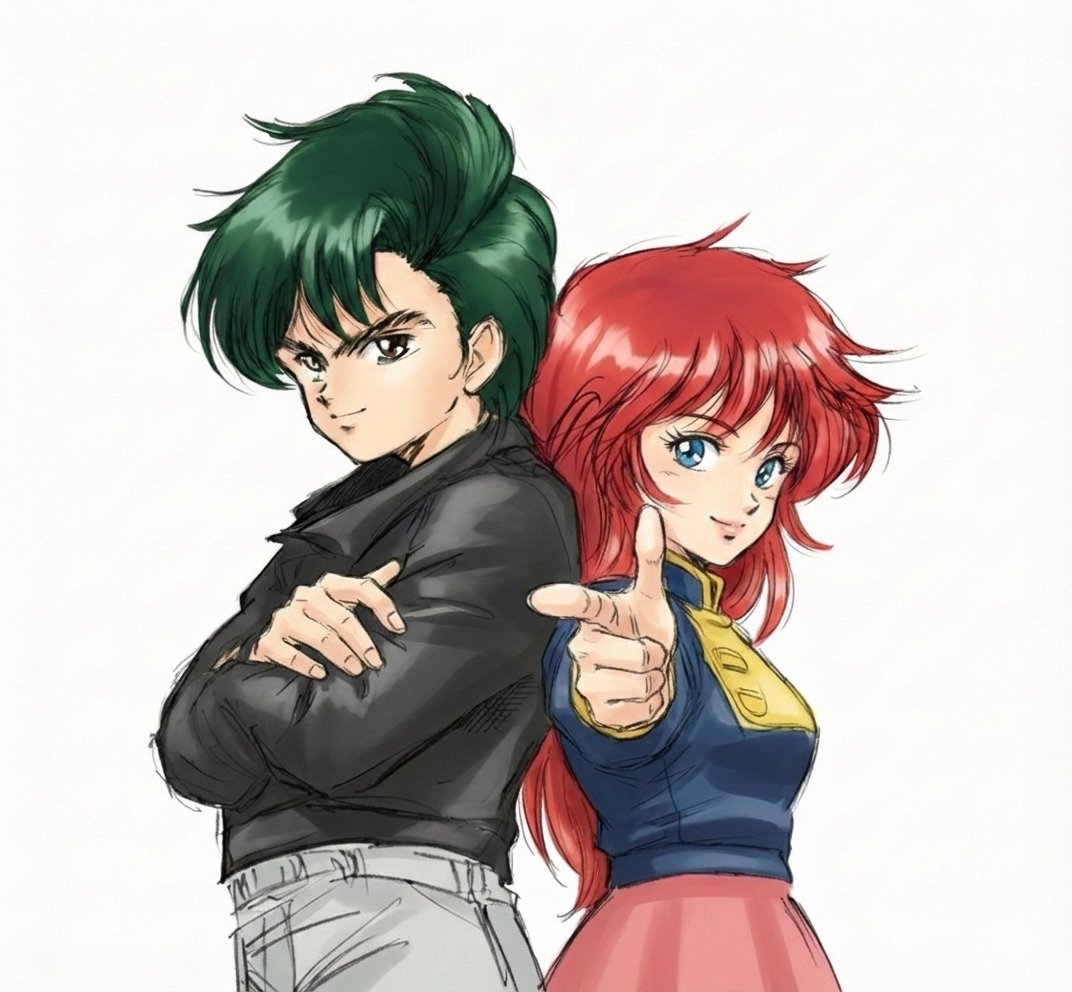
Real People Transforming into Comic Characters in a Future City

Split-Screen YouTube Thumbnail: JD Vance Political Commentary
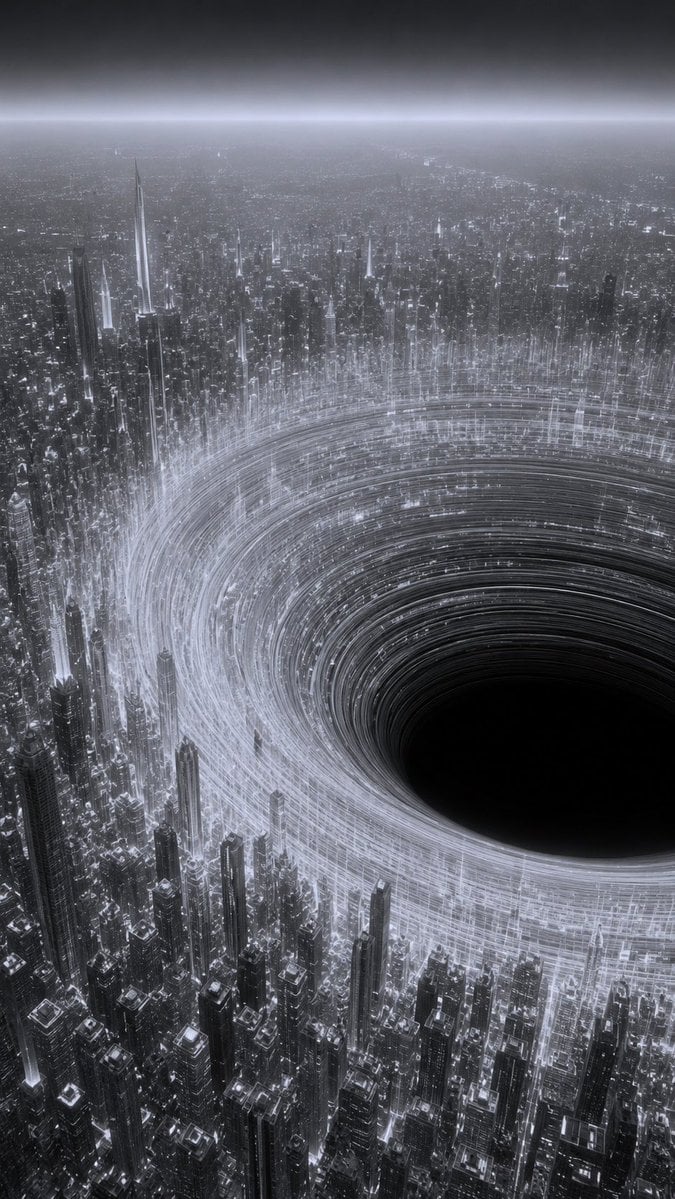
Monochrome Megacity Black Hole
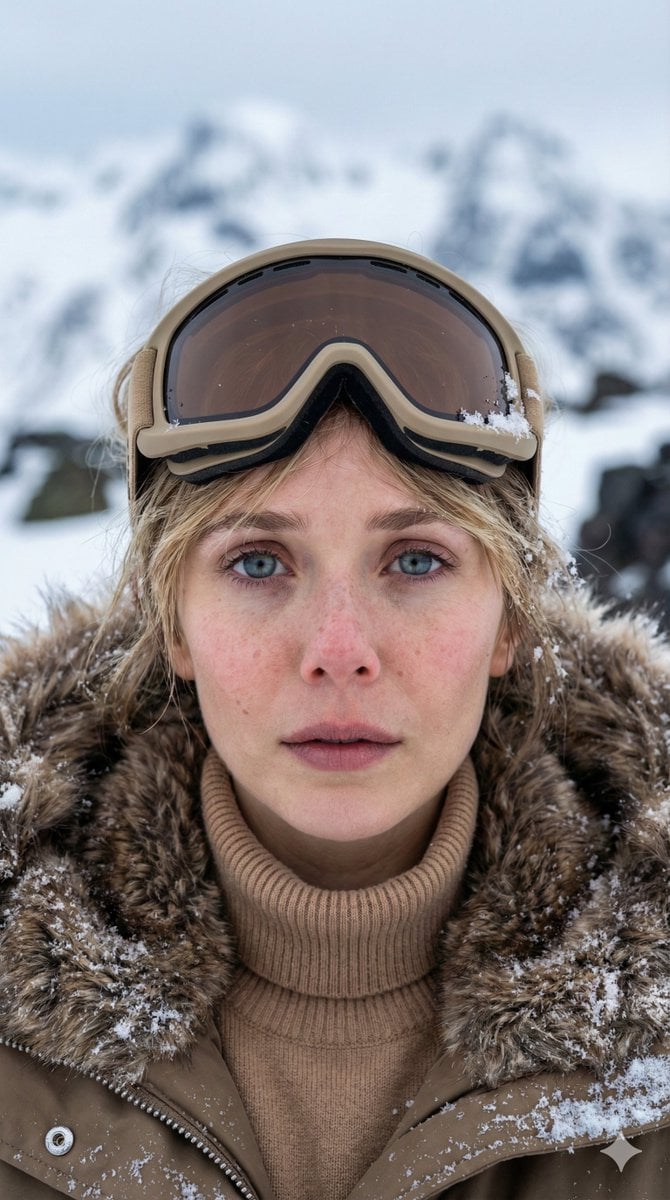
Vertical Cinematic Arctic Portrait (Tan/Brown Palette)
Aisha Wing Character Transformation
Browse template categories
Yokai Streetwear Identity Portrait questions
How do I use the Yokai Streetwear Identity Portrait template?
Add your photo if the template asks for one, edit the prompt if you like — the template's model and format are already selected — and press Generate. Your version opens in PicX Studio.
Can I customize the Yokai Streetwear Identity Portrait template?
Yes. You can change the subject, setting, lighting, mood, format, and available model controls before creating your image.
Is the Yokai Streetwear Identity Portrait template free?
Opening and editing this template is free. Generating uses credits, shown on the Generate button when you are signed in.
Which AI model should I use?
Start with GPT Image 2, which is the model associated with this template. You can compare another compatible model for a different finish.
Looking for something else? Browse all templates.

Your photo, any look
Thousands of ready templates for every top image and video model, from one credit balance.