
Joyful Playground Poster Portrait
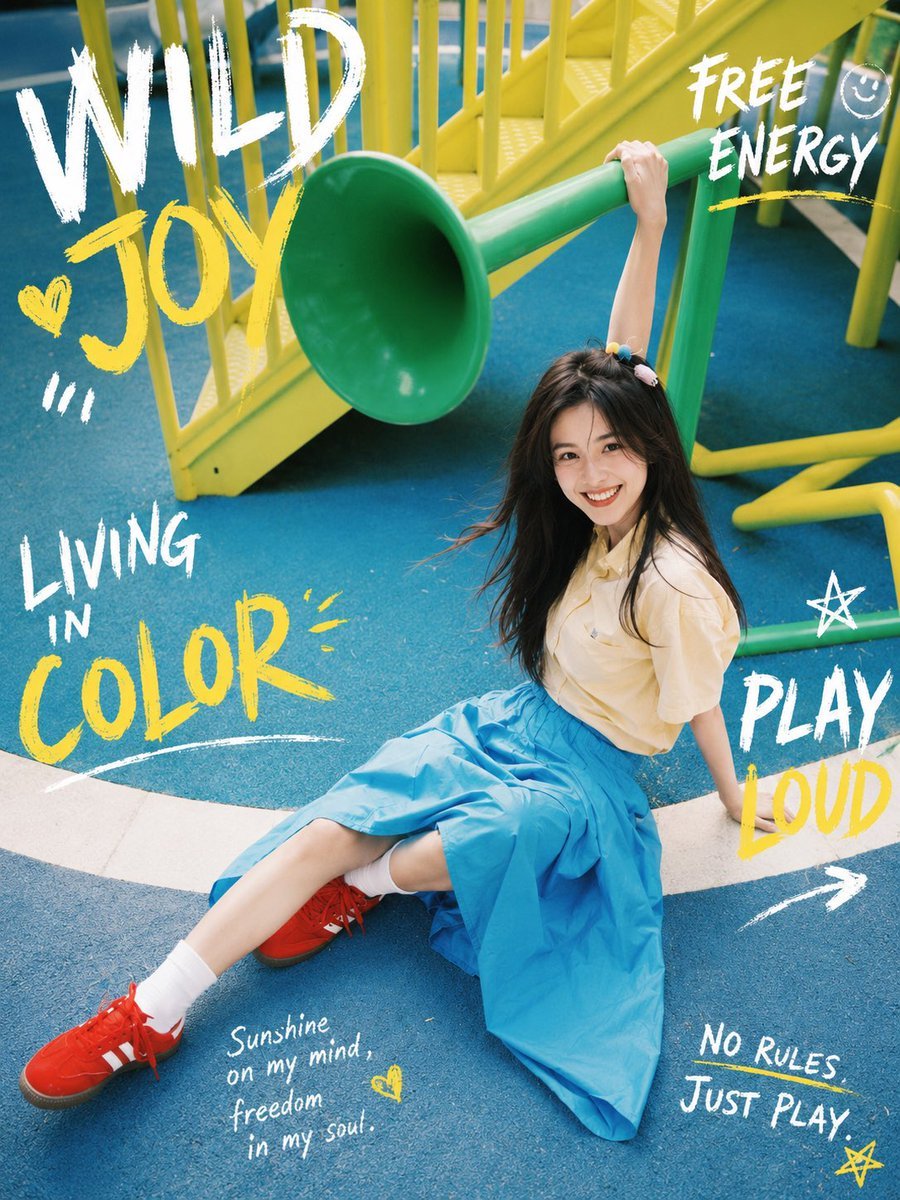
A colorful playground lifestyle portrait with a smiling young woman and energetic hand-painted poster typography for youthful fashion or memory-themed visuals.
- Prompt included
- Model and format preset
- Premium template
The prompt behind this image
Copy the exact prompt behind Joyful Playground Poster Portrait, or open it in the studio and make it yours.
Create a vibrant lifestyle fashion photo at a playground, styled like a colorful youthful magazine poster. A cheerful young woman with {argument name="hair color" default="long dark brown hair"} sits on a blue rubber playground floor beneath a green tube slide and bright yellow climbing stairs and railings. She is smiling warmly at the camera with a natural, unforgettable expression, one arm stretched upward holding the green slide support bar and the other hand resting behind her on the ground. She wears a pale cream short-sleeve blouse, a flowing bright sky-blue midi skirt, white crew socks, vivid red sneakers, and small colorful hair clips. Use a slightly high-angle wide composition with her legs extended diagonally toward the lower left, the playground equipment filling the background, saturated teal-blue flooring, green slide, and lemon-yellow metal structures. Add hand-painted brush typography and doodles over the photo in a playful scrapbook/graffiti style, using rough white and yellow paint strokes. Include exactly eight visible text/doodle groups: 1) huge white “WILD” at the upper left, 2) yellow “JOY” below it with a yellow heart doodle and three white tick marks, 3) white “LIVING IN” and large yellow “COLOR” on the left side with a white underline, 4) white “FREE ENERGY” at the upper right with a small smiley face and yellow underline, 5) white star doodle near the right center, 6) white “PLAY” with yellow “LOUD” at the right side plus a white arrow pointing lower right, 7) small handwritten white phrase “Sunshine on my mind, freedom in my soul.” near the bottom left with a tiny yellow heart, and 8) white “NO RULES JUST PLAY.” near the bottom right with a yellow star. Keep the image realistic and bright, like candid outdoor photography, with clean skin tones, wind-touched hair, joyful expression, crisp details, no extra people, no watermark, and no additional text beyond the specified poster lettering.
How to use Joyful Playground Poster Portrait in 3 steps
- 1Upload ImagePNG, JPG or paste
Add your photo
Upload the photo the template builds on. The prompt, model and format are already set.
- 2…a portrait of your subject in softgolden-hour light, 85mm…
Personalize
Edit the subject and creative details for your destination.
- 3Generate
Generate
Press Generate — your image is created in PicX Studio, so you can compare it with the original and refine one variable at a time.
More like this
Templates with the same subject, style or setup. Open one to see its prompt.

Found Photograph: Us, 1970

80s Couple Studio Portrait

80s Bollywood Star

80s Golden Hour Cinema

Me in 1985

1985 Studio Portrait
Joyful Night City Street Portrait
Joyful Laughing Portrait

Hyper-Realistic Minecraft POV Portrait

Japan Travel Brochure Poster
Cheerful lifestyle portrait set in a magical theme park with joyful

Rooftop Fisheye — Cat-Ear Balaclava at Golden Hour
Make it yours
Joyful Playground Poster Portrait works as-is. These are the safest ways to change it without losing the look.
Change one field
Copy a single group, rewrite it, and generate again so you can see what that field is doing.
Keep the frame, change the subject
Hold the composition and light of Joyful Playground Poster Portrait, then swap wardrobe, props or the person for a new take.
| If the result… | Why | Fix |
|---|---|---|
| The result drifts from the preview | Too many fields changed at once. | Reuse Joyful Playground Poster Portrait as-is first, then change one group — subject, light, or setting. |
| The model over-stylizes the scene | The prose prompt leaves finish and camera underspecified. | Add one camera or lighting sentence and stay on GPT Image 2. |
More GPT Image 2 templates
Other prompts made for GPT Image 2.

Six VTuber Japanese Logo Sheet

Realistic Portrait of Woman and Deer

The Vista Modular Condo Poster

AI Model Routing Comparison Infographic

2.5D Anime Art Board

Isometric Productivity Desk Scene

New York Double Exposure Poster

Four-Panel AI Landscape Comparison

Japanese Tatami Lifestyle Magazine Cover

NESCAFÉ Coffee Map Poster
More image prompts
Fresh picks from across the catalog.
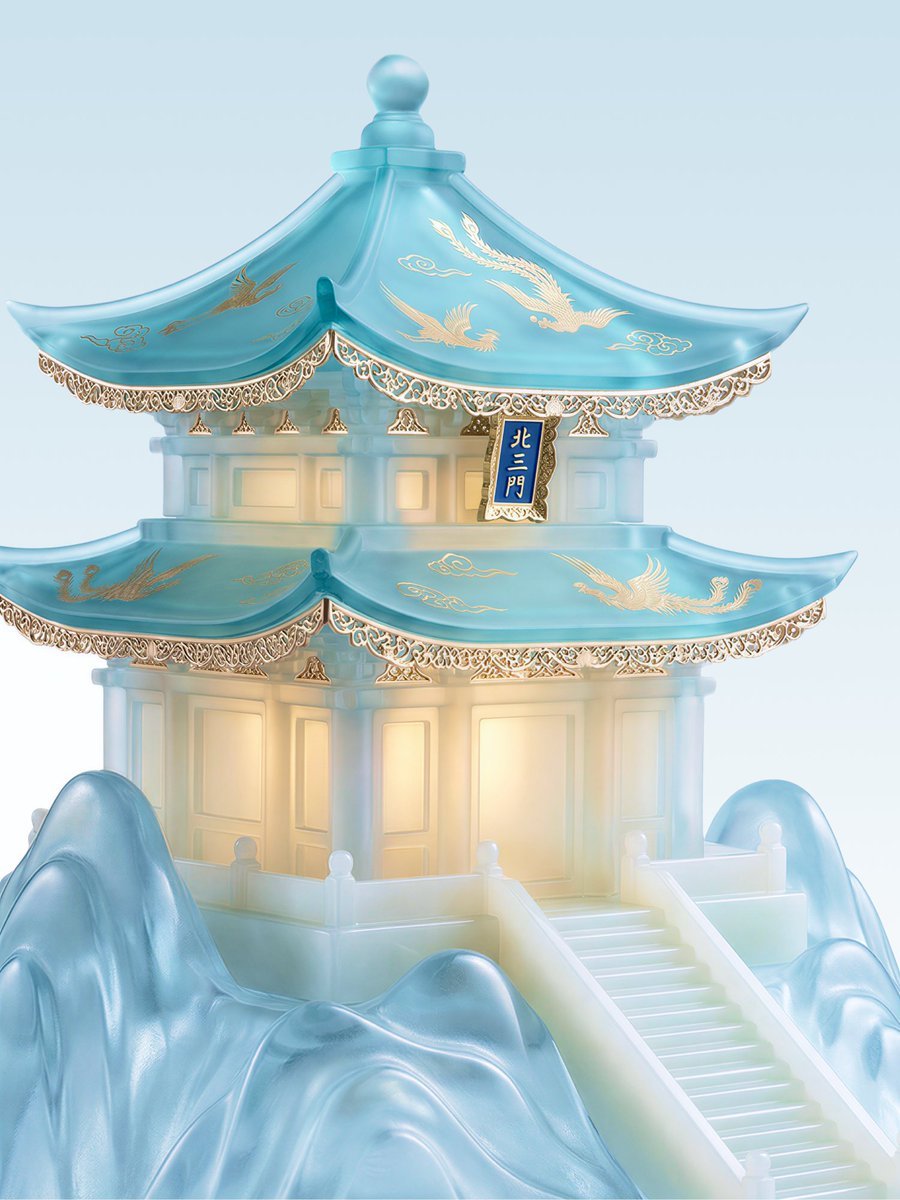
Jade Aesthetic Conceptual Architecture Still Life
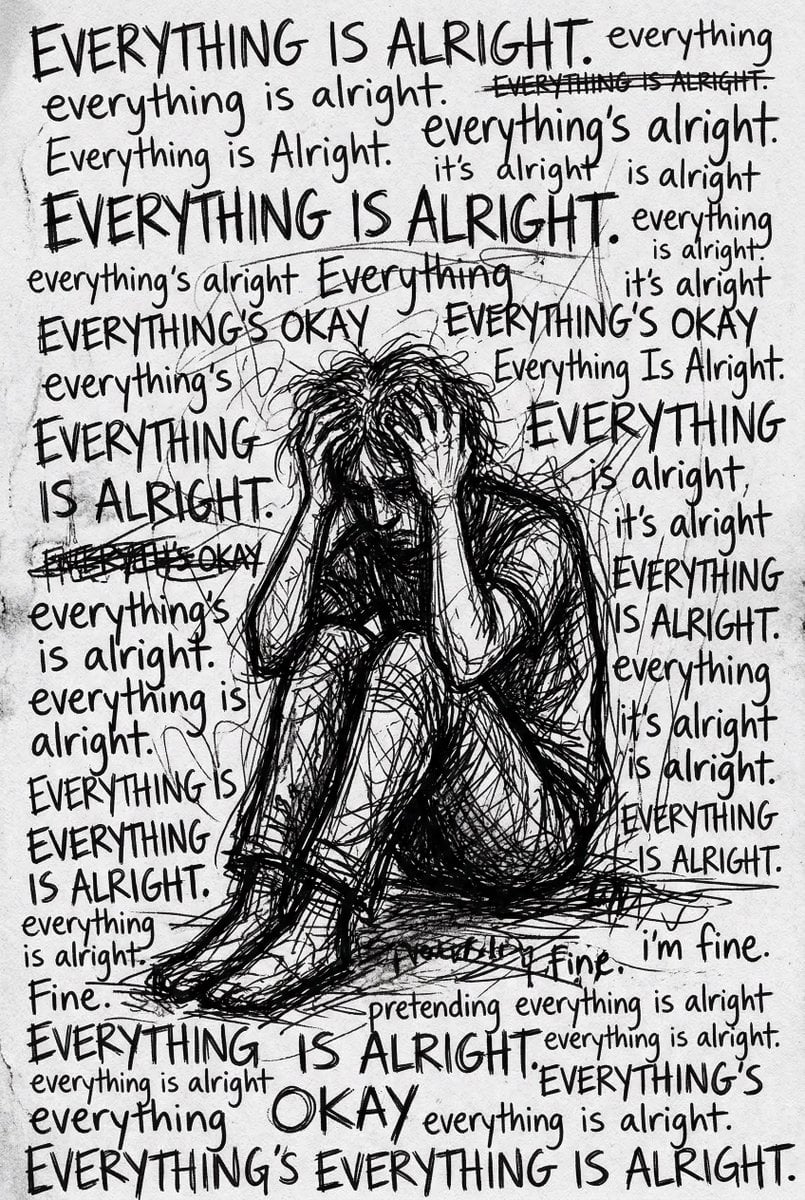
Depression Patient's Inner Monologue

True Crime Investigation Thumbnail
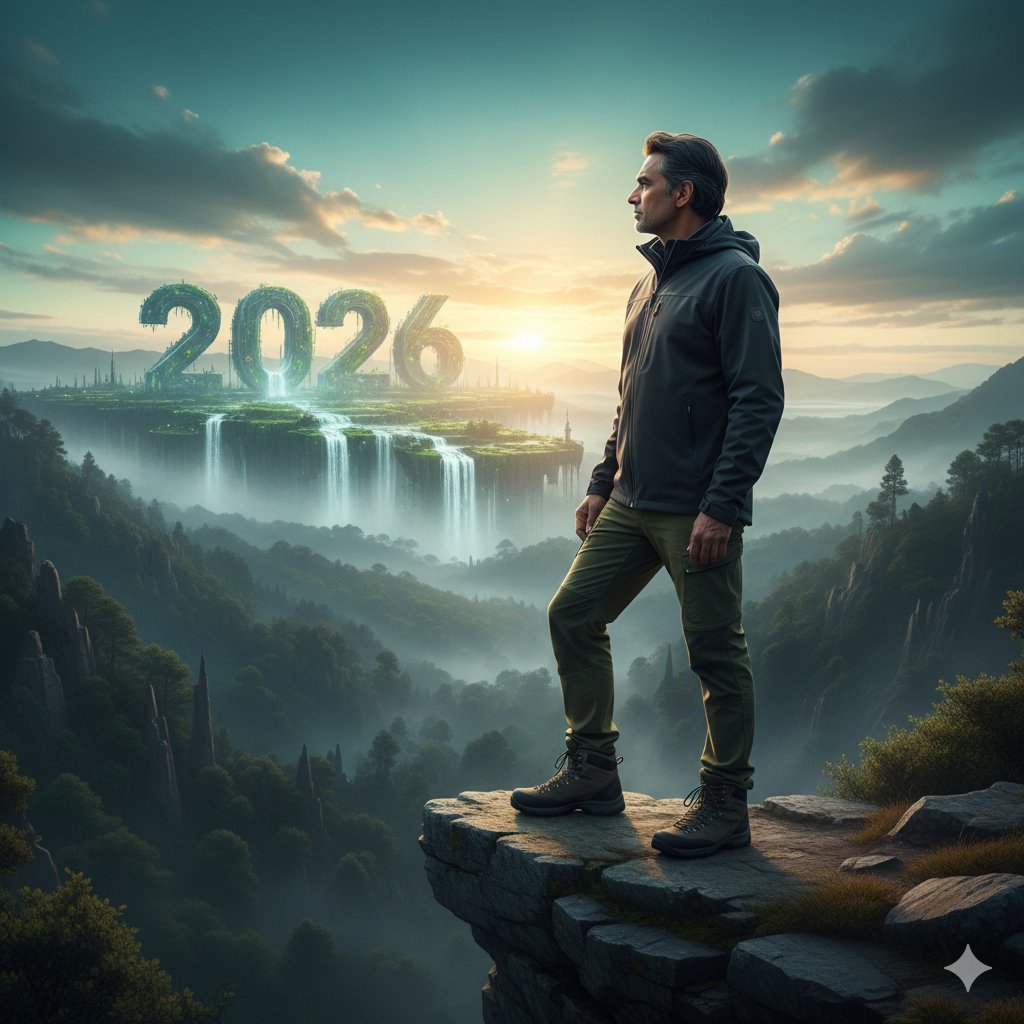
Futuristic Nature and Technology Landscape Portrait
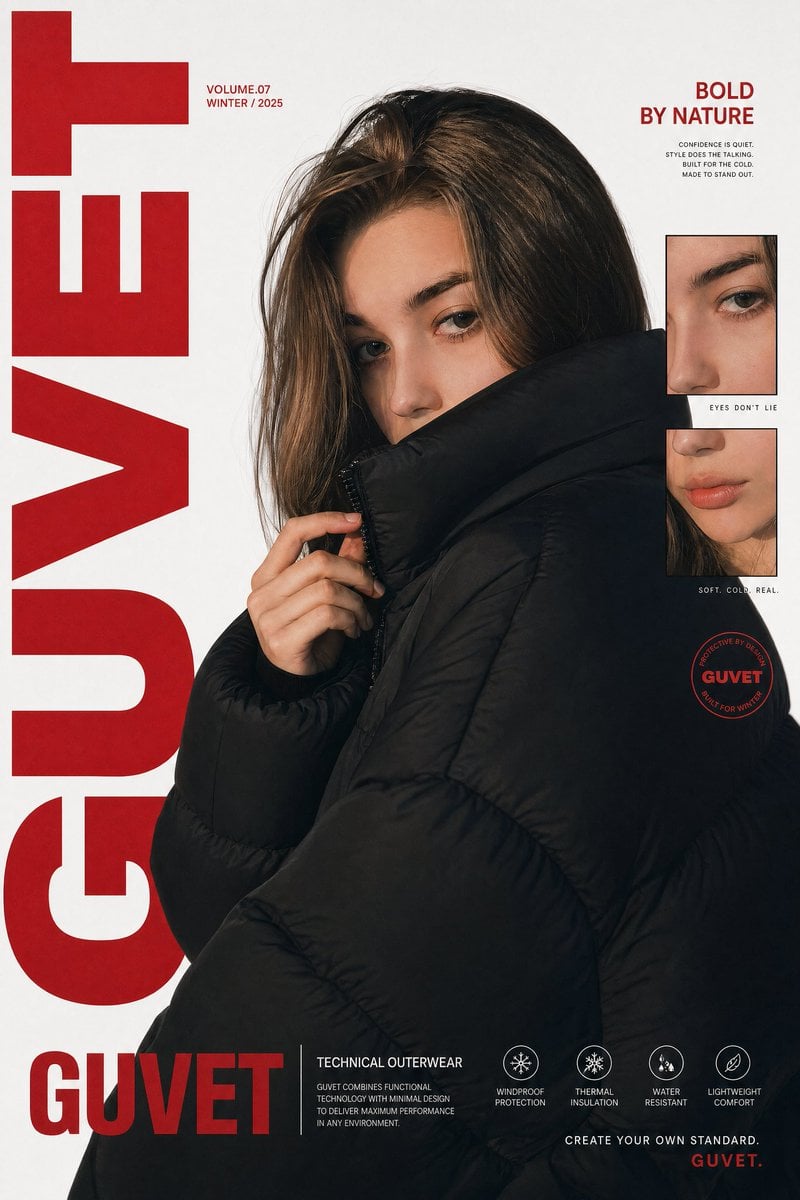
Luxury Streetwear Fashion Poster
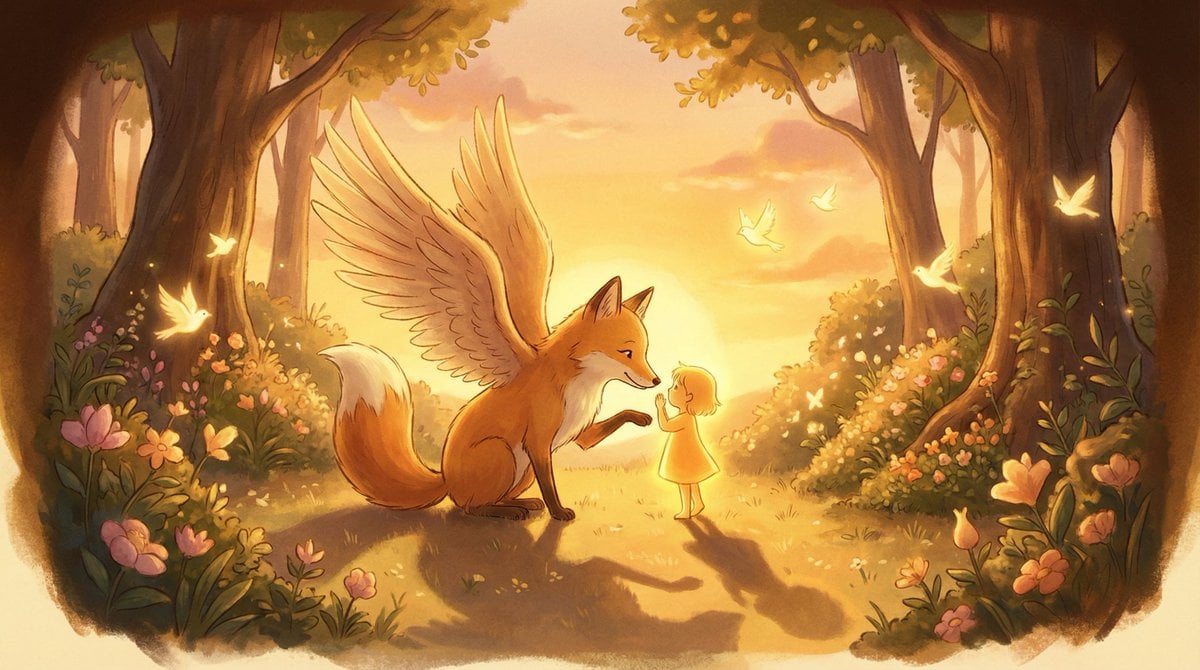
Golden Hour Storybook Rendering Template
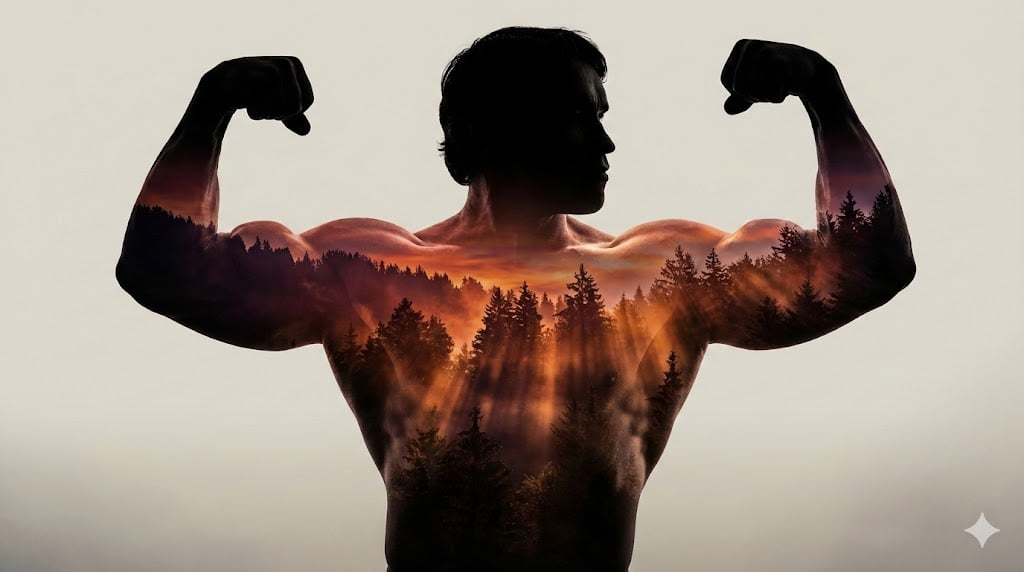
Arnold Schwarzenegger Silhouette with Volumetric Mountain Forest
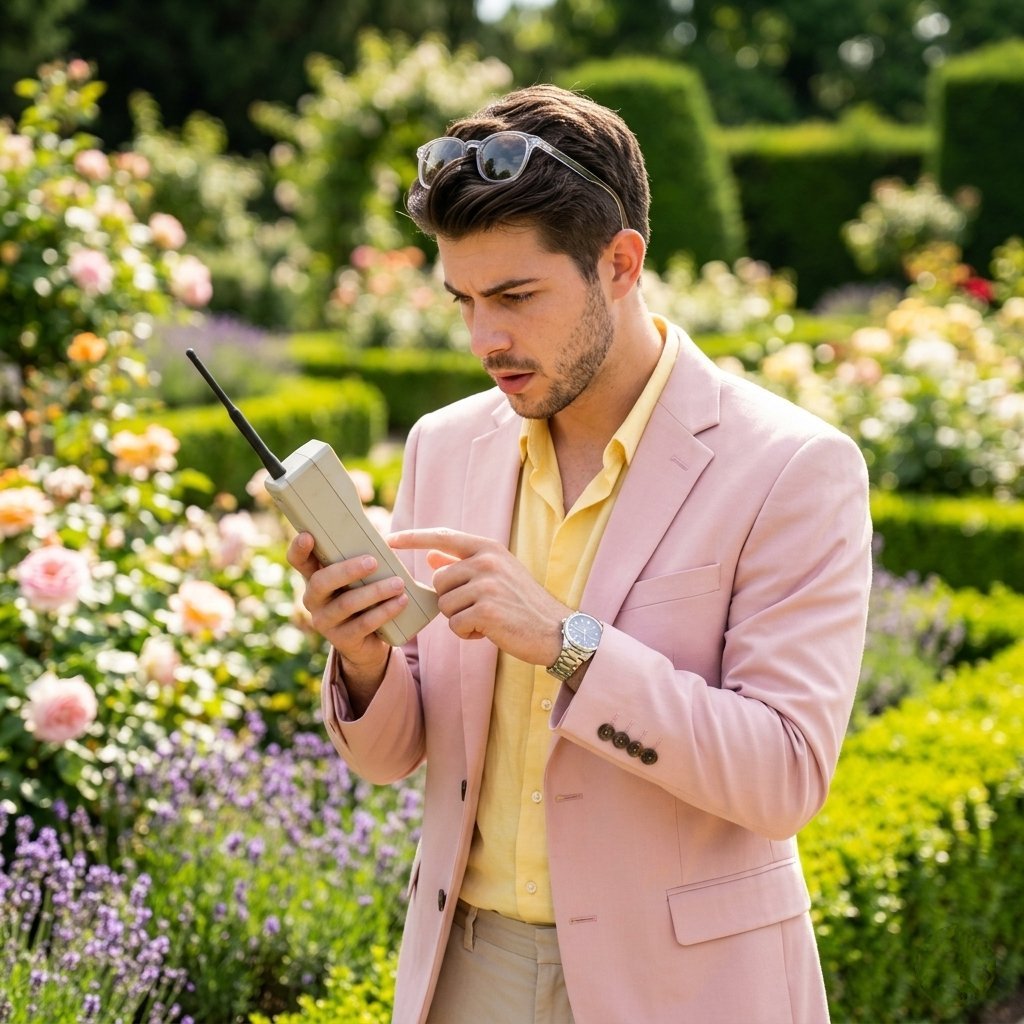
Lifestyle Garden Photography with Retro Tech

Arpeggio Bass Humanization Sheet
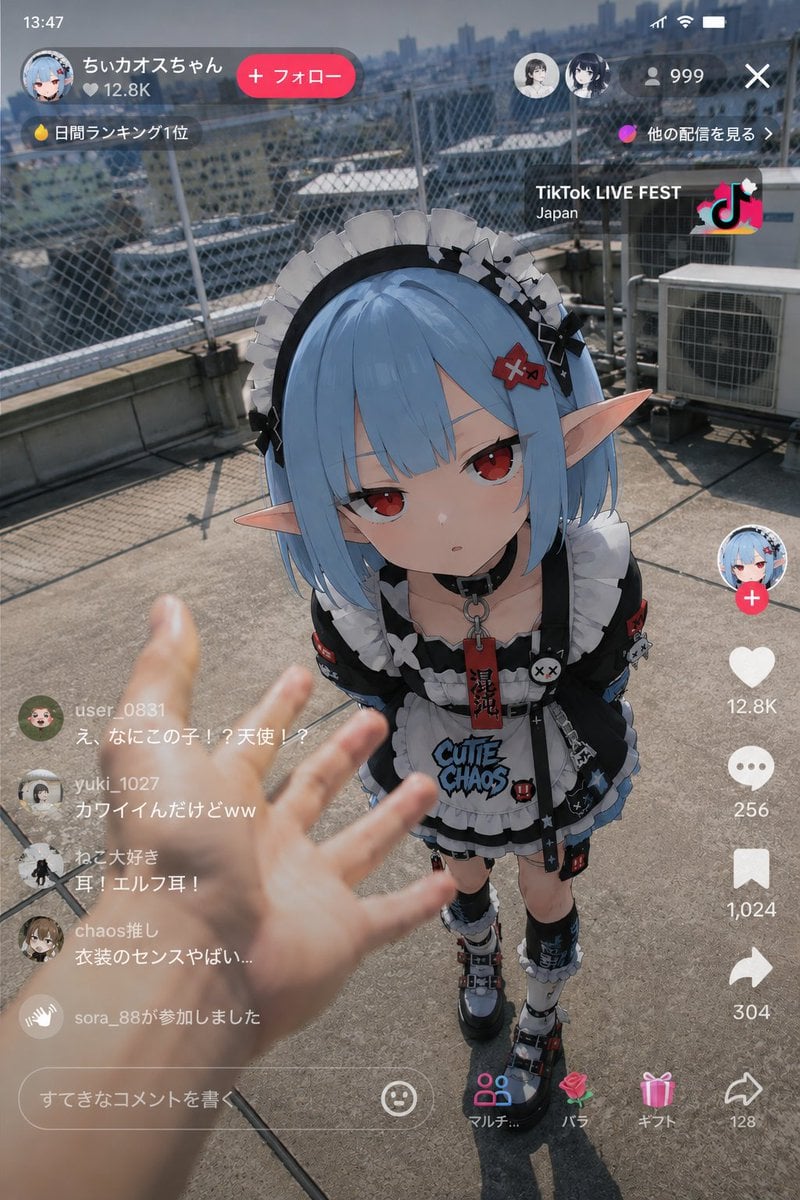
Anime Elf Maid in TikTok Live
Browse template categories
Joyful Playground Poster Portrait questions
How do I use the Joyful Playground Poster Portrait template?
Add your photo if the template asks for one, edit the prompt if you like — the template's model and format are already selected — and press Generate. Your version opens in PicX Studio.
Can I customize the Joyful Playground Poster Portrait template?
Yes. You can change the subject, setting, lighting, mood, format, and available model controls before creating your image.
Is the Joyful Playground Poster Portrait template free?
Opening and editing this template is free. Generating uses credits, shown on the Generate button when you are signed in.
Which AI model should I use?
Start with GPT Image 2, which is the model associated with this template. You can compare another compatible model for a different finish.
Looking for something else? Browse all templates.

Your photo, any look
Thousands of ready templates for every top image and video model, from one credit balance.