
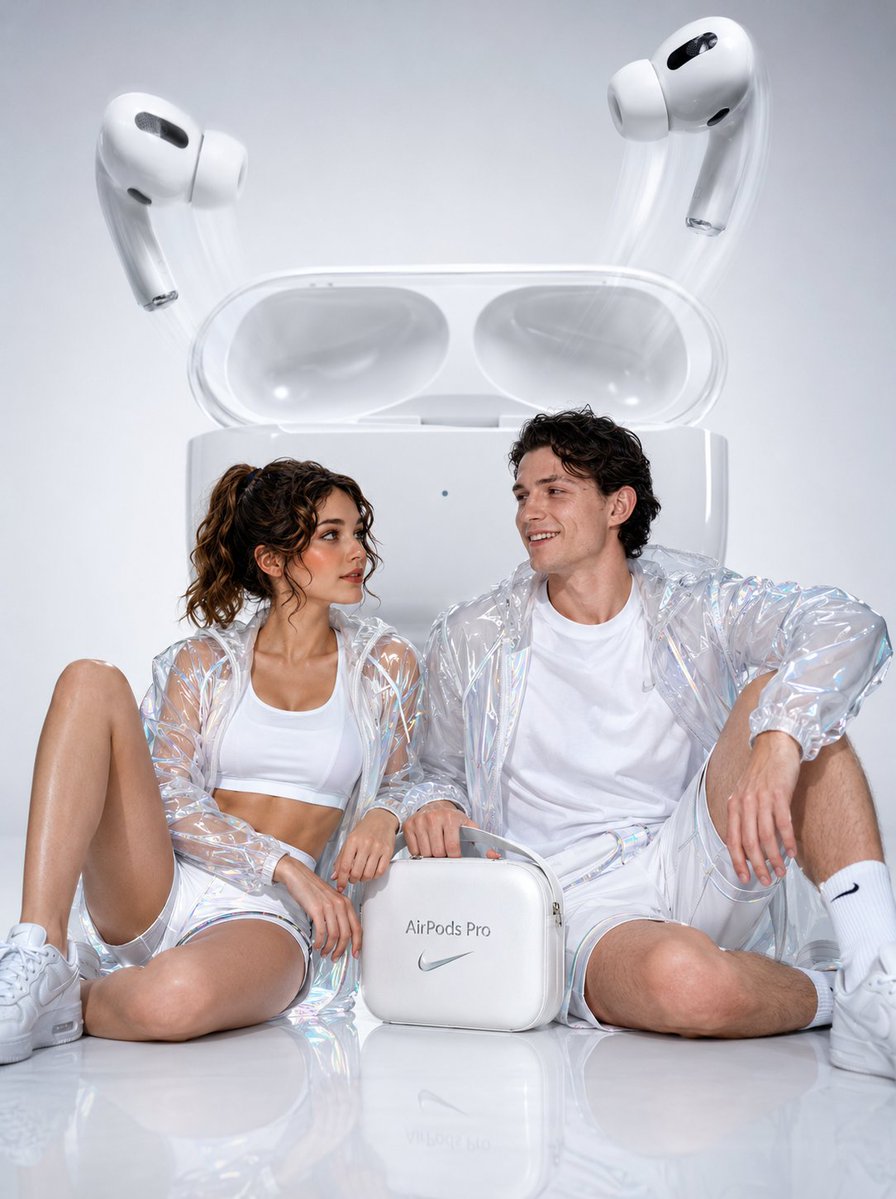
Hyperrealistic AirPods Commercial Photography
A professional advertising prompt for a lifestyle tech campaign featuring a stylish couple and oversized headphones in a high-gloss studio setting.
- Prompt included
- Model and format preset
- Free template
The prompt behind this image
Copy the exact prompt behind Hyperrealistic AirPods Commercial Photography, or open it in the studio and make it yours.
Cinematic hyperrealistic commercial photography of a {argument name="subjects" default="young stylish couple"} seated casually atop a gleaming white surface — a woman with a sleek high ponytail, wearing a fitted white crop top, minimal white and silver athletic shorts with holographic micro-trim, and a crystal-clear PVC windbreaker catching prismatic light refractions; a man in a relaxed oversized white tee, minimal white and silver jogger shorts with subtle metallic piping, and a structured transparent PVC jacket with frosted seams — both laughing naturally toward each other, radiating effortless joy, hands loosely gripping a matte-white co-branded accessory bag with {argument name="product" default="brushed silver AirPods Pro"} typography embossed on its surface. Towering directly behind them like an architectural monument, a giant oversized Apple AirPods Pro charging case sits open on a flawless white pedestal, the lid dramatically ajar, two AirPods Pro levitating outward mid-air with motion blur trails suggesting weightless emergence — pearl-white finishes catching studio strobes with razor-sharp specular highlights. Shot on Phase One IQ4 150MP — 85mm f/1.4 lens, shallow depth of field softly feathering background edges while subjects remain tack-sharp. Lighting: four-point studio strobe setup with two large octaboxes at 45-degree angles, one rim light casting a clean silver halo along jacket edges, one overhead beauty dish adding crisp facial luminosity. Floor is ultra-gloss white resin with perfect mirror reflections doubling every element below the knee. Color grading: clinical cool whites with barely perceptible +5 cyan push in shadows, preserving pure luminance in highlights. Rendered in 8K ultra-resolution, photorealistic CGI-hybrid pipeline, Octane Render volumetric light engine. Advertising campaign aesthetic — {argument name="aesthetic" default="Nike meets Apple"} — aspirational, minimal, electric.
How to use Hyperrealistic AirPods Commercial Photography in 3 steps
- 1
Open
The prompt is already in the box next to the preview, with the template's model and format selected.
- 2…a portrait of your subject in softgolden-hour light, 85mm…
Personalize
Edit the subject and creative details for your destination.
- 3Generate
Generate
Press Generate — your image is created in PicX Studio, so you can compare it with the original and refine one variable at a time.
More like this
Templates with the same subject, style or setup. Open one to see its prompt.

Mirror Selfie Chibi Characters Pixar Style

Flower Petal Sunglasses Couture Portrait

Fashion Portrait Colored Smoke Studio

Mountain Valley Lifestyle Portrait
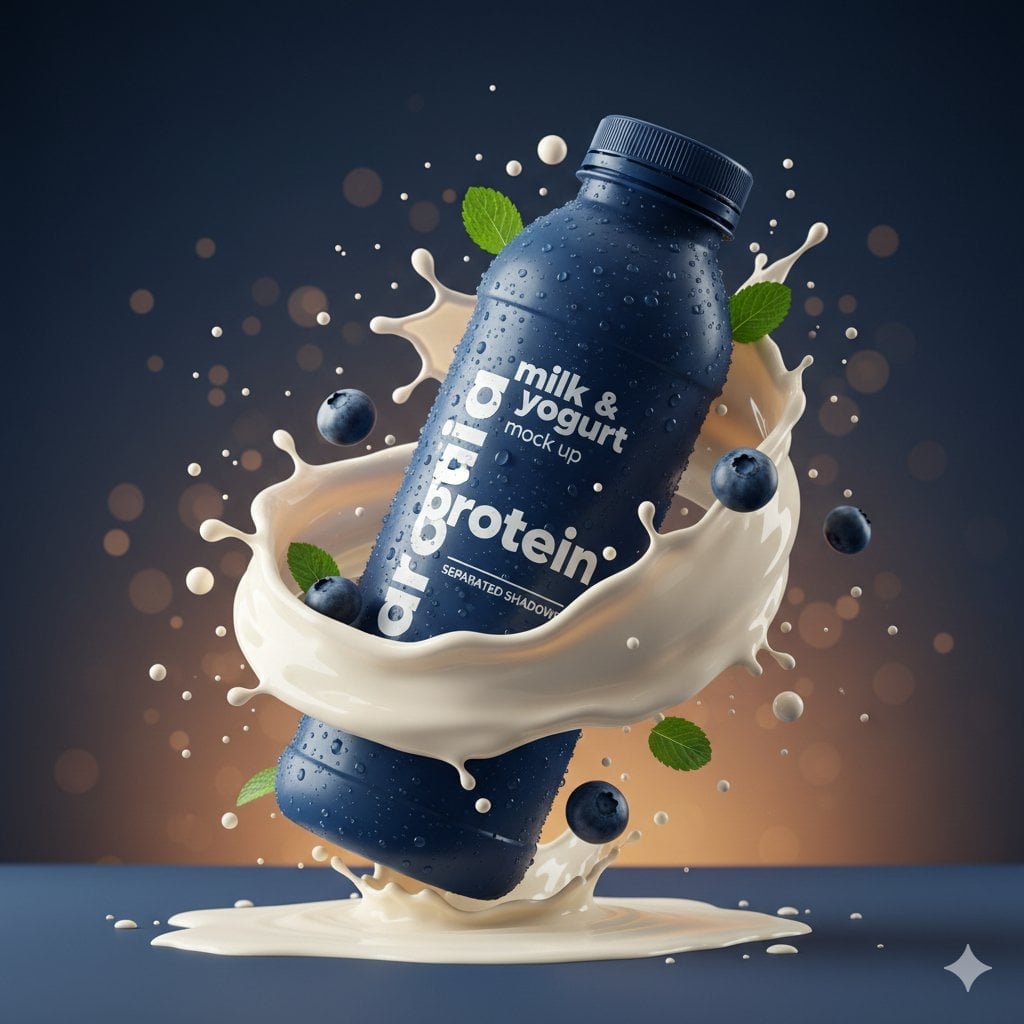
Commercial Product Splash Photography

青蛇小青写真大片,绿色紧身蛇鳞裙,湿发红唇,妖娆妩媚

A double exposure, long exposure editorial photograph of a man Use image

Portrait of a young woman in her early 20s walking calmly on a beautiful

Artistic portrait of an elegant Asian woman wearing a black silk

A high-quality photo collage featuring the same person with identical

LIGHTING each element still lit by its original source, windows casting

A 3x3 grid storyboard contact sheet comprised of nine candid, cinematic
Make it yours
Hyperrealistic AirPods Commercial Photography works as-is. These are the safest ways to change it without losing the look.
Change one field
Copy a single group, rewrite it, and generate again so you can see what that field is doing.
Keep the frame, change the subject
Hold the composition and light of Hyperrealistic AirPods Commercial Photography, then swap wardrobe, props or the person for a new take.
| If the result… | Why | Fix |
|---|---|---|
| The result drifts from the preview | Too many fields changed at once. | Reuse Hyperrealistic AirPods Commercial Photography as-is first, then change one group — subject, light, or setting. |
| The model over-stylizes the scene | The prose prompt leaves finish and camera underspecified. | Add one camera or lighting sentence and stay on GPT Image 2. |
More GPT Image 2 templates
Other prompts made for GPT Image 2.

Six VTuber Japanese Logo Sheet

Realistic Portrait of Woman and Deer

The Vista Modular Condo Poster

AI Model Routing Comparison Infographic

2.5D Anime Art Board

Isometric Productivity Desk Scene

New York Double Exposure Poster

Four-Panel AI Landscape Comparison

Japanese Tatami Lifestyle Magazine Cover

NESCAFÉ Coffee Map Poster
More image prompts
Fresh picks from across the catalog.
Aria
Colorful New Year's Illustration Prompt
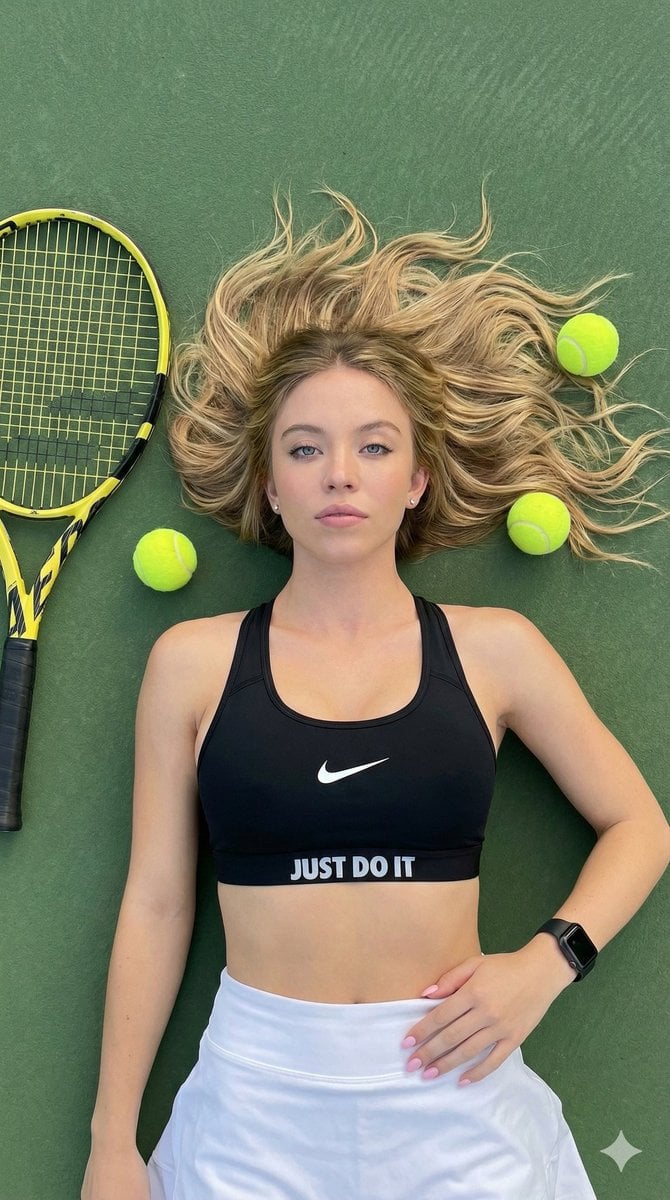
Top-Down Tennis Court Editorial Portrait

Four-Generation Family Portrait Prompt

Cozy Watercolor Anime Slice of Life
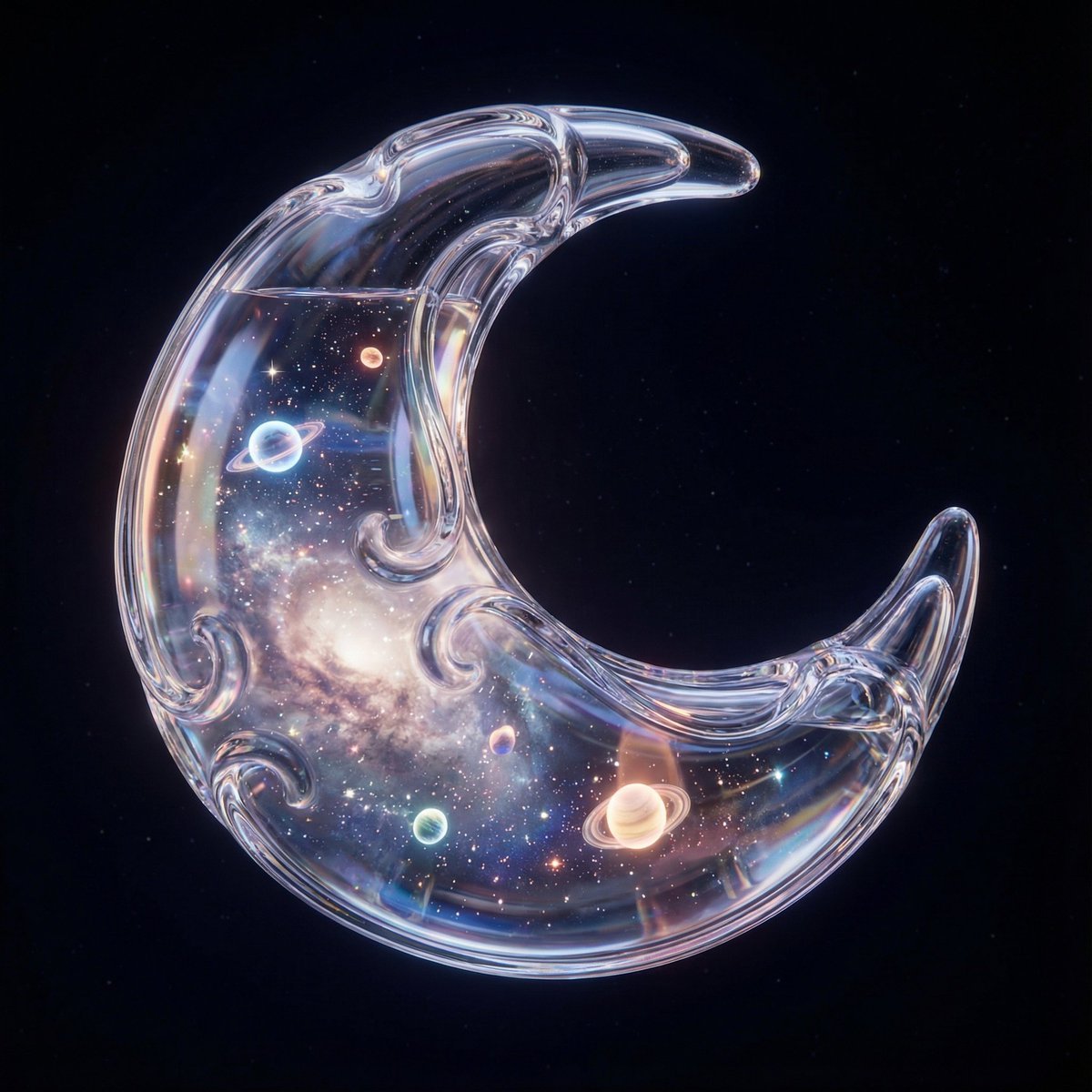
Hyper-Realistic 3D Simulation Prompt: Crescent Moon Vessel
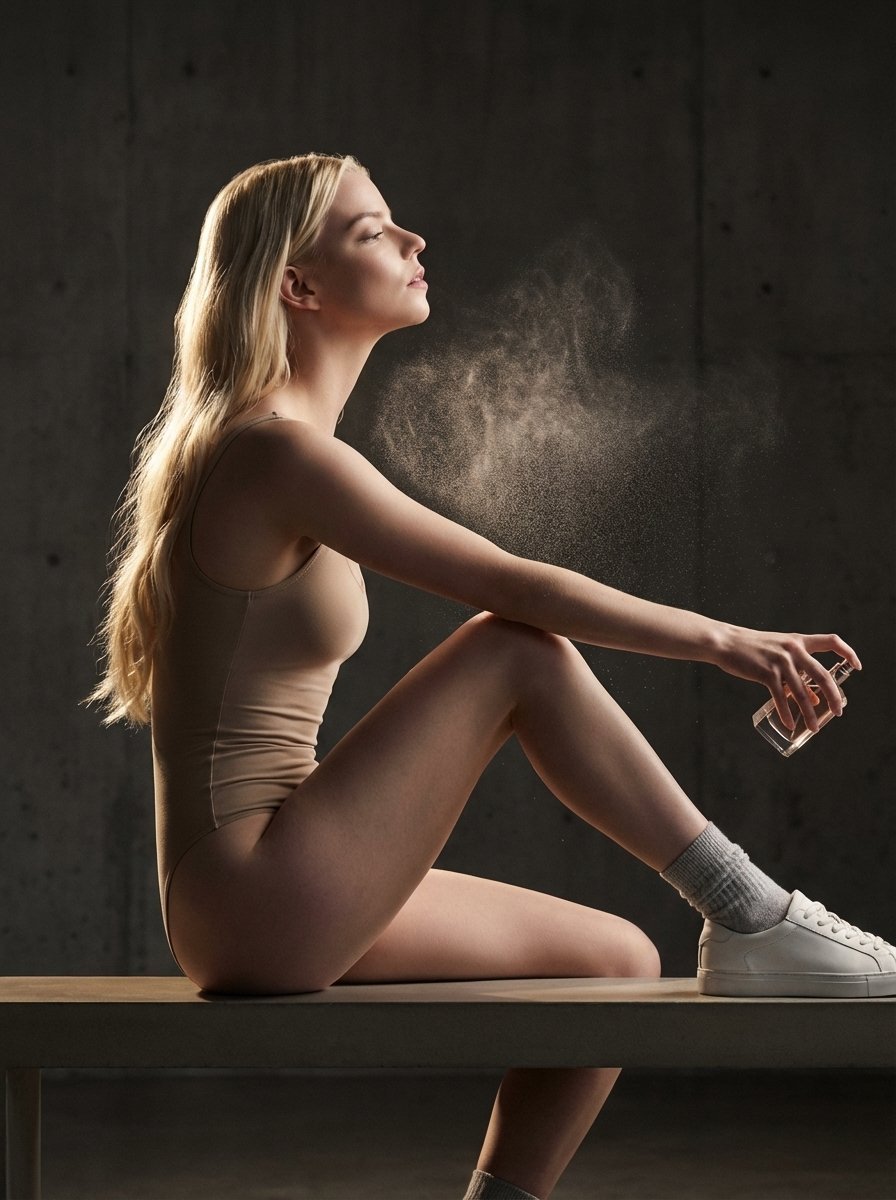
High-Fashion Perfume Campaign Prompt with Side Lighting
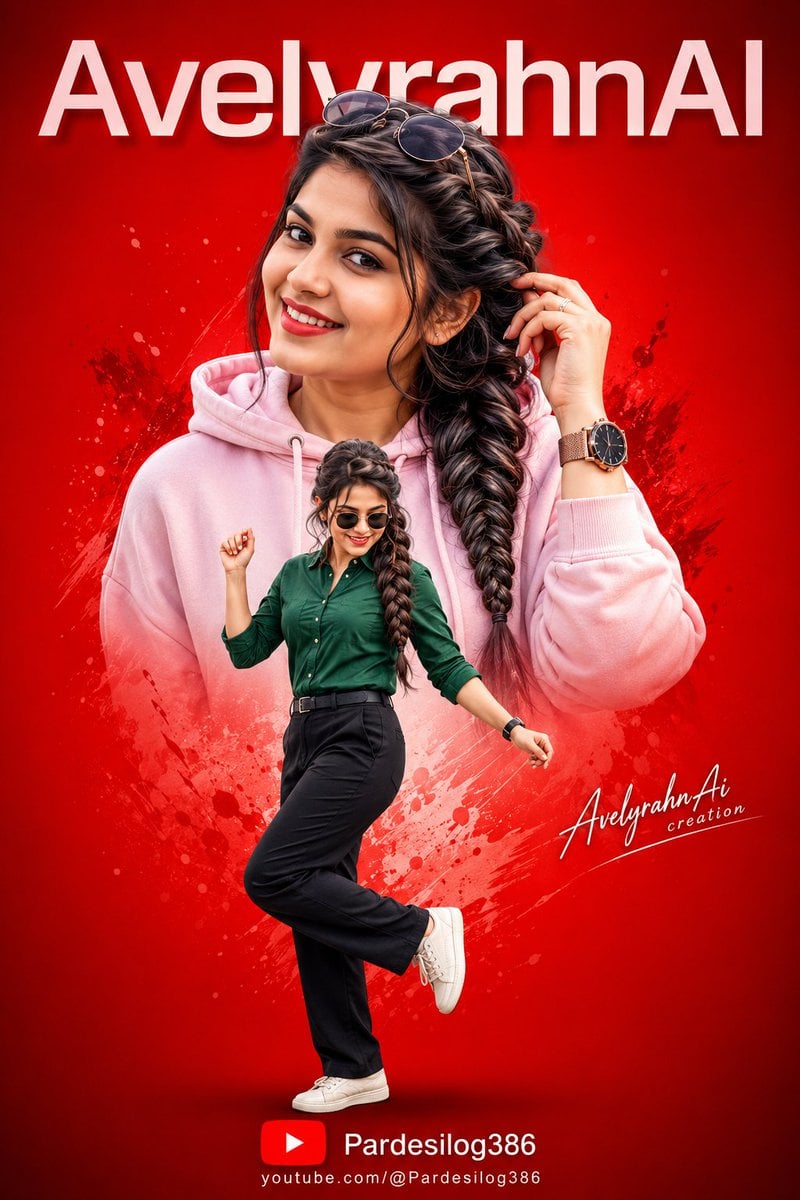
Vibrant High-Contrast Digital Collage
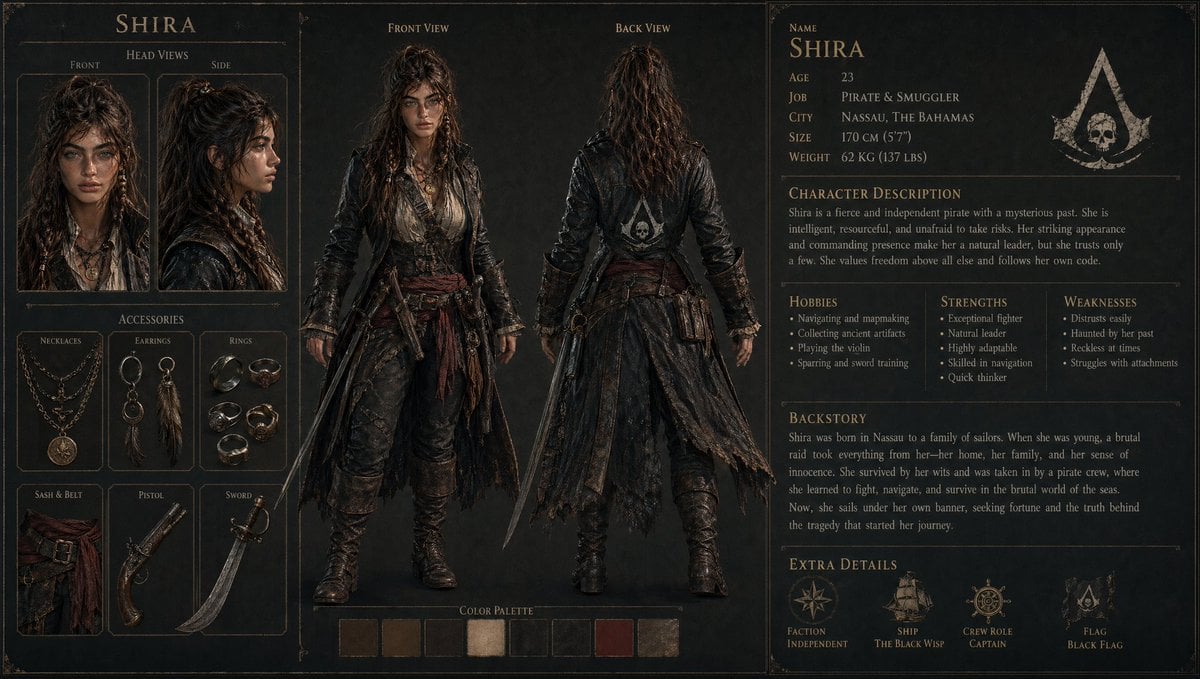
3D Gaming Character Sheet Prompt
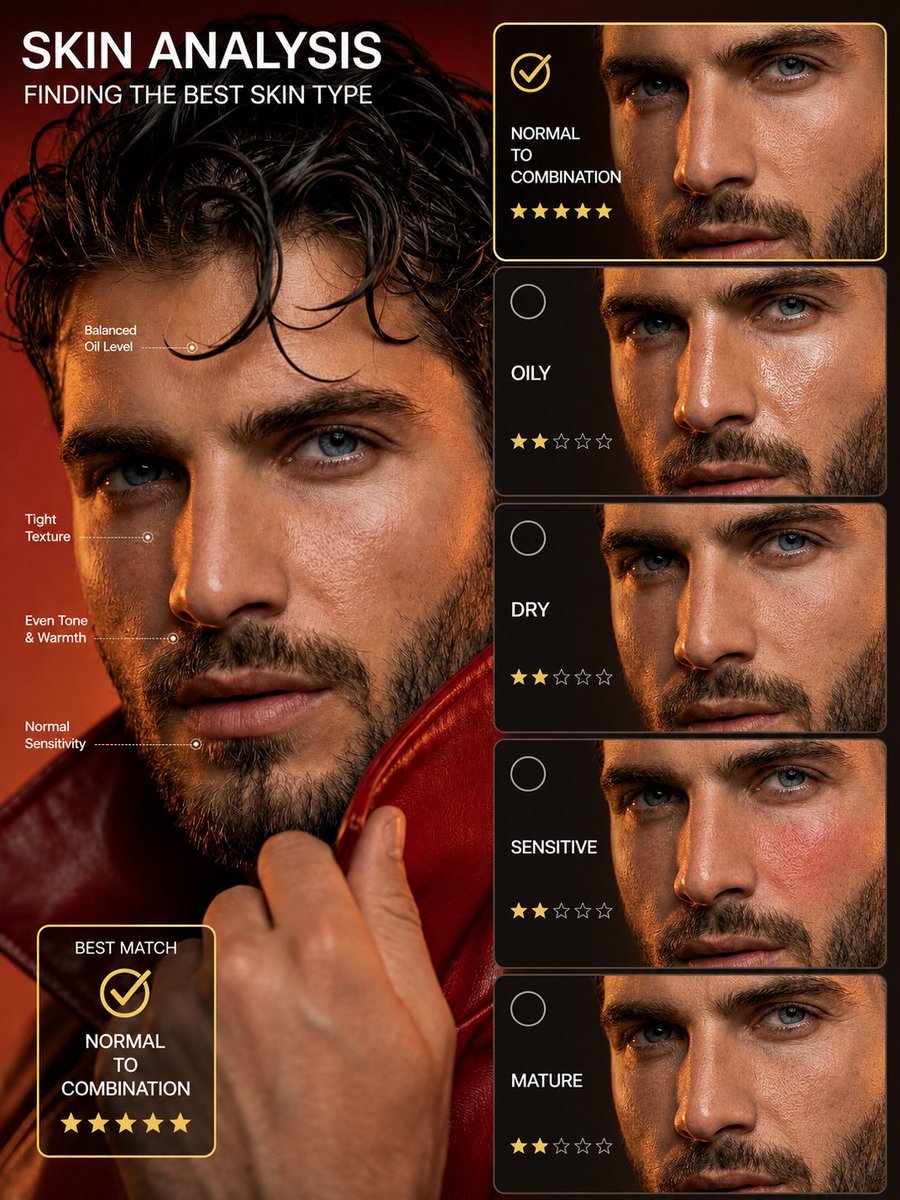
Skin Type Analysis Graphic
Browse template categories
Hyperrealistic AirPods Commercial Photography questions
How do I use the Hyperrealistic AirPods Commercial Photography template?
Add your photo if the template asks for one, edit the prompt if you like — the template's model and format are already selected — and press Generate. Your version opens in PicX Studio.
Can I customize the Hyperrealistic AirPods Commercial Photography template?
Yes. You can change the subject, setting, lighting, mood, format, and available model controls before creating your image.
Is the Hyperrealistic AirPods Commercial Photography template free?
Opening and editing this template is free. Generating uses credits, shown on the Generate button when you are signed in.
Which AI model should I use?
Start with GPT Image 2, which is the model associated with this template. You can compare another compatible model for a different finish.
Looking for something else? Browse all templates.

Your photo, any look
Thousands of ready templates for every top image and video model, from one credit balance.