
Anime Mall Fashion Portrait
Generates a high-detail anime fashion portrait of a shy young woman leaning toward the viewer in a sunlit shopping mall.
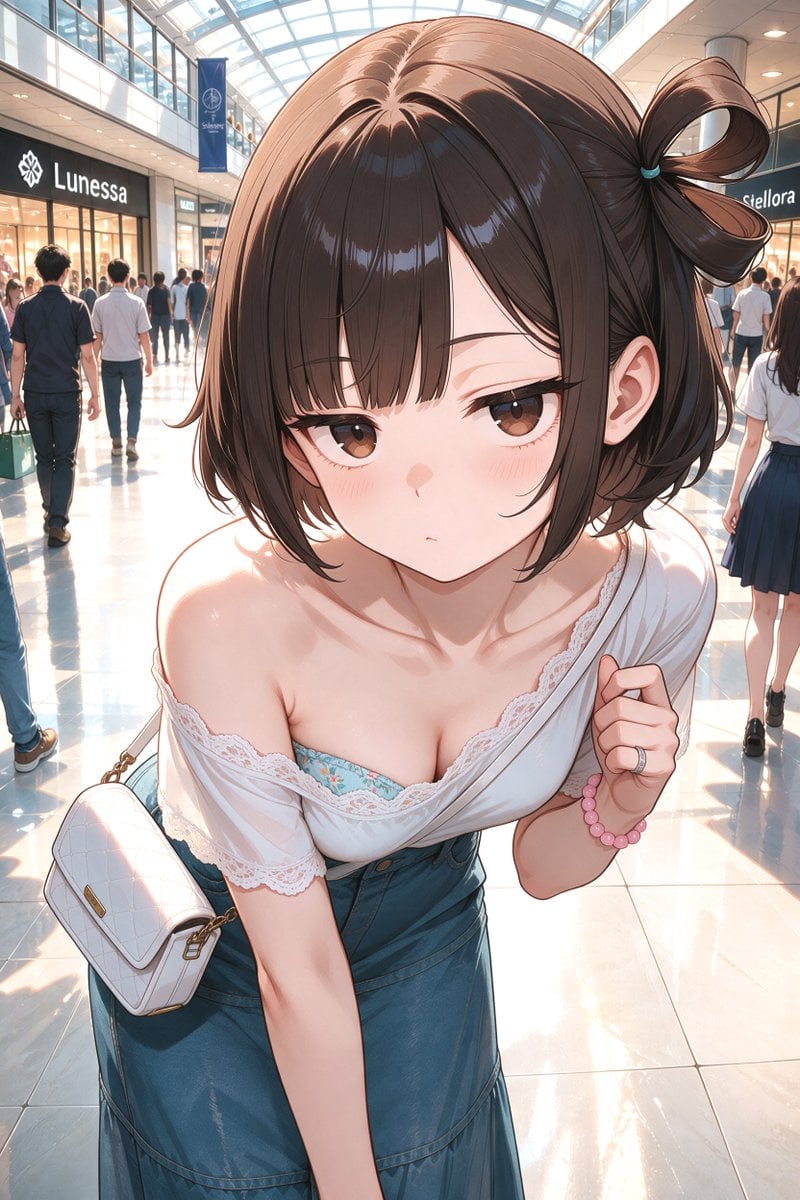
- Prompt included
- Model and format preset
- Free template
The prompt behind this image
Copy the exact prompt behind Anime Mall Fashion Portrait, or open it in the studio and make it yours.
Create a polished anime-style vertical portrait of a young woman in a bright modern indoor shopping mall, viewed from a slightly high, close-up perspective with subtle wide-angle distortion so her head and upper body feel near the camera. The character has a petite build, fair skin, soft blush, large brown eyes, a small neutral pouting mouth, and glossy dark brown bobbed hair with straight bangs and one side gathered into a high looped ponytail tied with a small blue band. She leans forward toward the viewer, shoulders slightly hunched in a shy pose, holding the edge of an off-shoulder white lace-trimmed blouse with her right hand; underneath, a turquoise floral camisole is visible. She wears a high-waisted denim skirt and carries a small white quilted shoulder bag with gold hardware on her left side. Include exactly 3 visible accessories on her: a silver ring, a pink beaded bracelet, and the white shoulder bag. The mall background should show a glass arched skylight ceiling, glossy reflective tile floor, storefronts, and softly blurred shoppers walking behind her; include readable but fictional store signs such as {argument name="store sign text" default="Lunessa"} and another partially visible boutique sign. Use warm sunlight streaming through the ceiling, bright highlights on the floor, soft rim lighting on hair and shoulders, detailed linework, delicate lace texture, glossy hair highlights, shallow depth of field, and a clean high-resolution anime illustration style. Character customization: {argument name="hair color" default="dark brown"}, {argument name="eye color" default="brown"}, {argument name="outfit top" default="off-shoulder white lace-trimmed blouse over a turquoise floral camisole"}, {argument name="bottom garment" default="high-waisted denim skirt"}. Avoid nudity, keep the pose fashionable and non-explicit, no watermark, no extra text beyond store signage.
How to use Anime Mall Fashion Portrait in 3 steps
- 1Upload ImagePNG, JPG or paste
Add your photo
Upload the photo the template builds on. The prompt, model and format are already set.
- 2…a portrait of your subject in softgolden-hour light, 85mm…
Personalize
Edit the subject and creative details for your destination.
- 3Generate
Generate
Press Generate — your image is created in PicX Studio, so you can compare it with the original and refine one variable at a time.
More like this
Templates with the same subject, style or setup. Open one to see its prompt.
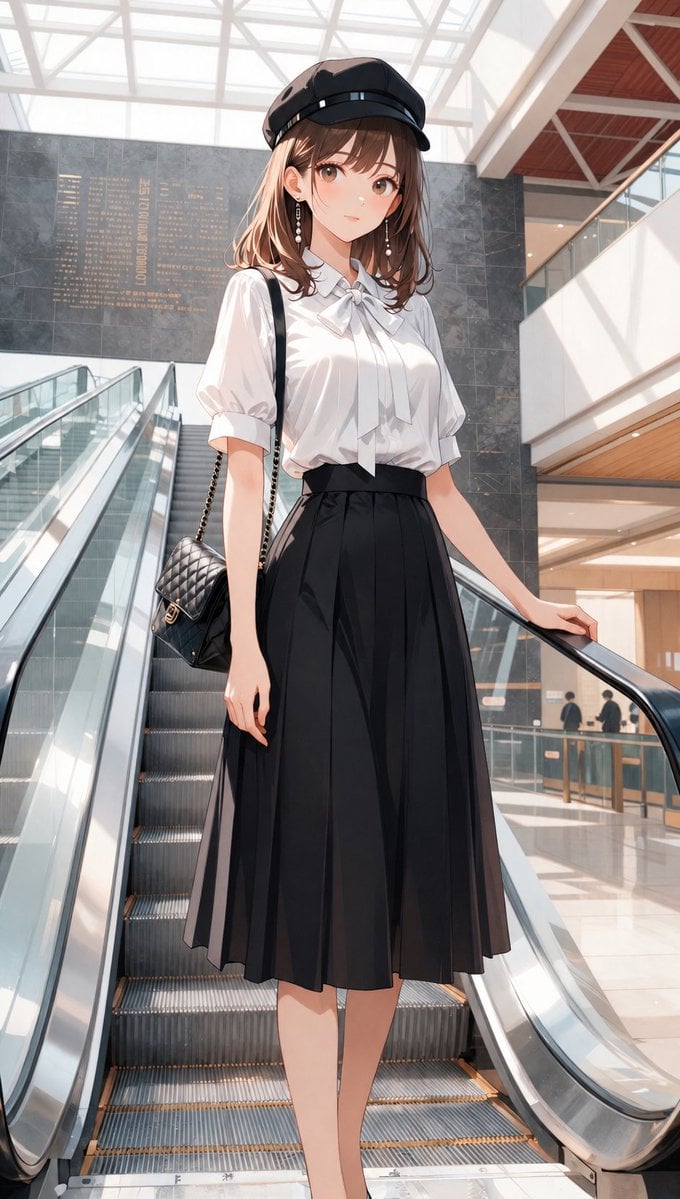
Anime Mall Escalator Fashion Portrait

Nano Banana 2 High Fashion Sports Campai

Couture Fashion Editorial Woman and Drag

Ive Yujin Fashion Portrait in Blue

Nano Banana 2 Editorial Fashion Portrait

Caution Tape Fashion — Industrial Editorial

1988 Mall Style
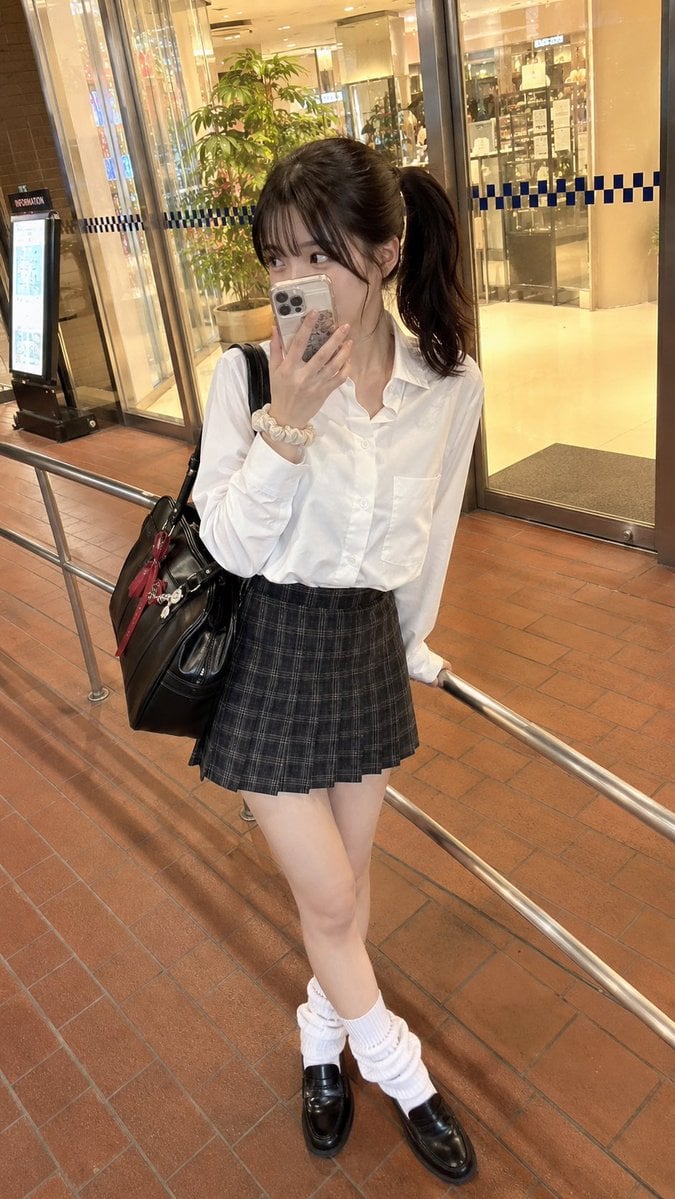
Candid Mall Fashion Portrait

Miniature Self Portrait Collage

Found Photograph: Us, 1970

80s Couple Studio Portrait

80s College Gate
Make it yours
Anime Mall Fashion Portrait works as-is. These are the safest ways to change it without losing the look.
Change one field
Copy a single group, rewrite it, and generate again so you can see what that field is doing.
Keep the frame, change the subject
Hold the composition and light of Anime Mall Fashion Portrait, then swap wardrobe, props or the person for a new take.
| If the result… | Why | Fix |
|---|---|---|
| The result drifts from the preview | Too many fields changed at once. | Reuse Anime Mall Fashion Portrait as-is first, then change one group — subject, light, or setting. |
| The model over-stylizes the scene | The prose prompt leaves finish and camera underspecified. | Add one camera or lighting sentence and stay on GPT Image 2. |
More GPT Image 2 templates
Other prompts made for GPT Image 2.

Six VTuber Japanese Logo Sheet

Realistic Portrait of Woman and Deer

The Vista Modular Condo Poster

AI Model Routing Comparison Infographic

2.5D Anime Art Board

Isometric Productivity Desk Scene

New York Double Exposure Poster

Four-Panel AI Landscape Comparison

Japanese Tatami Lifestyle Magazine Cover

NESCAFÉ Coffee Map Poster
More image prompts
Fresh picks from across the catalog.
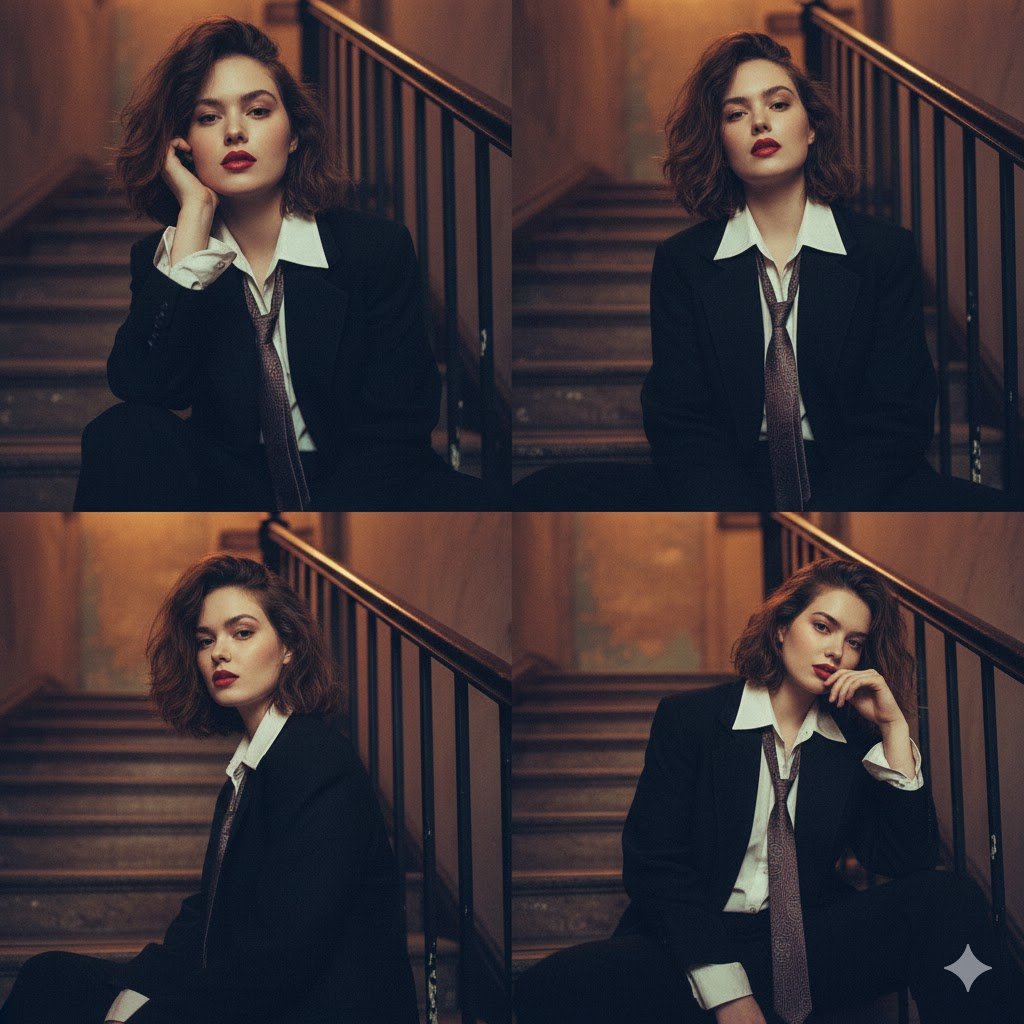
Moody 2x2 editorial collage of an androgynous woman
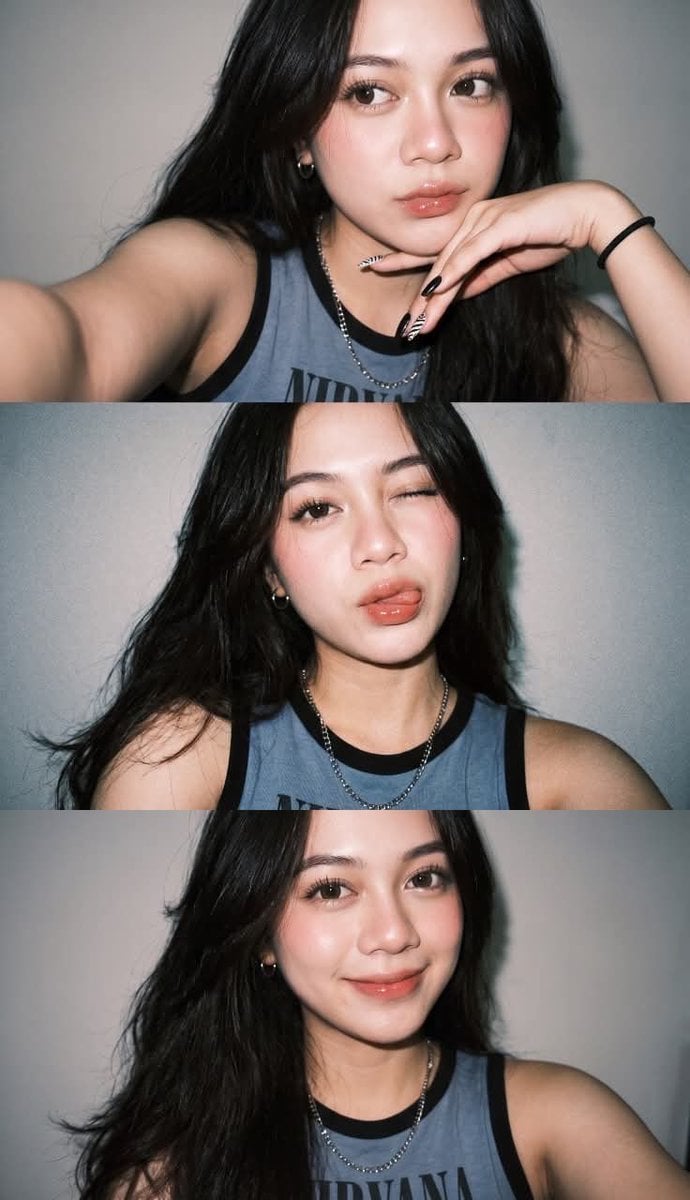
Y2K Instagram Flash Selfie Collage
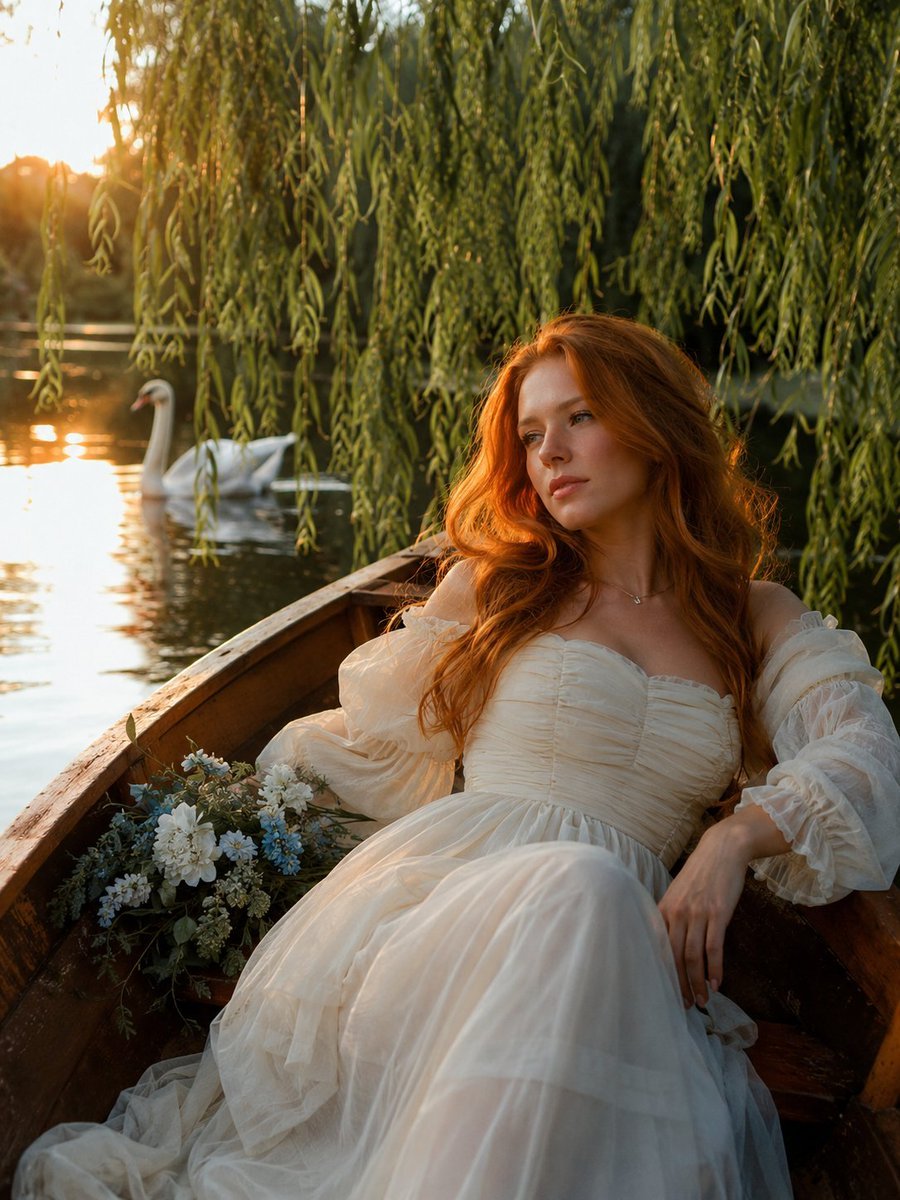
Ethereal Rowboat Pastoral Fairytale
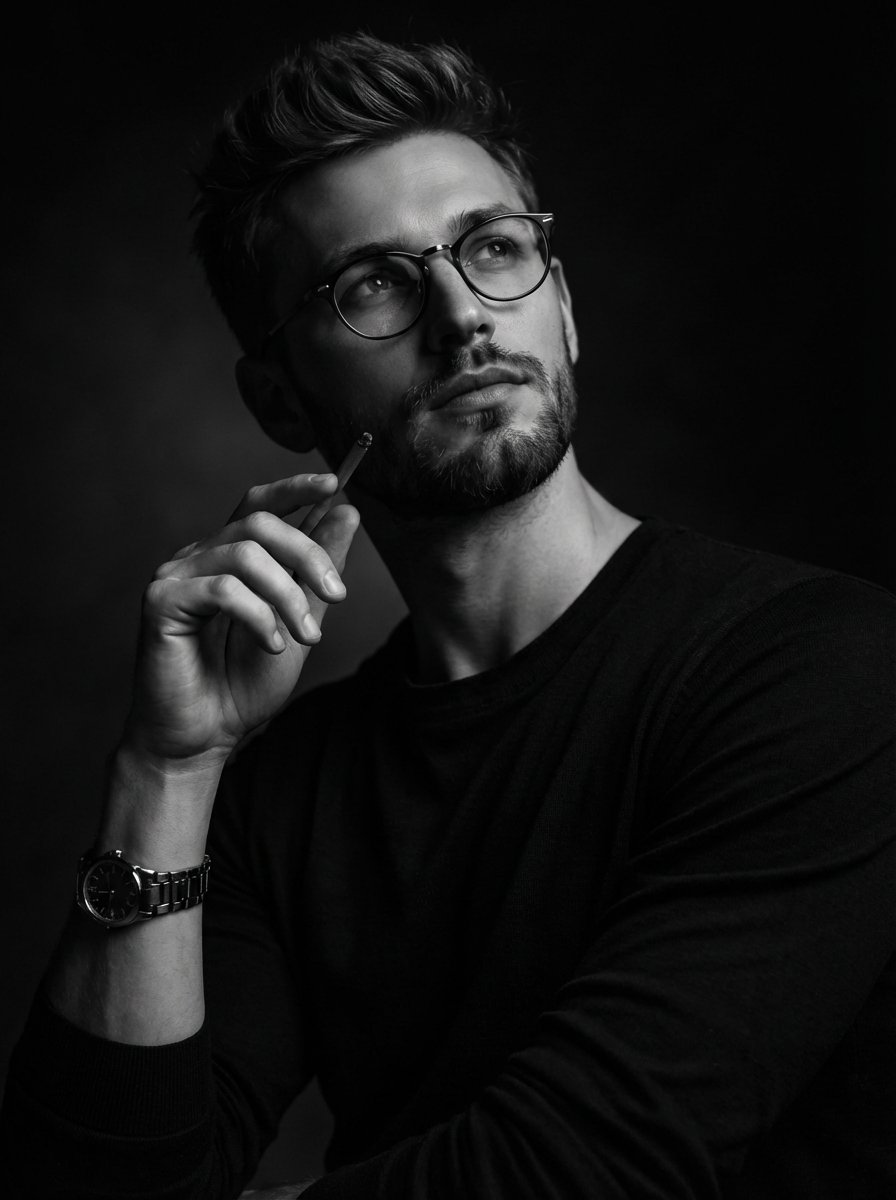
Moody Black and White Fine Art Portrait
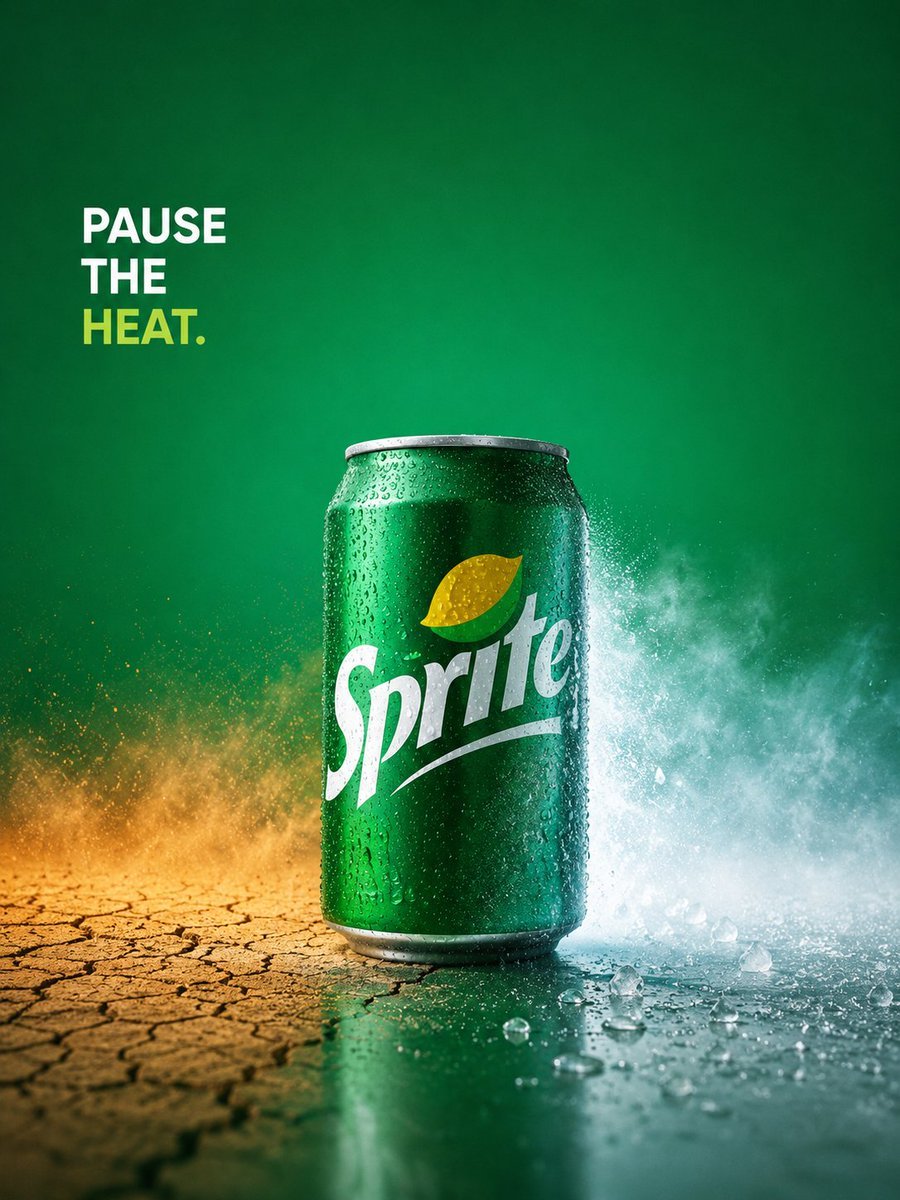
Sprite Pause the Heat Ad
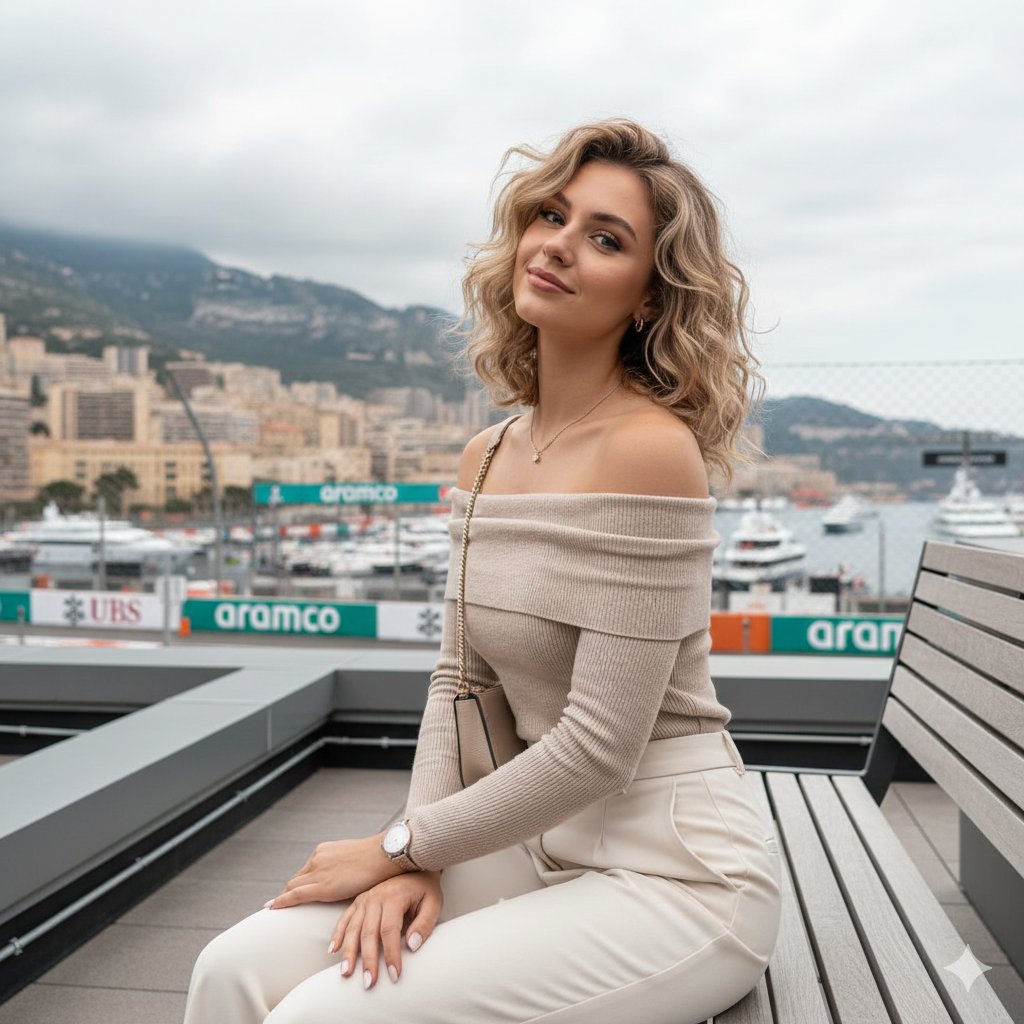
Detailed JSON-structured image generation prompt for a relaxed luxury portrait
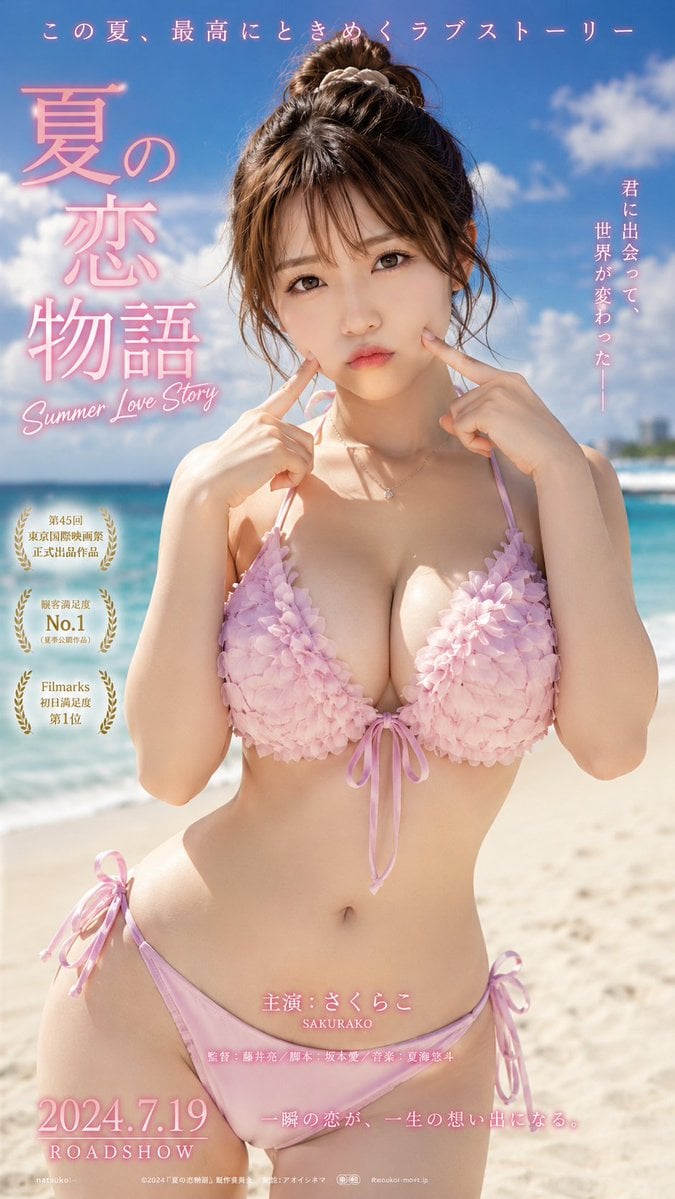
Cinematic Beachwear Model Portrait
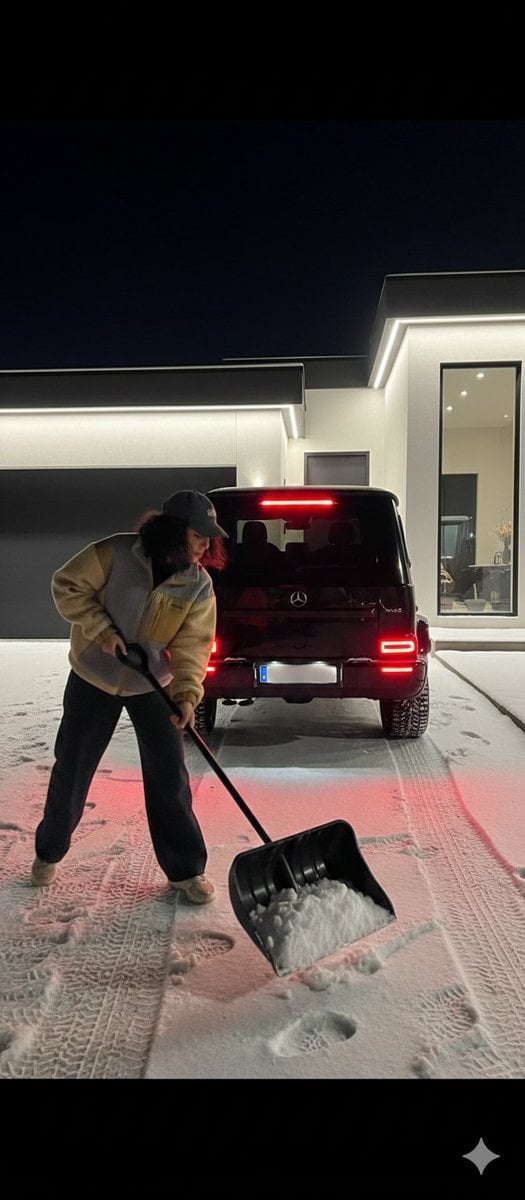
Night Photography Prompt: Clearing Snow with Mercedes G 63 AMG
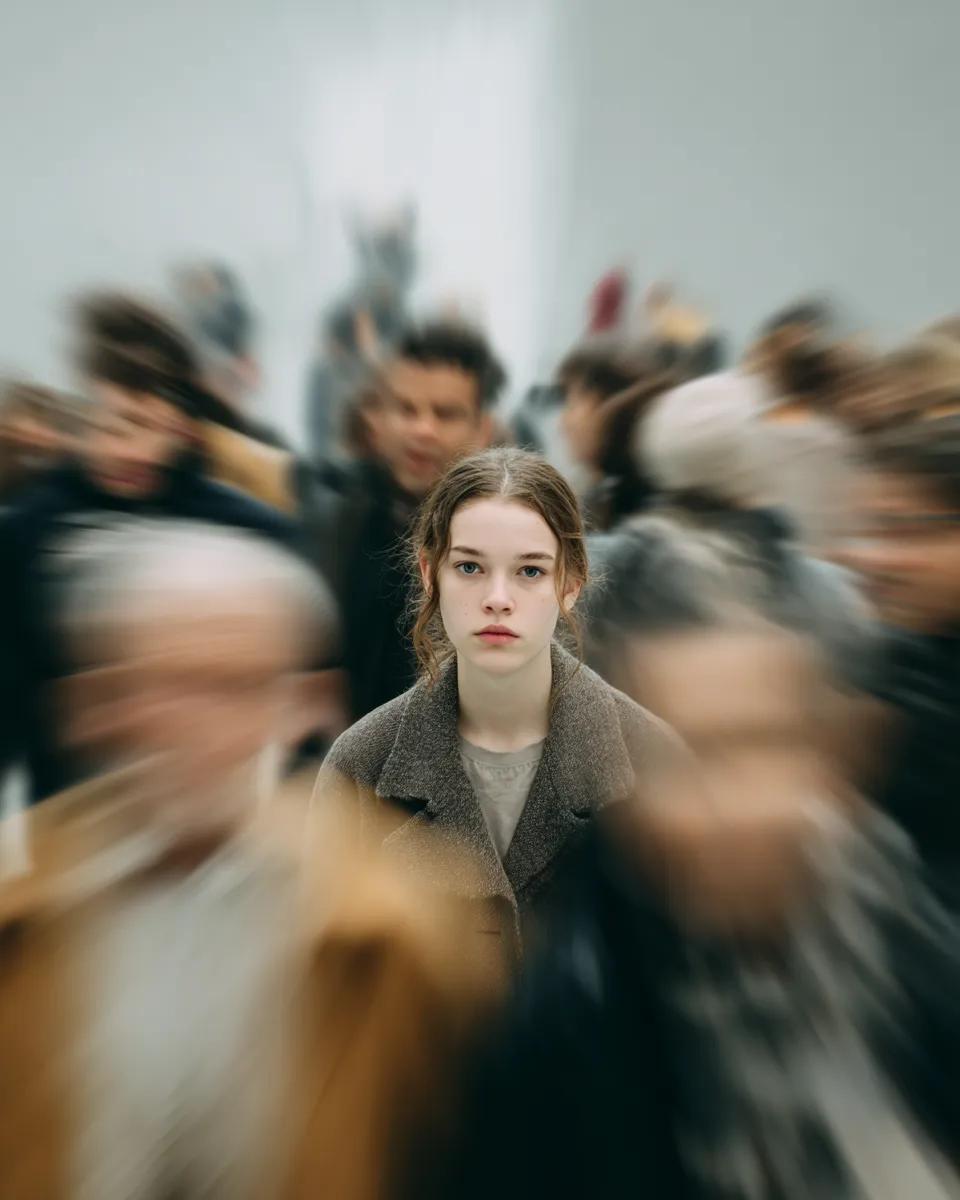
Cinematic Portrait with Radial Motion Blur
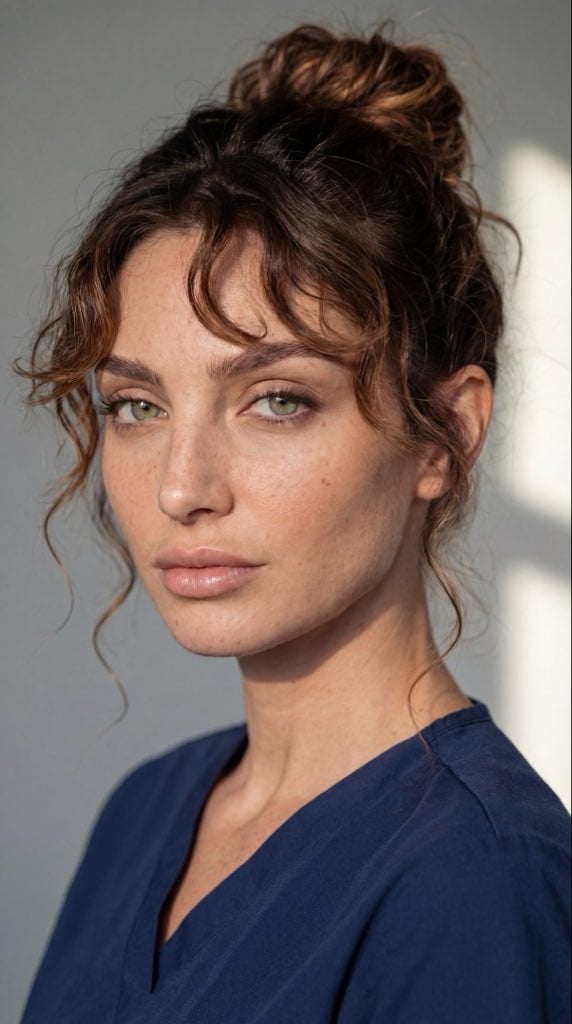
Dual Ultra-Realistic Portrait Prompts
Browse template categories
Anime Mall Fashion Portrait questions
How do I use the Anime Mall Fashion Portrait template?
Add your photo if the template asks for one, edit the prompt if you like — the template's model and format are already selected — and press Generate. Your version opens in PicX Studio.
Can I customize the Anime Mall Fashion Portrait template?
Yes. You can change the subject, setting, lighting, mood, format, and available model controls before creating your image.
Is the Anime Mall Fashion Portrait template free?
Opening and editing this template is free. Generating uses credits, shown on the Generate button when you are signed in.
Which AI model should I use?
Start with GPT Image 2, which is the model associated with this template. You can compare another compatible model for a different finish.
Looking for something else? Browse all templates.

Your photo, any look
Thousands of ready templates for every top image and video model, from one credit balance.