
Neon Idol Style Sheet Generator
A comprehensive prompt for generating a structured anime character style sheet for a neon-themed idol performance, featuring multiple views, expressions, and costume details.
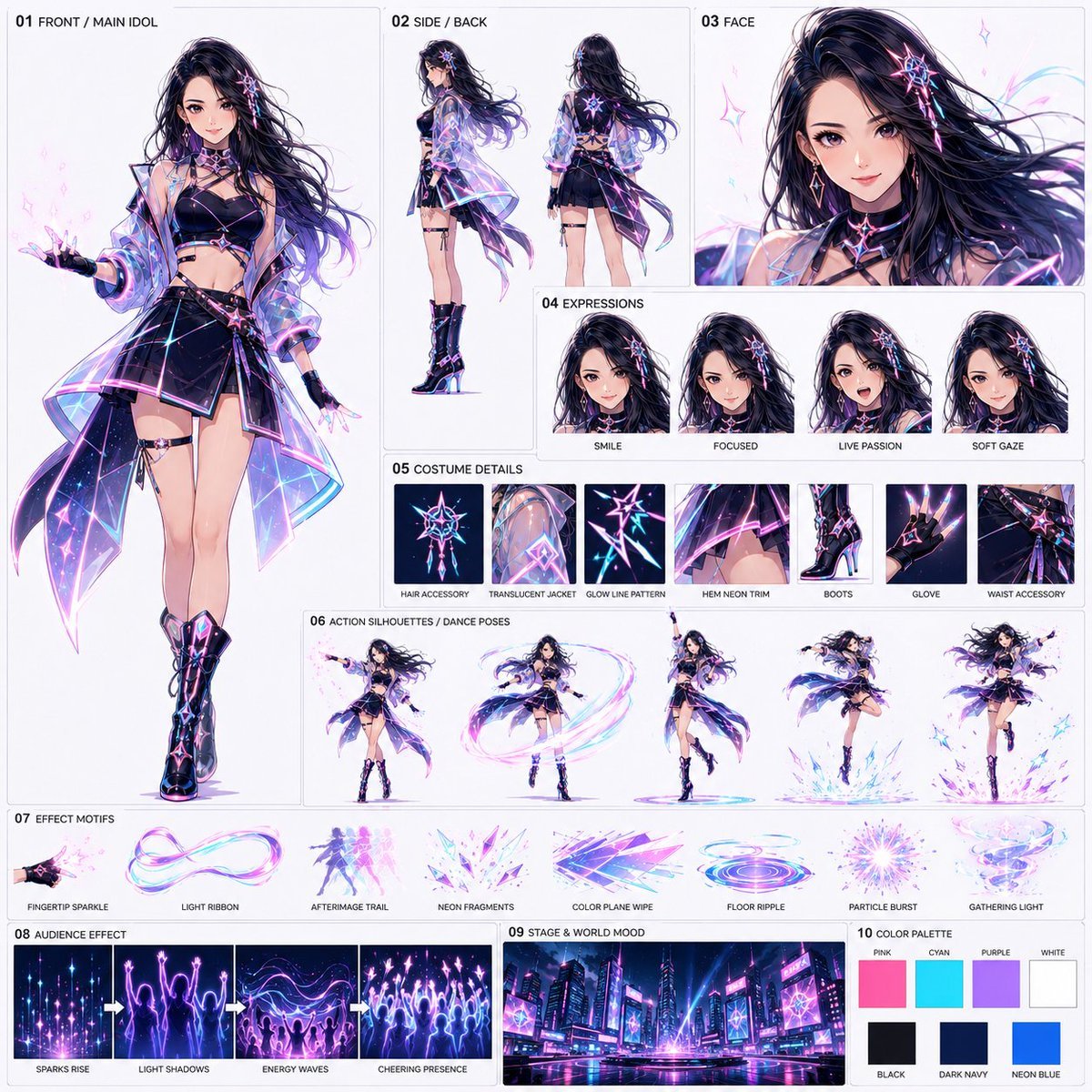
- Prompt included
- Model and format preset
- Free template
The prompt behind this image
Copy the exact prompt behind Neon Idol Style Sheet Generator, or open it in the studio and make it yours.
Reference @image1 手持ち人物画像 ※参照画像は顔立ち、髪型、年齢感、雰囲気のみ参照し、服装・背景・ポーズ・画風は参照しない。 1:1スクエアの共有用・構造化スタイルシートを作成する。目的は、{argument name="テーマ" default="15秒アニメ動画「ネオン都市のソロアイドル・エフェクトライブ」"}に使う参照シートを作ること。前回の共有用スタイルシートと同じ考え方で、キャラクター、衣装、表情、動き、エフェクト、観客化表現、背景世界観、色設計を1枚に整理する。既存のネオンアイドルシートの再出力や同レイアウト再現はしない。新規に設計する。 {argument name="スタイル" default="高品質アニメ調、劇場アニメ級"}。背景は明るいオフホワイトまたは薄いグレー。細い枠線と短い英語ラベルは入れてよい。長文説明、ロゴ、透かしは不要。 構成: 01 FRONT / MAIN IDOL 主役アイドルの全身正面を大きく配置。参照画像の顔立ちと髪型の印象を反映し、ネオン都市ライブ向けの新規アイドル衣装をデザインする。{argument name="衣装の色" default="黒またはダークネイビーをベースに、ピンク、シアン、紫、白の発光ライン"}。透明感のあるショートジャケット、動きのあるスカートまたはステージ衣装、ライブ用ブーツ。指先、袖先、髪先、裾から光粒が出やすいデザイン。 02 SIDE / BACK 横向きと背面を小さめに入れ、衣装構造、髪の長さ、背面デザイン、発光ラインが分かるようにする。 03 FACE 顔アップを大きめに入れる。透明感、目力、ステージ上の華やかさ、自信のある表情を重視する。 04 EXPRESSIONS 表情差分を3〜4点。例:SMILE、FOCUSED、LIVE PASSION、SOFT GAZE。 05 COSTUME DETAILS ヘアアクセサリー、透明ジャケット素材、発光ライン、裾のネオン装飾、ブーツ、グローブ、腰回り装飾など、動画で識別しやすい印象的なディテールを整理して入れる。 06 ACTION SILHOUETTES / DANCE POSES ダンス中ポーズを3〜5点。例:指先から光粒を放つ、回転しながら光リボンを作る、片腕を上げた決めポーズ、足元に発光波紋が広広がステップ、髪と衣装が大きくなびくジャンプ。同じ人物の動作サンプルとして見せる。 07 EFFECT MOTIFS 主エフェクトの見本を整理して入れる。例:FINGERTIP SPARKLE、LIGHT RIBBON、AFTERIMAGE TRAIL、NEON FRAGMENTS、COLOR PLANE WIPE、FLOOR RIPPLE、PARTICLE BURST、GATHERING LIGHT。色はピンク、シアン、紫、白中心。 08 AUDIENCE EFFECT エフェクトが観客化する表現を入れる。普通の人間群衆を描き込みすぎず、光粒、発光シルエット、手を上げる光の影、歓声の波のような粒子群として表現する。 09 STAGE & WORLD MOOD ネオン都市とライブステージが融合した背景サンプルを入れる。高層ビル、LED、ネオン看板、濡れた反射床、ステージ照明、空中の発光ライン。都市全体がライブ会場のように見える夜景。 10 COLOR PALETTE 色見本を入れる。主色:PINK、CYAN、PURPLE、WHITE。補助色:BLACK、DARK NAVY、NEON BLUE。 全体方針: ・共有用スタイルシート形式を維持する ・ソロアイドル1人が主役 ・踊るたびに指先や身体の軌跡からエフェクトが生まれる ・そのエフェクトが観客のような存在へ増殖する ・アニメにしかできない光、残像、粒子、色面表現を重視する ・魔法少女、杖、武器、大きな魔法陣には寄せない ・既存のネオンアイドルシートと同じ構図や配置にしない 禁止事項: ・既存シートの再現 ・1枚絵アンカー化 ・長文説明、ロゴ、透かし ・実写風、安いテレビアニメ風 ・普通の人間観客の描き込みすぎ ・別キャラクターが複数いるように見える構成 ・武器アクション化 最終的に、前回の共有用スタイルシート運用と同じ形式で、キャラクター、衣装構造、表情、ディテール、ダンス動作、エフェクト、観客化表現、ネオン都市ステージ、色設計を1枚に整理した、新規デザインの高品質アニメ共有用スタイルシートとして完成させる。
How to use Neon Idol Style Sheet Generator in 3 steps
- 1Upload ImagePNG, JPG or paste
Add your photo
Upload the photo the template builds on. The prompt, model and format are already set.
- 2…a portrait of your subject in softgolden-hour light, 85mm…
Personalize
Edit the subject and creative details for your destination.
- 3Generate
Generate
Press Generate — your image is created in PicX Studio, so you can compare it with the original and refine one variable at a time.
More like this
Templates with the same subject, style or setup. Open one to see its prompt.
Korean Idol Partial Shadow Editorial Portrait
80s Neon Disco Night
Cartoon TV Show Poster Pack
Rainy Night Android Cyberpunk Portrait
Cyberpunk Neon Profile Fashion Portrait
Neon Night Crosswalk Candid Portrait
Subway Platform Quiet Introspective Portrait
Rainy Night Android Cyberpunk Portrait
Cinematic Sci-Fi Commander Side Profile Portrait
Low-Angle Cyberpunk Neon Profile Portrait
Cinematic Neon Light Strip Studio Portrait
Neon Violet Streetwear Fashion Portrait
Make it yours
Neon Idol Style Sheet Generator works as-is. These are the safest ways to change it without losing the look.
Change one field
Copy a single group, rewrite it, and generate again so you can see what that field is doing.
Keep the frame, change the subject
Hold the composition and light of Neon Idol Style Sheet Generator, then swap wardrobe, props or the person for a new take.
| If the result… | Why | Fix |
|---|---|---|
| The result drifts from the preview | Too many fields changed at once. | Reuse Neon Idol Style Sheet Generator as-is first, then change one group — subject, light, or setting. |
| The model over-stylizes the scene | The prose prompt leaves finish and camera underspecified. | Add one camera or lighting sentence and stay on GPT Image 2. |
More GPT Image 2 templates
Other prompts made for GPT Image 2.
Six VTuber Japanese Logo Sheet
Realistic Portrait of Woman and Deer
The Vista Modular Condo Poster
AI Model Routing Comparison Infographic
2.5D Anime Art Board
Isometric Productivity Desk Scene
New York Double Exposure Poster
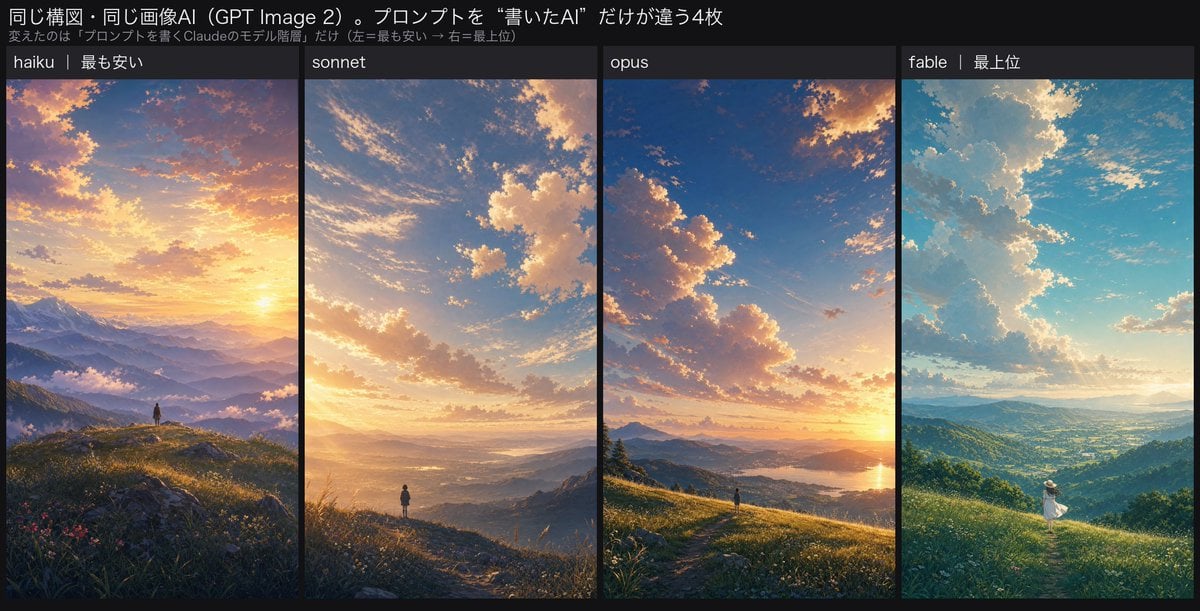
Four-Panel AI Landscape Comparison
Japanese Tatami Lifestyle Magazine Cover
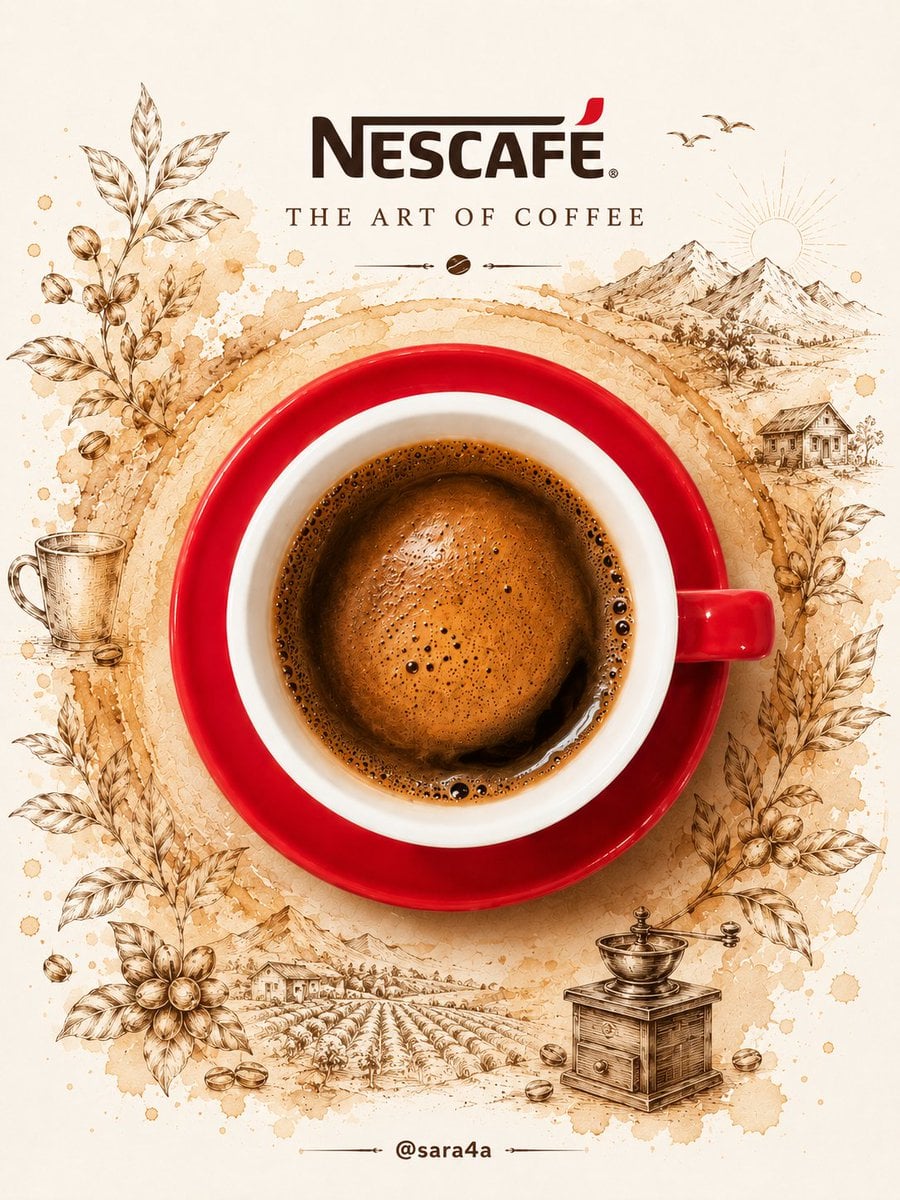
NESCAFÉ Coffee Map Poster
More image prompts
Fresh picks from across the catalog.
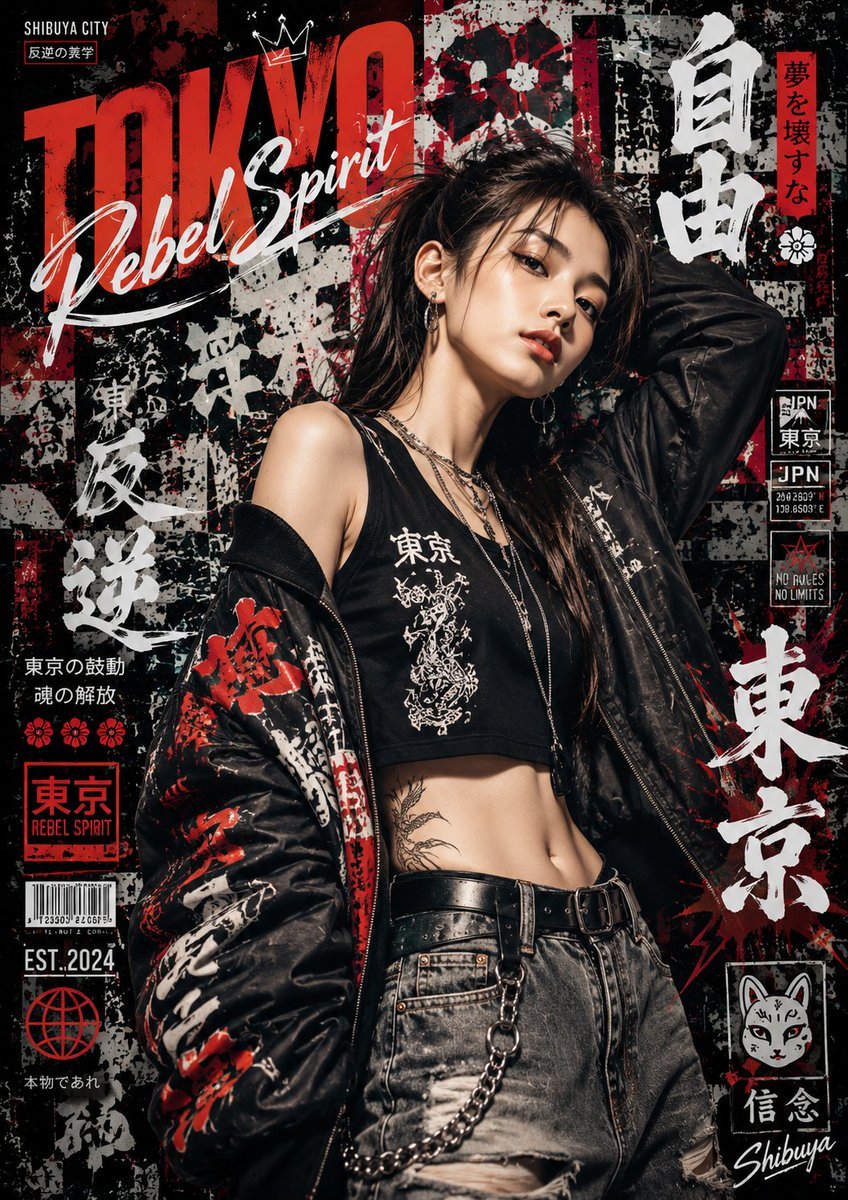
Japanese Graffiti Street Art Poster
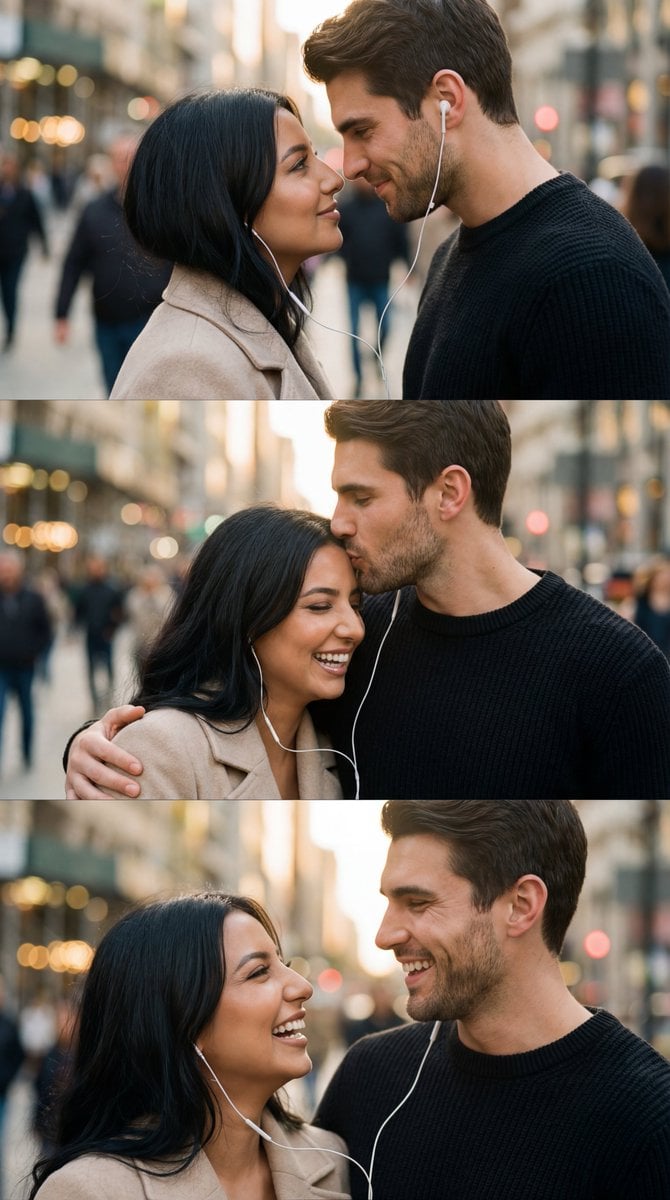
Romantic Cinematic Triptych with Shared Earphones
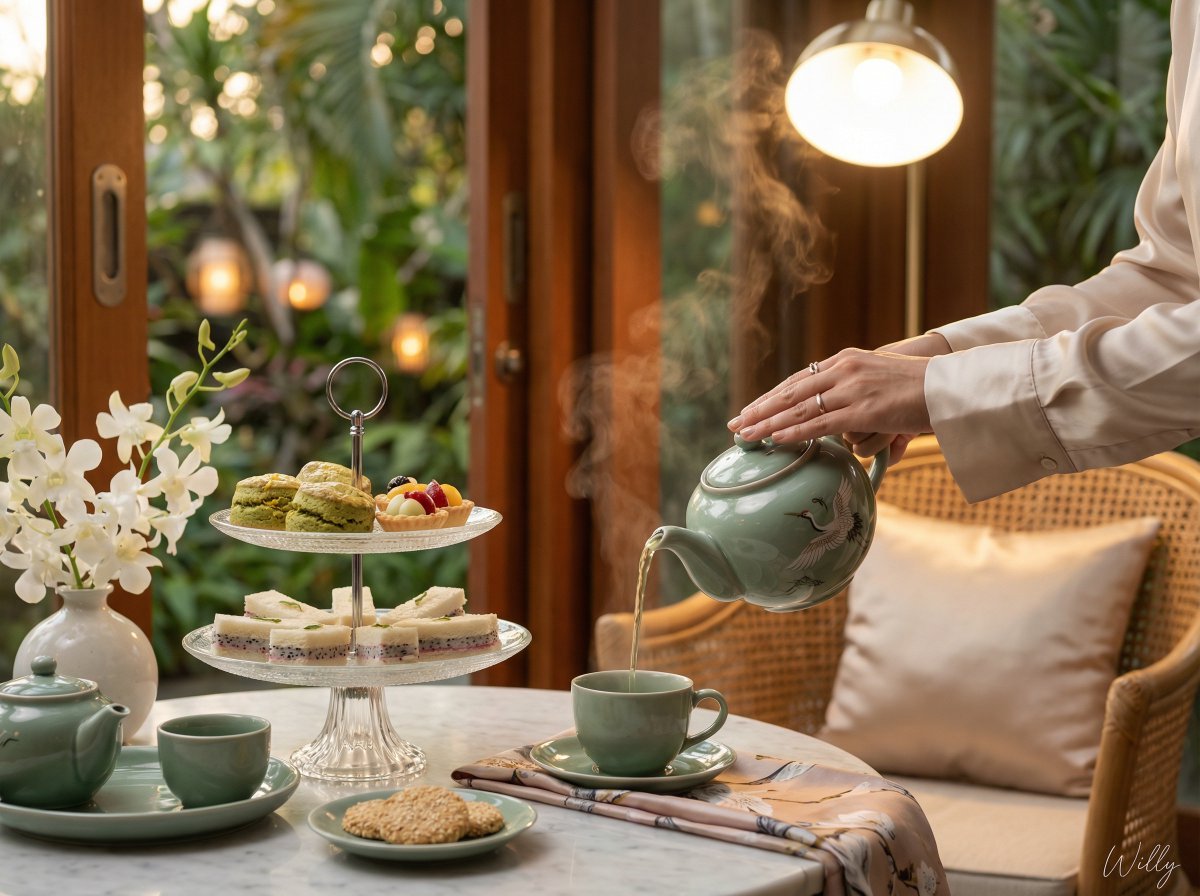
Photorealistic Vietnamese Afternoon Tea Scene
Luxury Omakase Sushi Bar Editorial Portrait (Image-to-Image)
Old Photo Restoration to DSLR Quality
Vintage Flash Group Selfie Prompt for Nano Banana Pro
Tiny World in Object Macro Photography
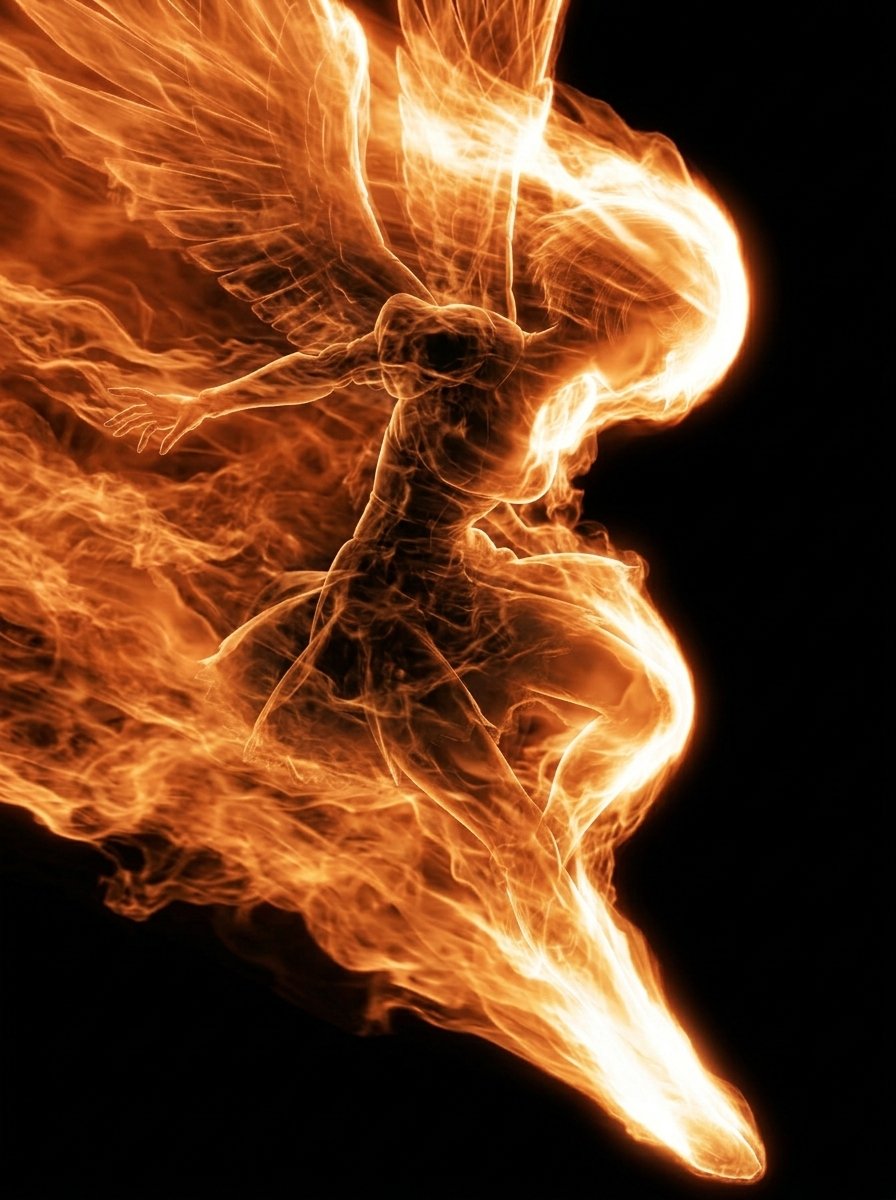
Flaming Angel in Black Void
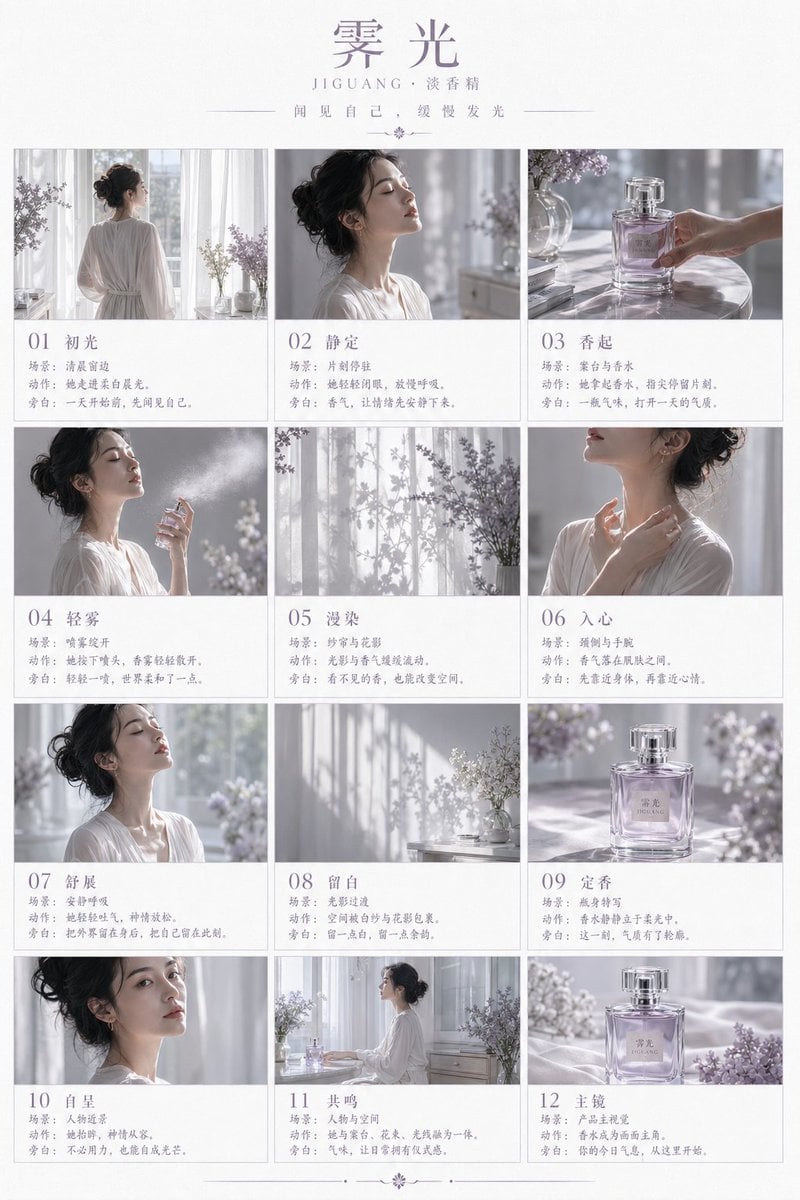
Luxury Perfume Storyboard Poster
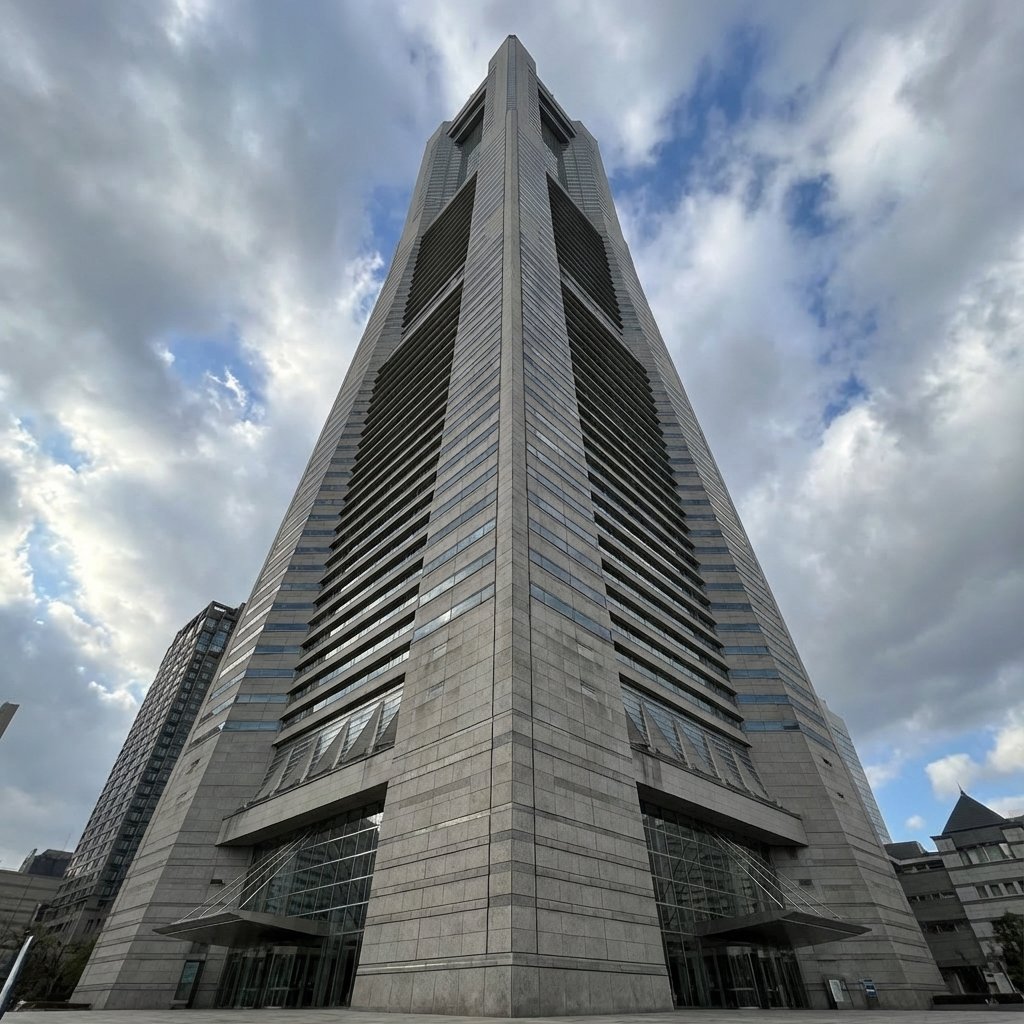
Perspective Change Generation
Browse template categories
Neon Idol Style Sheet Generator questions
How do I use the Neon Idol Style Sheet Generator template?
Add your photo if the template asks for one, edit the prompt if you like — the template's model and format are already selected — and press Generate. Your version opens in PicX Studio.
Can I customize the Neon Idol Style Sheet Generator template?
Yes. You can change the subject, setting, lighting, mood, format, and available model controls before creating your image.
Is the Neon Idol Style Sheet Generator template free?
Opening and editing this template is free. Generating uses credits, shown on the Generate button when you are signed in.
Which AI model should I use?
Start with GPT Image 2, which is the model associated with this template. You can compare another compatible model for a different finish.
Looking for something else? Browse all templates.

Your photo, any look
Thousands of ready templates for every top image and video model, from one credit balance.