How do I use the Disgusted Side-Eye Selfie Portrait template?
Choose the primary action to open PicX Studio with the available template settings. Review the model and format, personalize the creative direction, and generate when ready.
A photorealistic close-up dressing-room selfie prompt focused on subtle contempt, side-eye expression control, and a foreground pinching gesture.
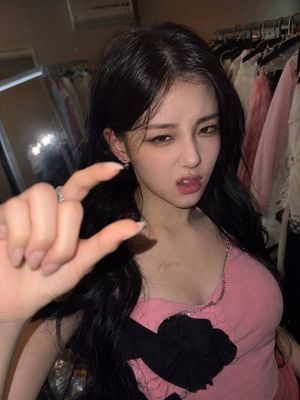
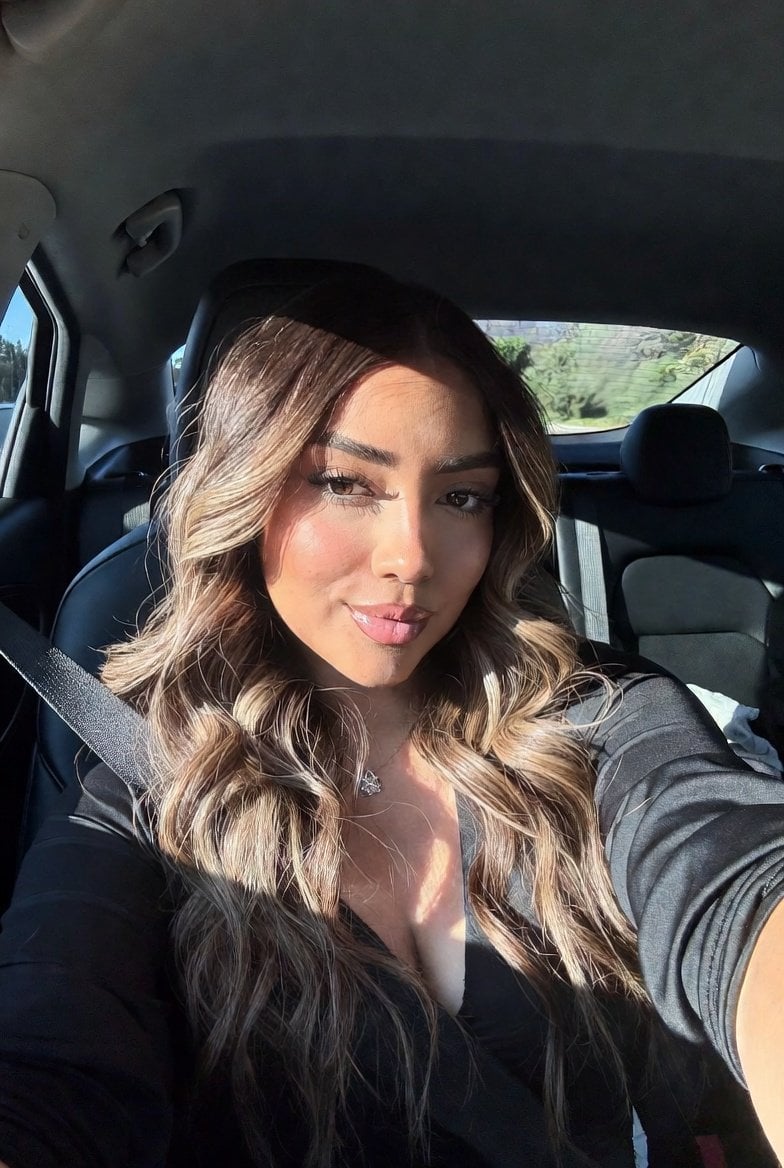
Create a realistic close-up selfie-style portrait of {argument name="character name" default="a young East Asian woman"} in a dressing room, framed from upper torso to head with a slightly high, close camera angle and direct flash. She has long glossy {argument name="hair color" default="black"} wavy hair with a soft center/side part, smooth natural skin texture, subtle glam makeup, defined eyeliner, long lashes, softly flushed cheeks, and glossy lips. Her expression is a controlled disgusted side-eye: one eyebrow slightly lowered, eyelids narrowed, gaze looking sideways toward the camera with skeptical contempt, head subtly tilted, mouth slightly open with the upper lip tense and one corner faintly pulled down, not exaggerated or cartoonish. Her left hand is very close to the lens in the foreground, intentionally blurred by depth of field, making a tiny pinching gesture with thumb and index finger as if indicating something small; show exactly two extended fingers involved in the pinch, with pale manicured nails and a small ring visible. She wears a fitted {argument name="outfit color" default="pink"} camisole-style top with a black oversized bow centered on the chest and delicate rhinestone trim along the neckline, plus small earrings. Background: indoor wardrobe/dressing room with clothing racks on both sides, pastel garments and hangers visible, a mirror or bright flash reflection at left, warm dim ambient room light mixed with harsh camera flash. Visual style: photorealistic social media portrait, shallow depth of field, realistic skin pores and hair strands, natural shadows, slight smartphone distortion, vertical 3:4 composition. Constraints: no text, no watermark, avoid anime style, avoid beauty-filter plastic skin, avoid overly dramatic facial contortion, keep the emotion subtle but clearly contemptuous and dismissive.
Choose the primary action to open PicX Studio with the available template settings. Review the model and format, personalize the creative direction, and generate when ready.
Yes. You can change the subject, setting, lighting, mood, format, and available model controls before creating your image.
This template is free to open and customize. Generation usage is shown in PicX Studio before you create.
Start with GPT Image 2, which is the model associated with this template. You can compare another compatible model for a different finish.
Follow a topic to a crawlable collection of related PicX Studio templates.