
Introspective Lamplit Artist Portrait
Generates a moody old-master-style portrait of an artist at a table with an open sketchbook, ideal for literary, reflective, or self-portrait artwork.
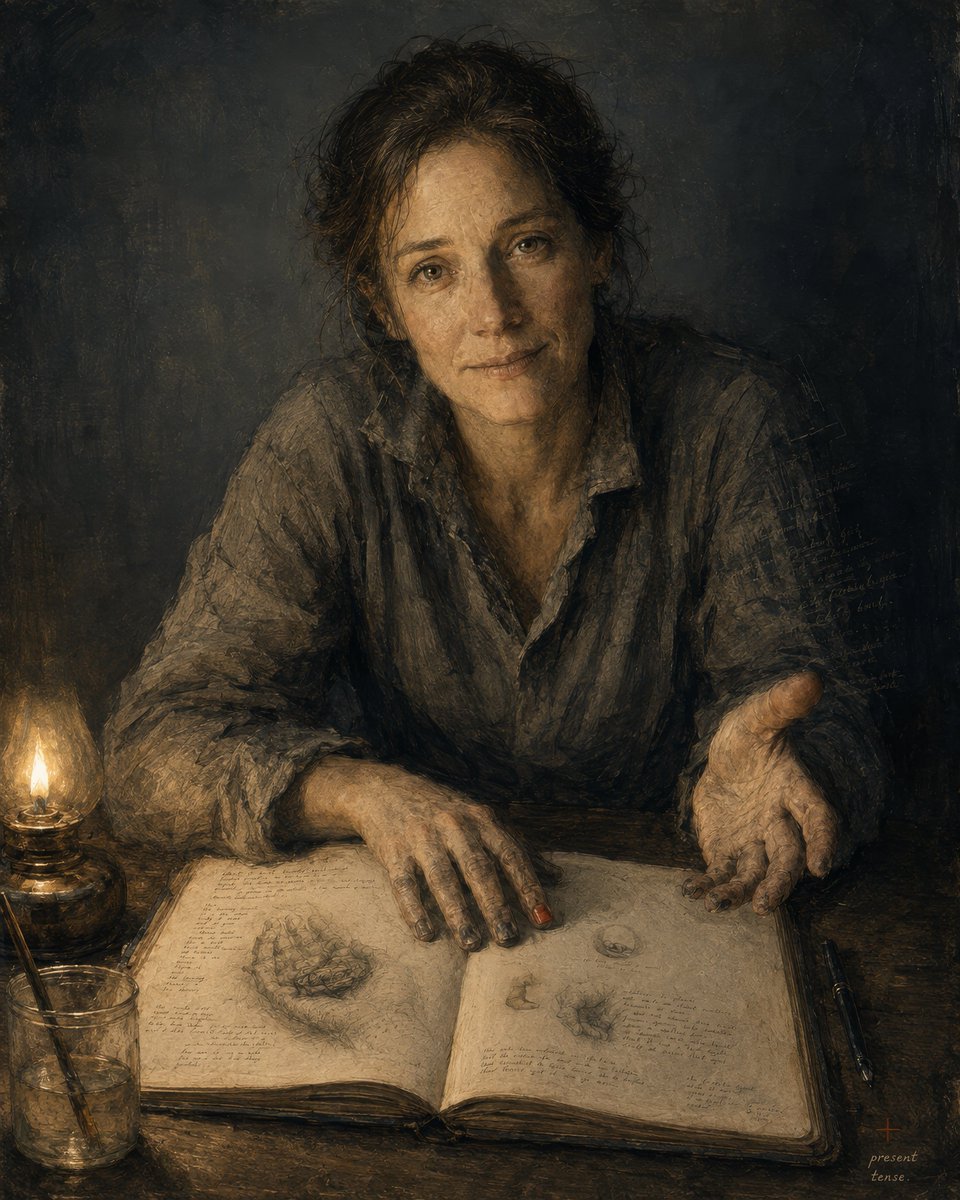
- Prompt included
- Model and format preset
- Free template
The prompt behind this image
Copy the exact prompt behind Introspective Lamplit Artist Portrait, or open it in the studio and make it yours.
Create a dark, intimate painterly self-portrait in the style of an old master sketchbook study: {argument name="subject" default="a middle-aged woman artist"} seated at a worn wooden table, leaning forward toward the viewer with a calm, searching, slightly tired expression, warm brown eyes, loose dark curly hair gathered messily back, and a rumpled charcoal-gray linen shirt with rolled sleeves. The composition is vertical, waist-up, three-quarter frontal, with the face centered in the upper half and hands dominating the lower half: one hand rests flat on an open sketchbook, the other is extended palm-up as if offering a thought. Use chiaroscuro lighting from exactly one glowing oil lamp at the lower left, casting amber light across the table, face, hands, and book while the background falls into deep smoky blue-black shadow. Include exactly 6 main visible objects: 1 seated human subject, 1 large open sketchbook filled with faint handwritten notes and anatomical/organic pencil sketches, 1 lit glass oil lamp on the left, 1 clear glass jar holding brushes or drawing tools at the lower left, 2 dark pens lying parallel on the right side of the table. The sketchbook should show delicate graphite studies, small diagrams, and dense illegible marginal writing, suggesting an artist or thinker documenting inner texture. Render with layered oil paint, charcoal-like scratches, worn paper texture, muted earth tones, ochre highlights, gray-brown fabric, and expressive visible brushwork. Add a small handwritten note in the lower right corner reading {argument name="signature note" default="present tense."}. Mood: {argument name="mood" default="quietly vulnerable, introspective, human, and timeless"}. Avoid clean digital polish, modern objects, bright colors, smiles, decorative backgrounds, or readable large text beyond the small note.
How to use Introspective Lamplit Artist Portrait in 3 steps
- 1Upload ImagePNG, JPG or paste
Add your photo
Upload the photo the template builds on. The prompt, model and format are already set.
- 2…a portrait of your subject in softgolden-hour light, 85mm…
Personalize
Edit the subject and creative details for your destination.
- 3Generate
Generate
Press Generate — your image is created in PicX Studio, so you can compare it with the original and refine one variable at a time.
More like this
Templates with the same subject, style or setup. Open one to see its prompt.
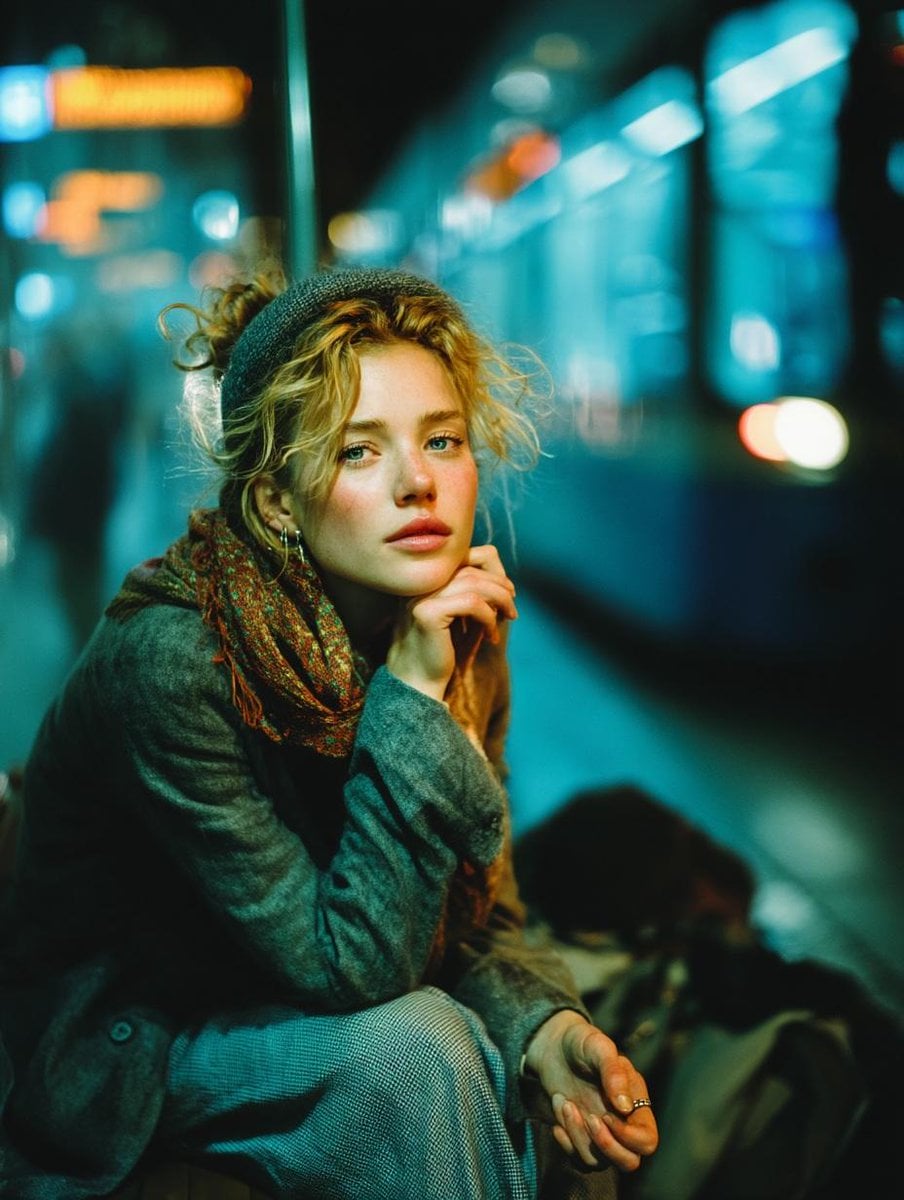
Subway Platform Quiet Introspective Portrait
Subway Platform Quiet Introspective Portrait

Found Photograph: Us, 1970

80s Couple Studio Portrait

80s Bollywood Star

80s Golden Hour Cinema

Me in 1985

1985 Studio Portrait

Hyper-Realistic Minecraft POV Portrait

Rooftop Fisheye — Cat-Ear Balaclava at Golden Hour

Rainy Café Window Moody Portrait

untitled
Make it yours
Introspective Lamplit Artist Portrait works as-is. These are the safest ways to change it without losing the look.
Change one field
Copy a single group, rewrite it, and generate again so you can see what that field is doing.
Keep the frame, change the subject
Hold the composition and light of Introspective Lamplit Artist Portrait, then swap wardrobe, props or the person for a new take.
| If the result… | Why | Fix |
|---|---|---|
| The result drifts from the preview | Too many fields changed at once. | Reuse Introspective Lamplit Artist Portrait as-is first, then change one group — subject, light, or setting. |
| The model over-stylizes the scene | The prose prompt leaves finish and camera underspecified. | Add one camera or lighting sentence and stay on GPT Image 2. |
More GPT Image 2 templates
Other prompts made for GPT Image 2.

Six VTuber Japanese Logo Sheet

Realistic Portrait of Woman and Deer

The Vista Modular Condo Poster

AI Model Routing Comparison Infographic

2.5D Anime Art Board

Isometric Productivity Desk Scene

New York Double Exposure Poster

Four-Panel AI Landscape Comparison

Japanese Tatami Lifestyle Magazine Cover

NESCAFÉ Coffee Map Poster
More image prompts
Fresh picks from across the catalog.
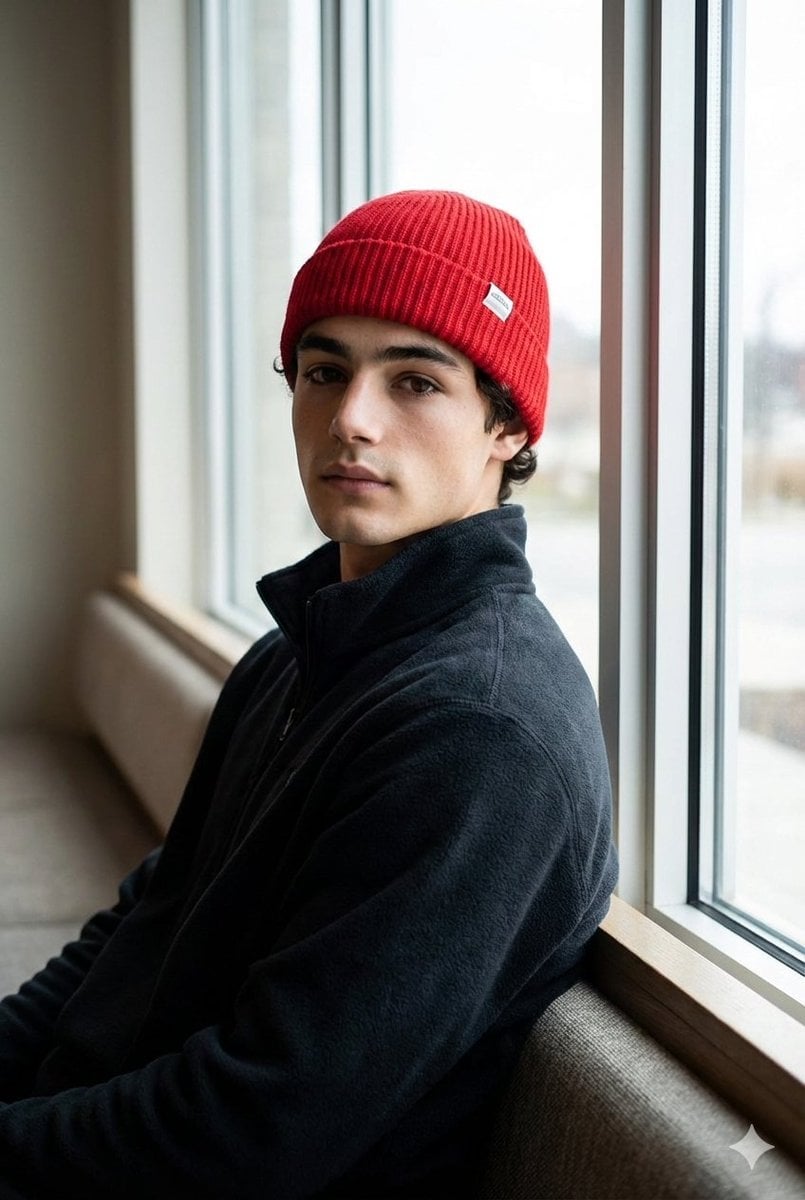
Portrait with Red Knit Cap Prompt
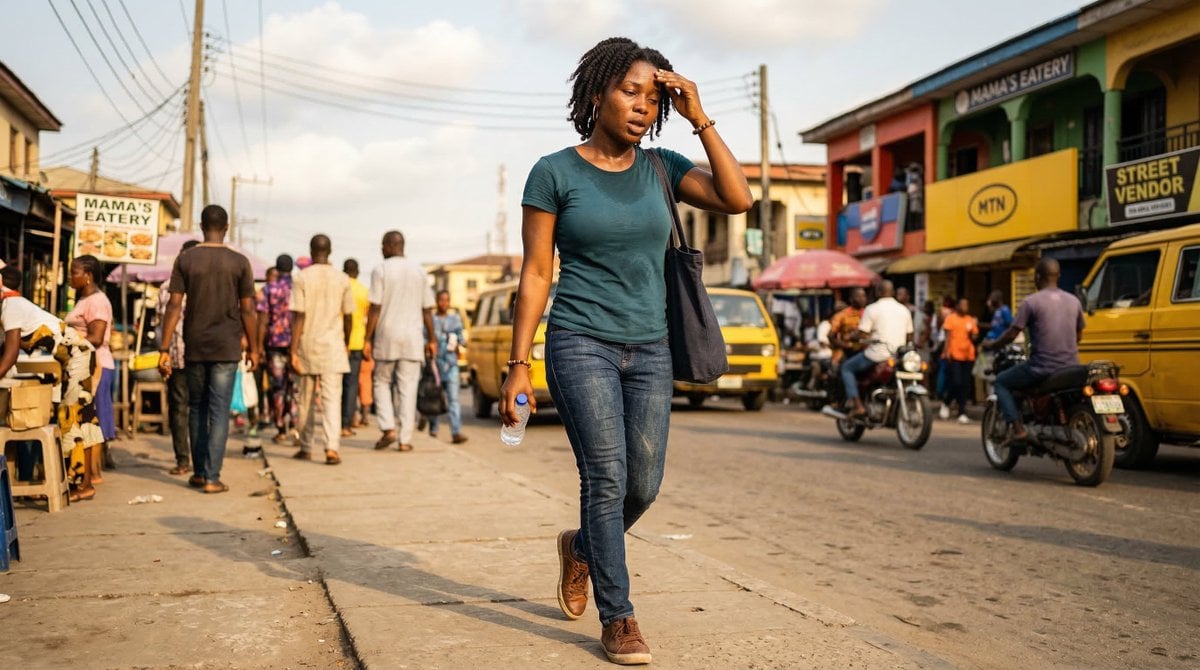
Nigerian Adult in Casual Daytime Clothing

Gym Chibi Sticker Overlay
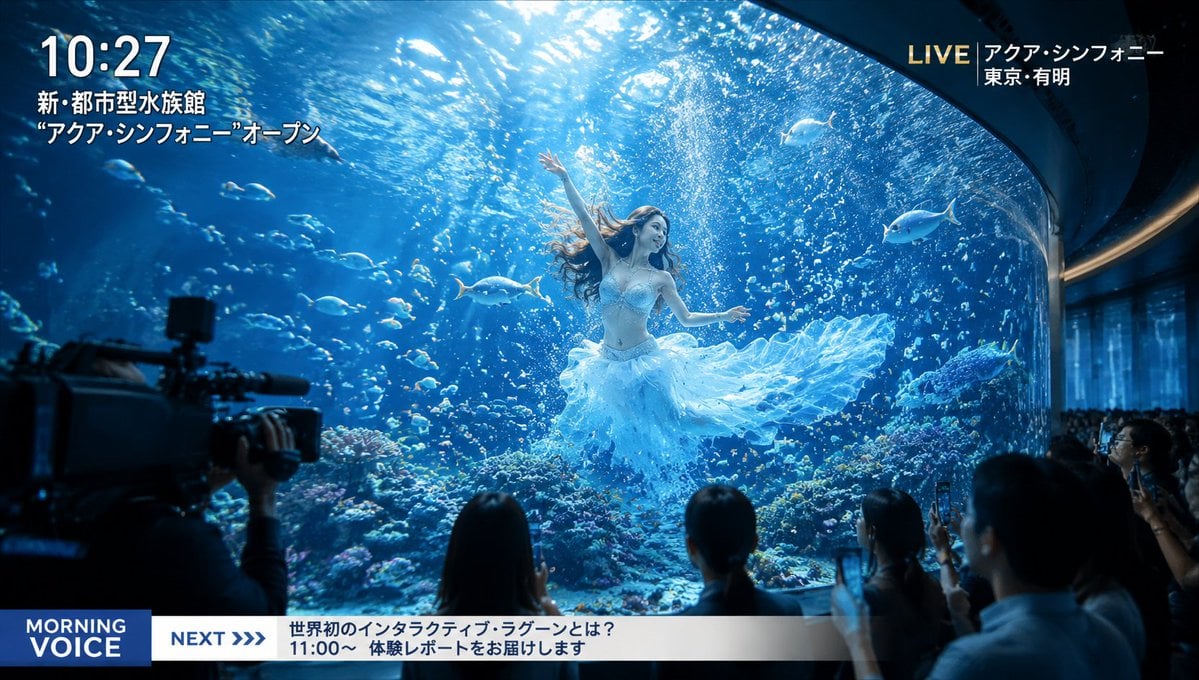
Futuristic Aquarium Mermaid Scene
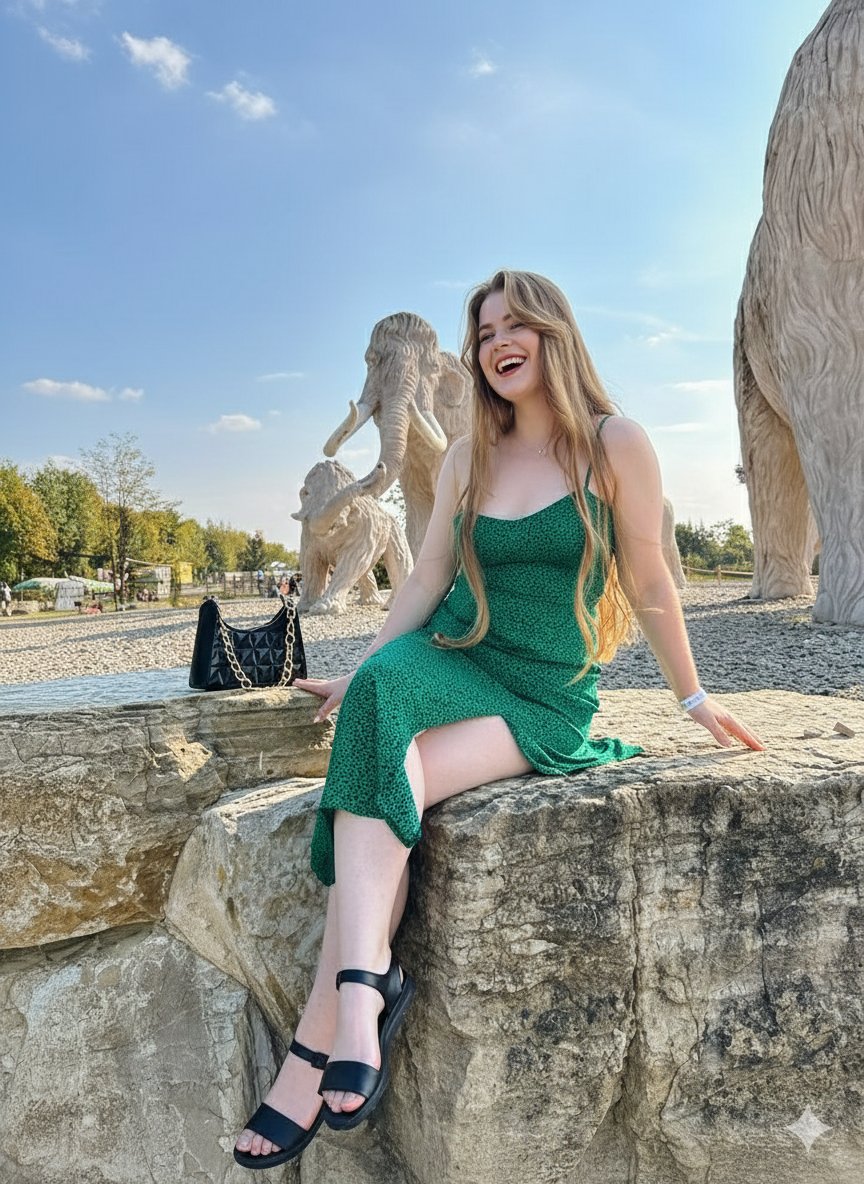
Joyful Woman at Prehistoric Mammoth Park
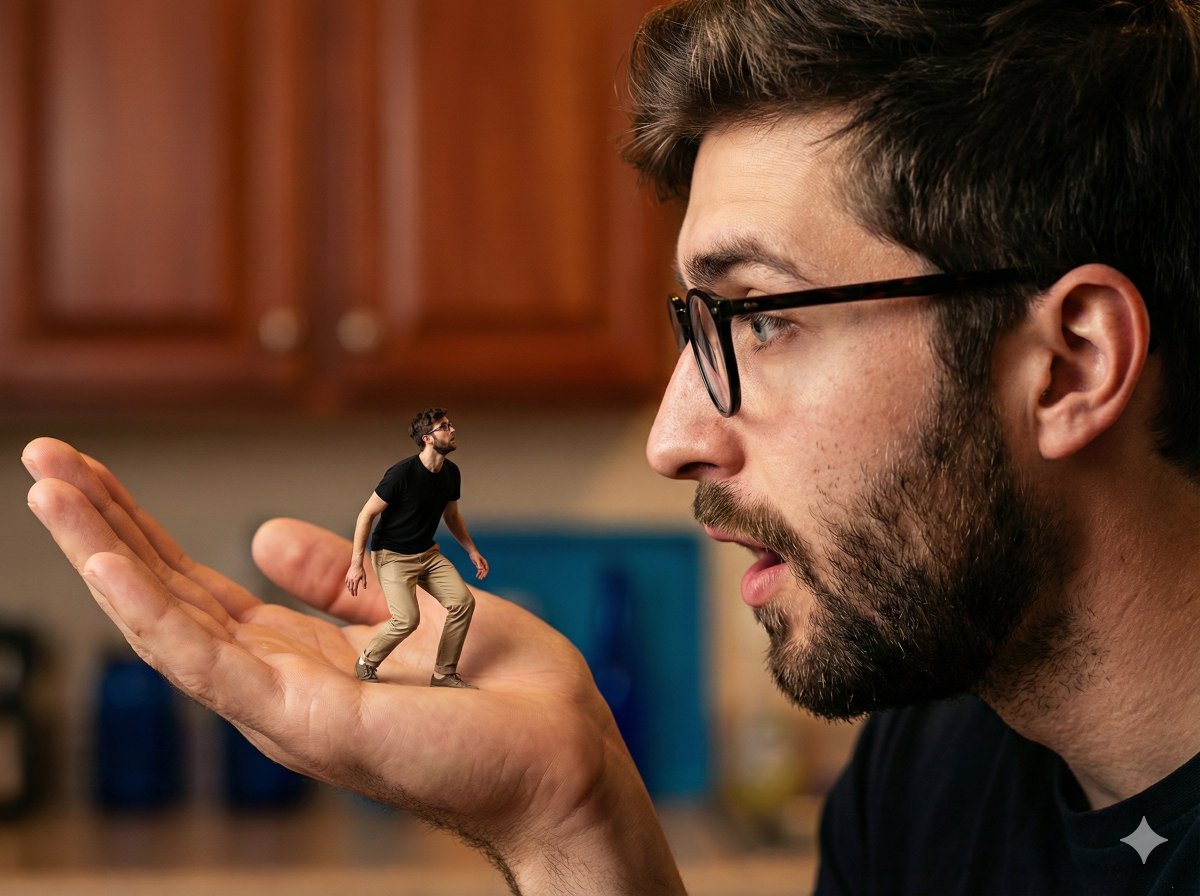
Surreal Forced Perspective Composite Prompt for Nano Banana Pro
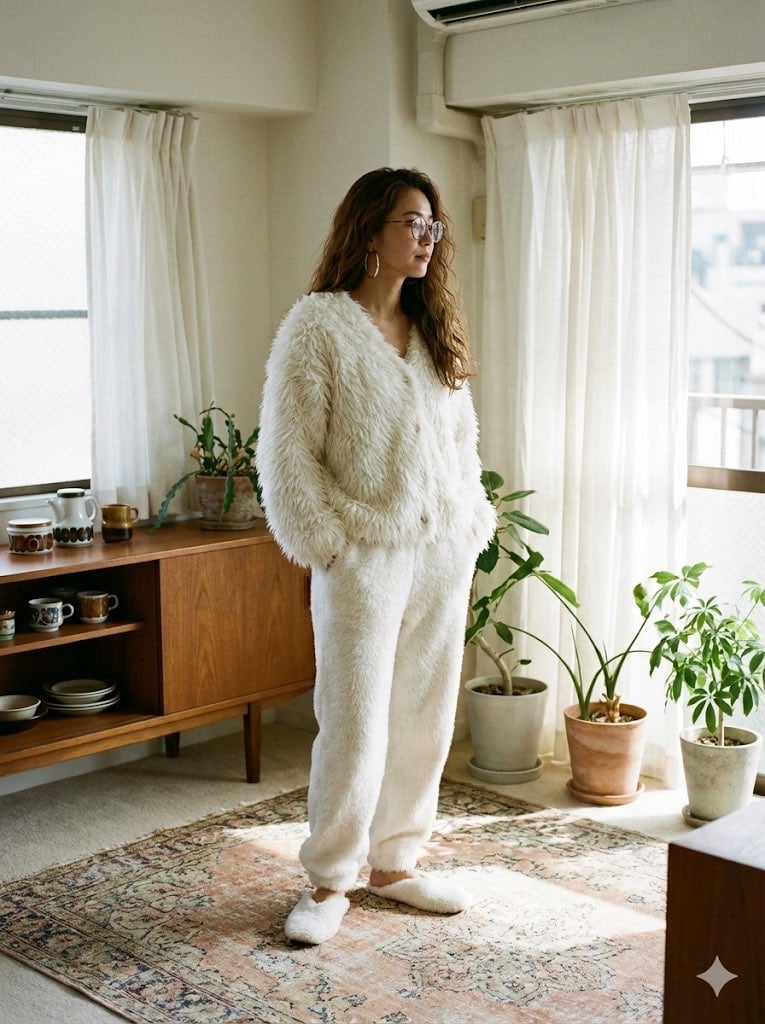
Cozy Retro Loungewear with Shaggy Faux Fur
Retro Anime Pastel Sleep Scene
Vintage Lolita Portrait With Face Glitch
Mid-Century Travel Poster
Browse template categories
Introspective Lamplit Artist Portrait questions
How do I use the Introspective Lamplit Artist Portrait template?
Add your photo if the template asks for one, edit the prompt if you like — the template's model and format are already selected — and press Generate. Your version opens in PicX Studio.
Can I customize the Introspective Lamplit Artist Portrait template?
Yes. You can change the subject, setting, lighting, mood, format, and available model controls before creating your image.
Is the Introspective Lamplit Artist Portrait template free?
Opening and editing this template is free. Generating uses credits, shown on the Generate button when you are signed in.
Which AI model should I use?
Start with GPT Image 2, which is the model associated with this template. You can compare another compatible model for a different finish.
Looking for something else? Browse all templates.

Your photo, any look
Thousands of ready templates for every top image and video model, from one credit balance.