How do I use the Cyberpunk Samurai Elf on Temple Roof template?
Choose the primary action to open PicX Studio with the available template settings. Review the model and format, personalize the creative direction, and generate when ready.
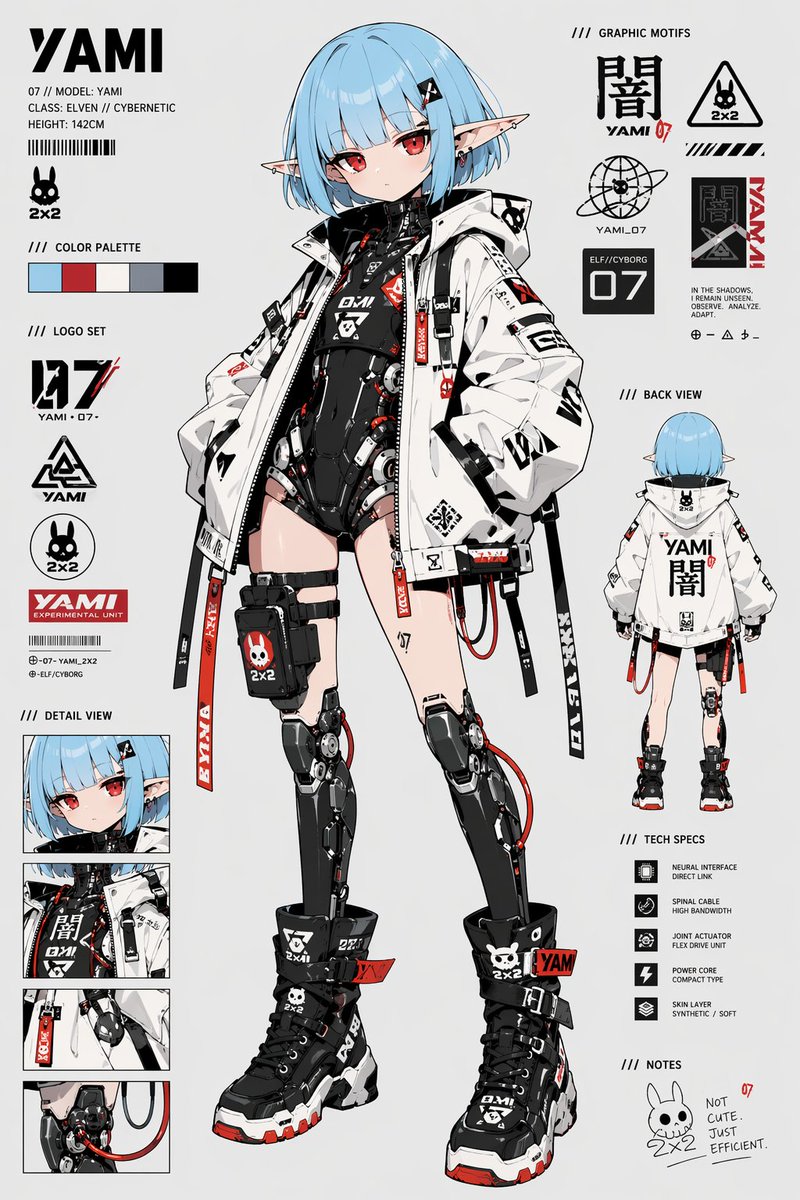
A cinematic anime concept art prompt for creating a blue-haired elf samurai girl overlooking a dystopian feudal cyberpunk city with a giant mechanical war machi
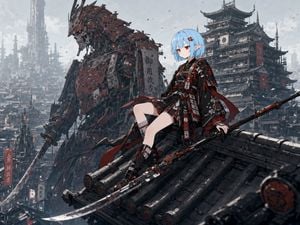
Create a highly detailed cinematic anime illustration of a cyberpunk feudal Japan city. In the foreground, a young elf-eared anime girl with {argument name="hair color" default="short pale blue bob hair"} and red eyes sits calmly on the edge of a dark tiled temple roof, legs forward, one hand resting behind her. She wears an ornate black-and-crimson futuristic samurai kimono armor outfit with layered sleeves, straps, belts, small hanging talismans, red trim, floral embroidery, mechanical details, white thigh-high socks, and black armored geta-like footwear. Add a small red flower hair clip near her bangs. Beside and beneath her lies a long black-and-red mechanical polearm/naginata with a polished curved blade extending toward the lower left foreground. Behind her, show an enormous rust-red mechanical samurai bird or crane-like war machine towering over the city, made of layered armor plates, exposed pistons, cables, gears, rivets, glowing red optics, and a long blade-like beak or weapon arm; it should feel ancient, damaged, and industrial. The background is a vast dense dystopian Japanese megacity with pagoda rooftops, scaffolded towers, vertical signs with stylized kanji-like markings, misty skyscrapers, smokestacks, and a large multi-tiered cyber-temple on the right. Use a cool gray overcast sky, drifting debris and tiny birds, atmospheric haze, deep perspective, and muted desaturated colors with strong crimson accents. Composition: wide 4:3 landscape, character slightly right of center, giant mech on the left, city filling the horizon, roof tiles leading diagonally into the scene. Style: ultra-detailed anime concept art, intricate linework, realistic lighting, gritty sci-fi texture, cinematic scale, sharp focus on the character, no modern UI, no watermark, no readable English text.
Choose the primary action to open PicX Studio with the available template settings. Review the model and format, personalize the creative direction, and generate when ready.
Yes. You can change the subject, setting, lighting, mood, format, and available model controls before creating your image.
This template is free to open and customize. Generation usage is shown in PicX Studio before you create.
Start with GPT Image 2, which is the model associated with this template. You can compare another compatible model for a different finish.
Follow a topic to a crawlable collection of related PicX Studio templates.