
iPhone Portrait with Phone Frame Effect
A creative prompt generating a realistic iPhone-style portrait where the subject holds a phone that displays her face with a wink.
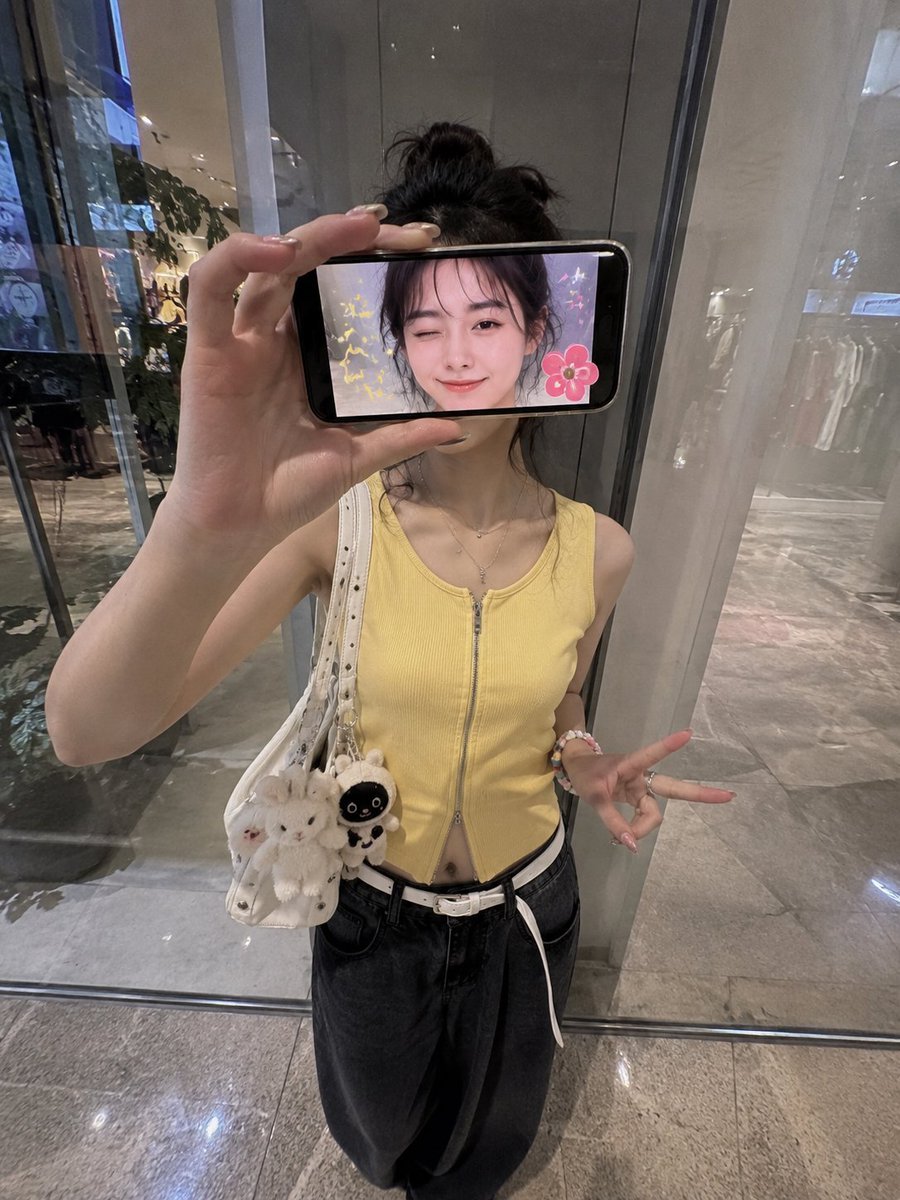
- Prompt included
- Model and format preset
- Free template
The prompt behind this image
Copy the exact prompt behind iPhone Portrait with Phone Frame Effect, or open it in the studio and make it yours.
Ultra-realistic creative iPhone portrait of a stylish {argument name="subject" default="Japanese woman"} standing inside a {argument name="setting" default="modern shopping mall"} in front of a reflective glass wall, photographed from a slightly elevated frontal angle with a 0.5x iPhone wide lens aesthetic. She holds a smartphone horizontally in front of her face, covering her eyes and upper face completely. The phone screen faces the camera and displays a live image of her face with a playful wink and a soft smile. Cute sticker-style decorations appear only on the phone screen, including colorful sparkles, tiny stars, doodles, and a flower sticker beside her face. She wears a {argument name="clothing" default="fitted sleeveless yellow zip-up top, loose black wide-leg jeans, a white belt, rings, bracelets, and a white shoulder bag"}. Pose variation: she stands casually with one leg bent backward, body slightly tilted, holding the phone with one hand while the other hand hangs naturally at her side making a relaxed peace sign near her thigh. Comfortable, candid social-media pose. Composition focuses on the phone acting as a frame-within-a-frame. The real woman is visible behind the phone but her face remains mostly hidden by the device. Fingers grip the edge of the phone naturally. Realistic screen reflections and subtle hand distortion from the wide-angle lens. Background features a contemporary storefront with glass panels, soft reflections, polished floors, ambient mall lighting, and a clean urban atmosphere. Natural skin texture, realistic lighting, authentic iPhone photography, no beauty filters, no skin smoothing, subtle reflections, spontaneous snapshot feeling, ultra-detailed, cinematic realism, lifestyle fashion photography, 4K quality, portrait orientation, 3:4 aspect ratio.
How to use iPhone Portrait with Phone Frame Effect in 3 steps
- 1
Open
The prompt is already in the box next to the preview, with the template's model and format selected.
- 2…a portrait of your subject in softgolden-hour light, 85mm…
Personalize
Edit the subject and creative details for your destination.
- 3Generate
Generate
Press Generate — your image is created in PicX Studio, so you can compare it with the original and refine one variable at a time.
More like this
Templates with the same subject, style or setup. Open one to see its prompt.
iPhone Style Minimalist Office Portrait
Authentic iPhone Portrait of African Woman

Amateur iPhone Photo Portrait with Accurate Face Reference
iPhone Aesthetic Prompt Generator Framework

Found Photograph: Us, 1970

80s Couple Studio Portrait

80s Bollywood Star

80s Golden Hour Cinema

Me in 1985

1985 Studio Portrait
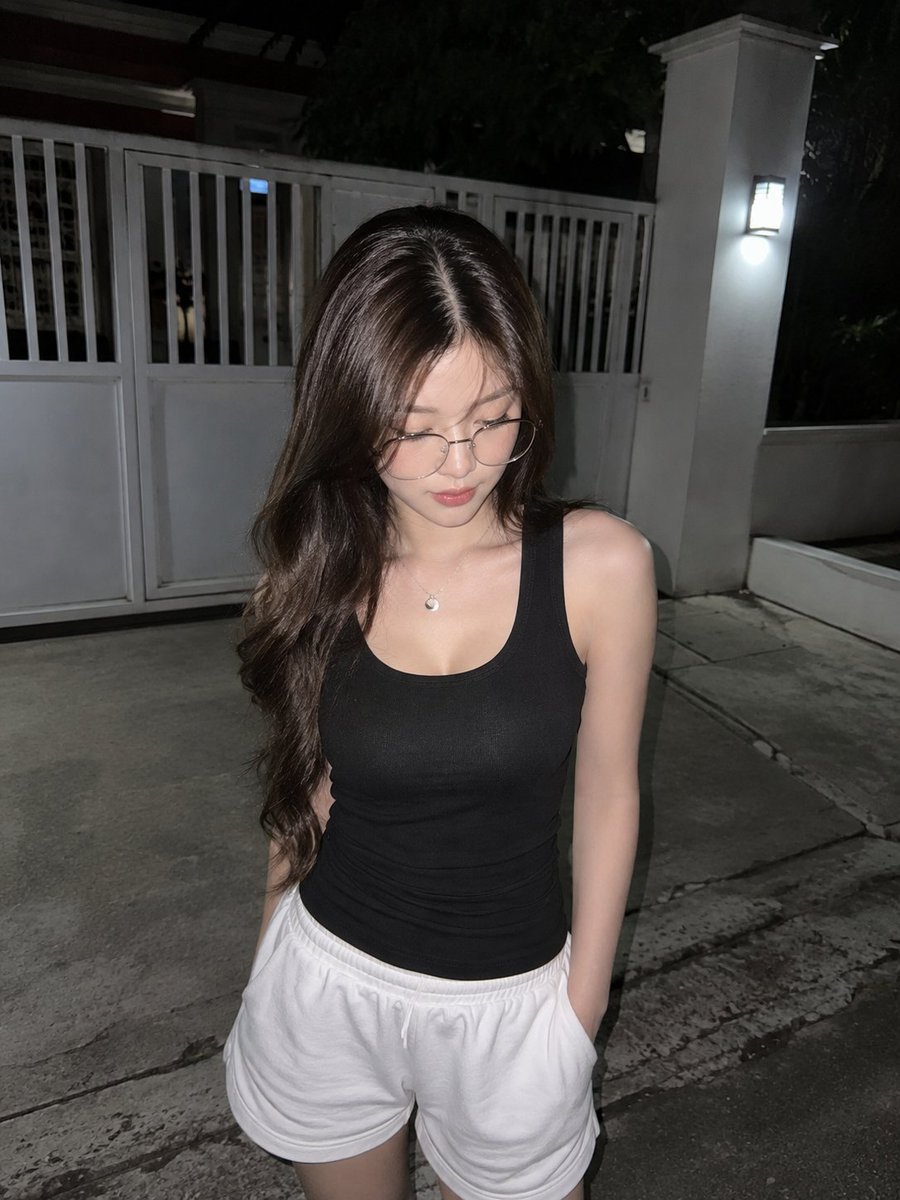
Candid Night Driveway iPhone Photo

Hyper-Realistic Minecraft POV Portrait
Make it yours
iPhone Portrait with Phone Frame Effect works as-is. These are the safest ways to change it without losing the look.
Change one field
Copy a single group, rewrite it, and generate again so you can see what that field is doing.
Keep the frame, change the subject
Hold the composition and light of iPhone Portrait with Phone Frame Effect, then swap wardrobe, props or the person for a new take.
| If the result… | Why | Fix |
|---|---|---|
| The result drifts from the preview | Too many fields changed at once. | Reuse iPhone Portrait with Phone Frame Effect as-is first, then change one group — subject, light, or setting. |
| The model over-stylizes the scene | The prose prompt leaves finish and camera underspecified. | Add one camera or lighting sentence and stay on GPT Image 2. |
More GPT Image 2 templates
Other prompts made for GPT Image 2.

Six VTuber Japanese Logo Sheet

Realistic Portrait of Woman and Deer

The Vista Modular Condo Poster

AI Model Routing Comparison Infographic

2.5D Anime Art Board

Isometric Productivity Desk Scene

New York Double Exposure Poster

Four-Panel AI Landscape Comparison

Japanese Tatami Lifestyle Magazine Cover

NESCAFÉ Coffee Map Poster
More image prompts
Fresh picks from across the catalog.
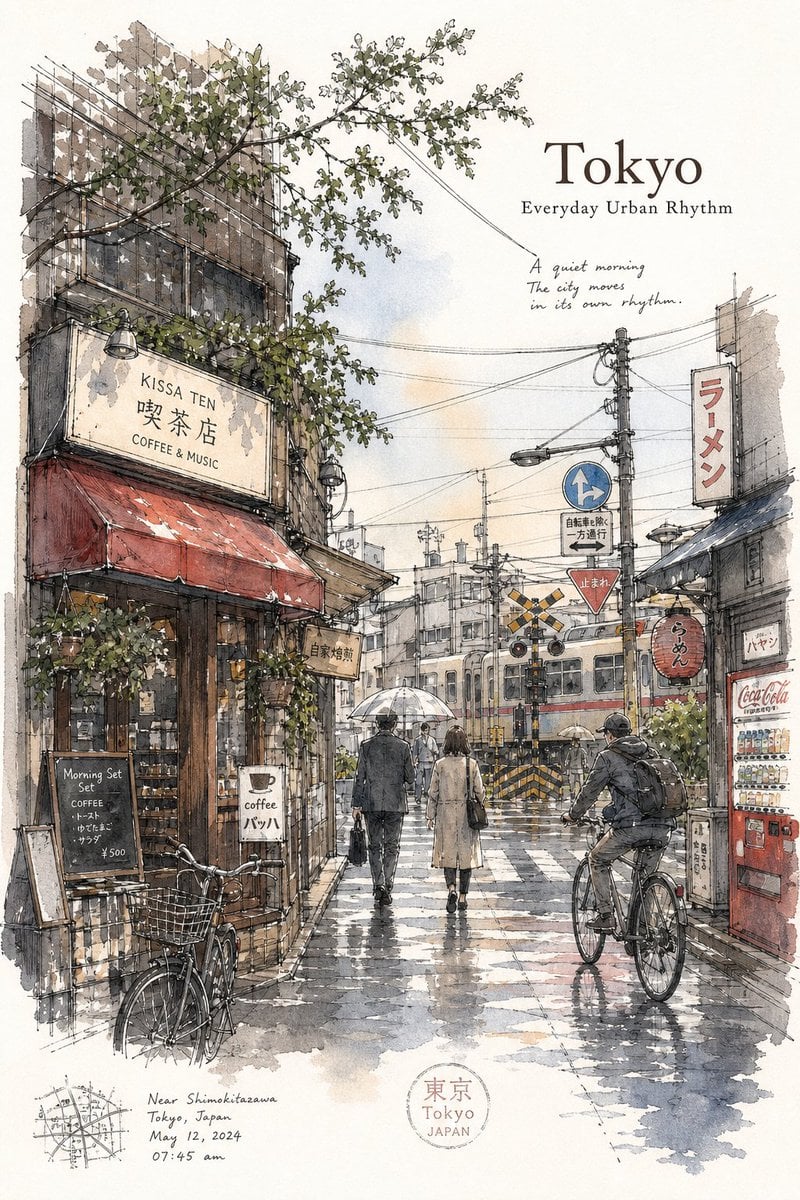
Tokyo Minimalist Urban Sketch Poster

Strict photorealism constraints prompt for Nano Banana Pro
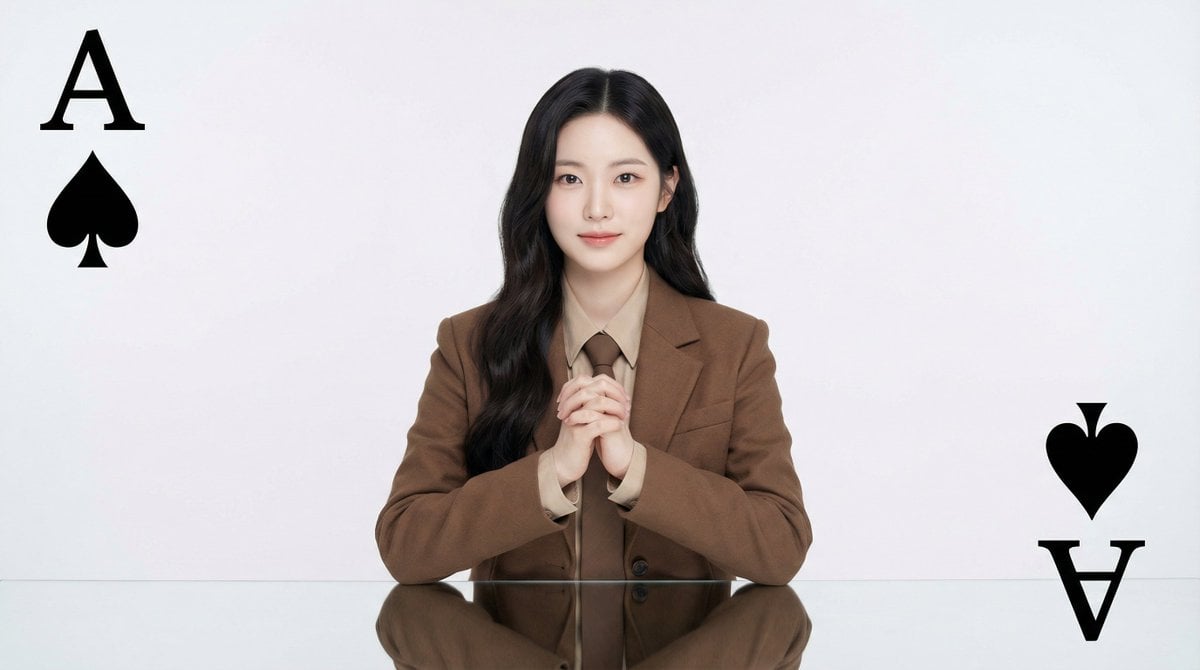
Conceptual Fashion Portrait Prompt

Thumbnail Editing Prompt: Replacing a Person

Anime Character Editorial Poster Prompt
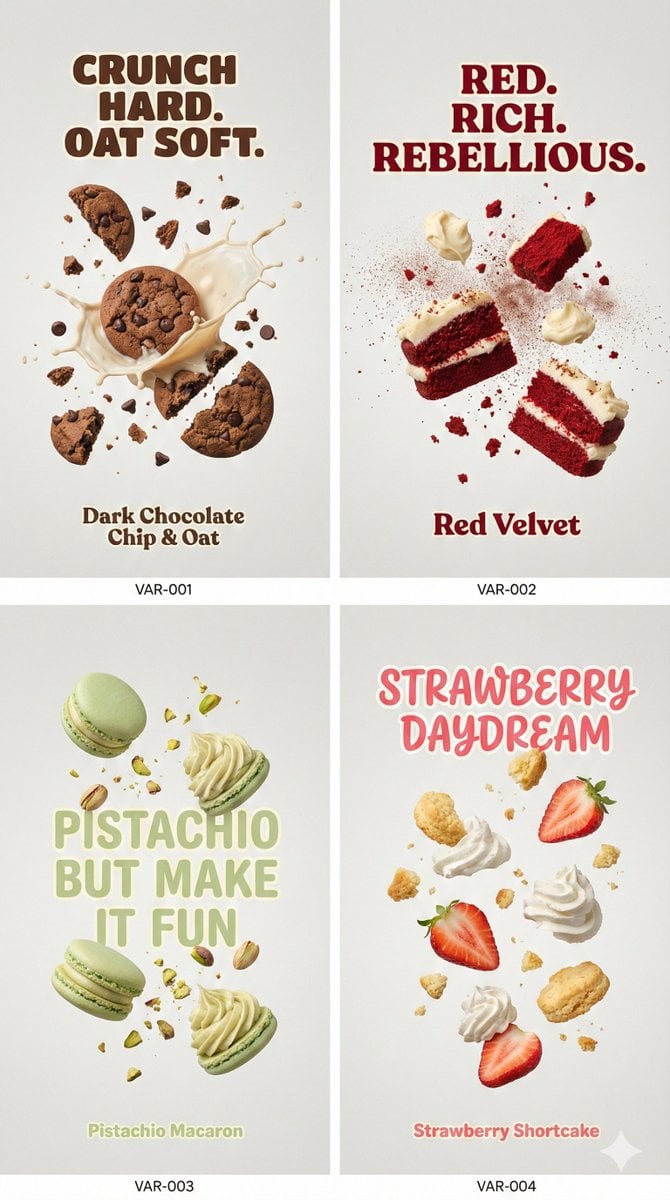
Cinematic Food Photography Prompt for Cookies

Pink Princess Idol Character Collage

Cinematic Anime Train Station Poster
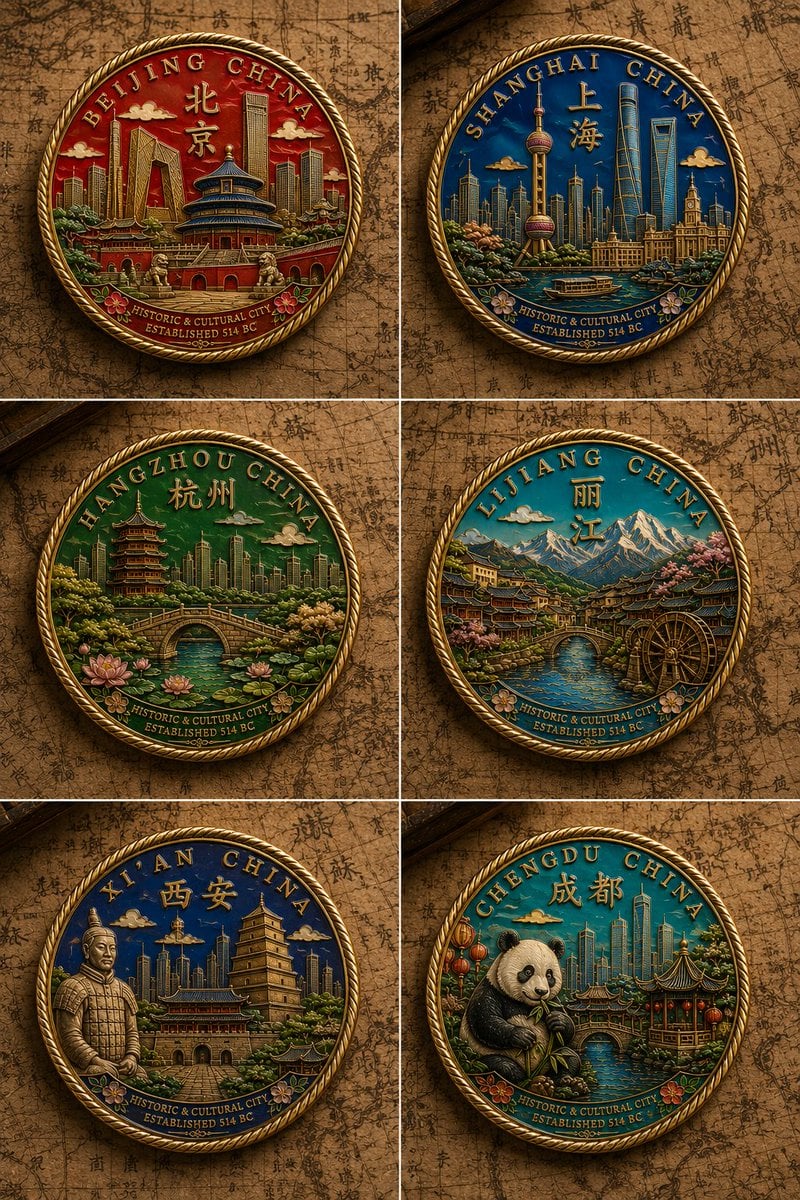
Six Chinese City Enamel Medals

Vintage Americana Desert Illustration
Browse template categories
iPhone Portrait with Phone Frame Effect questions
How do I use the iPhone Portrait with Phone Frame Effect template?
Add your photo if the template asks for one, edit the prompt if you like — the template's model and format are already selected — and press Generate. Your version opens in PicX Studio.
Can I customize the iPhone Portrait with Phone Frame Effect template?
Yes. You can change the subject, setting, lighting, mood, format, and available model controls before creating your image.
Is the iPhone Portrait with Phone Frame Effect template free?
Opening and editing this template is free. Generating uses credits, shown on the Generate button when you are signed in.
Which AI model should I use?
Start with GPT Image 2, which is the model associated with this template. You can compare another compatible model for a different finish.
Looking for something else? Browse all templates.

Your photo, any look
Thousands of ready templates for every top image and video model, from one credit balance.