
Spanish Dragon Stadium Celebration
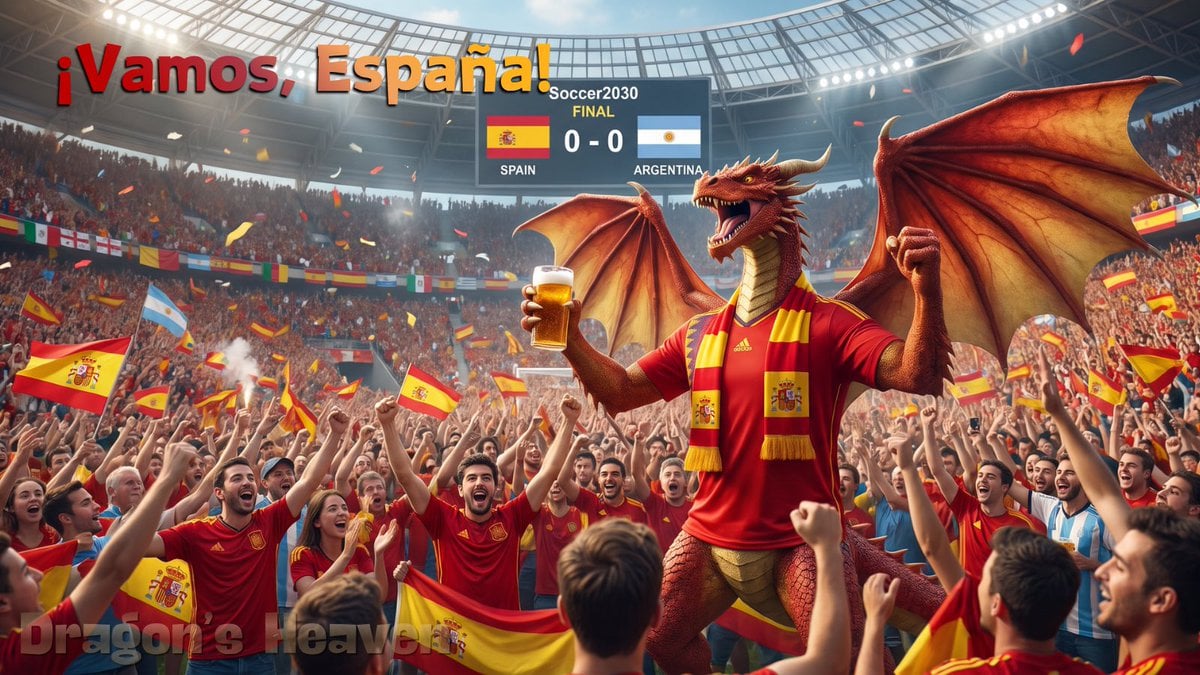
A cinematic football stadium celebration featuring a red dragon Spain supporter roaring among cheering fans for a final match scene.
- Prompt included
- Model and format preset
- Free template
The prompt behind this image
Copy the exact prompt behind Spanish Dragon Stadium Celebration, or open it in the studio and make it yours.
Create a cinematic wide 16:9 photorealistic sports-fantasy scene inside a packed modern football stadium during a major final. In the foreground and center-right, show a slim but intimidating red dragon mascot/supporter standing among fans, with a long neck, sharp horns, open roaring mouth, raised fist, large leathery wings spread wide, and red-orange scales with a pale gold underbelly. Dress the dragon in a red Spain football shirt and a red-and-yellow Spain scarf, and have it hold a glass of beer in one claw. Surround it with an ecstatic crowd of Spanish supporters wearing red jerseys, cheering with raised arms, waving Spanish flags, and holding red-yellow banners; include a small natural mix of Argentina supporters in light blue and white shirts at the right side of the crowd. The stadium should feel realistic and huge, with a curved glass roof, bright floodlights, dense stands, smoke or flare haze, confetti, and national flags hanging around the tiers. Add exactly 3 main readable text areas: a large top-left headline reading “¡Vamos, España!” in bold red-to-orange 3D letters with shadow; a central stadium scoreboard reading “Soccer2030 FINAL” with Spain and Argentina flags, labels “SPAIN” and “ARGENTINA,” and score “0 - 0”; and a subtle bottom-left watermark-style title reading “Dragon’s Heaven.” Use dramatic warm lighting, strong depth, energetic motion, and a celebratory World Cup final atmosphere. Customize the main headline as {argument name="headline text" default="¡Vamos, España!"}, the featured team as {argument name="featured team" default="Spain"}, the opponent as {argument name="opponent team" default="Argentina"}, the score as {argument name="score" default="0 - 0"}, and the watermark as {argument name="watermark text" default="Dragon’s Heaven"}.
How to use Spanish Dragon Stadium Celebration in 3 steps
- 1Upload ImagePNG, JPG or paste
Add your photo
Upload the photo the template builds on. The prompt, model and format are already set.
- 2…a portrait of your subject in softgolden-hour light, 85mm…
Personalize
Edit the subject and creative details for your destination.
- 3Generate
Generate
Press Generate — your image is created in PicX Studio, so you can compare it with the original and refine one variable at a time.
More like this
Templates with the same subject, style or setup. Open one to see its prompt.
Germany 10 Championship Celebration Poster

Usa Cinematic Hyperreal Collage Poster
Fifa Stadium Fan Portrait Poster

Campaign Smoke National Symbols World Cup
Brazil Passion Power Shot Poster
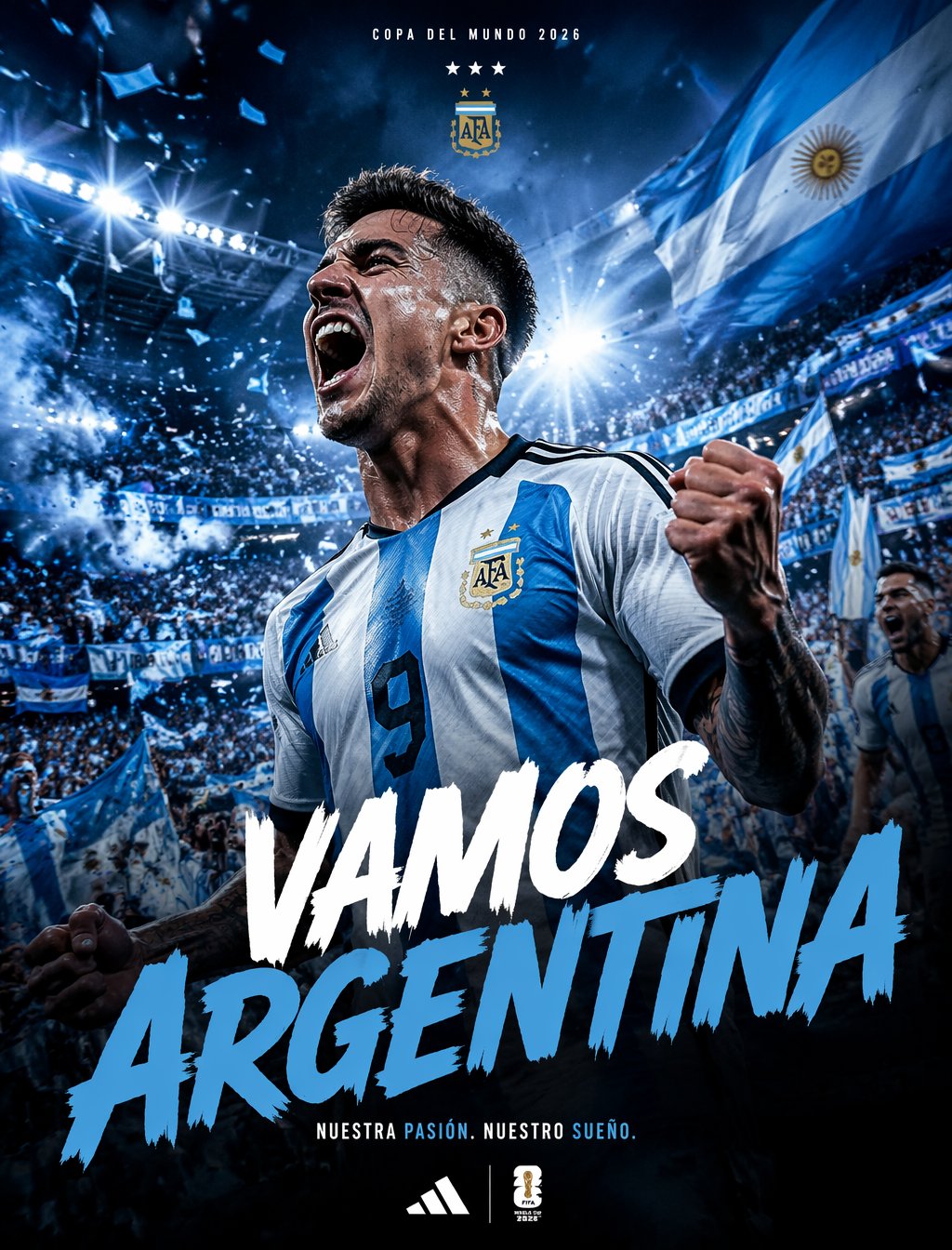
Argentina Vamos Diagonal Fan Poster
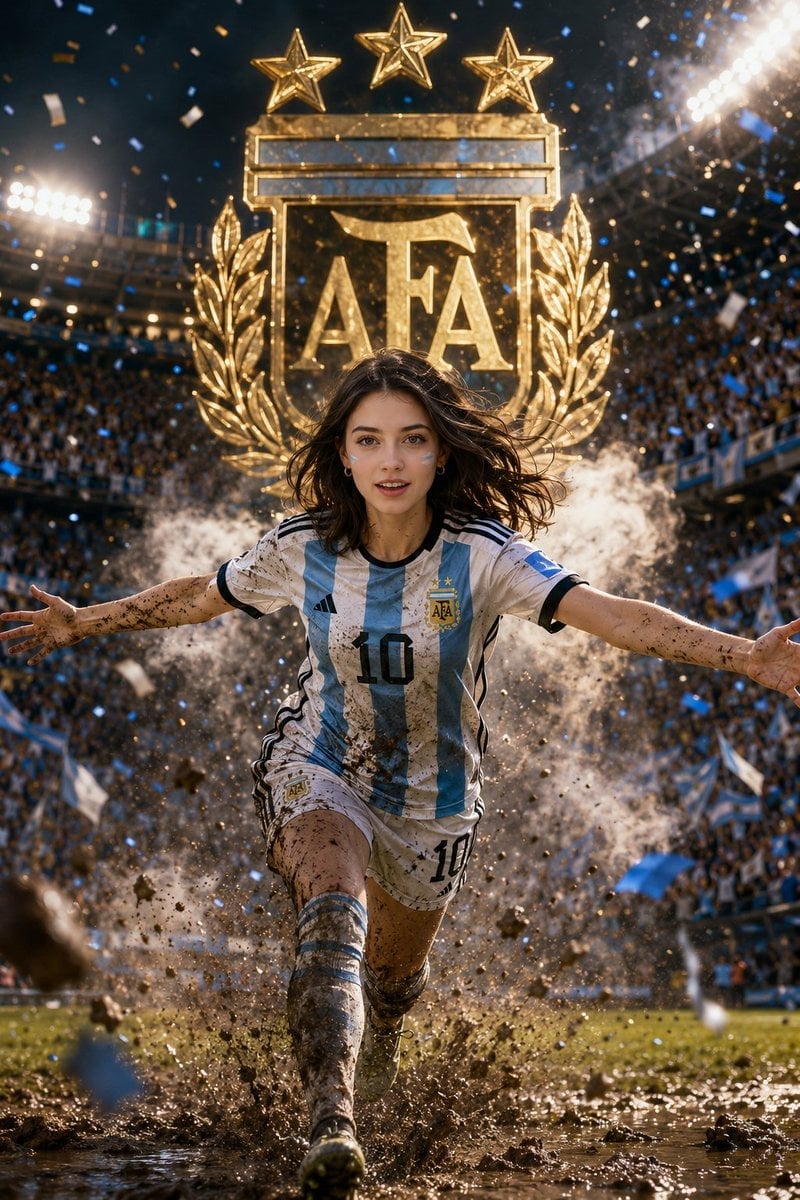
Argentina 10 Celebration Fan Poster

Minecraft Fantasy Kingdom Voxel Landscape

FIFA-Inspired — World Cup Final Goal Net Commercial

FIFA 2026 — Golden Trophy Stadium Night
Seedance - Dragon vs Python Battle
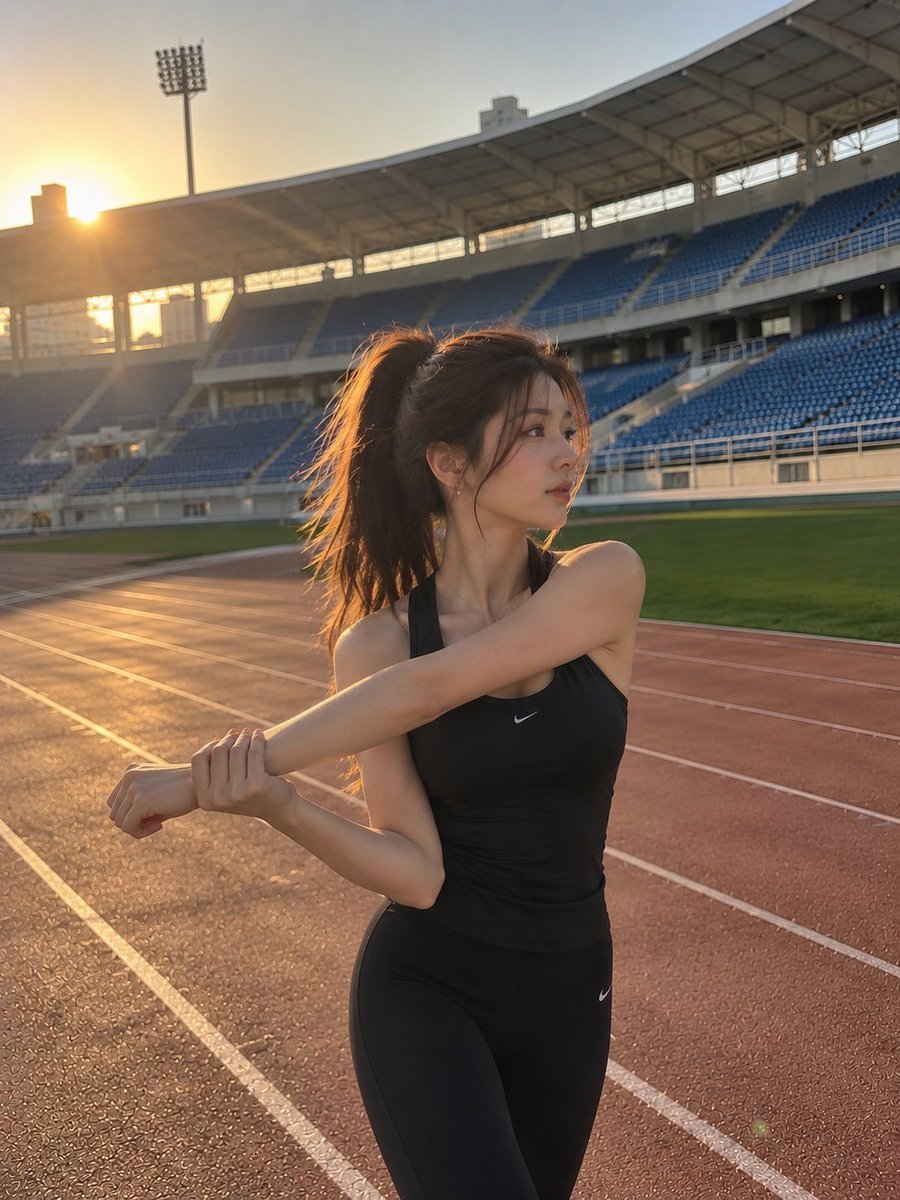
Cinematic Stadium Sports Portrait
Make it yours
Spanish Dragon Stadium Celebration works as-is. These are the safest ways to change it without losing the look.
Change one field
Copy a single group, rewrite it, and generate again so you can see what that field is doing.
Keep the frame, change the subject
Hold the composition and light of Spanish Dragon Stadium Celebration, then swap wardrobe, props or the person for a new take.
| If the result… | Why | Fix |
|---|---|---|
| The result drifts from the preview | Too many fields changed at once. | Reuse Spanish Dragon Stadium Celebration as-is first, then change one group — subject, light, or setting. |
| The model over-stylizes the scene | The prose prompt leaves finish and camera underspecified. | Add one camera or lighting sentence and stay on GPT Image 2. |
More GPT Image 2 templates
Other prompts made for GPT Image 2.

Six VTuber Japanese Logo Sheet

Realistic Portrait of Woman and Deer

The Vista Modular Condo Poster

AI Model Routing Comparison Infographic

2.5D Anime Art Board

Isometric Productivity Desk Scene

New York Double Exposure Poster

Four-Panel AI Landscape Comparison

Japanese Tatami Lifestyle Magazine Cover

NESCAFÉ Coffee Map Poster
More image prompts
Fresh picks from across the catalog.
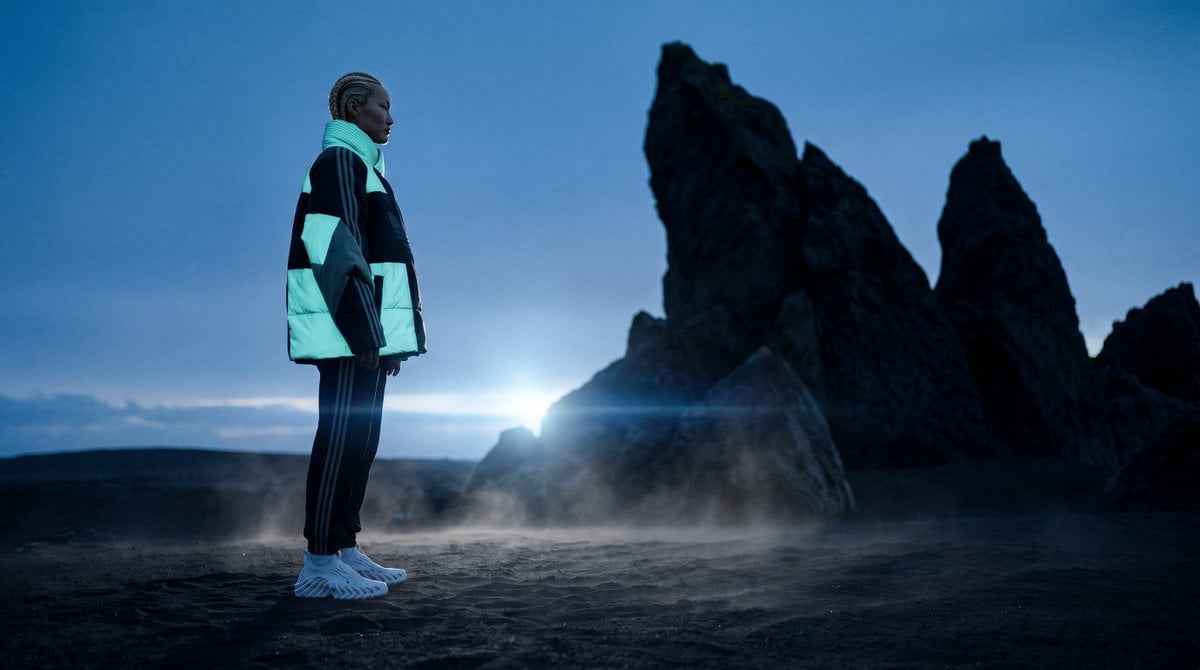
Blue Hour Volcanic Fashion Editorial
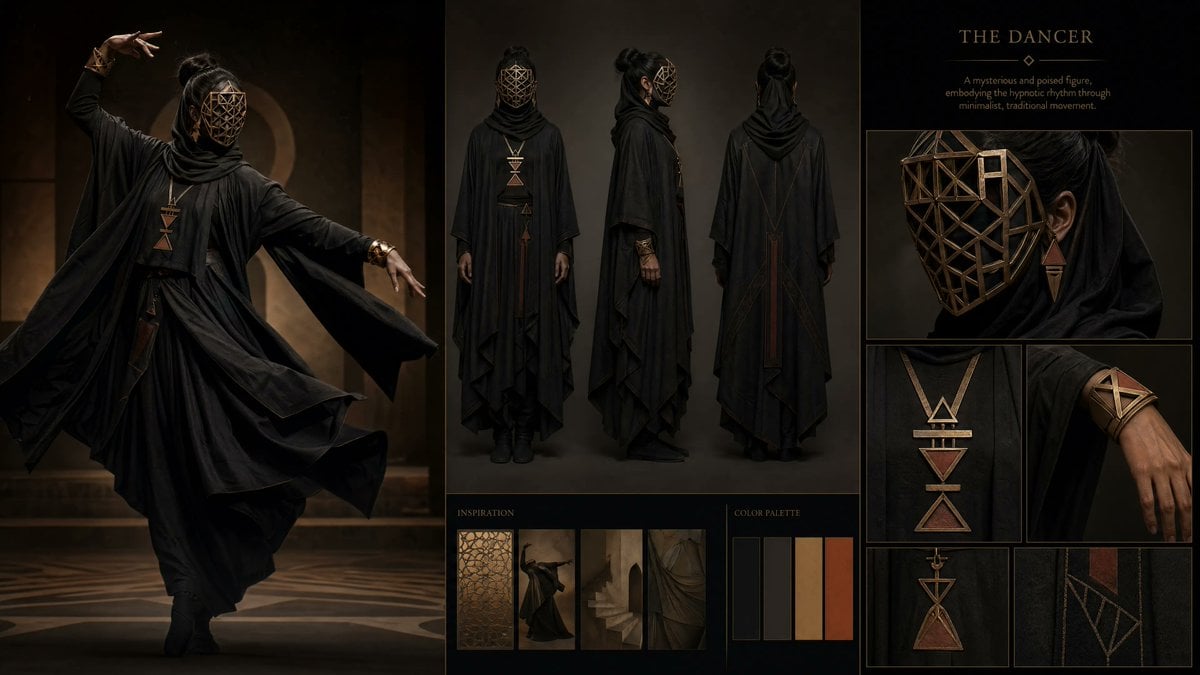
Dark Ritual Dancer Concept Board

Demon Slayer Anime Character Portrait
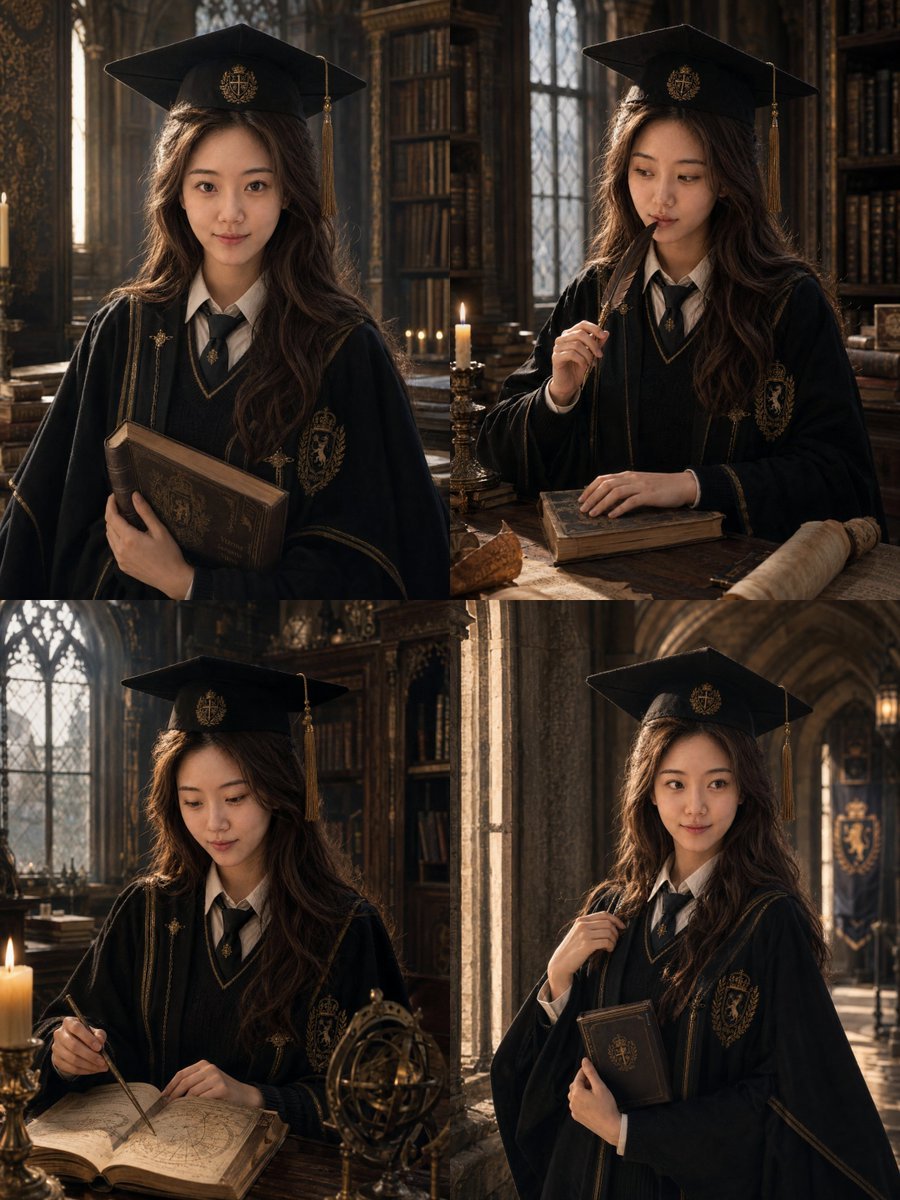
Luxury Magazine Graduation Portraits
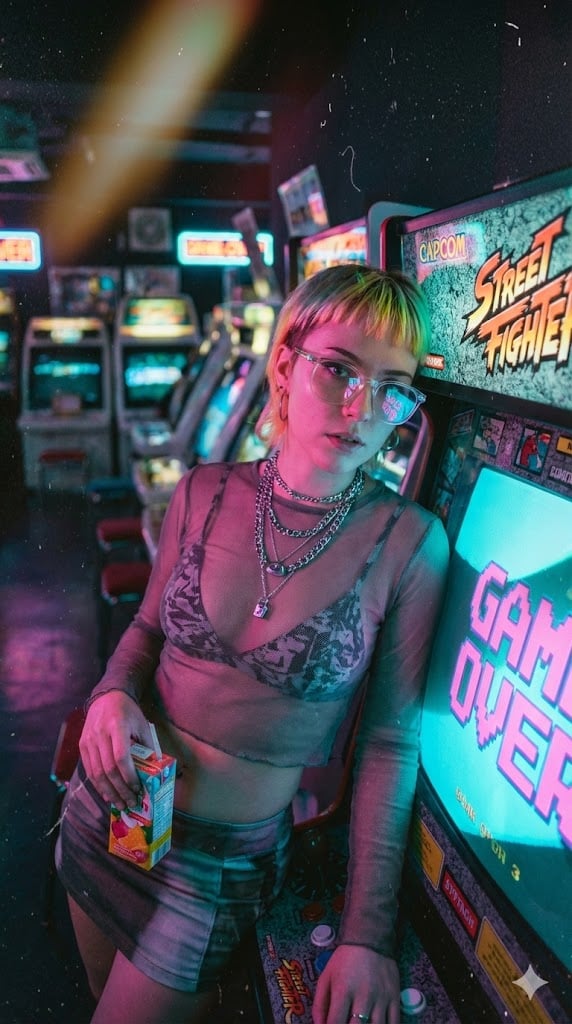
Retro-Futuristic Arcade Photography Portrait
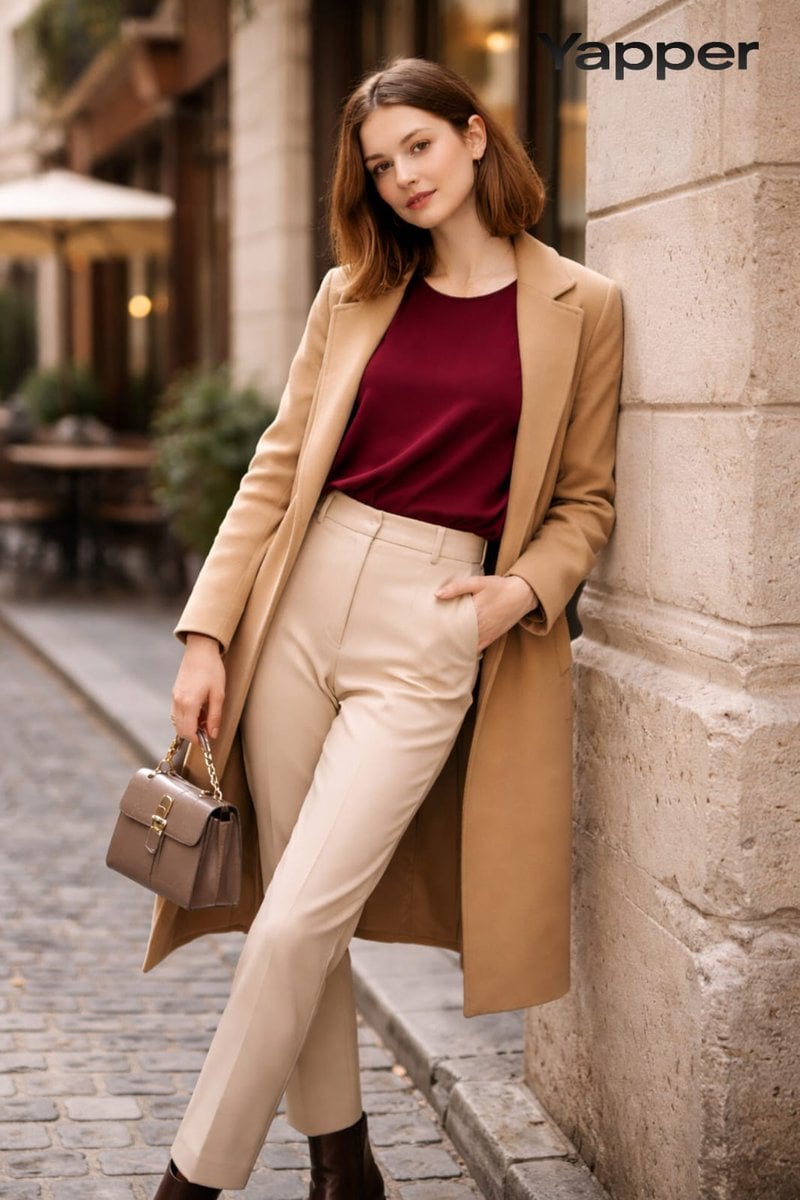
High-Fashion Street Portrait Prompt for Nano Banana Pro
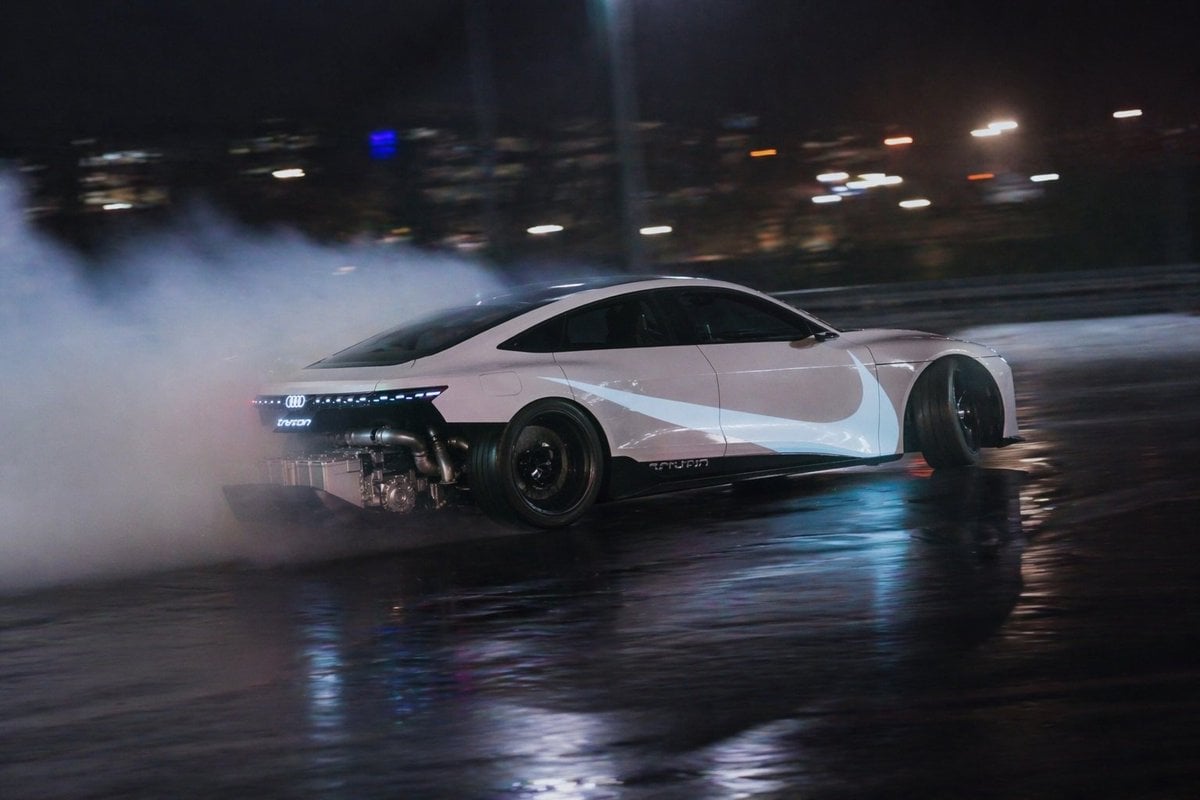
Night Drift Futuristic Sports Sedan
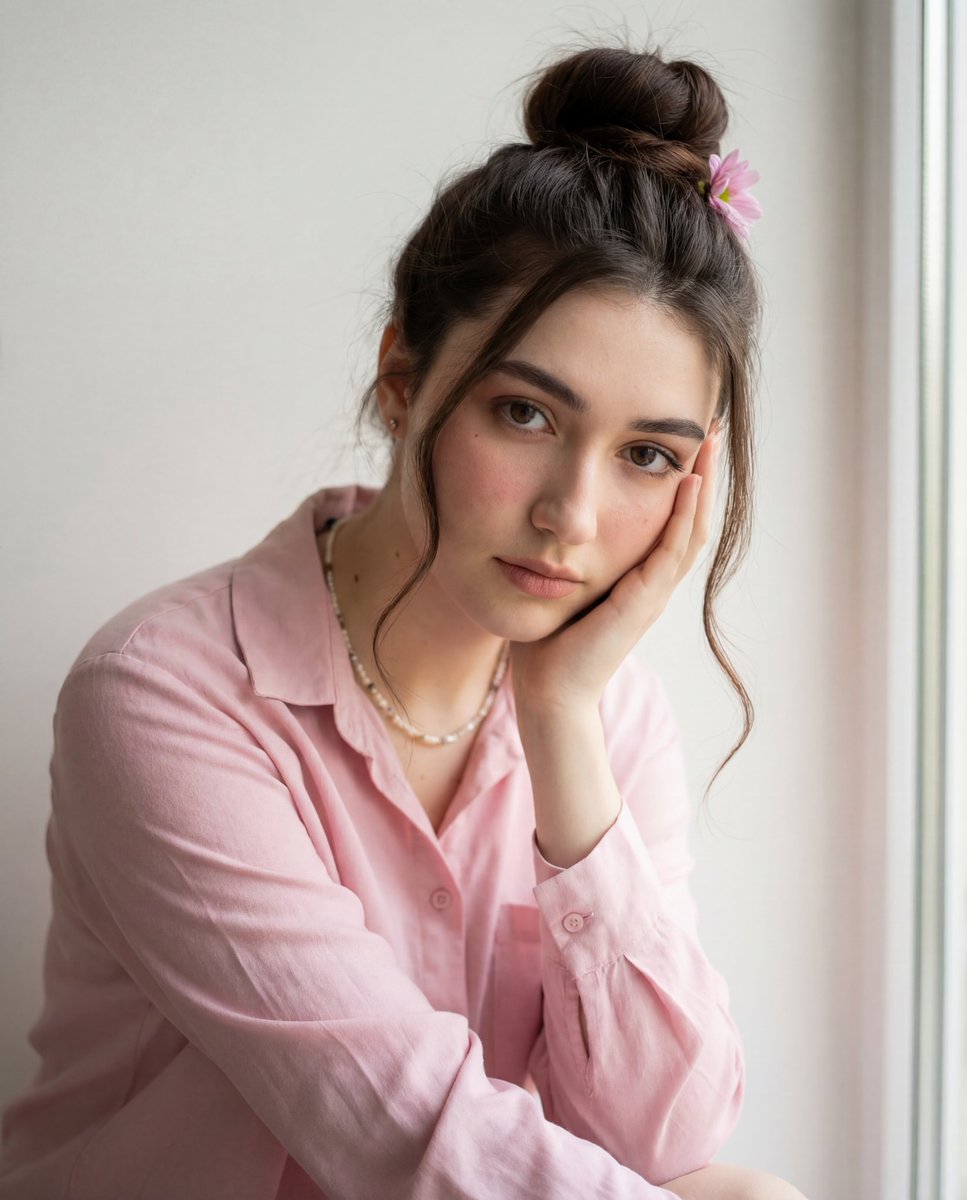
Intimate Photorealistic Portrait with Strict Face Consistency
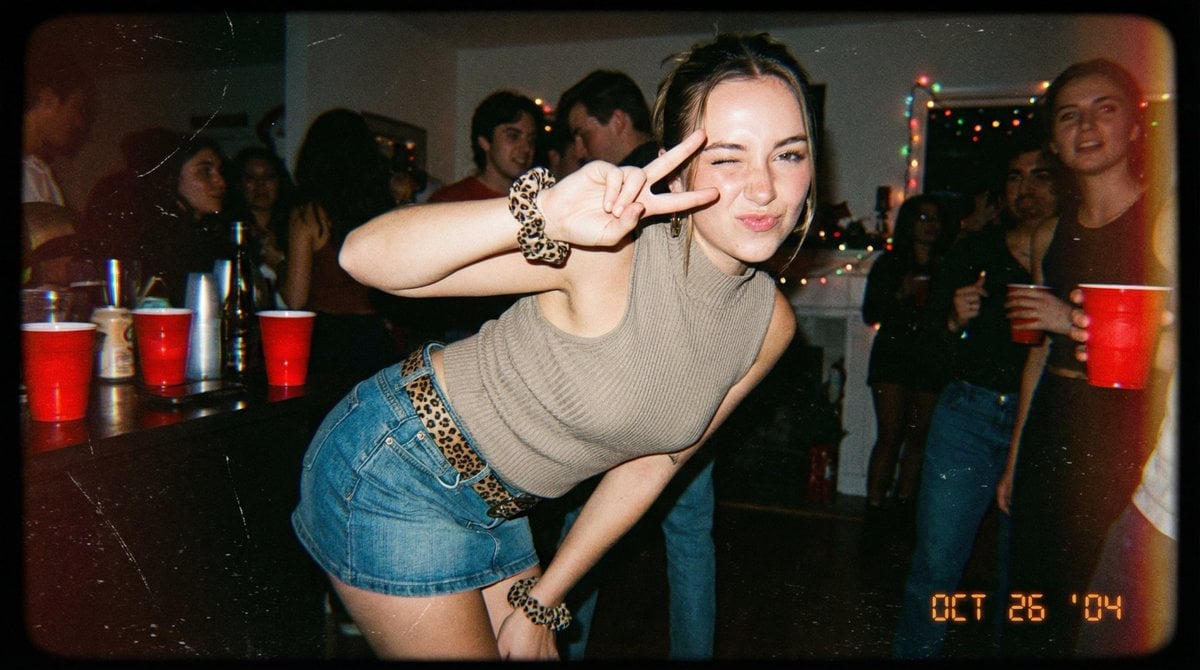
Vintage 2000s Disposable Camera Style Template
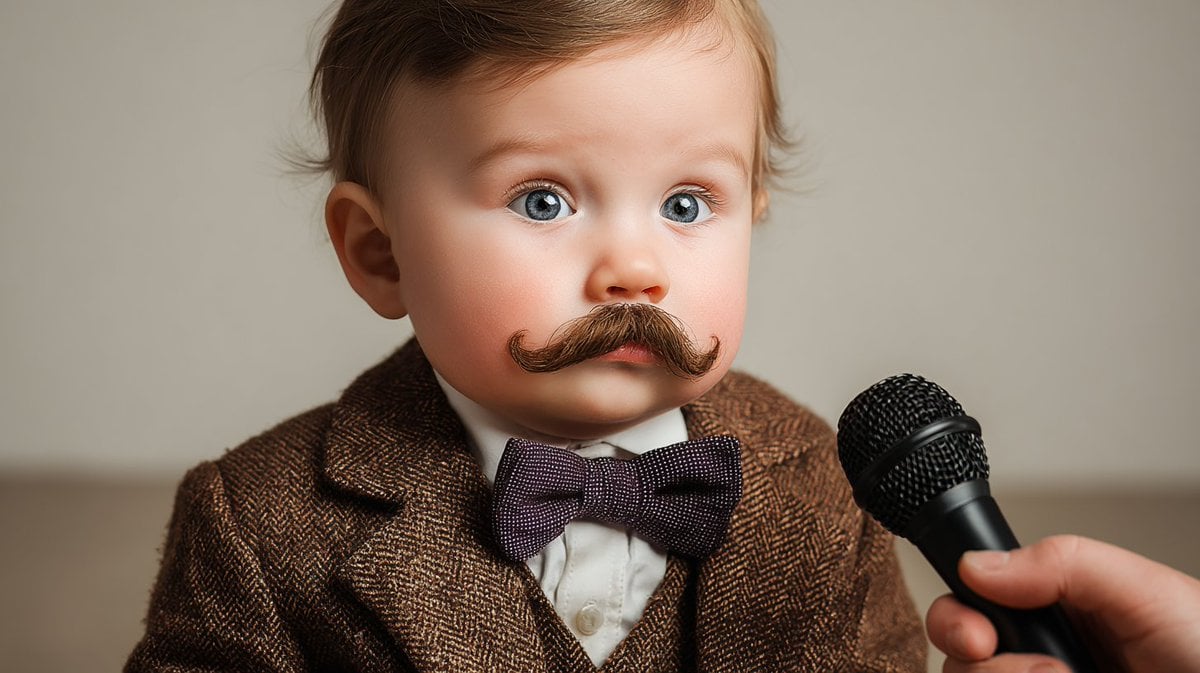
Panel Cinematic Storyboard Generation Prompt
Browse template categories
Spanish Dragon Stadium Celebration questions
How do I use the Spanish Dragon Stadium Celebration template?
Add your photo if the template asks for one, edit the prompt if you like — the template's model and format are already selected — and press Generate. Your version opens in PicX Studio.
Can I customize the Spanish Dragon Stadium Celebration template?
Yes. You can change the subject, setting, lighting, mood, format, and available model controls before creating your image.
Is the Spanish Dragon Stadium Celebration template free?
Opening and editing this template is free. Generating uses credits, shown on the Generate button when you are signed in.
Which AI model should I use?
Start with GPT Image 2, which is the model associated with this template. You can compare another compatible model for a different finish.
Looking for something else? Browse all templates.

Your photo, any look
Thousands of ready templates for every top image and video model, from one credit balance.