
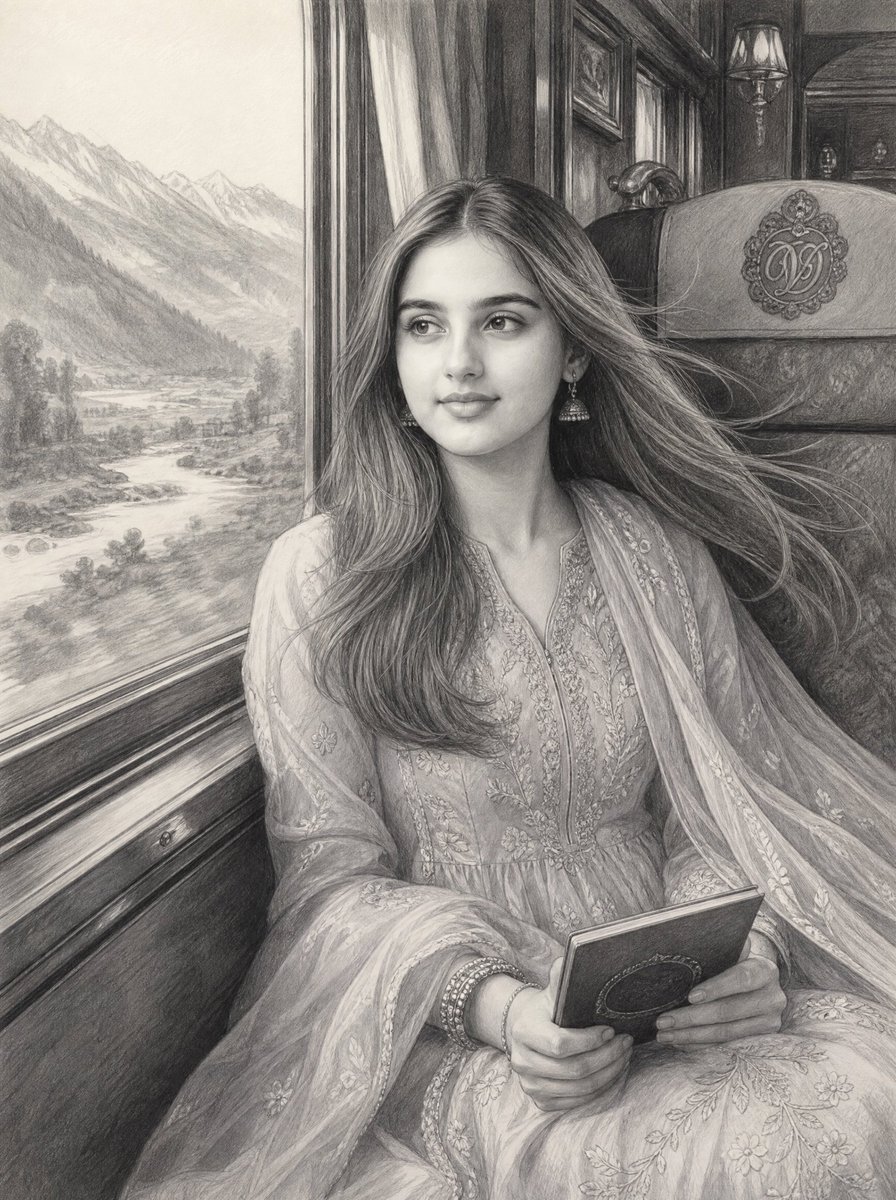
Vintage Train Graphite Portrait
An ultra-realistic graphite pencil portrait of a young South Asian woman seated by a luxury train window with mountains outside.
- Prompt included
- Model and format preset
- Free template
The prompt behind this image
Copy the exact prompt behind Vintage Train Graphite Portrait, or open it in the studio and make it yours.
Create an ultra-realistic graphite pencil sketch of {argument name="character description" default="a beautiful young South Asian woman"} sitting beside a large window inside a luxurious vintage train carriage, shown from the waist up in a vertical portrait composition. She has a calm, soft expression, slightly smiling, looking out through the window toward the left side of the image rather than at the viewer. Her long, flowing hair is parted near the center and blown gently to the right by wind from the open window, with many fine individual strands rendered in pencil. She wears an elegant embroidered traditional South Asian outfit, a flowing dupatta draped over one shoulder and across her lap, small jhumka earrings, bangles, and delicate floral patterns throughout the fabric. Her hands rest in her lap holding {argument name="held object" default="a small closed book or diary with an oval ornament on the cover"}. The setting is an ornate vintage luxury train interior with polished dark wood paneling, carved trim, a cushioned seat back bearing a decorative monogram emblem, framed wall details, and a small classic wall lamp in the background. Through the window, show a detailed {argument name="outside landscape" default="mountain valley with snow-capped peaks, pine-covered slopes, a winding river, trees, and distant fields"}. Use only monochrome graphite pencil tones on textured off-white paper, with highly realistic facial shading, soft highlights, fine crosshatching, layered pencil gradients, intricate textile embroidery, and atmospheric depth outside the window. The mood should feel romantic, nostalgic, serene, and cinematic. No color, no modern objects, no text, no watermark, no extra people.
How to use Vintage Train Graphite Portrait in 3 steps
- 1Upload ImagePNG, JPG or paste
Add your photo
Upload the photo the template builds on. The prompt, model and format are already set.
- 2…a portrait of your subject in softgolden-hour light, 85mm…
Personalize
Edit the subject and creative details for your destination.
- 3Generate
Generate
Press Generate — your image is created in PicX Studio, so you can compare it with the original and refine one variable at a time.
More like this
Templates with the same subject, style or setup. Open one to see its prompt.

Found Photograph: Us, 1970

80s Couple Studio Portrait

80s Bollywood Star

80s Golden Hour Cinema
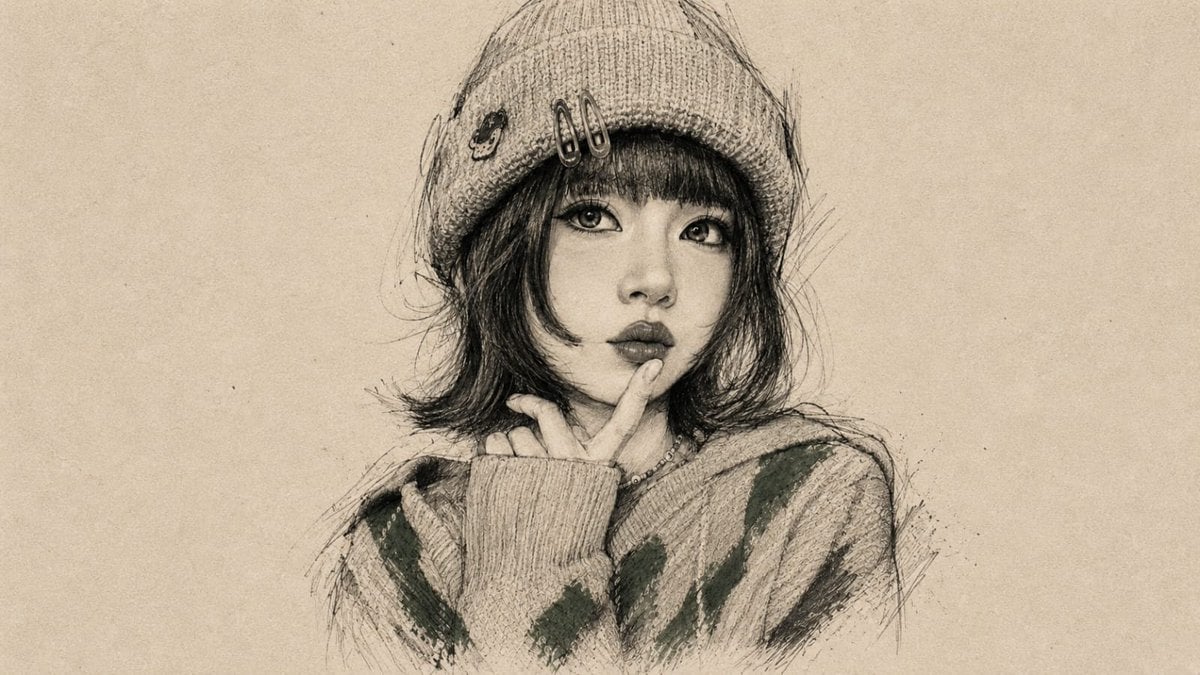
Vintage Graphite Portrait Transformation
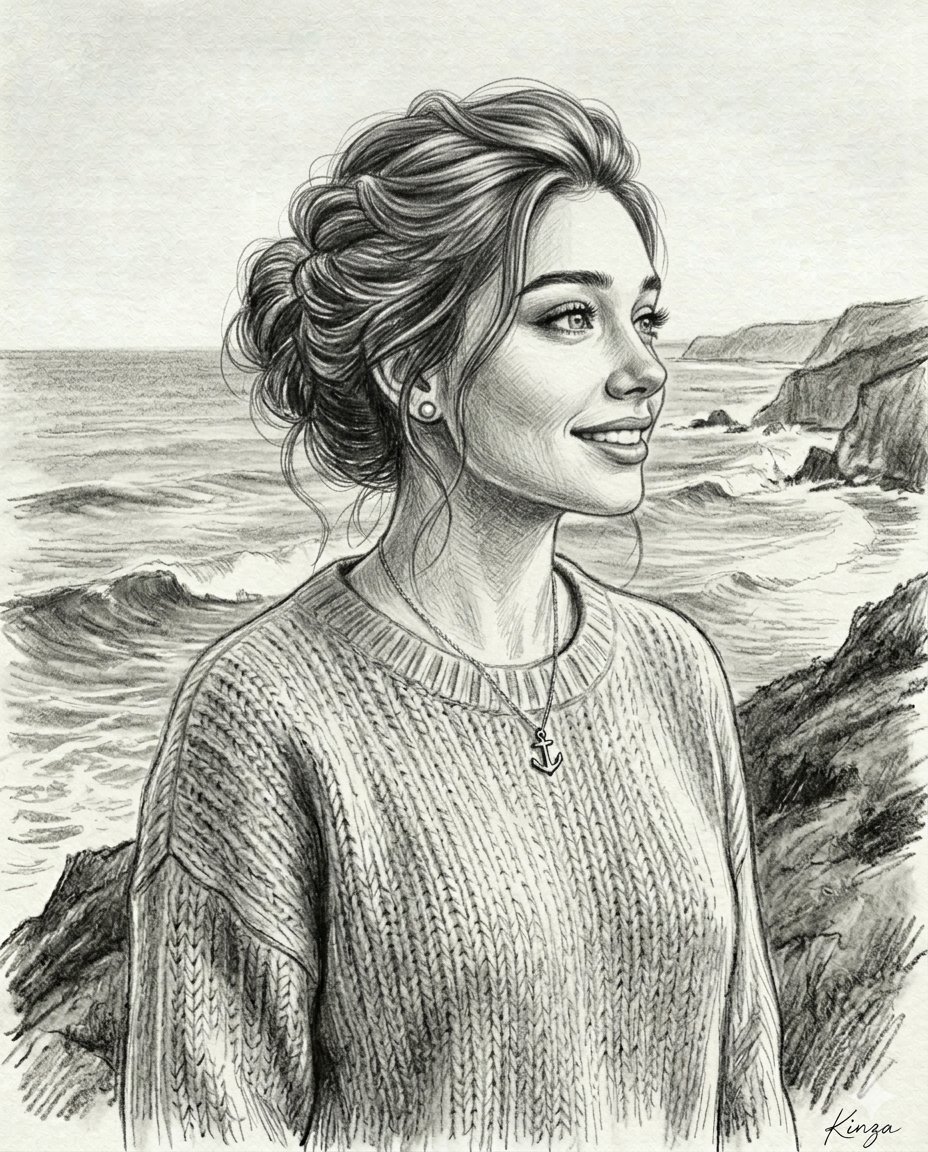
Vintage Graphite Pencil Portrait

Face-Locked Train Window Lifestyle Portrait

Two Tickets, One Night

If We Met in 1985

One Dance Before Midnight

Before We said Goodbye

Our Song was on a Cassette
Make it yours
Vintage Train Graphite Portrait works as-is. These are the safest ways to change it without losing the look.
Change one field
Copy a single group, rewrite it, and generate again so you can see what that field is doing.
Keep the frame, change the subject
Hold the composition and light of Vintage Train Graphite Portrait, then swap wardrobe, props or the person for a new take.
| If the result… | Why | Fix |
|---|---|---|
| The result drifts from the preview | Too many fields changed at once. | Reuse Vintage Train Graphite Portrait as-is first, then change one group — subject, light, or setting. |
| The model over-stylizes the scene | The prose prompt leaves finish and camera underspecified. | Add one camera or lighting sentence and stay on GPT Image 2. |
More GPT Image 2 templates
Other prompts made for GPT Image 2.

Six VTuber Japanese Logo Sheet

Realistic Portrait of Woman and Deer

The Vista Modular Condo Poster

AI Model Routing Comparison Infographic

2.5D Anime Art Board

Isometric Productivity Desk Scene

New York Double Exposure Poster

Four-Panel AI Landscape Comparison

Japanese Tatami Lifestyle Magazine Cover

NESCAFÉ Coffee Map Poster
More image prompts
Fresh picks from across the catalog.

Futuristic Noir Cinematic Portrait

Cozy Korean Bedroom Portrait
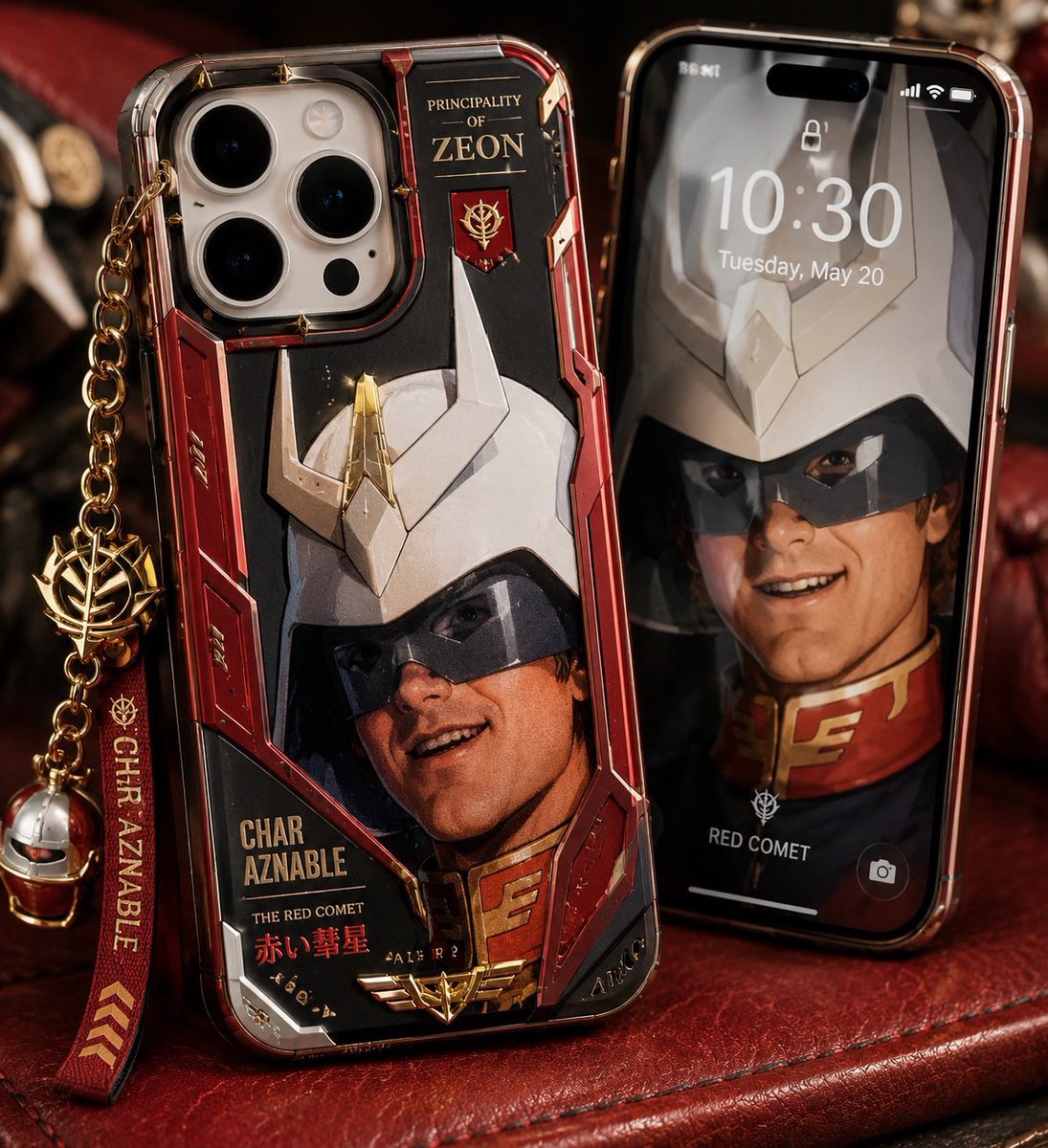
Luxury Mecha Smartphone Case Mockup

Golden Hour Fashion Portrait
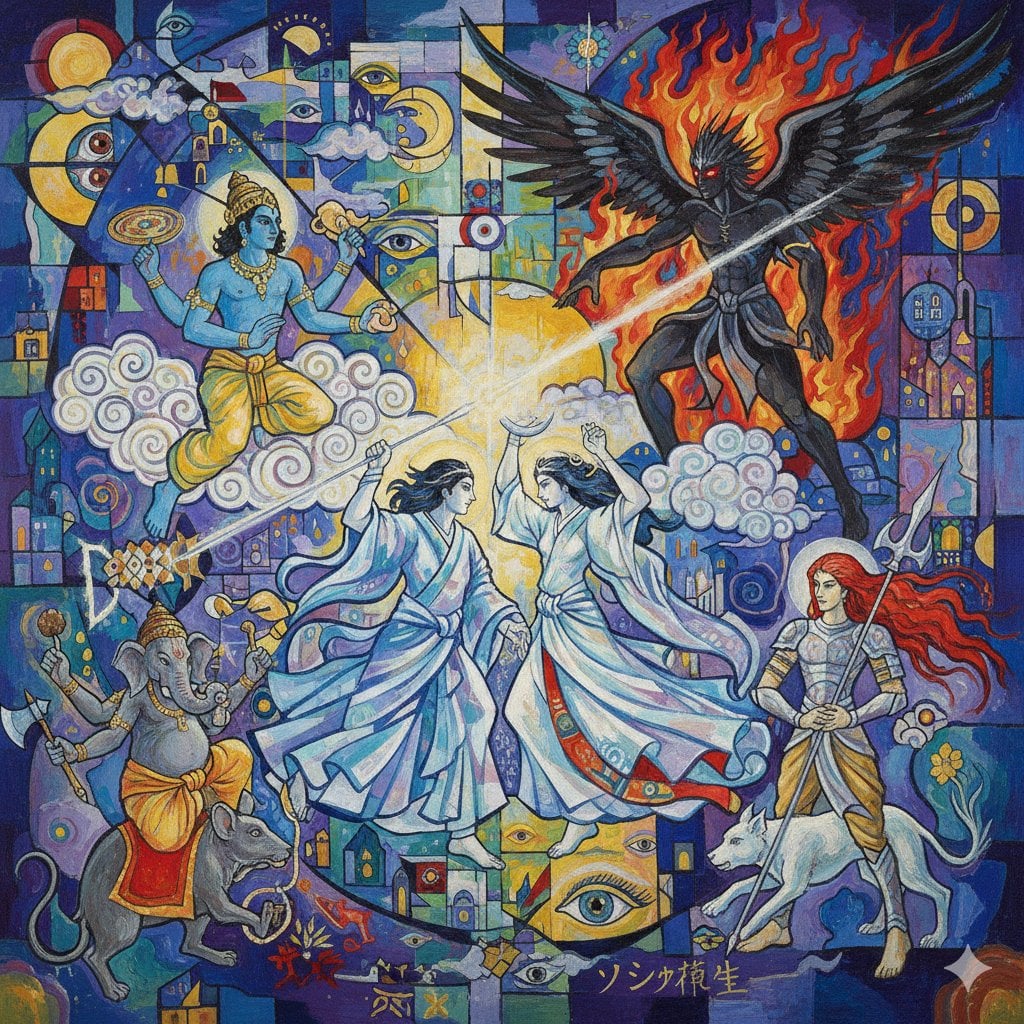
Megami Tensei Pantheon Battle Prompt
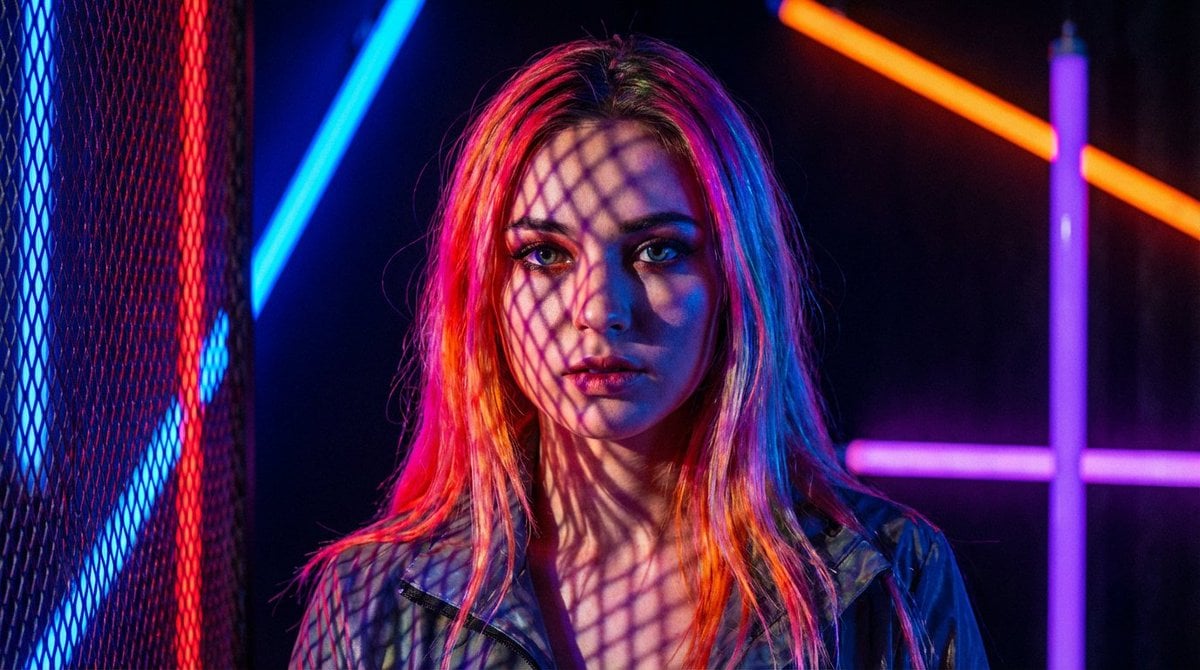
Neon Light High-Contrast Portrait Template
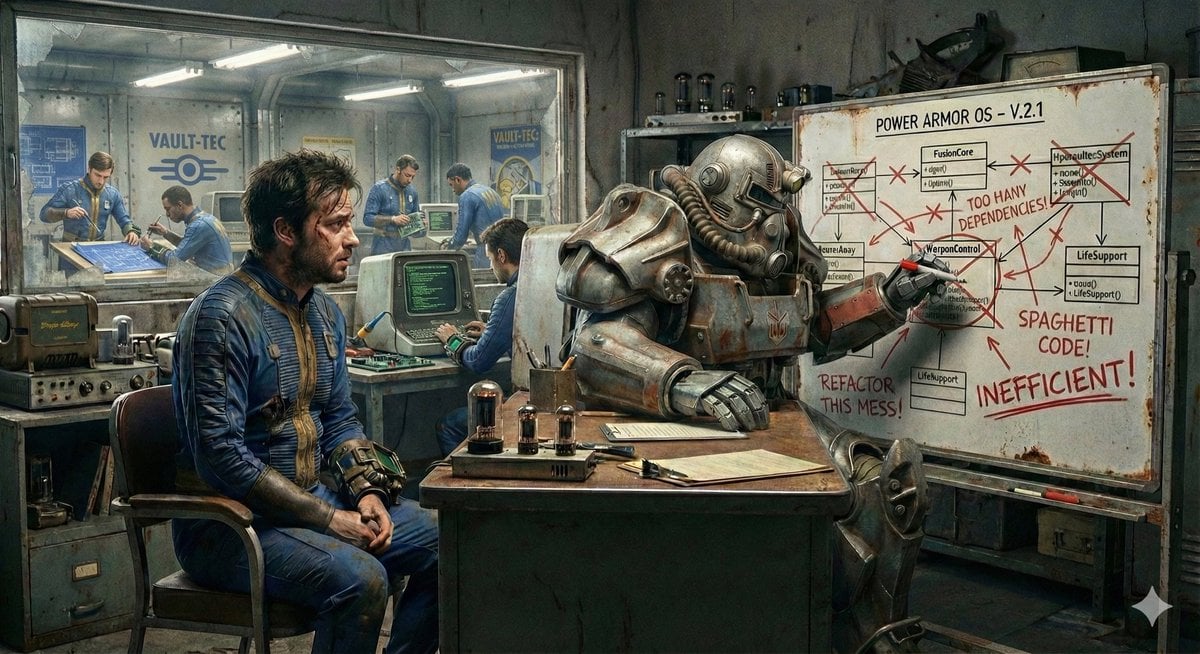
Nano Banana's Understanding of Fallout Terminology

Surreal Sunset Creative Workspace
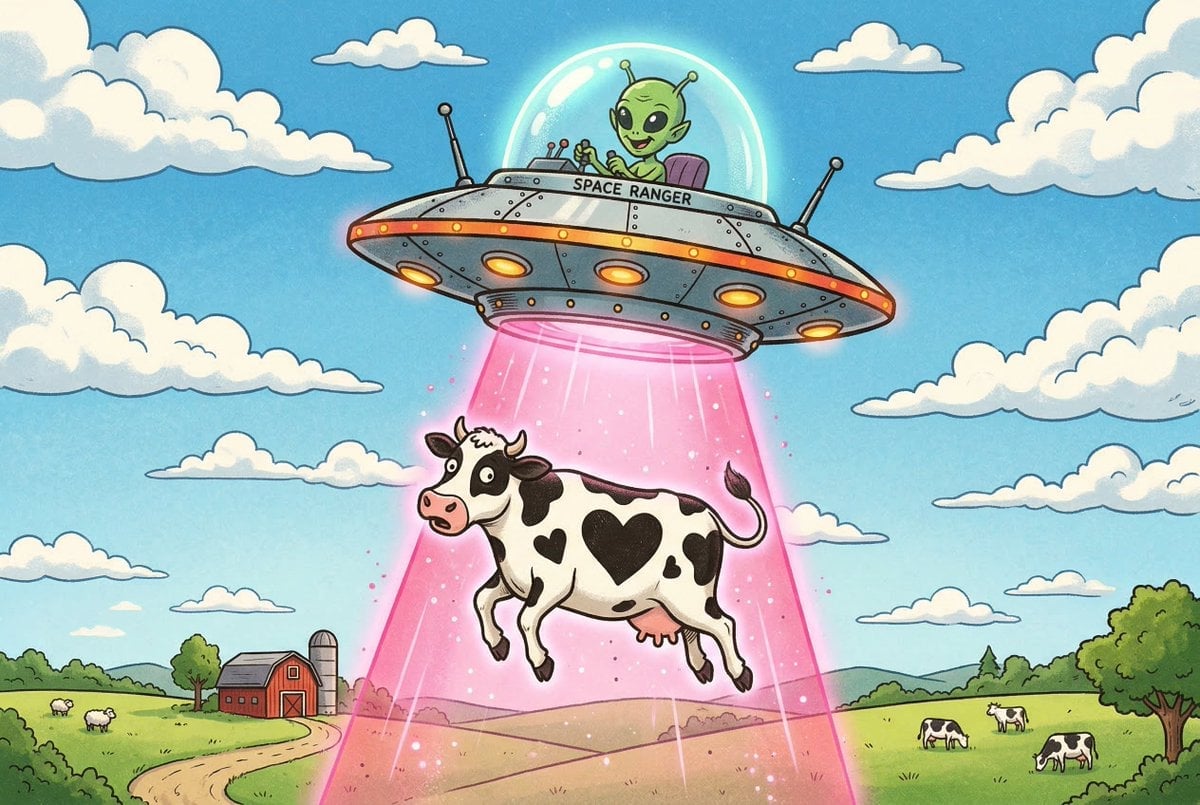
Black and White Cow Abduction by 1950s UFO
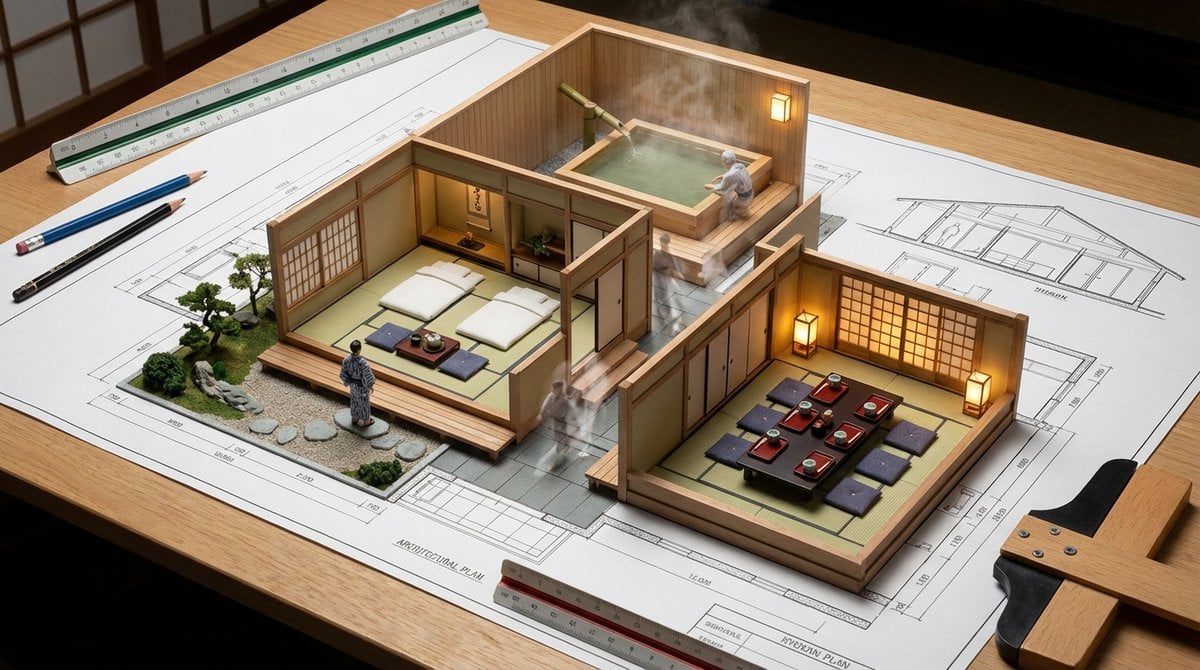
Architectural Blueprint to Miniature Japanese Inn Scene
Browse template categories
Vintage Train Graphite Portrait questions
How do I use the Vintage Train Graphite Portrait template?
Add your photo if the template asks for one, edit the prompt if you like — the template's model and format are already selected — and press Generate. Your version opens in PicX Studio.
Can I customize the Vintage Train Graphite Portrait template?
Yes. You can change the subject, setting, lighting, mood, format, and available model controls before creating your image.
Is the Vintage Train Graphite Portrait template free?
Opening and editing this template is free. Generating uses credits, shown on the Generate button when you are signed in.
Which AI model should I use?
Start with GPT Image 2, which is the model associated with this template. You can compare another compatible model for a different finish.
Looking for something else? Browse all templates.

Your photo, any look
Thousands of ready templates for every top image and video model, from one credit balance.