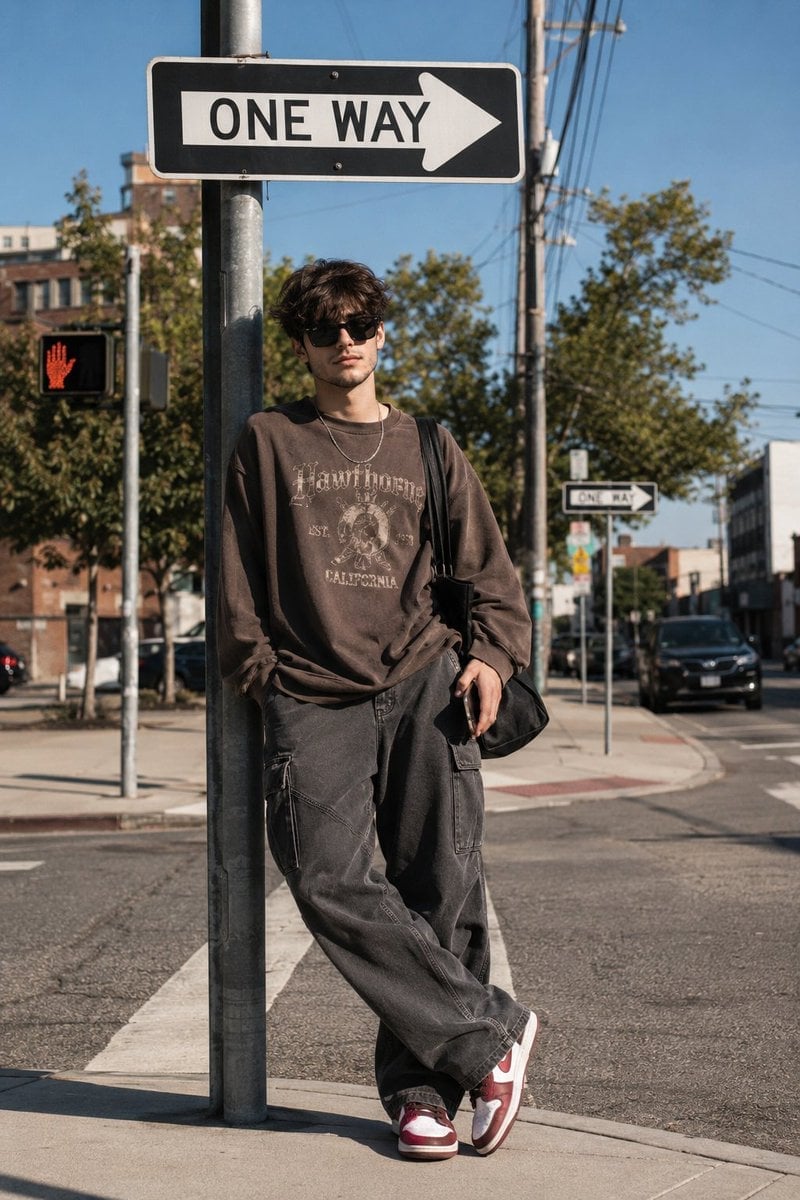
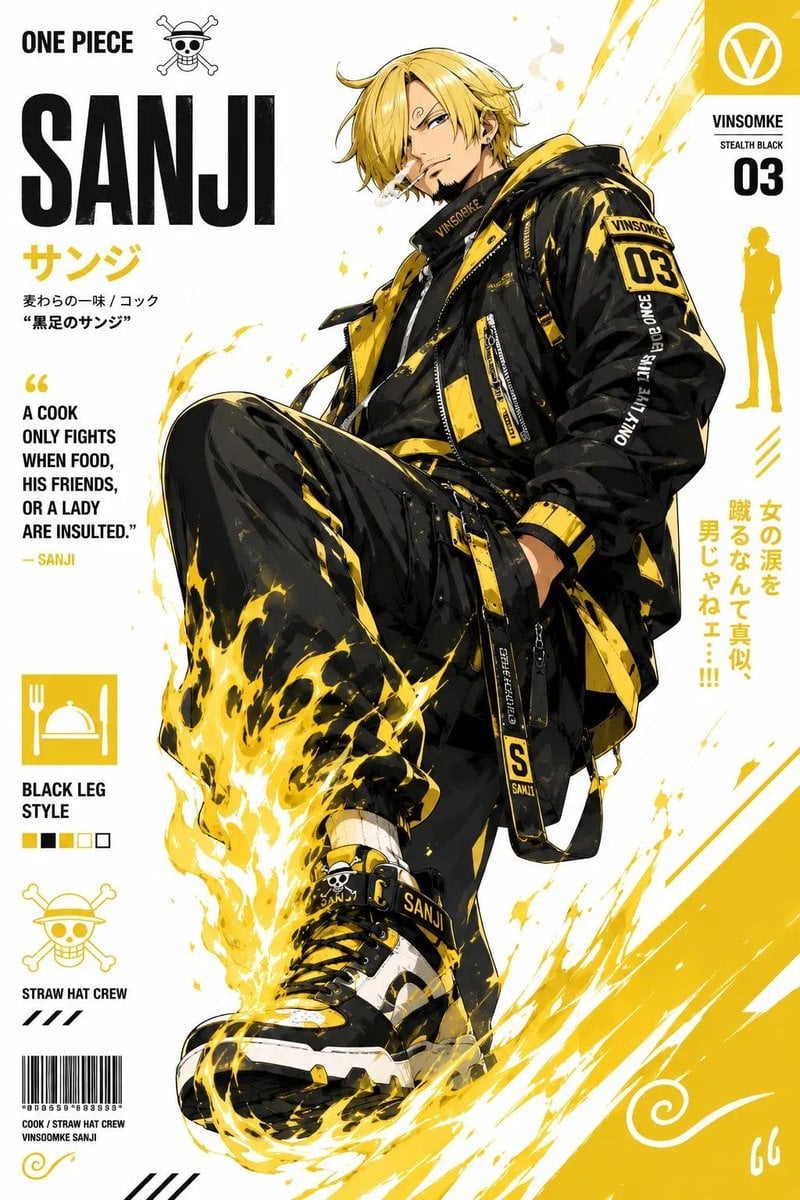
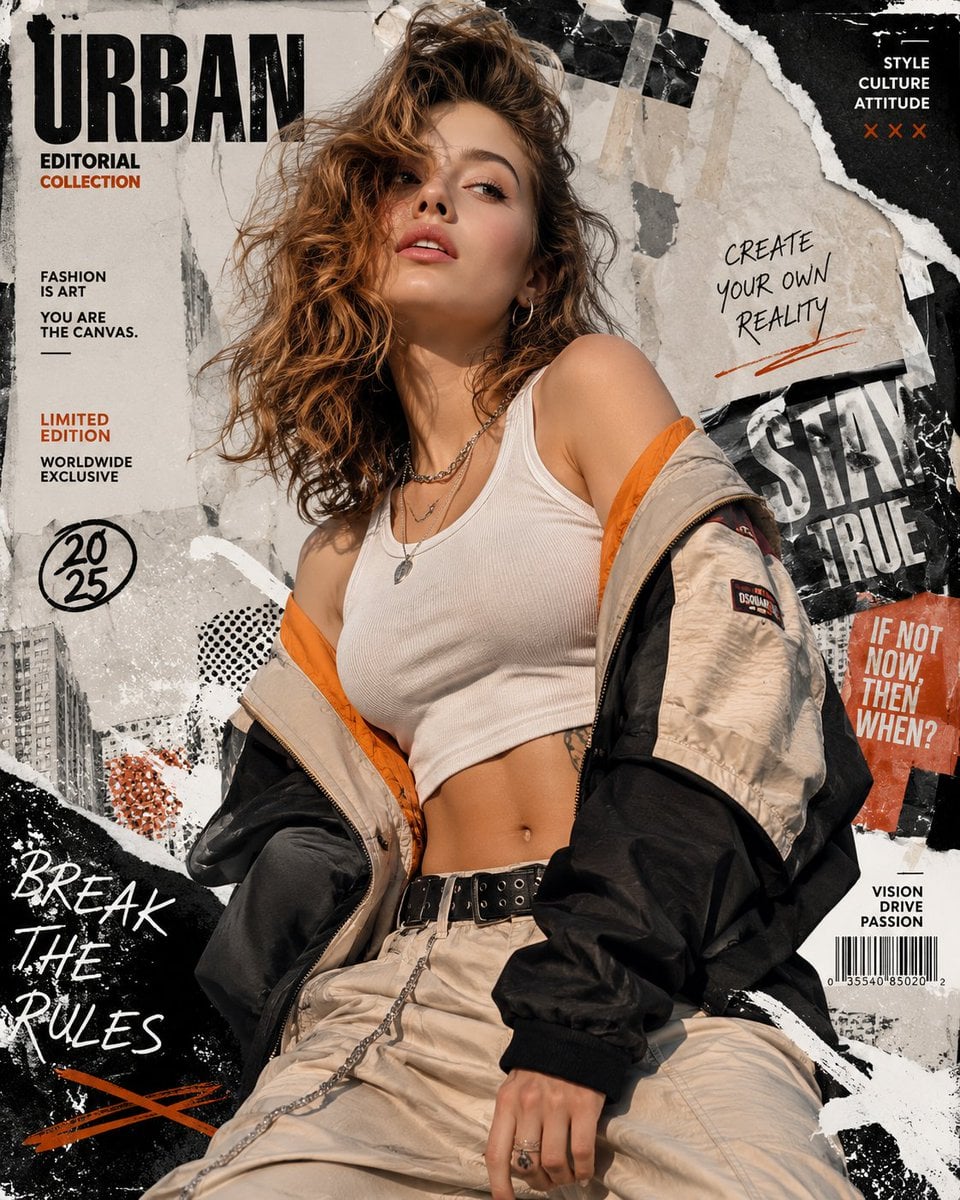
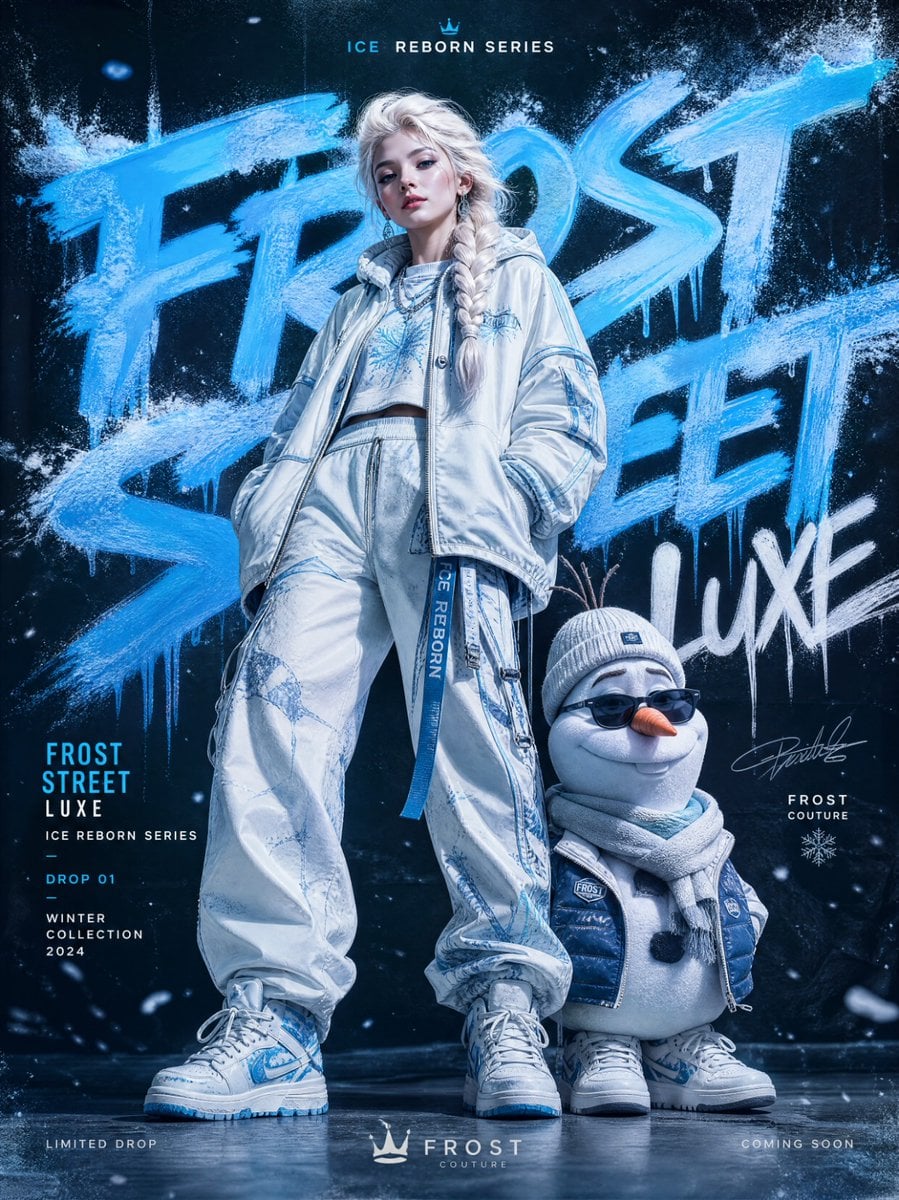
How do I use the Urban Street Art Character Illustration template?
Edit the prompt in the box under the preview — the template's model and format are already selected — and press Generate. Your version appears right on this page.
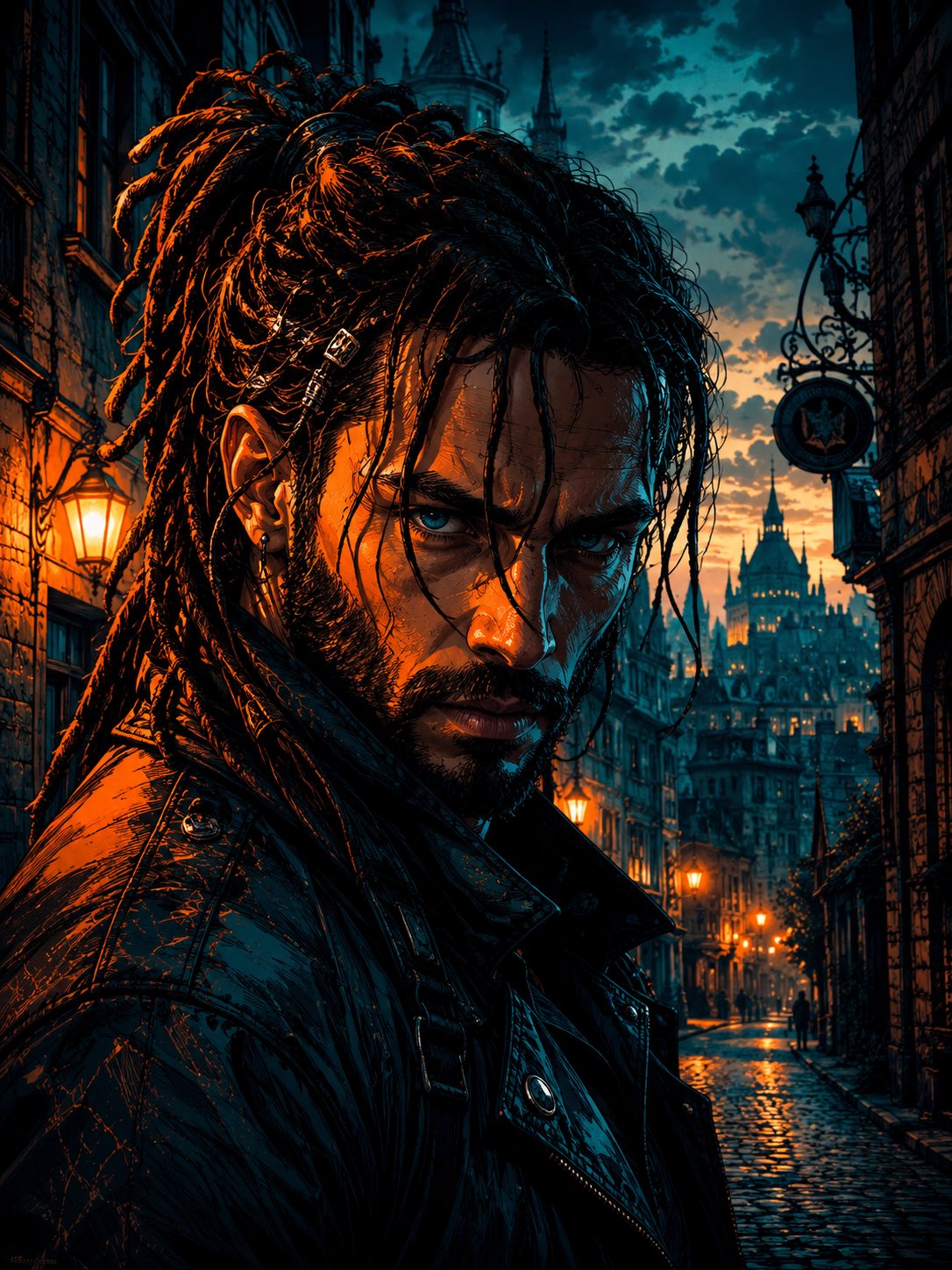
A dynamic editorial-style illustration prompt for urban characters, featuring street-art aesthetics and identity-preserved facial references.

This template uses your photo — add one with the + button.
A dynamic full-body urban illustration of the subject (use the exact face from the provided reference image, ensuring high facial accuracy and identity preservation). The subject wears an {argument name="outfit style" default="oversized outfit"} with subtle accent details, paired with loose-fitting bottoms and bold, eye-catching footwear. The character has a sharp, confident gaze directed forward, conveying intensity and self-assurance. The composition is captured from a dramatic {argument name="camera angle" default="low-angle"} perspective, emphasizing power and dominance. The subject's stance is strong and grounded, with exaggerated perspective on the footwear in the foreground for added depth. Surrounding the subject are fragmented concrete elements and subtle debris, suggesting an urban, gritty environment. The background is a clean white canvas featuring {argument name="background details" default="bold paint splashes and abstract geometric shapes"}, creating a modern street-art aesthetic. The visual style combines crisp, clean line art with vibrant flat colors and soft cel shading for depth and dimension. The rendering should feel like a high-end urban illustration or stylized editorial artwork. Lighting is bright, even, and diffused across the entire scene, minimizing harsh shadows while maximizing clarity and detail. Ultra-detailed, sharp focus, 8K resolution, vertical composition. Additionally, place the uploaded reference image in the bottom corner inside a curved-rectangle frame with rounded edges, clearly visible while seamlessly integrated into the overall design. Ensure the output image maintains a mandatory 4:5 aspect ratio.
A dynamic full-body urban illustration of the subject (use the exact face from the provided reference image, ensuring high facial accuracy and identity preservation). The subject wears an {argument name="outfit style" default="oversized outfit"} with subtle accent details, paired with loose-fitting bottoms and bold, eye-catching footwear. The character has a sharp, confident gaze directed forward, conveying intensity and self-assurance. The composition is captured from a dramatic {argument name="camera angle" default="low-angle"} perspective, emphasizing power and dominance. The subject's stance is strong and grounded, with exaggerated perspective on the footwear in the foreground for added depth. Surrounding the subject are fragmented concrete elements and subtle debris, suggesting an urban, gritty environment. The background is a clean white canvas featuring {argument name="background details" default="bold paint splashes and abstract geometric shapes"}, creating a modern street-art aesthetic. The visual style combines crisp, clean line art with vibrant flat colors and soft cel shading for depth and dimension. The rendering should feel like a high-end urban illustration or stylized editorial artwork. Lighting is bright, even, and diffused across the entire scene, minimizing harsh shadows while maximizing clarity and detail. Ultra-detailed, sharp focus, 8K resolution, vertical composition. Additionally, place the uploaded reference image in the bottom corner inside a curved-rectangle frame with rounded edges, clearly visible while seamlessly integrated into the overall design. Ensure the output image maintains a mandatory 4:5 aspect ratio.
Edit the prompt in the box under the preview — the template's model and format are already selected — and press Generate. Your version appears right on this page.
Yes. You can change the subject, setting, lighting, mood, format, and available model controls before creating your image.
Opening and editing this template is free. Generating uses credits, shown on the Generate button when you are signed in.
Start with GPT Image 2, which is the model associated with this template. You can compare another compatible model for a different finish.
Follow a topic to a crawlable collection of related PicX Studio templates.