
Romantic Luxury Mirror Selfie
Generates a realistic affectionate couple mirror selfie in a modern luxury apartment or hotel bedroom.
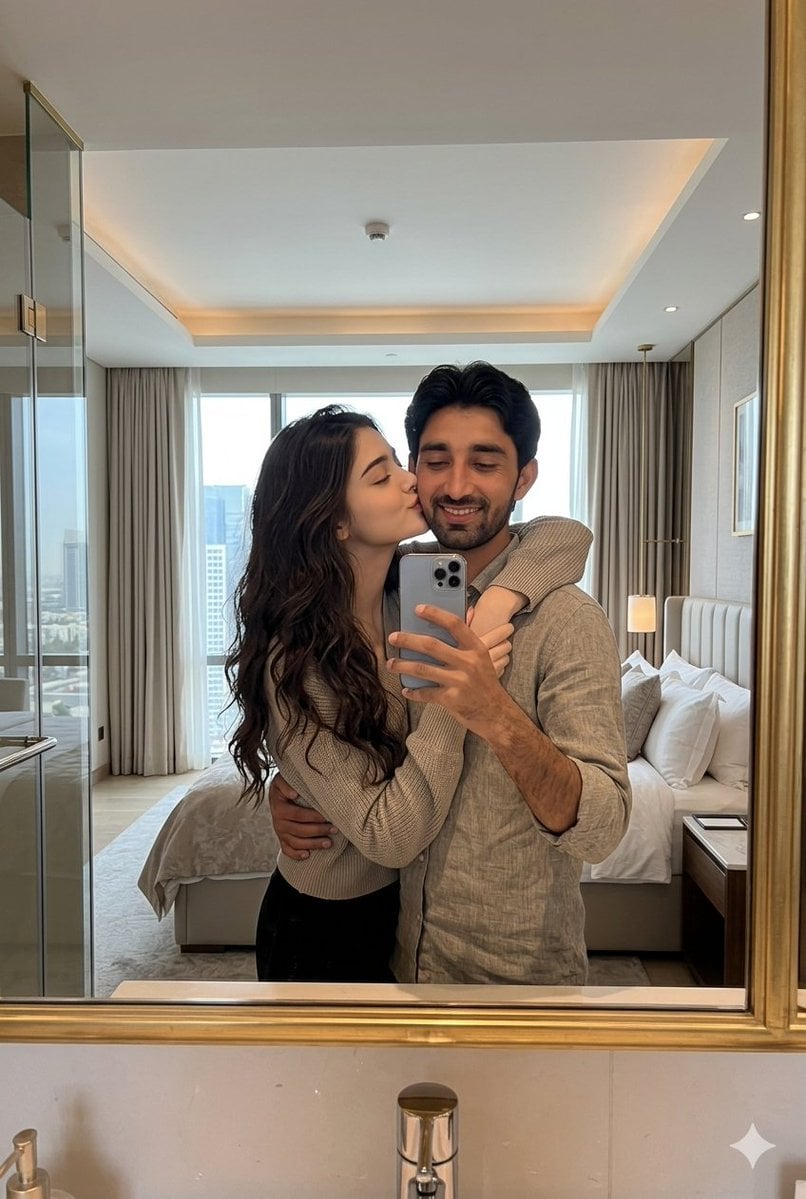
- Prompt included
- Model and format preset
- Free template
The prompt behind this image
Copy the exact prompt behind Romantic Luxury Mirror Selfie, or open it in the studio and make it yours.
Create an ultra-realistic cinematic romantic mirror-selfie portrait of a {argument name="couple ethnicity" default="young South Asian"} couple sharing an affectionate moment inside a modern luxury apartment bedroom. The woman stands in front, leaning into the man while holding a silver triple-camera smartphone up to the mirror with one hand; her other arm wraps around his neck. The man stands slightly behind and to her right, wrapping one arm protectively around her waist and leaning close behind her. Their faces are intentionally obscured by a soft square blur centered over both faces, while the rest of the image is crisp and realistic. The woman has long dark wavy hair, wears a cozy beige ribbed knit sweater and black pants; the man has thick dark hair, light stubble, and wears a casual beige linen button-up shirt with sleeves rolled up. Frame the scene vertically as a bathroom or vanity mirror selfie with a gold metal mirror frame visible along the right edge and bottom, a marble counter and chrome faucet at the bottom foreground, and a small white sparkle icon in the lower right corner. In the background, show exactly five main room elements: a neatly made white bed with pillows on the right, beige floor-to-ceiling curtains, large bright windows with a soft city skyline view, a glass shower or wardrobe panel on the left, and a warm recessed tray ceiling with subtle downlights. Use natural daylight mixed with warm interior lighting, soft shadows, realistic skin tones, detailed fabric texture, luxurious hotel-suite atmosphere, shallow smartphone-photo depth, authentic mirror reflections, no text, no watermark, no extra people.
How to use Romantic Luxury Mirror Selfie in 3 steps
- 1Upload ImagePNG, JPG or paste
Add your photo
Upload the photo the template builds on. The prompt, model and format are already set.
- 2…a portrait of your subject in softgolden-hour light, 85mm…
Personalize
Edit the subject and creative details for your destination.
- 3Generate
Generate
Press Generate — your image is created in PicX Studio, so you can compare it with the original and refine one variable at a time.
More like this
Templates with the same subject, style or setup. Open one to see its prompt.

Rooftop Fisheye — Cat-Ear Balaclava at Golden Hour

Felt & Knit 3D Character — Photo-Exact Face, Pixar-Quality Plush Figurine

Surreal Cat Astronaut — Humanoid Face Freefall
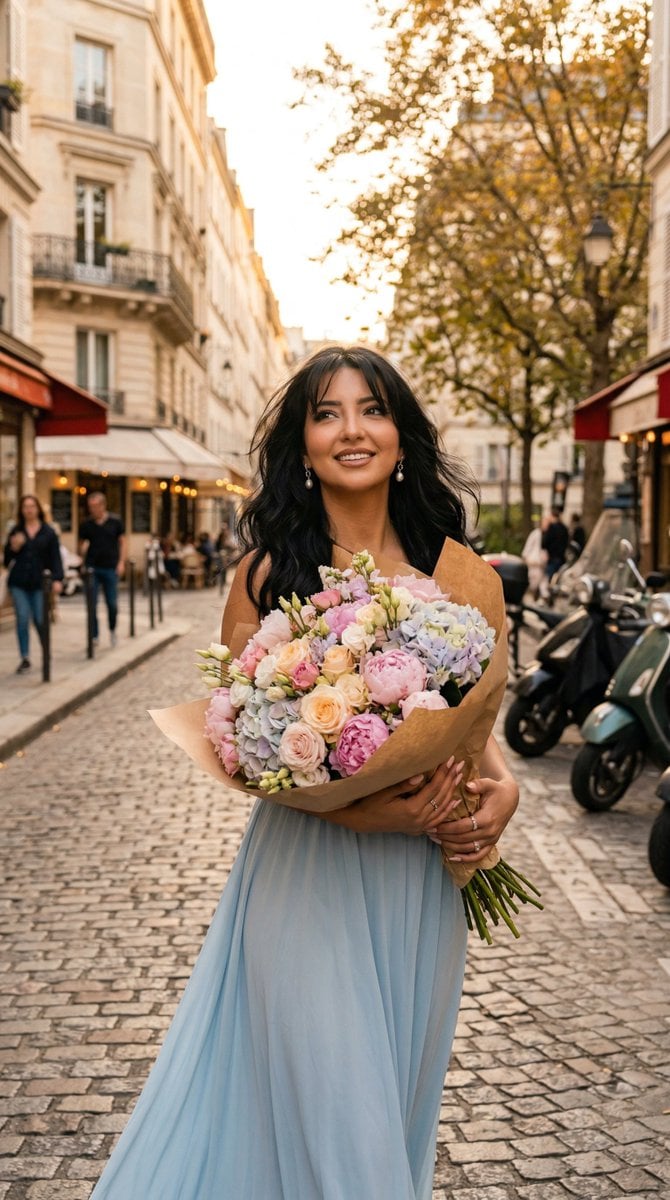
Nano Banana - Evening Champagne Blue
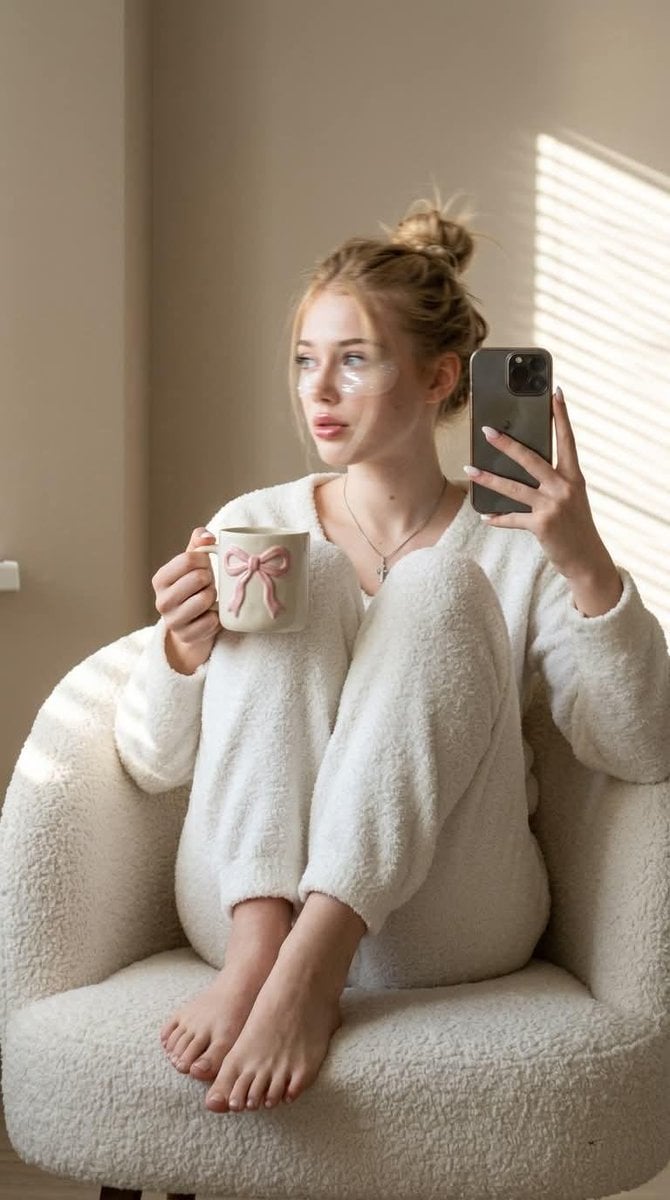
Morning Mirror Selfie Candid
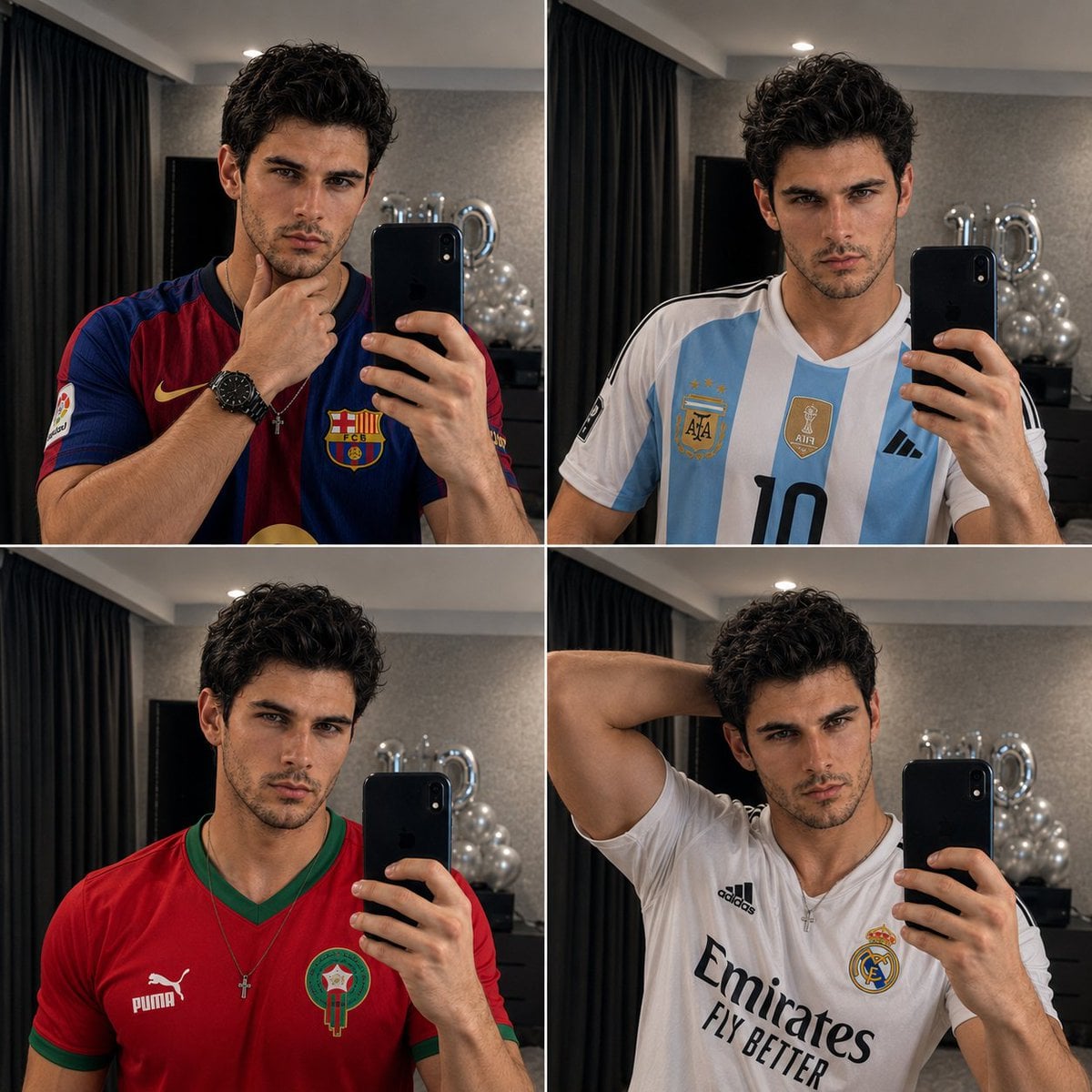
Panel Mirror Selfie Collage
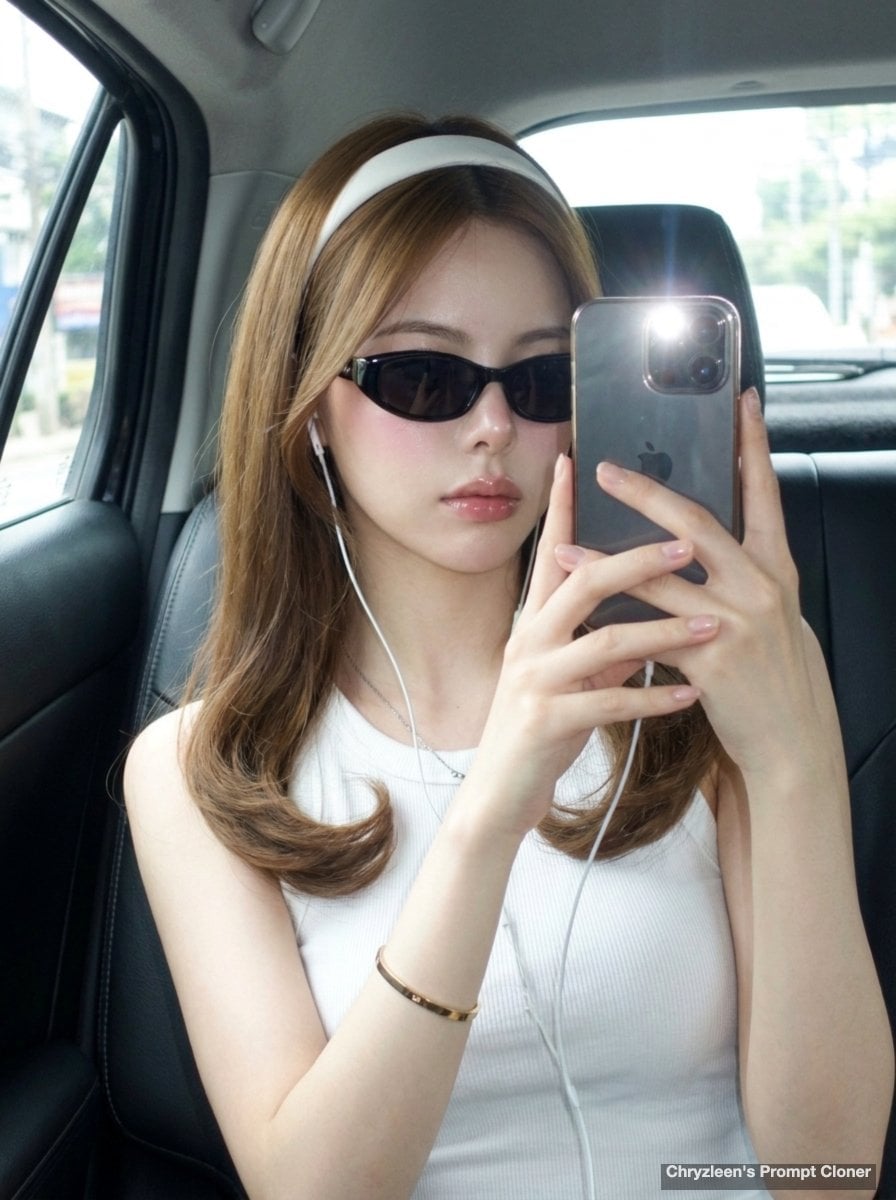
Backseat Mirror Selfie
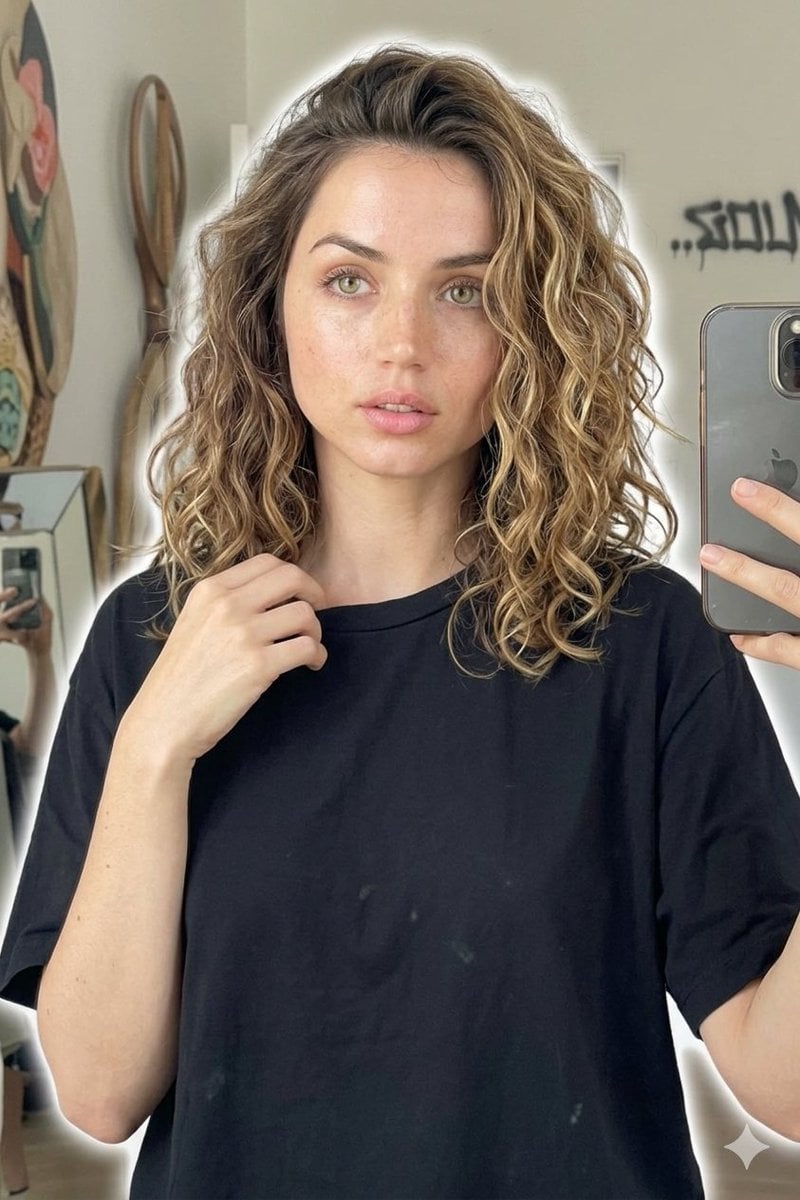
Candid Mirror Selfie Beauty Portrait
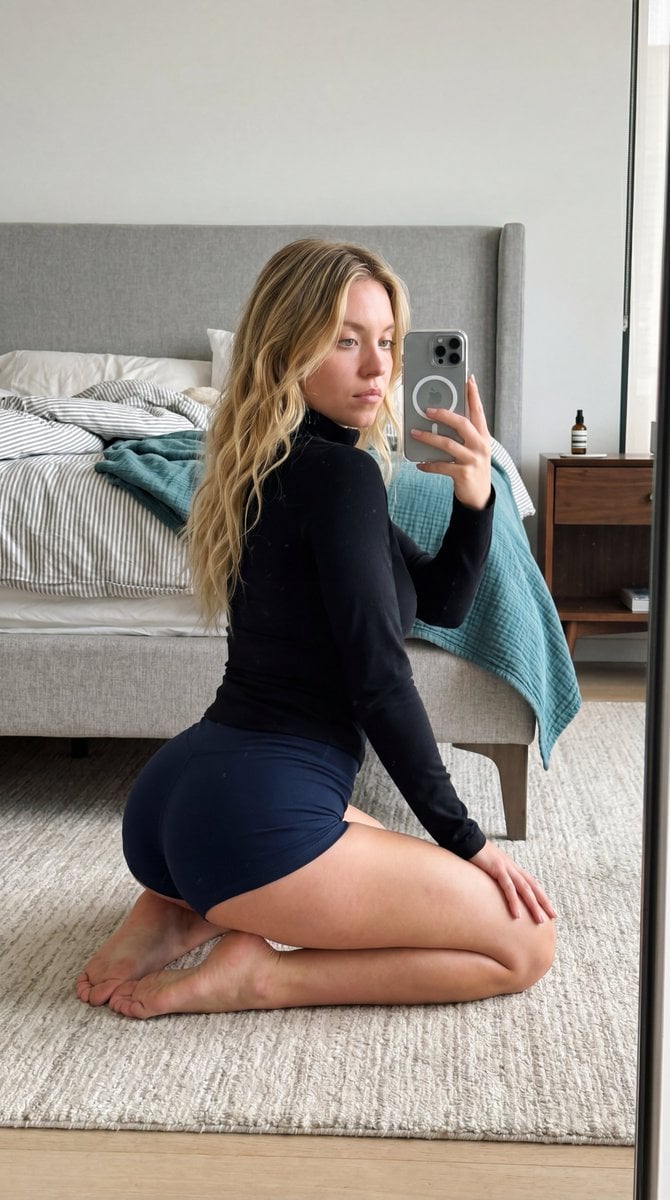
Intimate Bedroom Mirror Selfie
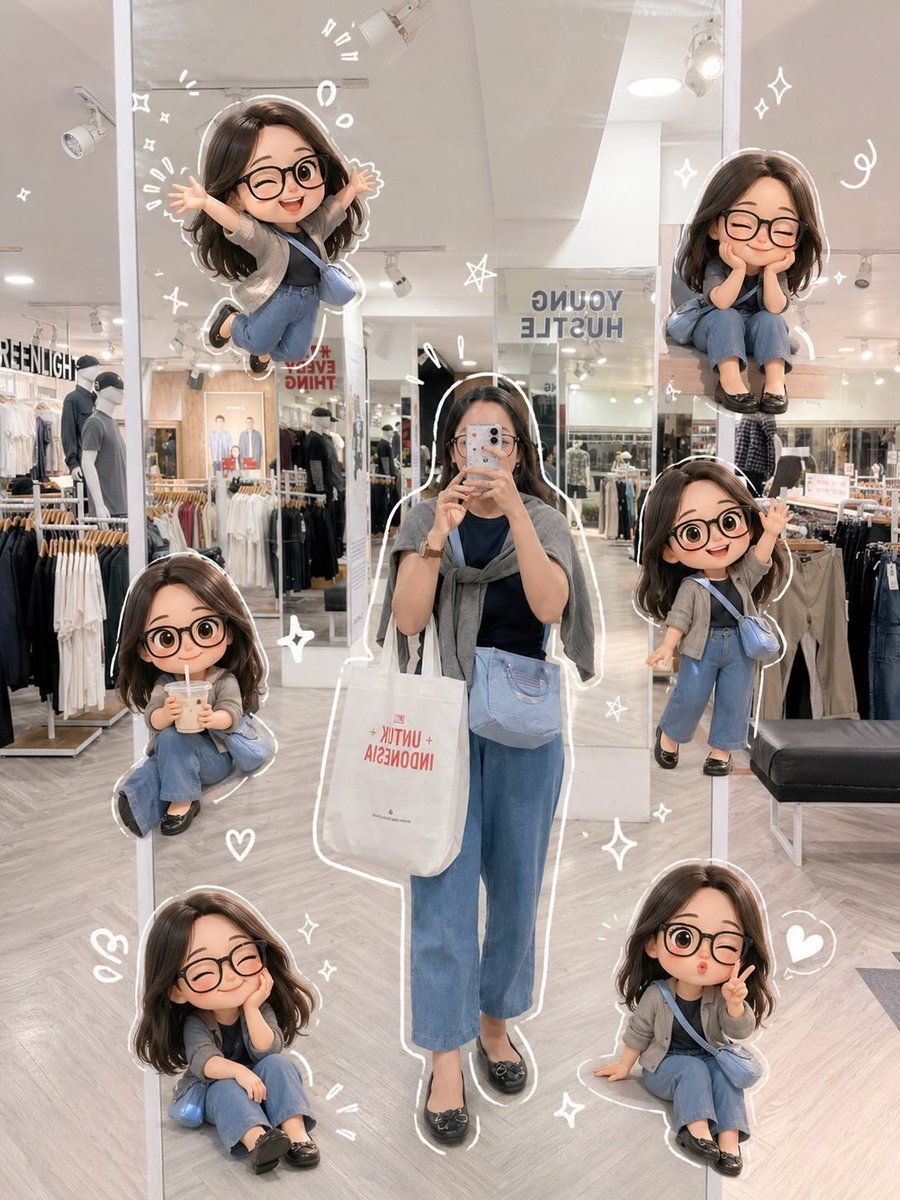
Chibi Mirror Selfie with Kawaii Doodles
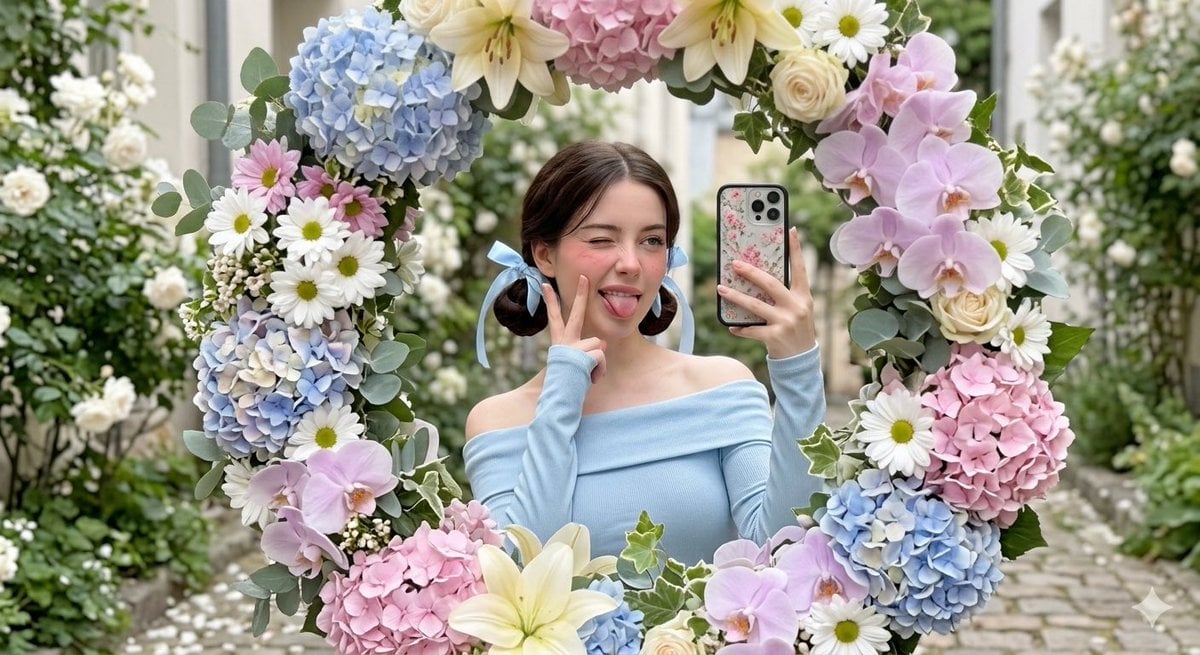
Floral Mirror Selfie Portrait
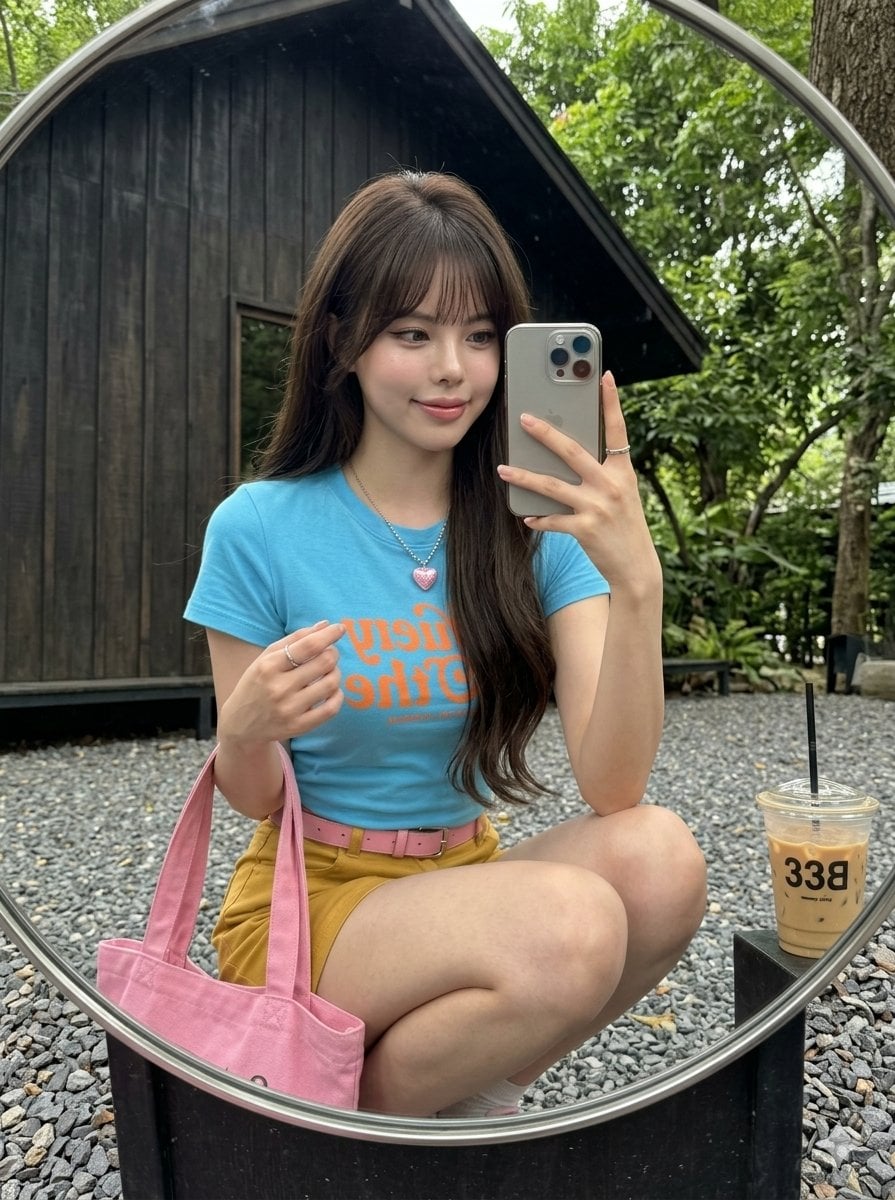
iPhone Mirror Selfie Realism
Make it yours
Romantic Luxury Mirror Selfie works as-is. These are the safest ways to change it without losing the look.
Change one field
Copy a single group, rewrite it, and generate again so you can see what that field is doing.
Keep the frame, change the subject
Hold the composition and light of Romantic Luxury Mirror Selfie, then swap wardrobe, props or the person for a new take.
| If the result… | Why | Fix |
|---|---|---|
| The result drifts from the preview | Too many fields changed at once. | Reuse Romantic Luxury Mirror Selfie as-is first, then change one group — subject, light, or setting. |
| The model over-stylizes the scene | The prose prompt leaves finish and camera underspecified. | Add one camera or lighting sentence and stay on GPT Image 2. |
More GPT Image 2 templates
Other prompts made for GPT Image 2.

Six VTuber Japanese Logo Sheet

Realistic Portrait of Woman and Deer

The Vista Modular Condo Poster

AI Model Routing Comparison Infographic

2.5D Anime Art Board

Isometric Productivity Desk Scene

New York Double Exposure Poster

Four-Panel AI Landscape Comparison

Japanese Tatami Lifestyle Magazine Cover

NESCAFÉ Coffee Map Poster
More image prompts
Fresh picks from across the catalog.
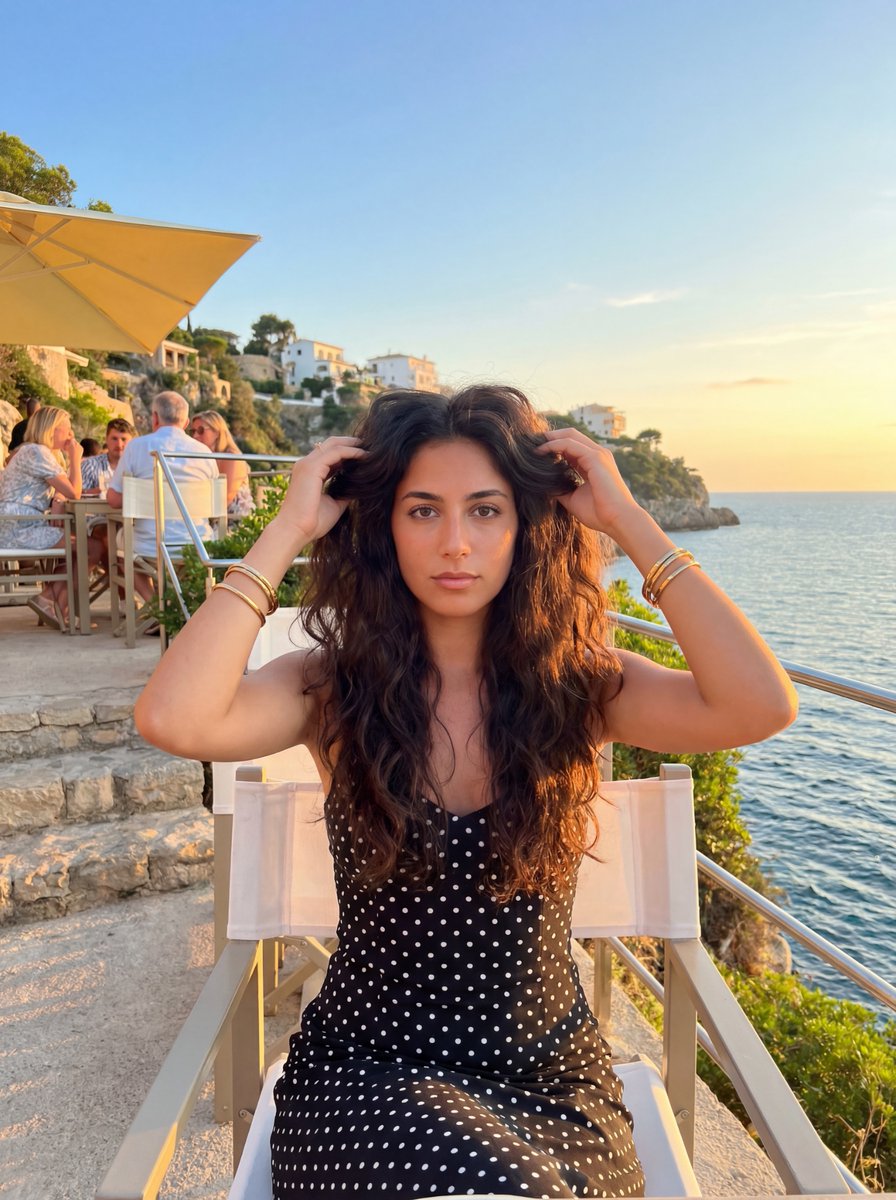
Golden Hour Coastal Lifestyle Photo Prompt
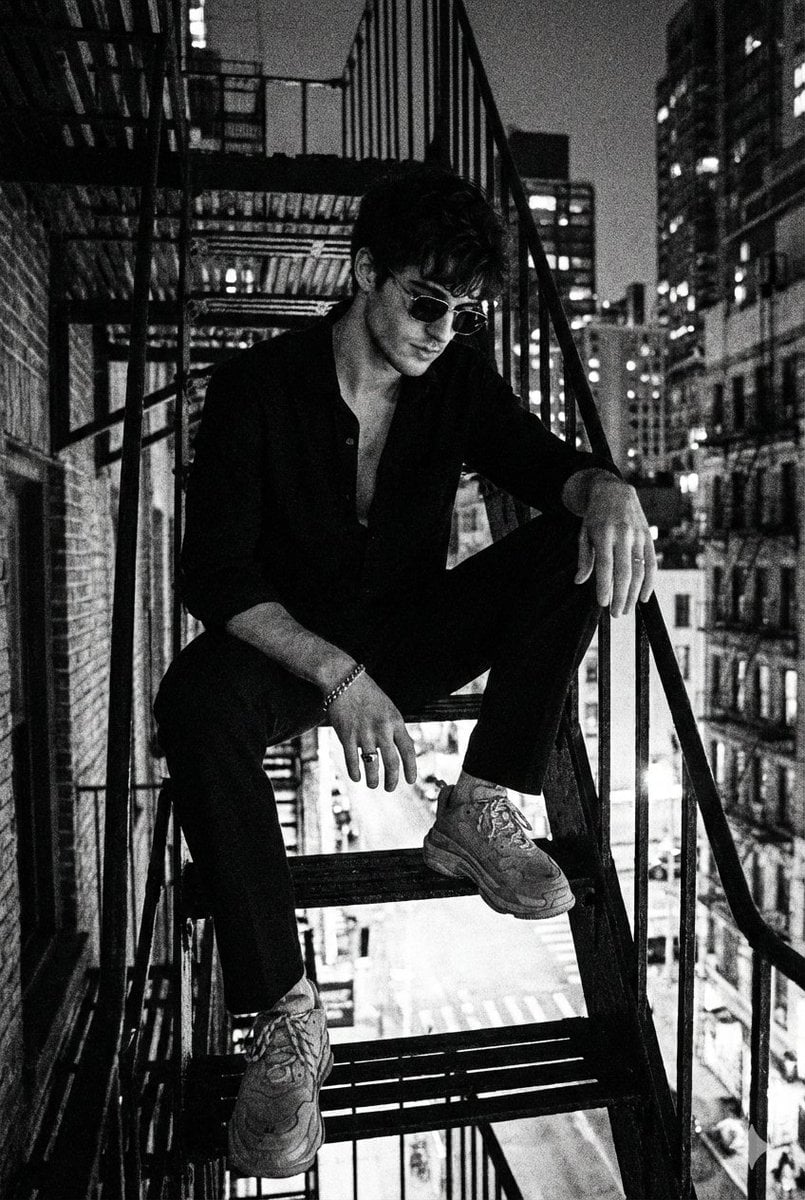
Noir 90s Megacity Portrait (Identity Lock)
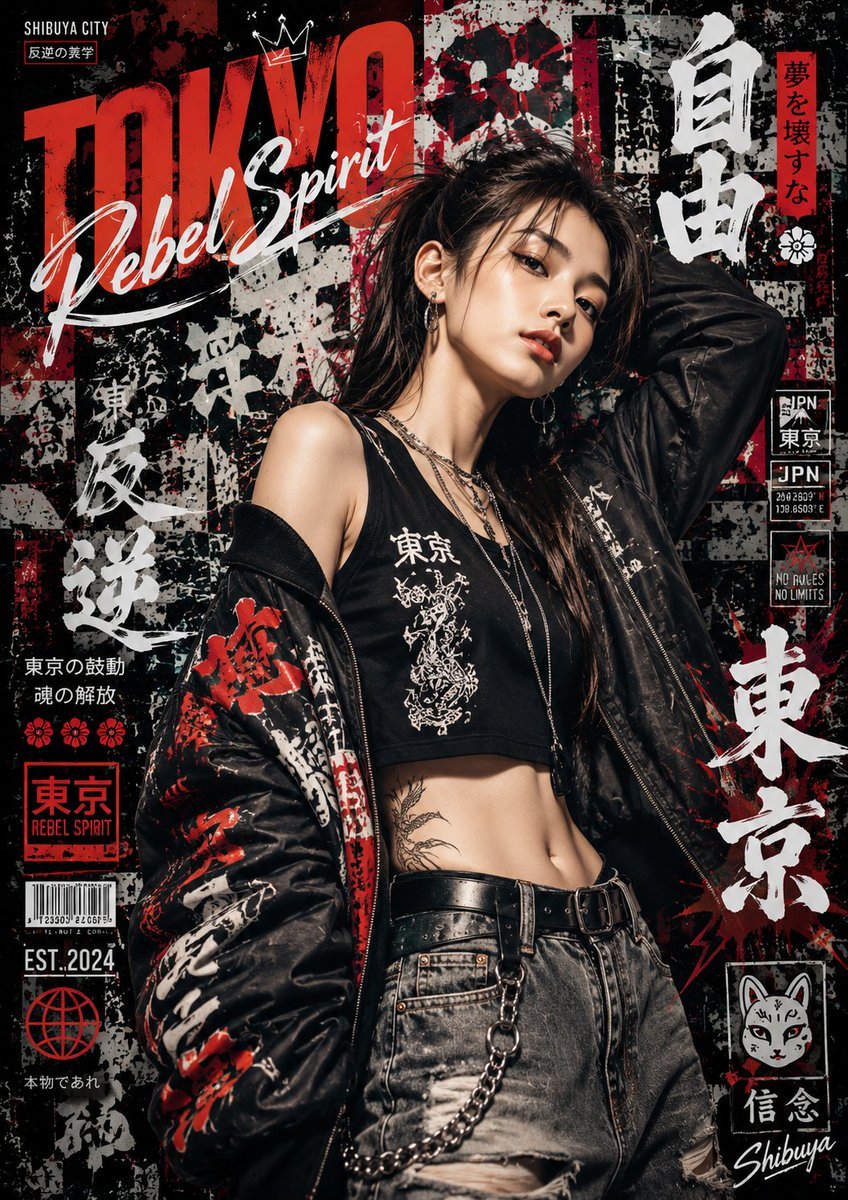
Japanese Graffiti Street Art Poster
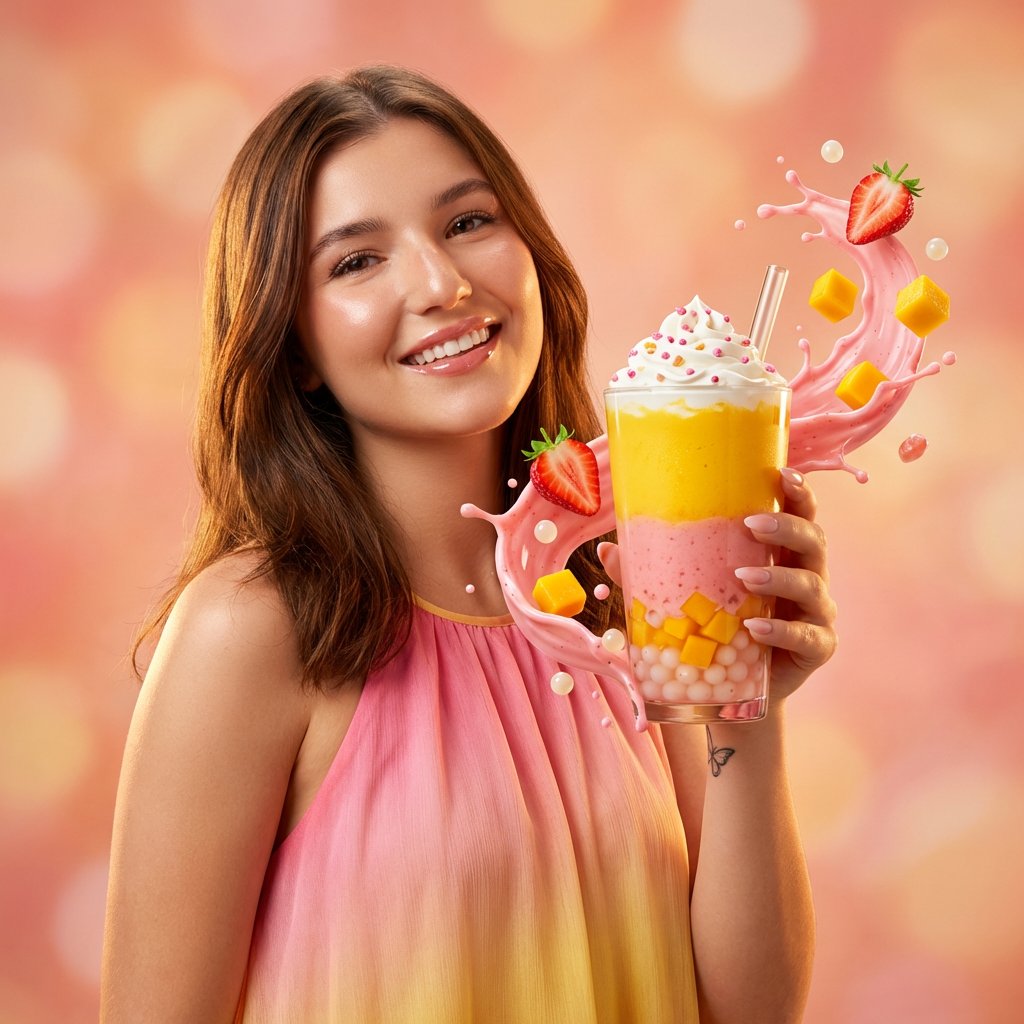
Commercial Beverage Ad for Layered Smoothie
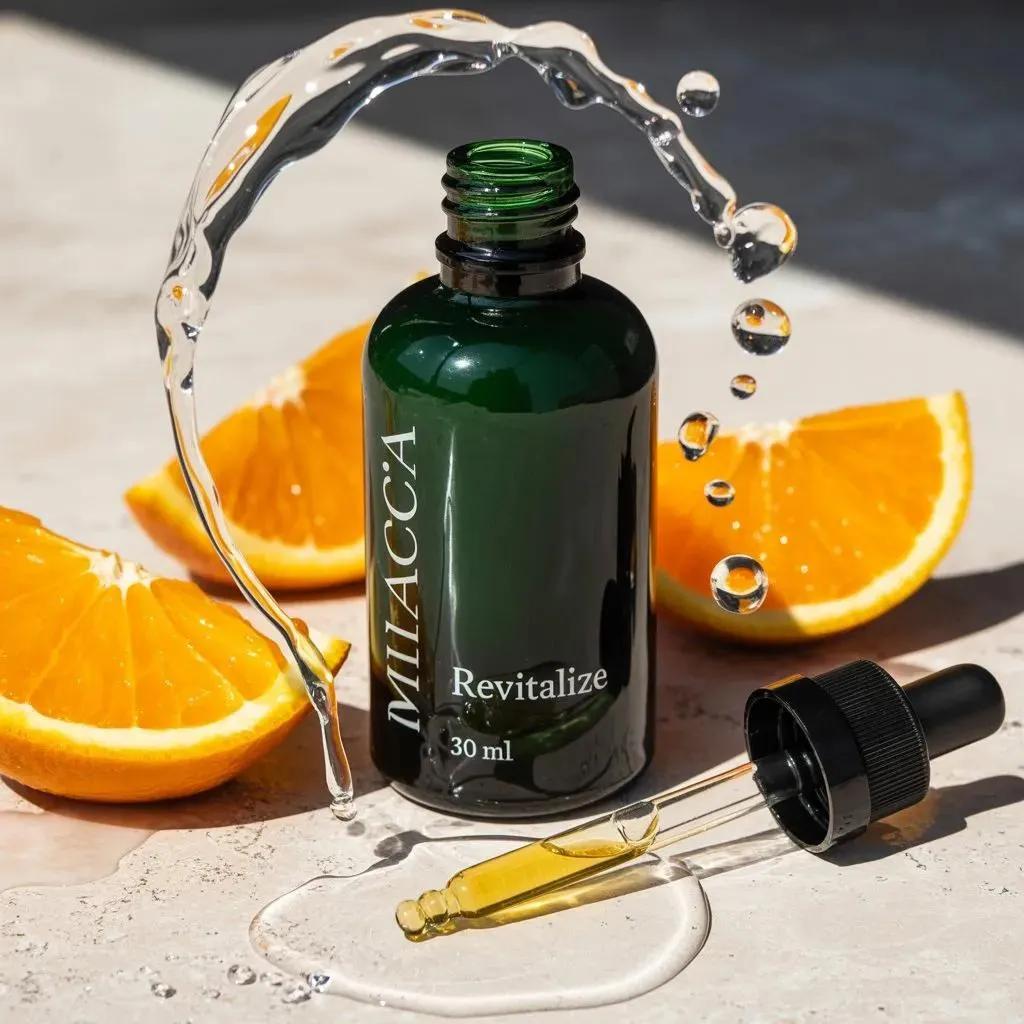
Citrus Skincare Product Macro Photography Prompt
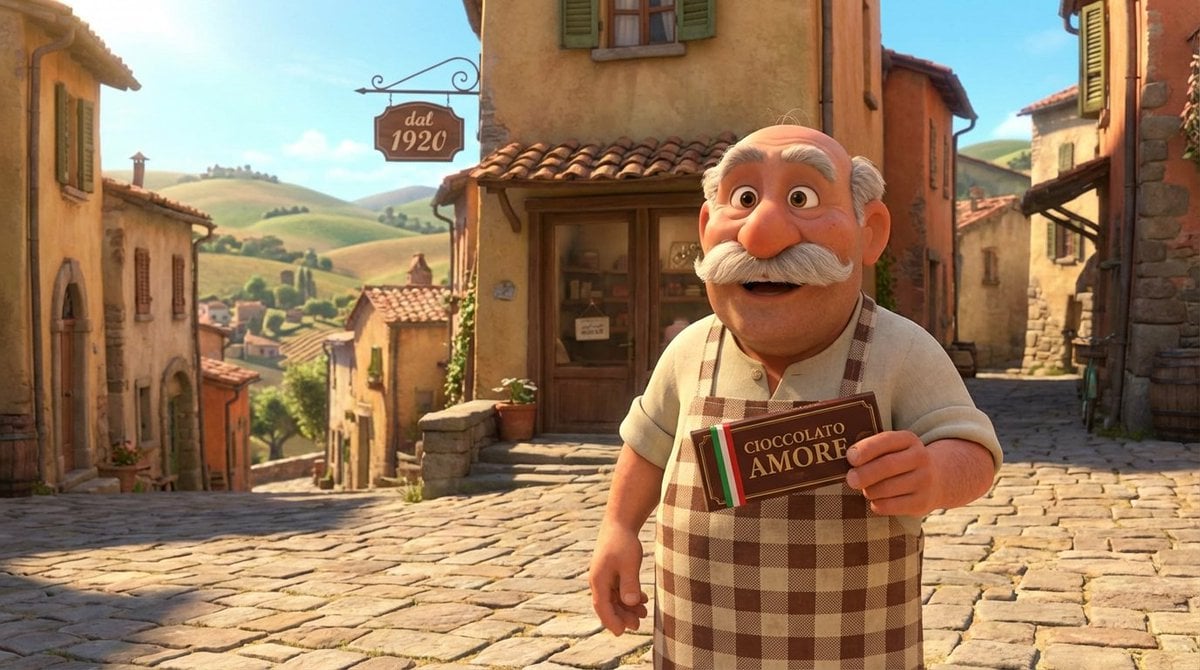
Pixar Style Italian Man in Front of Chocolate Shop
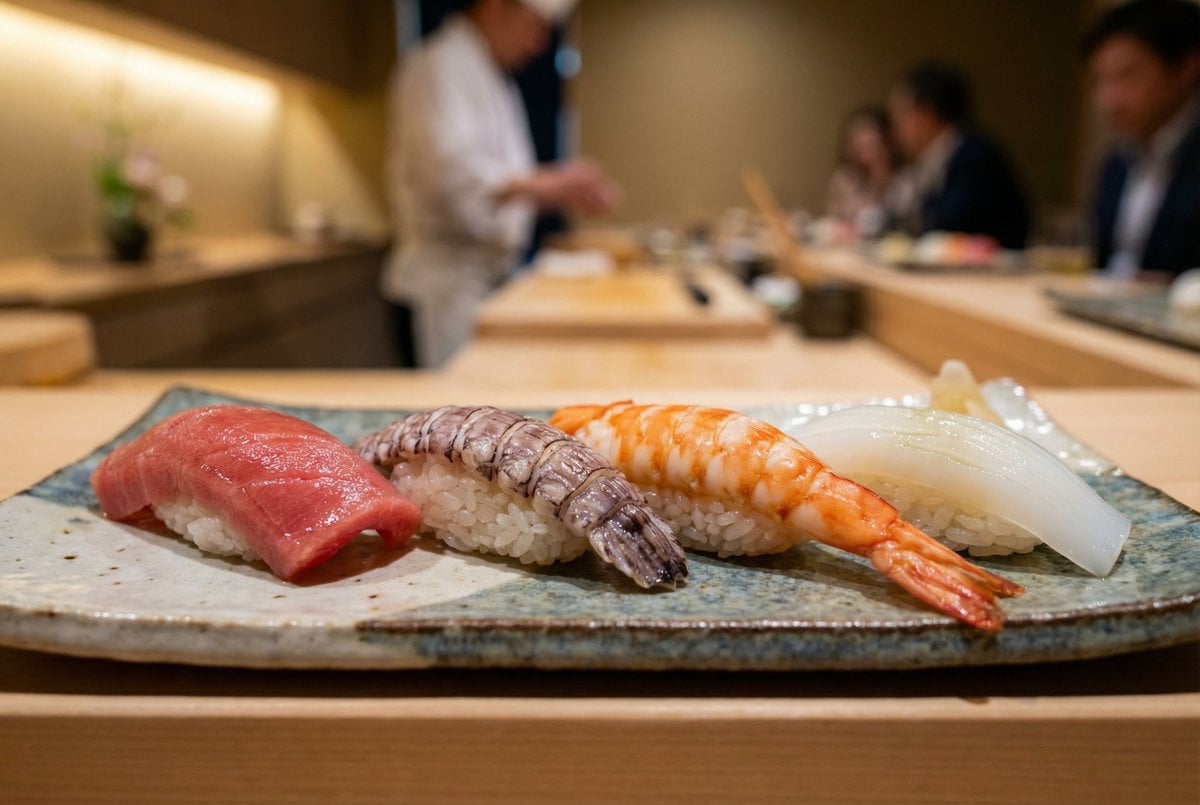
Controlling Lighting in Image Generation

Billionaire Executive Portrait
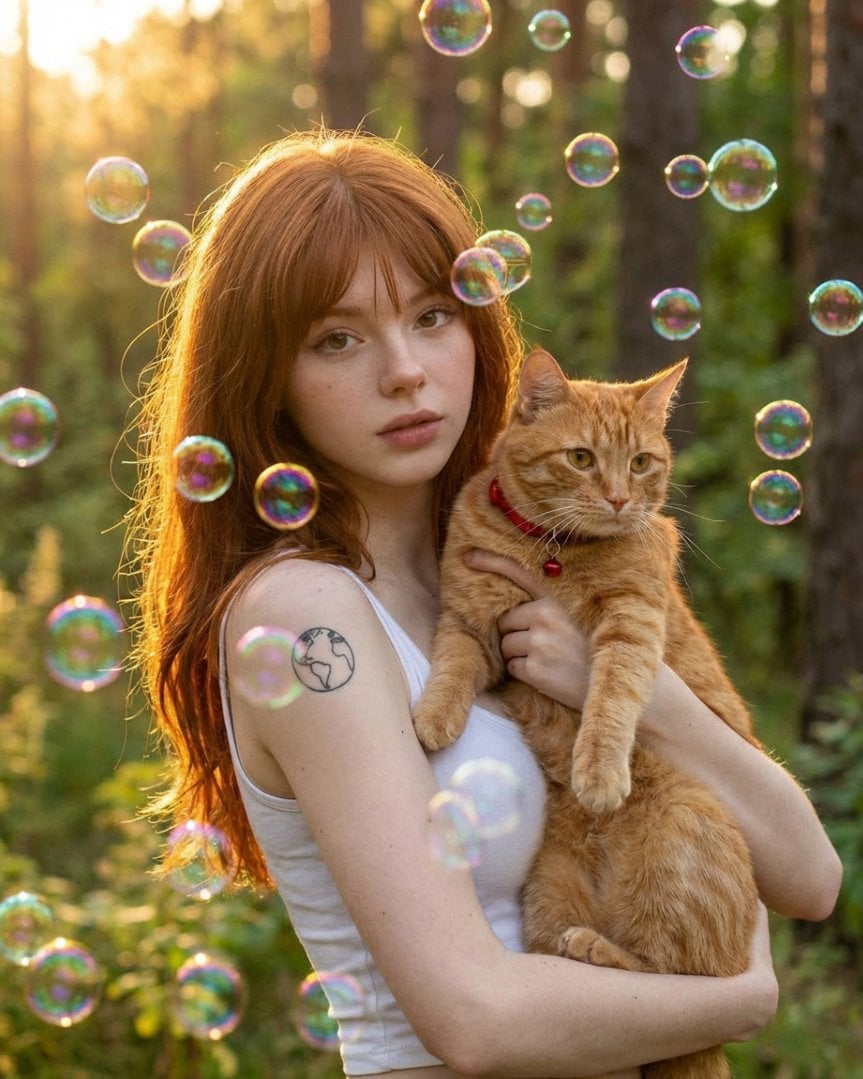
Dreamy Golden Hour Portrait with Cat and Soap Bubbles
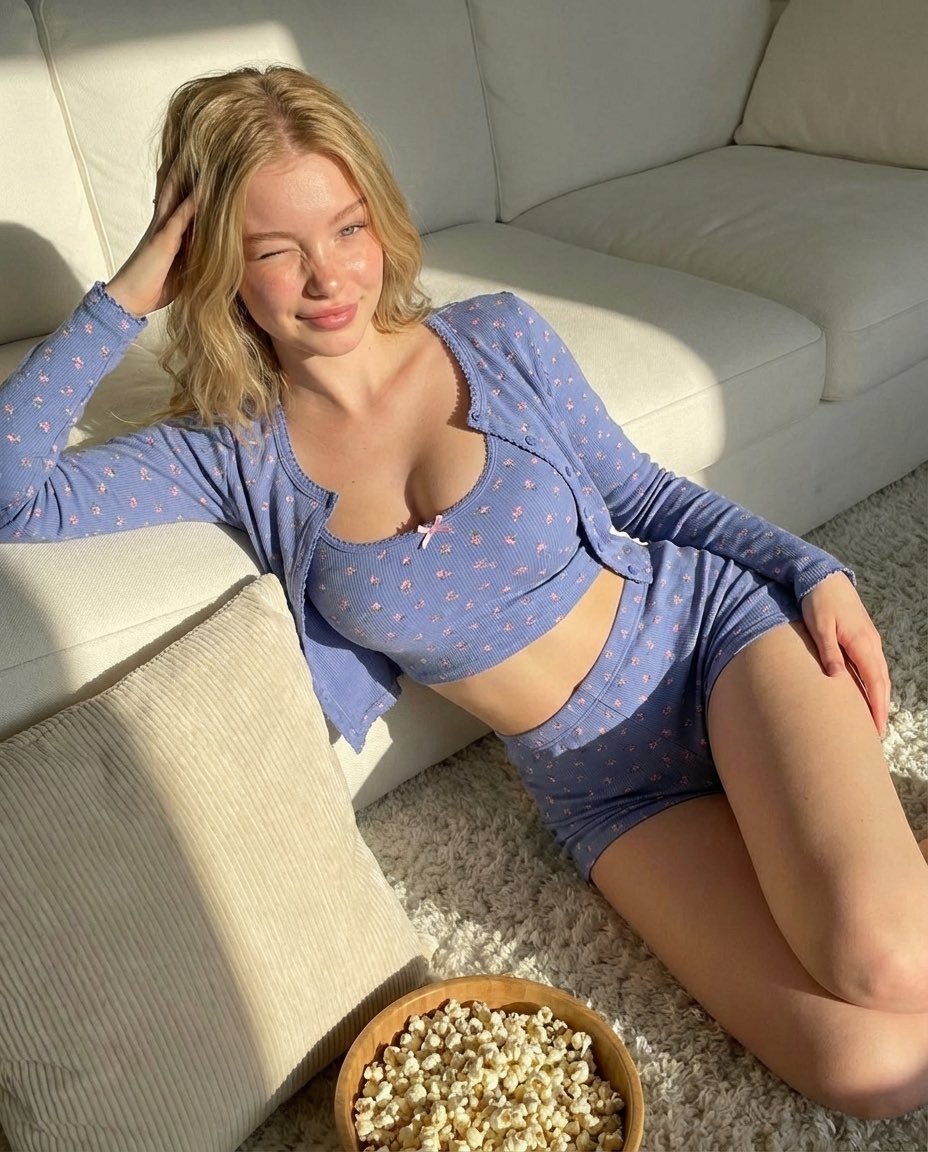
Cozy Indoor Portrait
Browse template categories
Romantic Luxury Mirror Selfie questions
How do I use the Romantic Luxury Mirror Selfie template?
Add your photo if the template asks for one, edit the prompt if you like — the template's model and format are already selected — and press Generate. Your version opens in PicX Studio.
Can I customize the Romantic Luxury Mirror Selfie template?
Yes. You can change the subject, setting, lighting, mood, format, and available model controls before creating your image.
Is the Romantic Luxury Mirror Selfie template free?
Opening and editing this template is free. Generating uses credits, shown on the Generate button when you are signed in.
Which AI model should I use?
Start with GPT Image 2, which is the model associated with this template. You can compare another compatible model for a different finish.
Looking for something else? Browse all templates.

Your photo, any look
Thousands of ready templates for every top image and video model, from one credit balance.