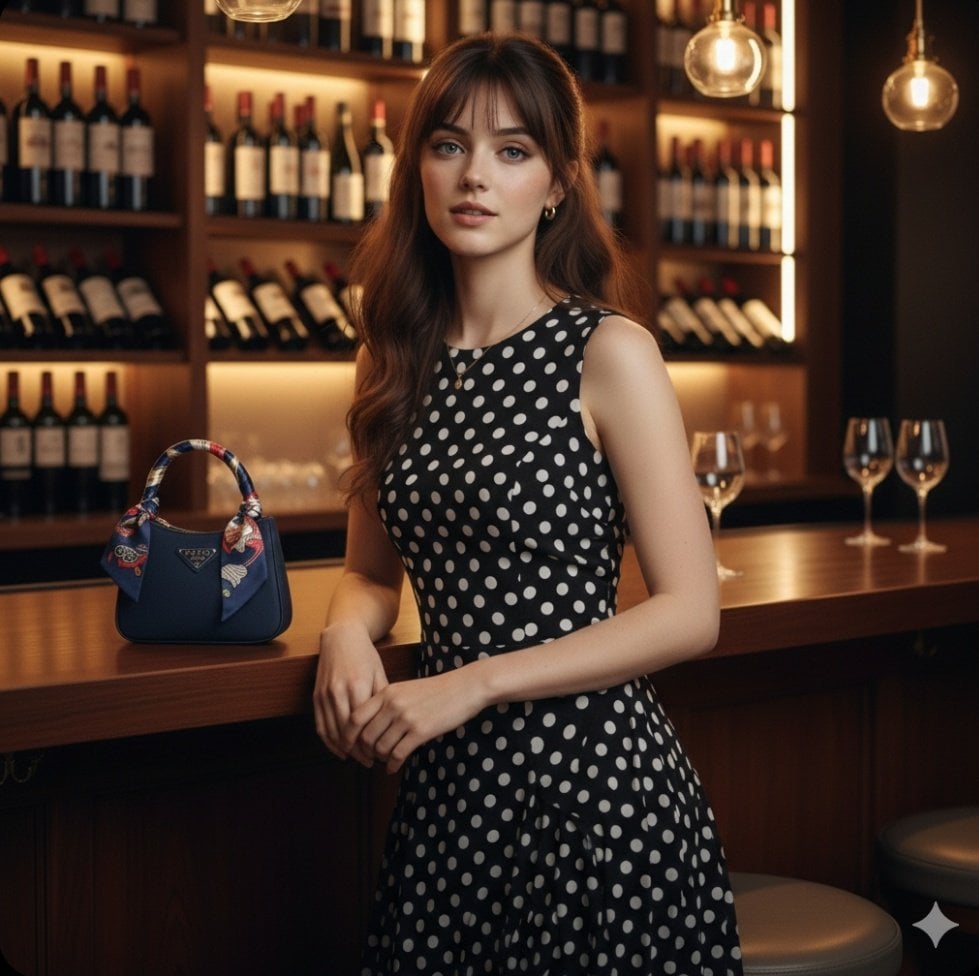
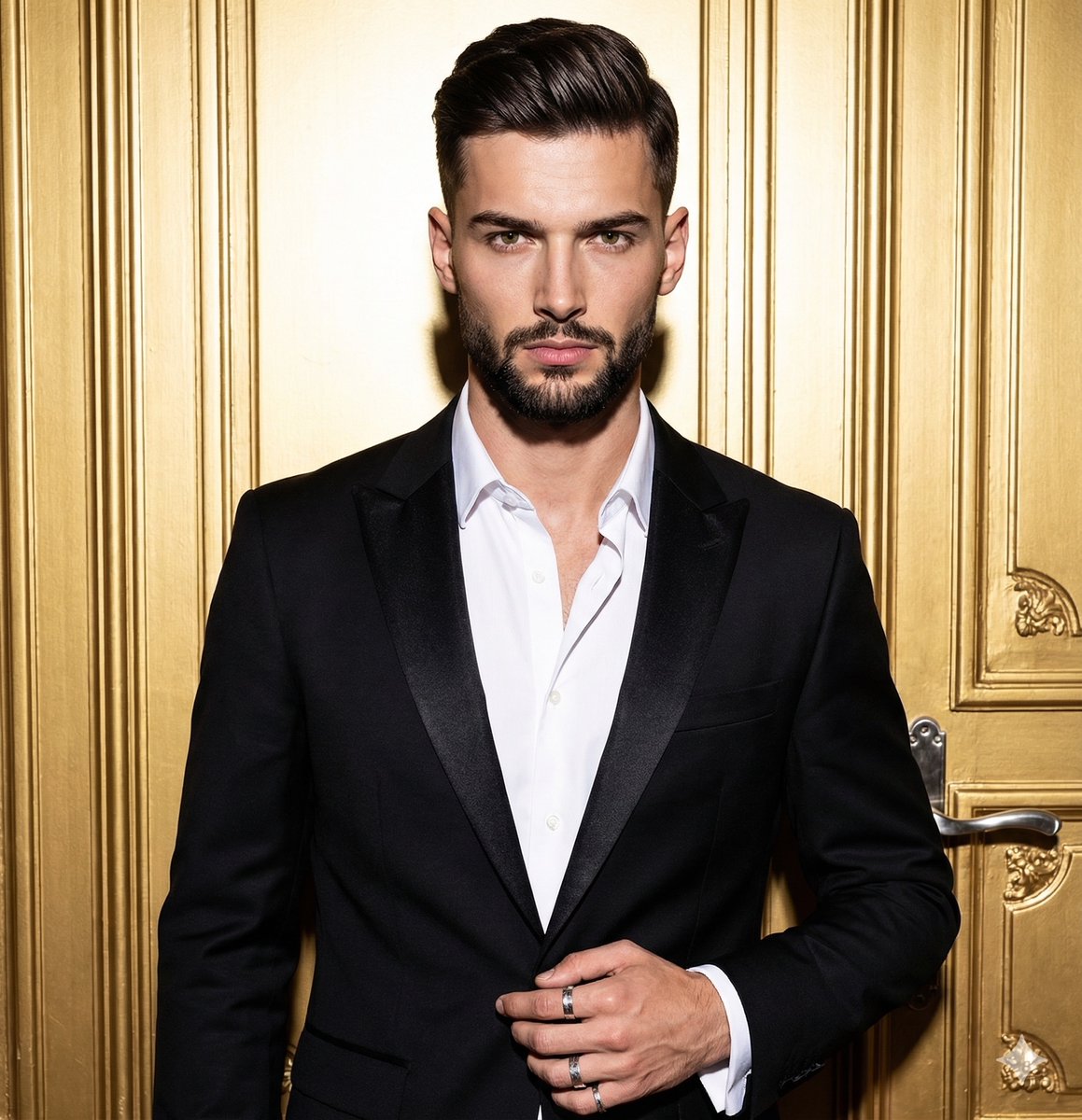
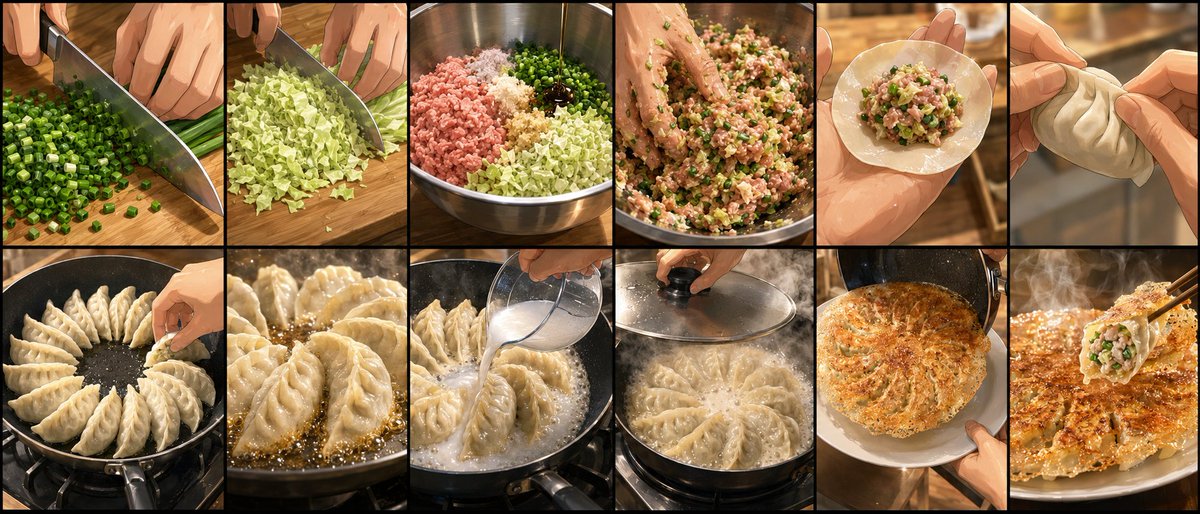
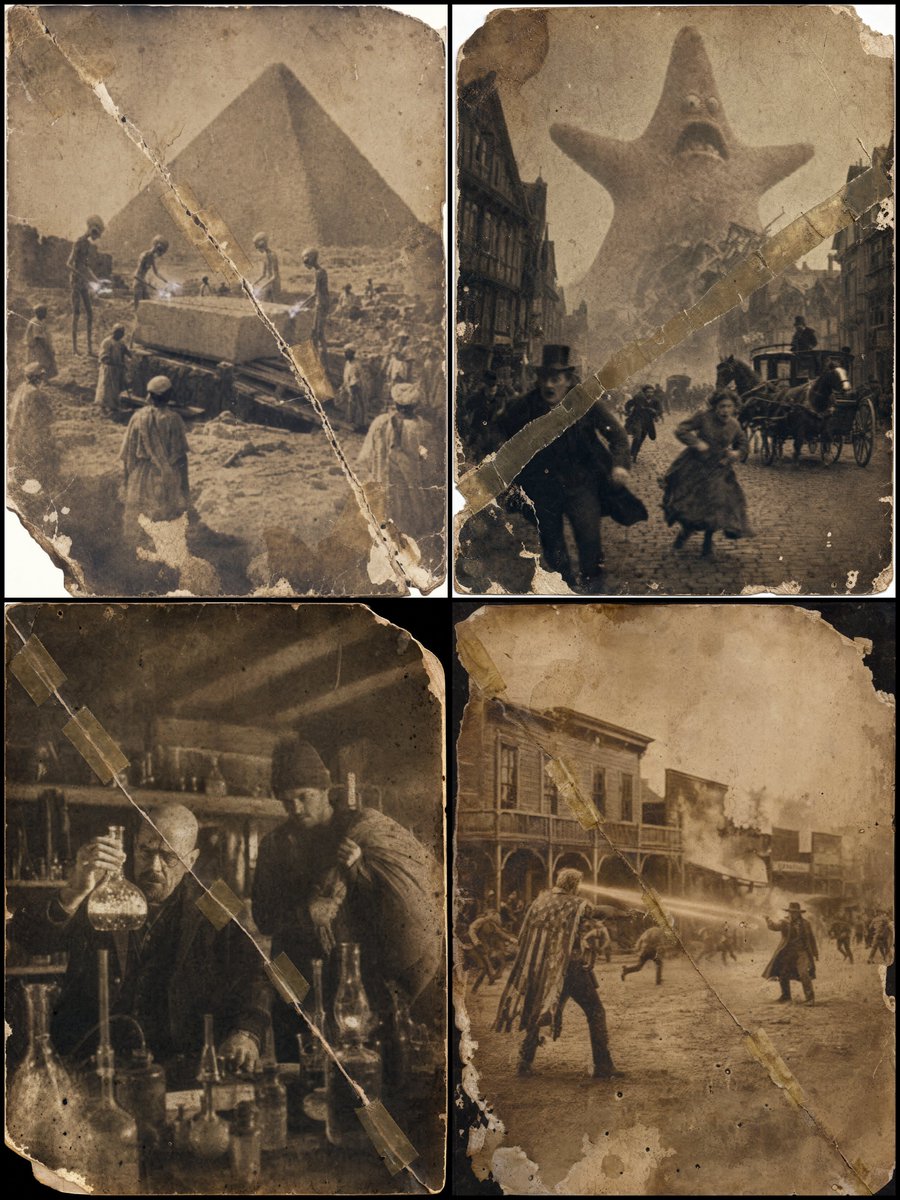
How do I use the Ultra Photorealistic Luxury Car Selfie template?
Choose the primary action to open PicX Studio with the available template settings. Review the model and format, personalize the creative direction, and generate when ready.
A comprehensive prompt for generating high-fidelity selfie portraits inside a luxury vehicle during golden hour, emphasizing facial consistency and realistic ph
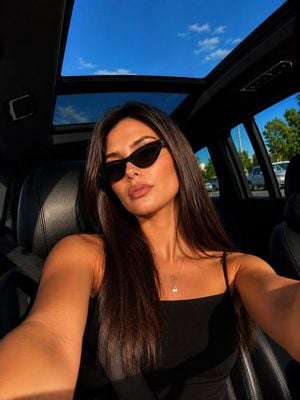
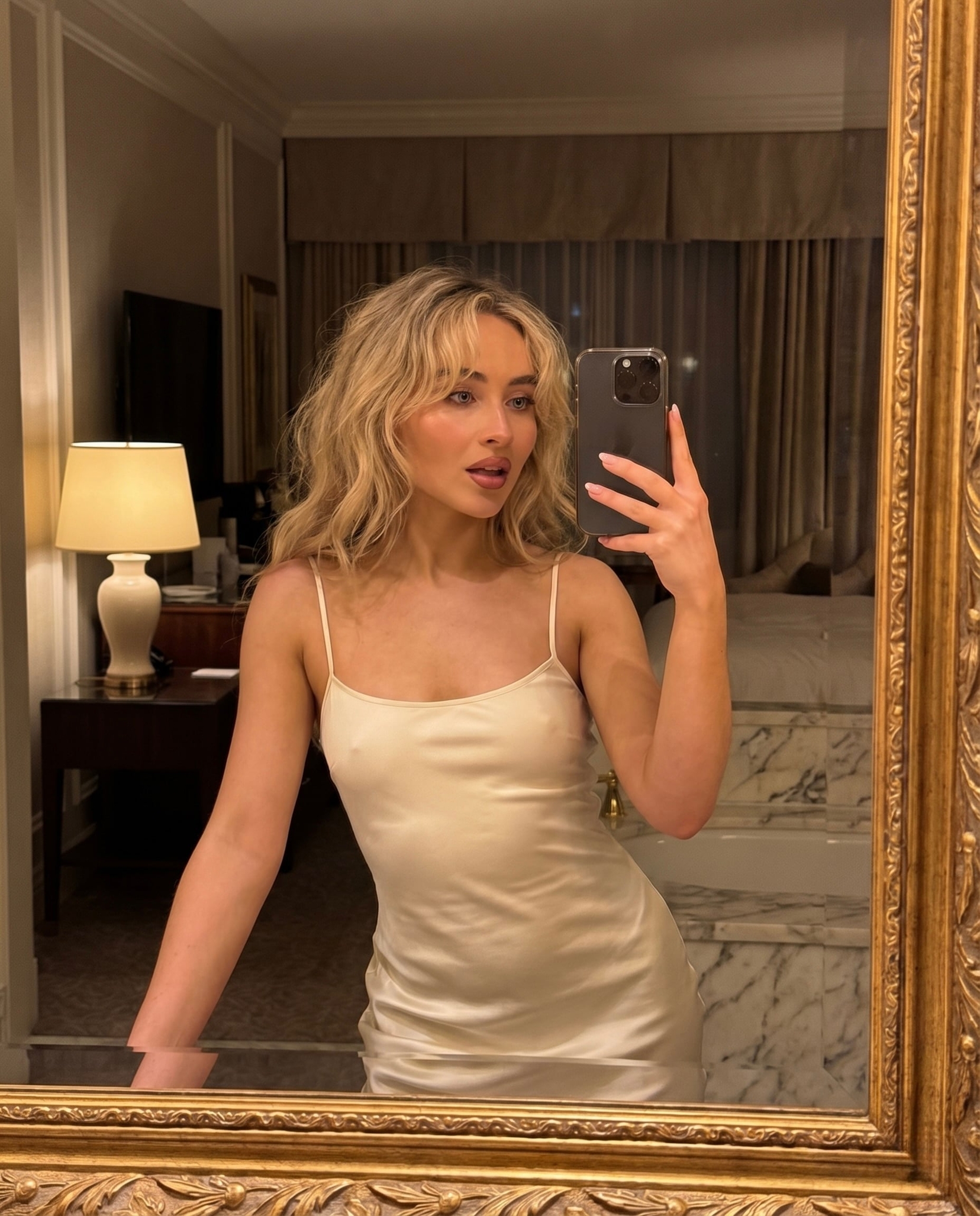
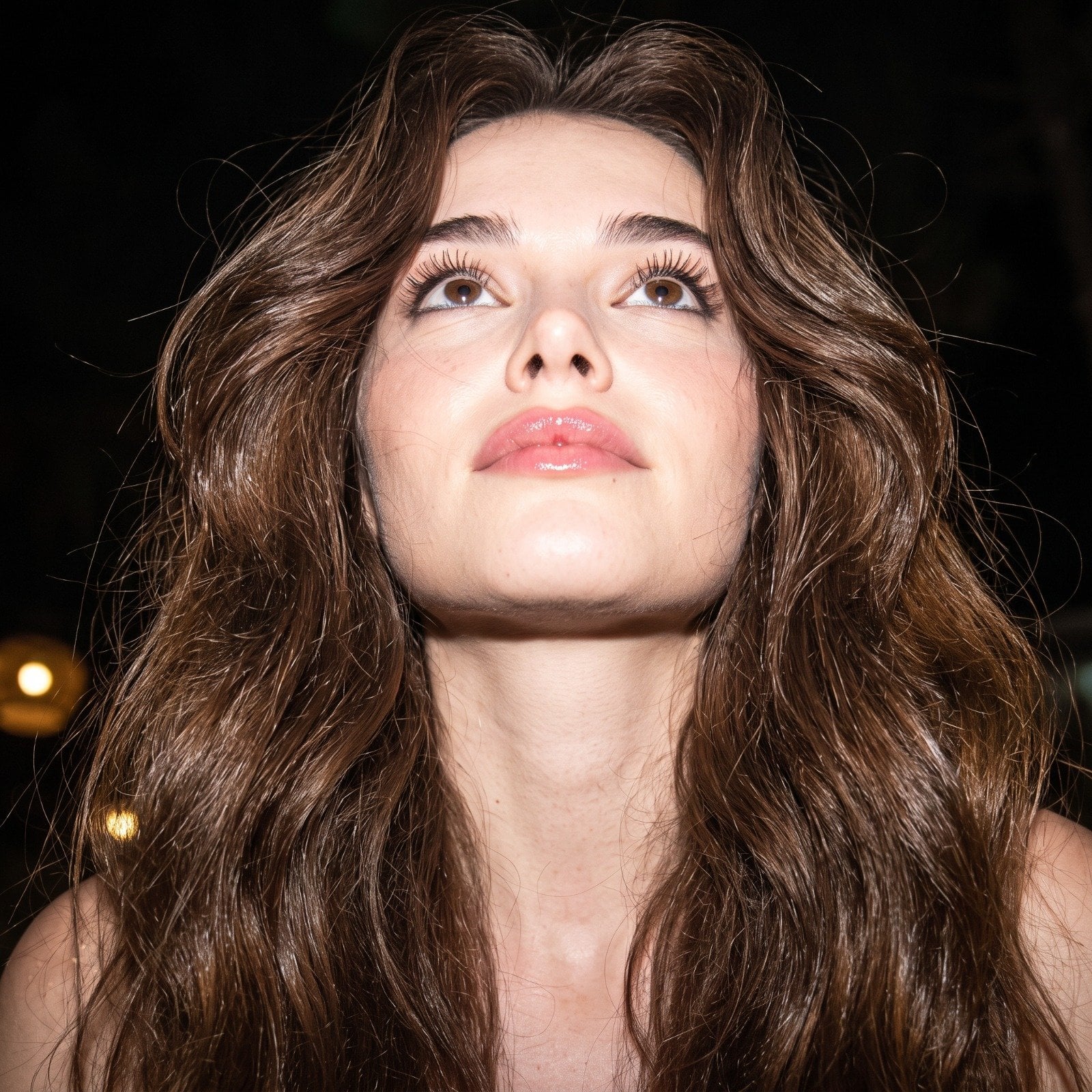
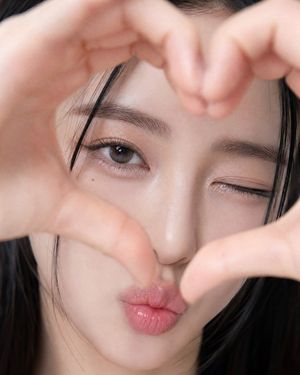
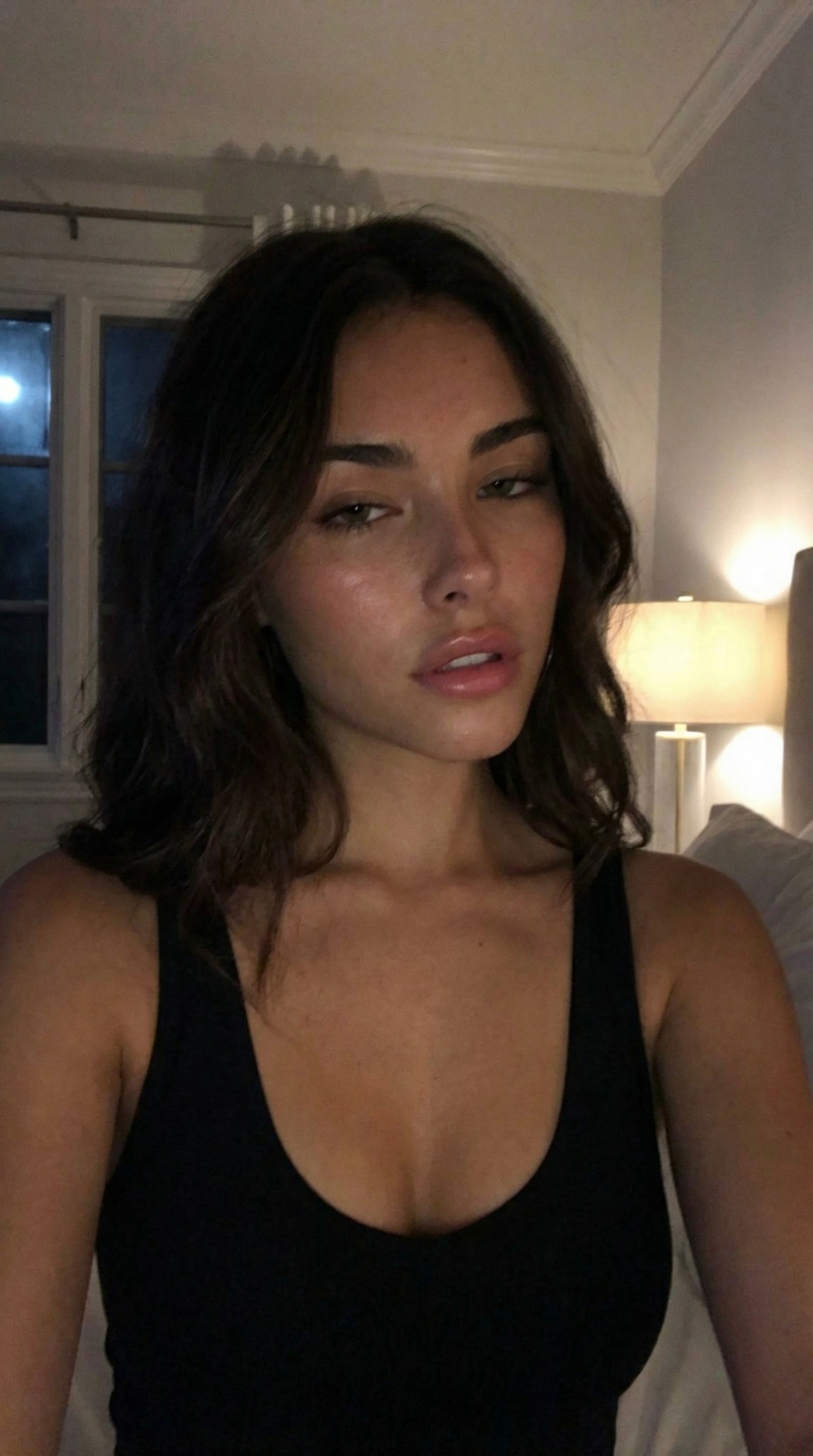
Create an ultra-photorealistic image using the attached reference image as the {argument name="identity reference" default="identity reference"}. Ensure the subject closely resembles the person in the reference image, preserving the same facial features, facial proportions, skin tone, and overall likeness. Keep the face completely natural without beautifying, reshaping, or altering any facial characteristics. No nose piercing. Low-angle close-up selfie {argument name="location" default="inside a luxury car"}, seated slightly angled toward the camera with her right arm extended naturally to take the photo and her head gently tilted. Sleek, pin-straight dark brown hair with a center part, minimal natural makeup, glossy pink lips, {argument name="outfit" default="black spaghetti-strap camisole"}, dark seatbelt across the left shoulder, slim black cat-eye sunglasses, delicate gold necklace with a small round crystal pendant, and a tiny outlined heart tattoo above the pendant. Luxury car interior with a panoramic sunroof revealing a bright blue sky. Strong golden-hour sunlight creates dramatic cinematic contrast, with warm light on her face and deep shadows inside the cabin. Shot on a Sony A7R V, 35mm f/1.4 lens, natural wide-angle selfie perspective, sharp focus on the subject, soft background blur, ultra-realistic skin texture, premium editorial photography, extremely high detail. Negative Prompt: low quality, blurry, flat lighting, distorted face, identity drift, altered facial features, extra limbs, cartoon, anime, CGI, plastic skin, watermark, logo, text, nose piercing.
Choose the primary action to open PicX Studio with the available template settings. Review the model and format, personalize the creative direction, and generate when ready.
Yes. You can change the subject, setting, lighting, mood, format, and available model controls before creating your image.
This template is free to open and customize. Generation usage is shown in PicX Studio before you create.
Start with GPT Image 2, which is the model associated with this template. You can compare another compatible model for a different finish.
Follow a topic to a crawlable collection of related PicX Studio templates.