How do I use the Four-Panel Tteokbokki Comparison template?
Choose the primary action to open PicX Studio with the available template settings. Review the model and format, personalize the creative direction, and generate when ready.
Generates a square photorealistic 2x2 comparison image of four spicy Korean tteokbokki bowls for food posts or model-output comparisons.
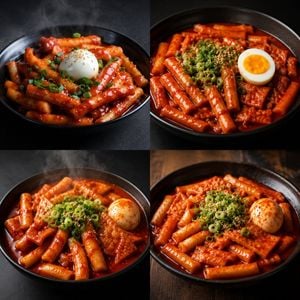
Create a photorealistic 2x2 comparison grid of four appetizing bowls of Korean tteokbokki, each occupying one equal quadrant with thin clean dividers and no text labels. Use a square canvas, dramatic food-photography lighting, shallow depth of field, high contrast, glossy spicy red gochujang sauce, and black ceramic bowls. Each quadrant should show a slightly different generated-food style while keeping the same subject: cylindrical rice cakes, fish cake pieces, chopped green onions, sesame seeds, and a boiled egg garnish. Top-left quadrant: black bowl on a dark matte surface, visible steam rising, rice cakes coated in bright red sauce, a whole peeled boiled egg centered on top with sesame seeds, green onions scattered around it. Top-right quadrant: black bowl cropped close from above, dense pile of rice cakes in deep red sauce, chopped scallions and sesame seeds in the center, a halved boiled egg on the right with vivid orange yolk, minimal steam. Bottom-left quadrant: black bowl on a dark background, saucier tteokbokki with abundant red broth, visible steam, green onion mound in the center, sesame seeds, and a whole boiled egg on the right dusted with red pepper. Bottom-right quadrant: black bowl on a rustic wooden table, warm restaurant lighting, glossy red sauce, rice cakes and rectangular fish cakes, central mound of chopped scallions and sesame seeds, whole boiled egg on the right sprinkled with chili powder. Make the food look rich, spicy, and craveable, with realistic reflections on the sauce and bowls. No people, no utensils, no captions, no watermark.
Choose the primary action to open PicX Studio with the available template settings. Review the model and format, personalize the creative direction, and generate when ready.
Yes. You can change the subject, setting, lighting, mood, format, and available model controls before creating your image.
This template is free to open and customize. Generation usage is shown in PicX Studio before you create.
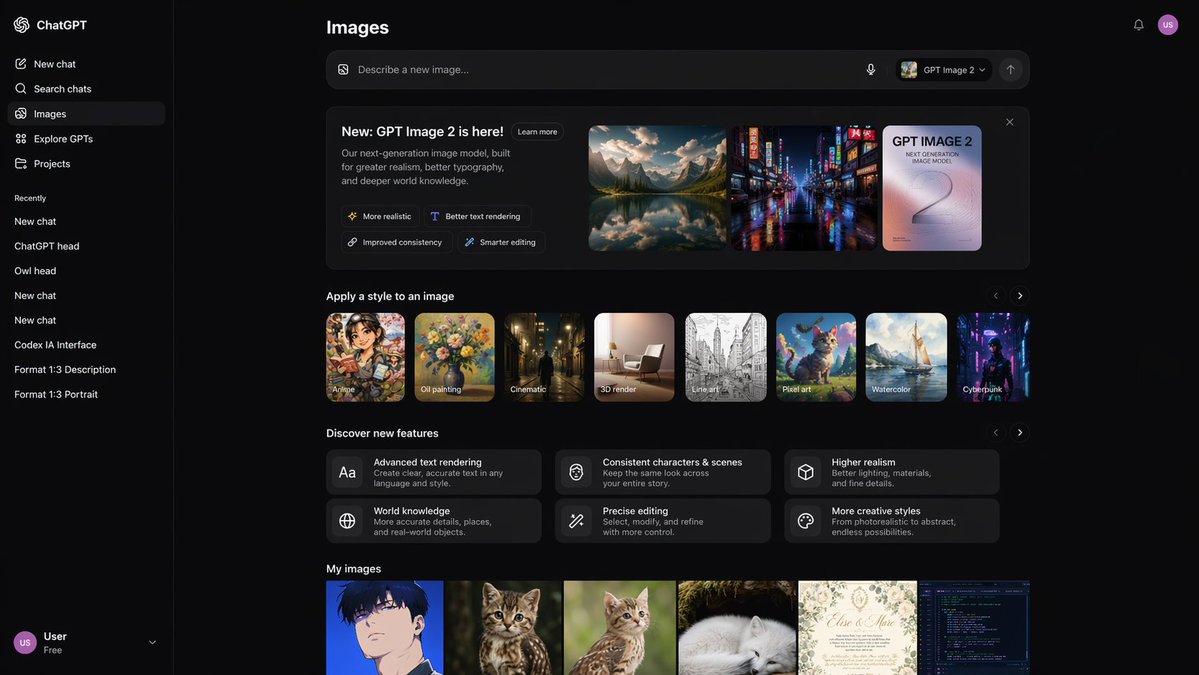
Start with GPT Image 2, which is the model associated with this template. You can compare another compatible model for a different finish.
Follow a topic to a crawlable collection of related PicX Studio templates.