How do I use the Premium Editorial Scrapbook Collage template?
Choose the primary action to open PicX Studio with the available template settings. Review the model and format, personalize the creative direction, and generate when ready.
A detailed prompt for creating a mixed-media editorial collage featuring a central realistic subject surrounded by graphite pencil sketches on vintage textured
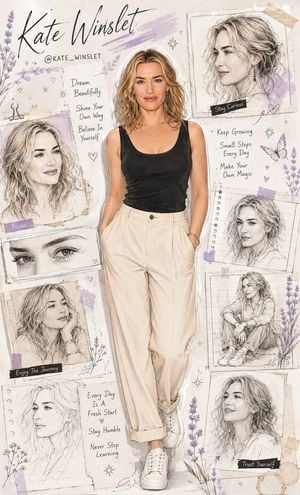
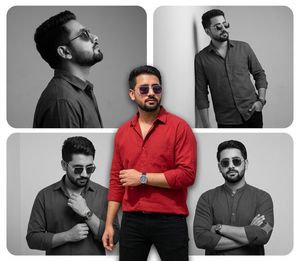
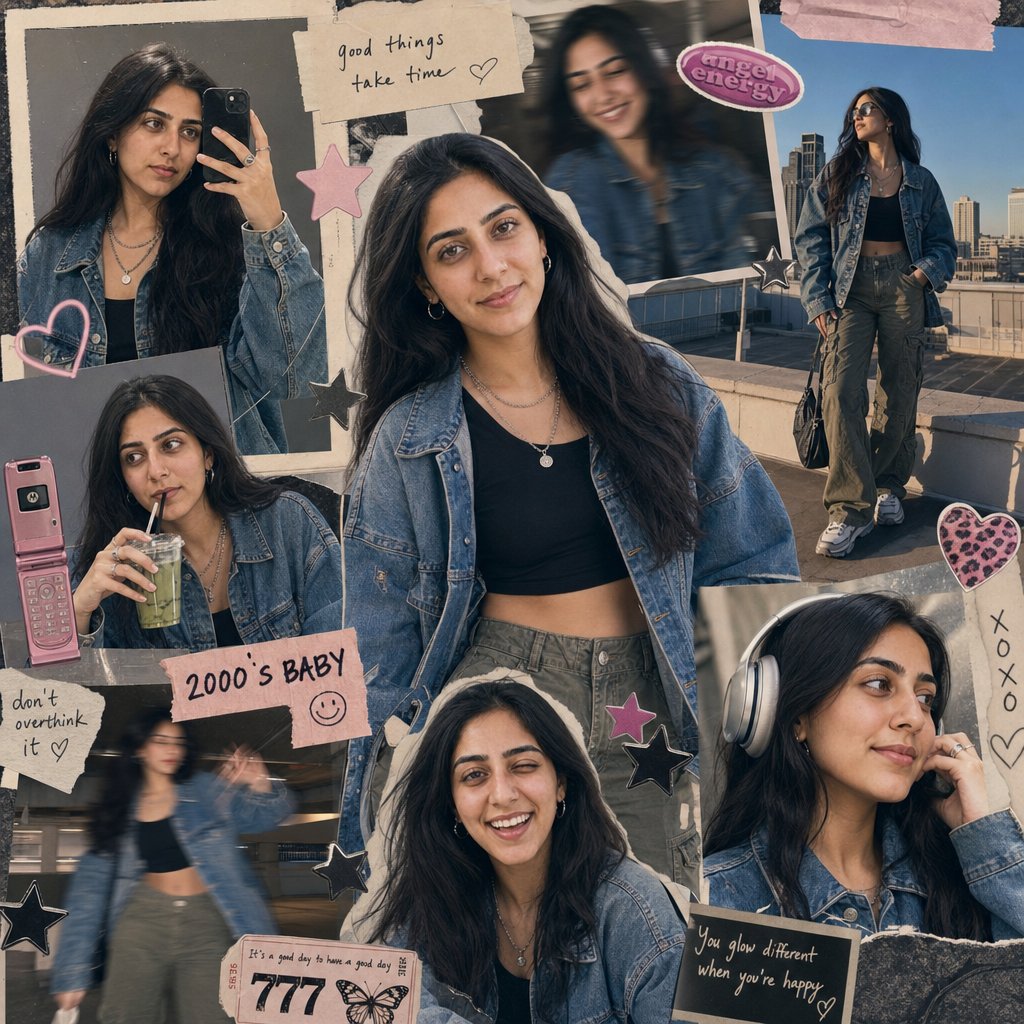
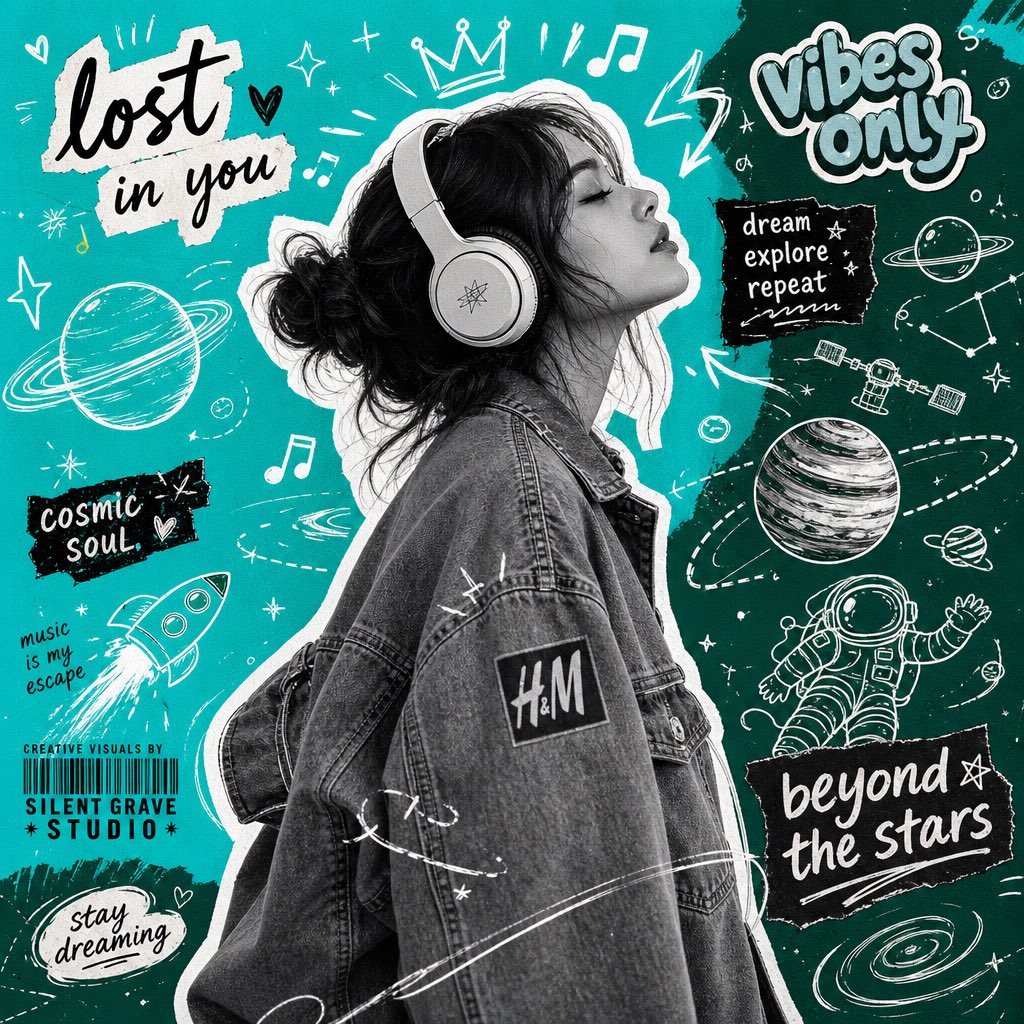
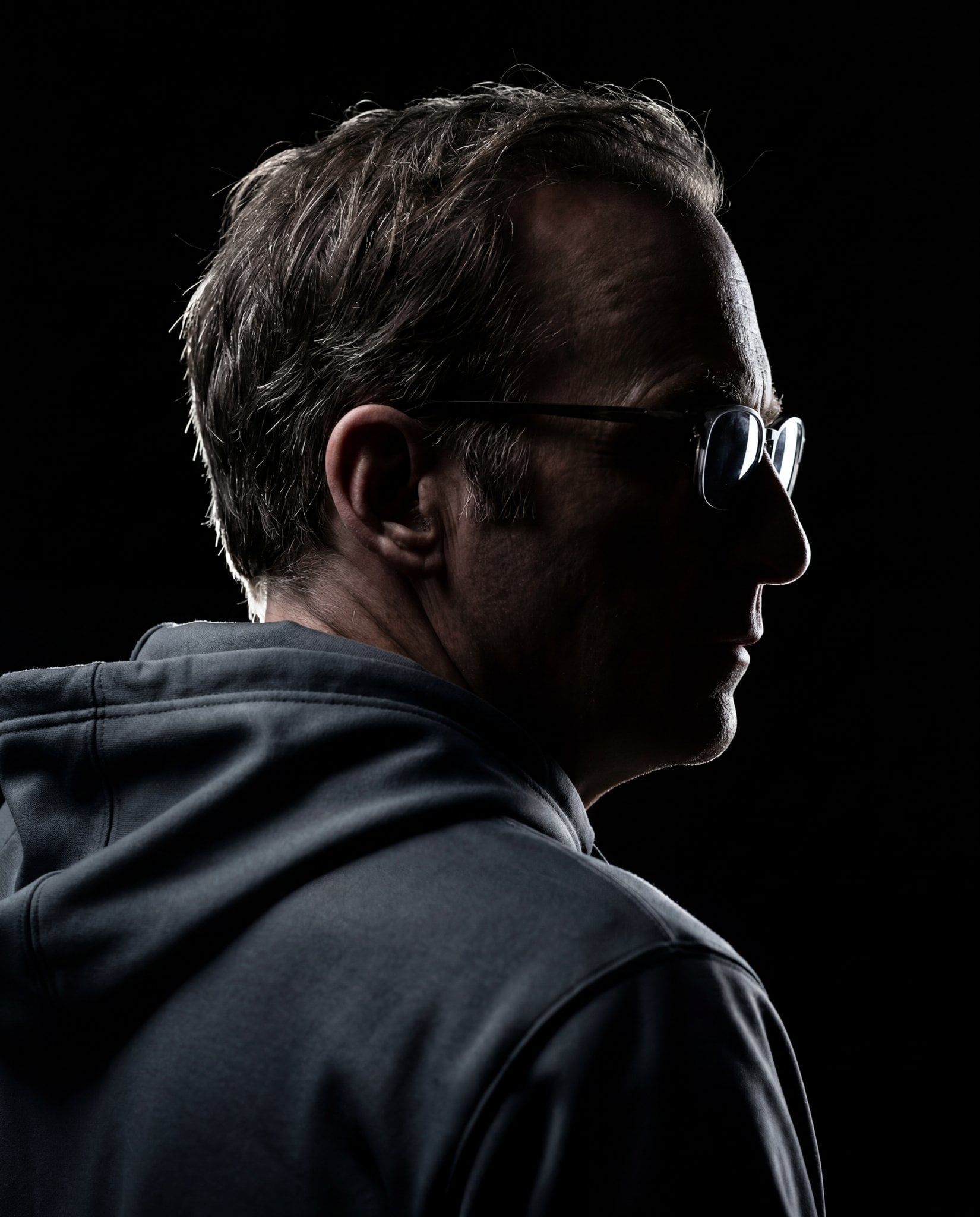
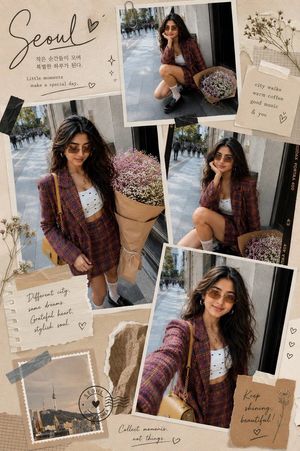
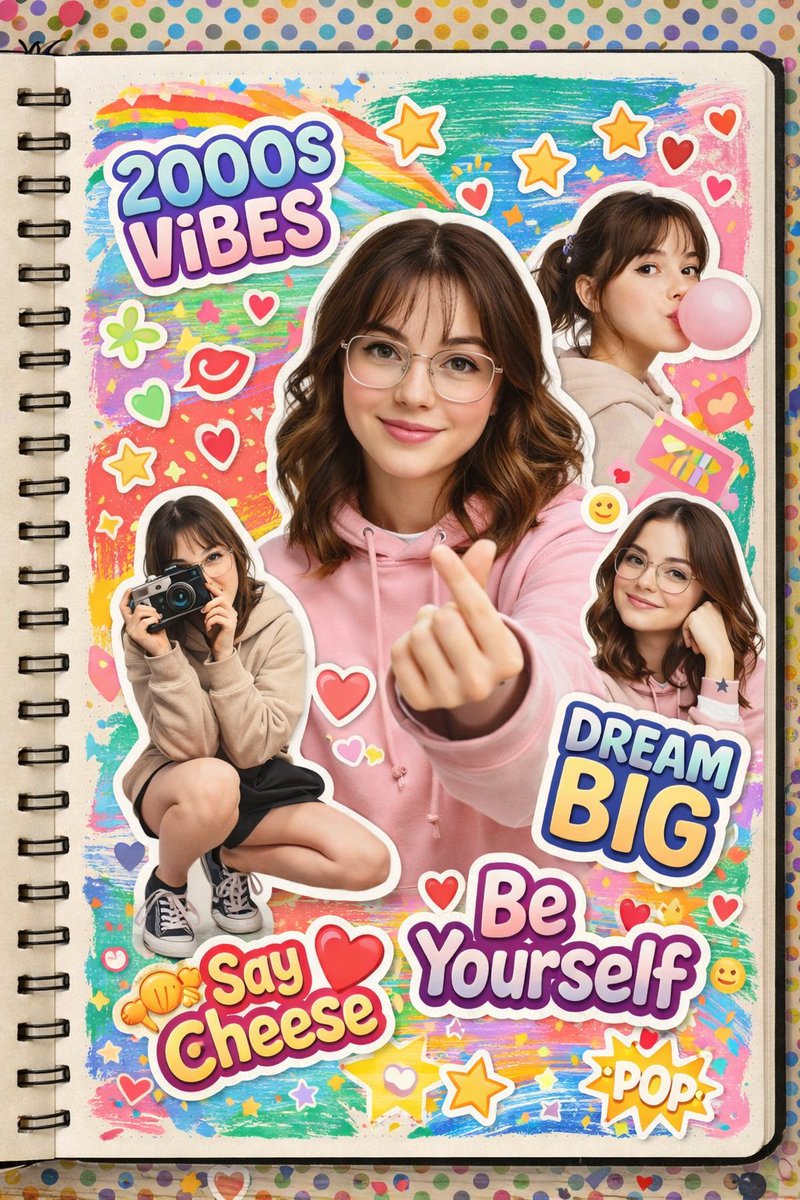
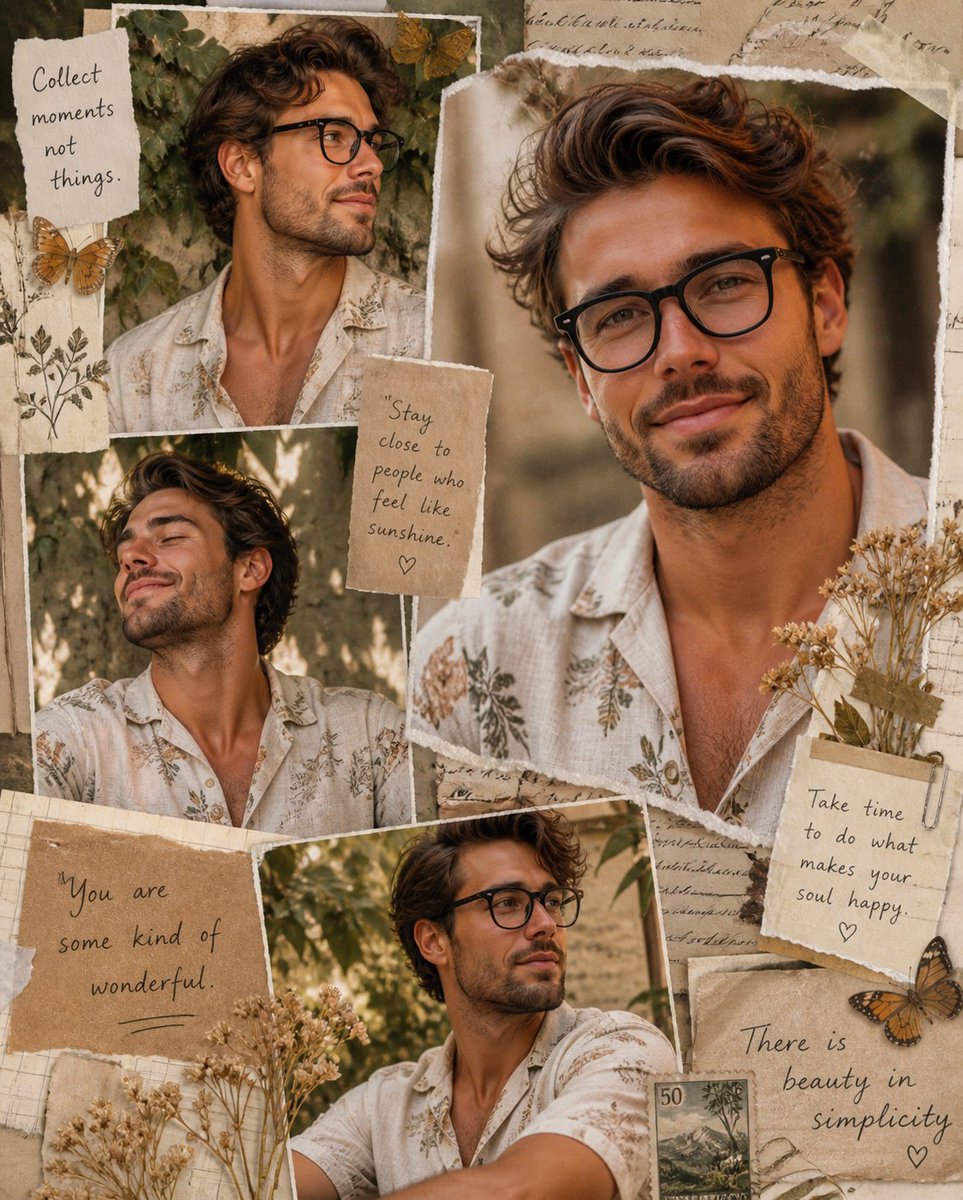
Create a premium editorial scrapbook collage featuring {argument name="subject" default="[SUBJECT]"} standing full-body in the center, looking naturally confident with hands in pockets and one leg slightly crossed. Surround the subject with 8–12 realistic graphite pencil sketches showing different angles, facial expressions, side profiles, close-up eye study, seated pose, smiling portrait, thoughtful pose, and artistic headshots. The background is a warm cream textured vintage paper with torn notebook pages, masking tape, ripped paper edges, handwritten motivational notes, doodled hearts, stars, butterflies, {argument name="floral element" default="lavender flowers"}, ink sketches, and soft watercolor brush strokes in {argument name="color accent" default="pastel lavender"}. Add elegant handwritten calligraphy at the top displaying the subject’s name with a smaller social handle underneath. Include aesthetic notebook elements, paper clips, coffee stains, tape pieces, torn journal scraps, subtle floral illustrations, and inspirational handwritten quotes. The center figure should remain a highly realistic color photograph, while all surrounding portraits are monochrome pencil drawings with delicate shading and sketchbook texture. Soft natural daylight, muted beige and lavender color palette, premium Pinterest mood board aesthetic, fashion editorial design, artistic journal layout, luxury magazine styling, ultra-detailed, photorealistic skin, crisp clothing textures, clean composition, balanced spacing, 8K, masterpiece quality.
Choose the primary action to open PicX Studio with the available template settings. Review the model and format, personalize the creative direction, and generate when ready.
Yes. You can change the subject, setting, lighting, mood, format, and available model controls before creating your image.
This template is free to open and customize. Generation usage is shown in PicX Studio before you create.
Start with GPT Image 2, which is the model associated with this template. You can compare another compatible model for a different finish.
Follow a topic to a crawlable collection of related PicX Studio templates.