
Cinematic Easthies Cosplay Portrait
A photorealistic fantasy cosplay action portrait of Easthies-inspired witch knight attire above a sunset medieval city.
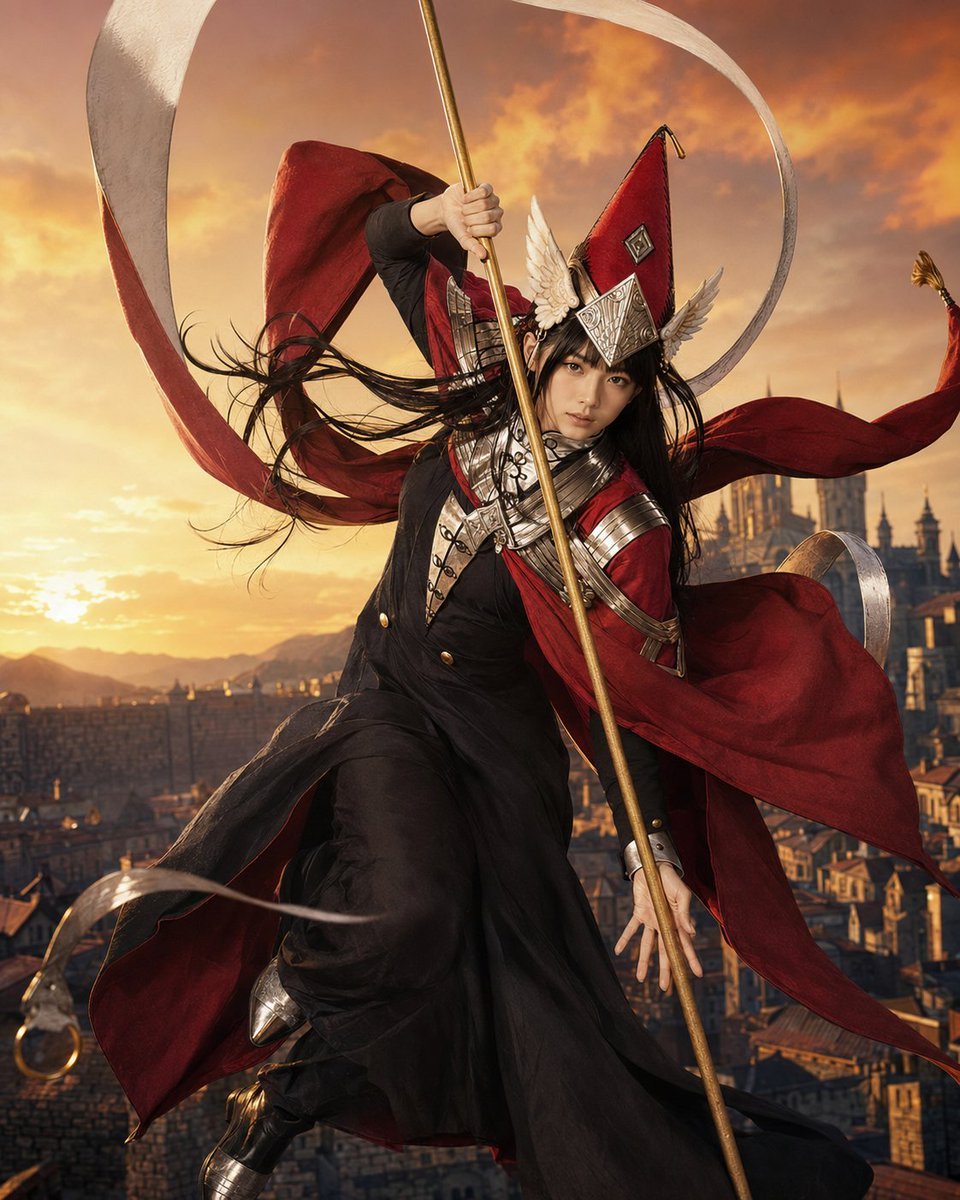
- Prompt included
- Model and format preset
- Free template
The prompt behind this image
Copy the exact prompt behind Cinematic Easthies Cosplay Portrait, or open it in the studio and make it yours.
Create a cinematic live-action cosplay portrait of {argument name="character name" default="Easthies, vice-captain of the Knights Moralis from Witch Hat Atelier"} in a dramatic midair action pose above a sprawling medieval fantasy city at golden sunset. The character is an androgynous young adult with pale skin, sharp serious eyes, and long {argument name="hair color" default="black"} hair blown violently by the wind. They wear an ornate black military-style robe and fitted trousers under a flowing deep {argument name="cloak color" default="crimson red"} cloak with long ribbon-like tails, silver chest armor, layered shoulder plates, belts and straps, polished bracers, black boots, and a tall pointed red witch hat decorated with silver geometric panels and white wing-like ornaments. They grip a long vertical {argument name="staff type" default="golden staff"} with one hand raised high and the other low, as if descending or leaping into battle. Around them, add large sweeping white cloth ribbons forming elegant arcs and loops, plus loose red cape fabric streaming in multiple directions. The background shows rooftops, stone towers, and a distant cathedral-like structure in warm orange light, with mountains and glowing clouds near the horizon. Use a photorealistic high-fashion cosplay editorial style, dynamic low-angle composition, detailed costume craftsmanship, wind-swept fabric, dramatic rim lighting, shallow depth of field, rich warm color grading, and epic fantasy atmosphere. No text, no watermark, no extra characters.
How to use Cinematic Easthies Cosplay Portrait in 3 steps
- 1Upload ImagePNG, JPG or paste
Add your photo
Upload the photo the template builds on. The prompt, model and format are already set.
- 2…a portrait of your subject in softgolden-hour light, 85mm…
Personalize
Edit the subject and creative details for your destination.
- 3Generate
Generate
Press Generate — your image is created in PicX Studio, so you can compare it with the original and refine one variable at a time.
More like this
Templates with the same subject, style or setup. Open one to see its prompt.

Found Photograph: Us, 1970

80s Couple Studio Portrait

80s Bollywood Star

80s Golden Hour Cinema

Me in 1985

1985 Studio Portrait

Hyper-Realistic Minecraft POV Portrait

Rooftop Fisheye — Cat-Ear Balaclava at Golden Hour

Rainy Café Window Moody Portrait

untitled
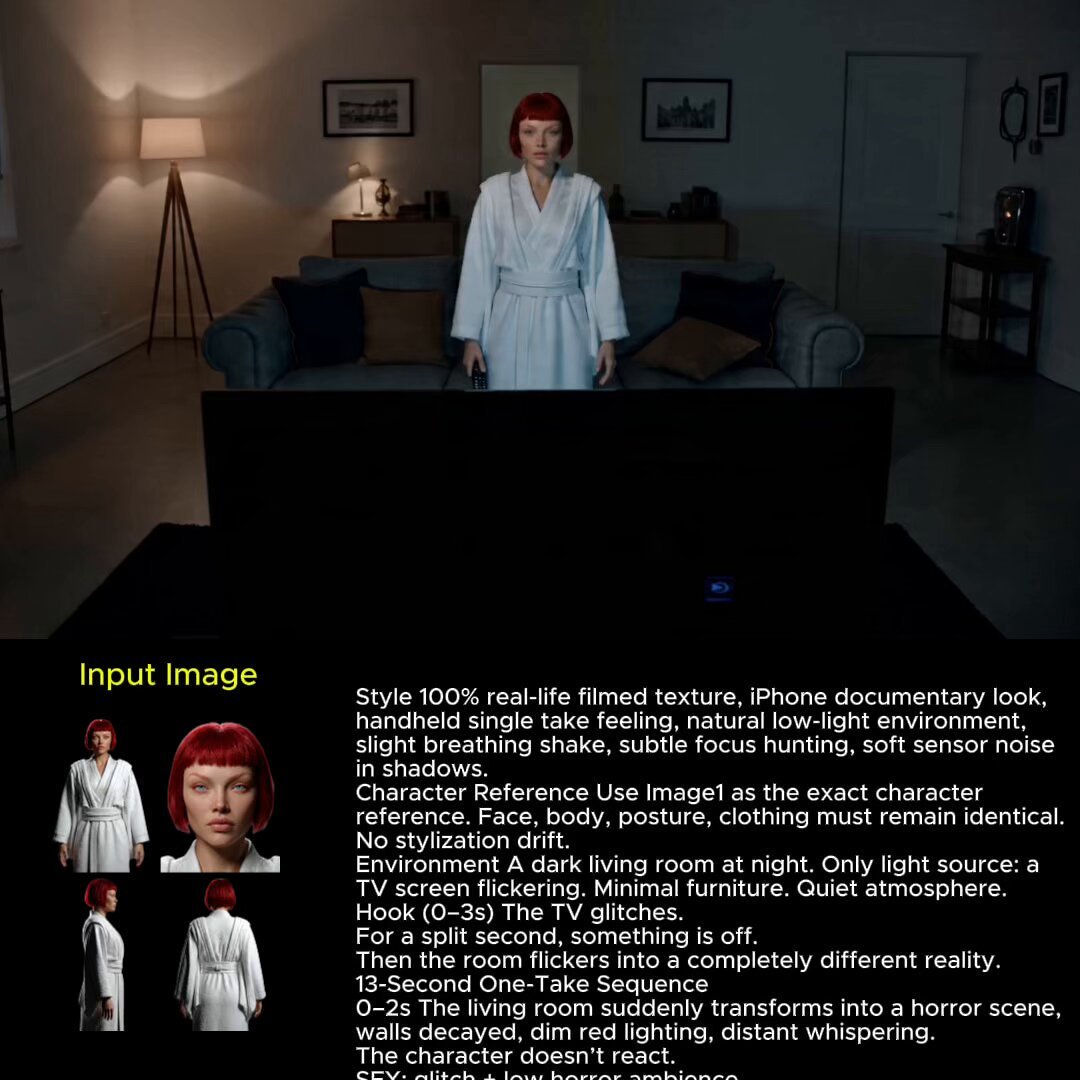
2025 Aesthetic Photography
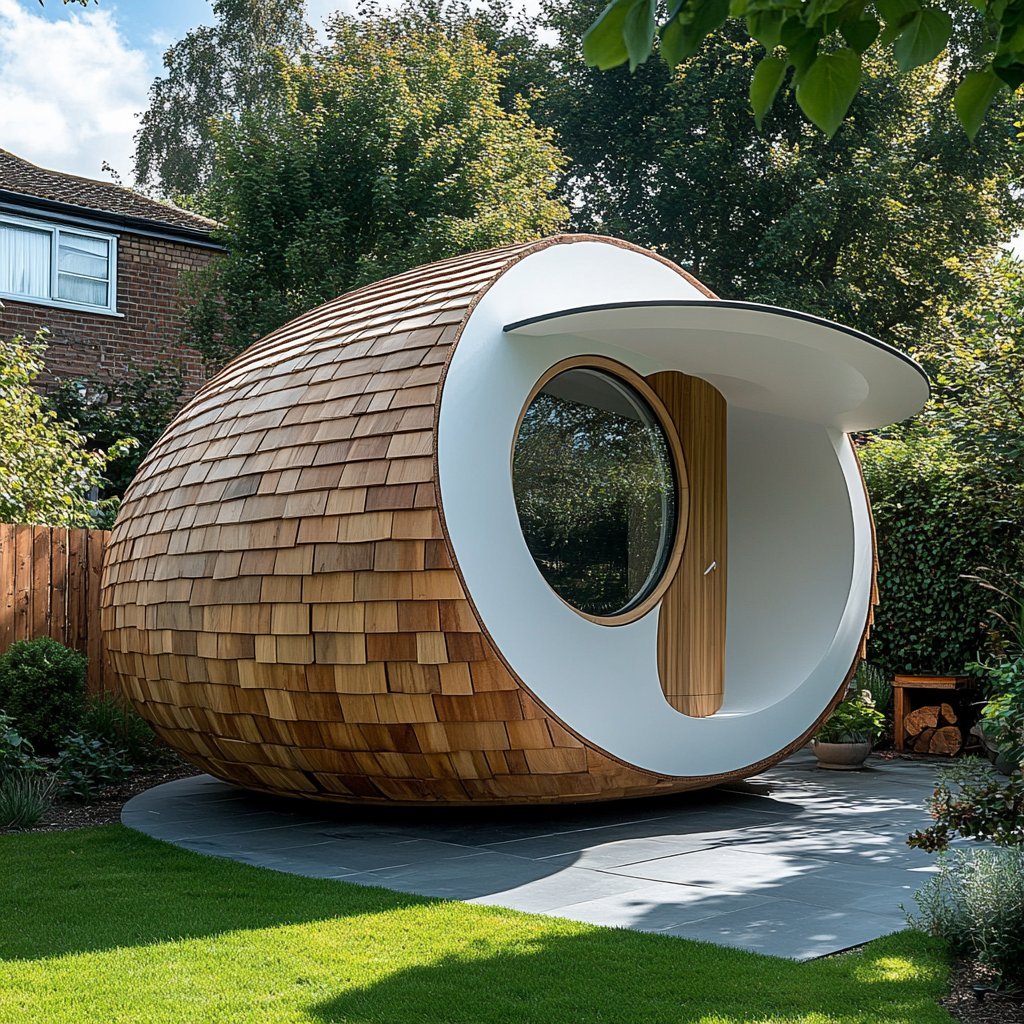
Nano Banana Is So Addictive
Make it yours
Cinematic Easthies Cosplay Portrait works as-is. These are the safest ways to change it without losing the look.
Change one field
Copy a single group, rewrite it, and generate again so you can see what that field is doing.
Keep the frame, change the subject
Hold the composition and light of Cinematic Easthies Cosplay Portrait, then swap wardrobe, props or the person for a new take.
| If the result… | Why | Fix |
|---|---|---|
| The result drifts from the preview | Too many fields changed at once. | Reuse Cinematic Easthies Cosplay Portrait as-is first, then change one group — subject, light, or setting. |
| The model over-stylizes the scene | The prose prompt leaves finish and camera underspecified. | Add one camera or lighting sentence and stay on GPT Image 2. |
More GPT Image 2 templates
Other prompts made for GPT Image 2.

Six VTuber Japanese Logo Sheet

Realistic Portrait of Woman and Deer

The Vista Modular Condo Poster

AI Model Routing Comparison Infographic

2.5D Anime Art Board

Isometric Productivity Desk Scene

New York Double Exposure Poster

Four-Panel AI Landscape Comparison

Japanese Tatami Lifestyle Magazine Cover

NESCAFÉ Coffee Map Poster
More image prompts
Fresh picks from across the catalog.
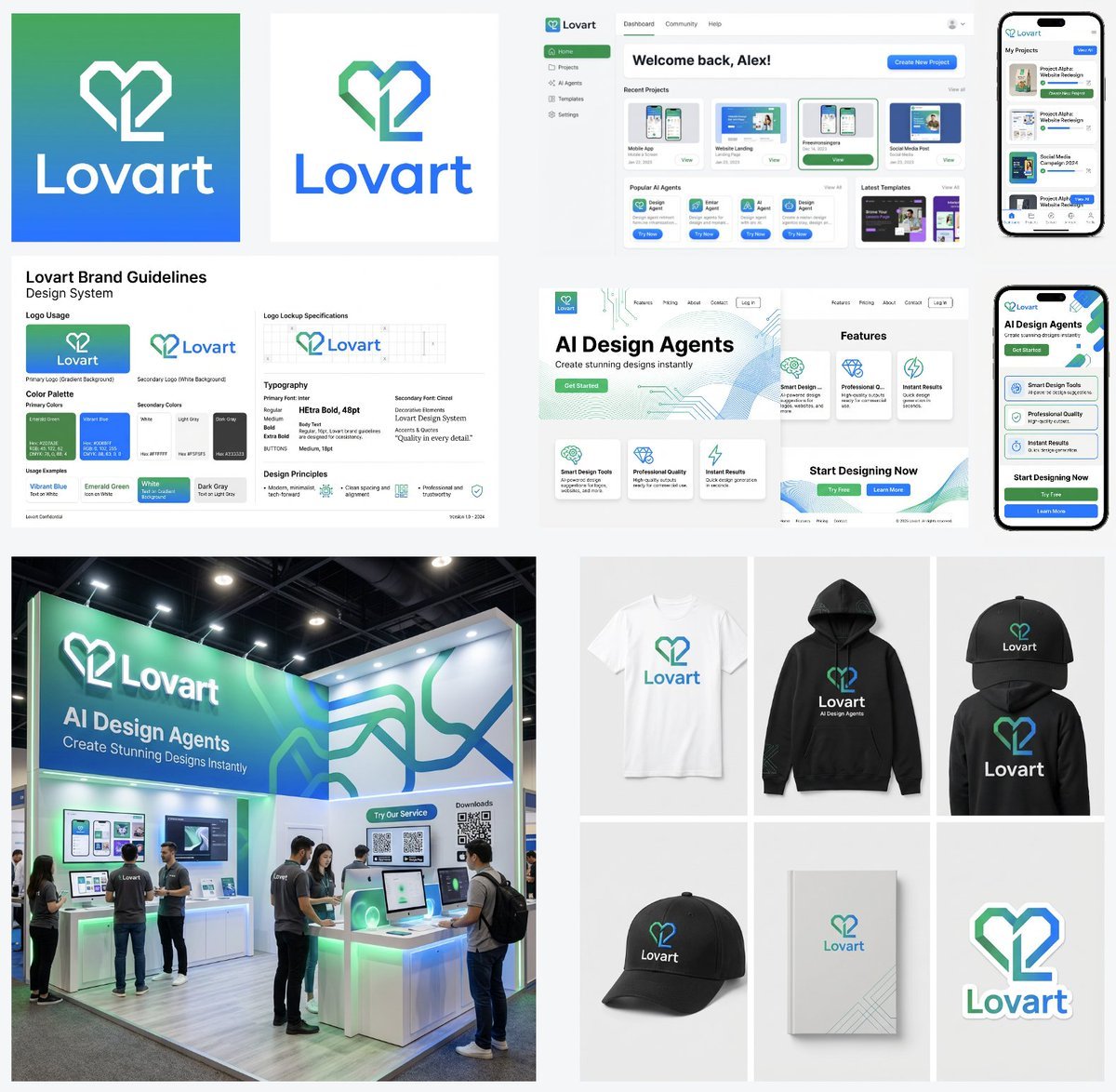
Multi-Step Design Generation Prompts for 'Lovart' Brand
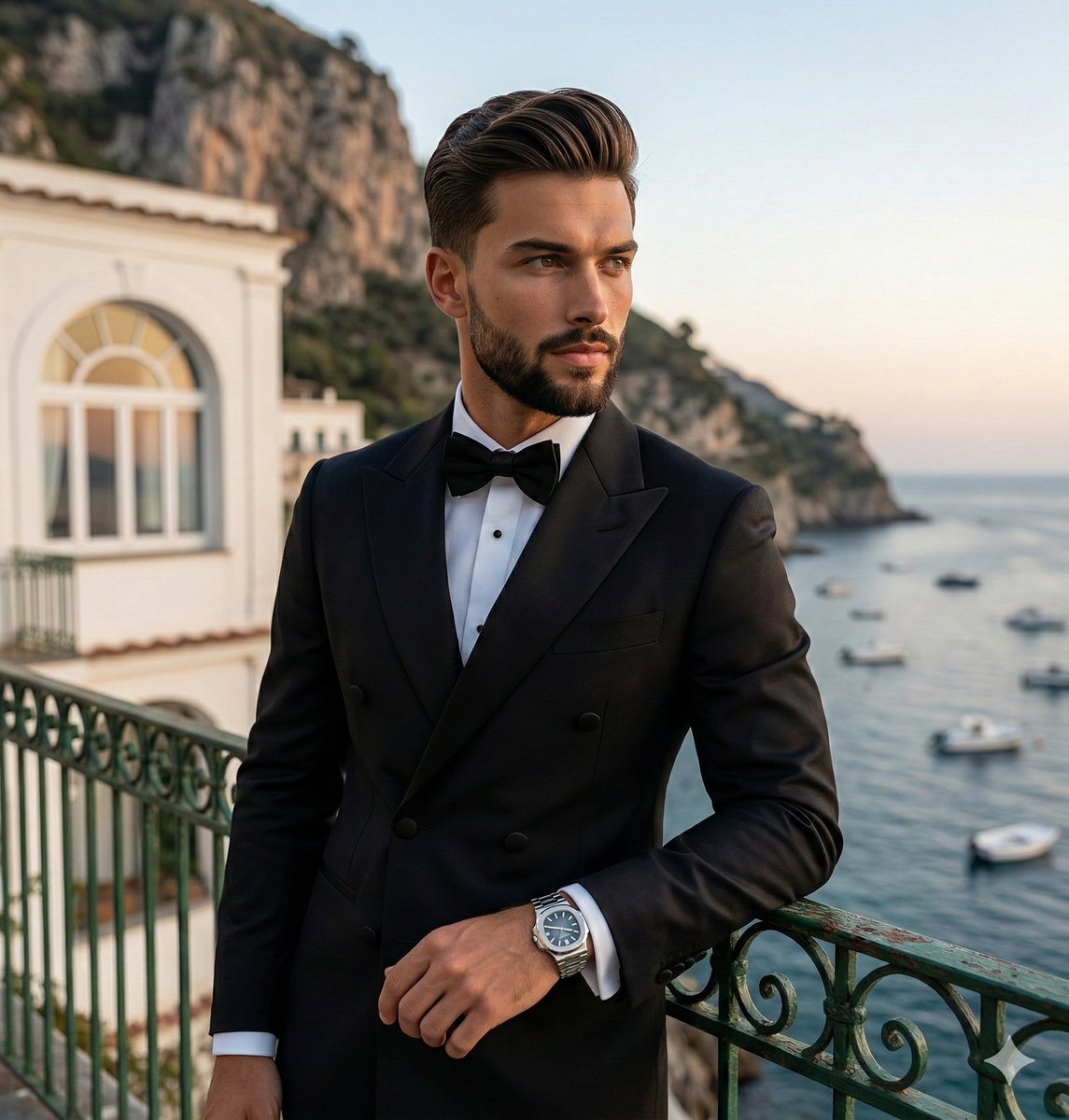
Luxury Lifestyle Portrait at Sunset
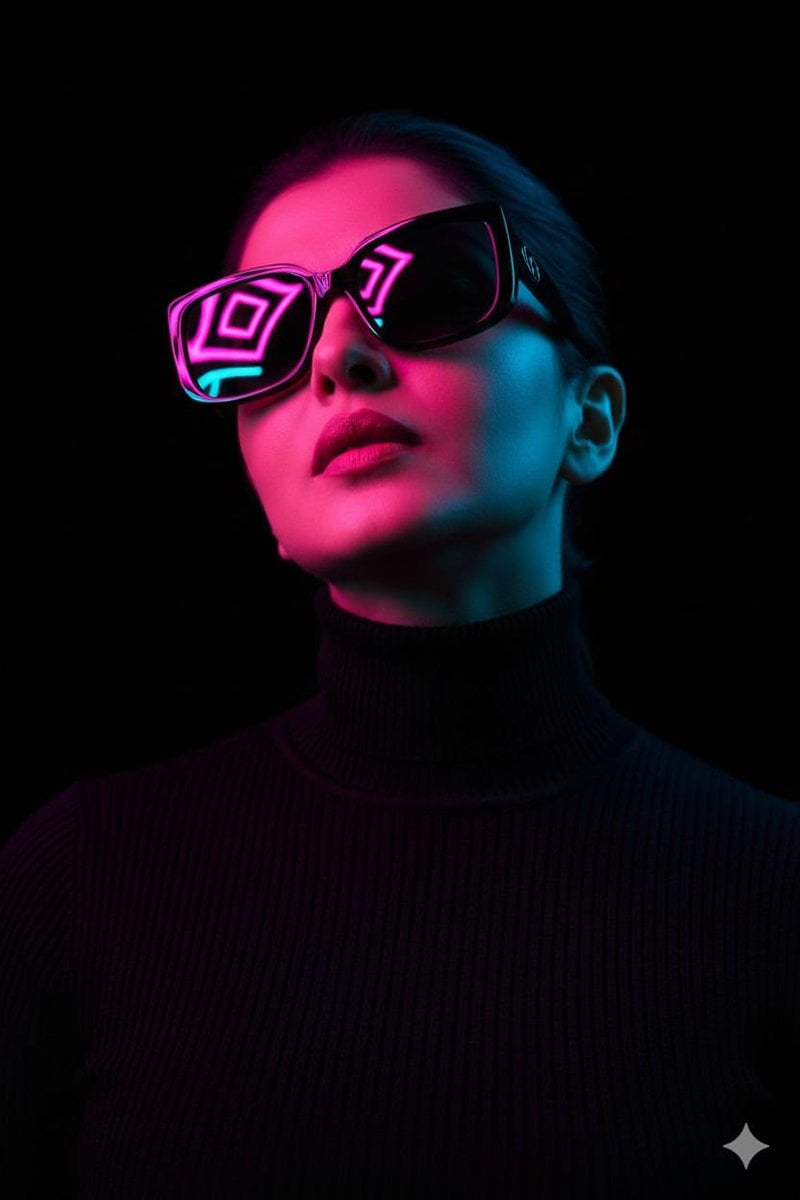
Cyberpunk Futuristic Portrait Prompt
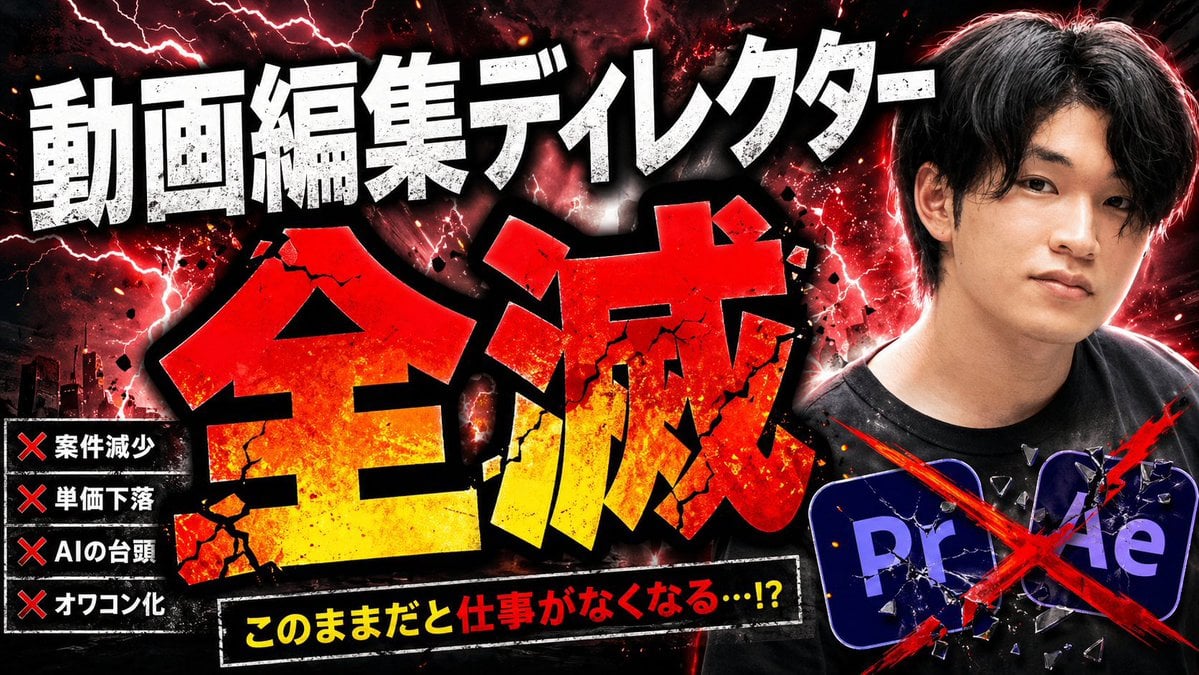
Explosive Japanese AI Threat Thumbnail
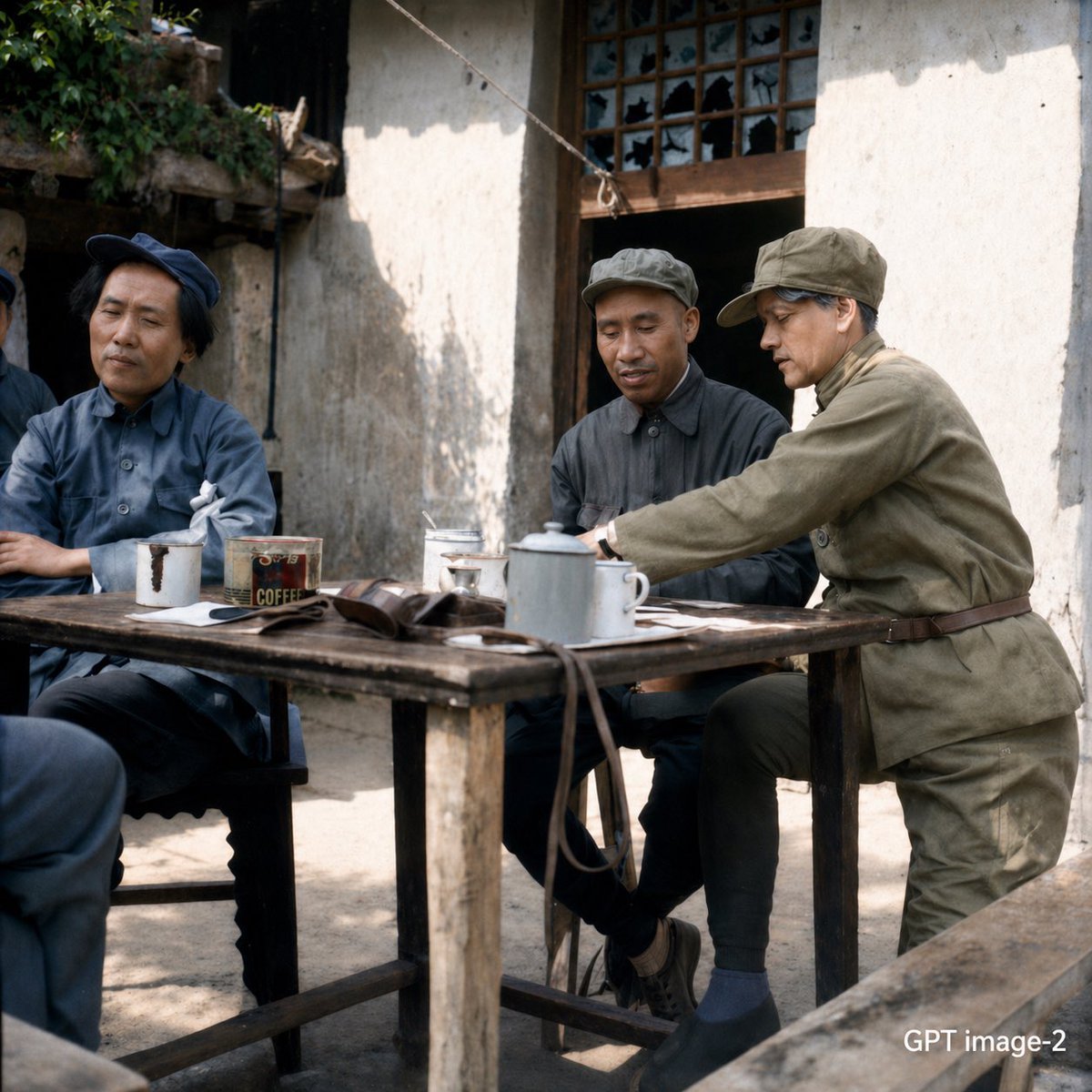
Mao-Era Courtyard Meeting Photo
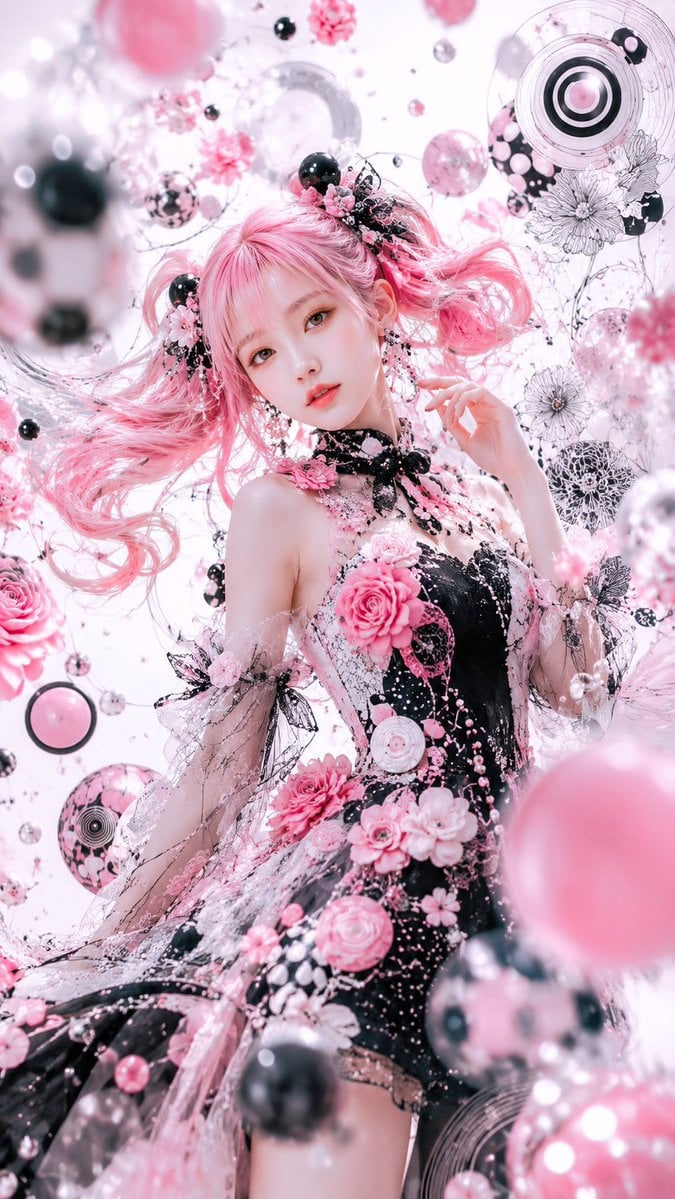
Pink Gothic Floral Fantasy Portrait
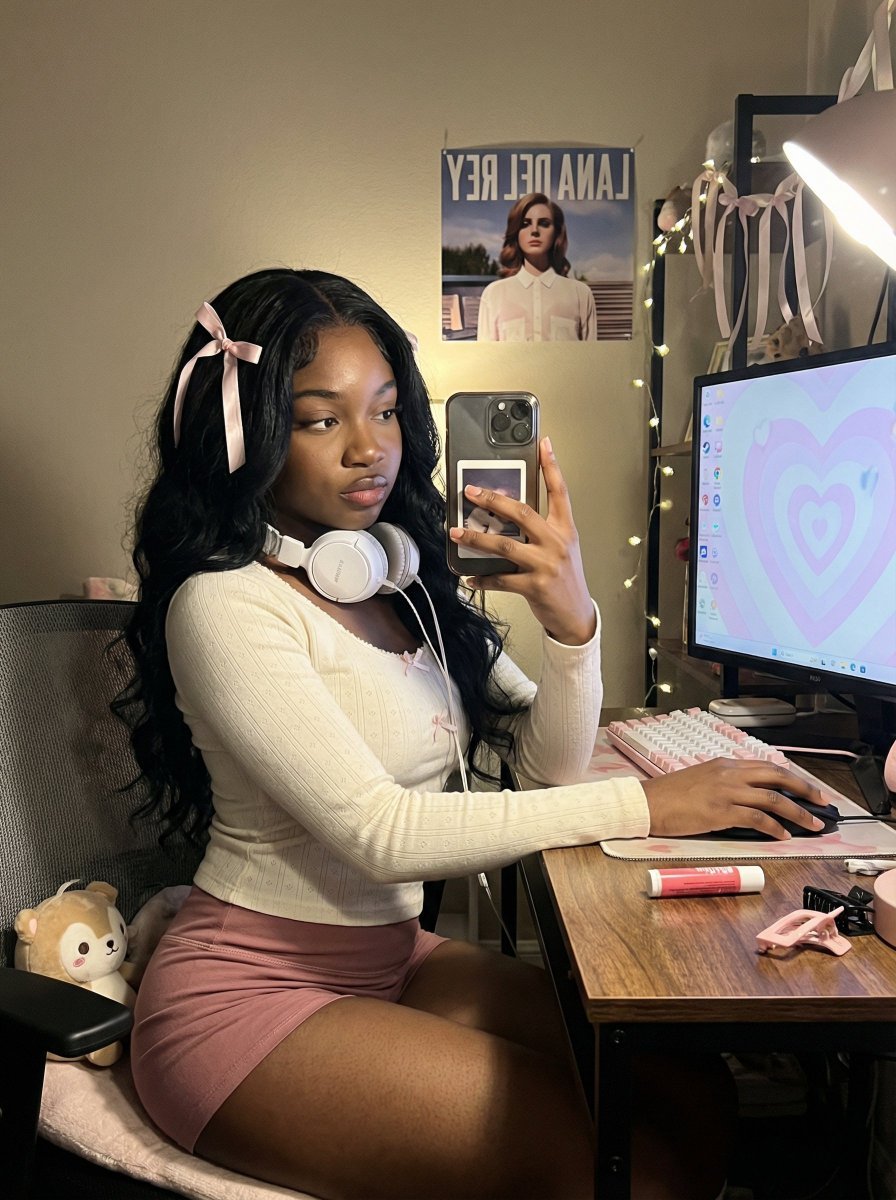
Coquette Gamer Girl Selfie in Bedroom
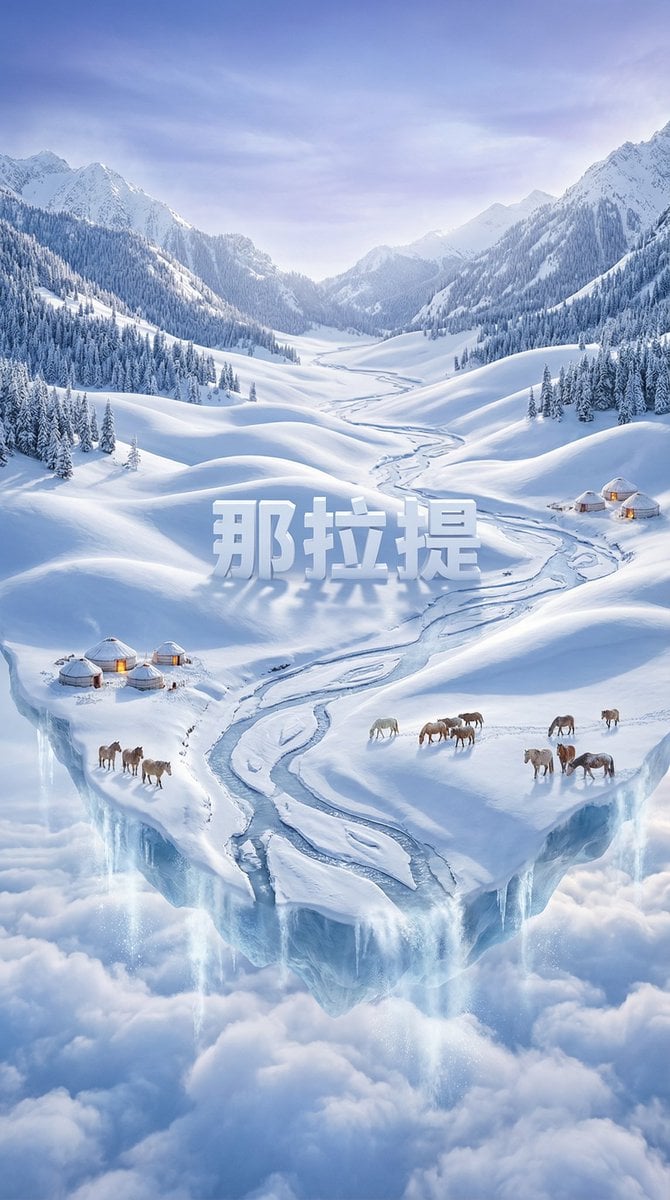
Dreamlike Snow Country Scene
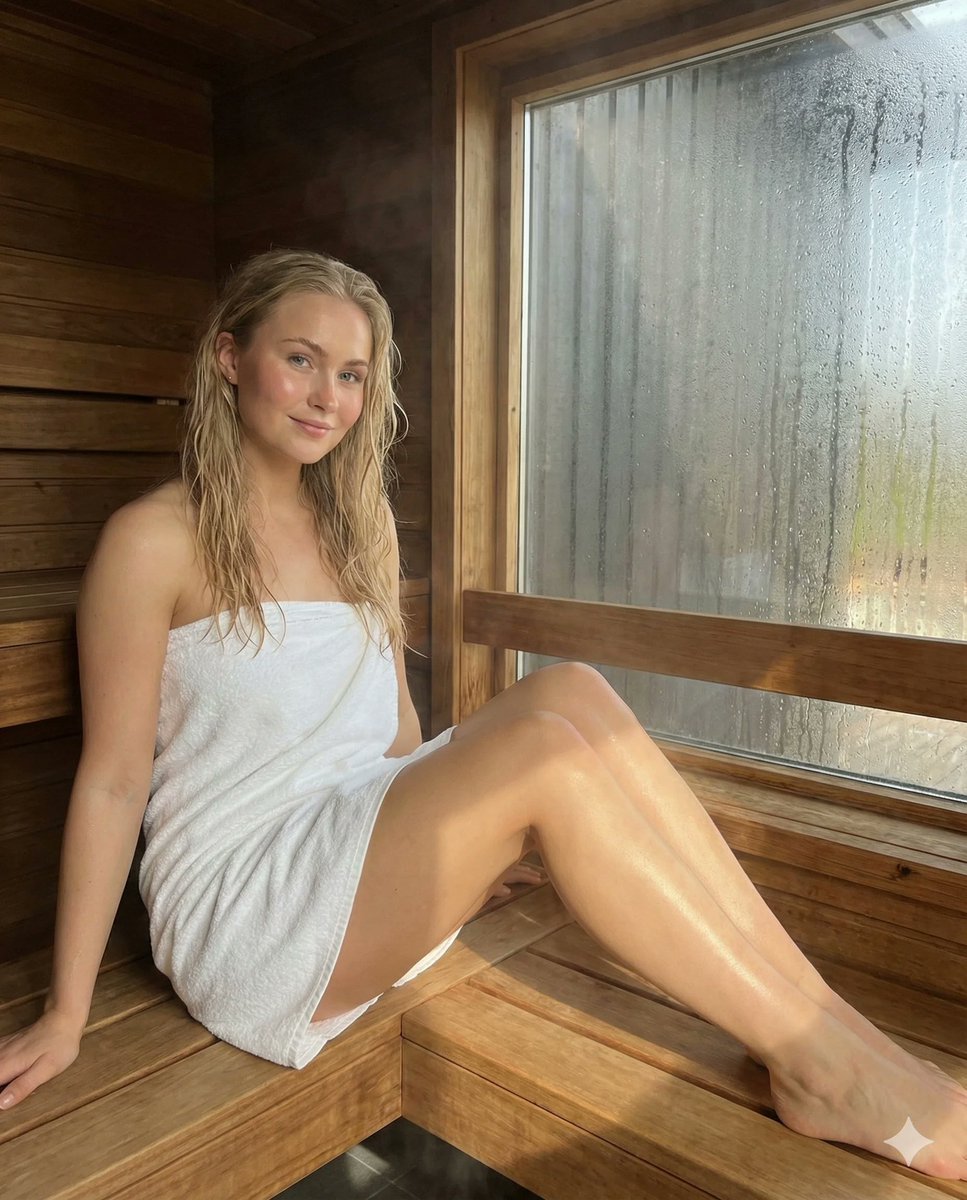
Photorealistic Spa Lifestyle Portrait with Identity Lock
Low-fidelity CCTV image of a defiant subject
Browse template categories
Cinematic Easthies Cosplay Portrait questions
How do I use the Cinematic Easthies Cosplay Portrait template?
Add your photo if the template asks for one, edit the prompt if you like — the template's model and format are already selected — and press Generate. Your version opens in PicX Studio.
Can I customize the Cinematic Easthies Cosplay Portrait template?
Yes. You can change the subject, setting, lighting, mood, format, and available model controls before creating your image.
Is the Cinematic Easthies Cosplay Portrait template free?
Opening and editing this template is free. Generating uses credits, shown on the Generate button when you are signed in.
Which AI model should I use?
Start with GPT Image 2, which is the model associated with this template. You can compare another compatible model for a different finish.
Looking for something else? Browse all templates.

Your photo, any look
Thousands of ready templates for every top image and video model, from one credit balance.