
Emerald Ring Botanical Luxury Macro
A cinematic square macro product shot of a gold emerald ring resting on wet leaves for luxury jewelry advertising.
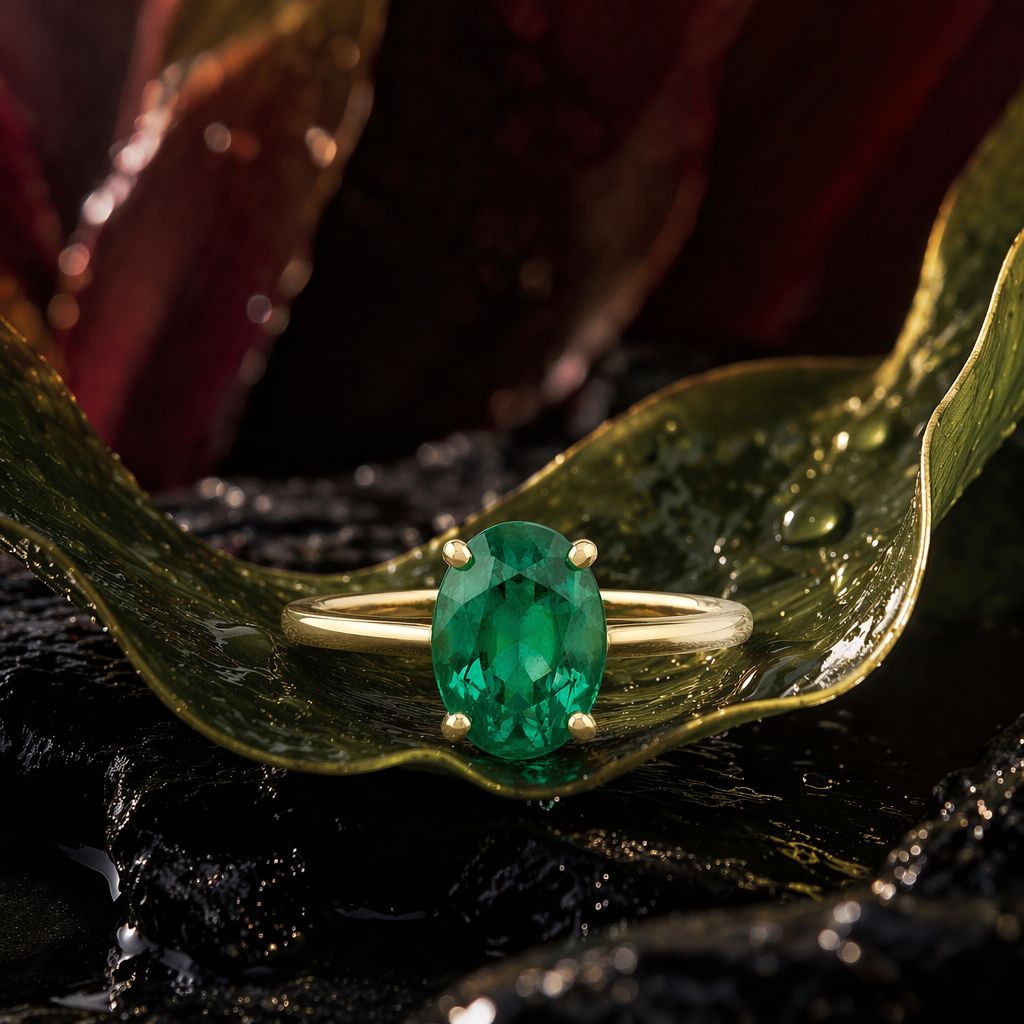
- Prompt included
- Model and format preset
- Free template
The prompt behind this image
Copy the exact prompt behind Emerald Ring Botanical Luxury Macro, or open it in the studio and make it yours.
Create a square luxury macro product photograph of an {argument name="jewelry type" default="emerald solitaire ring"} staged like precious botanical alchemy. Place one ring centered in the lower-middle of the frame, resting horizontally on a curled glossy green leaf that forms a shallow cradle. The ring has a polished yellow-gold band, four rounded gold prongs, and one vertical oval-cut {argument name="gemstone" default="deep emerald green stone"} with crisp facets and internal sparkle. Surround it with exactly three large background leaves or petals: one curved green leaf sweeping from the left foreground toward the ring, one curled green leaf rising on the right edge, and one blurred burgundy-red petal mass in the upper background. The surface beneath is wet black volcanic stone or lacquered rock, with small puddles and mirrorlike highlights. Add visible water droplets on the leaves and rock, including several bright beads near the right leaf and tiny specks on the left leaf. Lighting should be dramatic and cinematic: warm golden rim light from the upper right, soft frontal reflection on the gemstone, deep shadows, high contrast, shallow depth of field, luxurious editorial jewelry advertising style. Use a dark moody palette of emerald green, yellow gold, burgundy, and glossy black. Camera angle is close-up at leaf level, 1:1 square crop, ring tack-sharp while background petals and foreground edges fall into creamy bokeh. No text, no hands, no packaging, no extra jewelry, no logo, no watermark.
How to use Emerald Ring Botanical Luxury Macro in 3 steps
- 1Upload ImagePNG, JPG or paste
Add your photo
Upload the photo the template builds on. The prompt, model and format are already set.
- 2…a portrait of your subject in softgolden-hour light, 85mm…
Personalize
Edit the subject and creative details for your destination.
- 3Generate
Generate
Press Generate — your image is created in PicX Studio, so you can compare it with the original and refine one variable at a time.
More like this
Templates with the same subject, style or setup. Open one to see its prompt.

Emerald & Gold Luxury Portrait
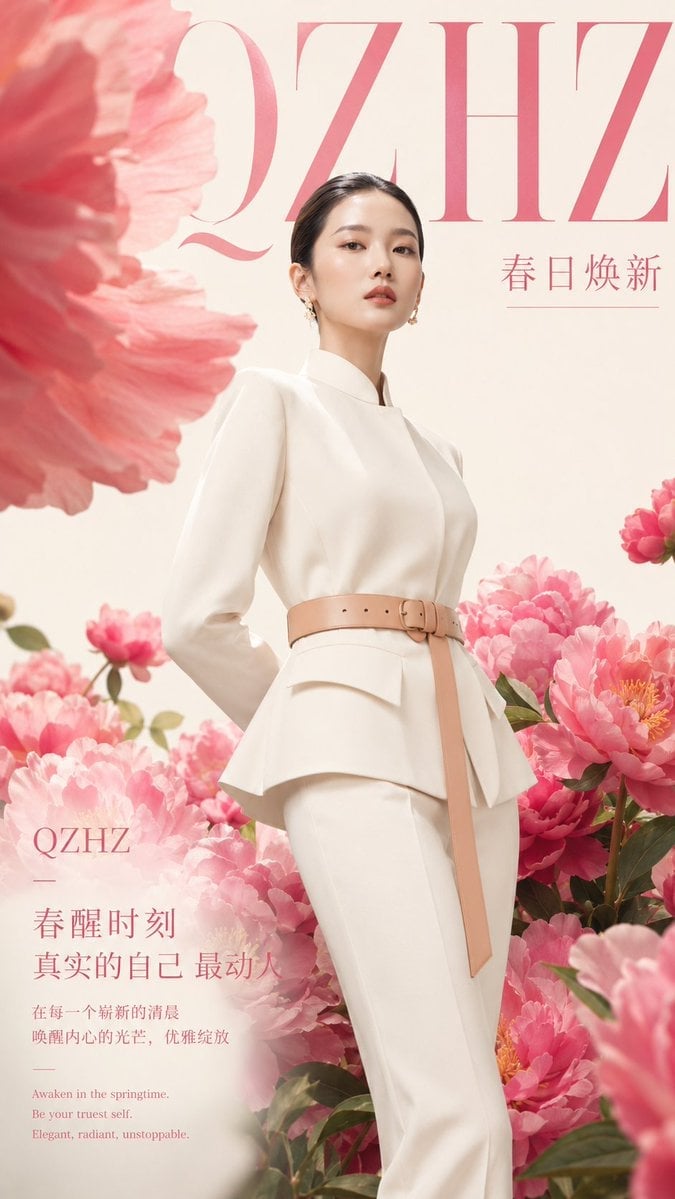
Luxury Spring Peony Fashion Poster
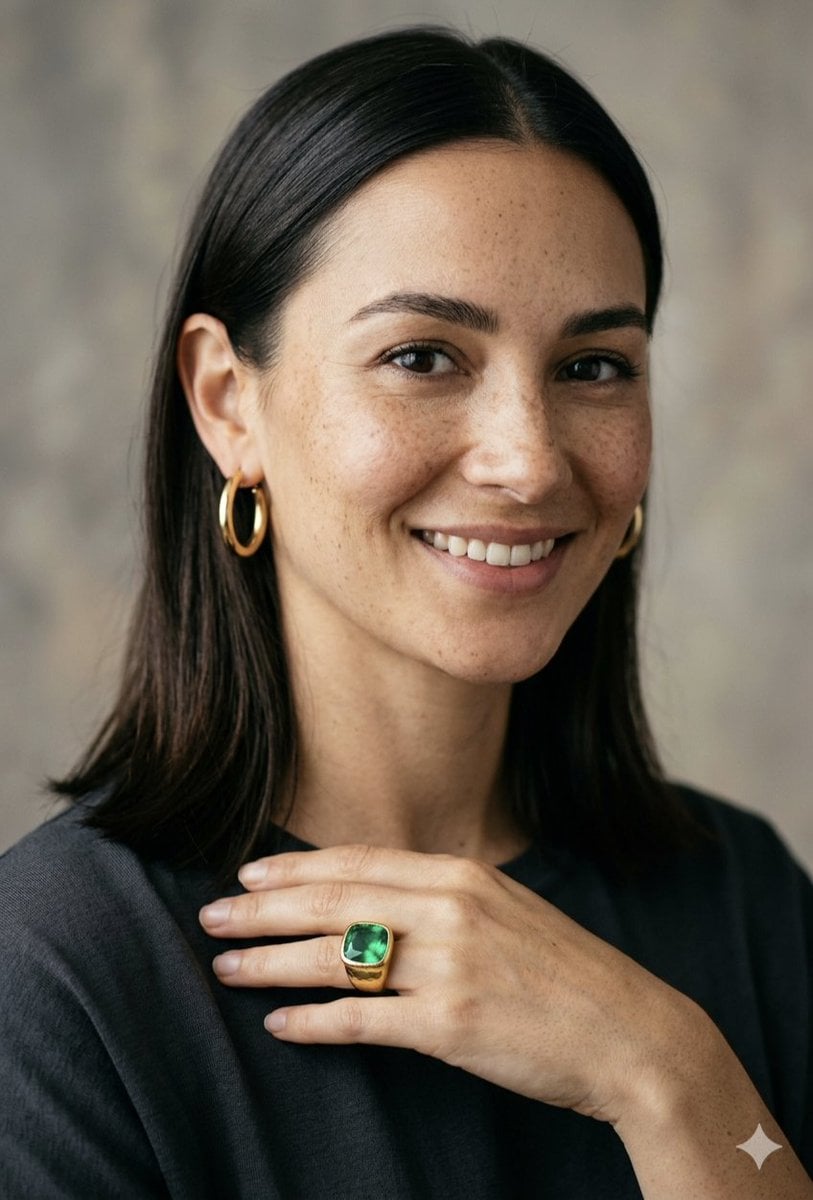
Portrait of a Woman with Emerald Ring

Sealing Wax Letter Desk

Ballroom Floor Reflections

Vintage Camera Leather Case

Hedge Maze Aerial Dawn

Tuxedo Cuff Adjust

Cathedral Choir Loft

Pearl Necklace Vanity

Carriage House Courtyard

Leather Bound Law Books
Make it yours
Emerald Ring Botanical Luxury Macro works as-is. These are the safest ways to change it without losing the look.
Change one field
Copy a single group, rewrite it, and generate again so you can see what that field is doing.
Keep the frame, change the subject
Hold the composition and light of Emerald Ring Botanical Luxury Macro, then swap wardrobe, props or the person for a new take.
| If the result… | Why | Fix |
|---|---|---|
| The result drifts from the preview | Too many fields changed at once. | Reuse Emerald Ring Botanical Luxury Macro as-is first, then change one group — subject, light, or setting. |
| The model over-stylizes the scene | The prose prompt leaves finish and camera underspecified. | Add one camera or lighting sentence and stay on GPT Image 2. |
More GPT Image 2 templates
Other prompts made for GPT Image 2.

Six VTuber Japanese Logo Sheet

Realistic Portrait of Woman and Deer

The Vista Modular Condo Poster

AI Model Routing Comparison Infographic

2.5D Anime Art Board

Isometric Productivity Desk Scene

New York Double Exposure Poster

Four-Panel AI Landscape Comparison

Japanese Tatami Lifestyle Magazine Cover

NESCAFÉ Coffee Map Poster
More image prompts
Fresh picks from across the catalog.
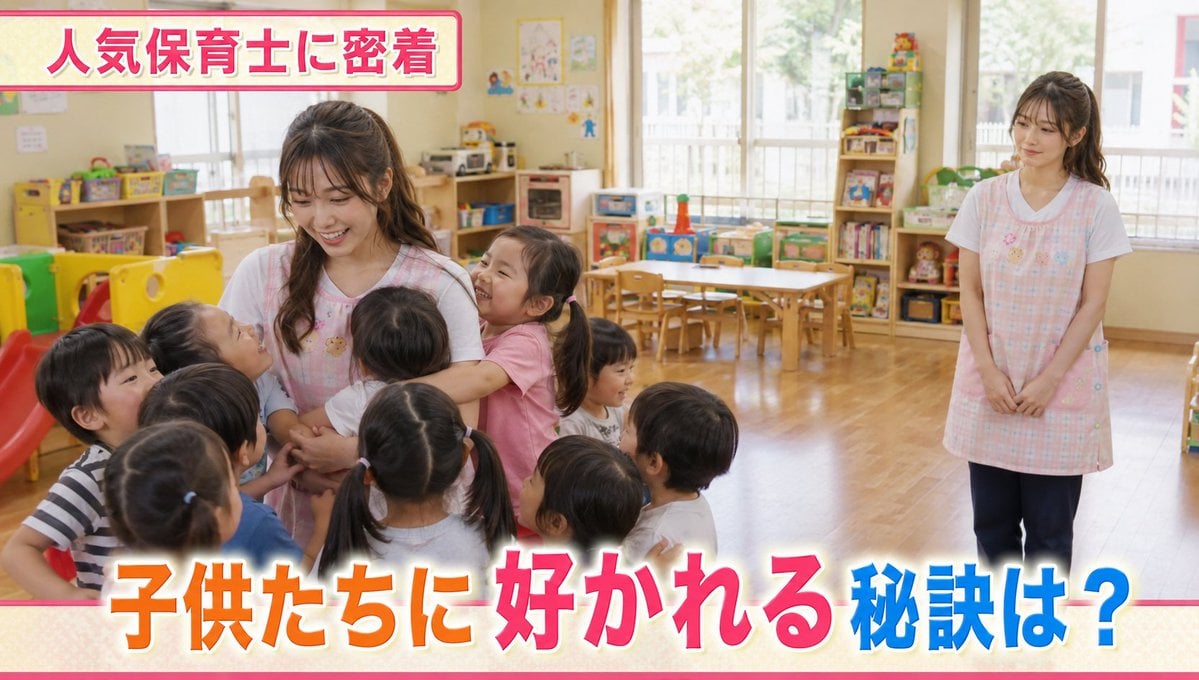
Contrast in Popularity Twin Teachers
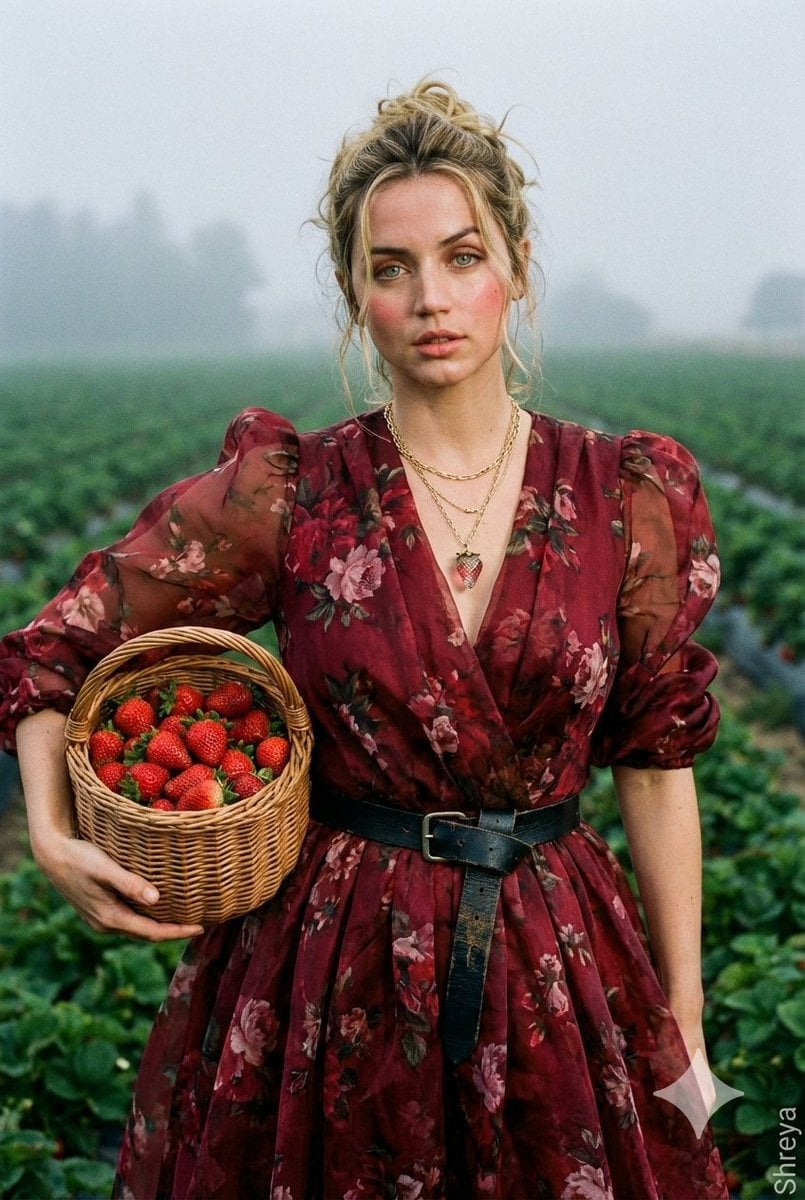
High-Fashion Strawberry Harvest Portrait Prompt
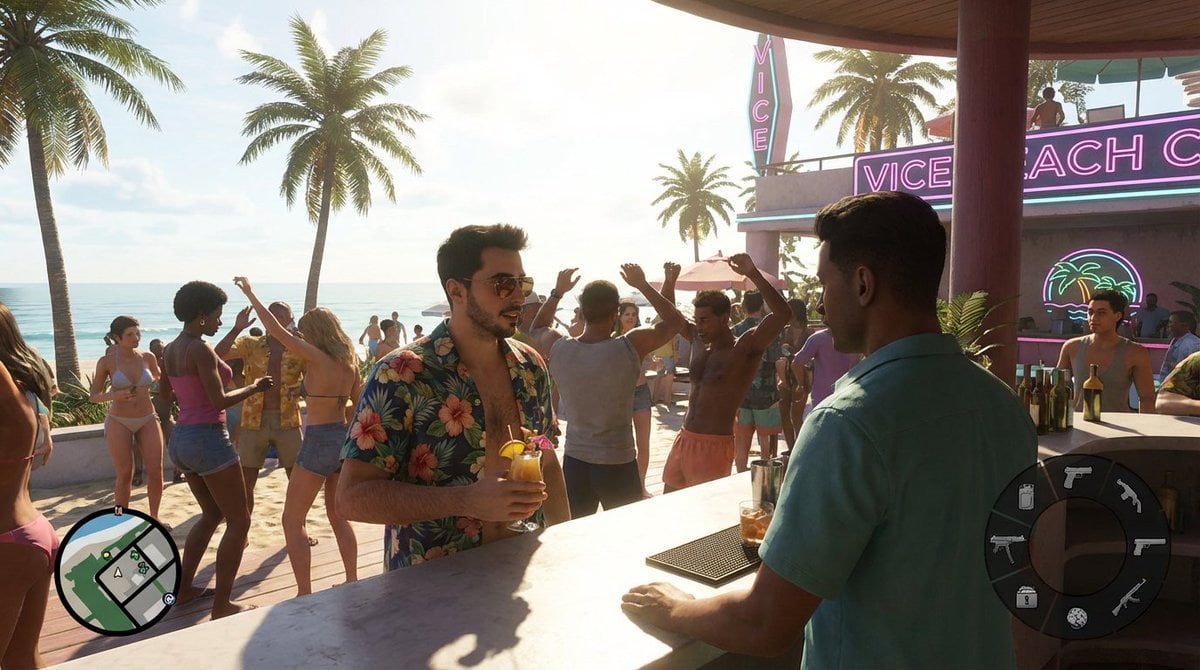
Beach Club Open-World Game Screenshot
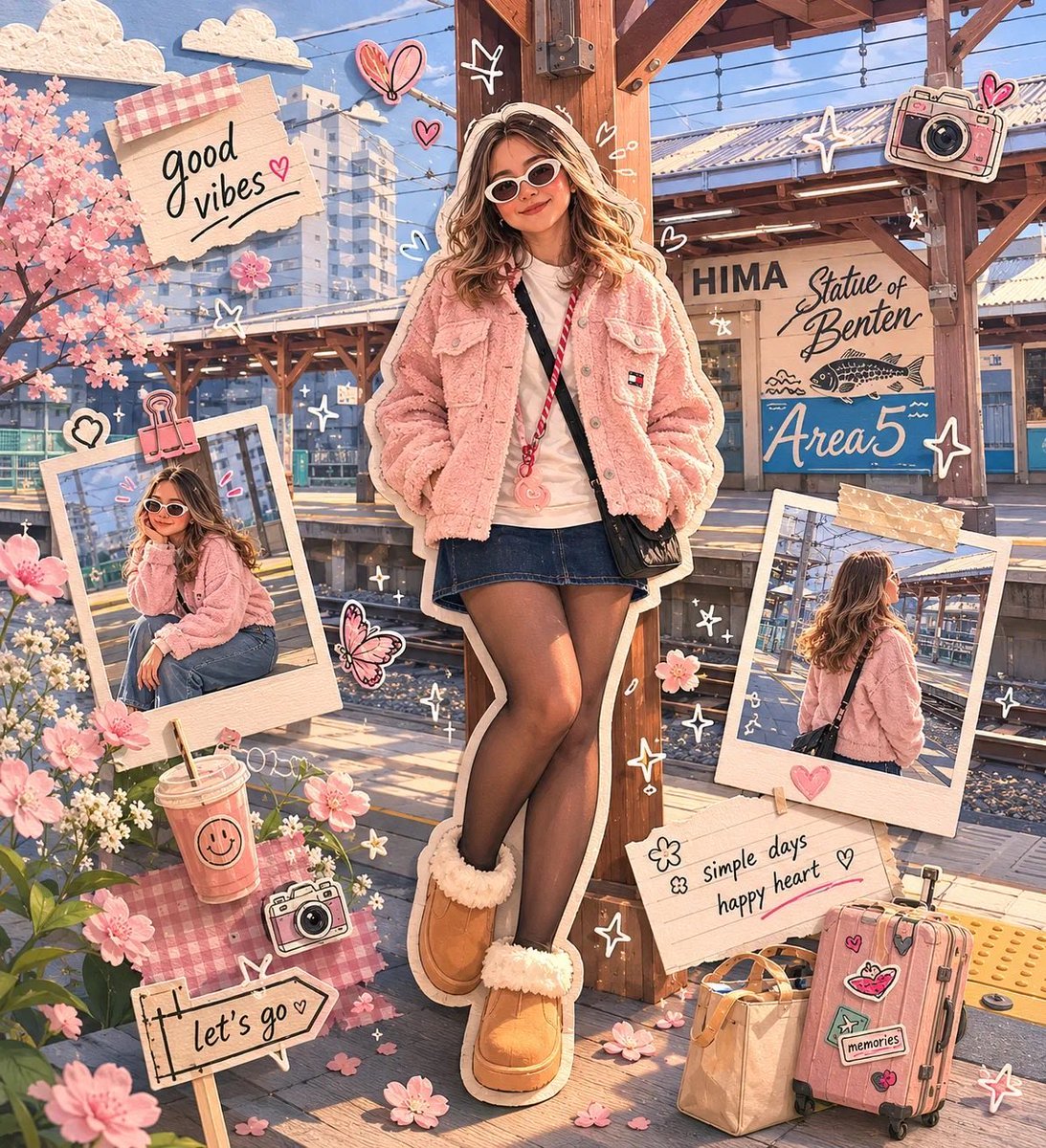
Kawaii Scrapbook and Paper-cut Diorama
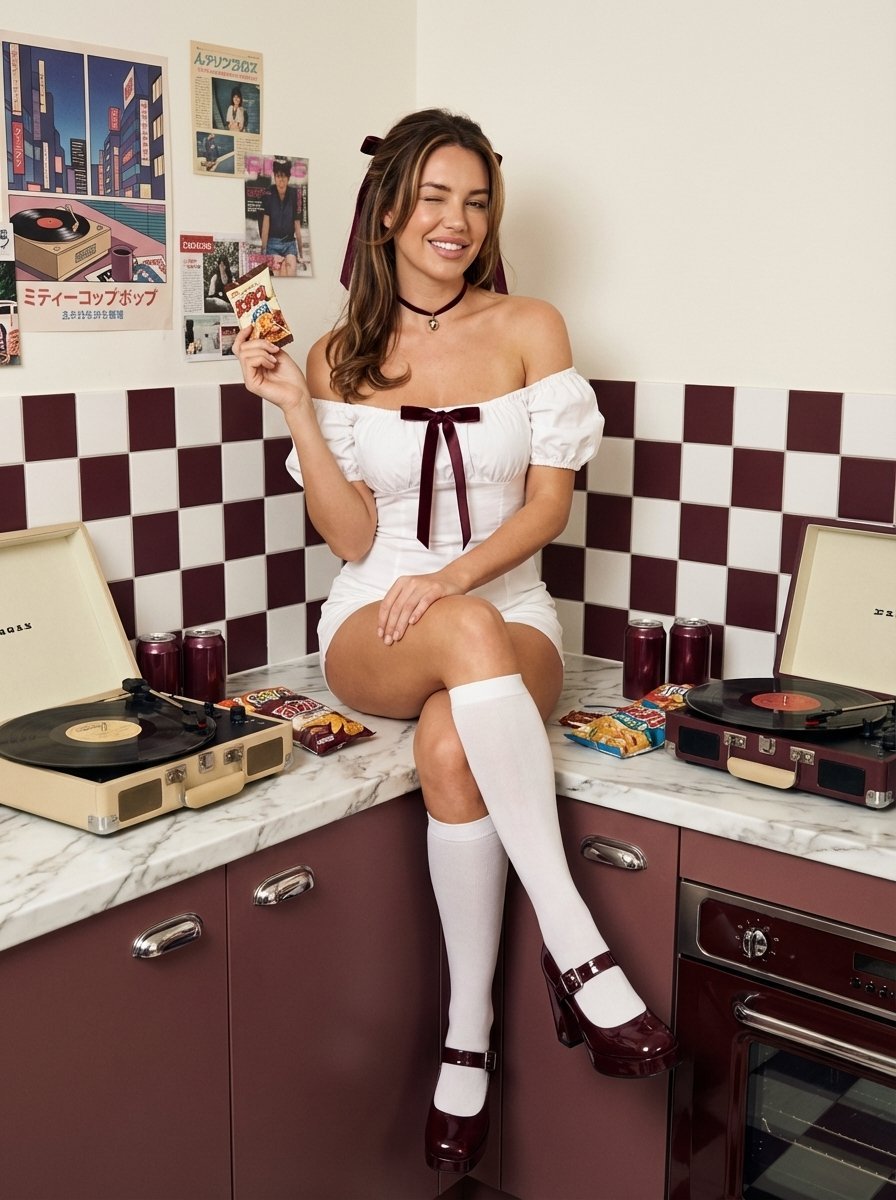
1970s Retro Kitchen Portrait with K-Pop Idol

Developing a Nano Banana Pro Manga Creation Tool
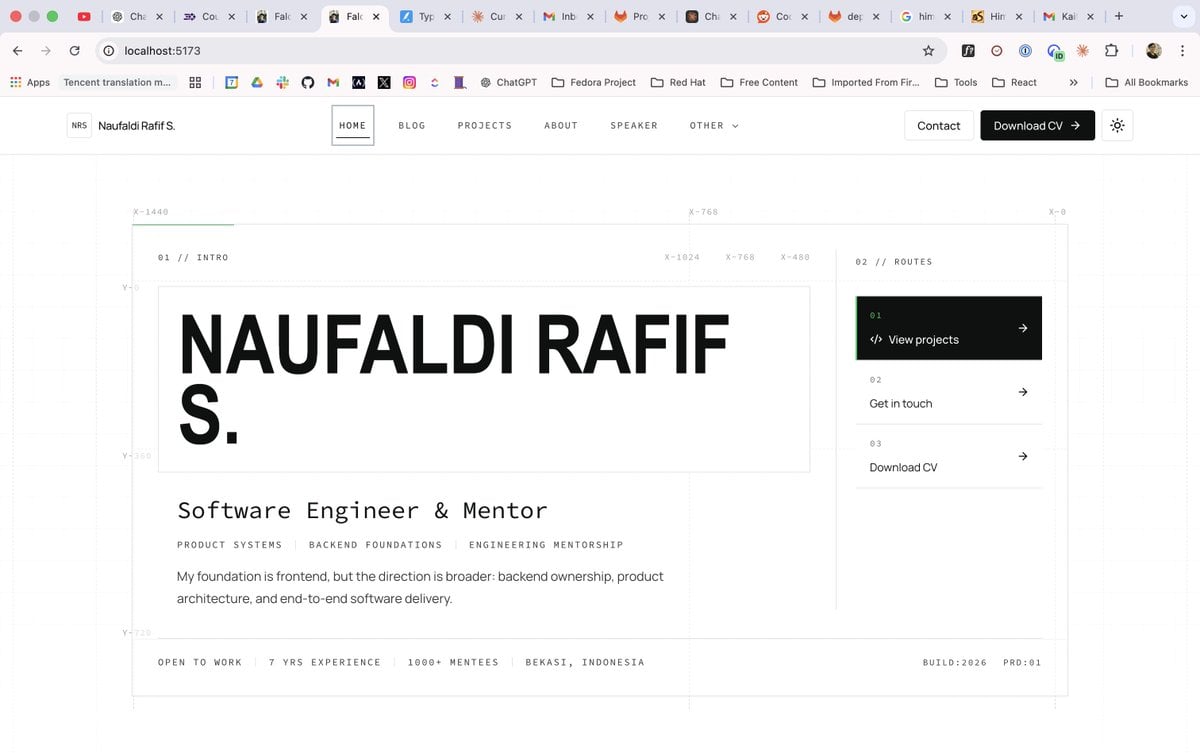
Minimal Developer Portfolio Homepage
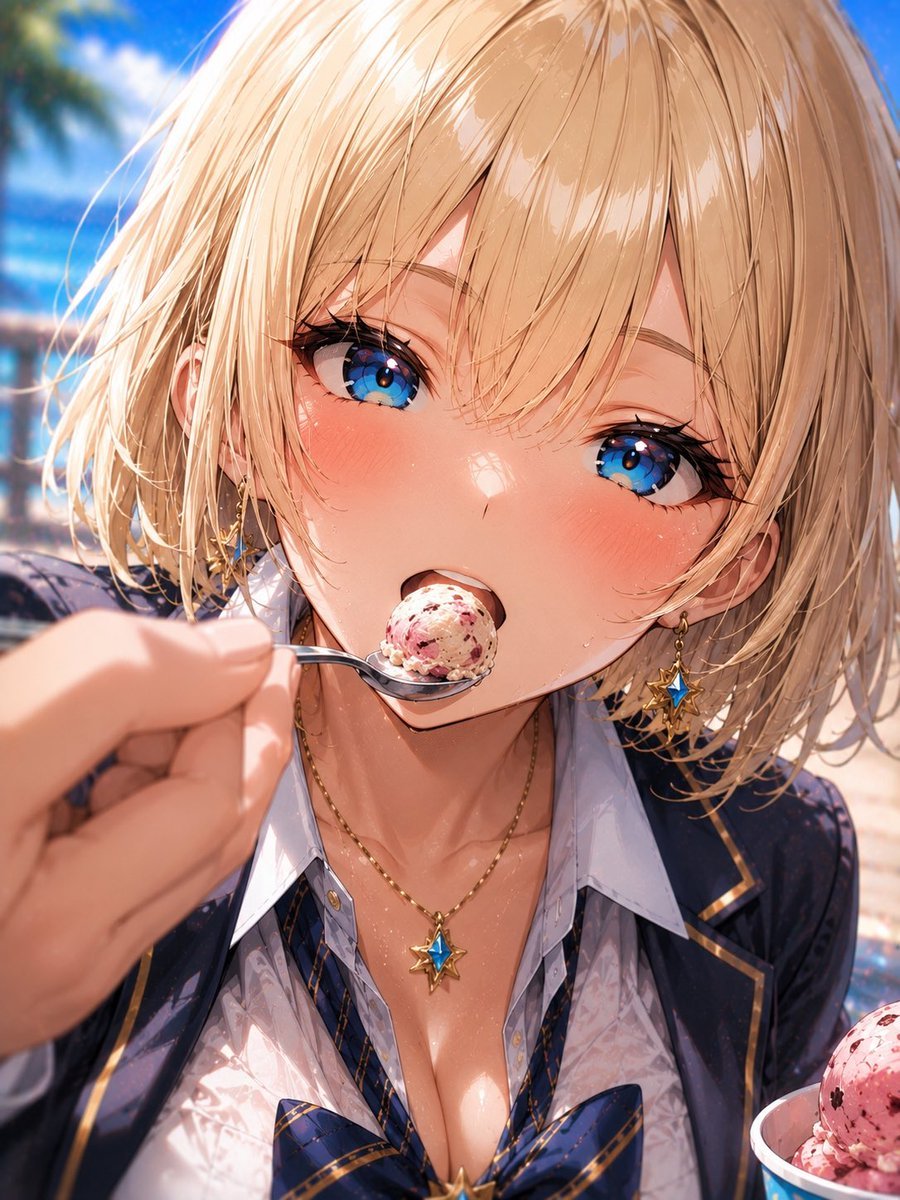
Blonde Beach Anime Girl with Ice Cream
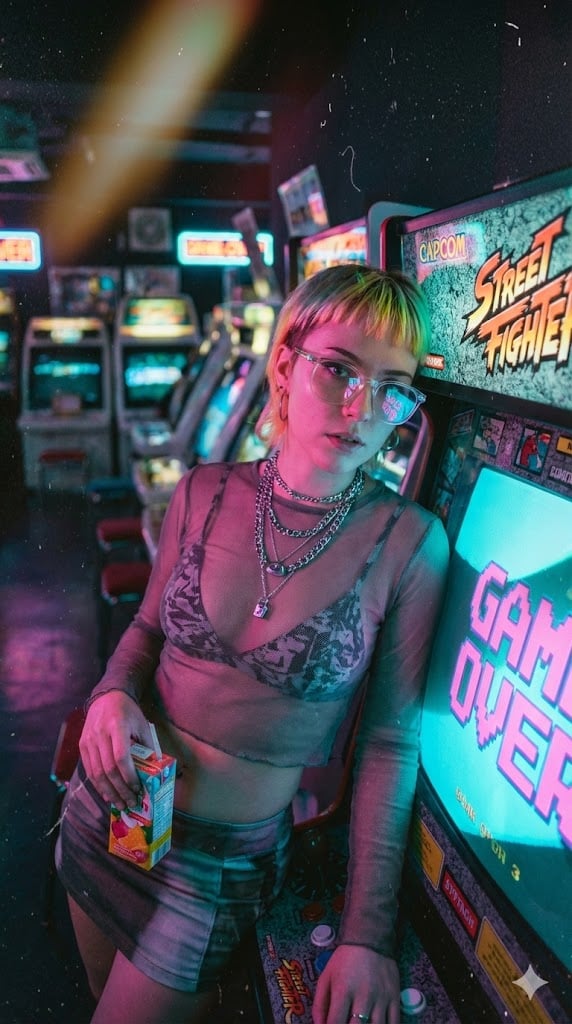
Retro-Futuristic Arcade Photography Portrait

Moody Underground Corridor Portrait
Browse template categories
Emerald Ring Botanical Luxury Macro questions
How do I use the Emerald Ring Botanical Luxury Macro template?
Add your photo if the template asks for one, edit the prompt if you like — the template's model and format are already selected — and press Generate. Your version opens in PicX Studio.
Can I customize the Emerald Ring Botanical Luxury Macro template?
Yes. You can change the subject, setting, lighting, mood, format, and available model controls before creating your image.
Is the Emerald Ring Botanical Luxury Macro template free?
Opening and editing this template is free. Generating uses credits, shown on the Generate button when you are signed in.
Which AI model should I use?
Start with GPT Image 2, which is the model associated with this template. You can compare another compatible model for a different finish.
Looking for something else? Browse all templates.

Your photo, any look
Thousands of ready templates for every top image and video model, from one credit balance.