
Paris Watercolor Fashion Portrait
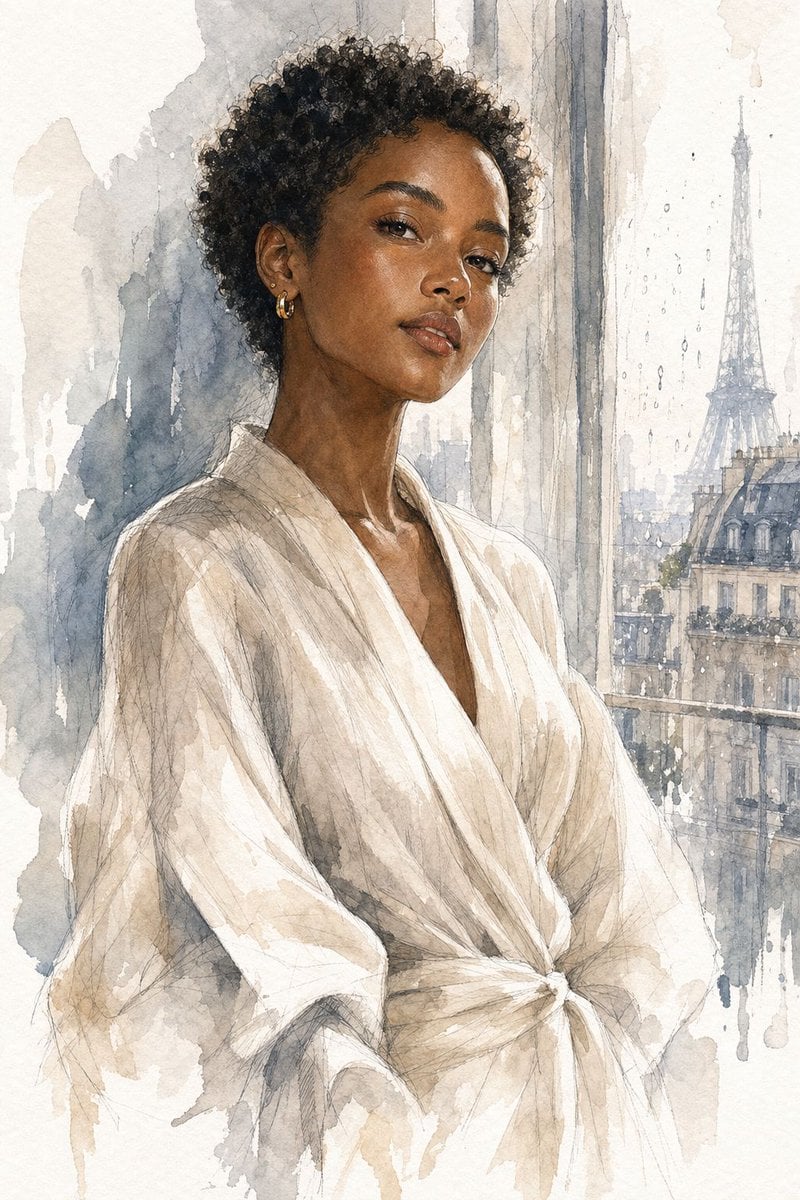
Generates an elegant watercolor fashion editorial portrait of a Black woman in an ivory wrap robe by a rainy Paris window.
- Prompt included
- Model and format preset
- Free template
The prompt behind this image
Copy the exact prompt behind Paris Watercolor Fashion Portrait, or open it in the studio and make it yours.
Create a vertical fashion editorial watercolor portrait of an {argument name="subject" default="adult Black woman with deep brown skin"} standing indoors beside a tall Paris apartment window on a rainy day. She is shown from mid-thigh to above the head in a poised three-quarter pose, shoulders relaxed, neck elongated, wearing an elegant {argument name="outfit" default="loose ivory wrap robe with wide sleeves and a tied waist"}. Her hair is a short natural curly afro, dark and softly textured, and she wears exactly 2 visible accessories: one small gold hoop earring and one tiny gold stud on the exposed ear. The face area is intentionally covered by a centered square privacy block filled with a warm medium-brown skin-tone gradient, obscuring all facial features while leaving the hair, ear, neck, and clothing visible. Background: a softly washed Paris city view through the window, with exactly 1 recognizable Eiffel Tower silhouette on the right, pale Haussmann rooftops beneath it, vertical window mullions, rain streaks, and watercolor drips. Style: high-end fashion illustration, transparent layered watercolor washes, graphite pencil linework, textured cold-press paper, muted palette of ivory, beige, taupe, gray-blue, charcoal, and deep brown, delicate shadows on the robe folds, loose edges, wet-on-wet blooms, and refined editorial elegance. Composition should be centered and tall, with the figure occupying most of the frame, the window and Eiffel Tower secondary, no text, no logo, no watermark.
How to use Paris Watercolor Fashion Portrait in 3 steps
- 1Upload ImagePNG, JPG or paste
Add your photo
Upload the photo the template builds on. The prompt, model and format are already set.
- 2…a portrait of your subject in softgolden-hour light, 85mm…
Personalize
Edit the subject and creative details for your destination.
- 3Generate
Generate
Press Generate — your image is created in PicX Studio, so you can compare it with the original and refine one variable at a time.
More like this
Templates with the same subject, style or setup. Open one to see its prompt.

Nano Banana 2 High Fashion Sports Campai

Couture Fashion Editorial Woman and Drag
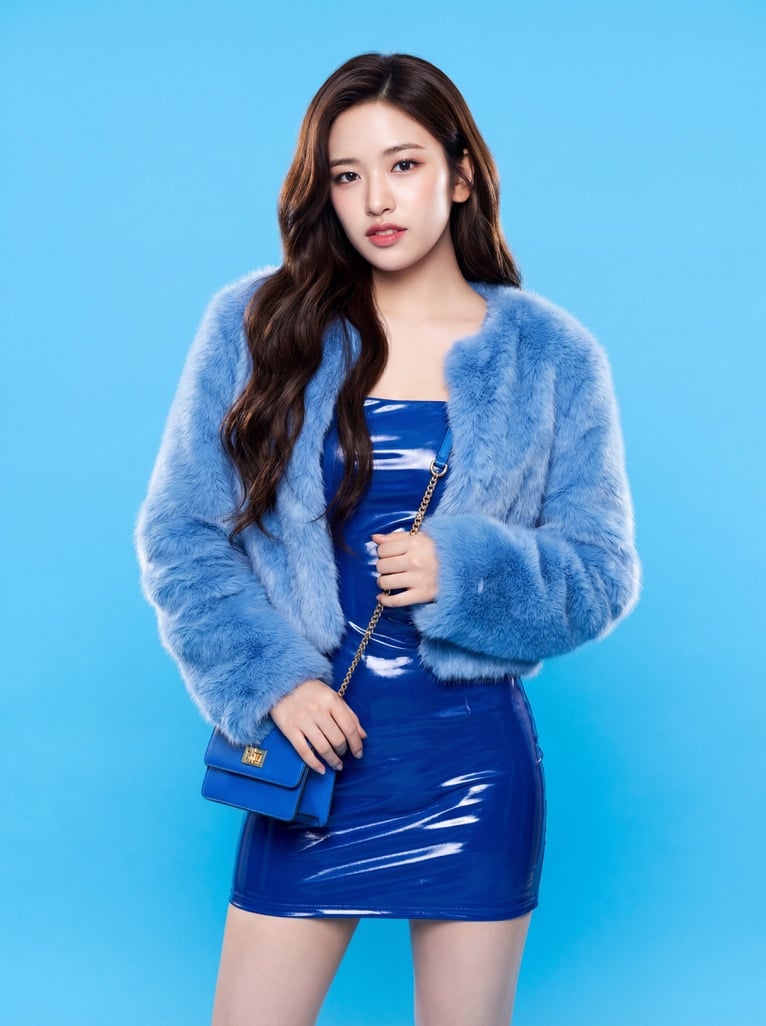
Ive Yujin Fashion Portrait in Blue

Nano Banana 2 Editorial Fashion Portrait

Caution Tape Fashion — Industrial Editorial
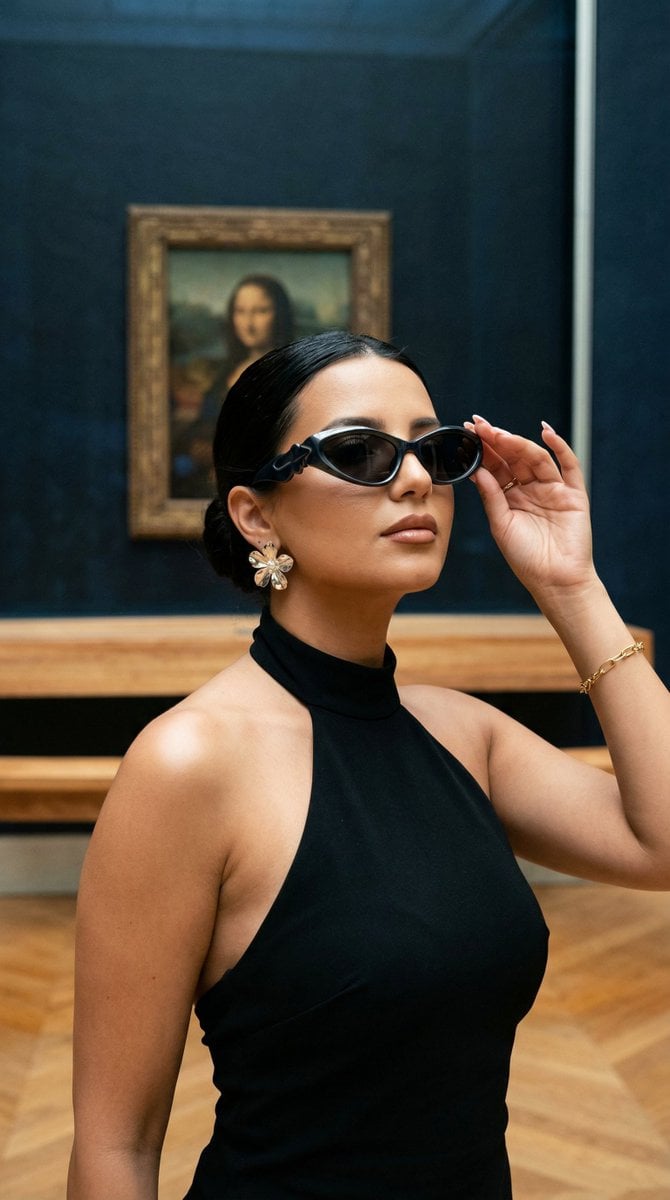
Nano Banana - Street Paris T-Shirt
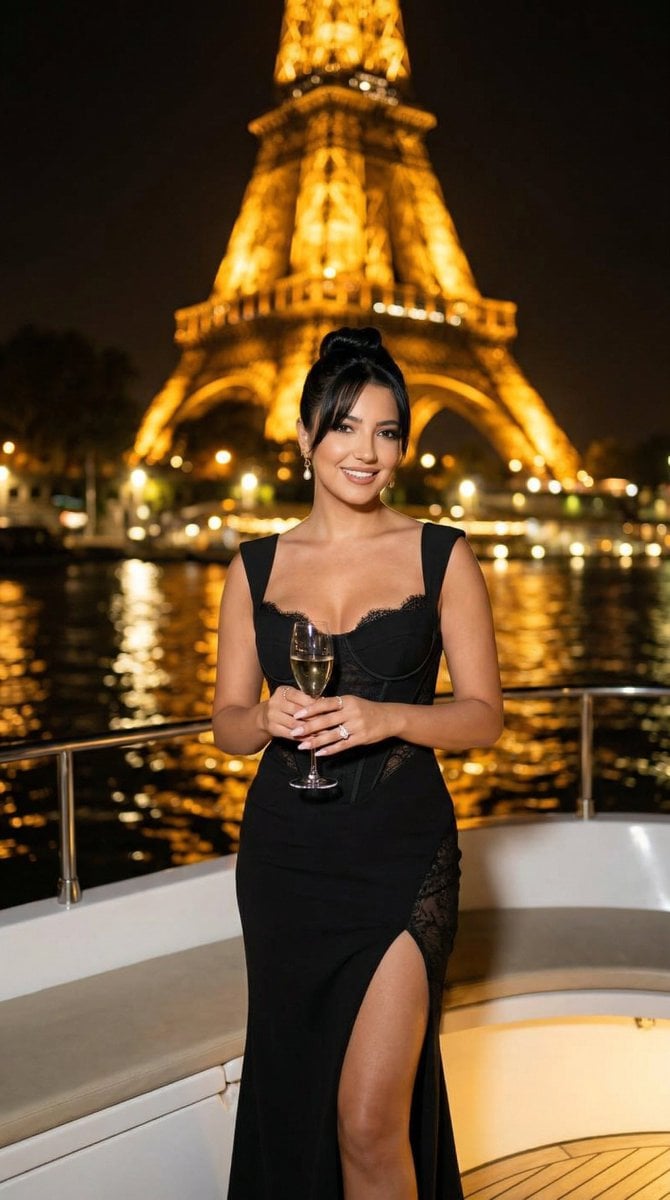
Nano Banana - Paris Cafe Editorial
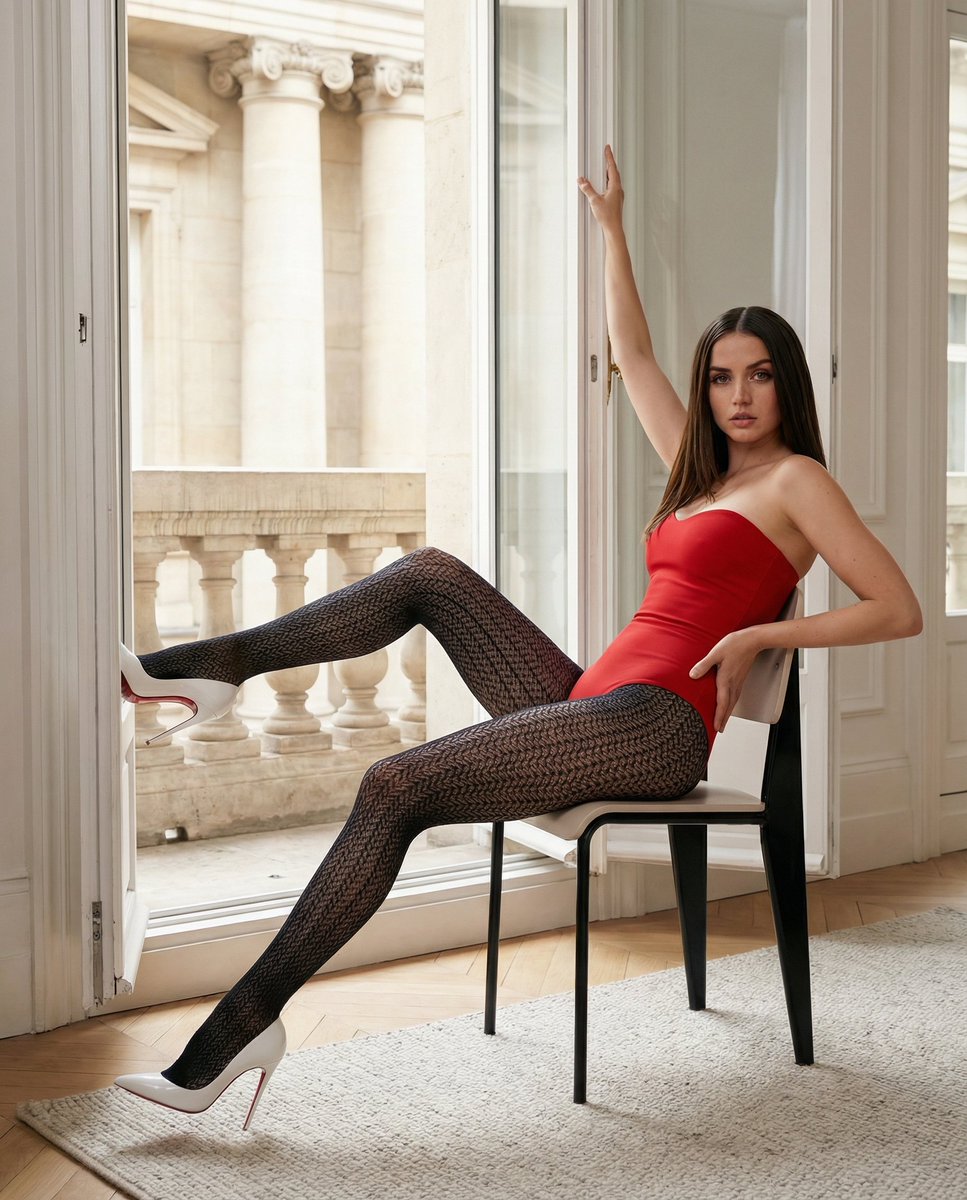
Structured Fashion Portrait in Paris with Detailed Pose and Outfit
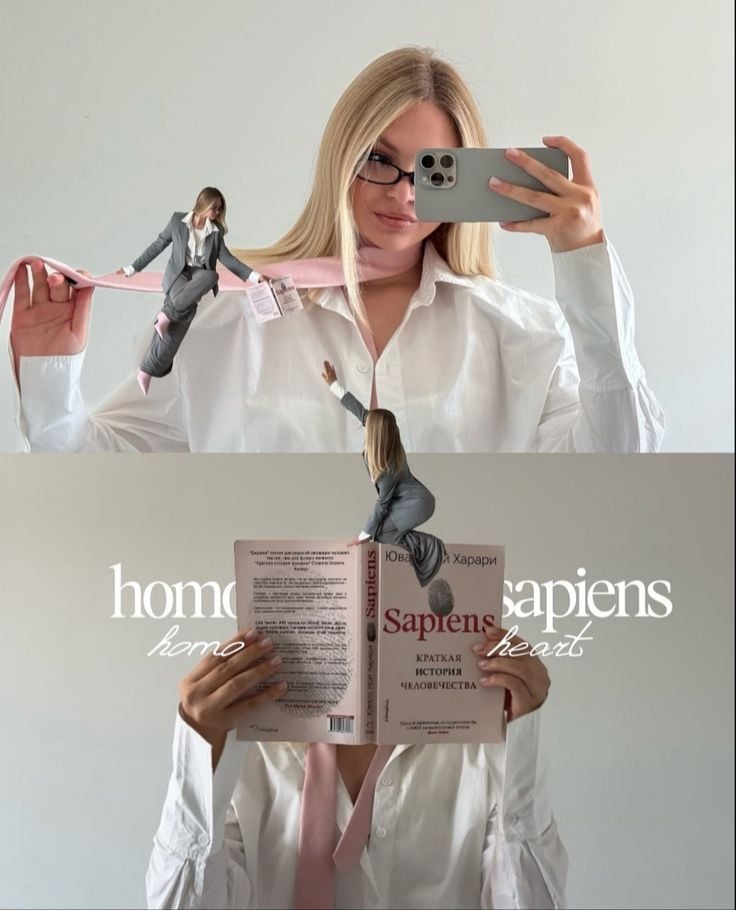
Miniature Self Portrait Collage

Found Photograph: Us, 1970

80s Couple Studio Portrait

80s College Gate
Make it yours
Paris Watercolor Fashion Portrait works as-is. These are the safest ways to change it without losing the look.
Change one field
Copy a single group, rewrite it, and generate again so you can see what that field is doing.
Keep the frame, change the subject
Hold the composition and light of Paris Watercolor Fashion Portrait, then swap wardrobe, props or the person for a new take.
| If the result… | Why | Fix |
|---|---|---|
| The result drifts from the preview | Too many fields changed at once. | Reuse Paris Watercolor Fashion Portrait as-is first, then change one group — subject, light, or setting. |
| The model over-stylizes the scene | The prose prompt leaves finish and camera underspecified. | Add one camera or lighting sentence and stay on GPT Image 2. |
More GPT Image 2 templates
Other prompts made for GPT Image 2.

Six VTuber Japanese Logo Sheet

Realistic Portrait of Woman and Deer

The Vista Modular Condo Poster

AI Model Routing Comparison Infographic

2.5D Anime Art Board

Isometric Productivity Desk Scene

New York Double Exposure Poster

Four-Panel AI Landscape Comparison

Japanese Tatami Lifestyle Magazine Cover

NESCAFÉ Coffee Map Poster
More image prompts
Fresh picks from across the catalog.
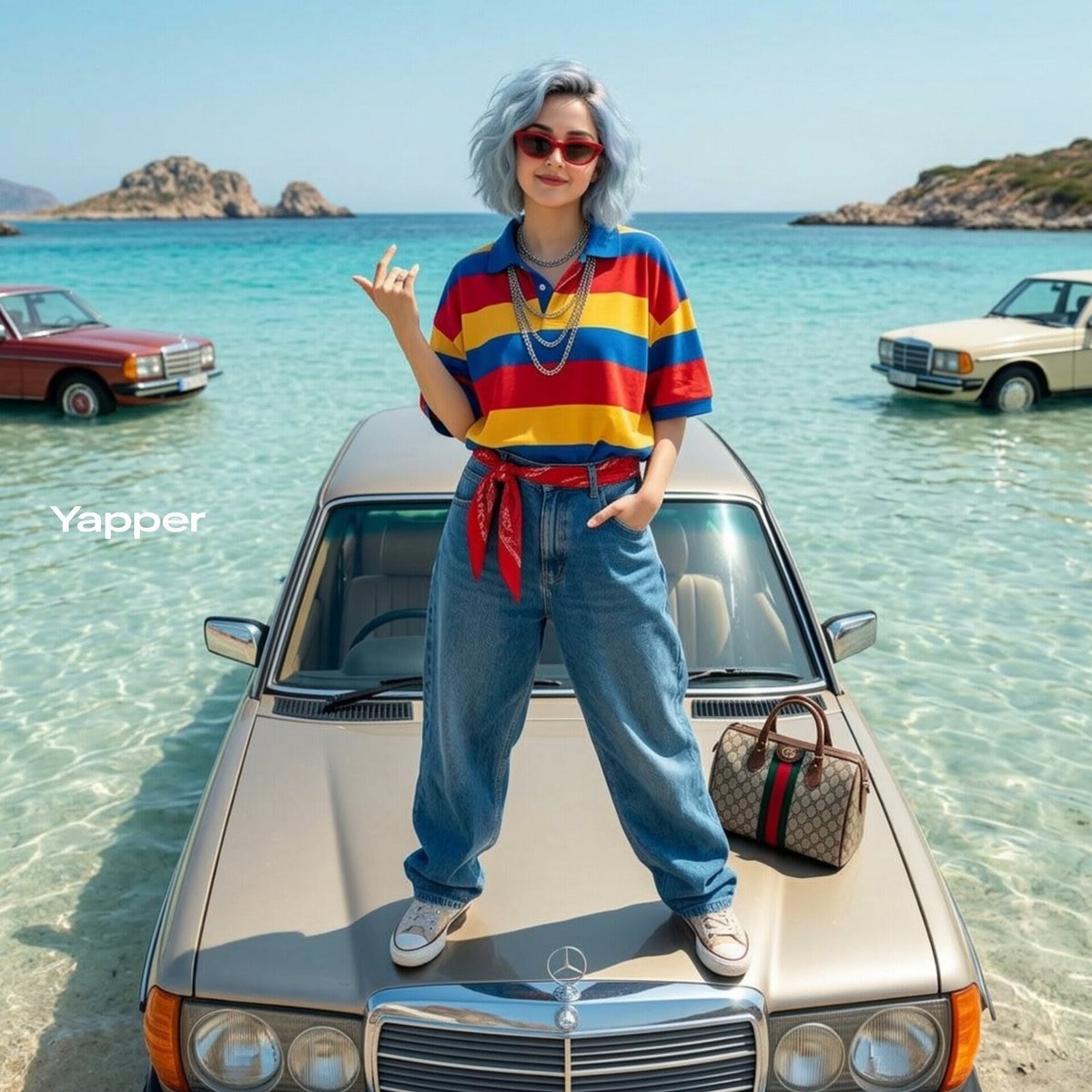
Stylish Woman on Submerged Vintage Car
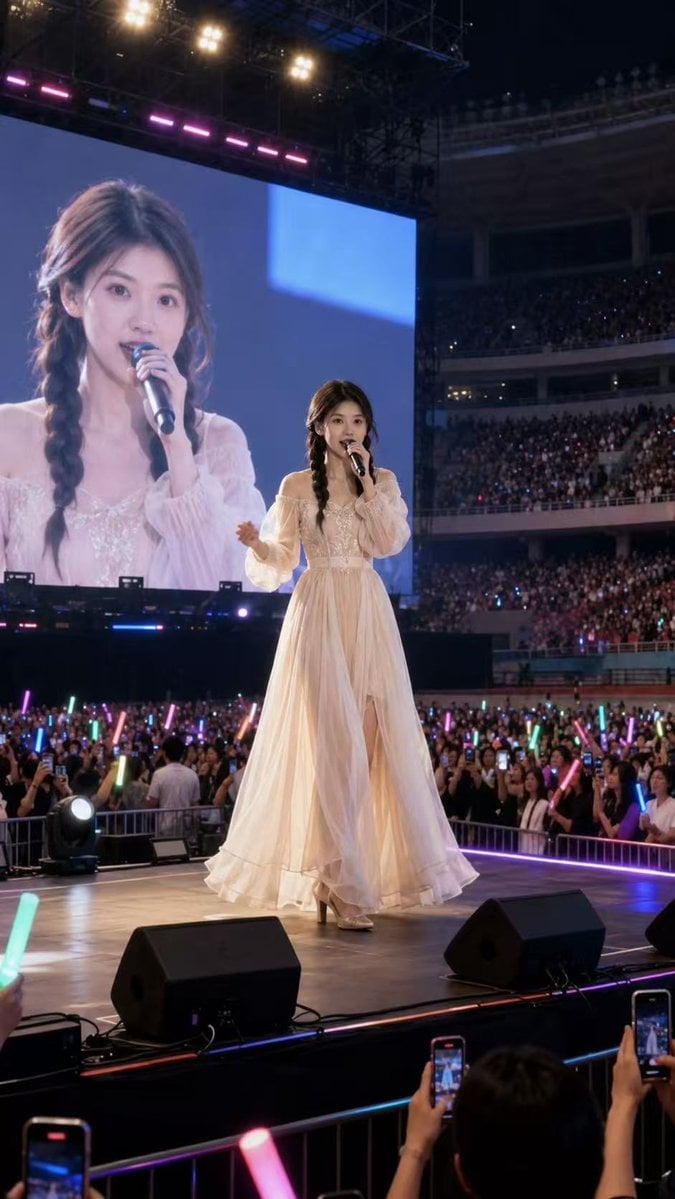
Natural Identity Preservation Prompt
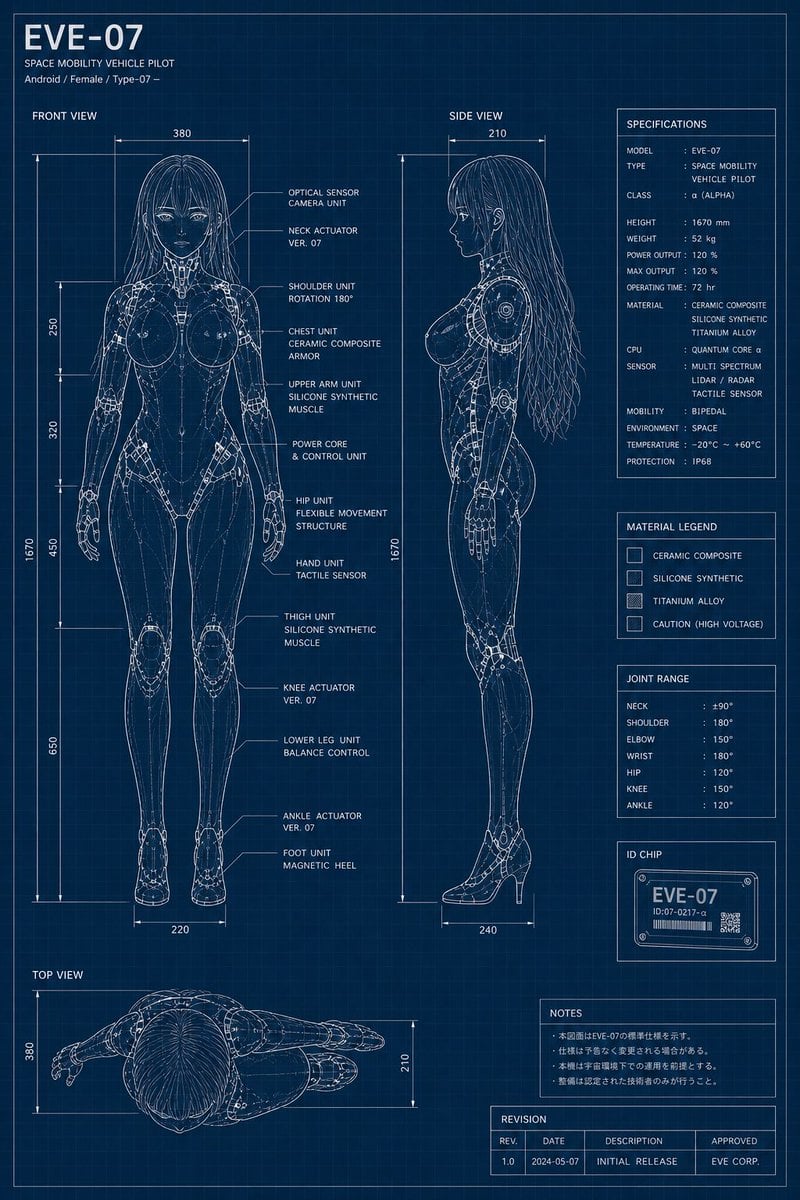
EVE-07 Android Blueprint Sheet
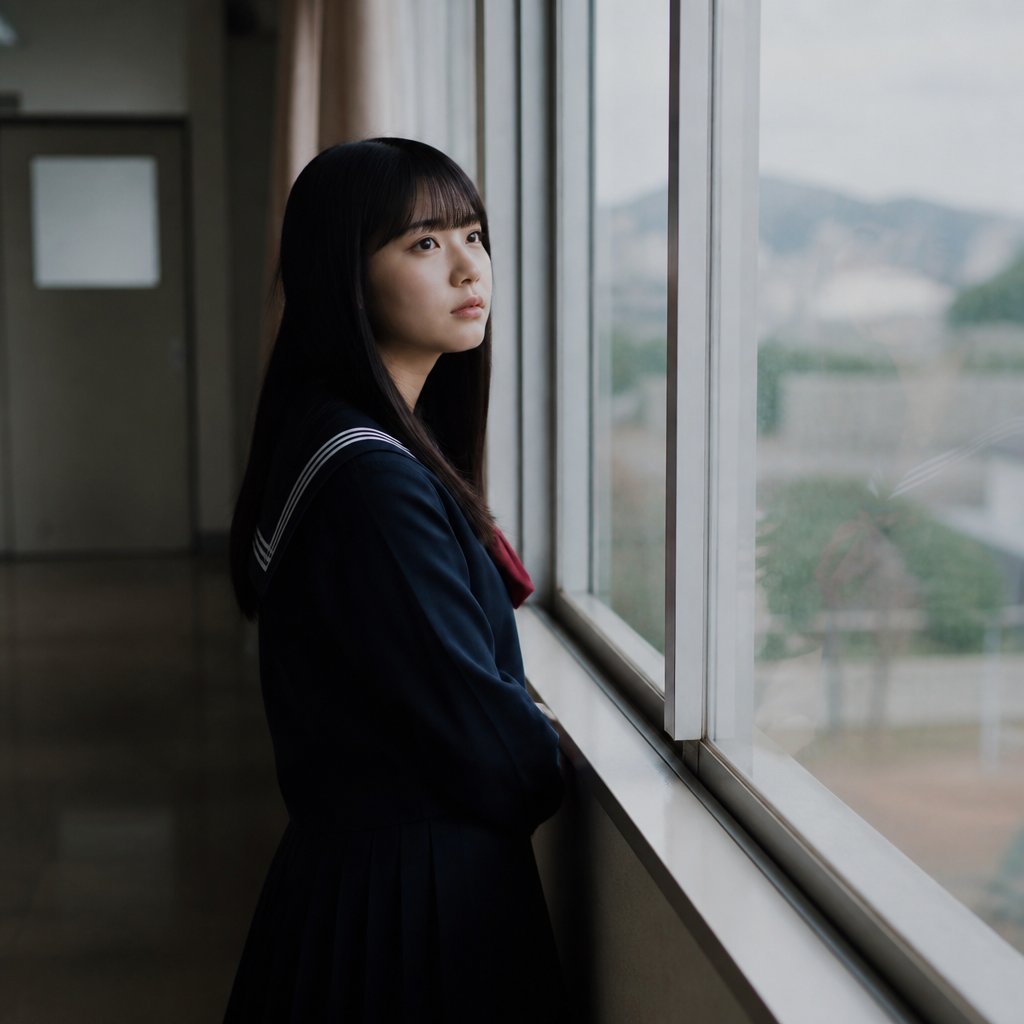
Anonymous Schoolgirl by Window
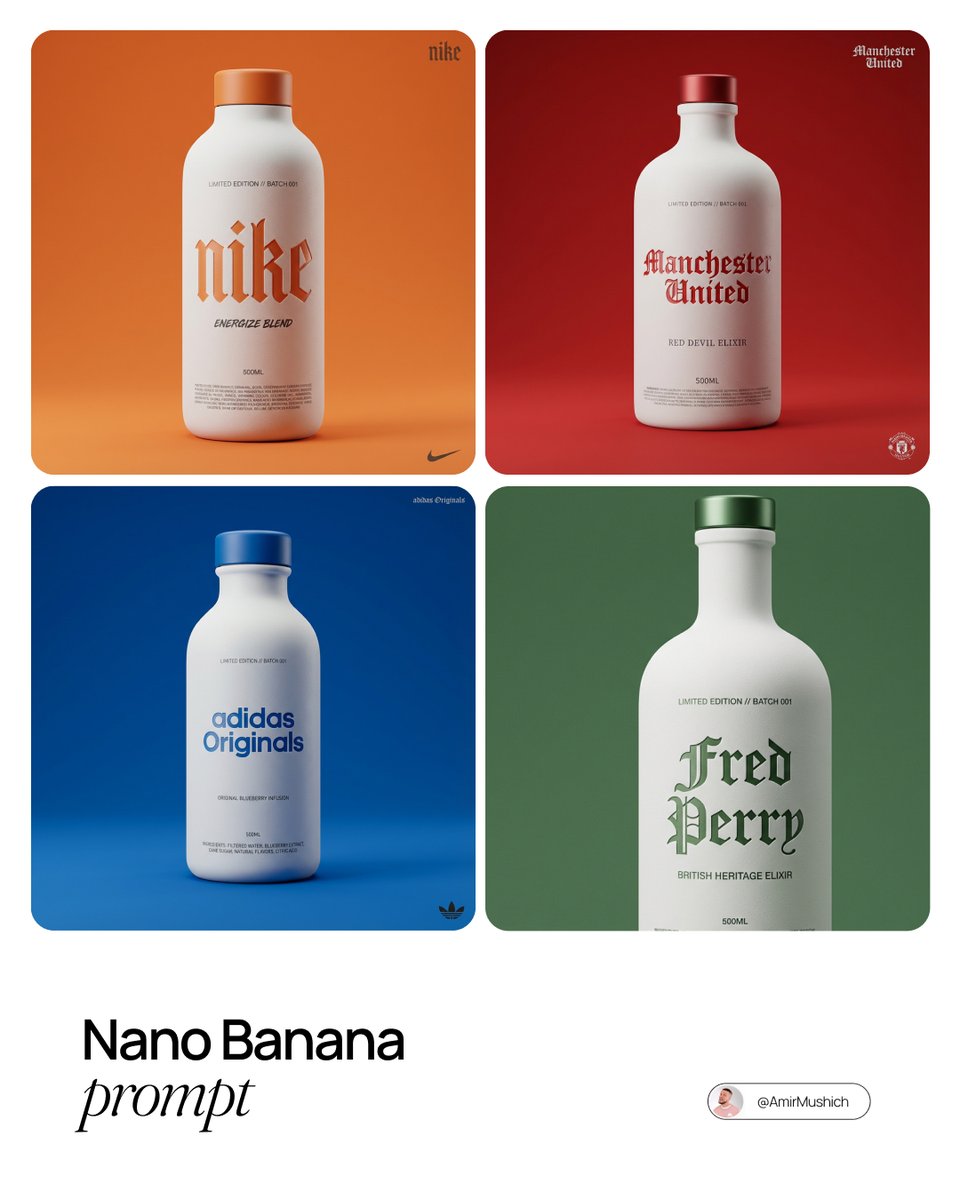
Premium Beverage Package Design Prompt
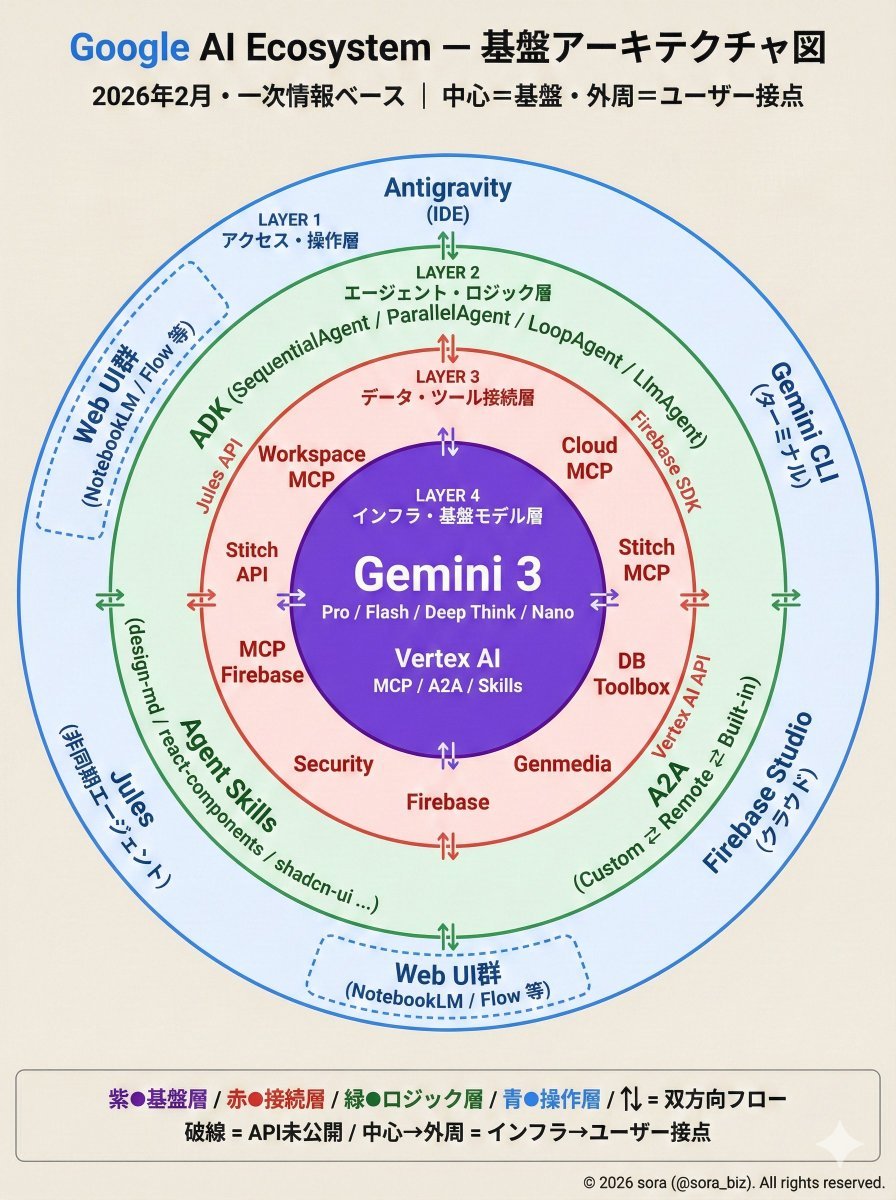
Google AI Ecosystem Diagram Generation
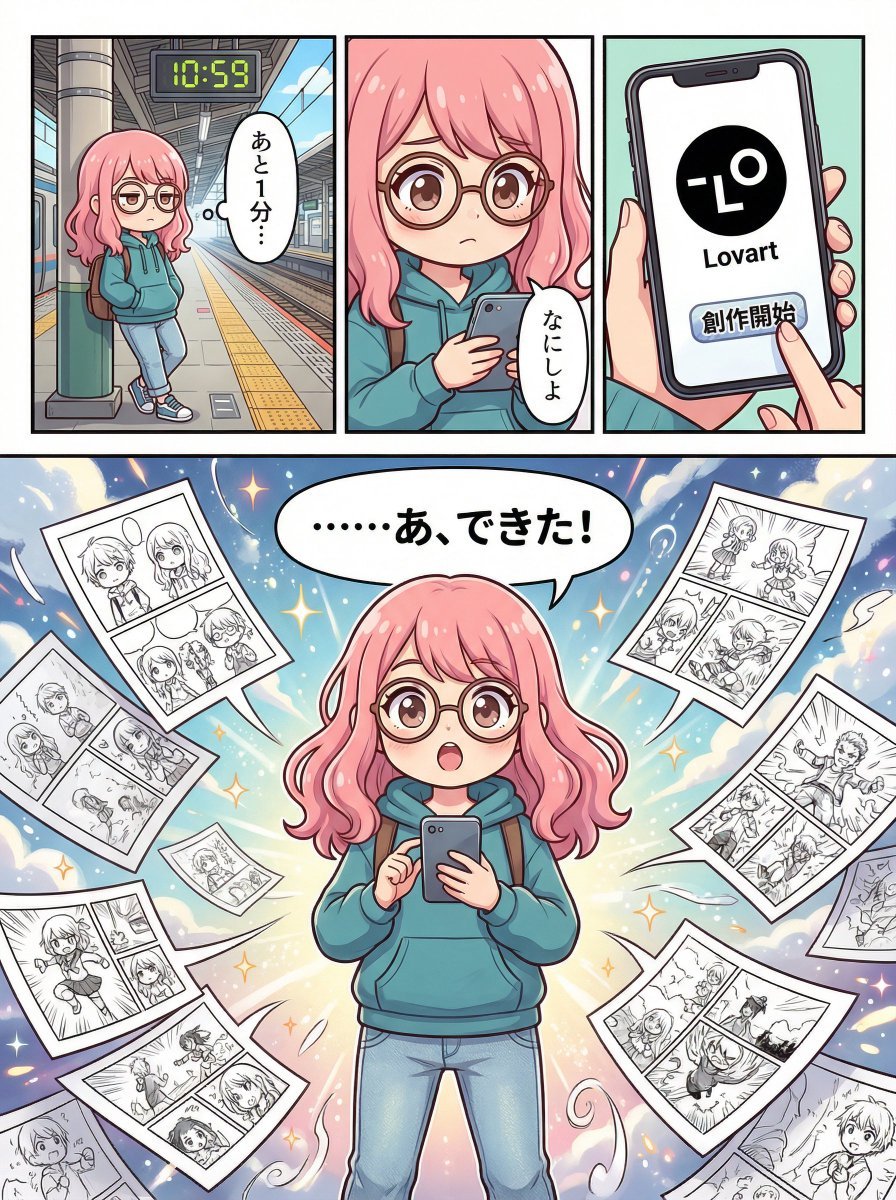
Four-Panel Manga Creation about Lovart App
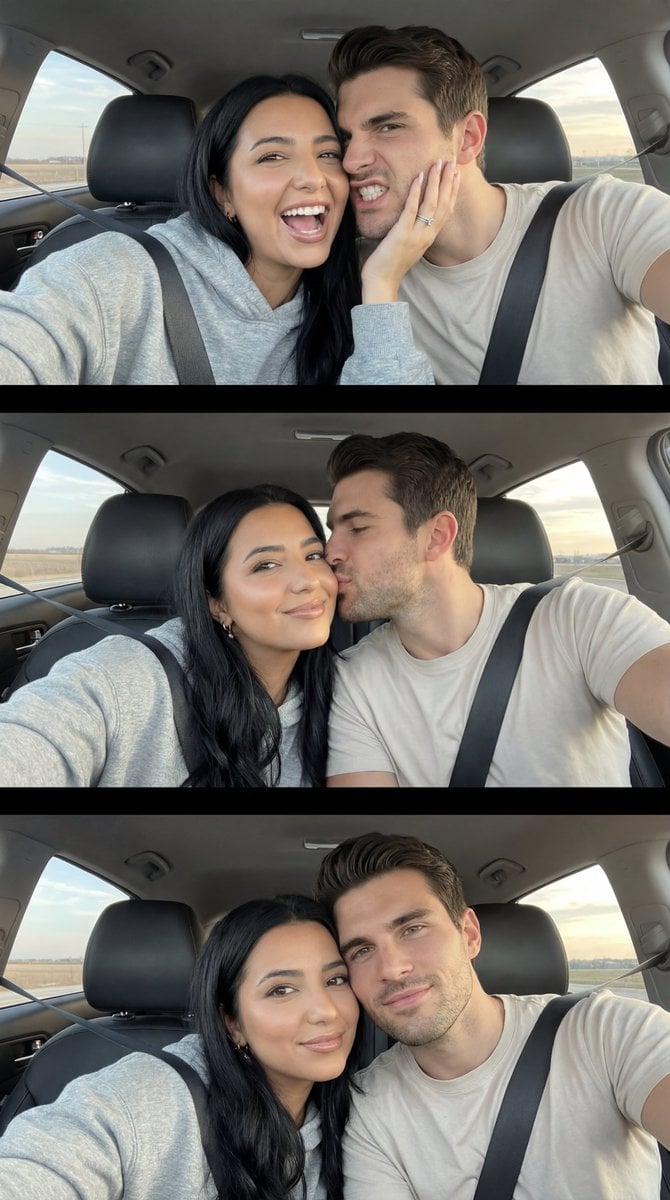
Photoreal Playful Couple Car Selfie Triptych
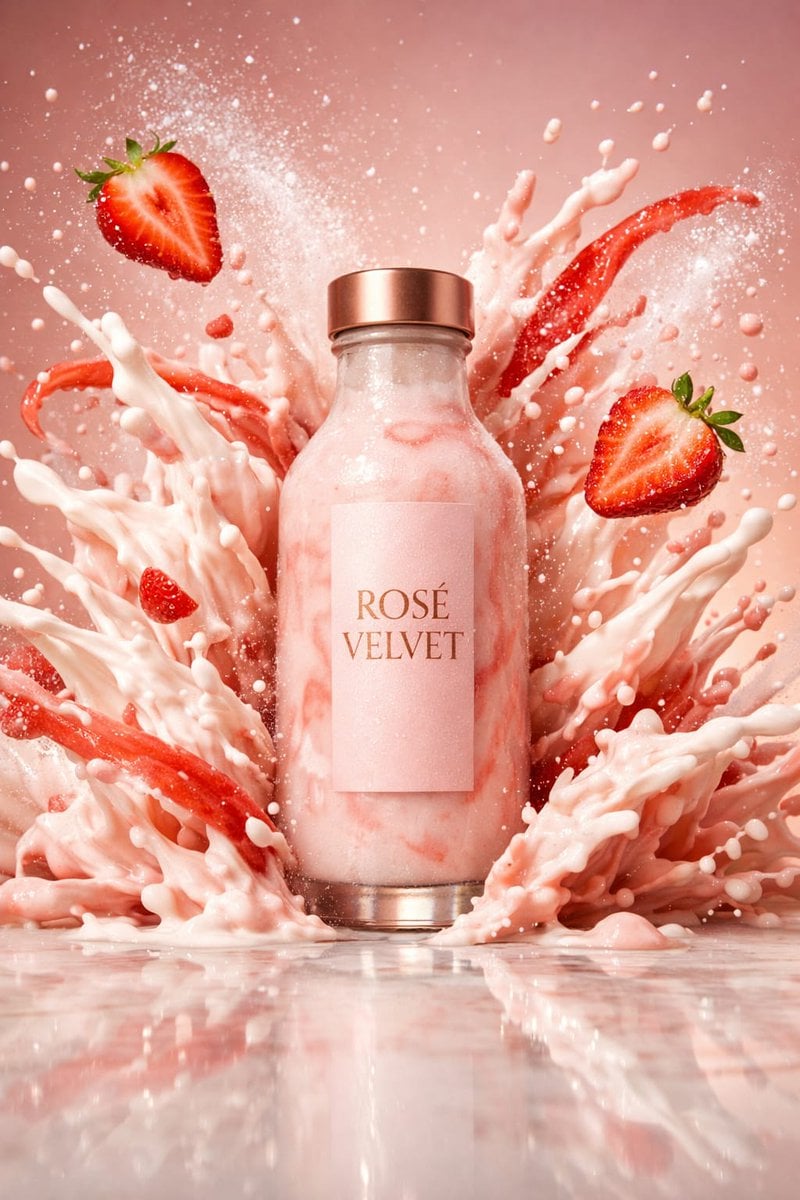
Luxury High-Speed Shake Commercial Photography Prompt
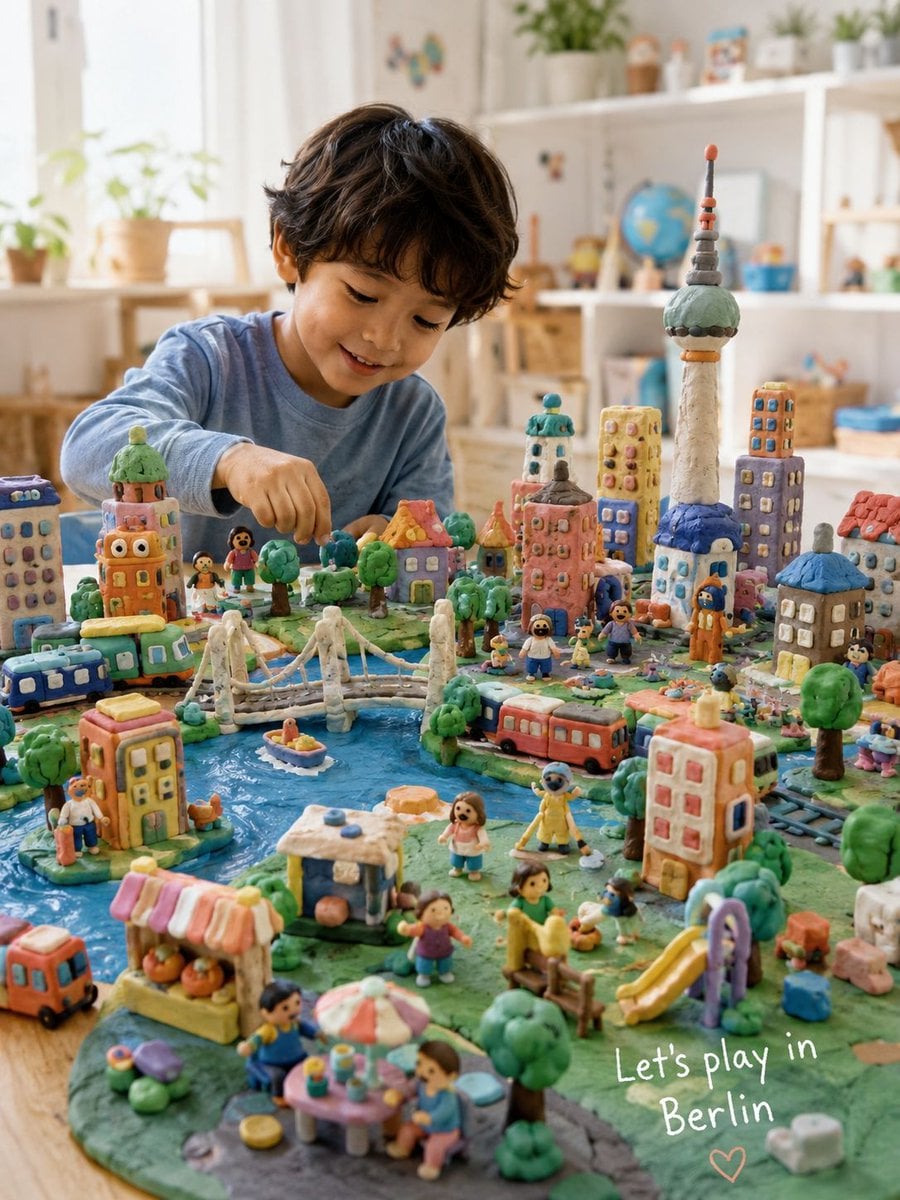
Handmade Play-Doh City Scene
Browse template categories
Paris Watercolor Fashion Portrait questions
How do I use the Paris Watercolor Fashion Portrait template?
Add your photo if the template asks for one, edit the prompt if you like — the template's model and format are already selected — and press Generate. Your version opens in PicX Studio.
Can I customize the Paris Watercolor Fashion Portrait template?
Yes. You can change the subject, setting, lighting, mood, format, and available model controls before creating your image.
Is the Paris Watercolor Fashion Portrait template free?
Opening and editing this template is free. Generating uses credits, shown on the Generate button when you are signed in.
Which AI model should I use?
Start with GPT Image 2, which is the model associated with this template. You can compare another compatible model for a different finish.
Looking for something else? Browse all templates.

Your photo, any look
Thousands of ready templates for every top image and video model, from one credit balance.