How do I use the Cozy Mirror Selfie in Korean Aesthetic template?
Choose the primary action to open PicX Studio with the available template settings. Review the model and format, personalize the creative direction, and generate when ready.
A detailed prompt for generating an ultra-realistic smartphone mirror selfie of a young East Asian woman in a cozy, warm-lit bedroom, capturing a candid lifesty
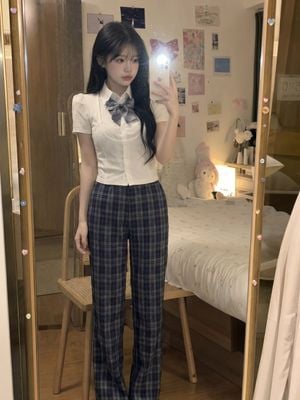
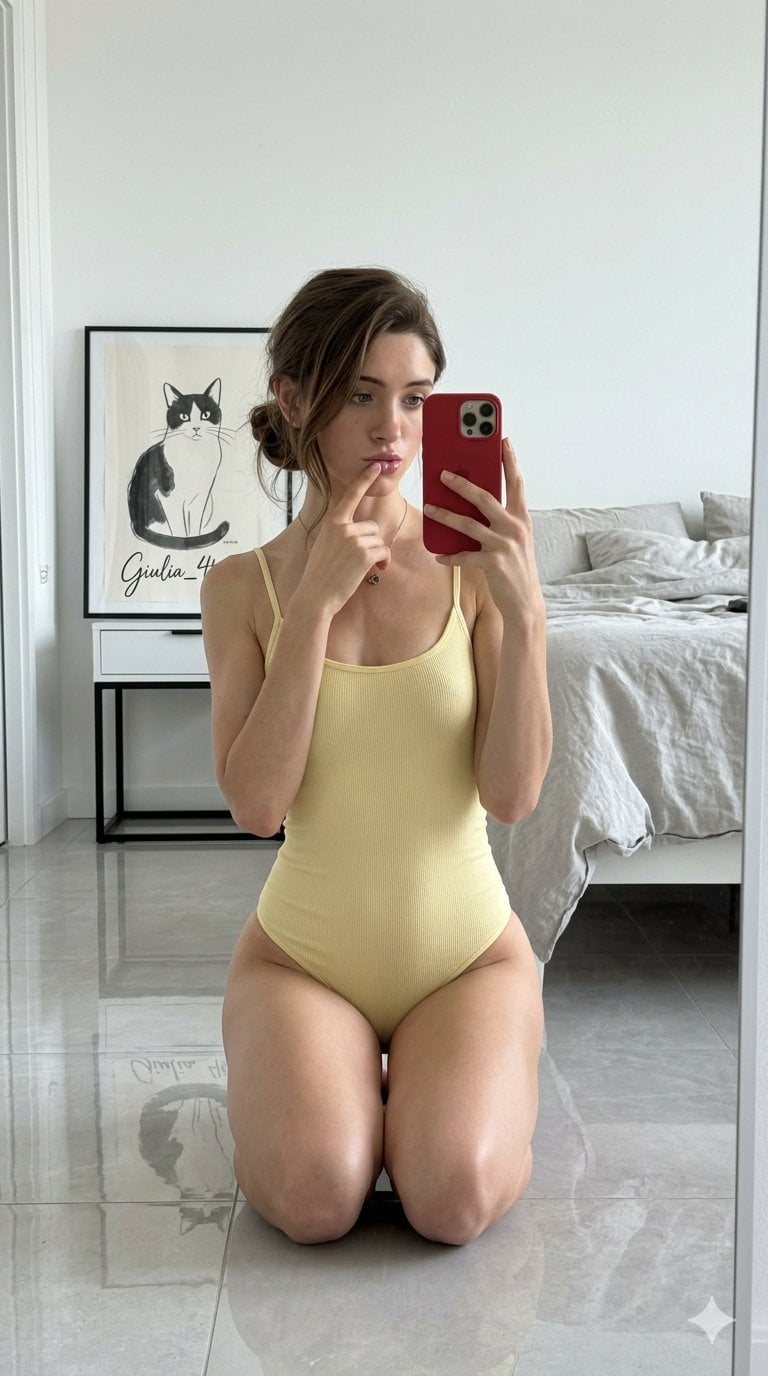
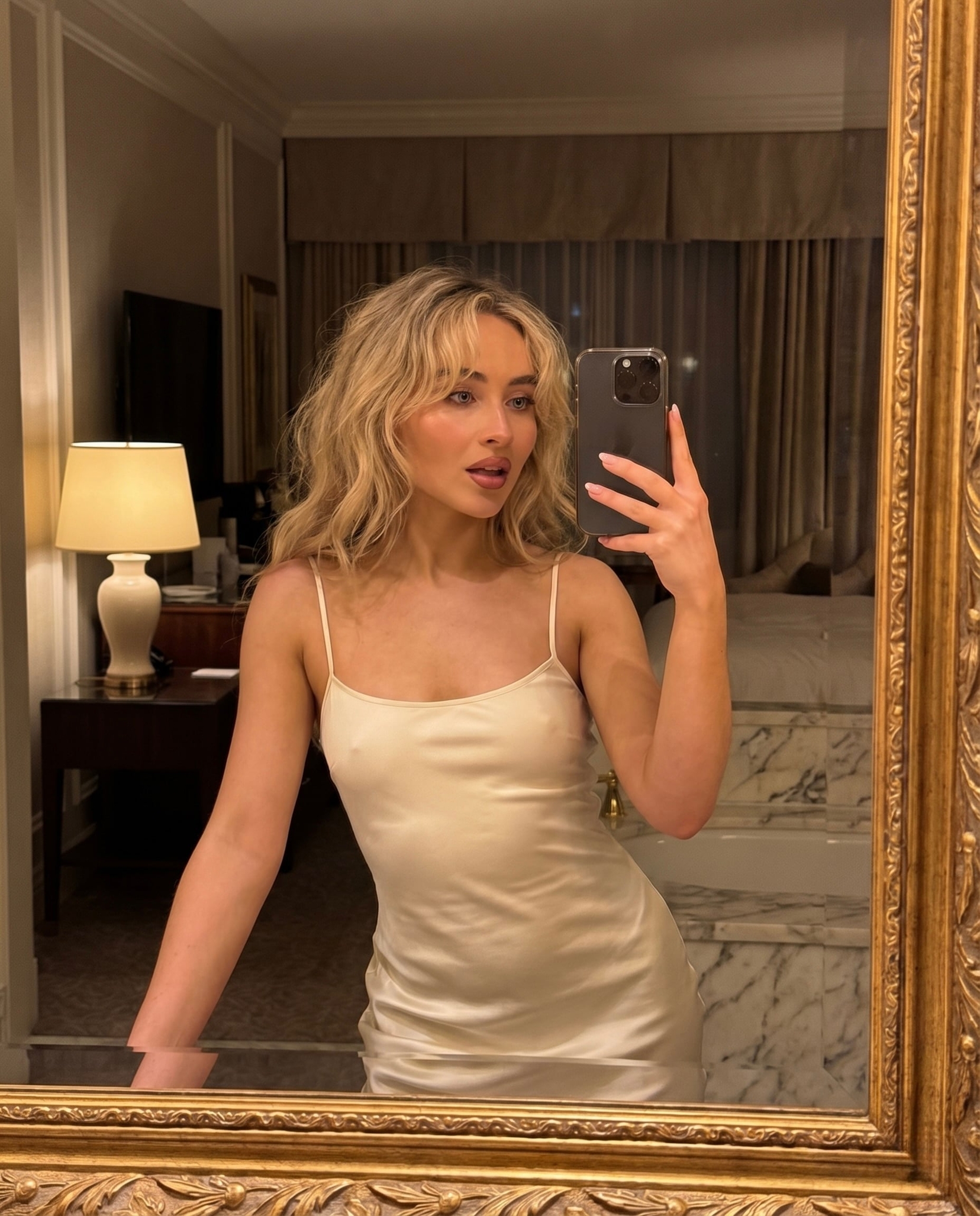
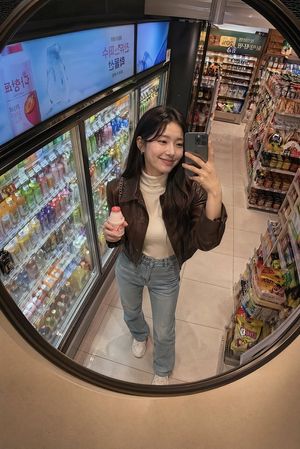
Ultra-realistic smartphone mirror selfie of a beautiful young {argument name="nationality" default="East Asian"} woman sitting on a simple wooden chair in a cozy bedroom at night. She has long silky jet-black hair with soft straight bangs, fair porcelain skin, large almond-shaped brown eyes, {argument name="makeup style" default="natural Korean makeup"}, and a calm, gentle expression while looking at her phone screen. She wears a {argument name="outfit" default="white short-sleeve blouse layered with a fitted white camisole, a large gray ribbon bow at the collar, a gray-blue plaid pleated skirt with delicate white lace trim, white ankle socks with tiny ribbon details"}, and no shoes. One arm rests naturally across her lap while holding a light-colored iPhone with the camera flash turned on, creating a bright mirror reflection and realistic lens flare. The room features a neatly made bed, soft pastel decorations, cute wall art, warm ambient lighting, and a full-length mirror with small decorative stickers on the frame. Authentic handheld mobile photo, casual indoor snapshot, natural imperfections on the mirror, slight noise, realistic skin texture, soft shadows, cozy Korean bedroom aesthetic, vertical 3:4 composition, iPhone camera quality, candid lifestyle photography, ultra-realistic, 4K. anime, CGI, illustration, cartoon, blurry, low quality, beauty filter, overprocessed skin, extra fingers, bad anatomy, distorted face, watermark, logo, text, unrealistic lighting, duplicated limbs
Choose the primary action to open PicX Studio with the available template settings. Review the model and format, personalize the creative direction, and generate when ready.
Yes. You can change the subject, setting, lighting, mood, format, and available model controls before creating your image.
This template is free to open and customize. Generation usage is shown in PicX Studio before you create.
Start with GPT Image 2, which is the model associated with this template. You can compare another compatible model for a different finish.
Follow a topic to a crawlable collection of related PicX Studio templates.