How do I use the Snowy Alpine Cinematic Portrait template?
Choose the primary action to open PicX Studio with the available template settings. Review the model and format, personalize the creative direction, and generate when ready.
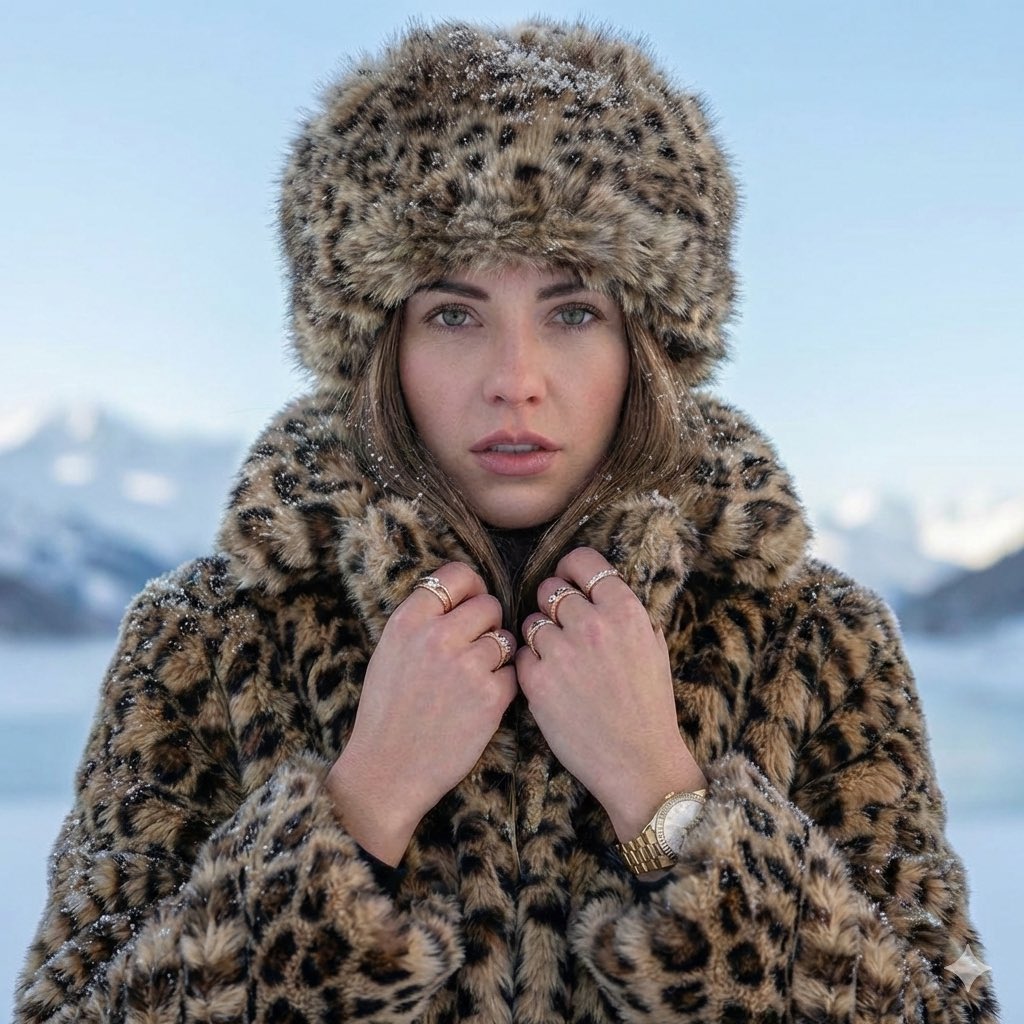
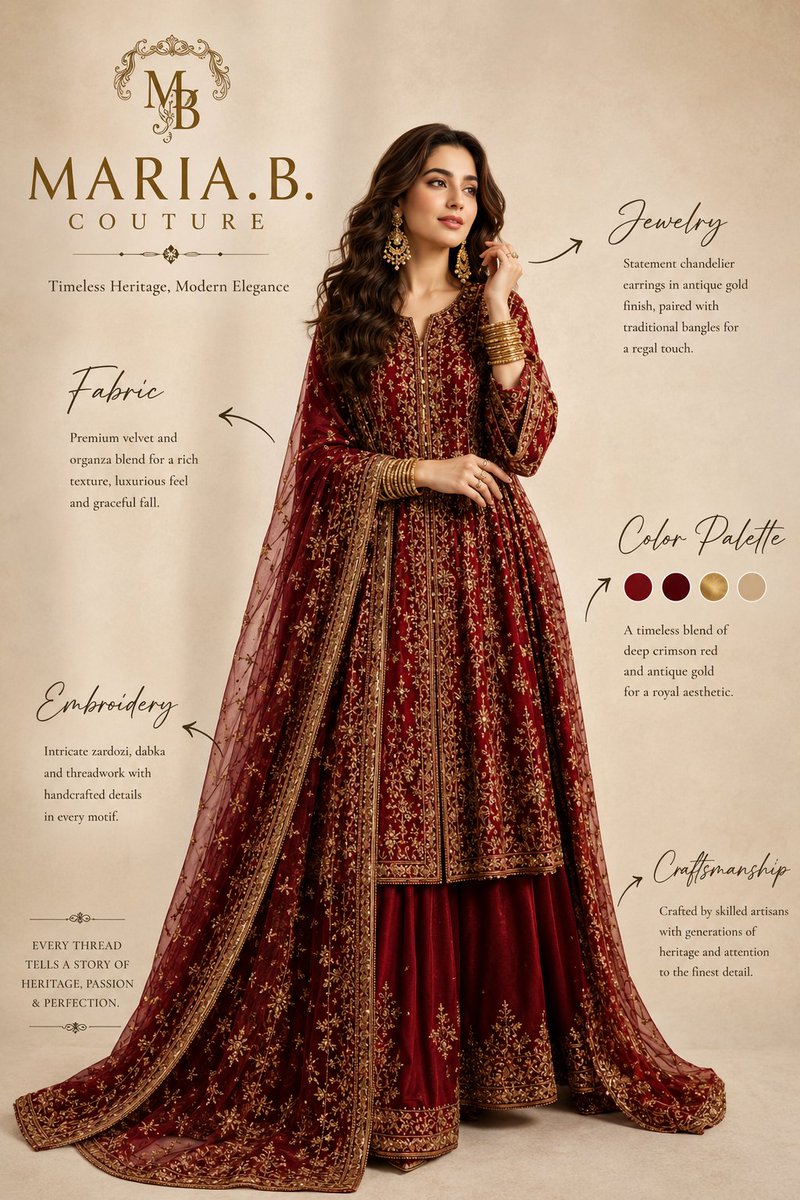
A cinematic portrait of a woman in a vibrant saree set against a snowy mountain landscape, designed for consistent facial identity.
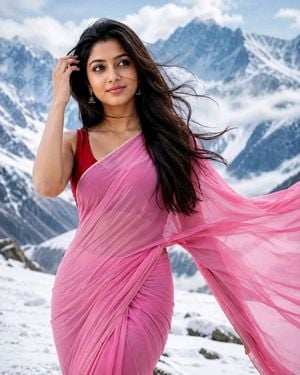
A cinematic, photorealistic three-quarter body portrait captured at eye level, with the {argument name="subject" default="beautiful woman"} filling most of the vertical frame and cropped below the knees. Use the attached reference photo for facial identity and preserve facial structure and proportions. Subject stands gracefully in a {argument name="location" default="snowy alpine landscape"}, facing the camera with a soft natural smile and a tiny black bindi. She is wearing a {argument name="clothing" default="bright pink chiffon with closely arranged pleats across the waist, paired with a bold red sleeveless blouse"}. The saree pallu flows gracefully in the cold mountain wind, adding dynamic motion to the frame. Her natural colour long hair moves naturally with the breeze, with a few fine strands blowing across her face, while she lifts one hand gracefully to brush the hair aside in a natural Bollywood-style cinematic gesture. Snow-covered ground surrounds her, with recognizable blue-gray snow-clad mountain peaks partly veiled by low mist and clouds in the background. Use bright, cool, diffused alpine daylight with soft even light on her face, clean white snow, and a fresh blue-white atmosphere. Keep her face, saree pleats, and wind-blown pallu crisp and detailed, while the distant mountains remain softly atmospheric but clearly visible, without heavy portrait bokeh. Aspect ratio 4:5.
Choose the primary action to open PicX Studio with the available template settings. Review the model and format, personalize the creative direction, and generate when ready.
Yes. You can change the subject, setting, lighting, mood, format, and available model controls before creating your image.
This template is free to open and customize. Generation usage is shown in PicX Studio before you create.
Start with GPT Image 2, which is the model associated with this template. You can compare another compatible model for a different finish.
Follow a topic to a crawlable collection of related PicX Studio templates.