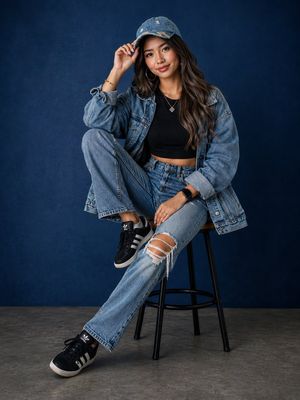
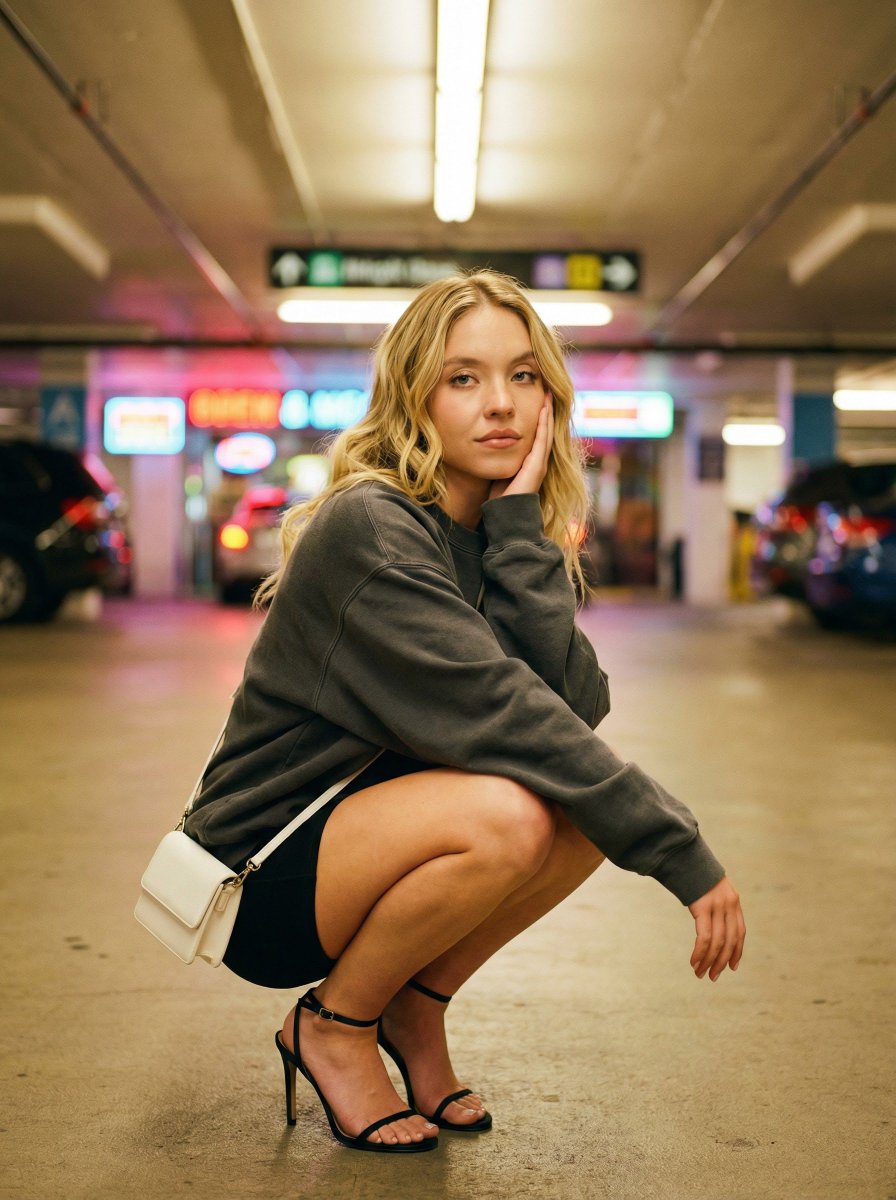
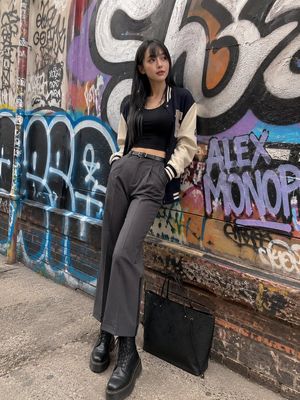
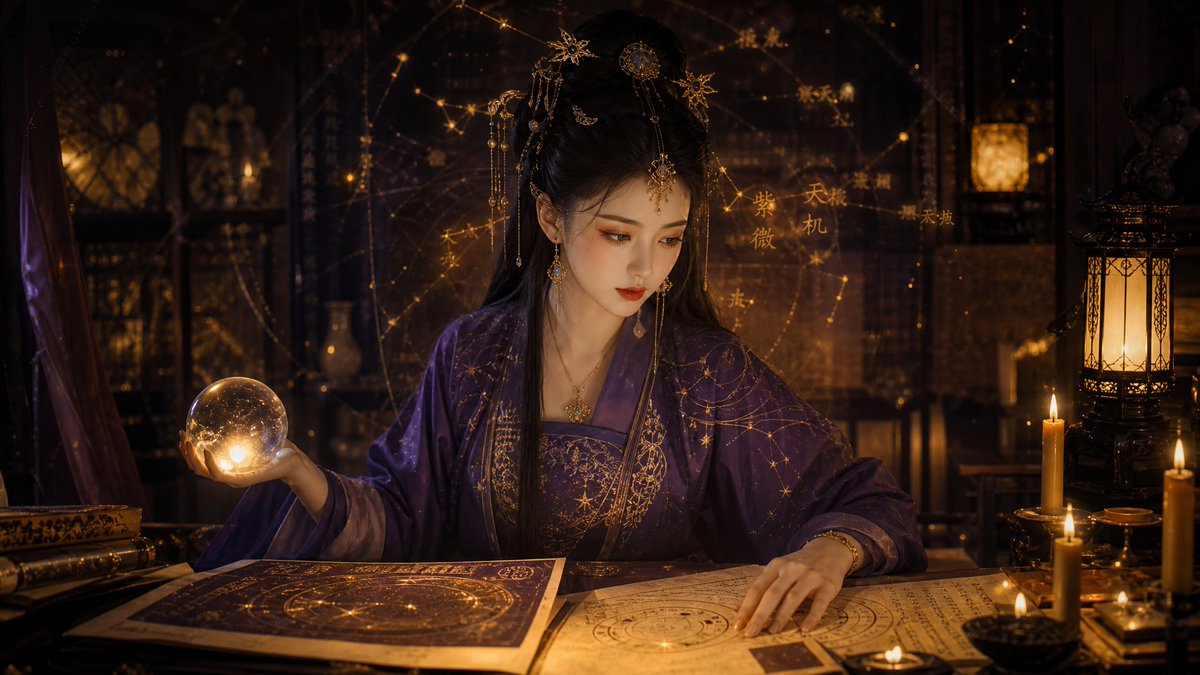
How do I use the Cinematic Urban Fashion Editorial Portrait template?
Choose the primary action to open PicX Studio with the available template settings. Review the model and format, personalize the creative direction, and generate when ready.
Transforms an uploaded portrait into a stunning cinematic lifestyle editorial featuring luxury automotive elements and golden-hour lighting.
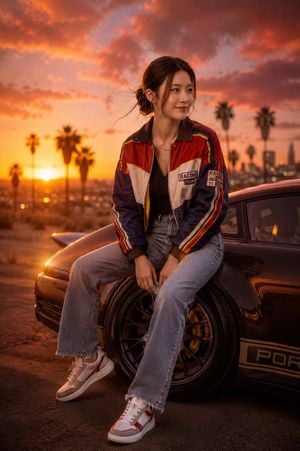
Using the uploaded image and without changing face create a stunning cinematic lifestyle portrait of the {argument name="subject" default="woman"} seated confidently at sunset in an {argument name="setting" default="urban desert-inspired setting"}, preserving her exact facial features, expression, hairstyle, body proportions, and identity with absolute accuracy. Transform the scene into a premium fashion editorial where she sits on a sleek {argument name="car detail" default="custom sports car wheel"} beside a high-end modified vehicle, surrounded by warm golden-hour light and dramatic cotton-candy skies painted in shades of peach, orange, and violet. Enhance her colorful retro-inspired jacket, denim jeans, and sneakers with rich textures and realistic fabric detail while maintaining the original styling. Add subtle wind movement through her hair, glowing rim light outlining her silhouette, and beautiful bokeh from distant city lights and palm trees. Capture the scene with luxury automotive photography aesthetics, shallow depth of field, ultra-realistic skin texture, cinematic color grading, HDR lighting, razor-sharp focus on the subject, and an atmosphere of ambition, confidence, and youthful freedom. Photorealistic 8K resolution, Vogue x Porsche campaign quality, award-winning fashion photography, dynamic composition, emotional storytelling, and a powerful modern dreamer aesthetic.
Choose the primary action to open PicX Studio with the available template settings. Review the model and format, personalize the creative direction, and generate when ready.
Yes. You can change the subject, setting, lighting, mood, format, and available model controls before creating your image.
This template is free to open and customize. Generation usage is shown in PicX Studio before you create.
Start with GPT Image 2, which is the model associated with this template. You can compare another compatible model for a different finish.
Follow a topic to a crawlable collection of related PicX Studio templates.