
Romantic Ocean Liner Sunset Scene
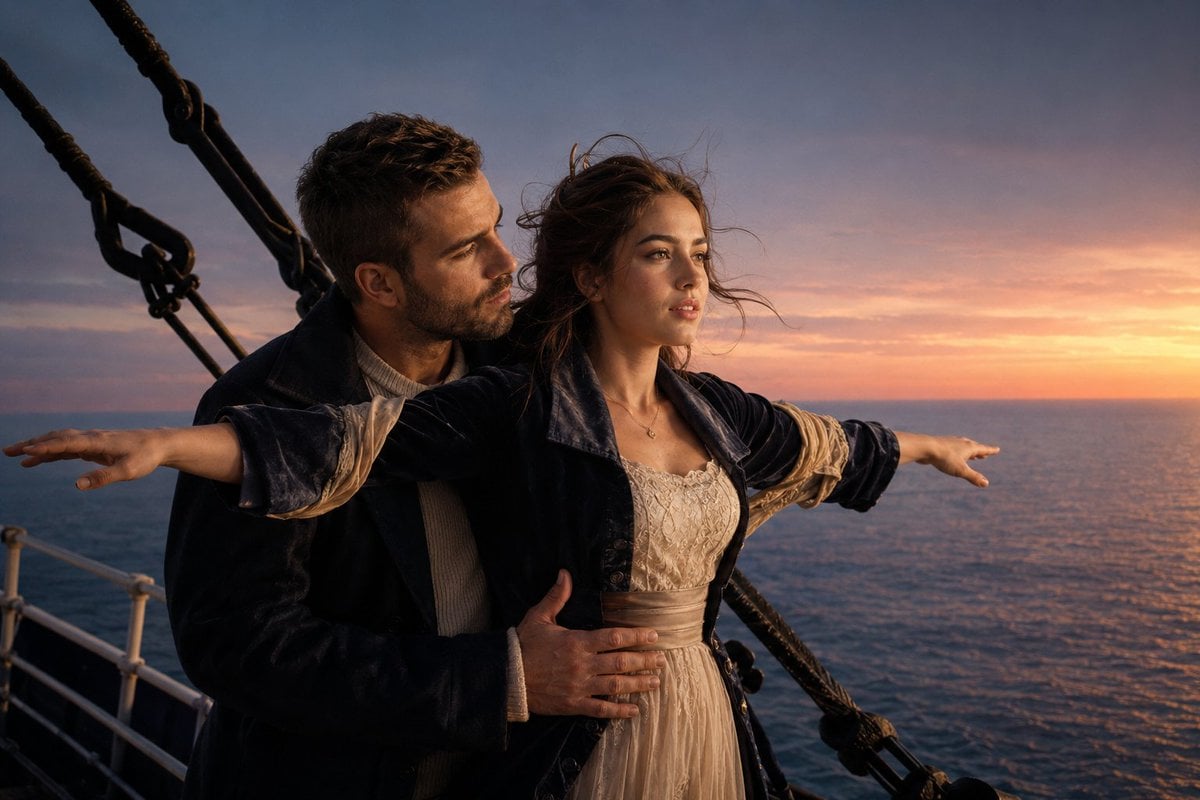
A cinematic photorealistic prompt for creating a historical romance couple on a ship bow at sunset.
- Prompt included
- Model and format preset
- Free template
The prompt behind this image
Copy the exact prompt behind Romantic Ocean Liner Sunset Scene, or open it in the studio and make it yours.
Create a cinematic photorealistic movie still of a romantic couple standing on the bow of an early 20th-century ocean liner at sunset, evoking an epic historical romance. A young woman with {argument name="hair color" default="windblown chestnut brown hair"} stands in front with both arms stretched straight out horizontally like she is flying, gazing toward the glowing horizon with a serene, hopeful expression. A young man with short dark hair and light stubble stands close behind her, one arm wrapped around her waist and one hand resting gently on her midsection, looking at her with quiet affection. Dress them in period-inspired formal clothing: the woman wears a cream lace dress with a satin waist sash under a dark navy velvet coat with rolled beige sleeves, and the man wears a dark wool coat over a pale ribbed sweater. Place them on a ship deck with visible white railings, black rigging ropes and metal hardware framing the left side and crossing diagonally behind them. The ocean fills the background, with a low horizon and a dramatic orange-pink sunset fading into blue-purple clouds. Use warm golden rim light on their faces and clothing, realistic skin texture, wind-swept hair, shallow cinematic depth of field, natural film grain, high detail, widescreen 3:2 composition, romantic atmosphere, no text, no watermark.
How to use Romantic Ocean Liner Sunset Scene in 3 steps
- 1Upload ImagePNG, JPG or paste
Add your photo
Upload the photo the template builds on. The prompt, model and format are already set.
- 2…a portrait of your subject in softgolden-hour light, 85mm…
Personalize
Edit the subject and creative details for your destination.
- 3Generate
Generate
Press Generate — your image is created in PicX Studio, so you can compare it with the original and refine one variable at a time.
More like this
Templates with the same subject, style or setup. Open one to see its prompt.
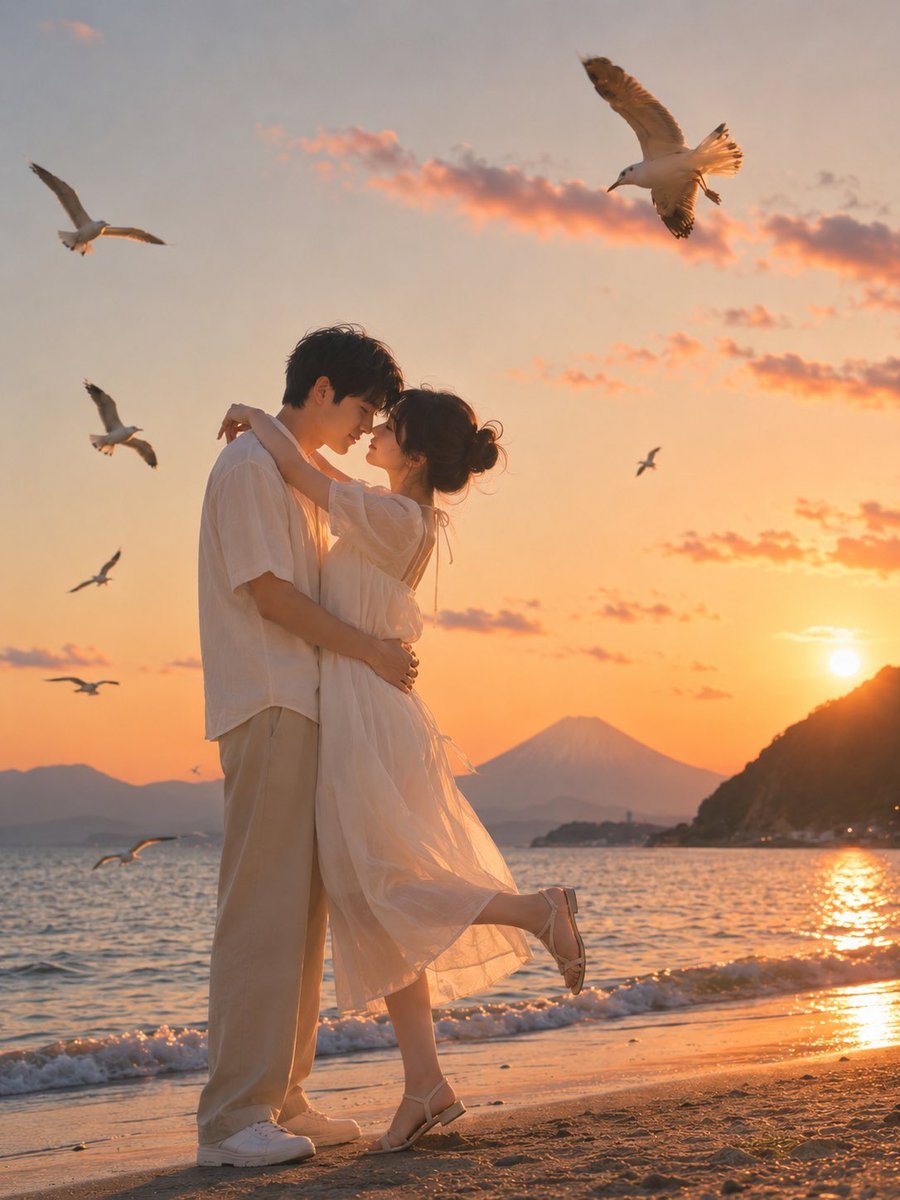
Romantic Zushi Beach Sunset Couple
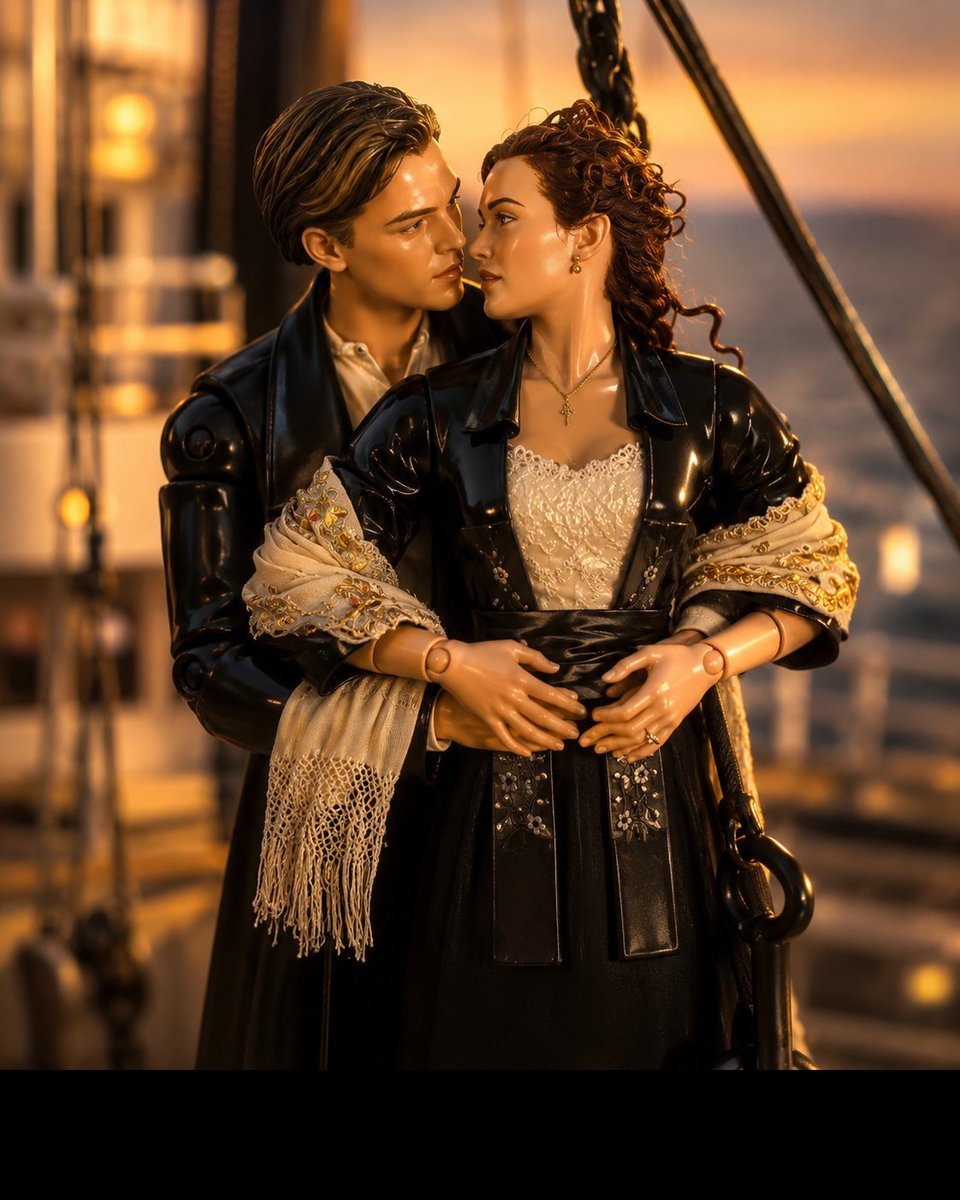
3D Collectible Toy Ocean Liner Render

Surreal Cat Astronaut — Humanoid Face Freefall

Mountain Lake Sunset Landscape

Steam Ocean Liner Deck

Artistic Arborpunk Garden Observatory Complex

Romantic Sunset Album Cover
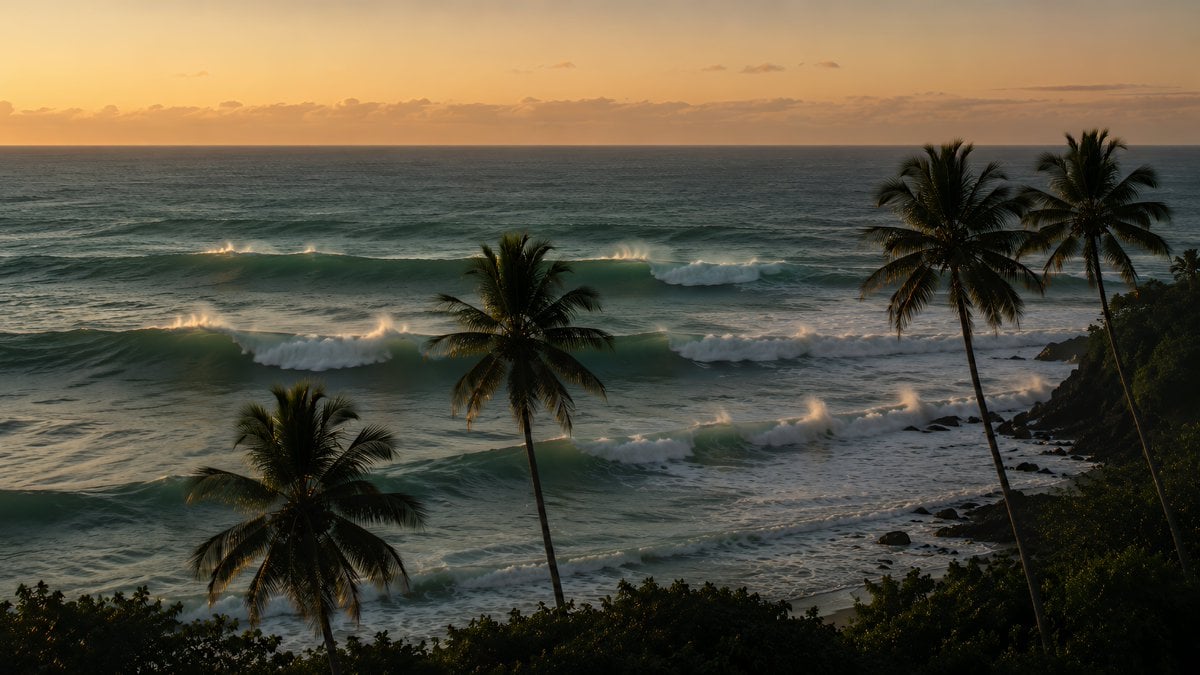
Tropical Sunset Ocean Wallpaper
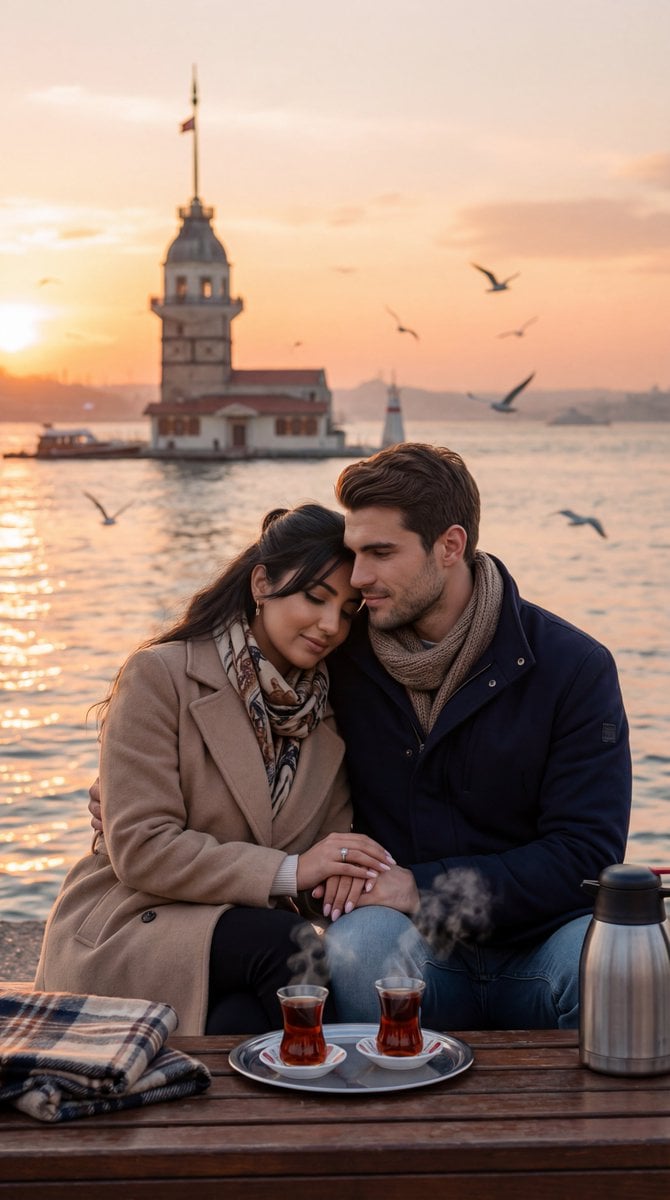
Ultra-Photorealistic Romantic Film Still (Uskudar Sunset)

Indian Village Cattle Herding — Nano Banana

Nano Banana - Evening Champagne Blue
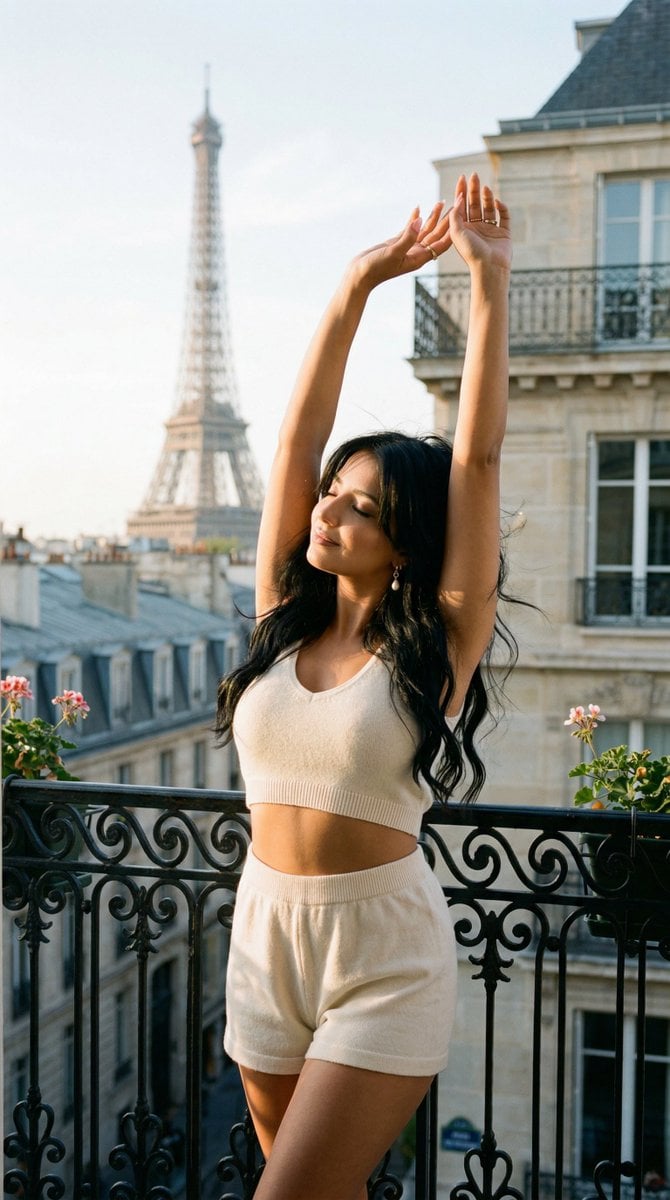
Nano Banana - Bathtub Eiffel Night
Make it yours
Romantic Ocean Liner Sunset Scene works as-is. These are the safest ways to change it without losing the look.
Change one field
Copy a single group, rewrite it, and generate again so you can see what that field is doing.
Keep the frame, change the subject
Hold the composition and light of Romantic Ocean Liner Sunset Scene, then swap wardrobe, props or the person for a new take.
| If the result… | Why | Fix |
|---|---|---|
| The result drifts from the preview | Too many fields changed at once. | Reuse Romantic Ocean Liner Sunset Scene as-is first, then change one group — subject, light, or setting. |
| The model over-stylizes the scene | The prose prompt leaves finish and camera underspecified. | Add one camera or lighting sentence and stay on GPT Image 2. |
More GPT Image 2 templates
Other prompts made for GPT Image 2.

Six VTuber Japanese Logo Sheet

Realistic Portrait of Woman and Deer

The Vista Modular Condo Poster

AI Model Routing Comparison Infographic

2.5D Anime Art Board

Isometric Productivity Desk Scene

New York Double Exposure Poster

Four-Panel AI Landscape Comparison

Japanese Tatami Lifestyle Magazine Cover

NESCAFÉ Coffee Map Poster
More image prompts
Fresh picks from across the catalog.
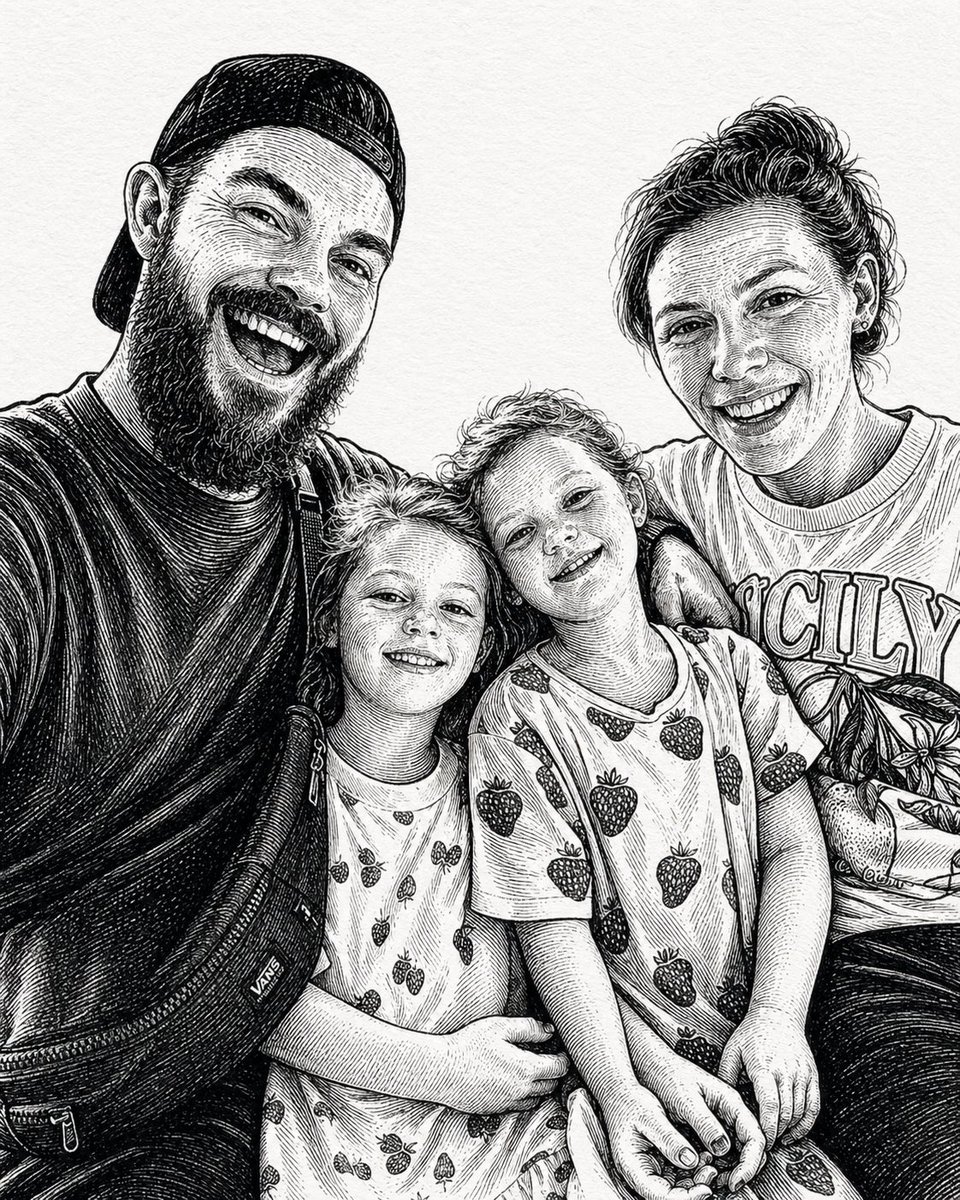
Ink-Etched Family Portrait
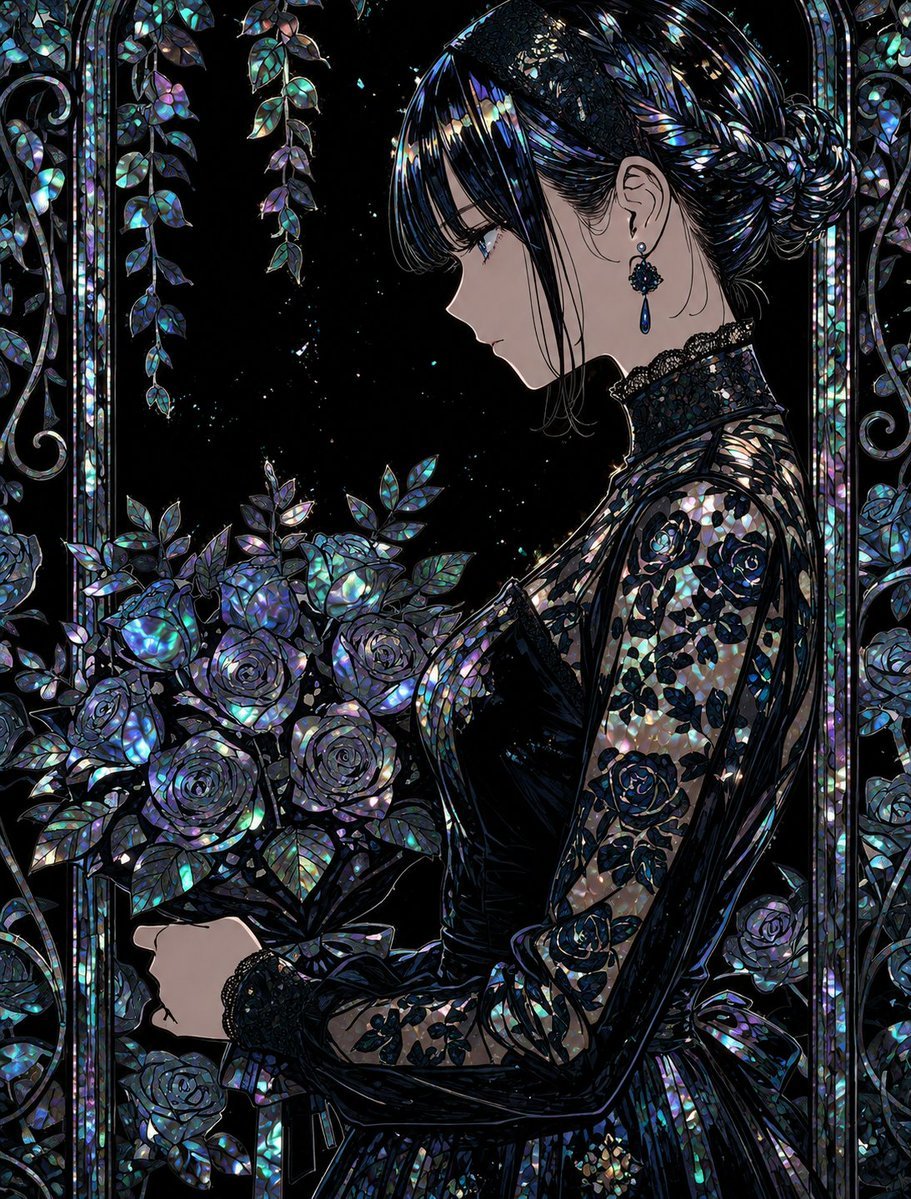
Raden Lacquerware Style Transformation
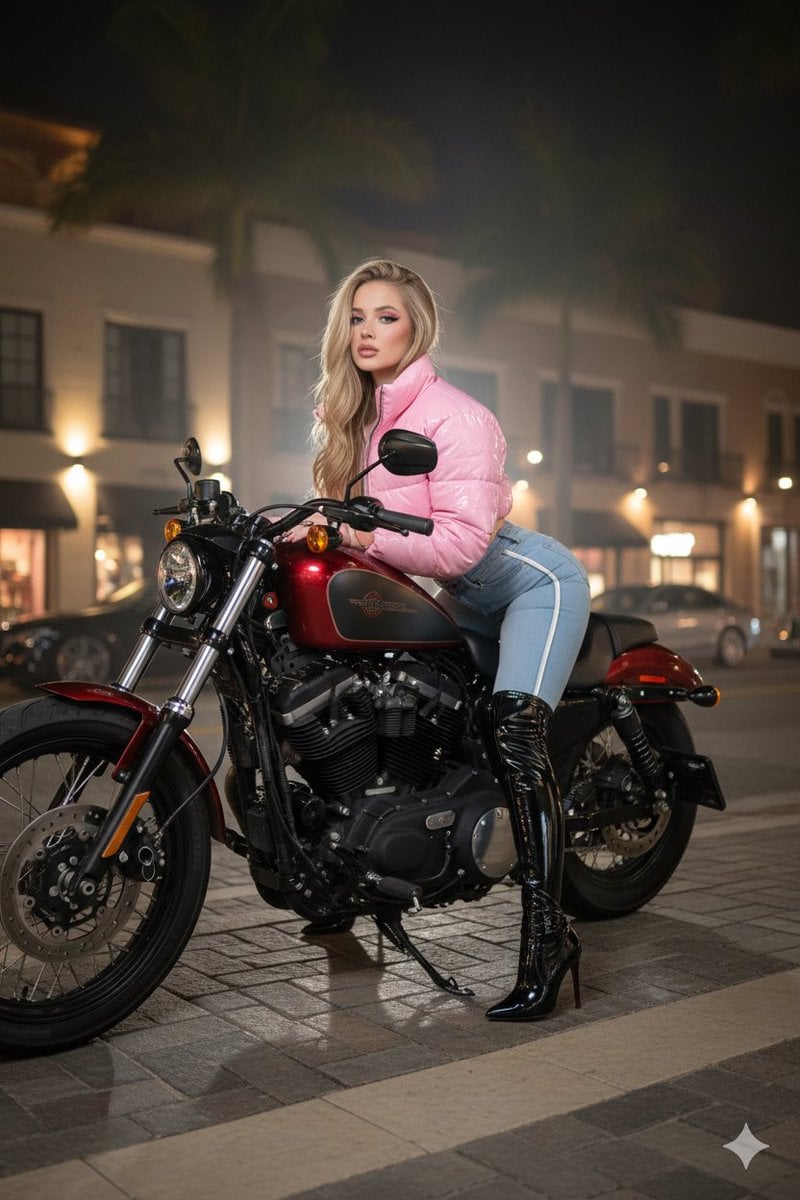
Glamorous Woman on Harley-Davidson at Night

Rose Spirit Ocean Manhwa Portrait
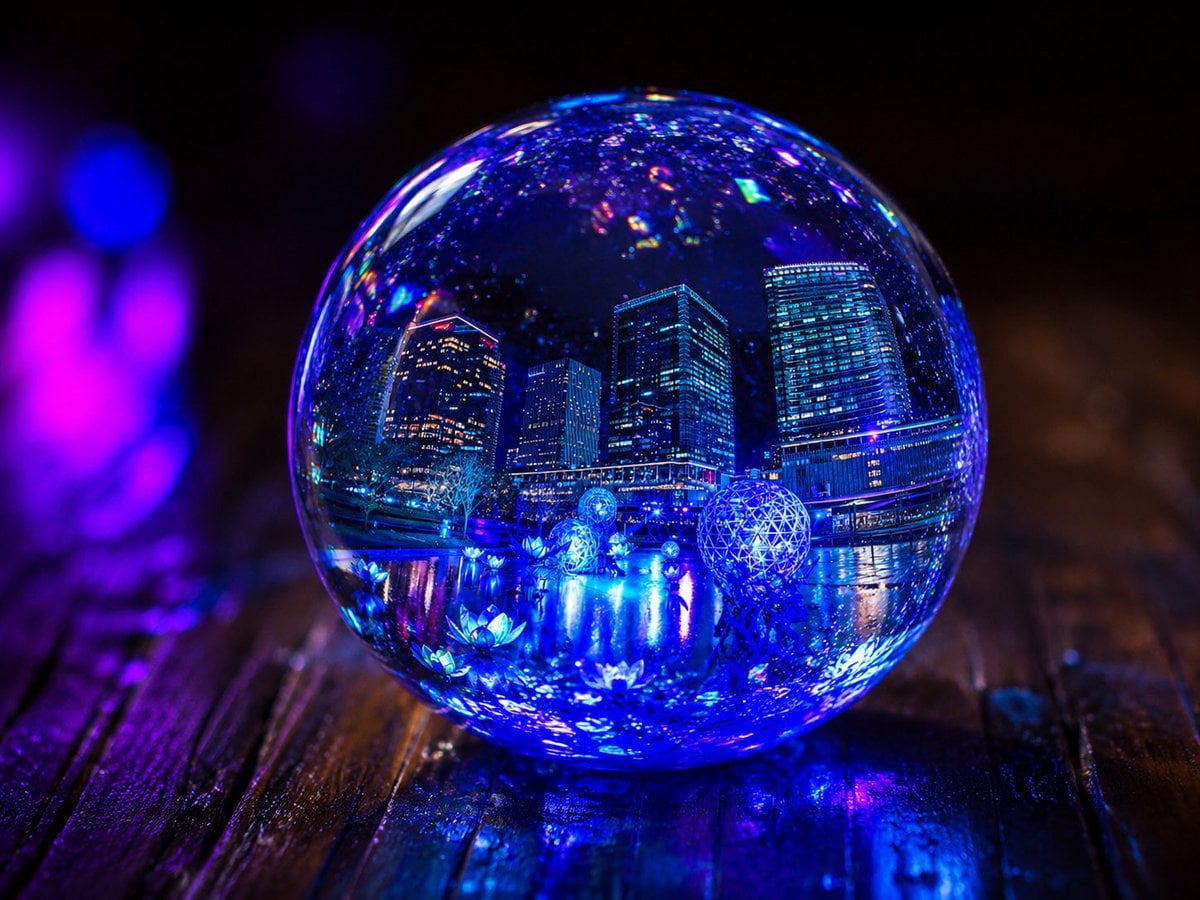
Glowing UV Resin City Orb
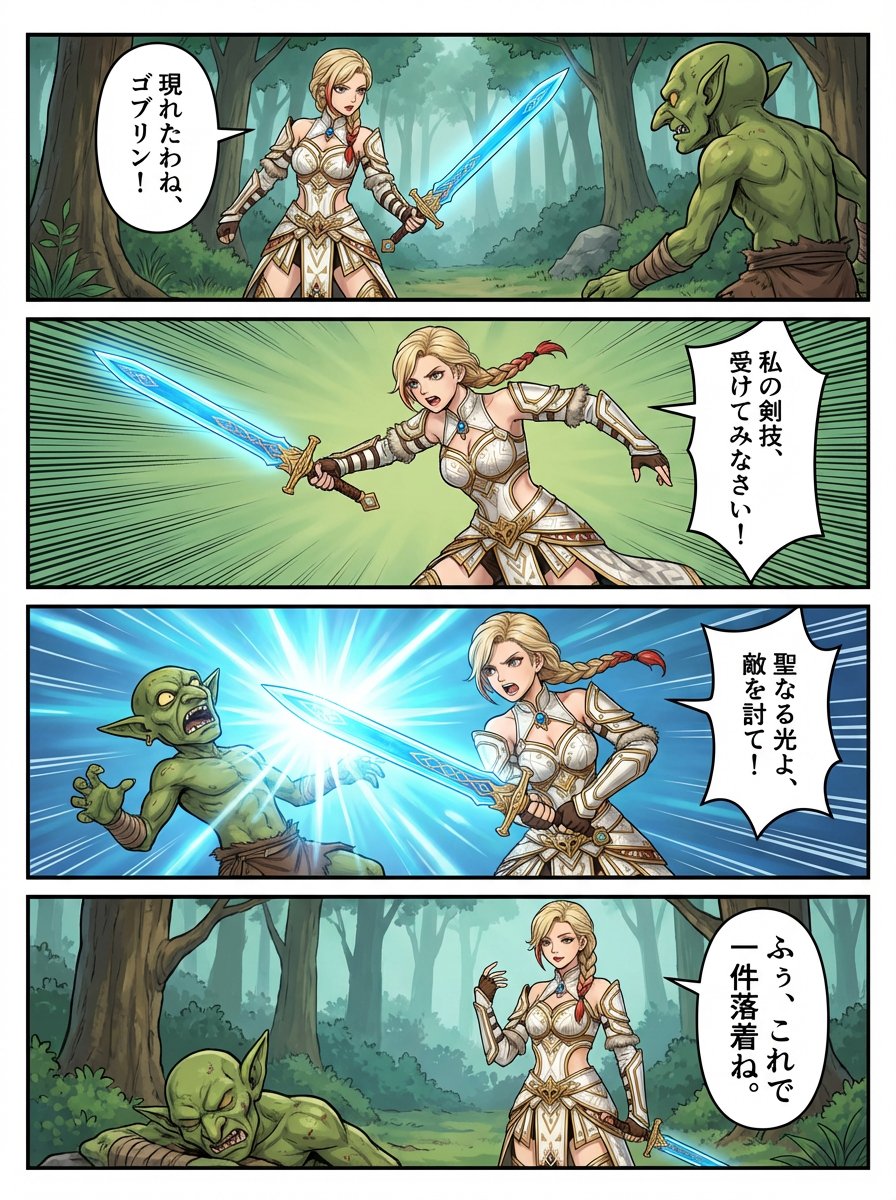
panel RPG manga of original character Anna
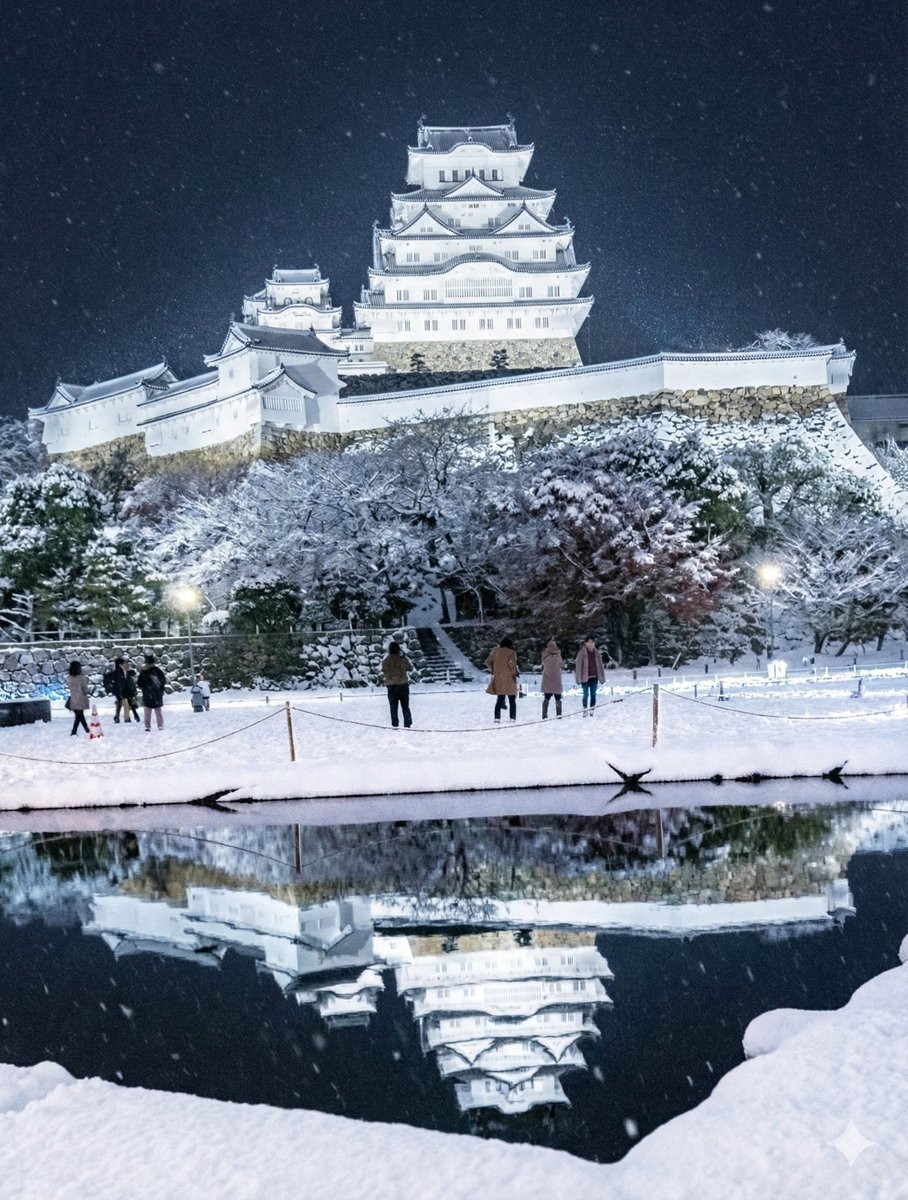
Snowy Himeji Castle in Kyouka Suigetsu Style
High-End Valentine’s Dinner Photoshoot
Paper-Cut Layered Illustration Style Transfer
Young Indian Woman in Green Midi Dress
Browse template categories
Romantic Ocean Liner Sunset Scene questions
How do I use the Romantic Ocean Liner Sunset Scene template?
Add your photo if the template asks for one, edit the prompt if you like — the template's model and format are already selected — and press Generate. Your version opens in PicX Studio.
Can I customize the Romantic Ocean Liner Sunset Scene template?
Yes. You can change the subject, setting, lighting, mood, format, and available model controls before creating your image.
Is the Romantic Ocean Liner Sunset Scene template free?
Opening and editing this template is free. Generating uses credits, shown on the Generate button when you are signed in.
Which AI model should I use?
Start with GPT Image 2, which is the model associated with this template. You can compare another compatible model for a different finish.
Looking for something else? Browse all templates.

Your photo, any look
Thousands of ready templates for every top image and video model, from one credit balance.