
Boho-Chic Summer Ferris Wheel Portrait
A detailed prompt for creating a realistic, sun-faded summer photo of a woman in boho-chic clothing posing in front of a giant colorful Ferris wheel.
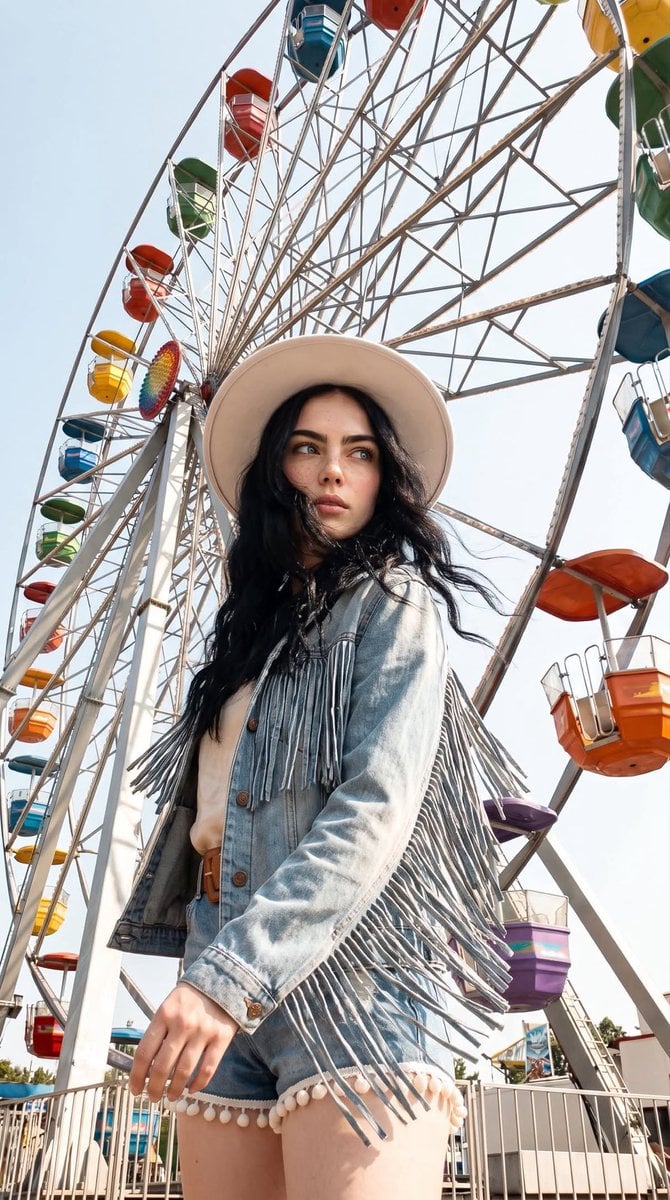
- Prompt included
- Model and format preset
- Free template
The prompt behind this image
Copy the exact prompt behind Boho-Chic Summer Ferris Wheel Portrait, or open it in the studio and make it yours.
The person from the provided photo, with no changes to their face, facial features, appearance, age, identity, or individuality. Low-angle shot. {argument name="subject" default="The woman"}, dressed in a {argument name="outfit style" default="boho-chic outfit"}, stands in front of a giant Ferris wheel with colorful gondolas against a clear blue sky. She is wearing a light-colored top and pom-pom shorts, layered with a fringed denim jacket and a wide leather belt, along with a {argument name="hat style" default="white wide-brim hat"} and round dark sunglasses. Her long wavy hair is loose. Her pose is dynamic: one hand is holding her hat while the other is extended to the side. The surroundings feature the Ferris wheel’s metal spokes and framework, with the colorful gondolas filling the background. A realistic smartphone photo on a hot summer day, with bright direct sunlight, warm color grading, slightly overexposed highlights, natural shadows, a sense of intense heat, natural-looking skin, subtle film grain, slightly sun-faded colors, and the feeling of a candid, spontaneous moment. The face, identity, appearance, age, and all unique characteristics of the person from the original photo must be preserved exactly. The person is not looking at the camera.
How to use Boho-Chic Summer Ferris Wheel Portrait in 3 steps
- 1Upload ImagePNG, JPG or paste
Add your photo
Upload the photo the template builds on. The prompt, model and format are already set.
- 2…a portrait of your subject in softgolden-hour light, 85mm…
Personalize
Edit the subject and creative details for your destination.
- 3Generate
Generate
Press Generate — your image is created in PicX Studio, so you can compare it with the original and refine one variable at a time.
More like this
Templates with the same subject, style or setup. Open one to see its prompt.
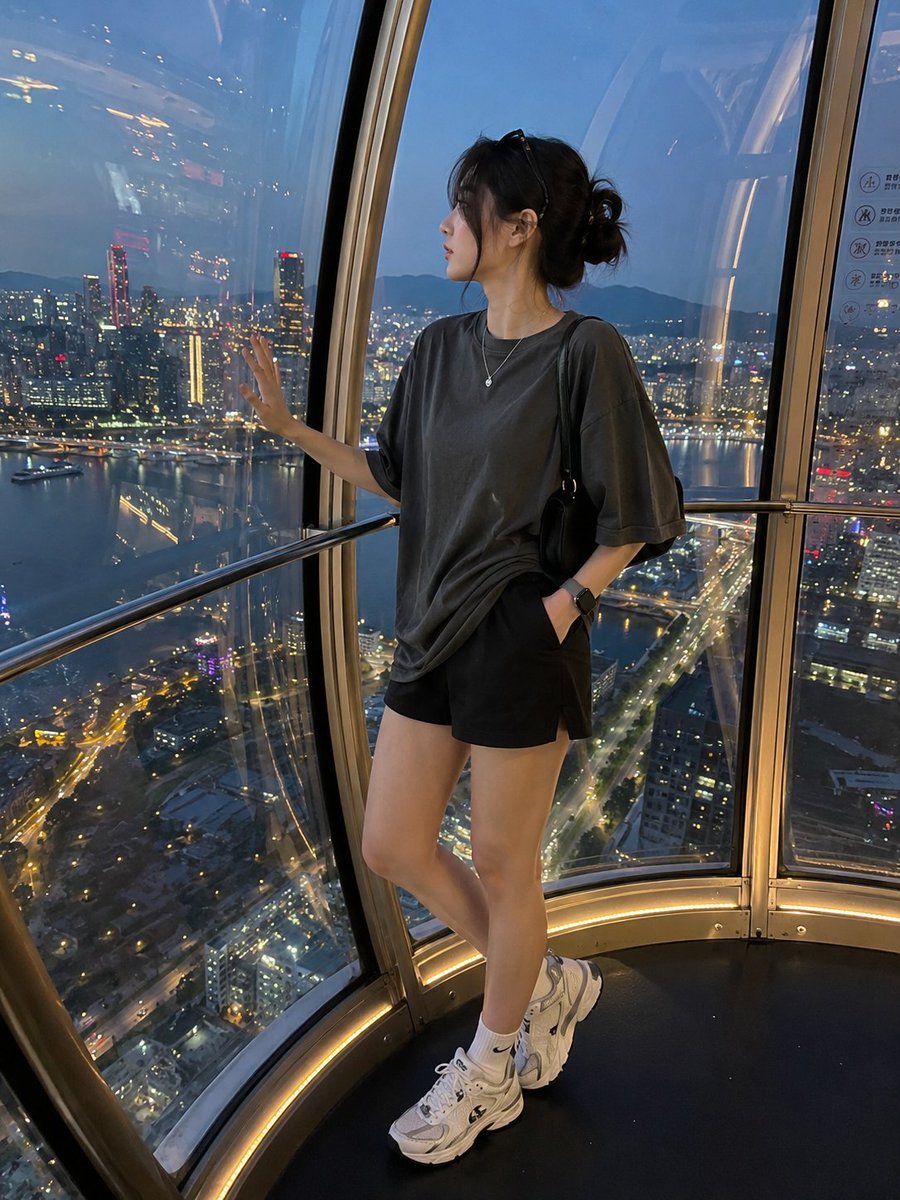
Candid Luxury Ferris Wheel Portrait

Found Photograph: Us, 1970

80s Couple Studio Portrait

80s Bollywood Star

80s Golden Hour Cinema

Me in 1985

1985 Studio Portrait

Hyper-Realistic Minecraft POV Portrait

Rooftop Fisheye — Cat-Ear Balaclava at Golden Hour

Ferris Wheel Boardwalk Fog

Rainy Café Window Moody Portrait
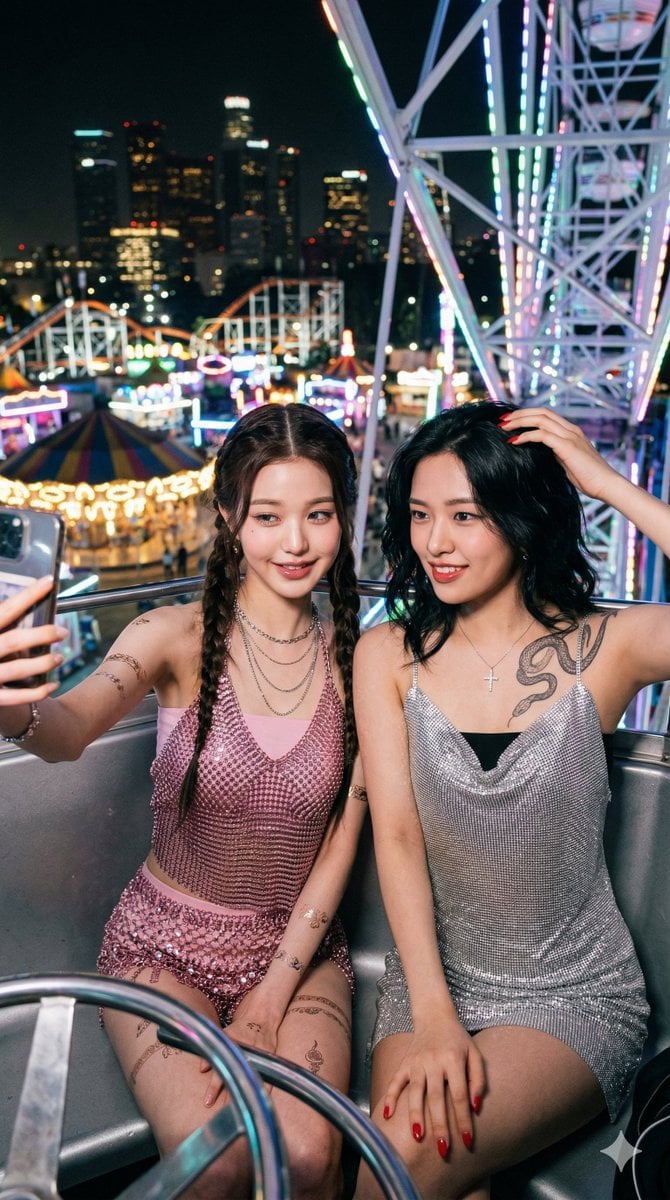
Photorealistic Night Selfie on a Ferris Wheel
Make it yours
Boho-Chic Summer Ferris Wheel Portrait works as-is. These are the safest ways to change it without losing the look.
Change one field
Copy a single group, rewrite it, and generate again so you can see what that field is doing.
Keep the frame, change the subject
Hold the composition and light of Boho-Chic Summer Ferris Wheel Portrait, then swap wardrobe, props or the person for a new take.
| If the result… | Why | Fix |
|---|---|---|
| The result drifts from the preview | Too many fields changed at once. | Reuse Boho-Chic Summer Ferris Wheel Portrait as-is first, then change one group — subject, light, or setting. |
| The model over-stylizes the scene | The prose prompt leaves finish and camera underspecified. | Add one camera or lighting sentence and stay on GPT Image 2. |
More GPT Image 2 templates
Other prompts made for GPT Image 2.

Six VTuber Japanese Logo Sheet

Realistic Portrait of Woman and Deer

The Vista Modular Condo Poster

AI Model Routing Comparison Infographic

2.5D Anime Art Board

Isometric Productivity Desk Scene

New York Double Exposure Poster

Four-Panel AI Landscape Comparison

Japanese Tatami Lifestyle Magazine Cover

NESCAFÉ Coffee Map Poster
More image prompts
Fresh picks from across the catalog.
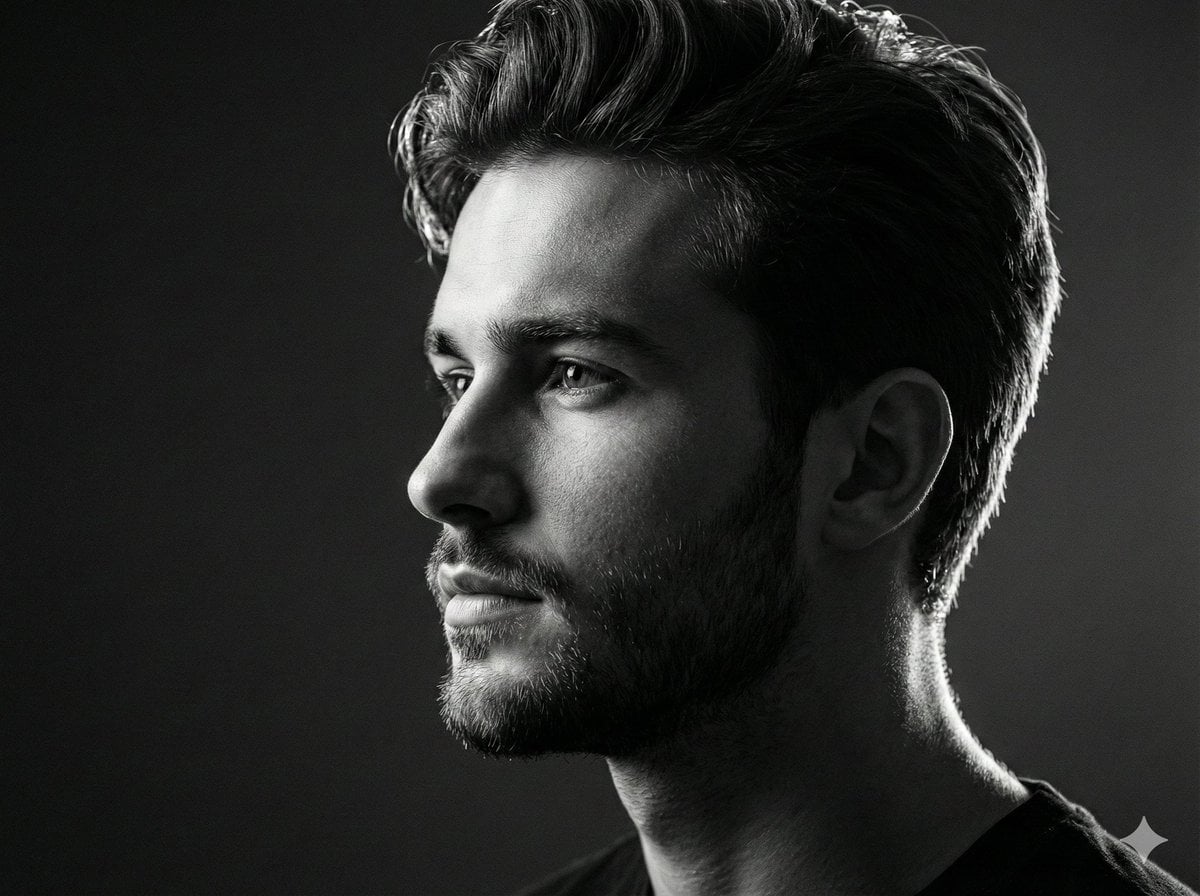
Black and white studio side-profile portrait prompt
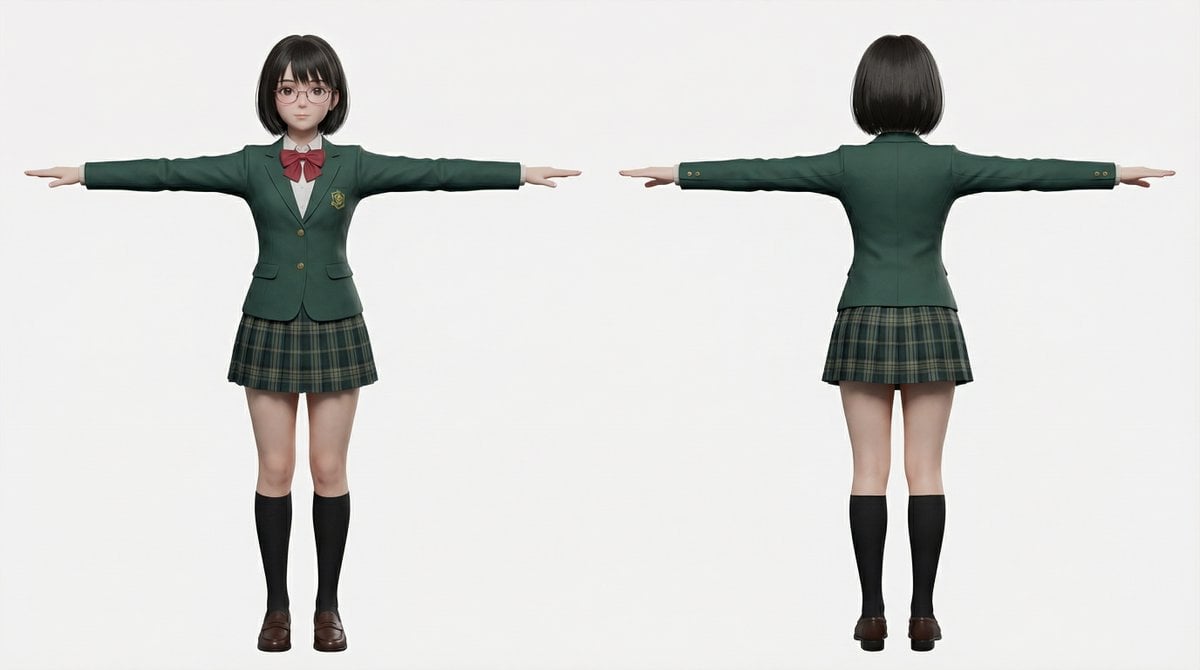
2D to 3D to VRM to Illustration Workflow

Flagship Brand Identity Mockup (Nano Banana Pro)
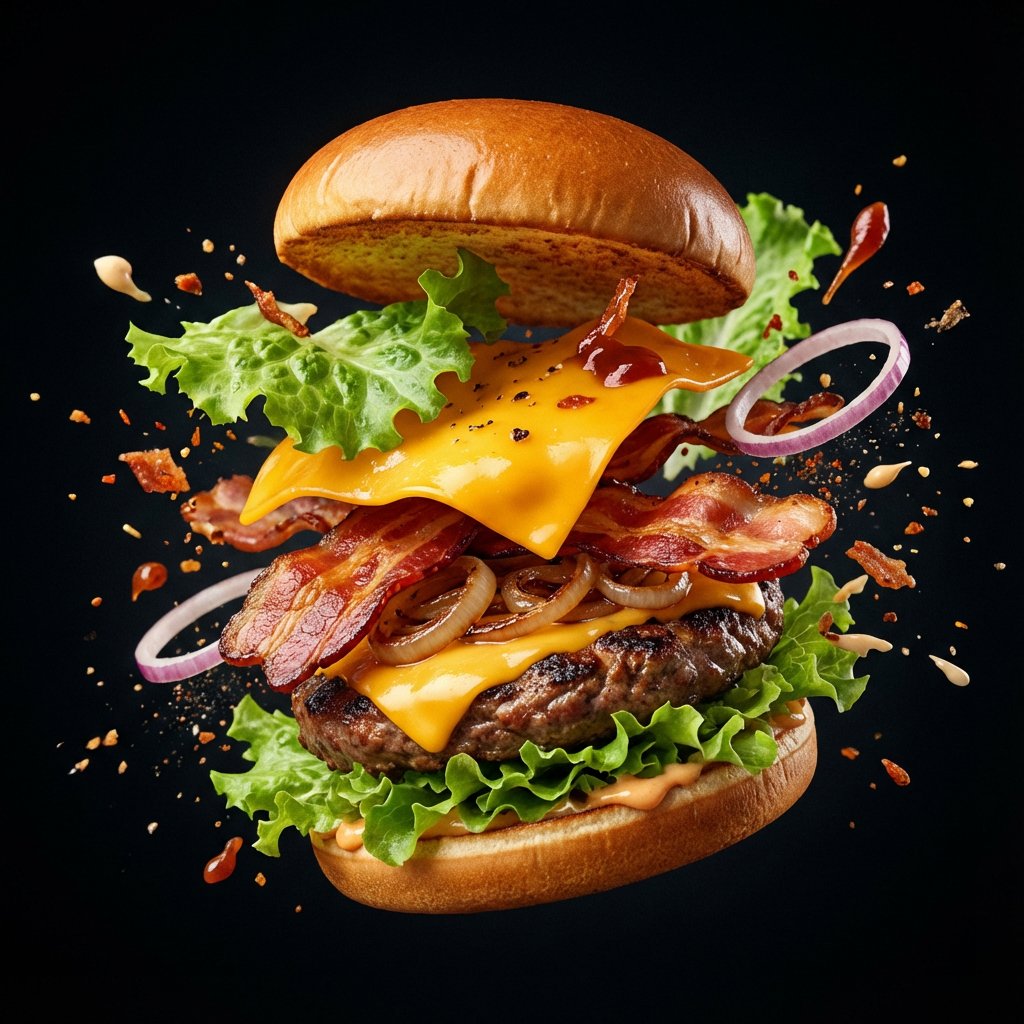
Explosion Food Poster for Marketing
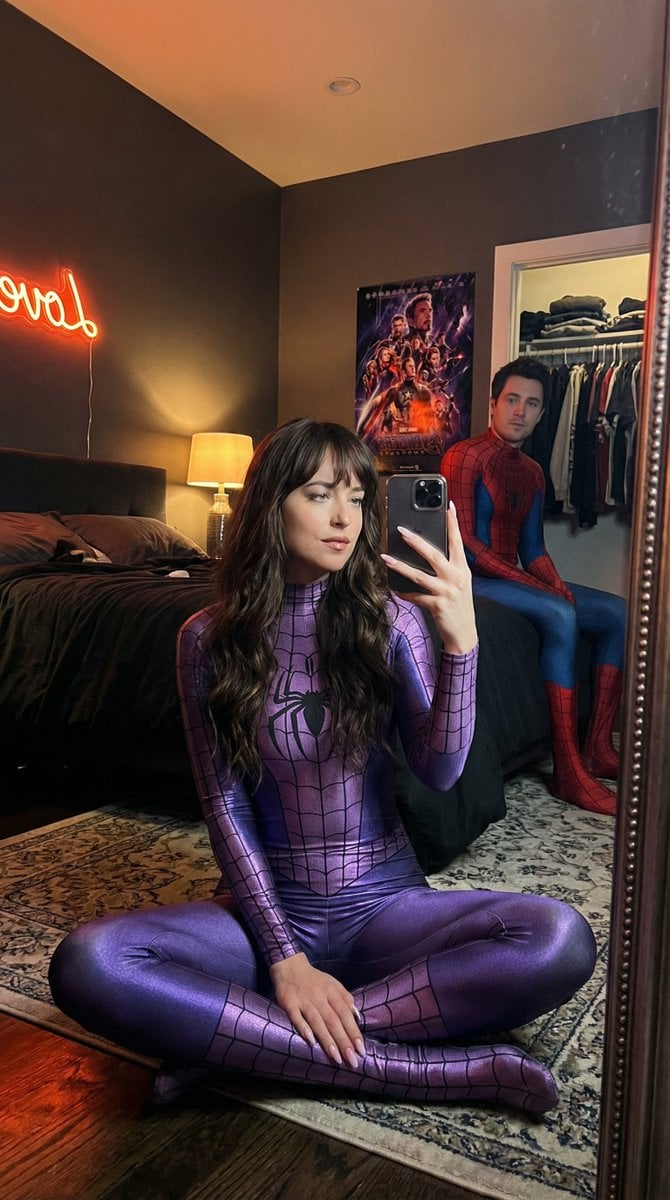
IG-Baddie Spider-Man Cosplay Mirror Selfie
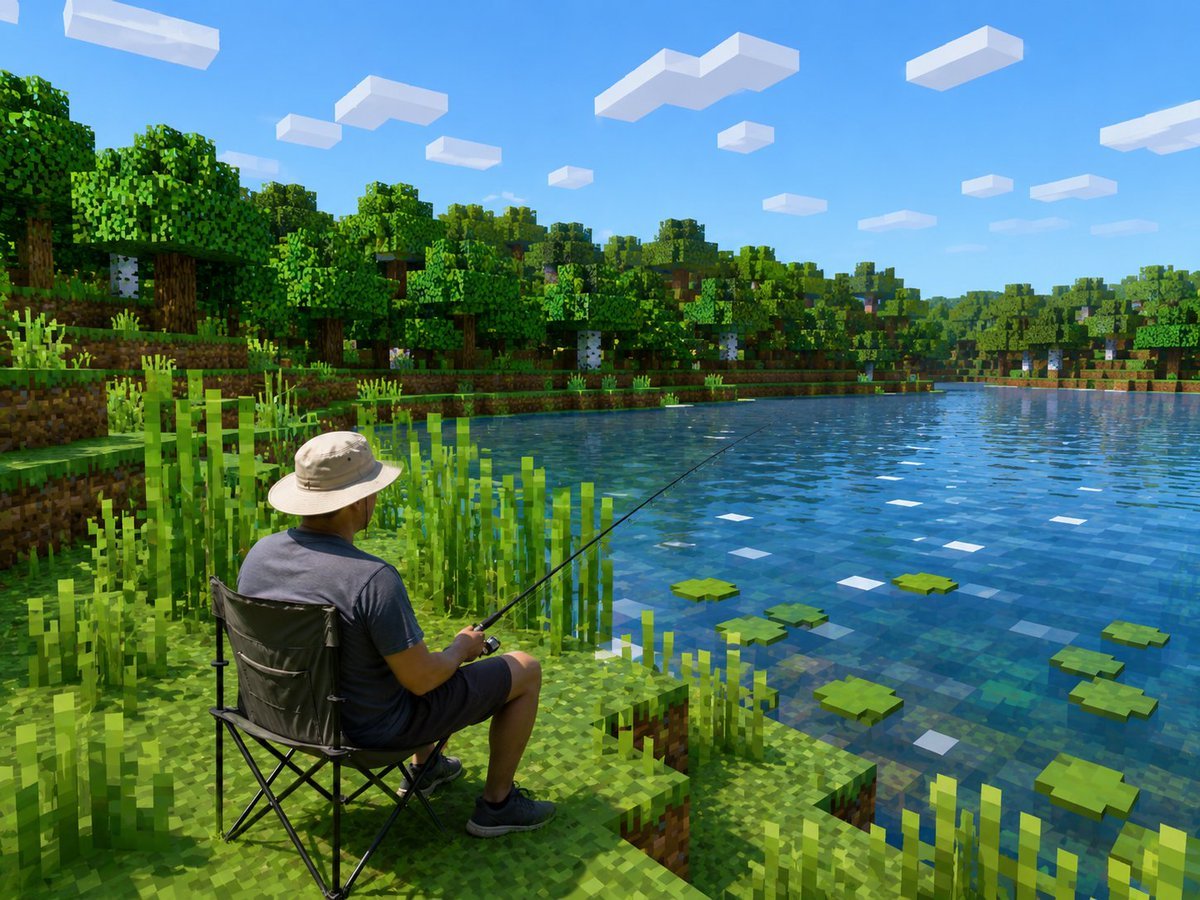
Realistic Fisherman in Minecraft Lake
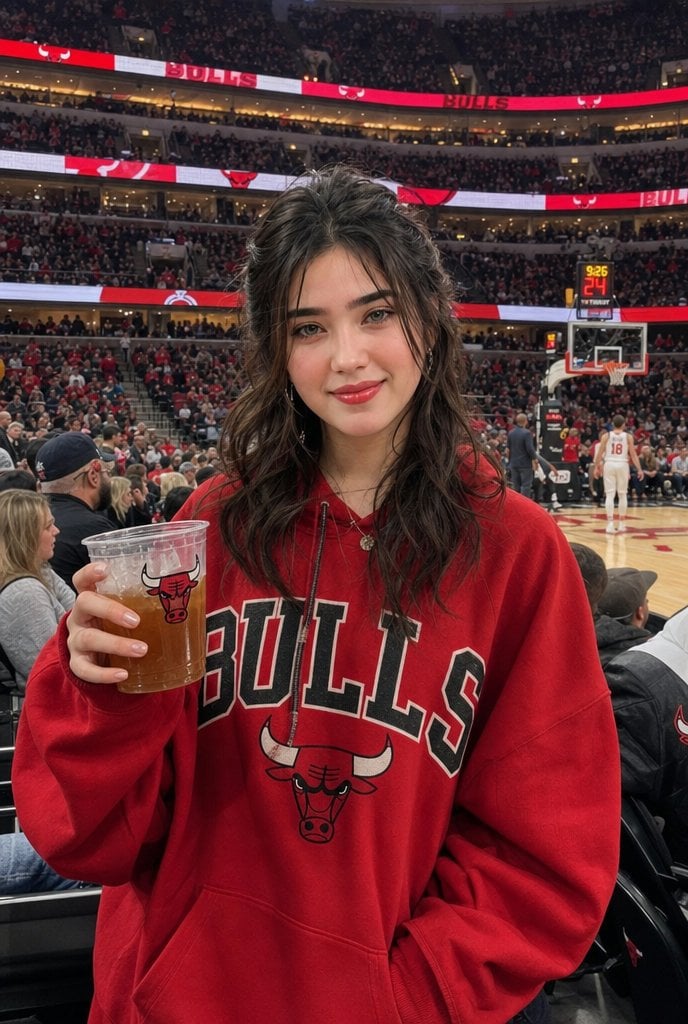
Realistic Bulls Courtside Fan Portrait

Neon WhatsApp AI Creator Poster
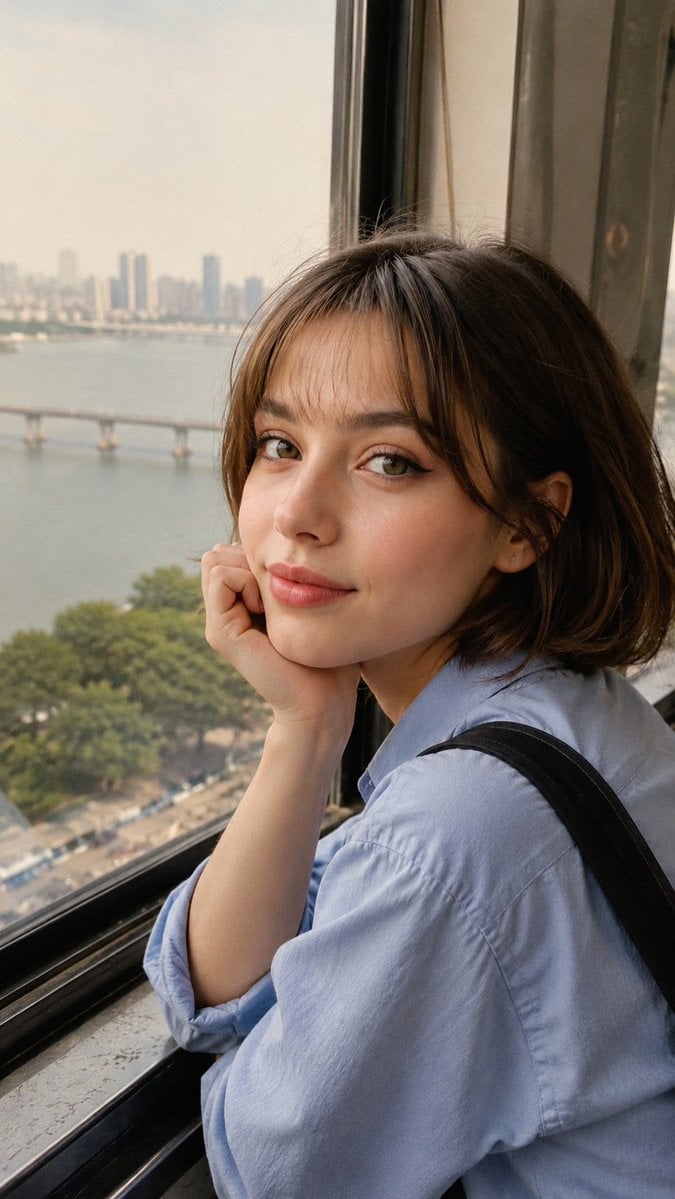
Candid Travel Portrait in Seoul
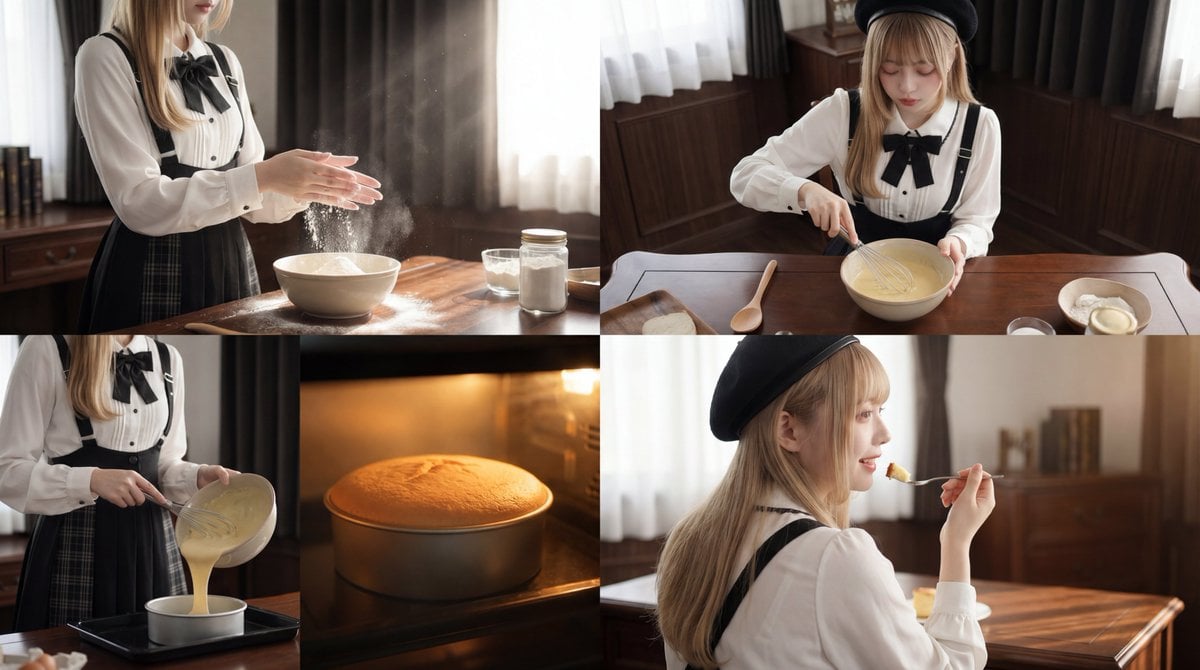
Cinematic Cake Making Process Video Prompt
Browse template categories
Boho-Chic Summer Ferris Wheel Portrait questions
How do I use the Boho-Chic Summer Ferris Wheel Portrait template?
Add your photo if the template asks for one, edit the prompt if you like — the template's model and format are already selected — and press Generate. Your version opens in PicX Studio.
Can I customize the Boho-Chic Summer Ferris Wheel Portrait template?
Yes. You can change the subject, setting, lighting, mood, format, and available model controls before creating your image.
Is the Boho-Chic Summer Ferris Wheel Portrait template free?
Opening and editing this template is free. Generating uses credits, shown on the Generate button when you are signed in.
Which AI model should I use?
Start with GPT Image 2, which is the model associated with this template. You can compare another compatible model for a different finish.
Looking for something else? Browse all templates.

Your photo, any look
Thousands of ready templates for every top image and video model, from one credit balance.