
Woman Gazing at Giant Golden Moon
A cinematic photorealistic night portrait of a woman in profile looking up at an enormous glowing full moon, ideal for dreamy social media or fantasy portrait visuals.
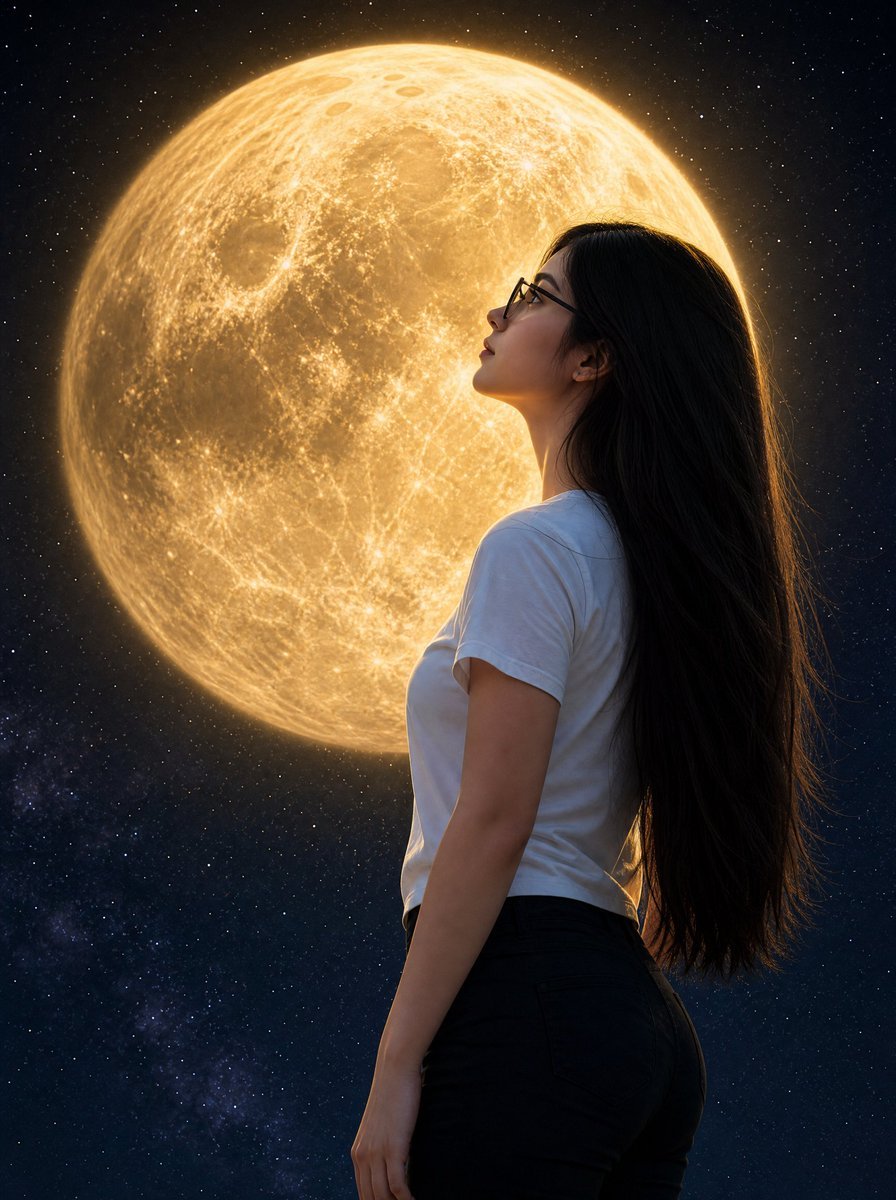
- Prompt included
- Model and format preset
- Free template
The prompt behind this image
Copy the exact prompt behind Woman Gazing at Giant Golden Moon, or open it in the studio and make it yours.
Create a photorealistic cinematic portrait of {argument name="character description" default="a young woman with pale matte skin, very long straight black hair, and dark-framed glasses"} shown from the waist up in side profile facing left, standing outdoors beneath a vast starry night sky. She wears {argument name="outfit" default="a plain white fitted short-sleeve T-shirt and high-waisted dark pants"}. Her head is gently tilted upward as she gazes in awe toward an enormous glowing {argument name="moon color" default="golden"} full moon directly behind and slightly left of her face, so large it fills most of the upper background. The moon should be hyper-detailed with visible craters, maria, surface texture, and a soft radiant halo, casting warm rim light along her hair, glasses, cheek, shoulder, and arm. Use a deep navy-black space background with countless small stars and a faint Milky Way-like cloud near the lower left. Compose vertically in a 3:4 portrait frame, with the woman occupying the right half and the moon dominating the left and upper center. Keep the lighting dramatic and realistic, with warm gold highlights against cool blue shadows, sharp focus on the woman and moon, subtle depth, natural skin texture, and no text, logos, or watermark.
How to use Woman Gazing at Giant Golden Moon in 3 steps
- 1Upload ImagePNG, JPG or paste
Add your photo
Upload the photo the template builds on. The prompt, model and format are already set.
- 2…a portrait of your subject in softgolden-hour light, 85mm…
Personalize
Edit the subject and creative details for your destination.
- 3Generate
Generate
Press Generate — your image is created in PicX Studio, so you can compare it with the original and refine one variable at a time.
More like this
Templates with the same subject, style or setup. Open one to see its prompt.

Giant Woman Forced Perspective Street Photo
Moonlit Indian Woman Balcony Portrait
Moonlit Woman and Tiger Reflection

Woman in Mall with Chanel Bag - Heart Gesture

Floating Woman Above Cityscape with Notifications

Cinematic Giant Cat Chasing Tiny Woman
Dune-Inspired Epic Scene with Woman Riding a Giant Rooster

80s Golden Hour Cinema

Giant Lotus Pond Portrait

Knight Facing Cathedral Giant
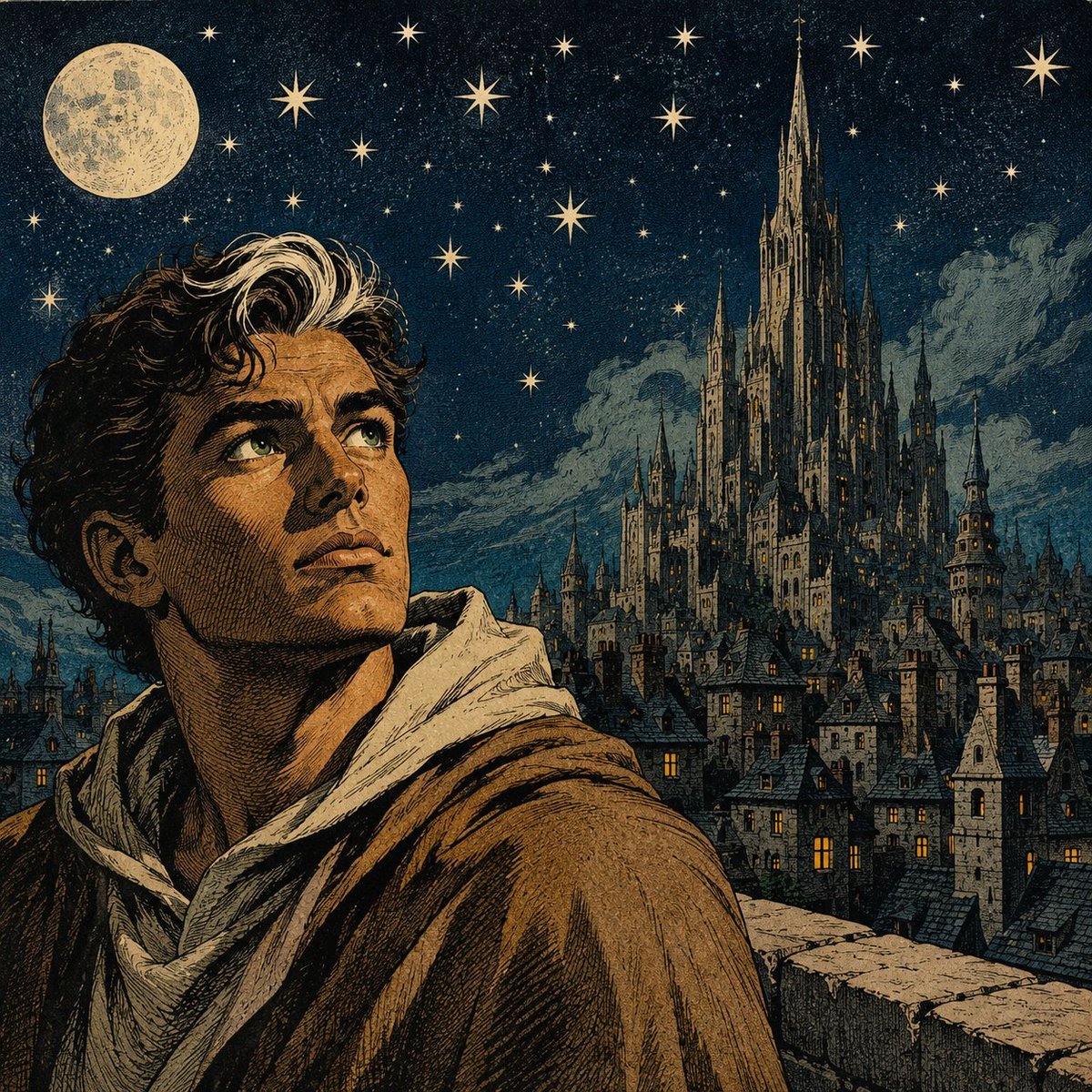
Moonlit Gothic Fantasy Traveler

Kawaii Brick Moon Chibi Diorama
Make it yours
Woman Gazing at Giant Golden Moon works as-is. These are the safest ways to change it without losing the look.
Change one field
Copy a single group, rewrite it, and generate again so you can see what that field is doing.
Keep the frame, change the subject
Hold the composition and light of Woman Gazing at Giant Golden Moon, then swap wardrobe, props or the person for a new take.
| If the result… | Why | Fix |
|---|---|---|
| The result drifts from the preview | Too many fields changed at once. | Reuse Woman Gazing at Giant Golden Moon as-is first, then change one group — subject, light, or setting. |
| The model over-stylizes the scene | The prose prompt leaves finish and camera underspecified. | Add one camera or lighting sentence and stay on GPT Image 2. |
More GPT Image 2 templates
Other prompts made for GPT Image 2.

Six VTuber Japanese Logo Sheet

The Vista Modular Condo Poster

AI Model Routing Comparison Infographic

2.5D Anime Art Board

Isometric Productivity Desk Scene

New York Double Exposure Poster

Four-Panel AI Landscape Comparison

Japanese Tatami Lifestyle Magazine Cover

NESCAFÉ Coffee Map Poster

Brutalist Cogito Chinese Typography Poster
More image prompts
Fresh picks from across the catalog.

Indoor Female Volleyball Team Photo

Gpt2 Social Media Post Golden Cocktail in Greenhouse Bar
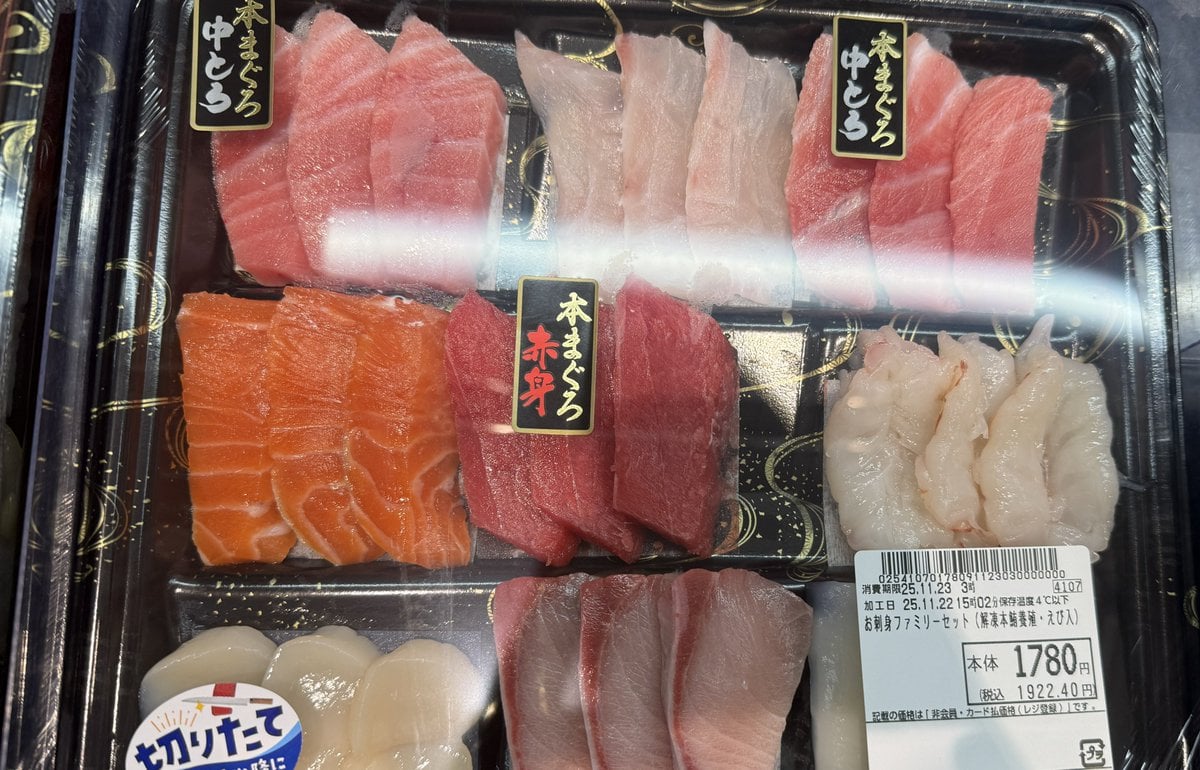
Food photo turned into creature-style nutrition poster
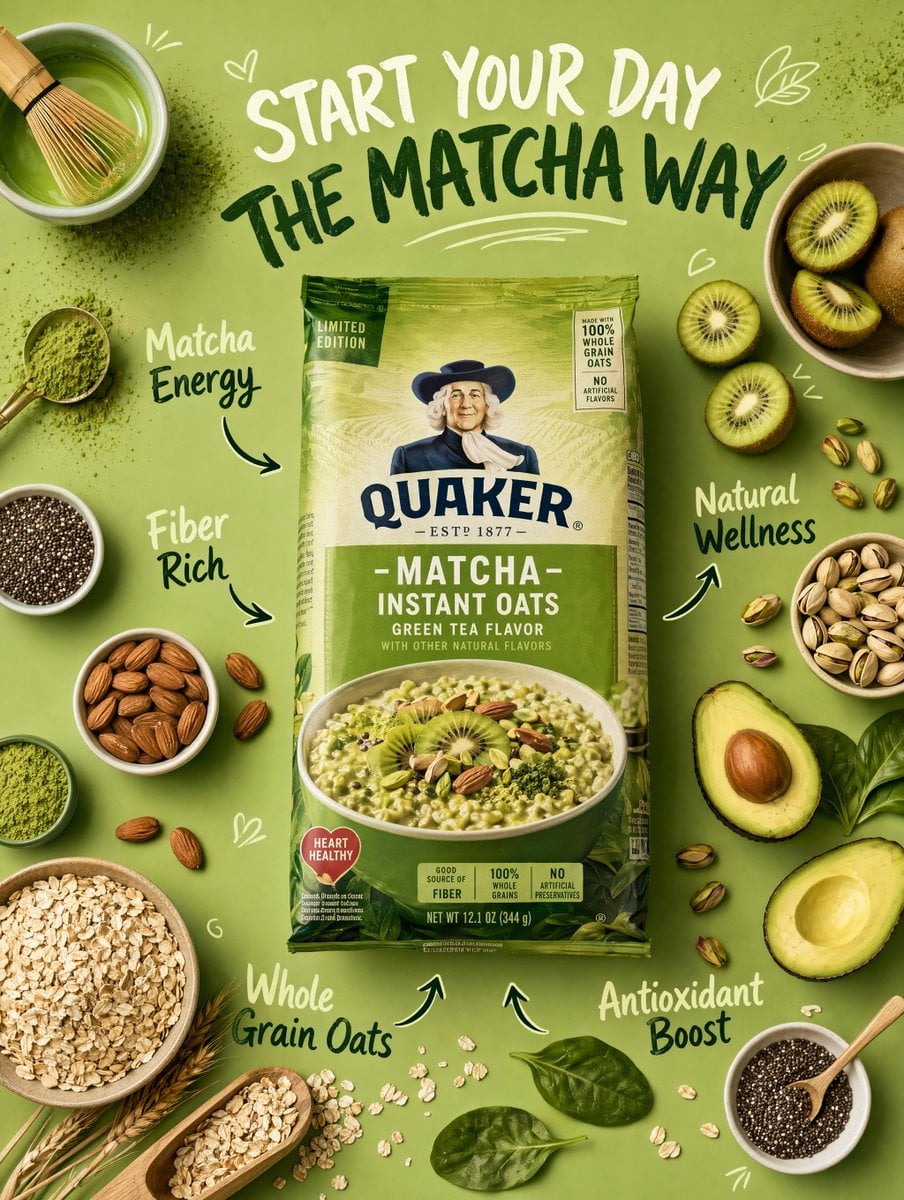
Healthy Breakfast Flat-Lay Ad Poster

Raw Editorial Fashion Portrait with Cowboy Hat and Boots

Graphic Design Poster Generator
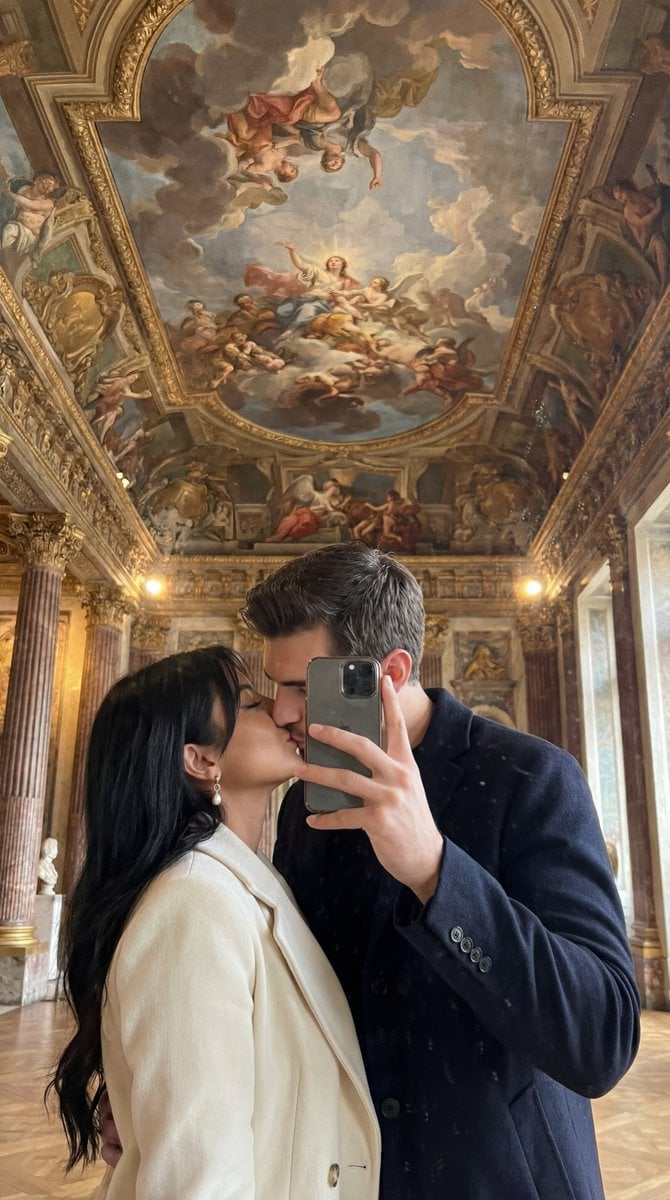
Ultra Photoreal Museum Mirror Kiss Selfie with Identity Lock
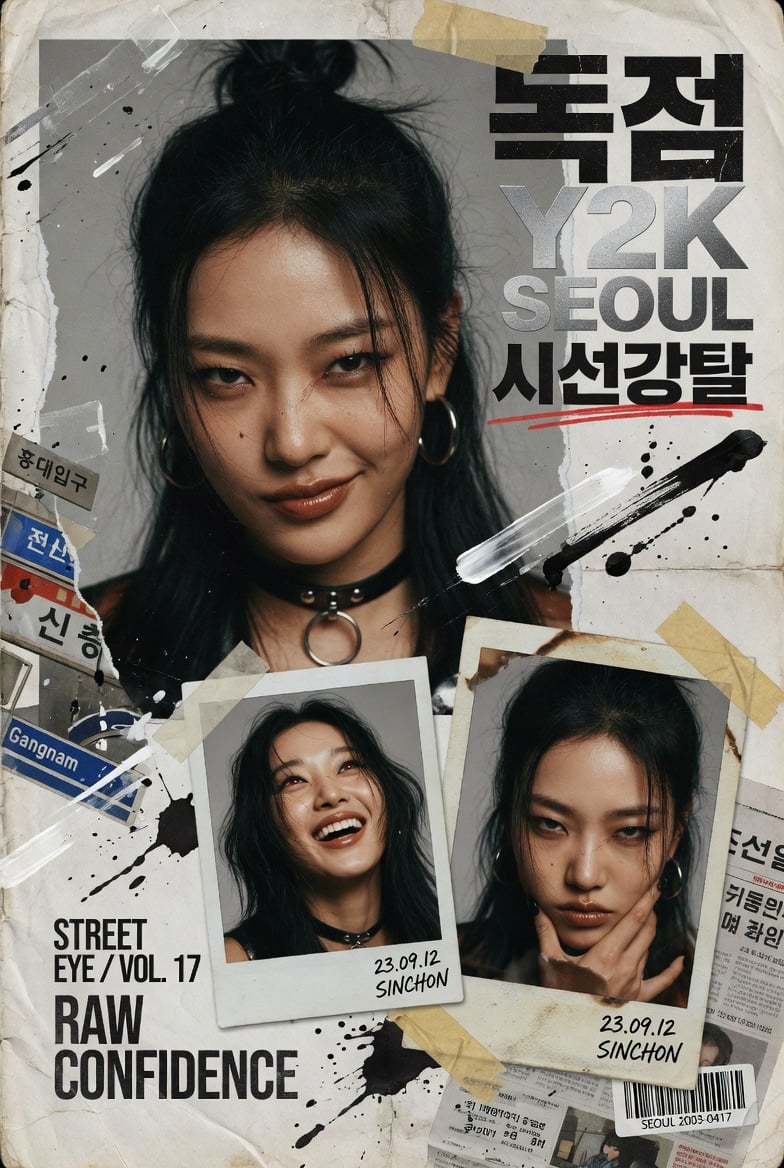
Y2K Korean Street Editorial Collage

Luxury Tee Campaign Poster
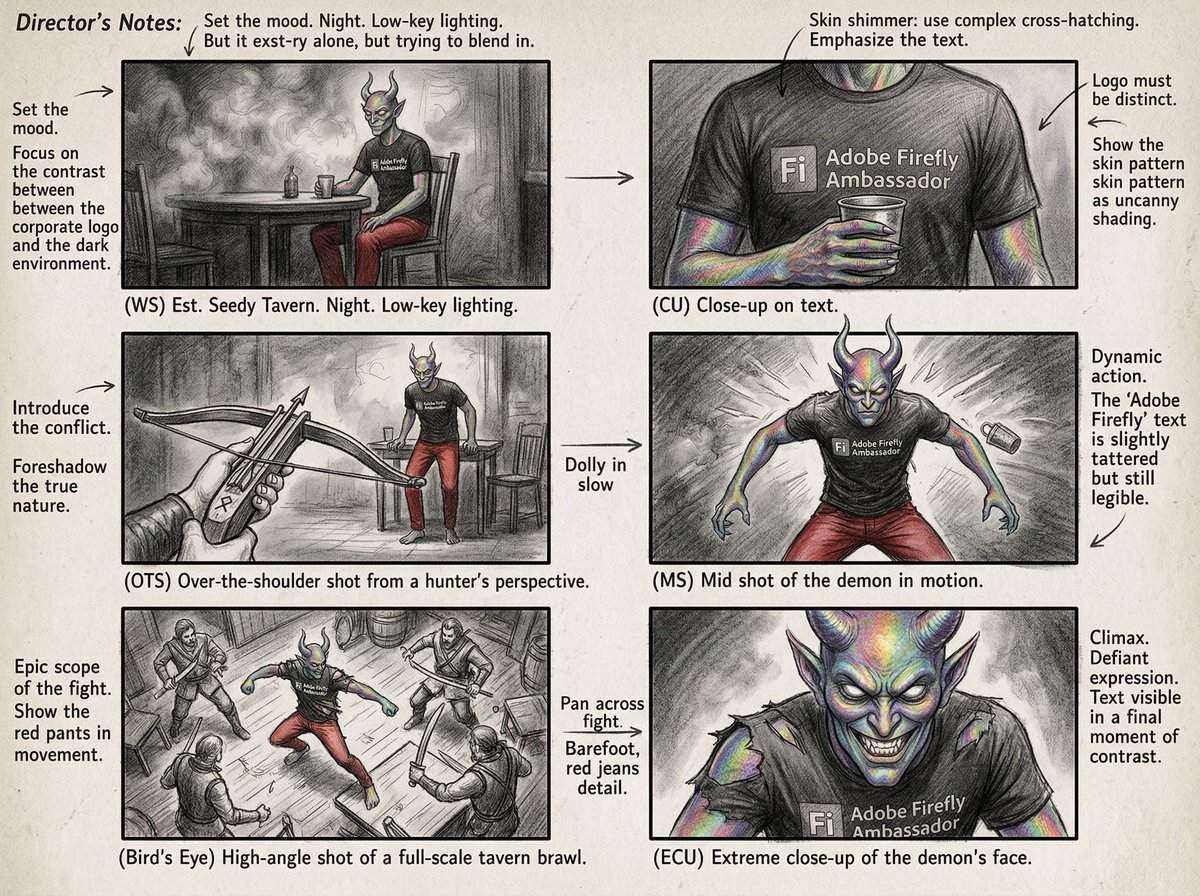
Six-Panel Cinematic Storyboard Sketch
Browse template categories
Woman Gazing at Giant Golden Moon questions
How do I use the Woman Gazing at Giant Golden Moon template?
Add your photo if the template asks for one, edit the prompt if you like — the template's model and format are already selected — and press Generate. Your version opens in PicX Studio.
Can I customize the Woman Gazing at Giant Golden Moon template?
Yes. You can change the subject, setting, lighting, mood, format, and available model controls before creating your image.
Is the Woman Gazing at Giant Golden Moon template free?
Opening and editing this template is free. Generating uses credits, shown on the Generate button when you are signed in.
Which AI model should I use?
Start with GPT Image 2, which is the model associated with this template. You can compare another compatible model for a different finish.
Looking for something else? Browse all templates.

Your photo, any look
Thousands of ready templates for every top image and video model, from one credit balance.