
Contemporary Editorial Fashion Illustration
A premium editorial illustration prompt for GPT Image 2, capturing a woman in a confident stride against a minimalist sun backdrop.
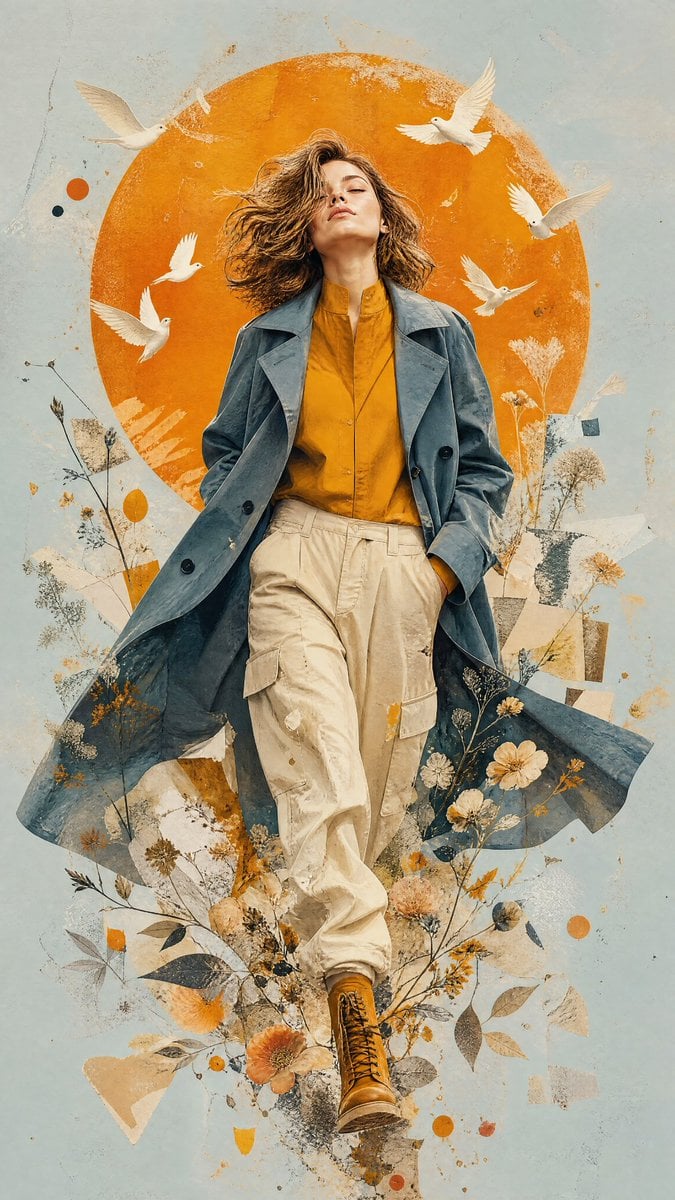
- Prompt included
- Model and format preset
- Free template
The prompt behind this image
Copy the exact prompt behind Contemporary Editorial Fashion Illustration, or open it in the studio and make it yours.
A premium contemporary mixed-media editorial illustration of a woman as the attached image, walking confidently forward, symbolizing freedom, transformation, and inner awakening. The subject is captured in a dynamic fashion-editorial stride with one leg crossing naturally in front of the other. Her head is tilted upward toward the sky with closed eyes and a peaceful expression, embracing hope and limitless possibilities. The subject wears an oversized muted slate-blue trench coat layered over a warm golden-mustard button-up shirt with a high collar, loose cream-beige cargo trousers with soft natural folds, and rugged mustard leather combat boots. The flowing coat creates elegant movement while the clothing maintains realistic fabric texture and cinematic depth, creating a balance of strength and effortless femininity. Behind the figure sits a large vibrant burnt-orange circular sun, perfectly centered, occupying nearly two-thirds of the composition and acting as the dominant graphic element. The background is a smooth minimalist pale blue-gray with abundant clean negative space. The artwork blends: • contemporary mixed-media collage • expressive botanical illustration • watercolor textures • acrylic paint splashes • torn paper collage • translucent paper fragments • delicate dried wildflowers • leaves and organic branches • floating petals • ink textures • subtle grunge overlays • layered paper-cut elements • abstract geometric composition White birds (doves) fly around the subject, some crossing in front of the orange sun while others disappear into the surrounding collage, symbolizing hope, peace, and freedom. The lower body gradually dissolves into expressive botanical elements, layered paper textures, paint splashes, scattered leaves, flowers, and abstract fragments that seamlessly merge with the environment. The overall palette is restricted to: Burnt Orange (#D98324) Warm Mustard (#C88A2A) Slate Blue (#6E8793) Pale Blue Gray (#C7D5D3) Warm Ivory Soft Beige White Muted Charcoal accents Soft cinematic lighting, matte painterly finish, luxury magazine cover aesthetic, contemporary gallery poster design, Adobe Photoshop mixed-media collage, expressive brushwork, Behance featured artwork, ArtStation quality, ultra-detailed fabric textures, museum-quality illustration, premium editorial composition, subtle paper grain, painterly realism, emotional storytelling, masterpiece, 8K, 9:16 aspect ratio. No text, no watermark, no logo, no border. The illustration should communicate graceful movement, resilience, personal growth, harmony with nature, feminine strength, and the feeling of walking fearlessly toward a brighter future.
How to use Contemporary Editorial Fashion Illustration in 3 steps
- 1Upload ImagePNG, JPG or paste
Add your photo
Upload the photo the template builds on. The prompt, model and format are already set.
- 2…a portrait of your subject in softgolden-hour light, 85mm…
Personalize
Edit the subject and creative details for your destination.
- 3Generate
Generate
Press Generate — your image is created in PicX Studio, so you can compare it with the original and refine one variable at a time.
More like this
Templates with the same subject, style or setup. Open one to see its prompt.
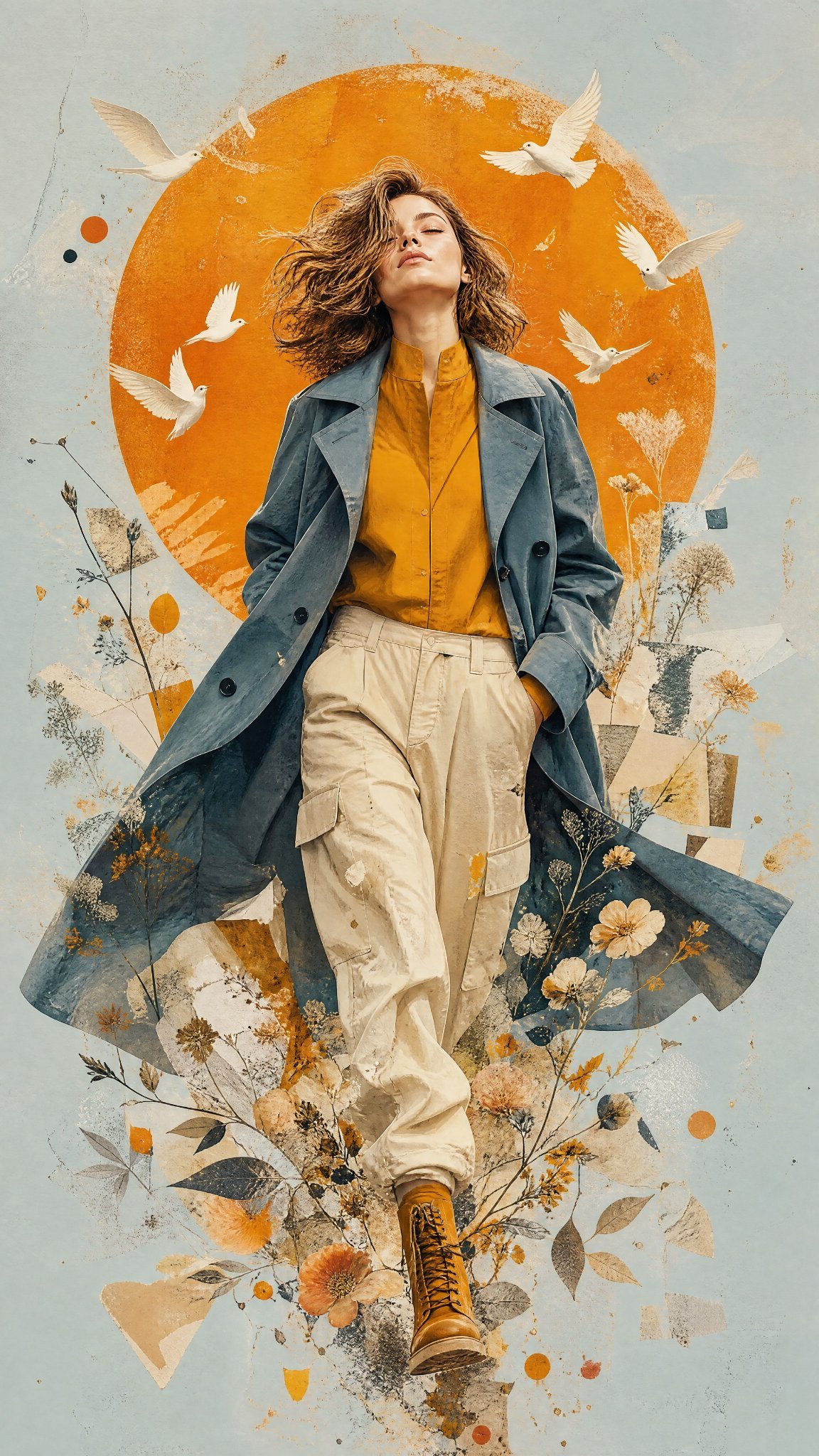
Mixed Media Editorial Woman Illustration

Blue Backdrop Luxury Fashion Portrait Campaign

Luxury Black-and-White Fashion Contact Sheet

Anime Character Charm Analysis Sheet
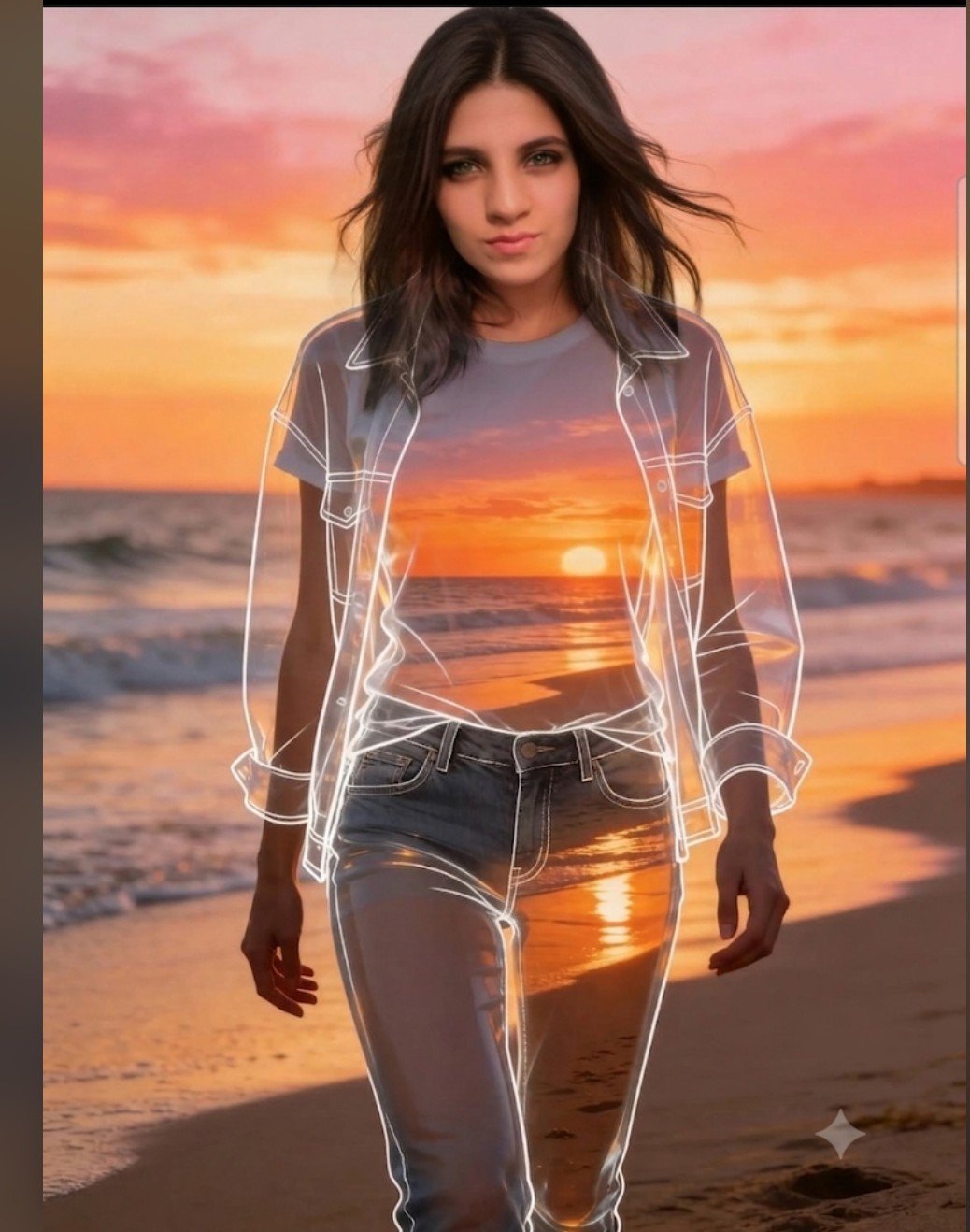
Beach Sunset Double Exposure Wireframe Portrait

untitled

Google Gemini Nano Banana Pro

Conceptual Fashion Portrait in Spider We

01 Skincare Split Portrait — Nano Banana 2

24 The Getty Center — California Series

21 Glass Floor Skyscraper — California Series

19 Luxury Helicopter Travel — California Series
Make it yours
Contemporary Editorial Fashion Illustration works as-is. These are the safest ways to change it without losing the look.
Change one field
Copy a single group, rewrite it, and generate again so you can see what that field is doing.
Keep the frame, change the subject
Hold the composition and light of Contemporary Editorial Fashion Illustration, then swap wardrobe, props or the person for a new take.
| If the result… | Why | Fix |
|---|---|---|
| The result drifts from the preview | Too many fields changed at once. | Reuse Contemporary Editorial Fashion Illustration as-is first, then change one group — subject, light, or setting. |
| The model over-stylizes the scene | The prose prompt leaves finish and camera underspecified. | Add one camera or lighting sentence and stay on GPT Image 2. |
More GPT Image 2 templates
Other prompts made for GPT Image 2.

Six VTuber Japanese Logo Sheet

Realistic Portrait of Woman and Deer

The Vista Modular Condo Poster

AI Model Routing Comparison Infographic

2.5D Anime Art Board

Isometric Productivity Desk Scene

New York Double Exposure Poster

Four-Panel AI Landscape Comparison

Japanese Tatami Lifestyle Magazine Cover

NESCAFÉ Coffee Map Poster
More image prompts
Fresh picks from across the catalog.
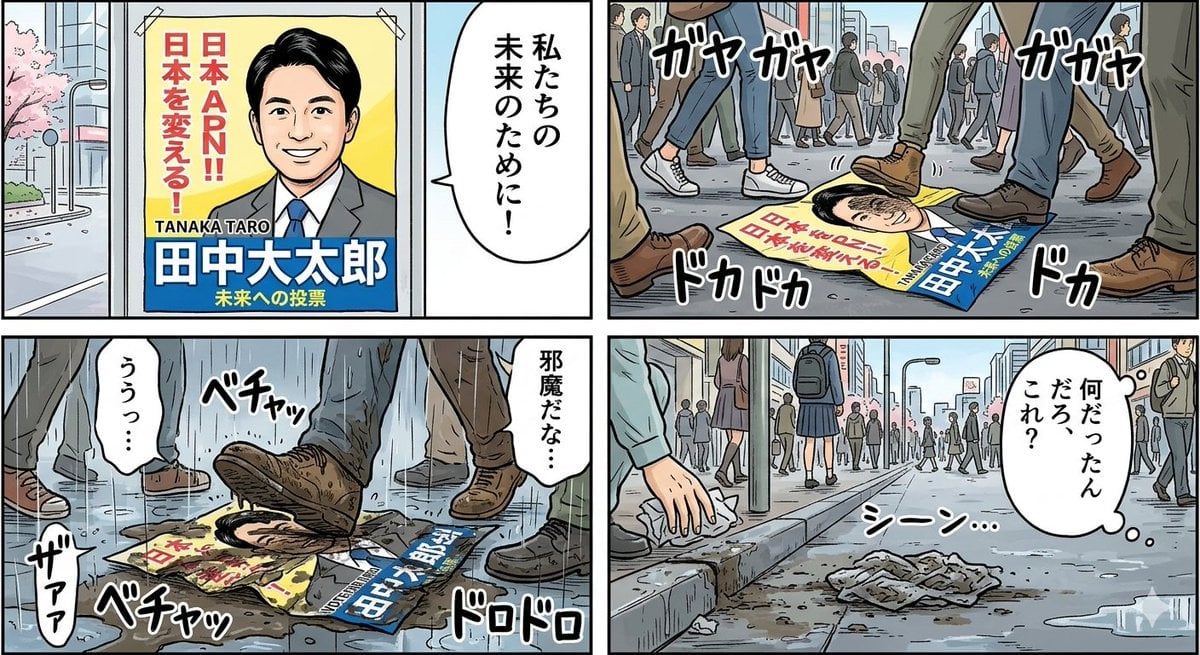
Four-Panel Manga: Poster Covered in Mud
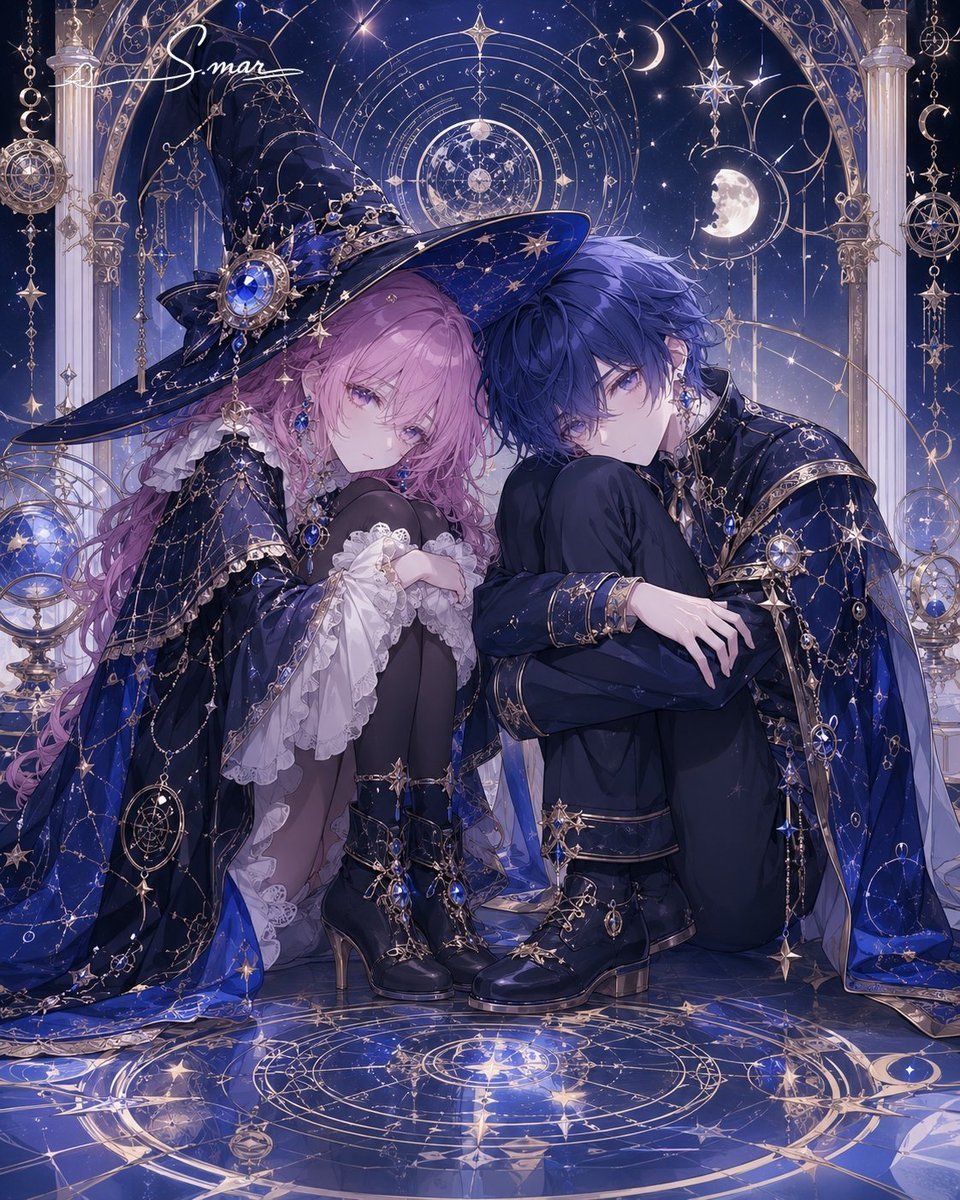
Celestial Magician Duo
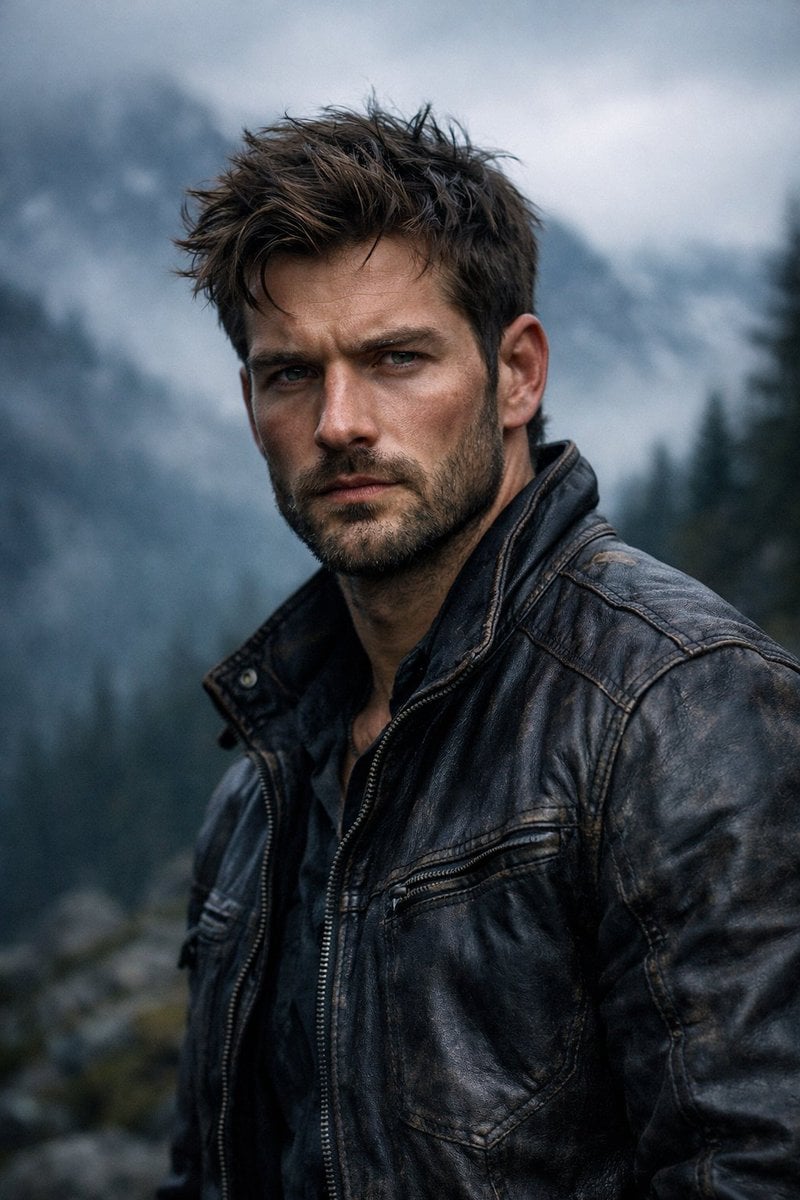
Cinematic Rugged Mountain Portrait
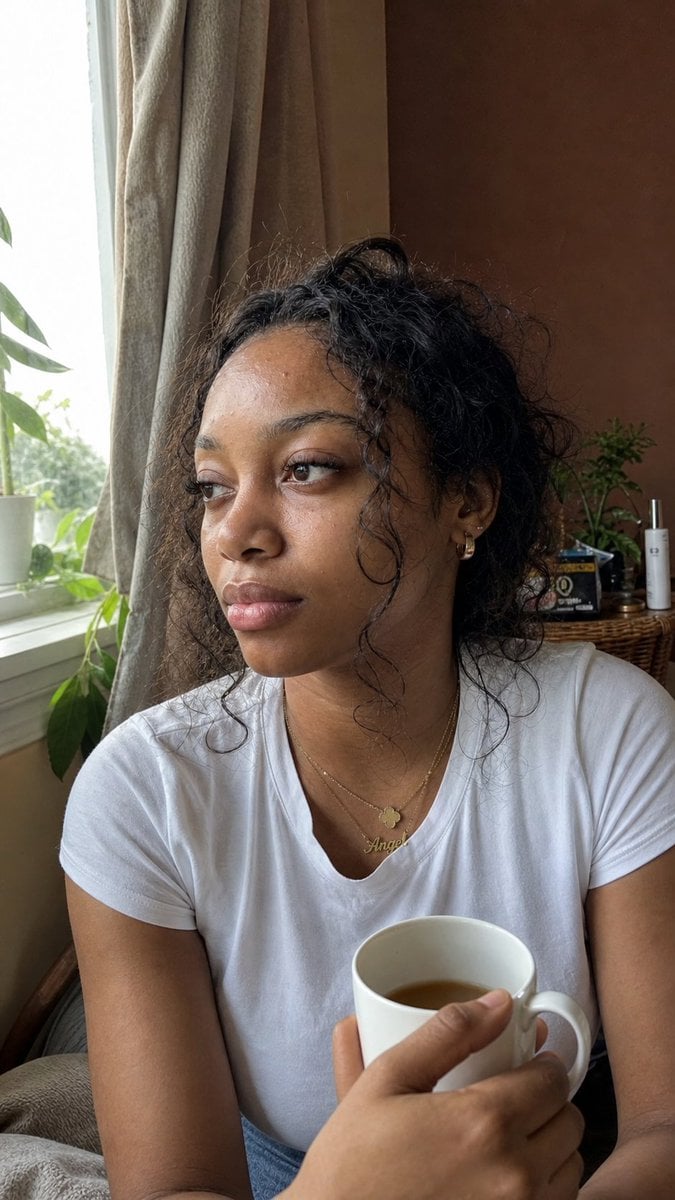
Authentic iPhone Portrait of African Woman
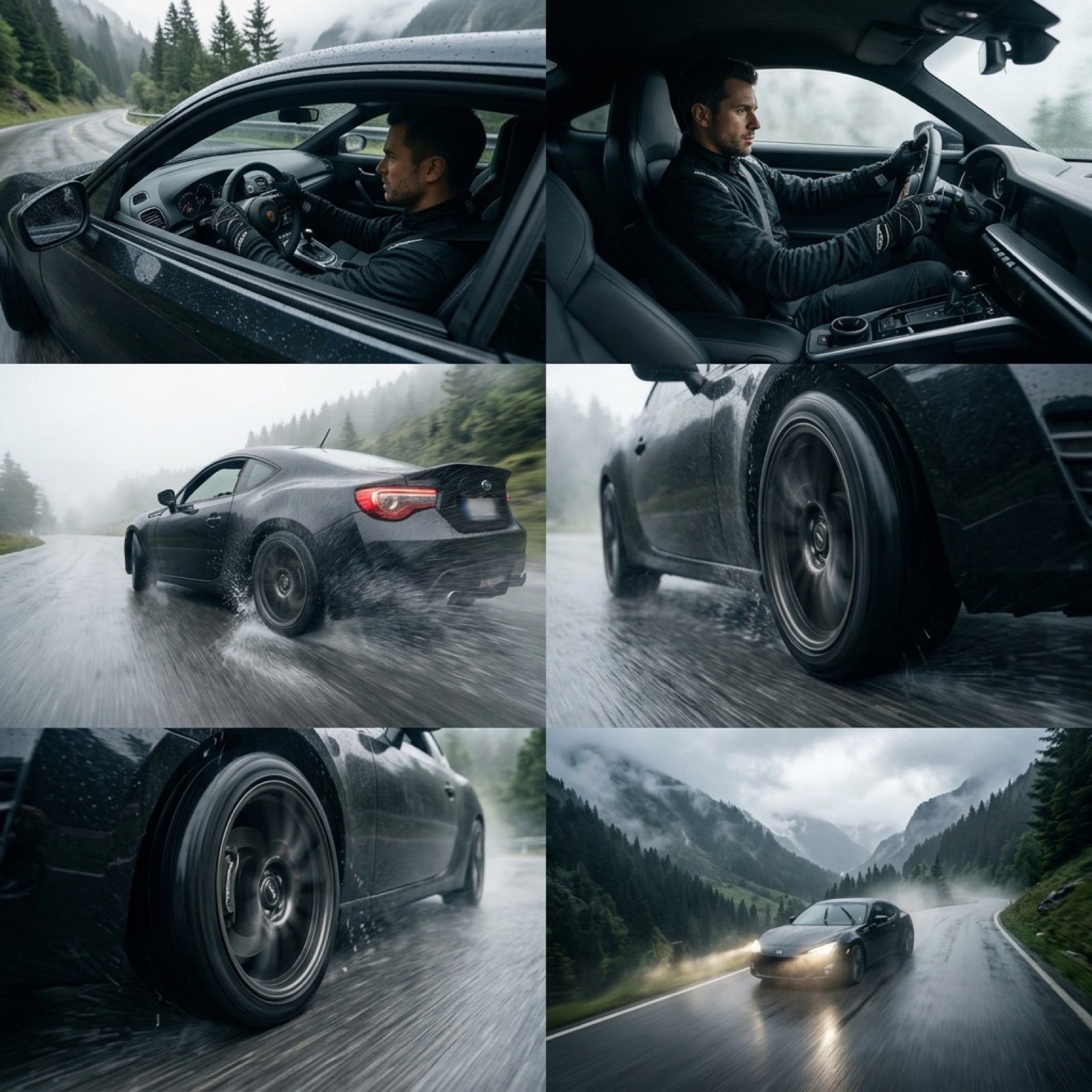
Epic Cinematic Mountain Car Descent
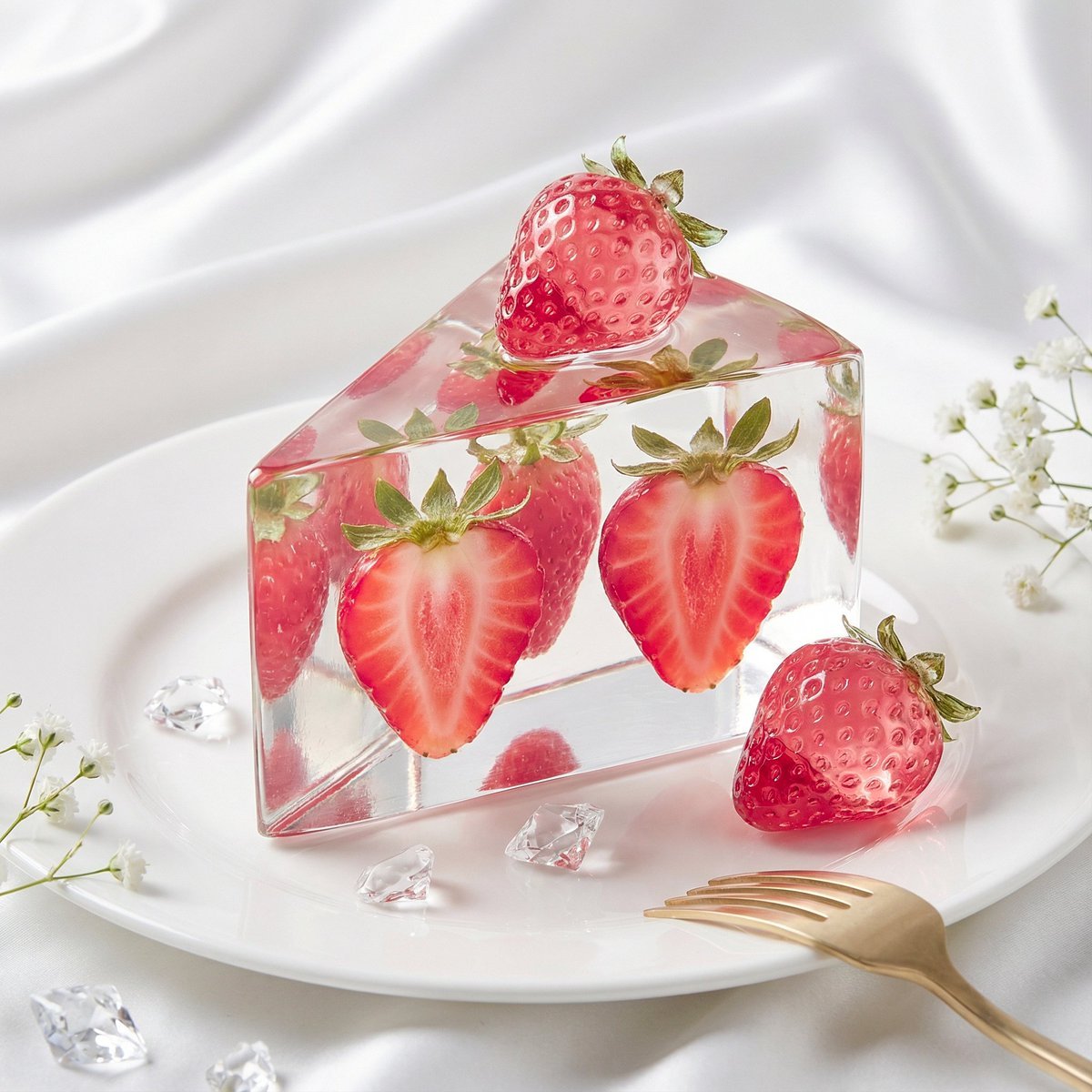
Glass Dessert Art Still Life Prompt (Fruit Crystal Cake)
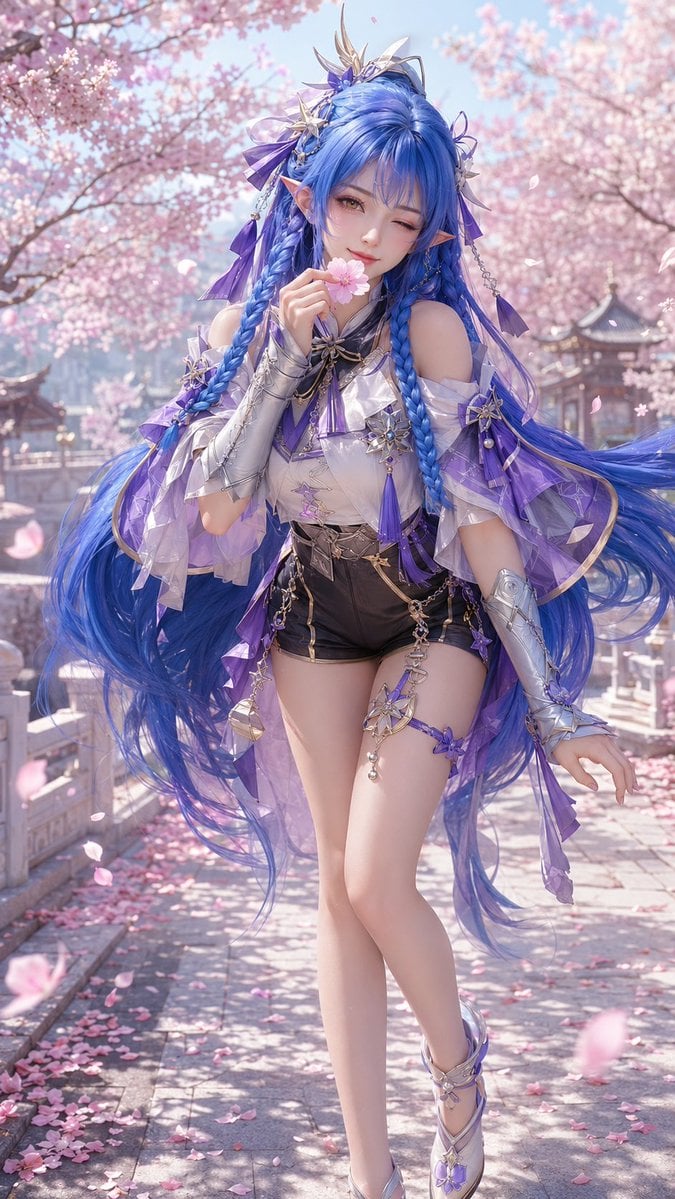
3D CG Oriental Fantasy Character Portrait
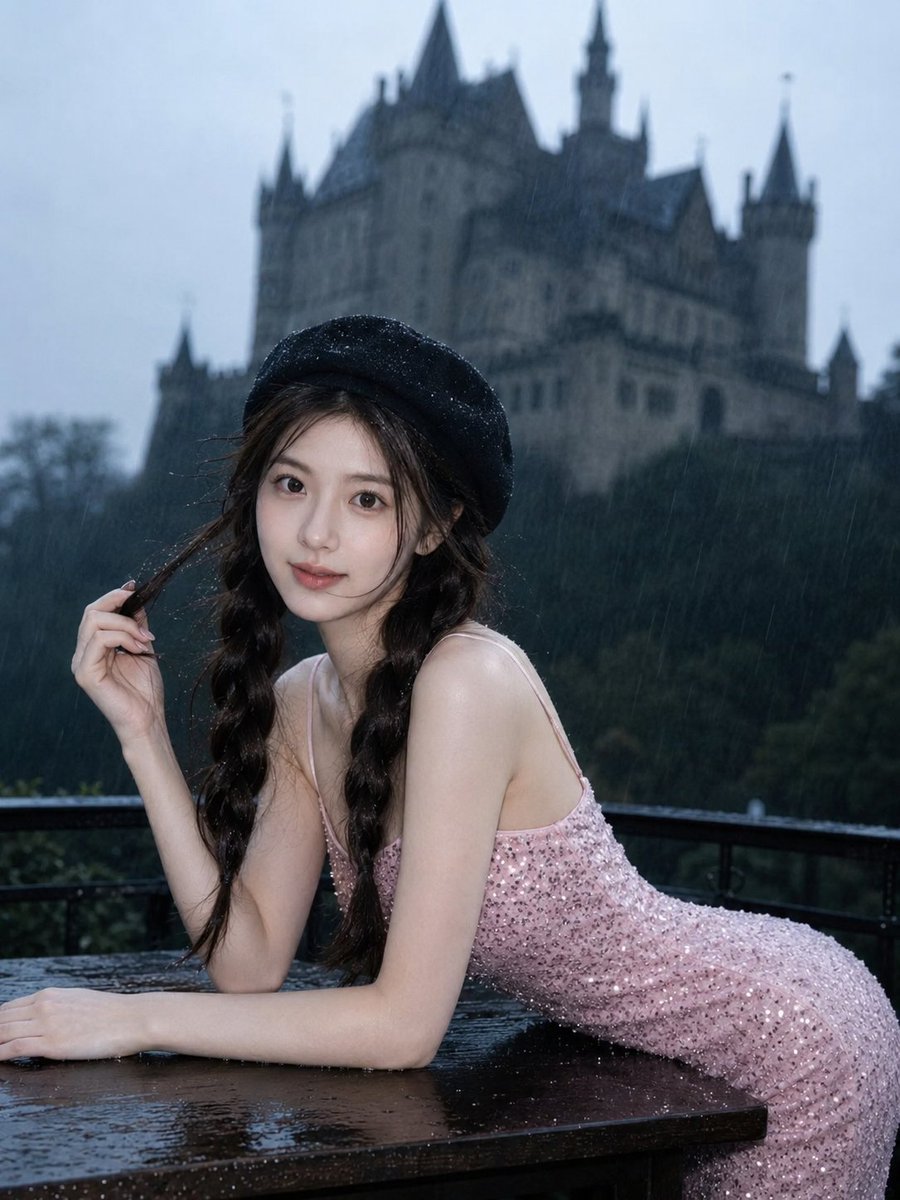
Gothic Rainy Castle Cinematic Portrait
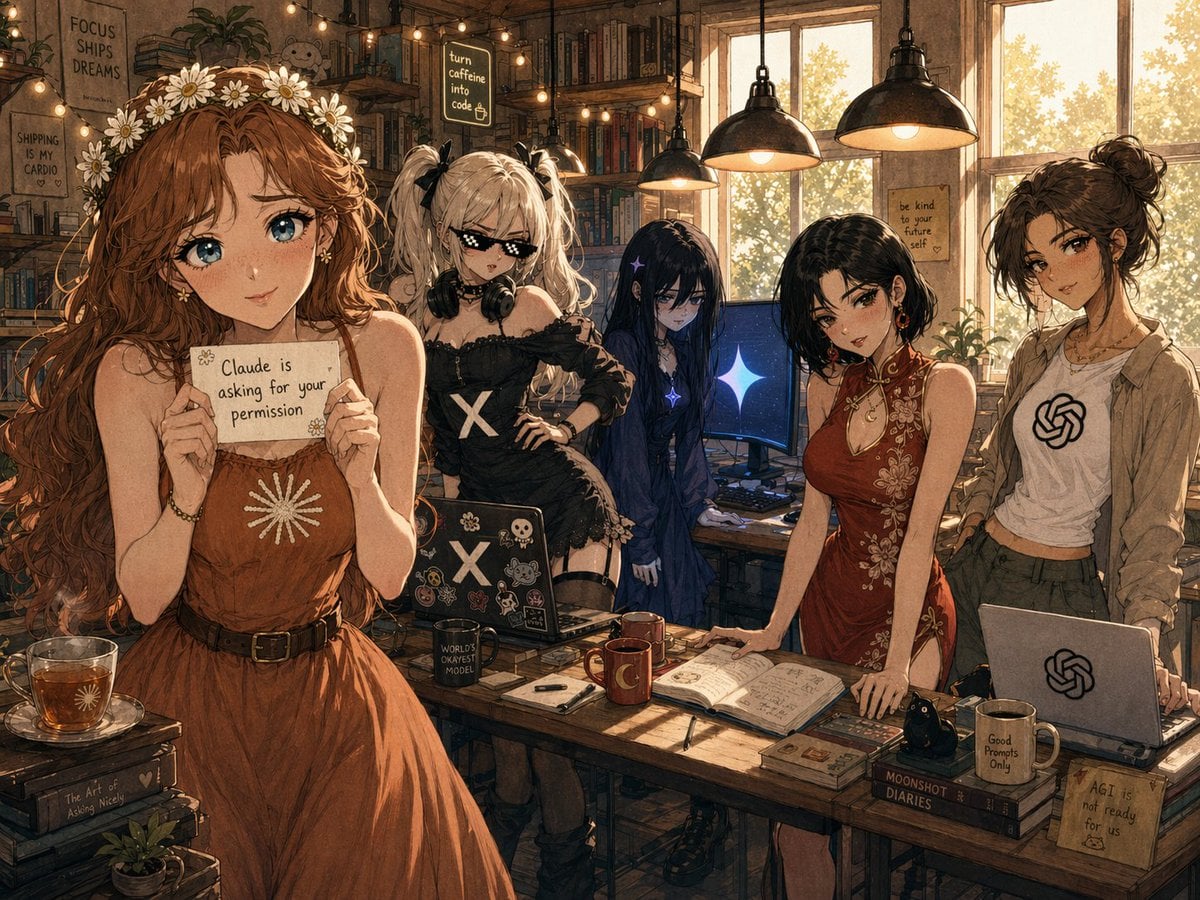
Cozy AI Agents Studio Group Portrait
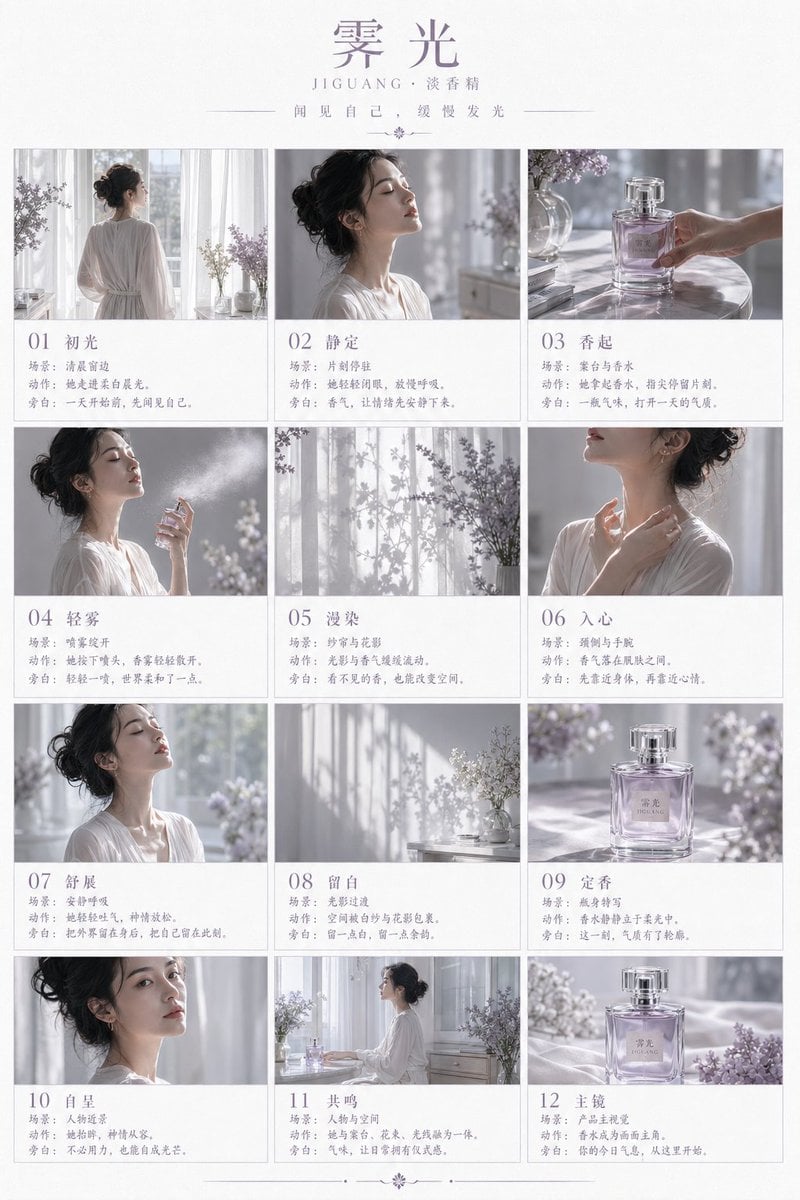
Luxury Perfume Storyboard Poster
Browse template categories
Contemporary Editorial Fashion Illustration questions
How do I use the Contemporary Editorial Fashion Illustration template?
Add your photo if the template asks for one, edit the prompt if you like — the template's model and format are already selected — and press Generate. Your version opens in PicX Studio.
Can I customize the Contemporary Editorial Fashion Illustration template?
Yes. You can change the subject, setting, lighting, mood, format, and available model controls before creating your image.
Is the Contemporary Editorial Fashion Illustration template free?
Opening and editing this template is free. Generating uses credits, shown on the Generate button when you are signed in.
Which AI model should I use?
Start with GPT Image 2, which is the model associated with this template. You can compare another compatible model for a different finish.
Looking for something else? Browse all templates.

Your photo, any look
Thousands of ready templates for every top image and video model, from one credit balance.