How do I use the Golden Hour Street Portrait template?
Choose the primary action to open PicX Studio with the available template settings. Review the model and format, personalize the creative direction, and generate when ready.
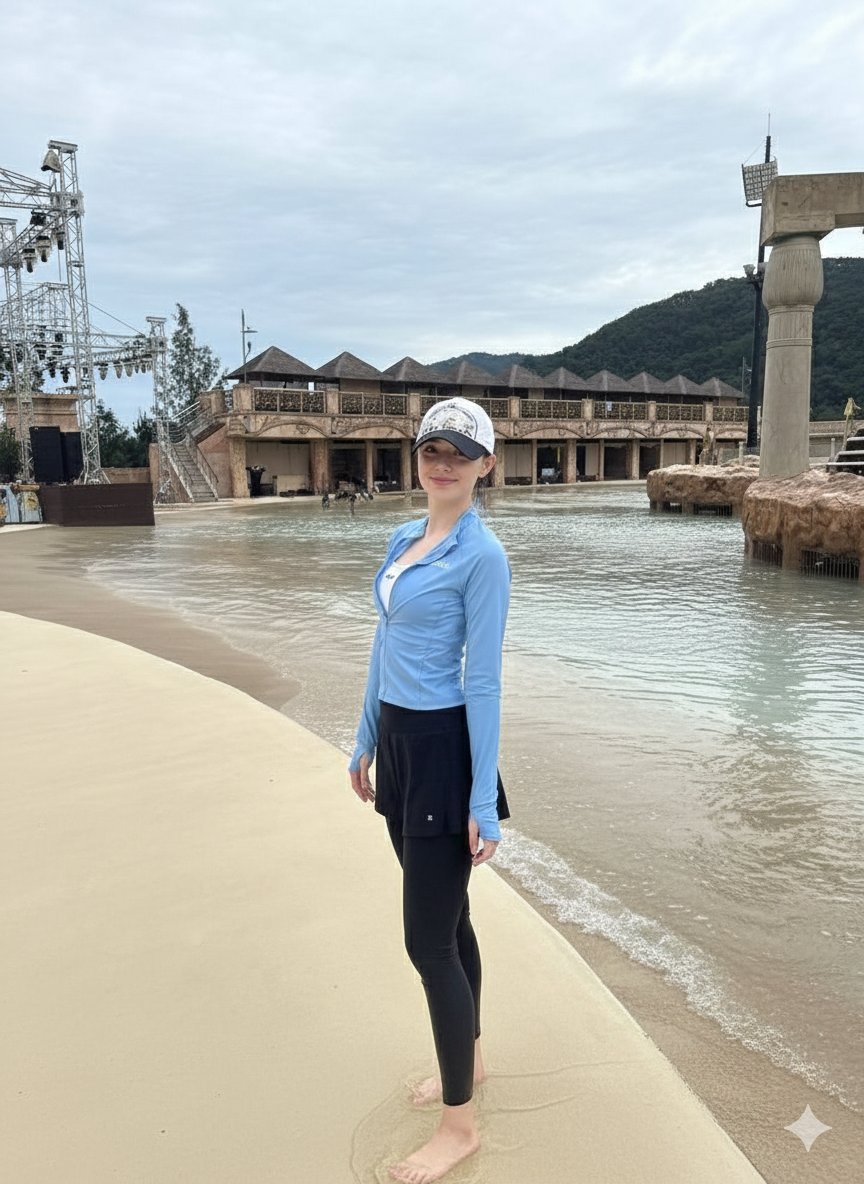
A cozy autumn street portrait prompt featuring a woman in an oversized hoodie with warm, cinematic lighting.

Beautiful young woman with long flowing black hair, wearing {argument name="clothing" default="an oversized cream-white hoodie"}, standing on a {argument name="location" default="quiet urban street"} during {argument name="lighting" default="golden hour"}. She smiles softly with eyes closed, arms stretched wide in a carefree pose, wind blowing through her hair. Warm sunlight creates a glowing rim light around her face and hair, candid lifestyle photography, natural happiness, cozy autumn atmosphere, fallen leaves on the road, small local shops and a cyclist in the background, shallow depth of field, soft cinematic colors, realistic skin texture, high detail, dreamy mood, ultra-realistic portrait, street photography, 85mm lens, f/1.8, bokeh, HDR, 8K quality. Negative Prompt: blurry, low resolution, extra fingers, distorted hands, bad anatomy, duplicate limbs, overexposed highlights, oversaturated colors, artificial skin, heavy makeup, watermark, text, logo, cropped face, motion blur, noise, cartoon, CGI, unrealistic proportions
Choose the primary action to open PicX Studio with the available template settings. Review the model and format, personalize the creative direction, and generate when ready.
Yes. You can change the subject, setting, lighting, mood, format, and available model controls before creating your image.
This template is free to open and customize. Generation usage is shown in PicX Studio before you create.
Start with GPT Image 2, which is the model associated with this template. You can compare another compatible model for a different finish.
Follow a topic to a crawlable collection of related PicX Studio templates.