How do I use the Fashion Editorial Portrait with Motion Blur template?
Choose the primary action to open PicX Studio with the available template settings. Review the model and format, personalize the creative direction, and generate when ready.
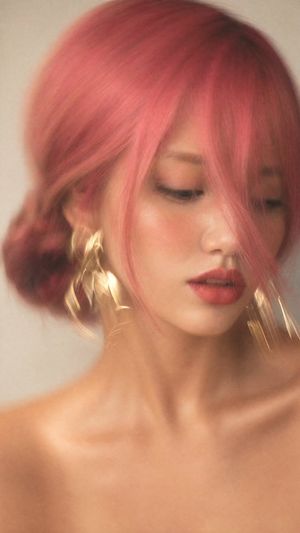
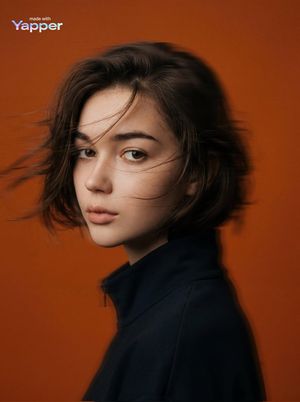
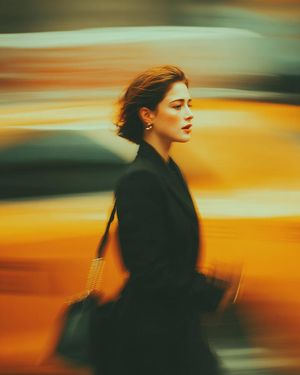
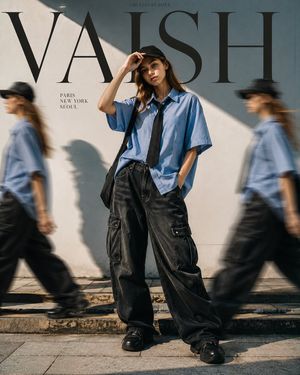
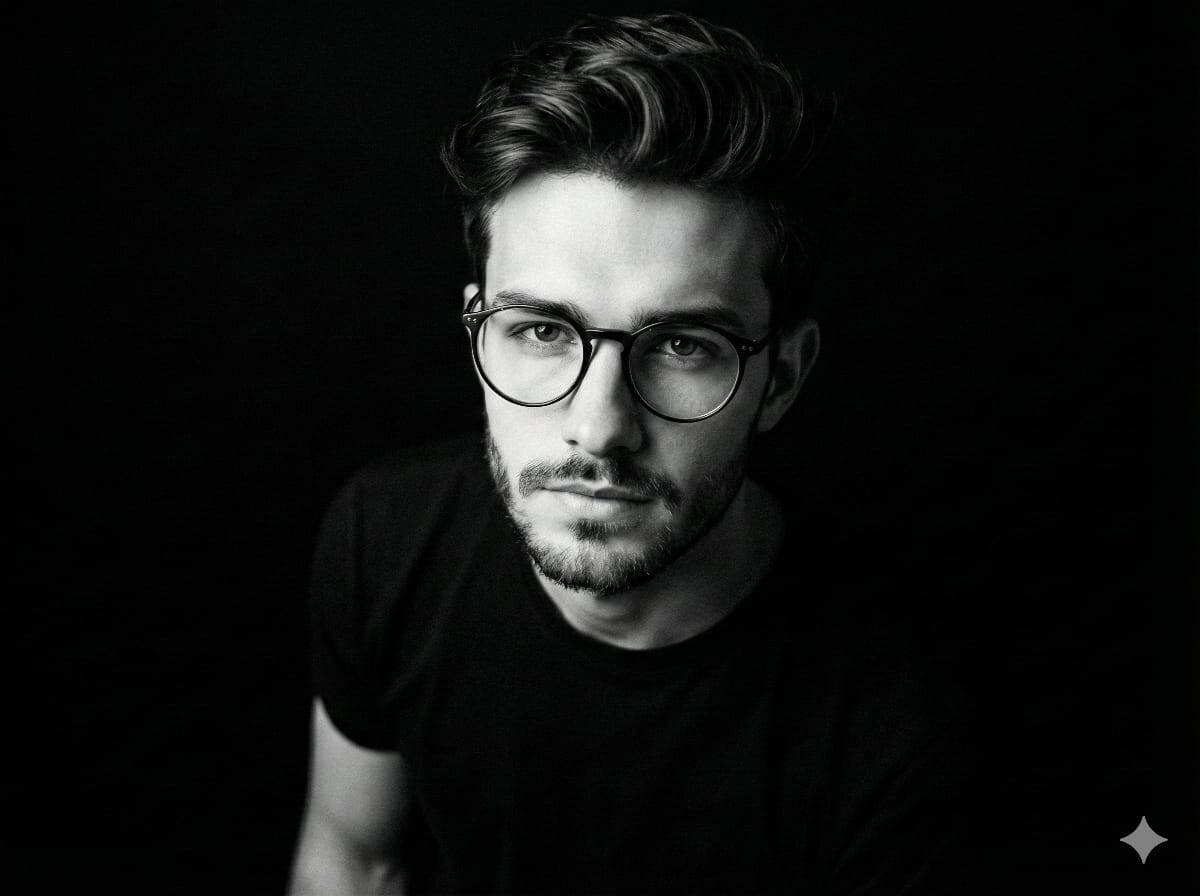
A stylish high-fashion streetwear editorial portrait featuring a couple against a light-gray background with dynamic motion blur and glitch effects.
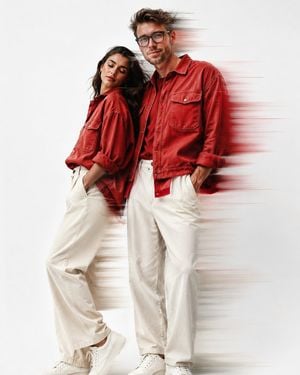
A Uploaded image create {argument name="type" default="Fashion editorial portrait"} of stylish adults standing a clean light-gray studio background. {argument name="clothing" default="red denim shirts with large front pockets and loose off-white wide-leg trousers"}. The man has {argument name="features" default="textured curly hair, a full beard"}, and is looking down in a relaxed pose pockets,High-fashion streetwear aesthetic, coordinated couple dynamic motion-blur streaks behind them, modern urban fashion campaign, ultra-realistic, high resolution, 85mm lens, professional photography.Upload image face matching minimal aesthetic fashion, solid bright white background, dramatic lighting, motion blur dripping effect around the body, glitch smear effect, soft shadows, high contrast, cinematic look, ultra realistic, 4K, sharp details, editorial fashion photography style. styling,minimal backdrop, soft studio lighting, sharp details, realistic skin tones,premium magazine photoshoot,
Choose the primary action to open PicX Studio with the available template settings. Review the model and format, personalize the creative direction, and generate when ready.
Yes. You can change the subject, setting, lighting, mood, format, and available model controls before creating your image.
This template is free to open and customize. Generation usage is shown in PicX Studio before you create.
Start with GPT Image 2, which is the model associated with this template. You can compare another compatible model for a different finish.
Follow a topic to a crawlable collection of related PicX Studio templates.