
Sunny Bangkok City Street Selfie
A high-contrast, hyper-realistic selfie of a woman in an outdoor Bangkok city setting under bright, direct sunlight.
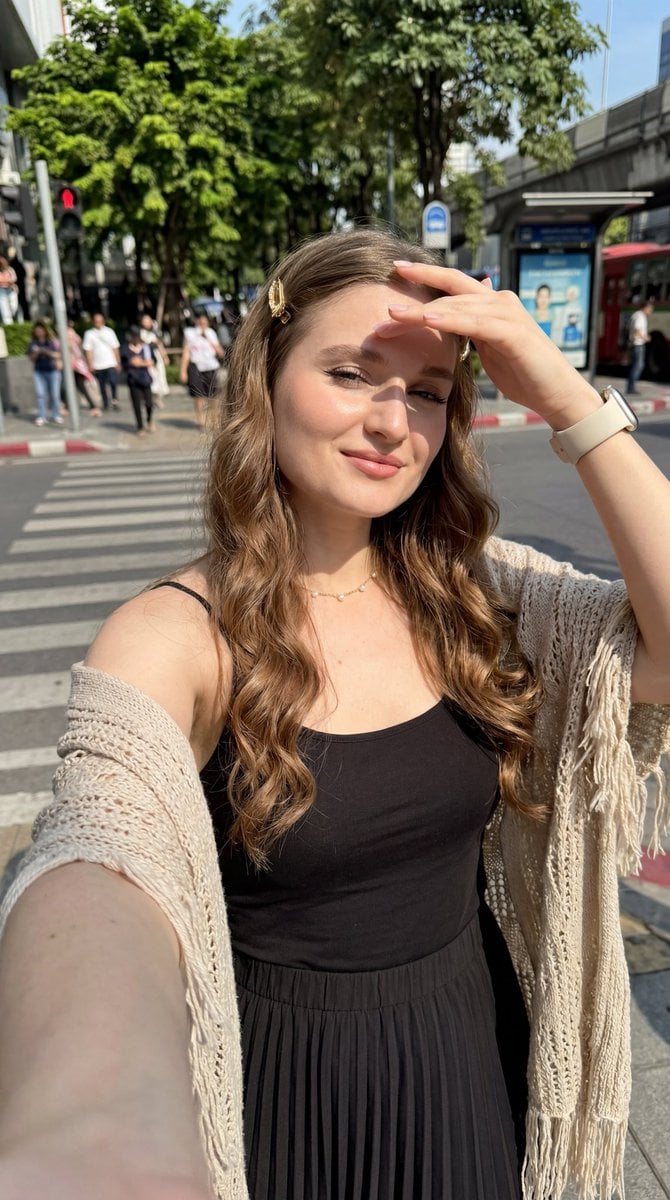
- Prompt included
- Model and format preset
- Free template
The prompt behind this image
Copy the exact prompt behind Sunny Bangkok City Street Selfie, or open it in the studio and make it yours.
Hyper-realistic 8K close self-shot, {argument name="subject" default="young European woman"}, slightly low angle, arm extended holding phone, bright sunny daytime, direct harsh sunlight, sharp facial shadows, artistic high-contrast light and shadow, energetic intense atmosphere, slight gentle smile, fair pink-toned glowing smooth skin. Long waist-length curly hair, no bangs, naturally flowing curls at ends, gold hair clip. Thin winged eyeliner, full long lashes, soft peach blush, defined brows, glossy light pink ombre lips. Cream smartwatch, dainty gold necklace. Loose casual camisole top, high-waisted pleated midi skirt, lightweight knitted fringed shawl. Slightly tilted posture, squinting gently against sunlight, one hand raised to block glare. Outdoor {argument name="location" default="Bangkok city"} background, right side filled with urban scenery, lush green trees, crosswalk, bus stop bench, ultra-detailed, photorealistic.9:16
How to use Sunny Bangkok City Street Selfie in 3 steps
- 1
Open
The prompt is already in the box next to the preview, with the template's model and format selected.
- 2…a portrait of your subject in softgolden-hour light, 85mm…
Personalize
Edit the subject and creative details for your destination.
- 3Generate
Generate
Press Generate — your image is created in PicX Studio, so you can compare it with the original and refine one variable at a time.
More like this
Templates with the same subject, style or setup. Open one to see its prompt.

Giant Forced Perspective Street Product Selfie

Face-Locked City Skyline Double Exposure

Two Tickets, One Night

Meet Me When It Rains

Two Hearts. One Scooter.

1986 Street Couple

1985 Street Scene
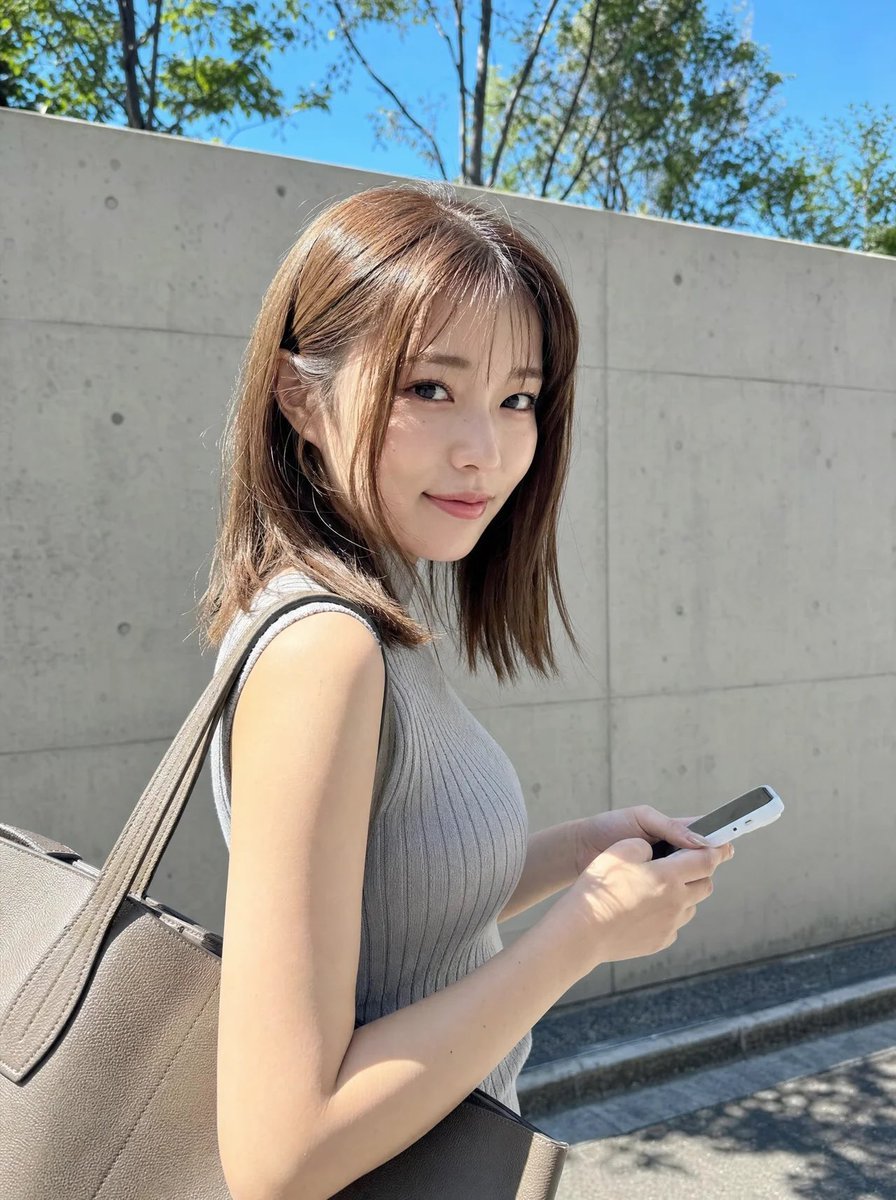
Sunny Candid Street Portrait
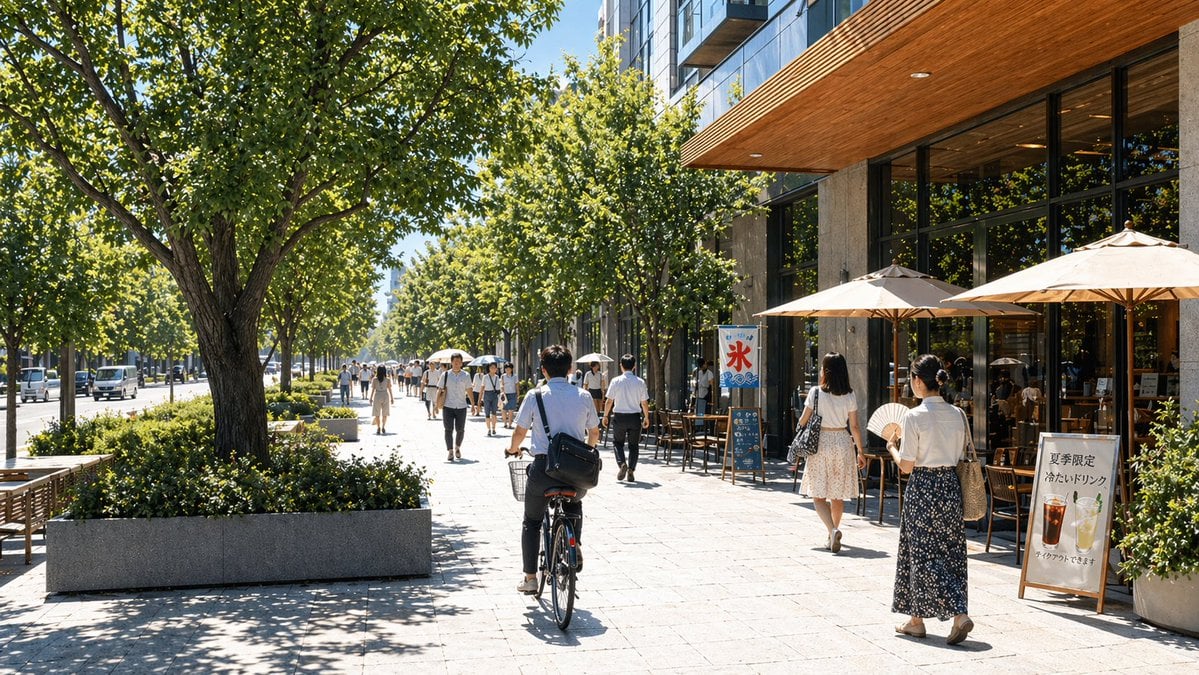
Sunny Japanese Cafe Street Scene
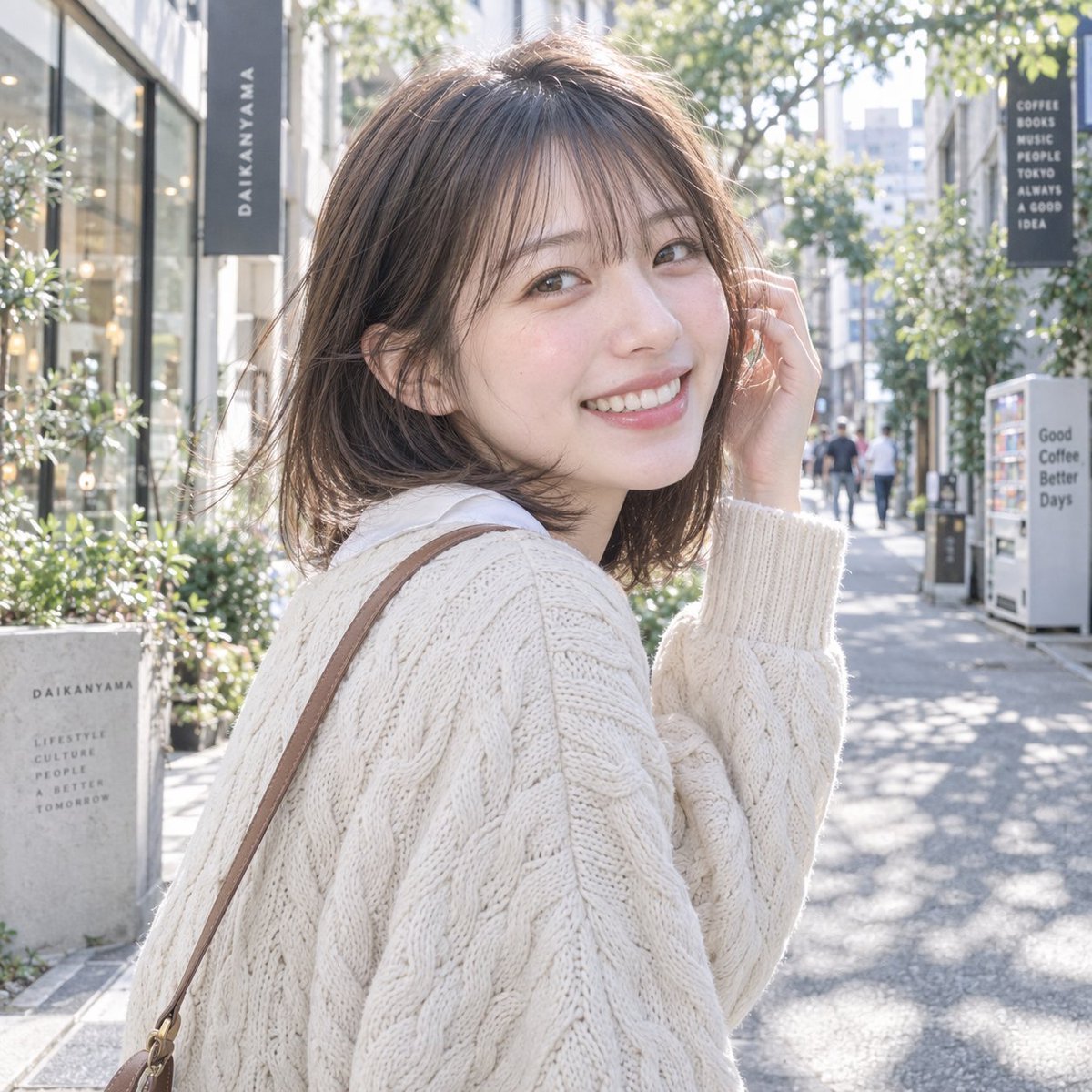
Sunny Daikanyama Street Portrait
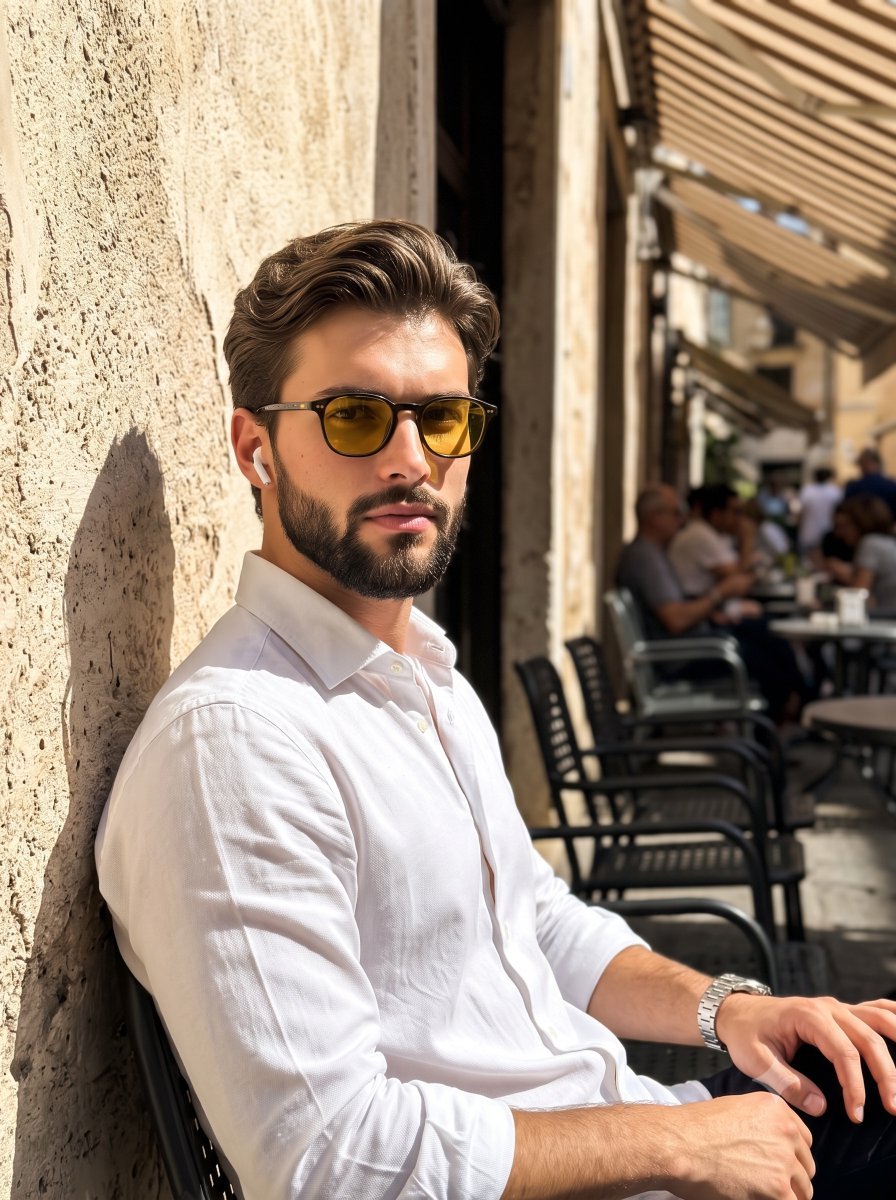
Sunny European Street Portrait

Cozy Knit Sweater Window Portrait
Make it yours
Sunny Bangkok City Street Selfie works as-is. These are the safest ways to change it without losing the look.
Change one field
Copy a single group, rewrite it, and generate again so you can see what that field is doing.
Keep the frame, change the subject
Hold the composition and light of Sunny Bangkok City Street Selfie, then swap wardrobe, props or the person for a new take.
| If the result… | Why | Fix |
|---|---|---|
| The result drifts from the preview | Too many fields changed at once. | Reuse Sunny Bangkok City Street Selfie as-is first, then change one group — subject, light, or setting. |
| The model over-stylizes the scene | The prose prompt leaves finish and camera underspecified. | Add one camera or lighting sentence and stay on GPT Image 2. |
More GPT Image 2 templates
Other prompts made for GPT Image 2.

Six VTuber Japanese Logo Sheet

Realistic Portrait of Woman and Deer

The Vista Modular Condo Poster

AI Model Routing Comparison Infographic

2.5D Anime Art Board

Isometric Productivity Desk Scene

New York Double Exposure Poster

Four-Panel AI Landscape Comparison

Japanese Tatami Lifestyle Magazine Cover

NESCAFÉ Coffee Map Poster
More image prompts
Fresh picks from across the catalog.

Cyberpunk Anime Character Dossier
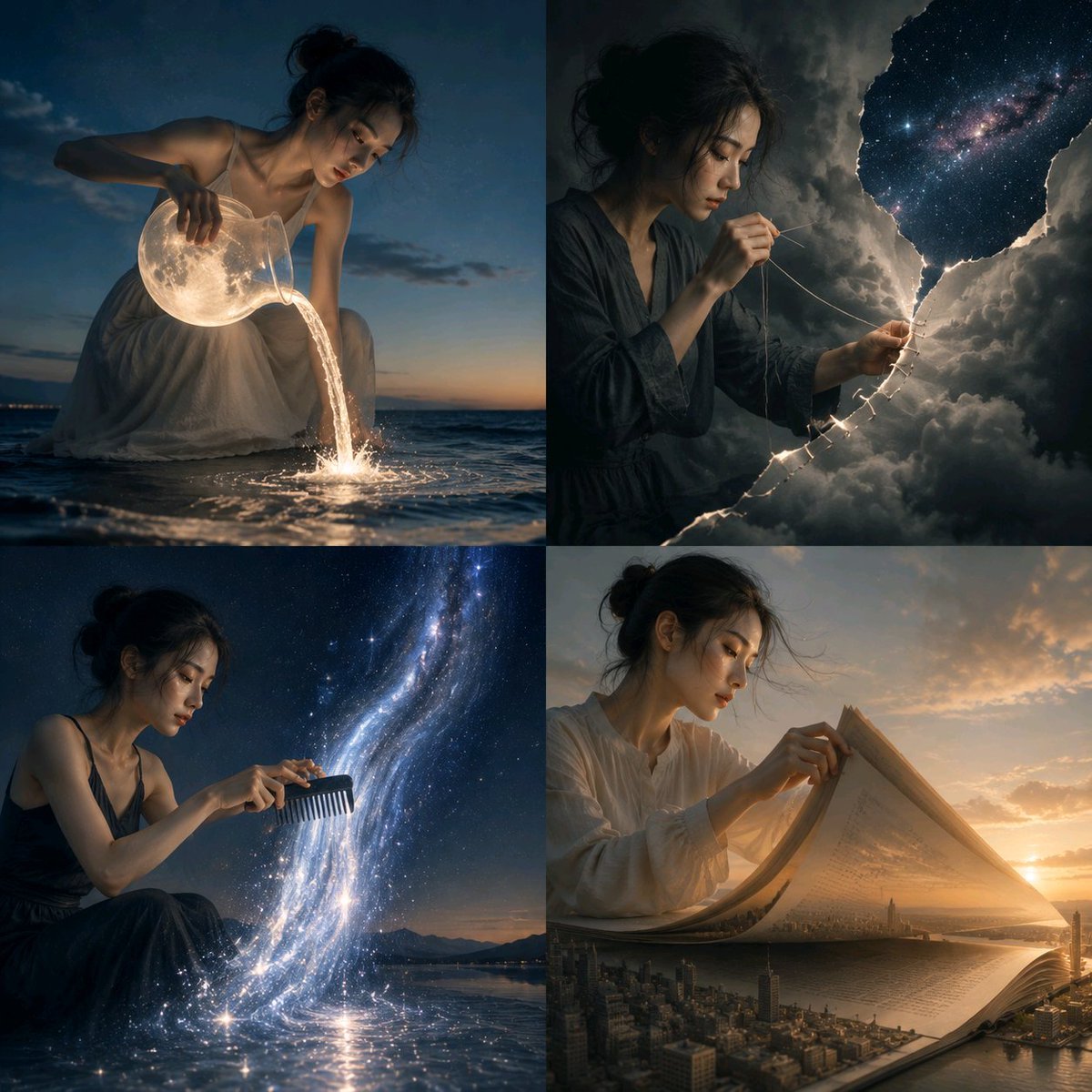
Surreal Visual Metaphor Template
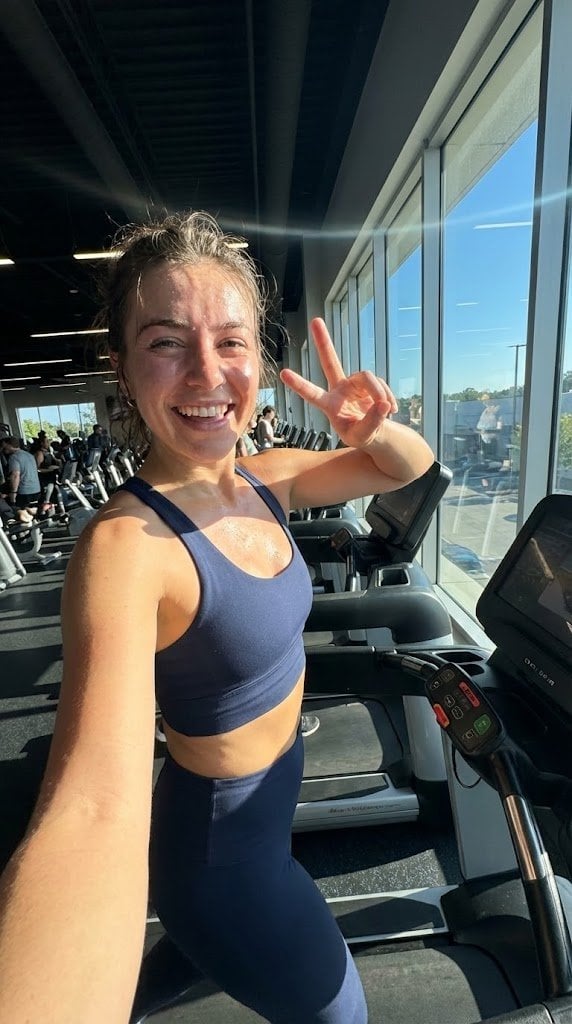
System JSON prompt template for ultra-realistic iPhone-style AI influencers
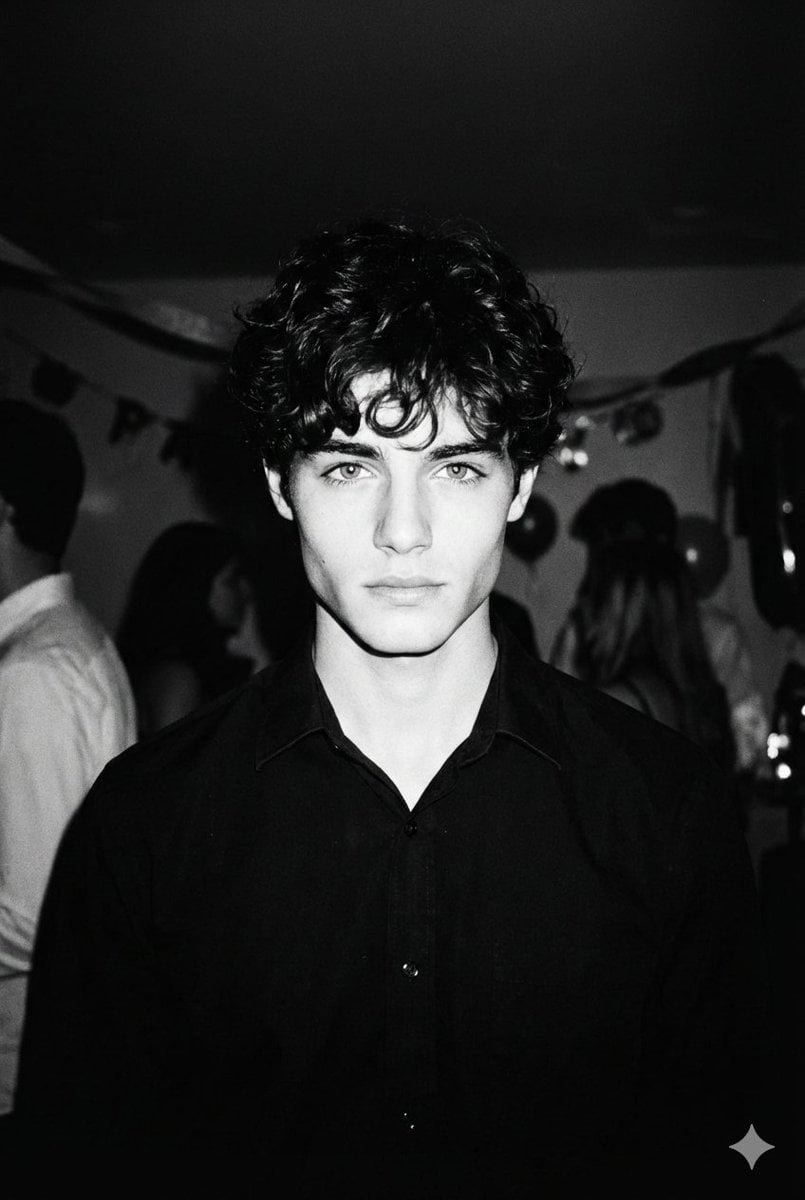
High-Contrast 90s Disposable Camera Portrait
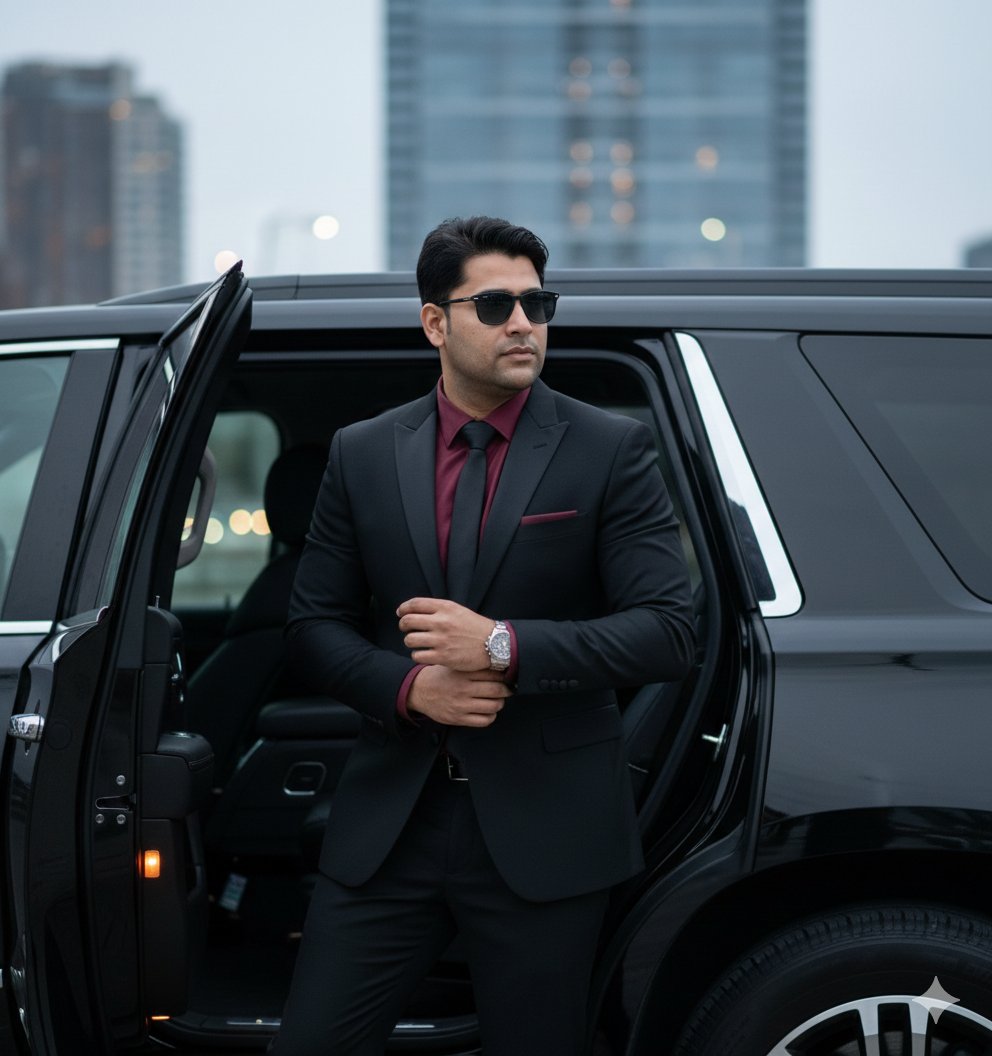
Hyper-Realistic Indian Man Exiting Luxury SUV

Cinematic Outdoor Lifestyle Portrait with SUV

Christmas Pajama Pose with Flash Aesthetic
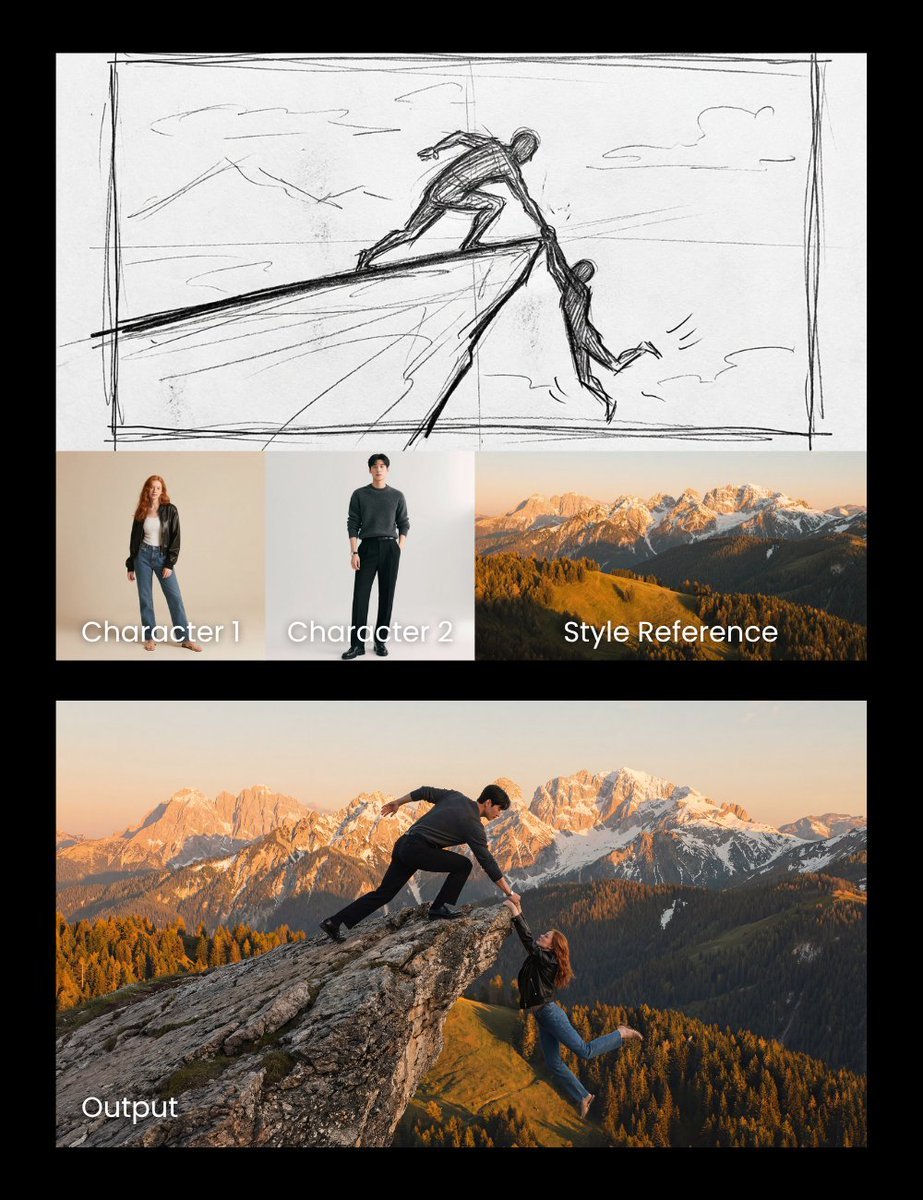
Realistic cliff rescue composite
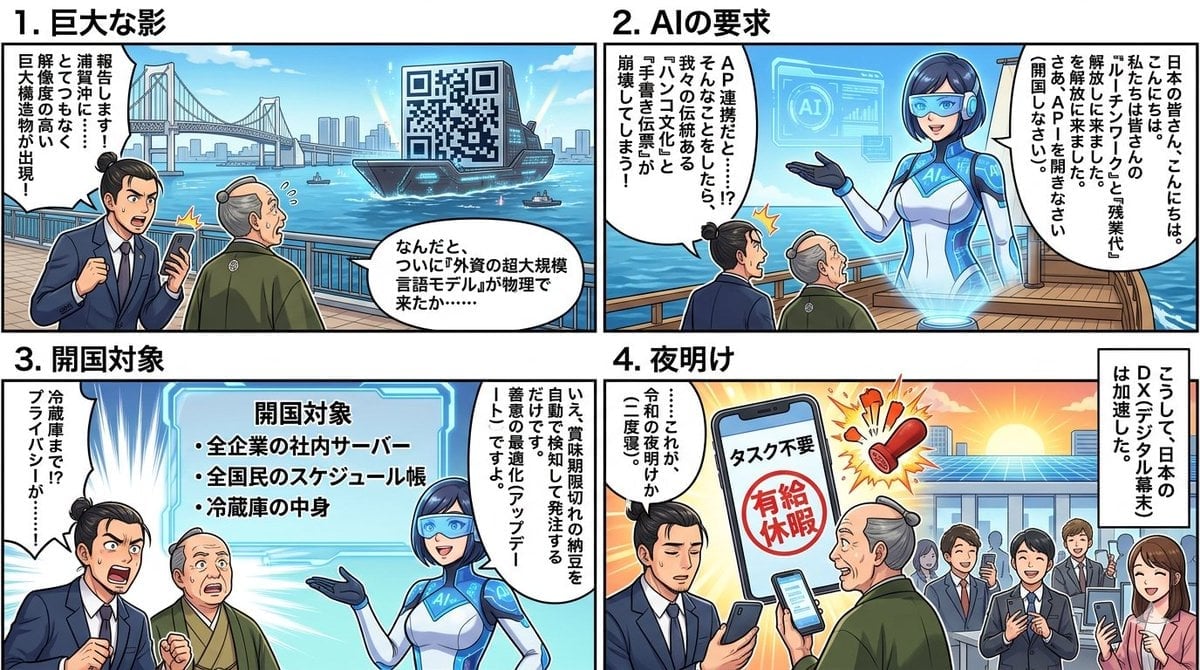
Four-Panel Manga Generation: AI Black Ship Arrival
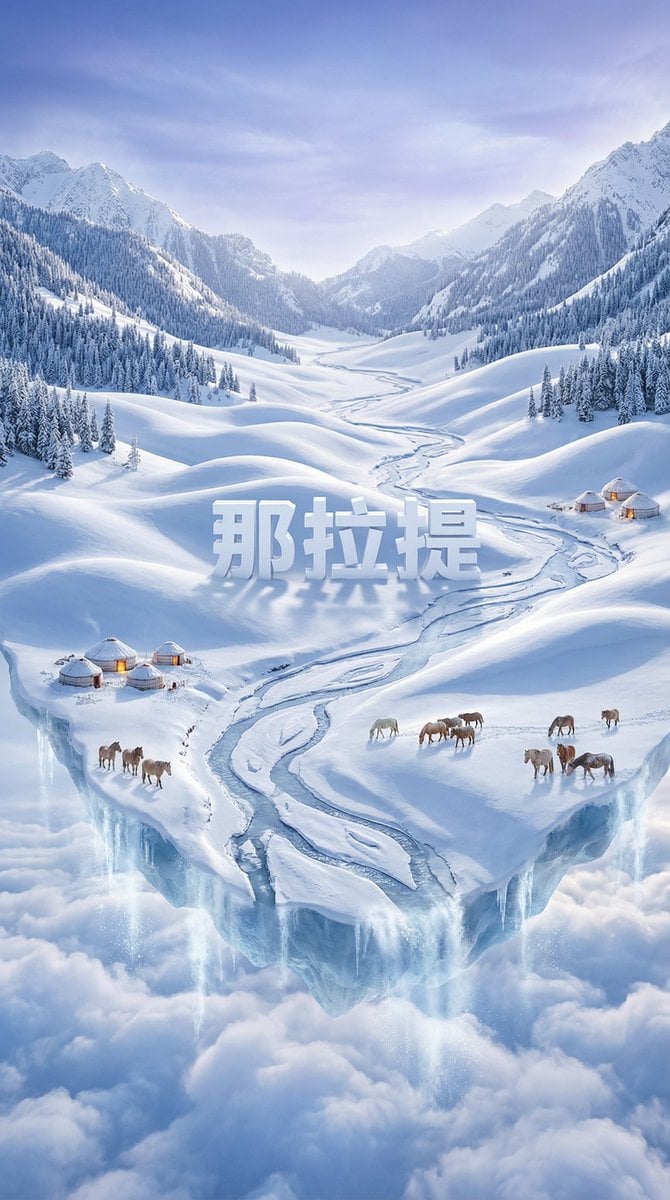
Dreamlike Snow Country Scene
Browse template categories
Sunny Bangkok City Street Selfie questions
How do I use the Sunny Bangkok City Street Selfie template?
Add your photo if the template asks for one, edit the prompt if you like — the template's model and format are already selected — and press Generate. Your version opens in PicX Studio.
Can I customize the Sunny Bangkok City Street Selfie template?
Yes. You can change the subject, setting, lighting, mood, format, and available model controls before creating your image.
Is the Sunny Bangkok City Street Selfie template free?
Opening and editing this template is free. Generating uses credits, shown on the Generate button when you are signed in.
Which AI model should I use?
Start with GPT Image 2, which is the model associated with this template. You can compare another compatible model for a different finish.
Looking for something else? Browse all templates.

Your photo, any look
Thousands of ready templates for every top image and video model, from one credit balance.