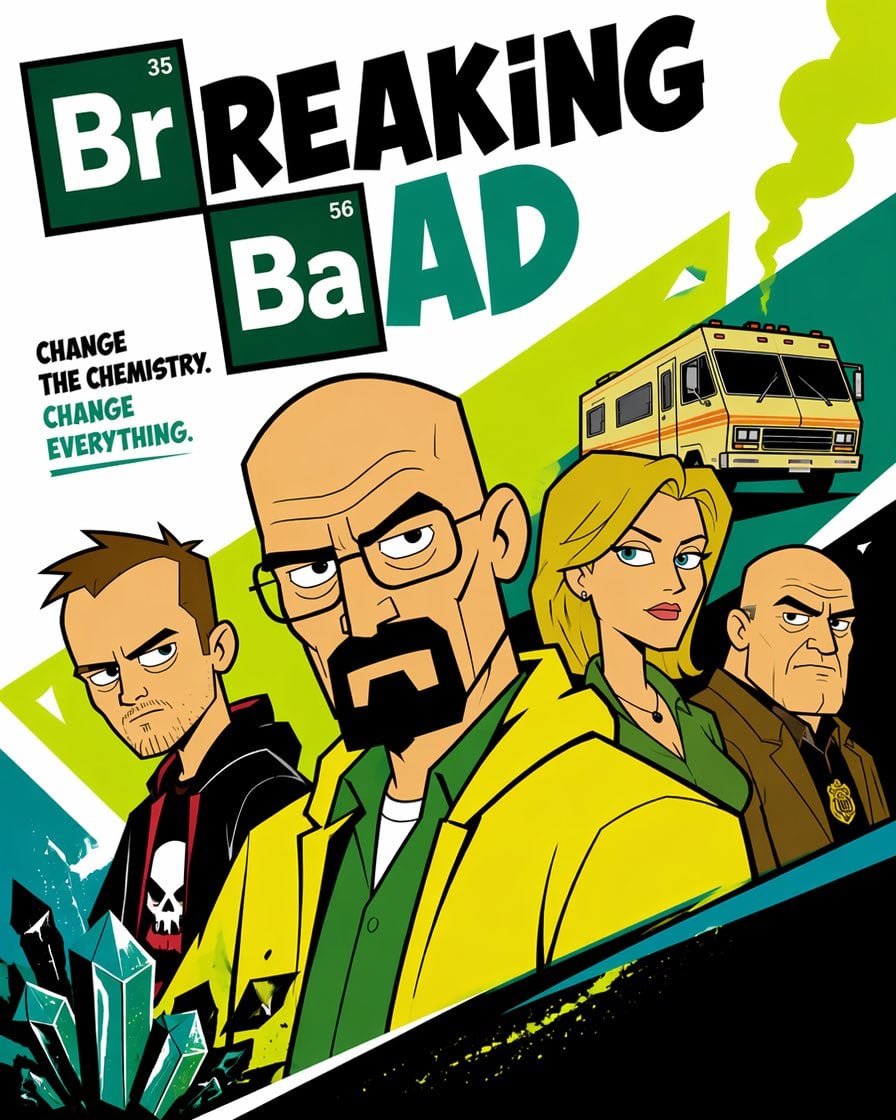
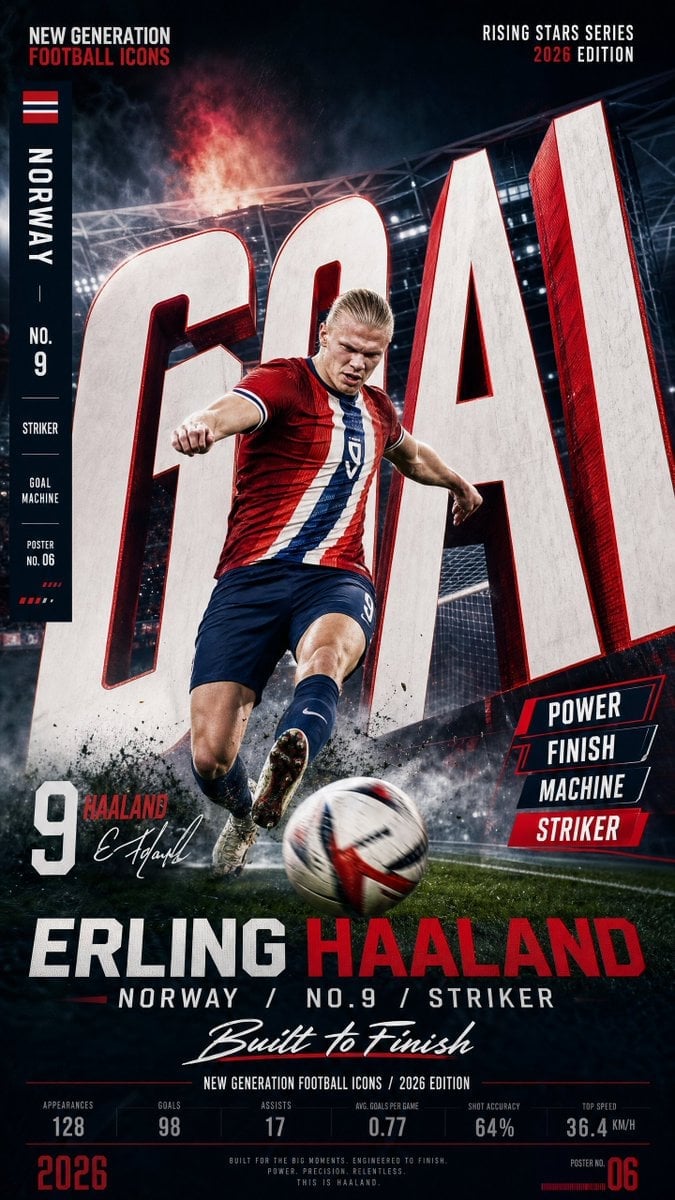
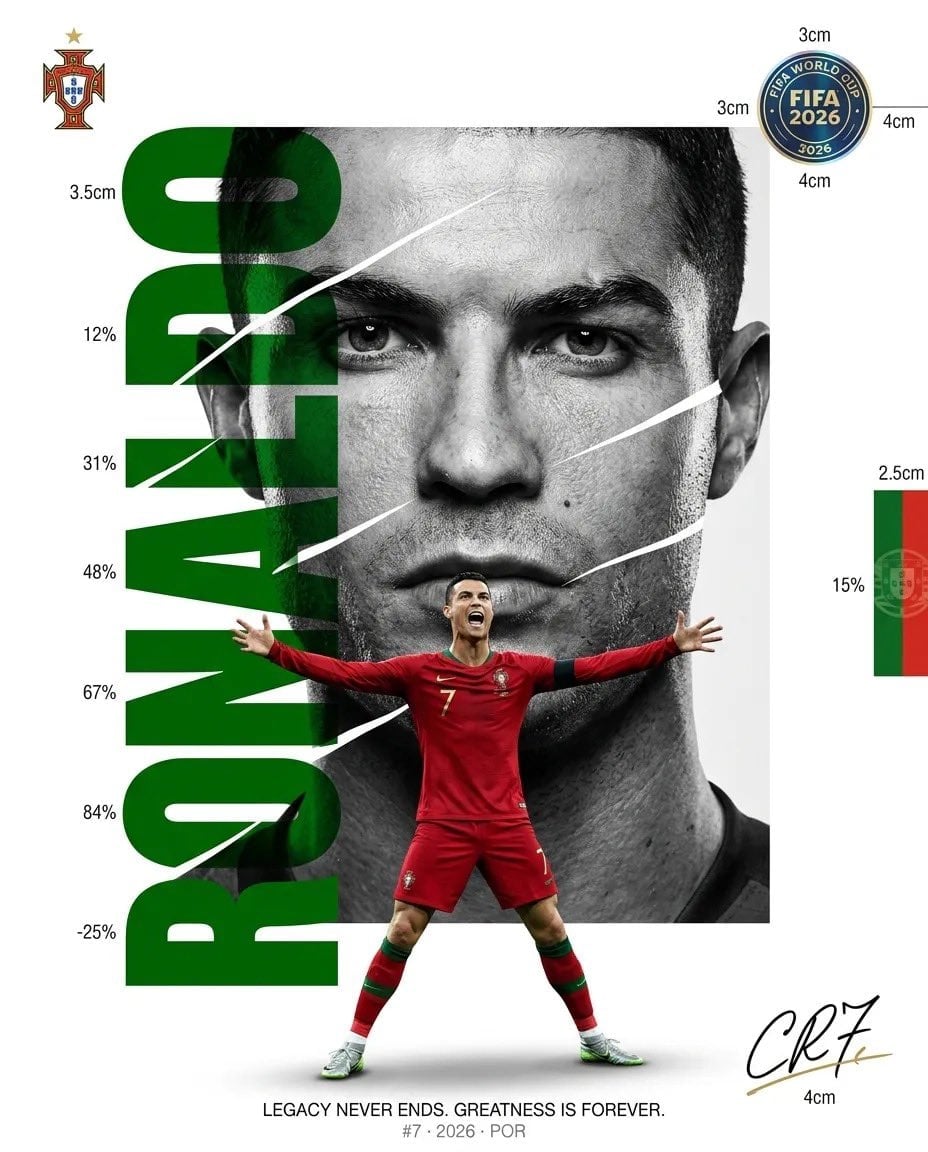
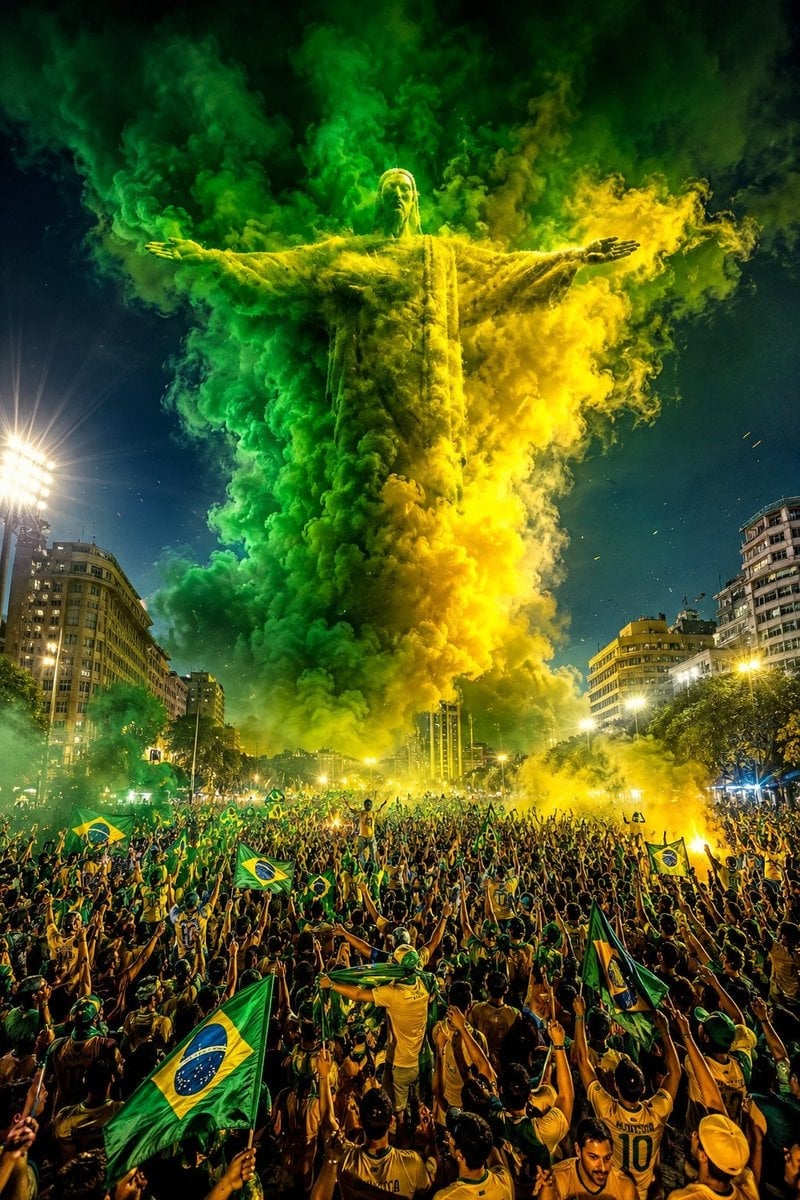
How do I use the Premium Cinematic Advertising Poster template?
Choose the primary action to open PicX Studio with the available template settings. Review the model and format, personalize the creative direction, and generate when ready.
Generates a high-end commercial advertising poster with macro-realism, physically accurate materials, and luxury editorial photography styling.
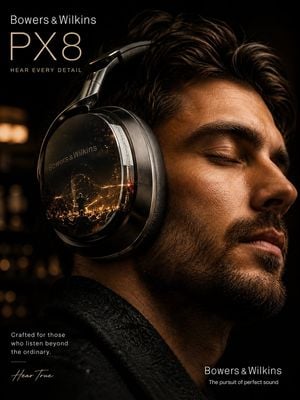
Create an ultra-premium cinematic advertising poster for {argument name="product" default="[PRODUCT]"} by {argument name="brand" default="[BRAND]"}. The product is the hero of the composition, featuring hyper-realistic materials, cinematic lighting, realistic reflections, premium textures, atmospheric depth, floating particles, and luxury editorial styling. Showcase extreme detail with macro-quality realism, physically accurate materials, elegant branding, shallow depth of field, minimal premium background, and world-class commercial photography. Include {argument name="brand name" default="[BRAND]"}, [PRODUCT], and an optional tagline: "{argument name="tagline" default="[TAGLINE]"}". 8K, photorealistic, award-winning luxury advertising campaign. Negative Prompt: cartoon, blurry, plastic, low-detail, fake materials, poor lighting, cheap advertising style, watermark, noise, distorted proportions.
Choose the primary action to open PicX Studio with the available template settings. Review the model and format, personalize the creative direction, and generate when ready.
Yes. You can change the subject, setting, lighting, mood, format, and available model controls before creating your image.
This template is free to open and customize. Generation usage is shown in PicX Studio before you create.
Start with GPT Image 2, which is the model associated with this template. You can compare another compatible model for a different finish.
Follow a topic to a crawlable collection of related PicX Studio templates.