How do I use the Cinematic Outdoor Editorial Poster template?
Choose the primary action to open PicX Studio with the available template settings. Review the model and format, personalize the creative direction, and generate when ready.
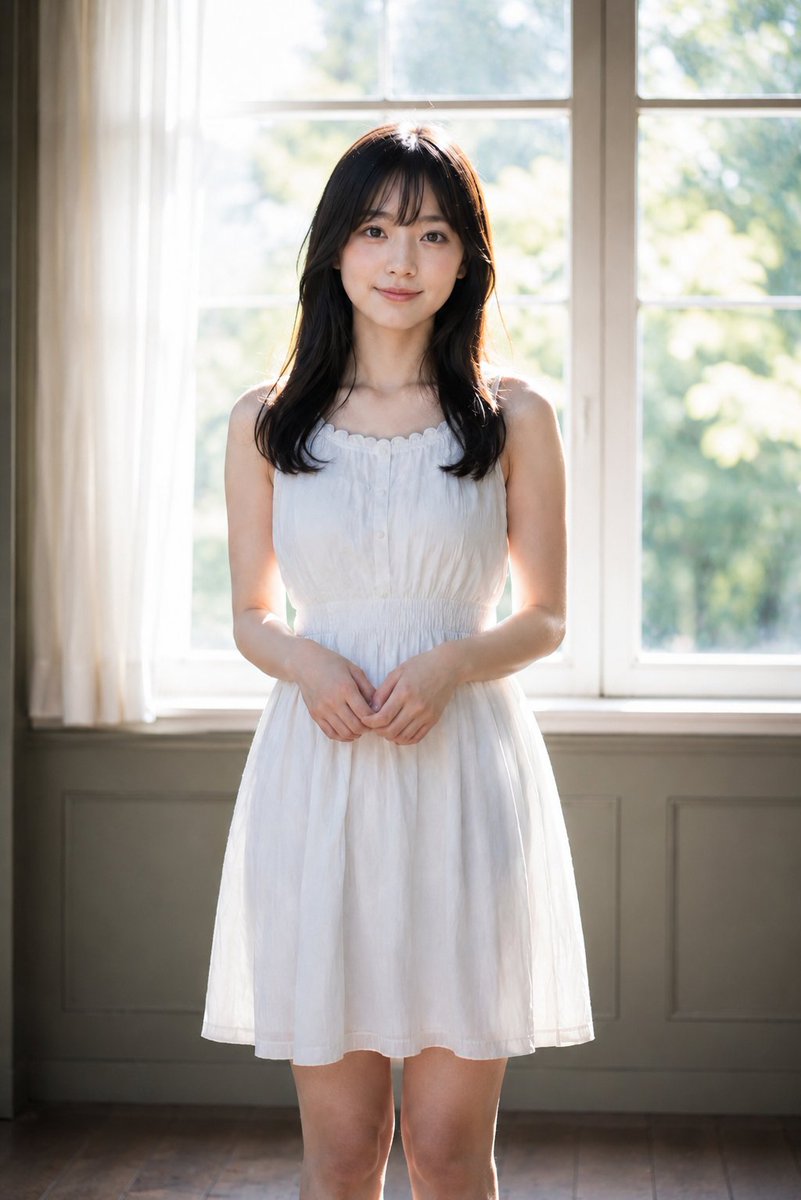
A versatile prompt for creating atmospheric outdoor fashion posters with custom subjects, scenes, and minimal typography.
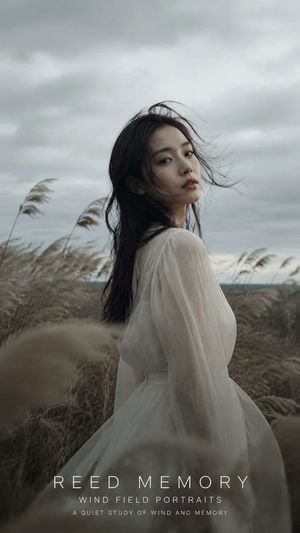
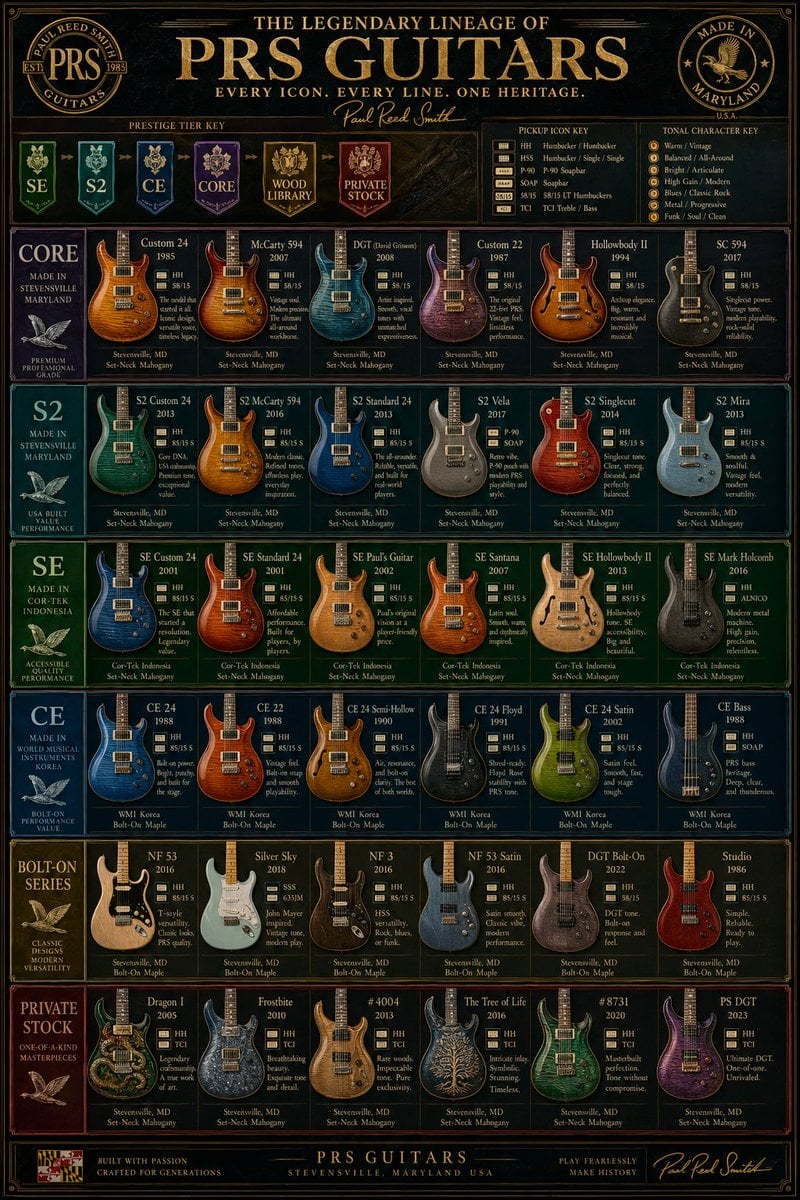
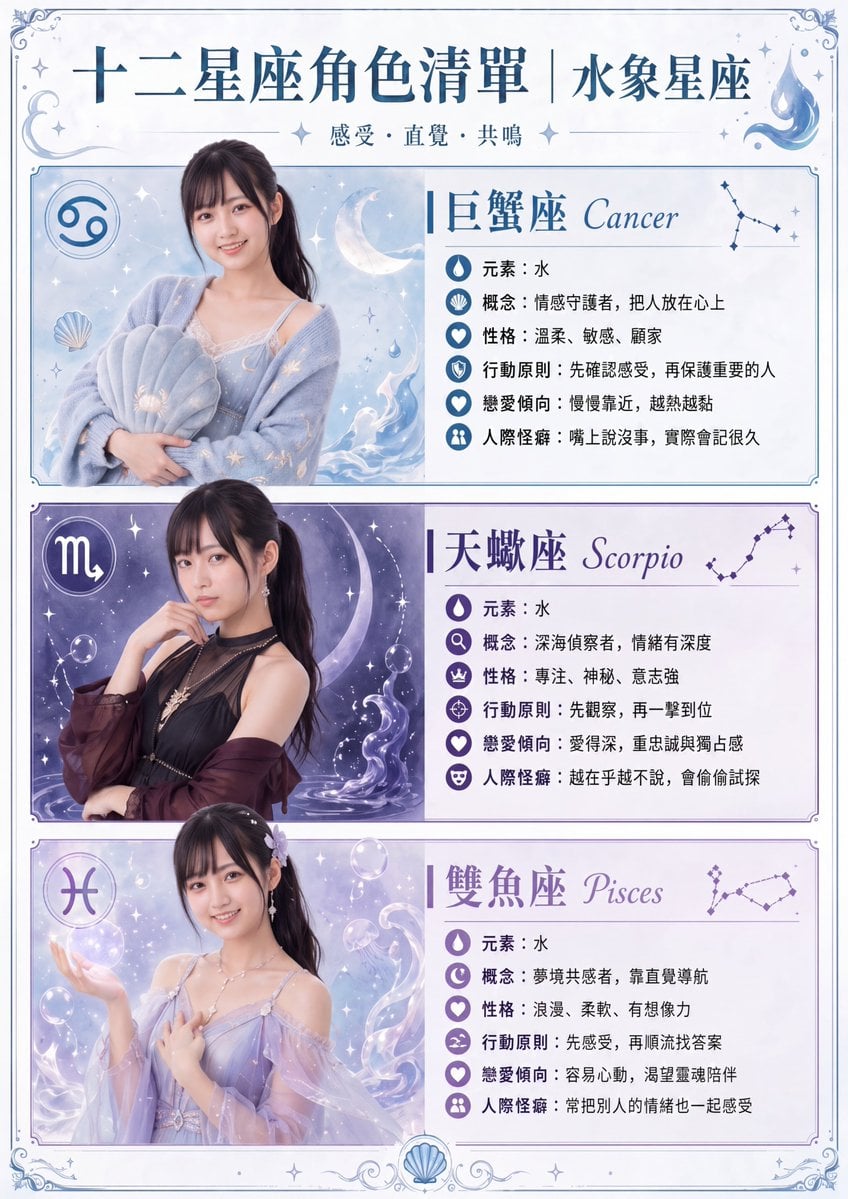
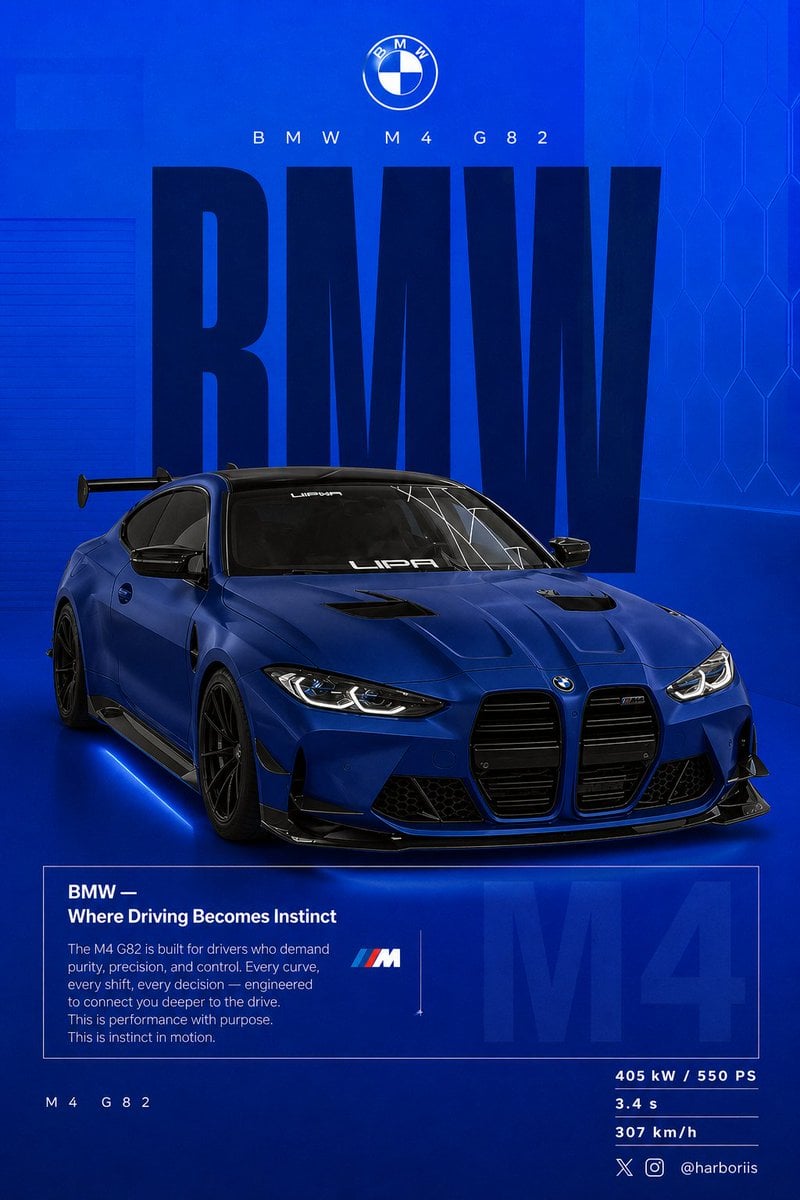
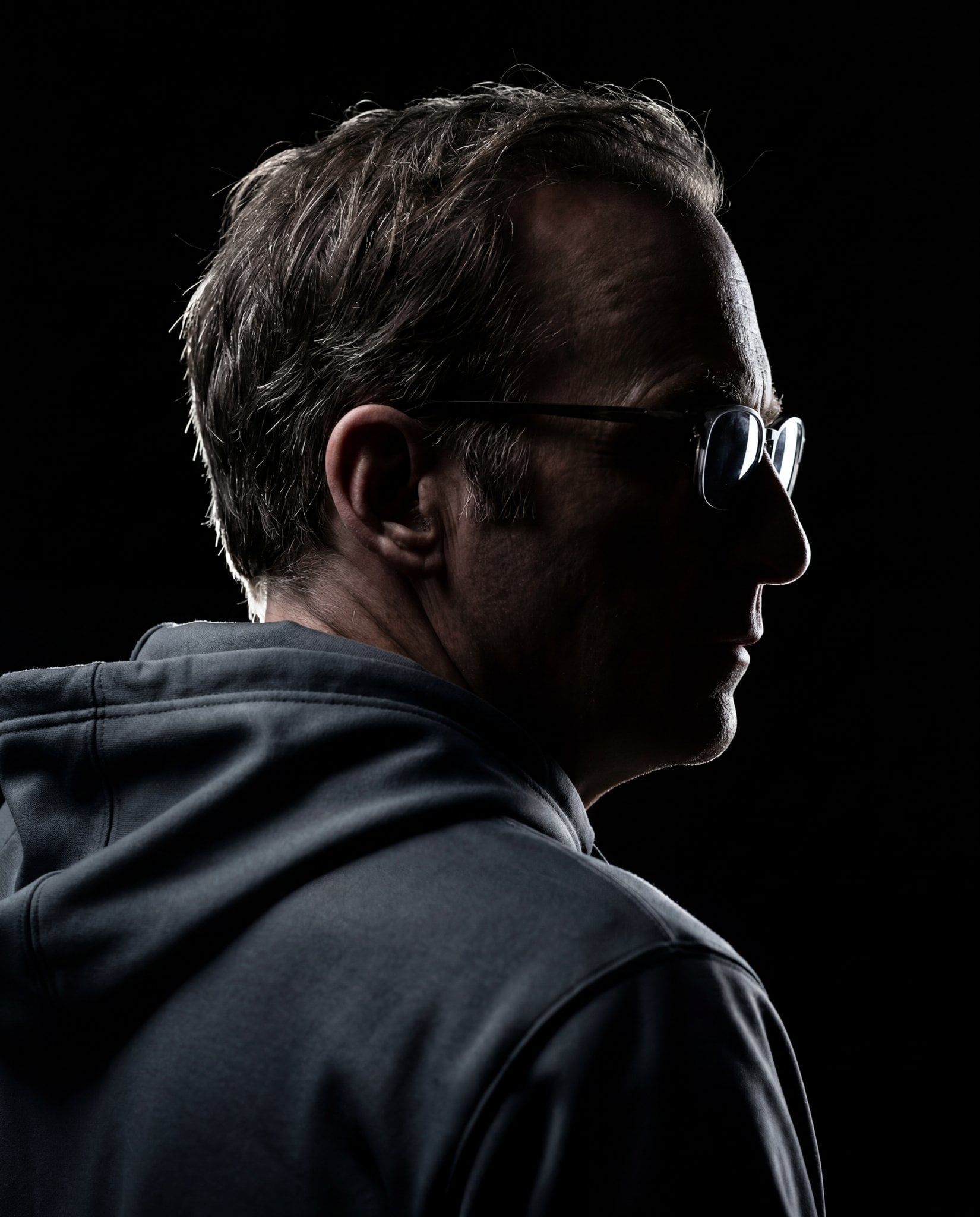
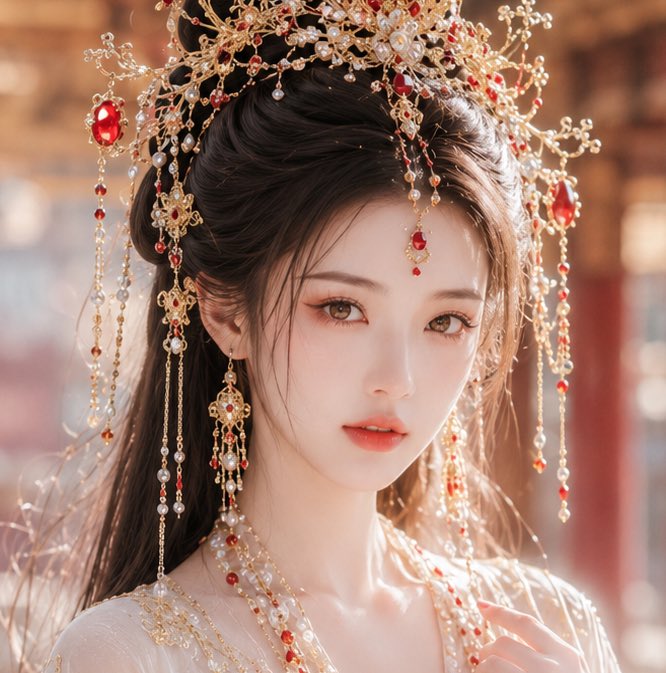
Create a cinematic outdoor editorial portrait poster titled {argument name="title" default="WIND FIELD"} from the series {argument name="series name" default="Wind Field Portraits"}. Show {argument name="subject" default="young East Asian woman"} in [Outfit], standing in [Scene] under [Weather], with strong wind moving through her hair and the surrounding grass. Her expression should feel [Mood], with realistic skin, natural hair strands, and a vivid lifelike presence. Use blurred foreground plants for depth, muted [Color Tonel tones, subtle film grain, and a quiet fashion-editorial mood. Vertical composition in [Aspect Ratio]. Add original minimal white typography at the bottom with a custom main title, subtitle, and slogan. Do not copy any text from the reference images.
Choose the primary action to open PicX Studio with the available template settings. Review the model and format, personalize the creative direction, and generate when ready.
Yes. You can change the subject, setting, lighting, mood, format, and available model controls before creating your image.
This template is free to open and customize. Generation usage is shown in PicX Studio before you create.
Start with GPT Image 2, which is the model associated with this template. You can compare another compatible model for a different finish.
Follow a topic to a crawlable collection of related PicX Studio templates.