
Handmade Collage Packaging Design
A creative prompt for generating packaging designs with a handmade collage aesthetic, featuring bold typography, silhouettes, and artistic textures based on a dieline reference.
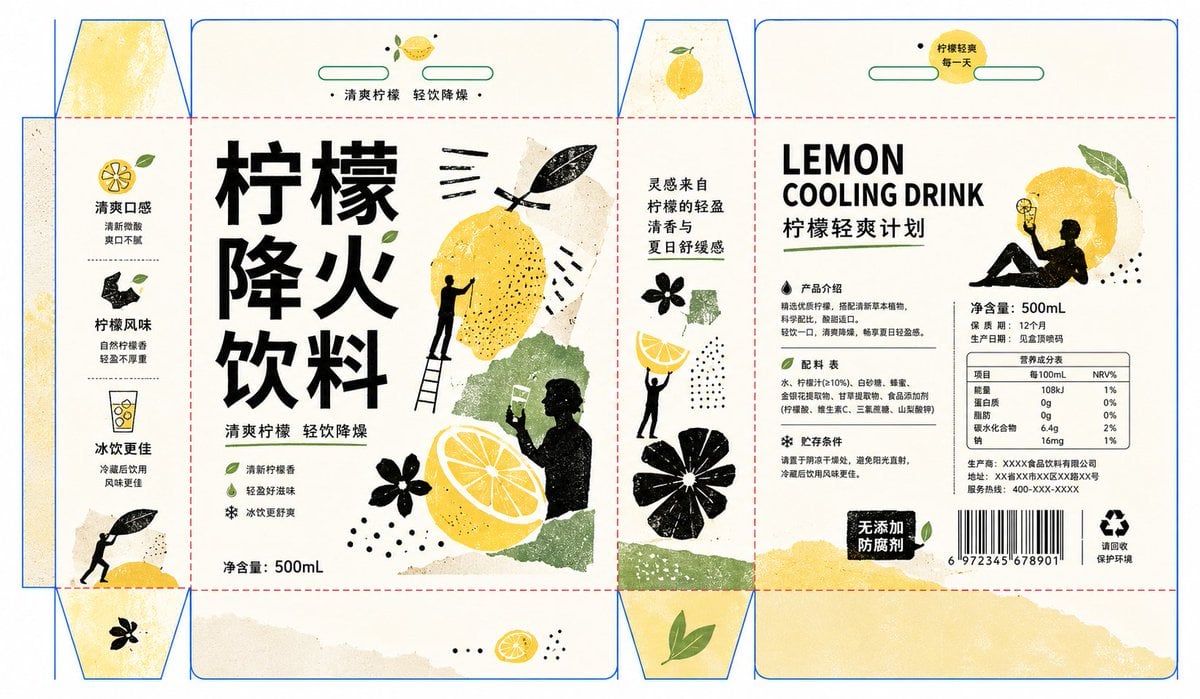
- Prompt included
- Model and format preset
- Premium template
The prompt behind this image
Copy the exact prompt behind Handmade Collage Packaging Design, or open it in the studio and make it yours.
这是我的刀版图片,我的产品是:{argument name="产品名称" default="柠檬降火饮料"} 我想你参考如下提示词风格,生成包装: 围绕任意主题对象生成一张具有手工拼贴感的信息视觉:画面先读到一条强而安静的文字主轴,字形采用厚重、简洁、留白充足的块面排布,像被精确嵌入背景的白色结构;主题内容被转译为几组粗粝的黑白剪影与主题派生色块,剪影以触碰、托举、悬停、遮挡的关系分布在文字两侧,形成像在搬运、摆放、观察主题的视觉仪式。主体图形使用拓印、木刻、干刷、纸片裁切般的边缘,黑色结构承担重量 and 方向,白色结构制造呼吸 and 反差,少量带线纹或纹理的主题色块作为被托起的核心符号,大小错落,彼此留出清晰空隙。背景保持大面积明亮、清透、干净的高明度底场,色彩从主题自身的材质、情绪 and 语境中提取:{argument name="配色方案" default="底色负责轻快通风感,深色负责骨架和张力,中等饱和的主题色负责情绪"},极少量小圆点或短线作为节拍与视线停顿;整体保留明亮清爽、克制但有生命力的色彩关系,避免浑浊、陈旧和灰暗。信息层级要像展览视觉系统一样清楚,主标题最大且最有秩序,日期、说明、署名等次级信息收窄成边缘竖排或小字号模块,形成图像与文字互相牵制的节奏;最终效果应像一张由剪影、纸片、拓印纹理和几何留白共同组织出来的现代艺术宣传视觉,既有手作痕迹,又保持干净、明确、可读。
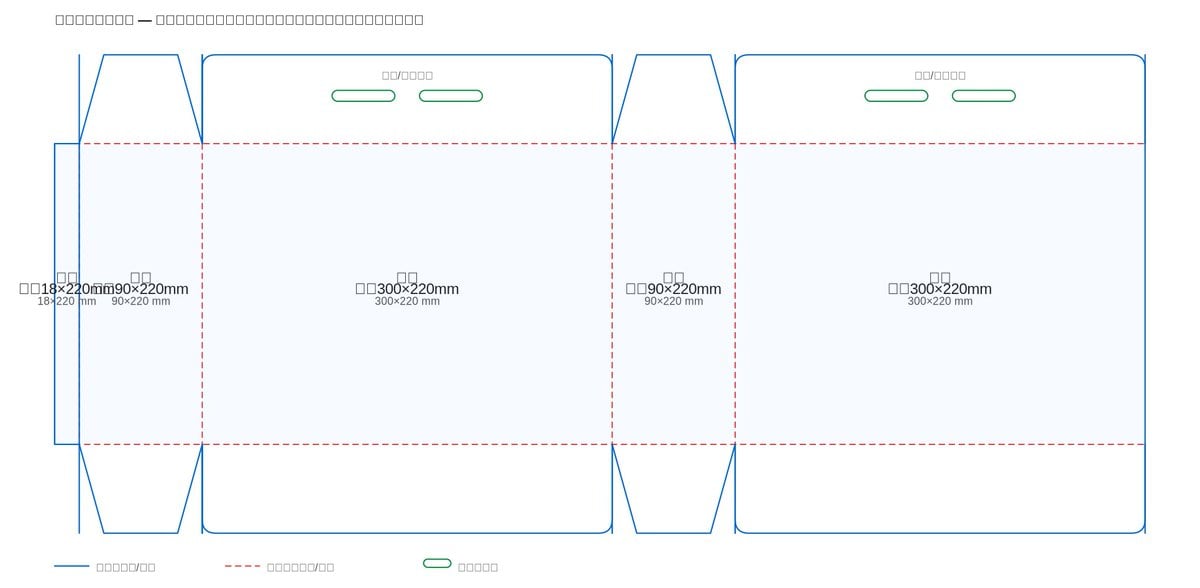
Reference images included
Handmade Collage Packaging Design needs input media to work. They load alongside the prompt when you open it in the studio.
How to use Handmade Collage Packaging Design in 3 steps
- 1Upload ImagePNG, JPG or paste
Add your photo
Upload the photo the template builds on. The prompt, model and format are already set.
- 2…a portrait of your subject in softgolden-hour light, 85mm…
Personalize
Edit the subject and creative details for your destination.
- 3Generate
Generate
Press Generate — your image is created in PicX Studio, so you can compare it with the original and refine one variable at a time.
More like this
Templates with the same subject, style or setup. Open one to see its prompt.
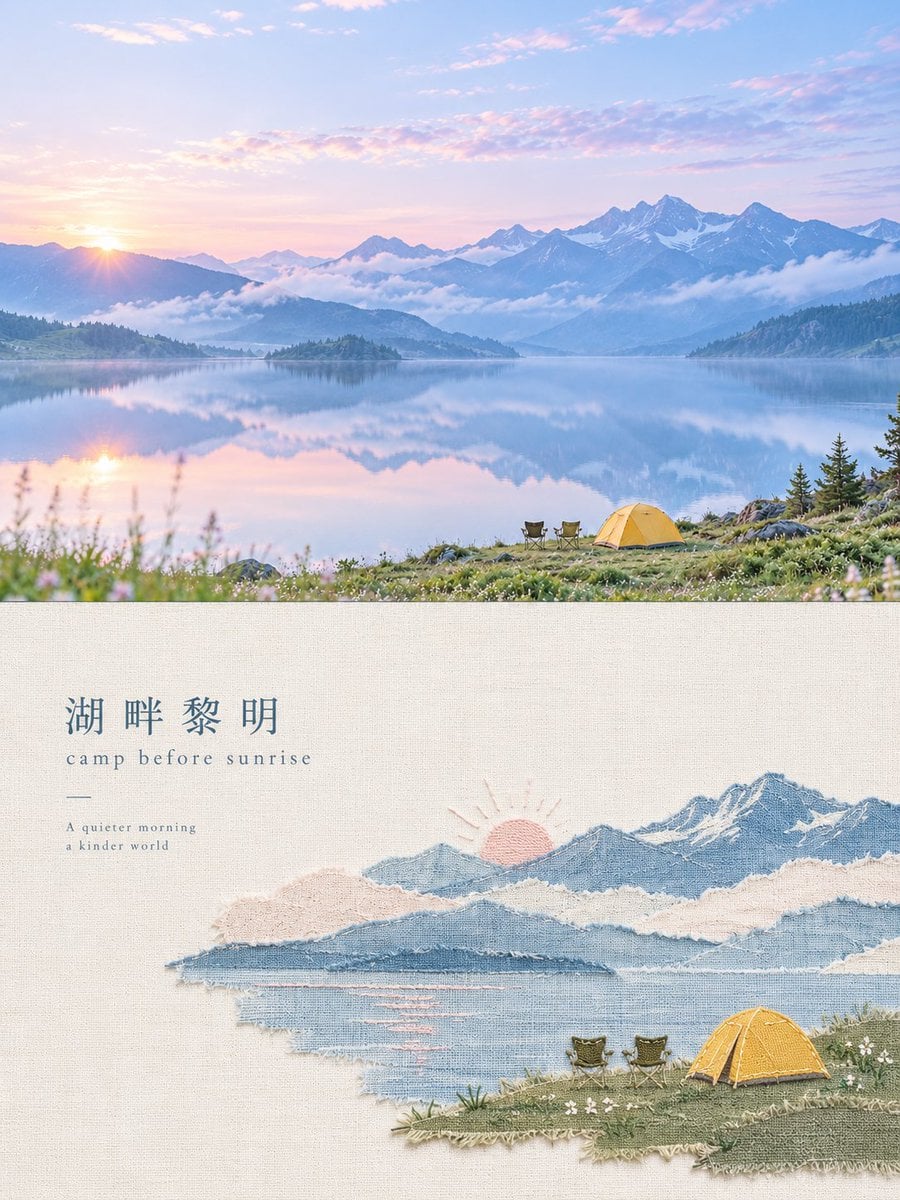
Handmade Textile Collage Poster

Felt & Knit 3D Character — Photo-Exact Face, Pixar-Quality Plush Figurine

Paper Cut Finale Fireworks

Paper Cut Garden Maze

Paper Cut Rooftop Concert

Paper Cut Bicycle Coast

Paper Cut Castle Gate

Paper Cut Kitchen Chaos

Paper Cut Carnival Ride

Paper Cut Rainy Bus Stop

Paper Cut Space Dock

Paper Cut Cafe Morning
Make it yours
Handmade Collage Packaging Design works as-is. These are the safest ways to change it without losing the look.
Change one field
Copy a single group, rewrite it, and generate again so you can see what that field is doing.
Keep the frame, change the subject
Hold the composition and light of Handmade Collage Packaging Design, then swap wardrobe, props or the person for a new take.
| If the result… | Why | Fix |
|---|---|---|
| The result drifts from the preview | Too many fields changed at once. | Reuse Handmade Collage Packaging Design as-is first, then change one group — subject, light, or setting. |
| The model over-stylizes the scene | The prose prompt leaves finish and camera underspecified. | Add one camera or lighting sentence and stay on GPT Image 2. |
More GPT Image 2 templates
Other prompts made for GPT Image 2.

Six VTuber Japanese Logo Sheet

Realistic Portrait of Woman and Deer

The Vista Modular Condo Poster

AI Model Routing Comparison Infographic

2.5D Anime Art Board

Isometric Productivity Desk Scene

New York Double Exposure Poster

Four-Panel AI Landscape Comparison

Japanese Tatami Lifestyle Magazine Cover

NESCAFÉ Coffee Map Poster
More image prompts
Fresh picks from across the catalog.
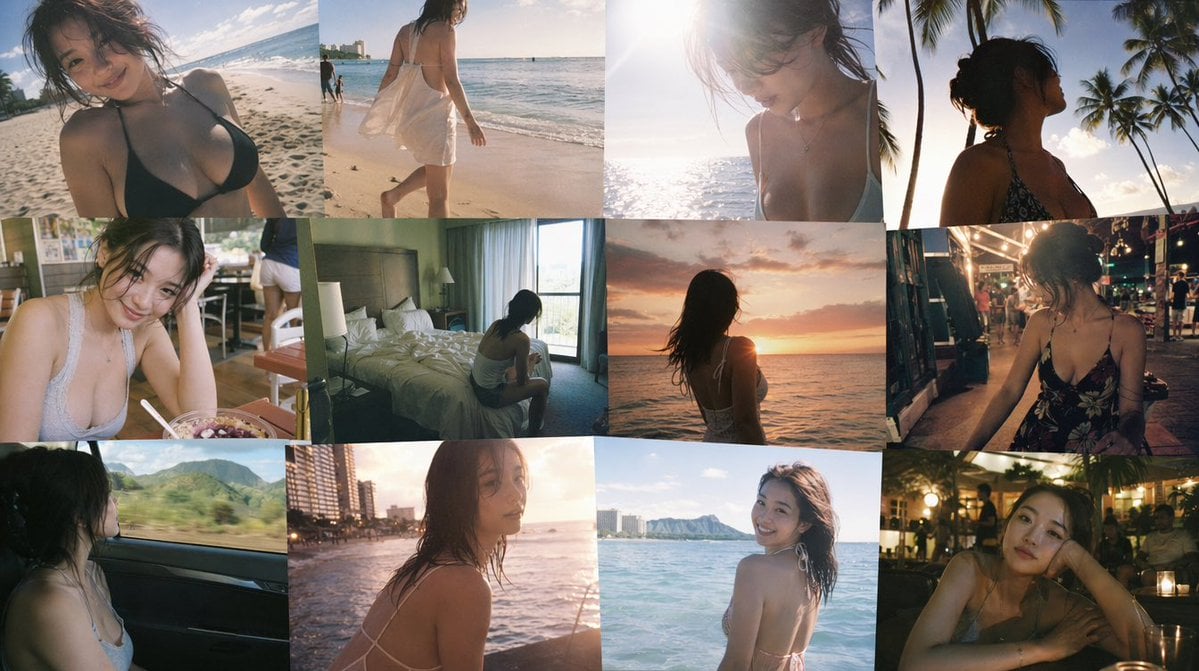
Emotional Hawaii Solo Travel Collage
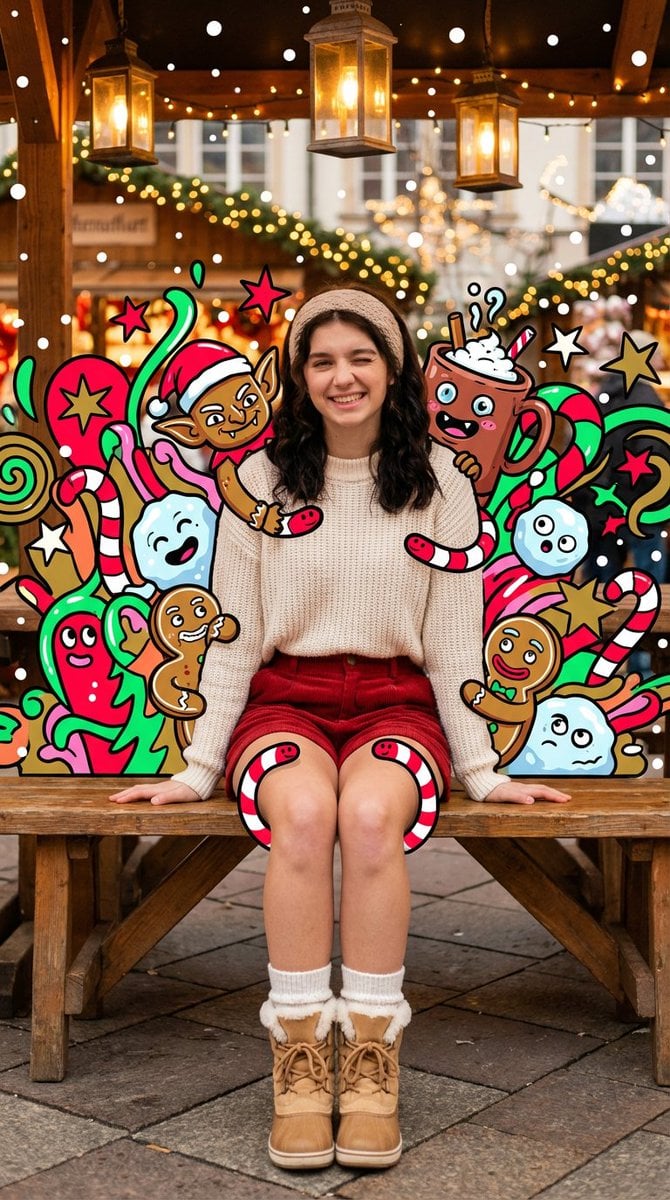
Maximalist Christmas Sweets-Monster Pop-Art Portrait
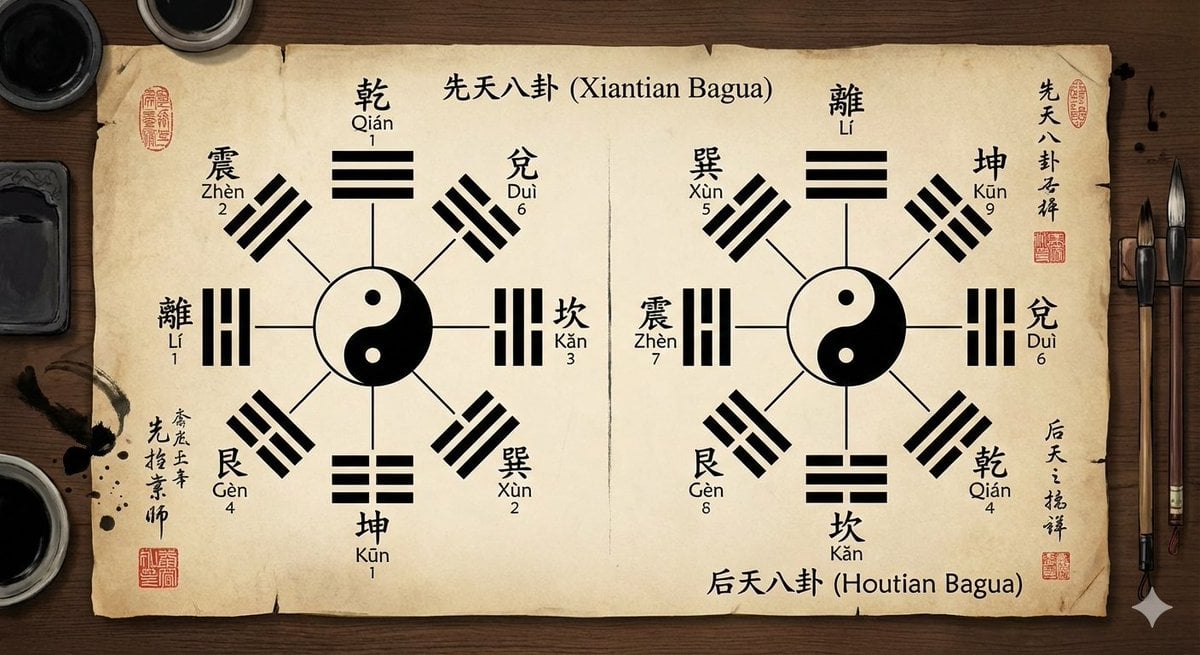
Eight trigrams diagram with reference image

Sticker Art Style - Rainbow Girl v2
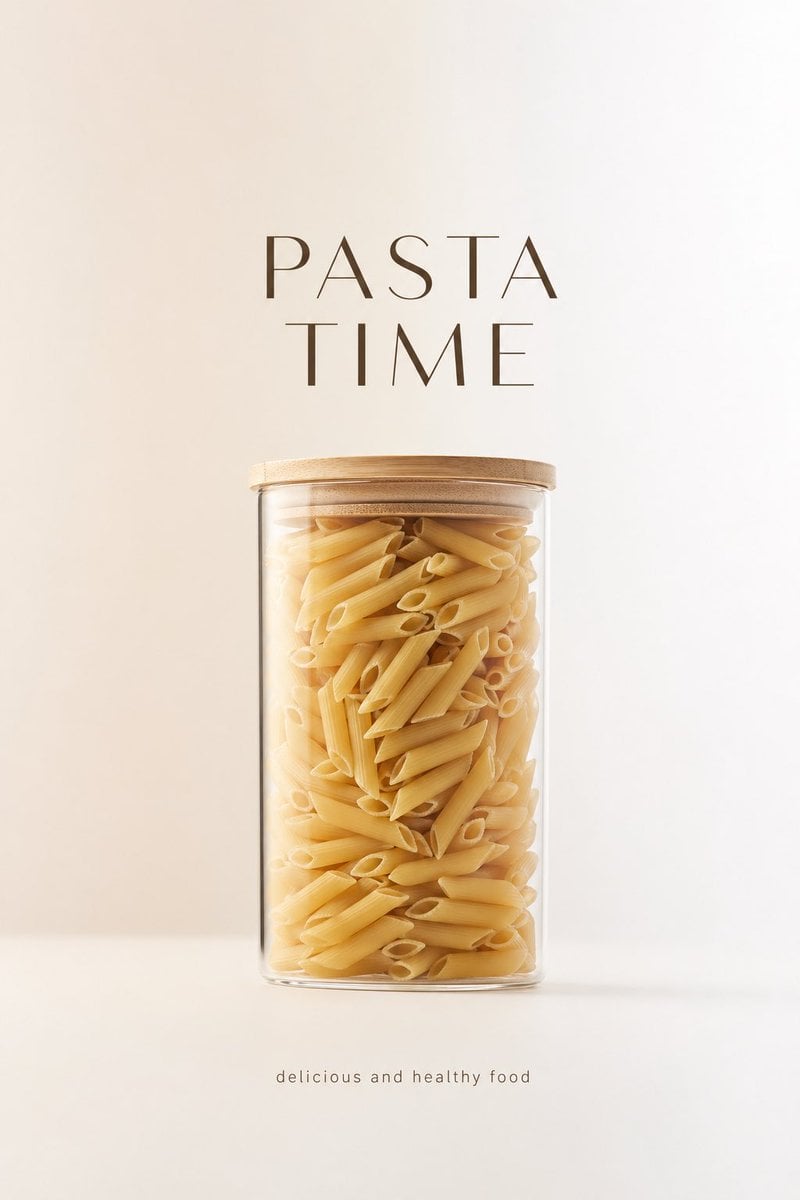
Minimalist Product Advertisement
3x3 Grid Female Pose Collage Highlighting Dynamic Fashion and Light Effects
Hyperrealistic Chocolate Ice Cream Commercial Prompt
Forest Lifestyle Editorial Moodboard

Old Money Aesthetic Cinematic Portrait
Song Dynasty Social Media Feed
Browse template categories
Handmade Collage Packaging Design questions
How do I use the Handmade Collage Packaging Design template?
Add your photo if the template asks for one, edit the prompt if you like — the template's model and format are already selected — and press Generate. Your version opens in PicX Studio.
Can I customize the Handmade Collage Packaging Design template?
Yes. You can change the subject, setting, lighting, mood, format, and available model controls before creating your image.
Is the Handmade Collage Packaging Design template free?
Opening and editing this template is free. Generating uses credits, shown on the Generate button when you are signed in.
Which AI model should I use?
Start with GPT Image 2, which is the model associated with this template. You can compare another compatible model for a different finish.
Looking for something else? Browse all templates.

Your photo, any look
Thousands of ready templates for every top image and video model, from one credit balance.