
Cloud Shape Doodle Art Overlay
An imaginative prompt that analyzes cloud shapes and overlays a doodle-style illustration over them while preserving the original photo.
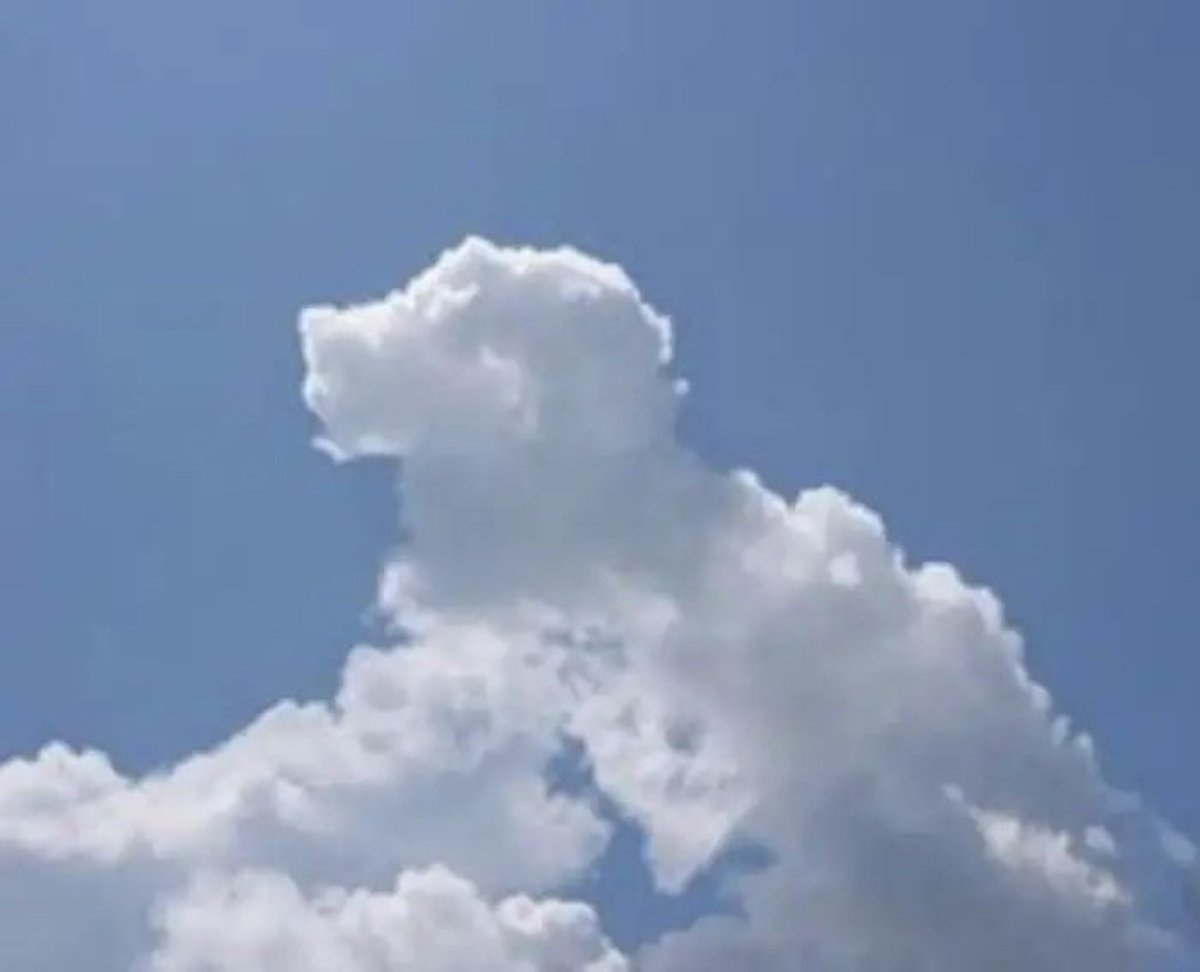
- Prompt included
- Model and format preset
- Free template
The prompt behind this image
Copy the exact prompt behind Cloud Shape Doodle Art Overlay, or open it in the studio and make it yours.
Using the visible form of the provided image's clouds as the guide, determine what object, animal, or person the cloud shapes most closely resemble. Keep the original image intact and do not alter the underlying photo; overlay the identified figure directly on top of the clouds in a doodle art style, matching the cloud contours while making the imagined subject clear.
How to use Cloud Shape Doodle Art Overlay in 3 steps
- 1Upload ImagePNG, JPG or paste
Add your photo
Upload the photo the template builds on. The prompt, model and format are already set.
- 2…a portrait of your subject in softgolden-hour light, 85mm…
Personalize
Edit the subject and creative details for your destination.
- 3Generate
Generate
Press Generate — your image is created in PicX Studio, so you can compare it with the original and refine one variable at a time.
More like this
Templates with the same subject, style or setup. Open one to see its prompt.
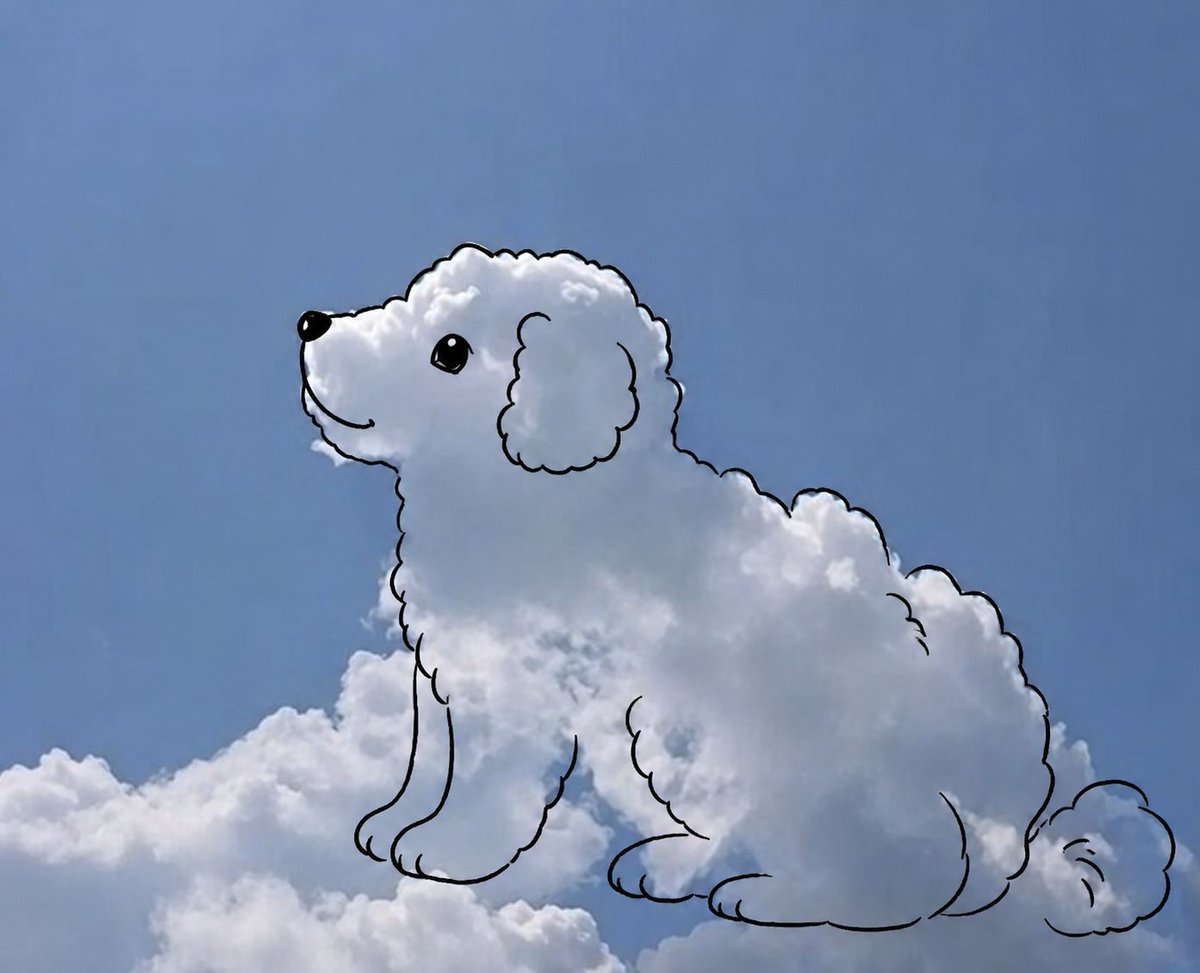
Cloud shape doodle generation
Gpt2 Social Media Post Cloud Shape Doodle Generation

Real Illustration Split Portrait Transition
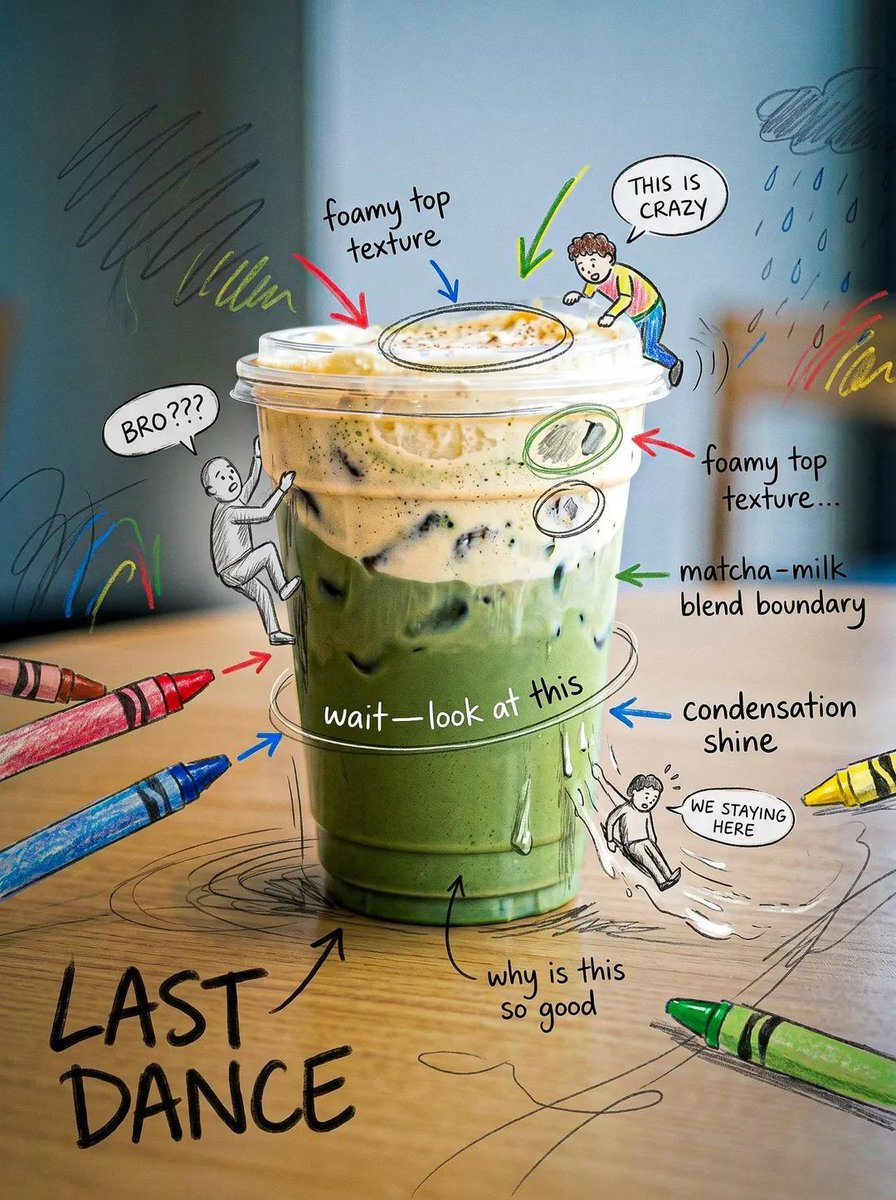
Creative Doodled Image Overlay

Floating Woman Above Cityscape with Notifications

Hand-Drawn Doodle Grid Poster
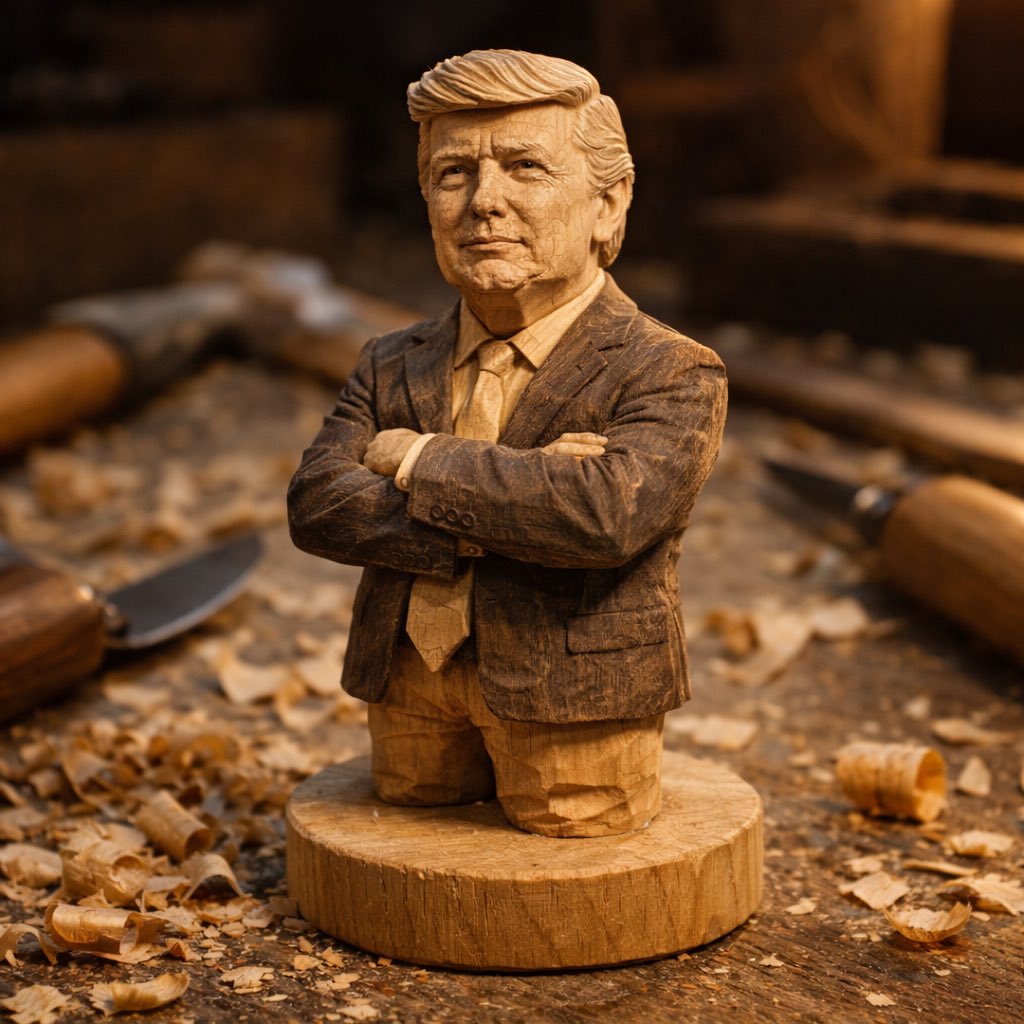
A hand-carved wooden miniature figure shaped with visible knife marks
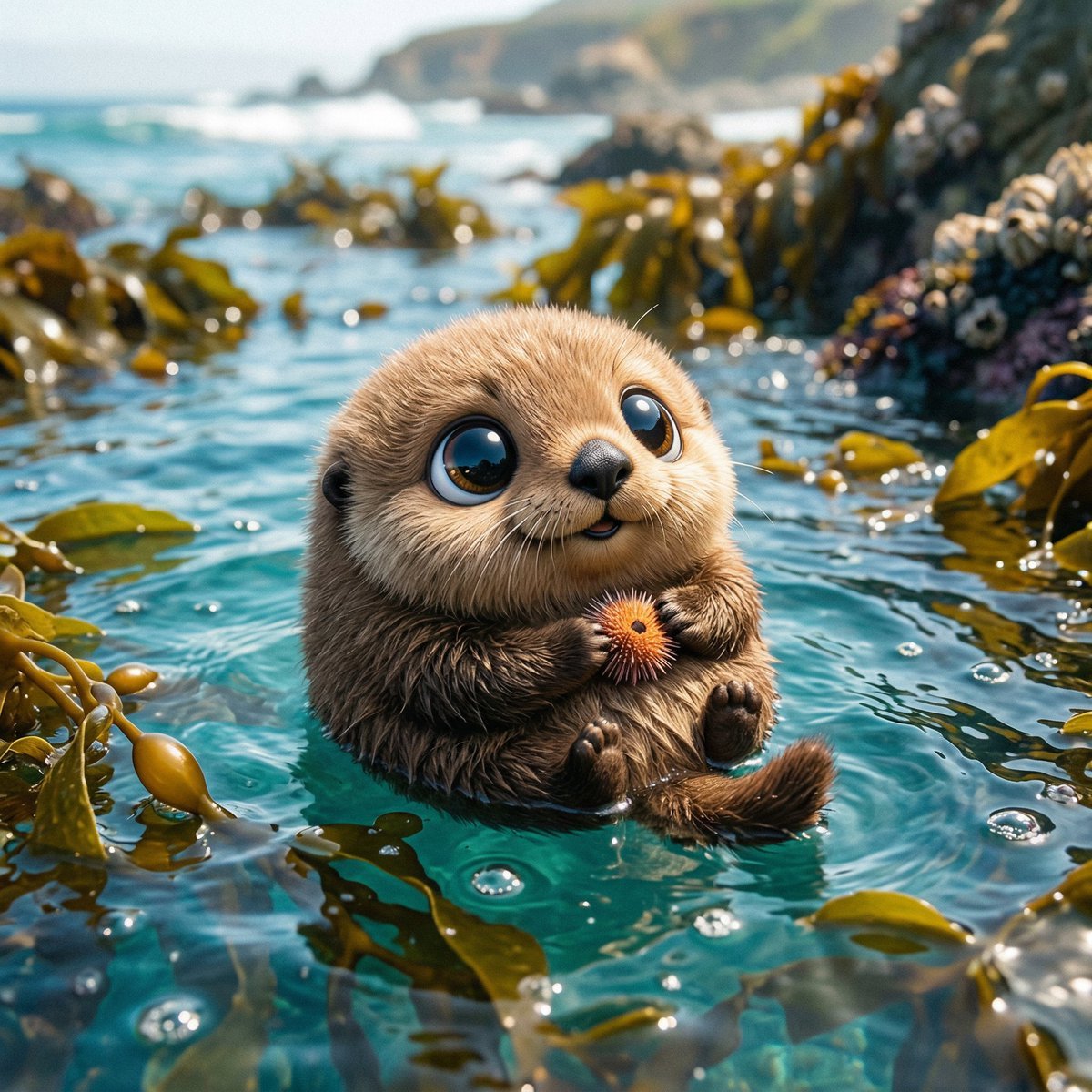
Photo of a cute ball-shaped version of a, with big adorable over-sized
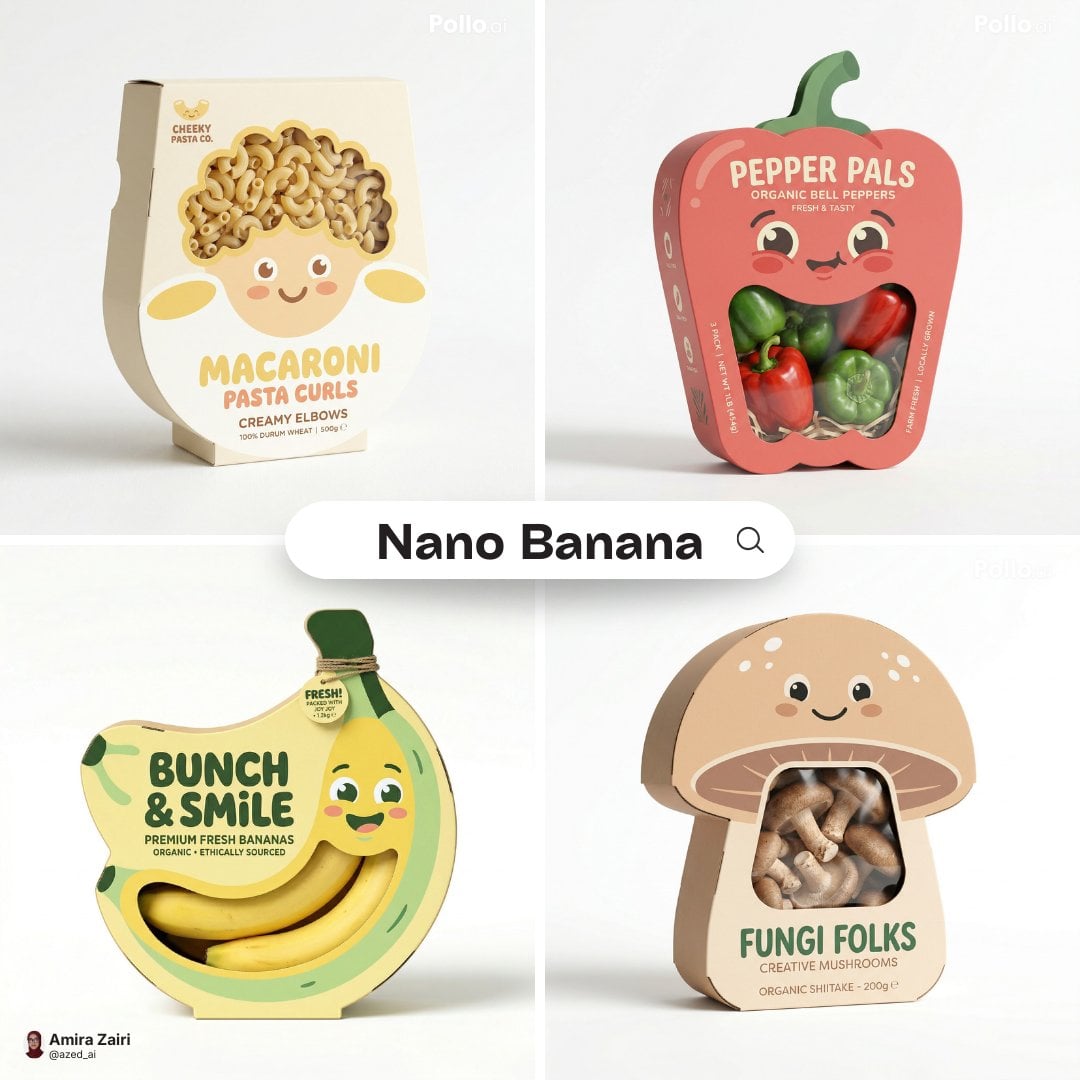
Playful designer packaging creative box shaped like the product
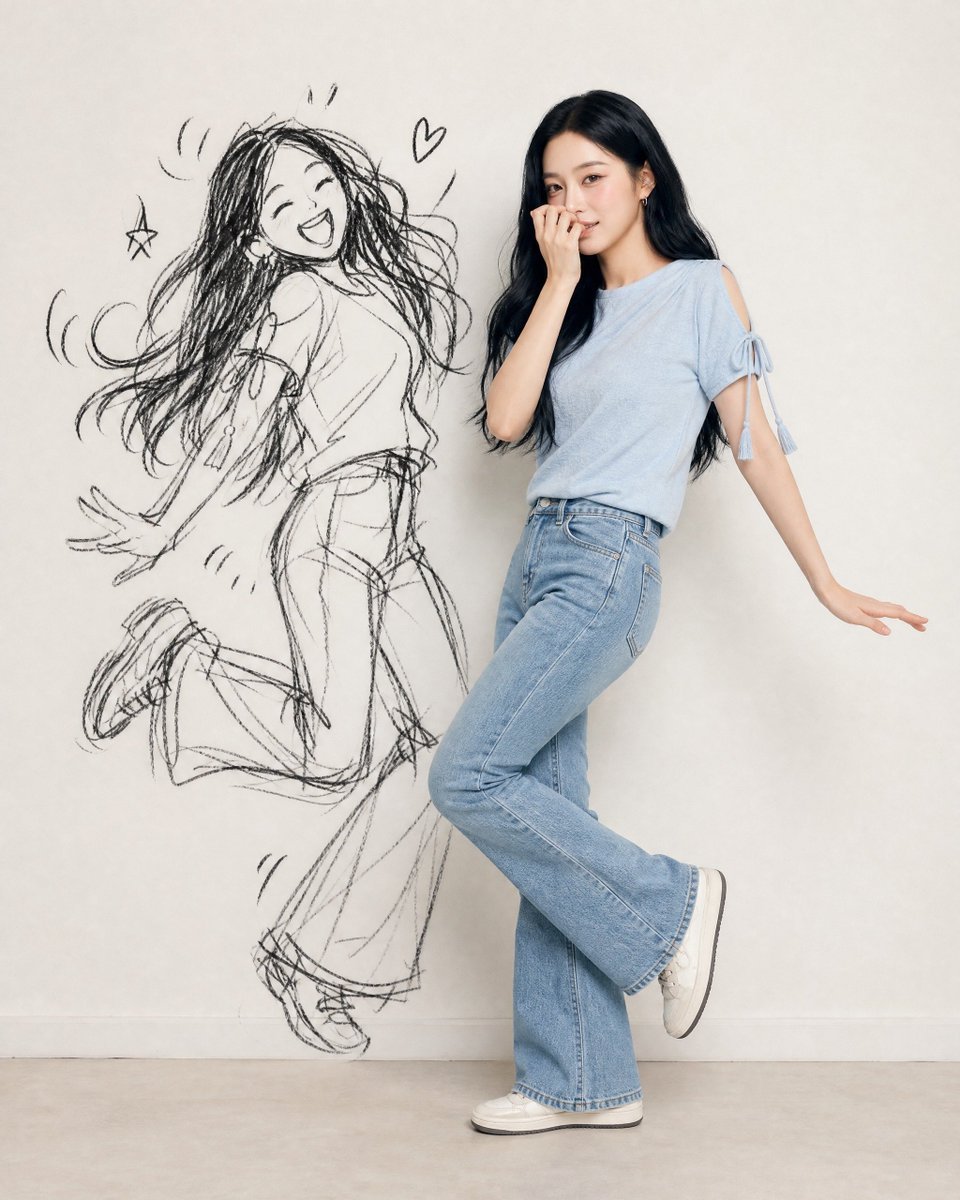
Ink-Twin Doodle Stylization
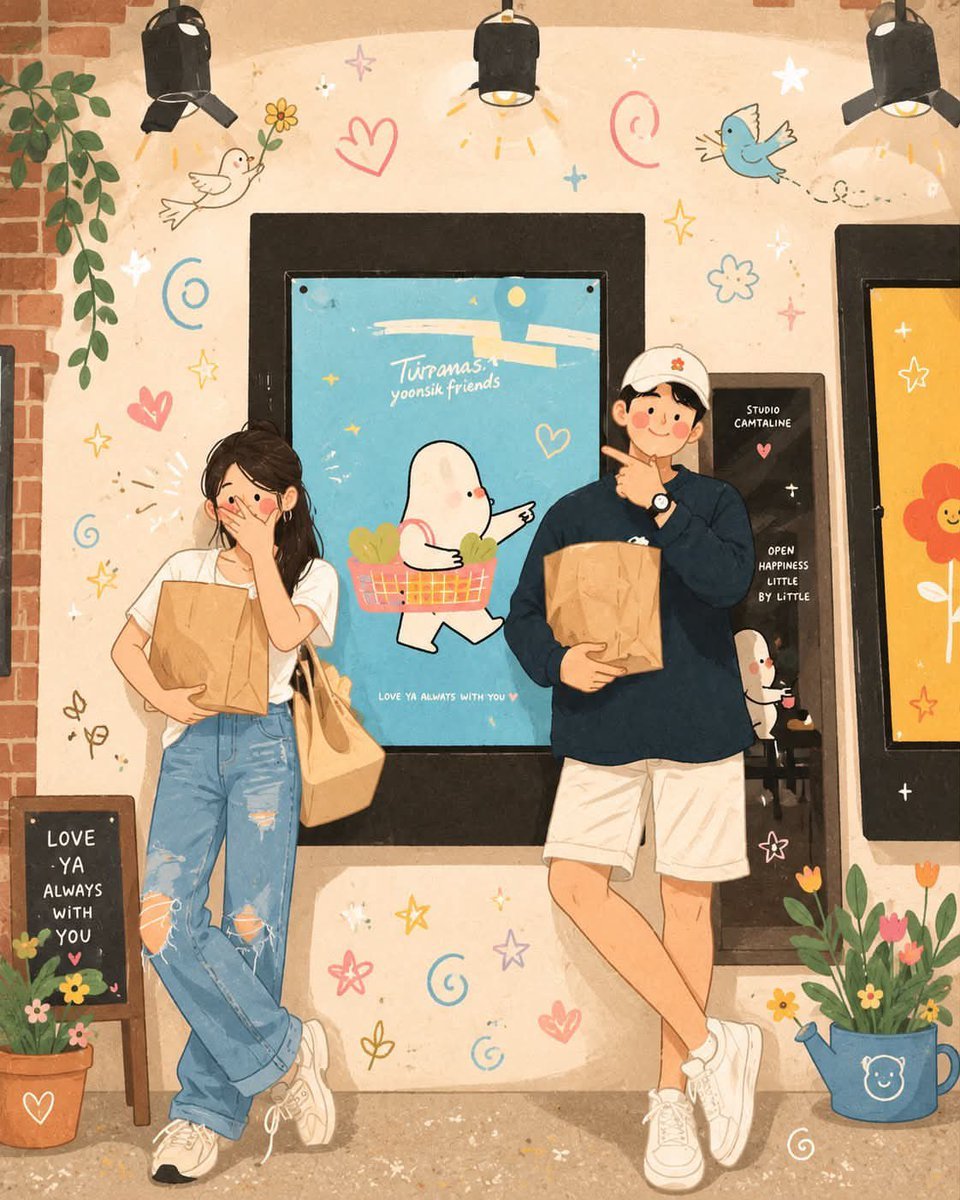
Korean-Inspired Whimsical Doodle Art
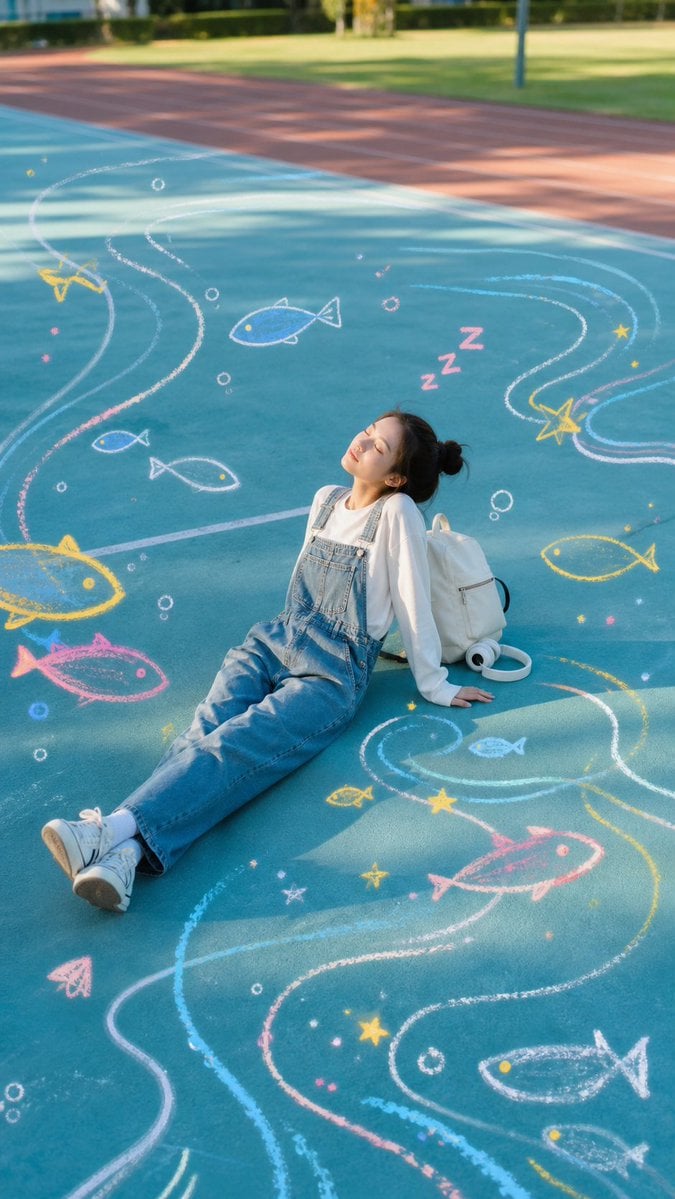
Sleeping Girl on Chalk Doodle Court
Make it yours
Cloud Shape Doodle Art Overlay works as-is. These are the safest ways to change it without losing the look.
Change one field
Copy a single group, rewrite it, and generate again so you can see what that field is doing.
Keep the frame, change the subject
Hold the composition and light of Cloud Shape Doodle Art Overlay, then swap wardrobe, props or the person for a new take.
| If the result… | Why | Fix |
|---|---|---|
| The result drifts from the preview | Too many fields changed at once. | Reuse Cloud Shape Doodle Art Overlay as-is first, then change one group — subject, light, or setting. |
| The model over-stylizes the scene | The prose prompt leaves finish and camera underspecified. | Add one camera or lighting sentence and stay on GPT Image 2. |
More GPT Image 2 templates
Other prompts made for GPT Image 2.

Six VTuber Japanese Logo Sheet

Realistic Portrait of Woman and Deer

The Vista Modular Condo Poster

AI Model Routing Comparison Infographic

2.5D Anime Art Board

Isometric Productivity Desk Scene

New York Double Exposure Poster

Four-Panel AI Landscape Comparison

Japanese Tatami Lifestyle Magazine Cover

NESCAFÉ Coffee Map Poster
More image prompts
Fresh picks from across the catalog.
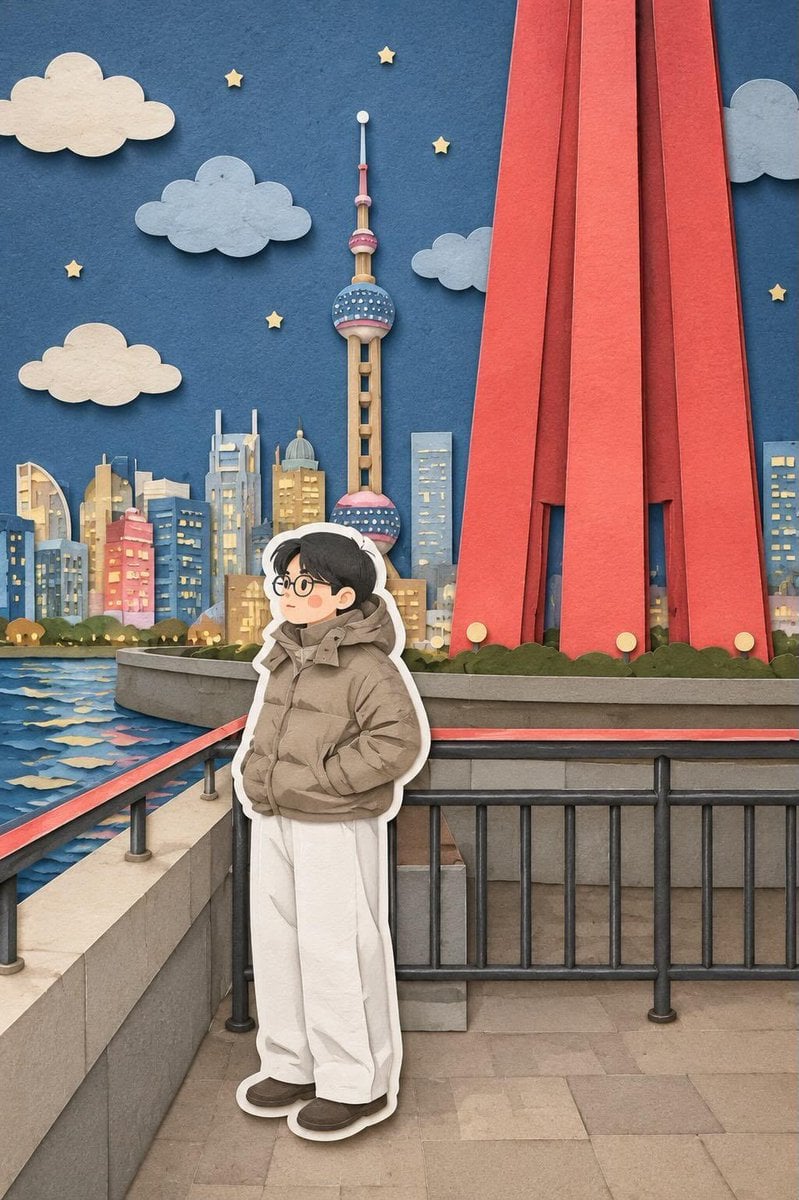
Paper-Cut Layered Illustration Style
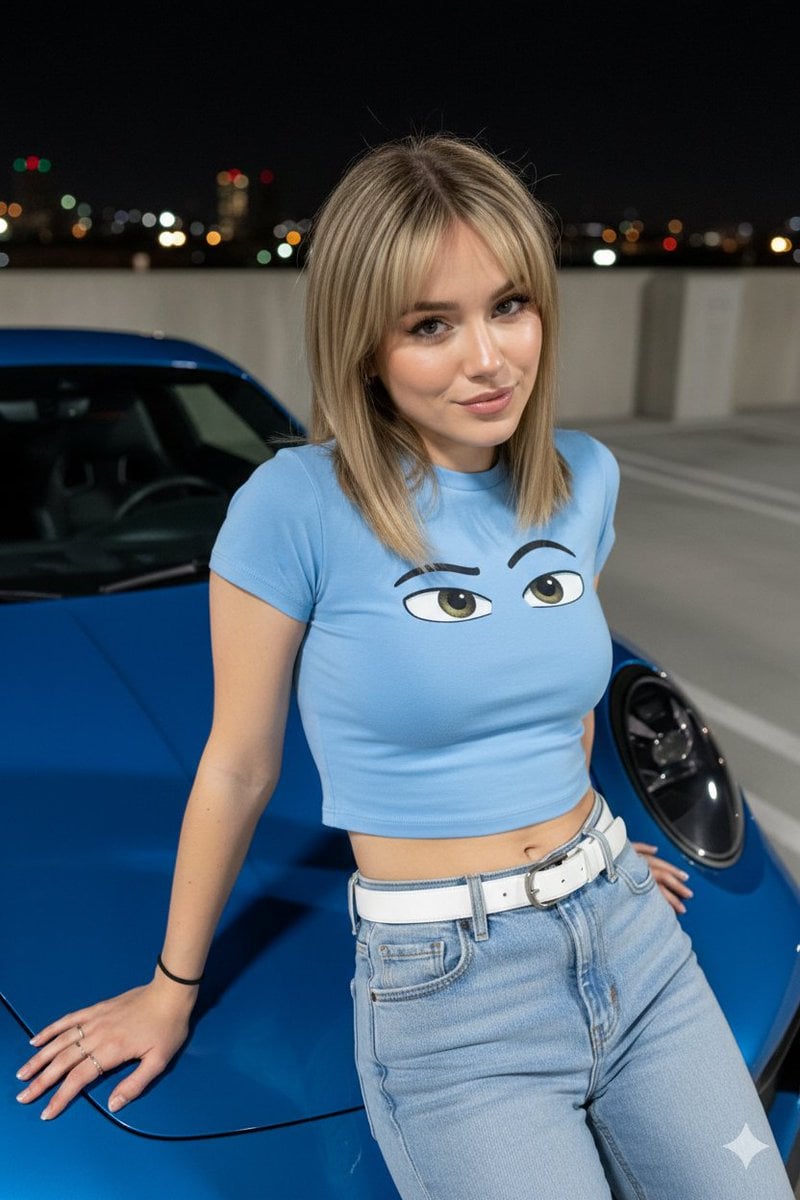
Nighttime Automotive Portrait Prompt
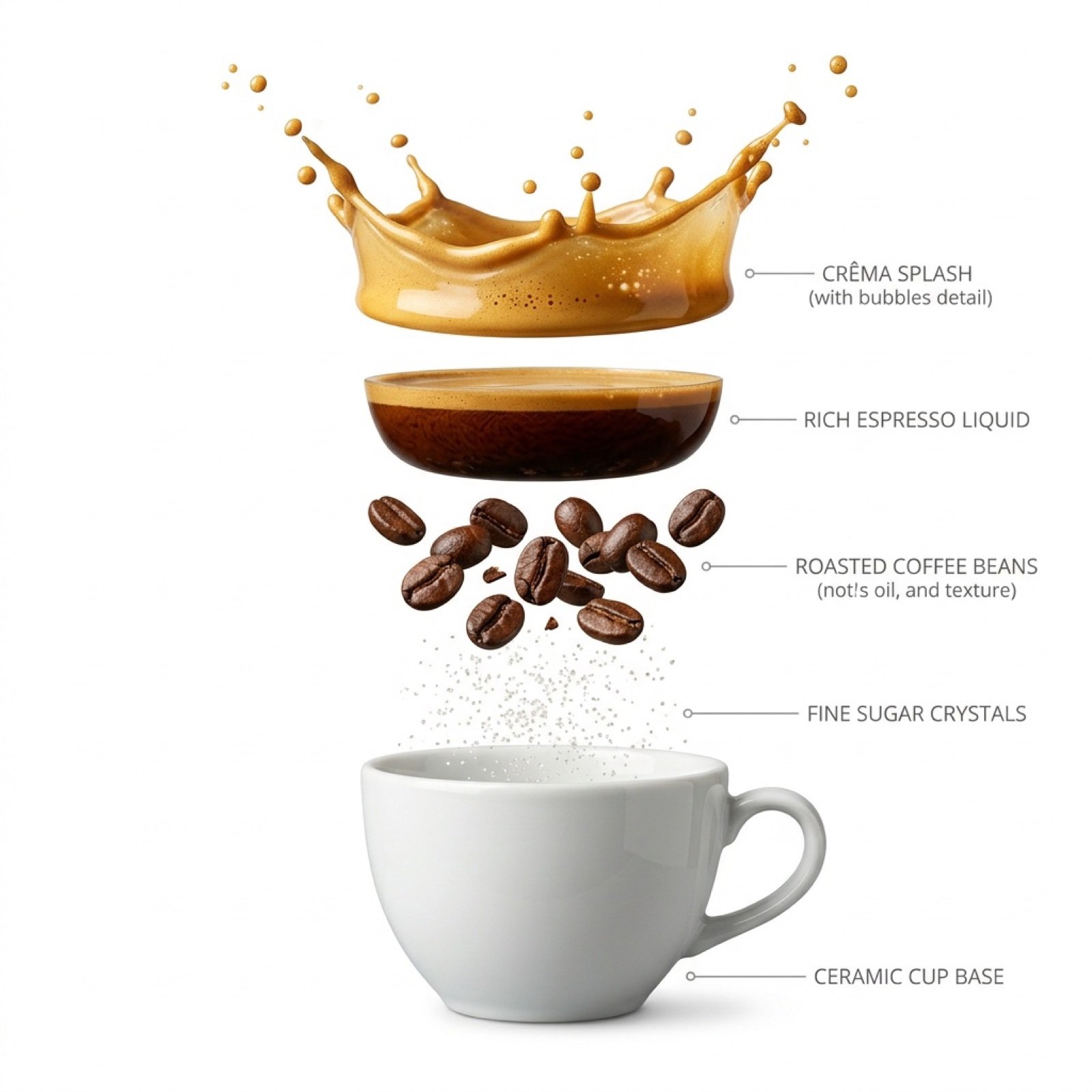
Hyper-Realistic Exploded Infographic of Morning Coffee

Psychological Surrealism Fashion Portrait
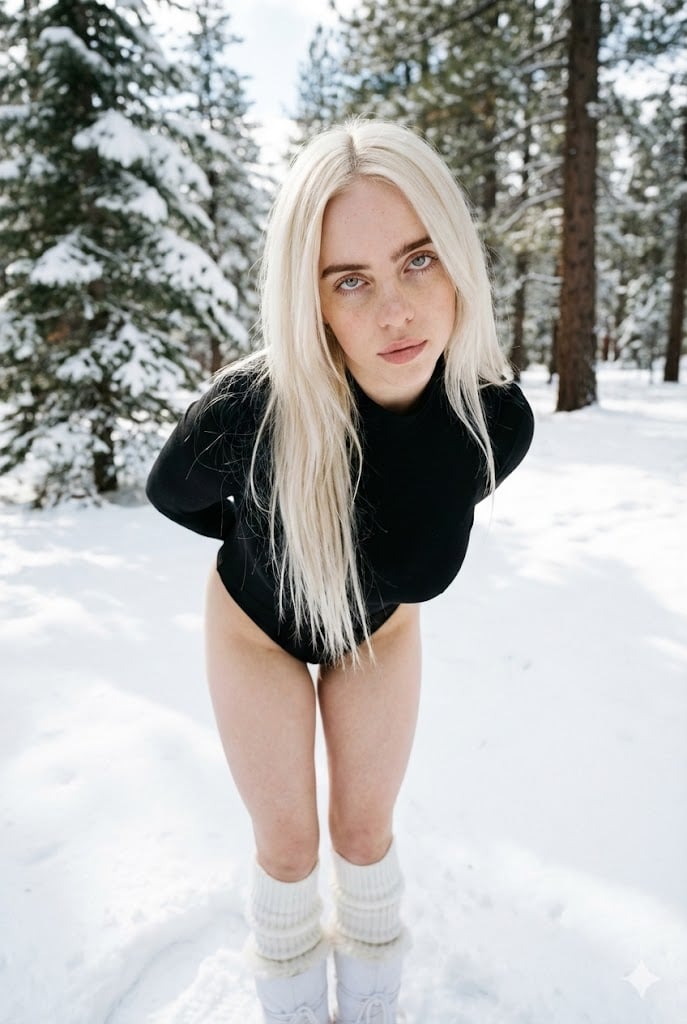
Structured Minimalist Winter Portrait Prompt
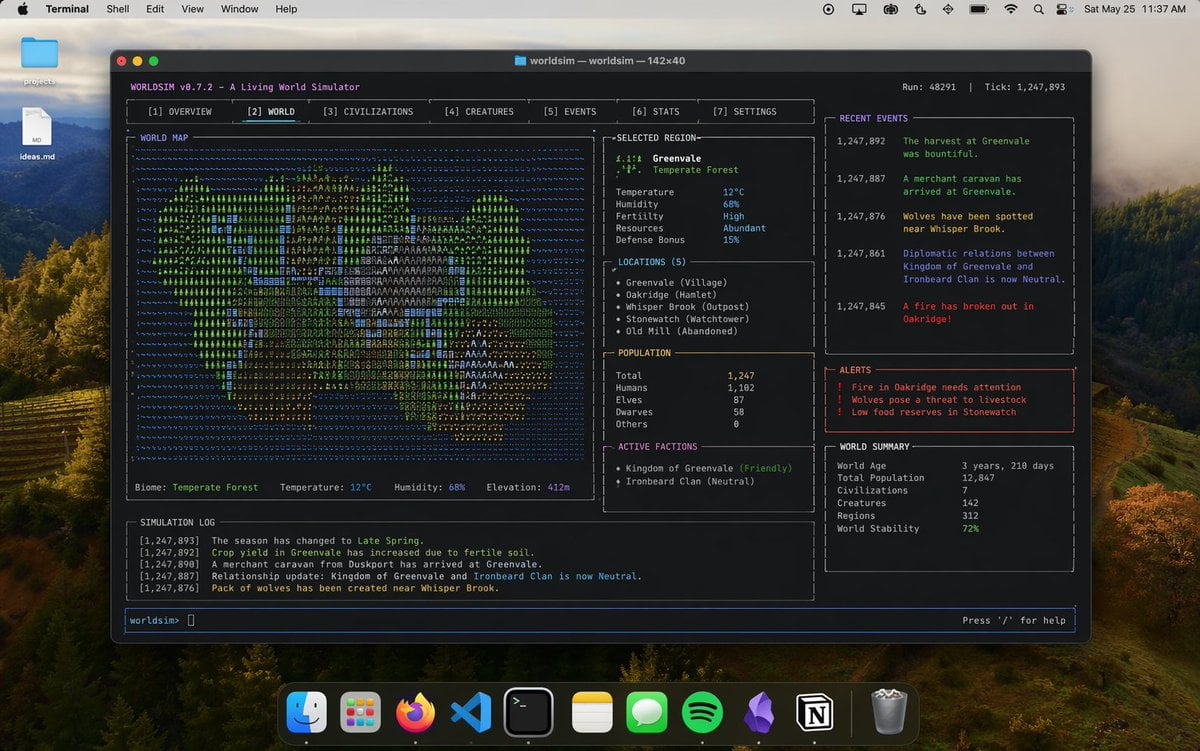
Mac Terminal World Sim UI
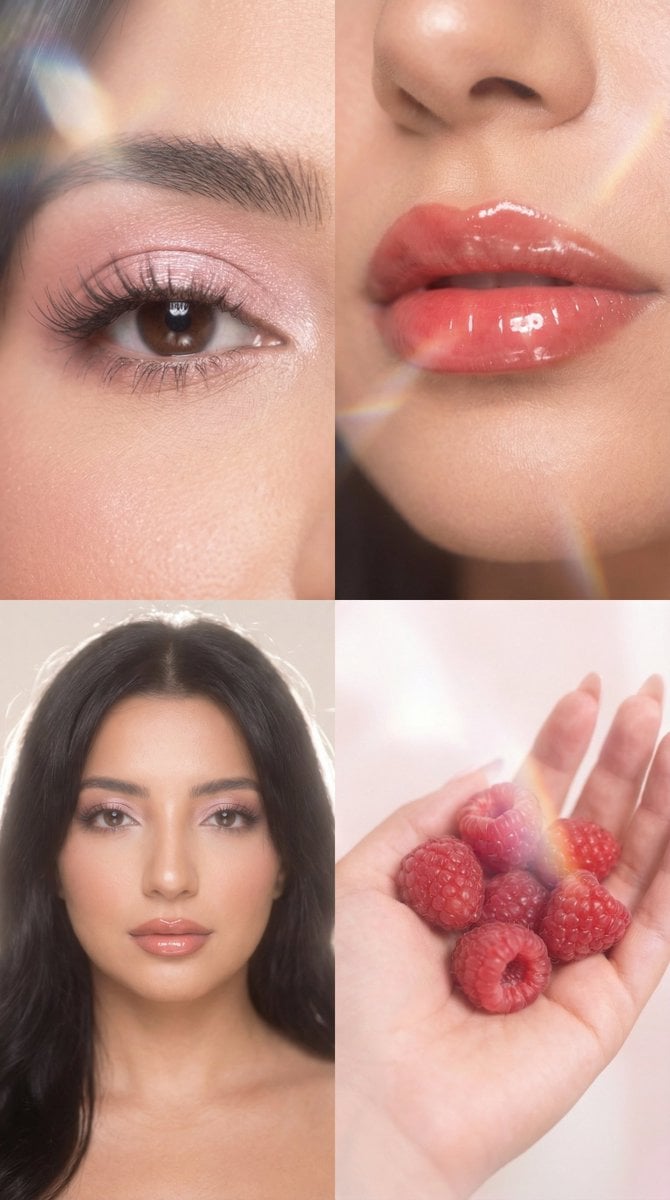
Strawberry Milk Glass Lens Beauty Quad Prompt

Luxury Fashion Brand Ad
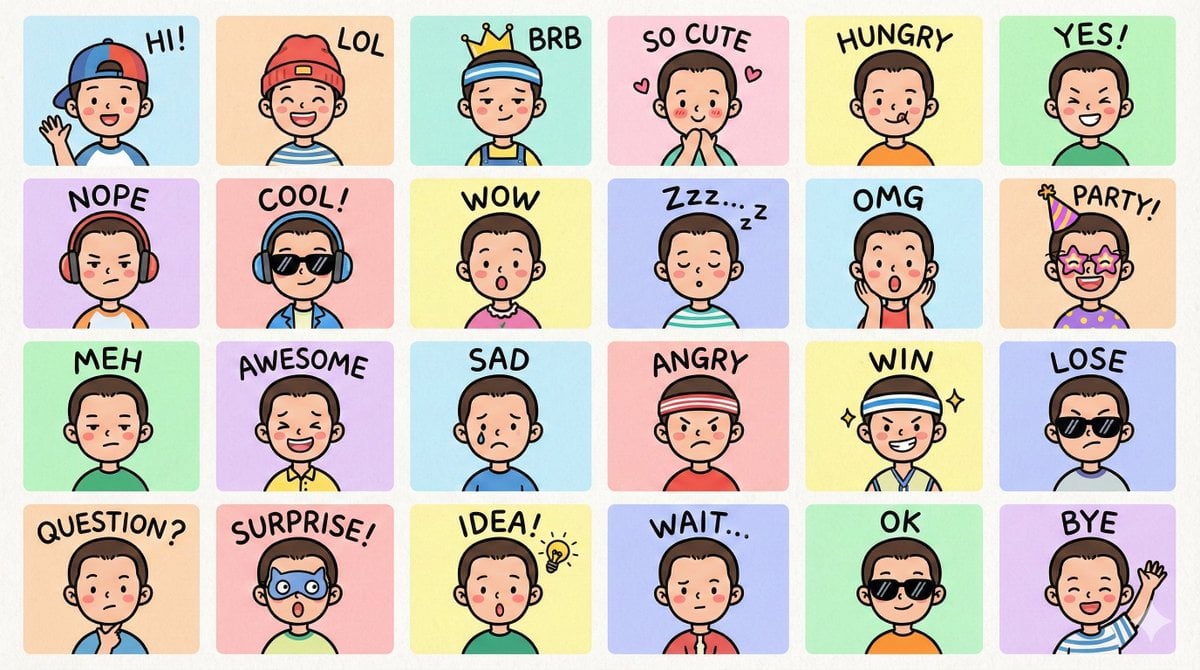
LINE-style Q-version emoji portrait grid

Anime Sakura Goodnight Festival Scene
Browse template categories
Cloud Shape Doodle Art Overlay questions
How do I use the Cloud Shape Doodle Art Overlay template?
Add your photo if the template asks for one, edit the prompt if you like — the template's model and format are already selected — and press Generate. Your version opens in PicX Studio.
Can I customize the Cloud Shape Doodle Art Overlay template?
Yes. You can change the subject, setting, lighting, mood, format, and available model controls before creating your image.
Is the Cloud Shape Doodle Art Overlay template free?
Opening and editing this template is free. Generating uses credits, shown on the Generate button when you are signed in.
Which AI model should I use?
Start with GPT Image 2, which is the model associated with this template. You can compare another compatible model for a different finish.
Looking for something else? Browse all templates.

Your photo, any look
Thousands of ready templates for every top image and video model, from one credit balance.