How do I use the Nested Picture-in-Picture Software UI template?
Choose the primary action to open PicX Studio with the available template settings. Review the model and format, personalize the creative direction, and generate when ready.
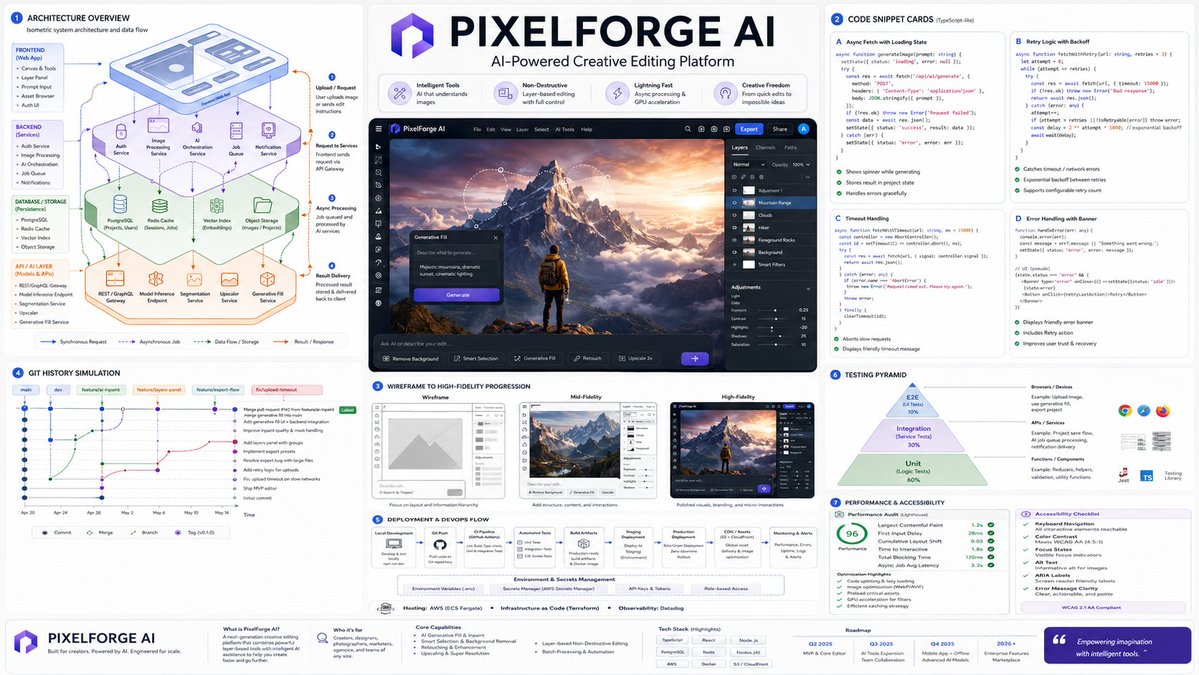
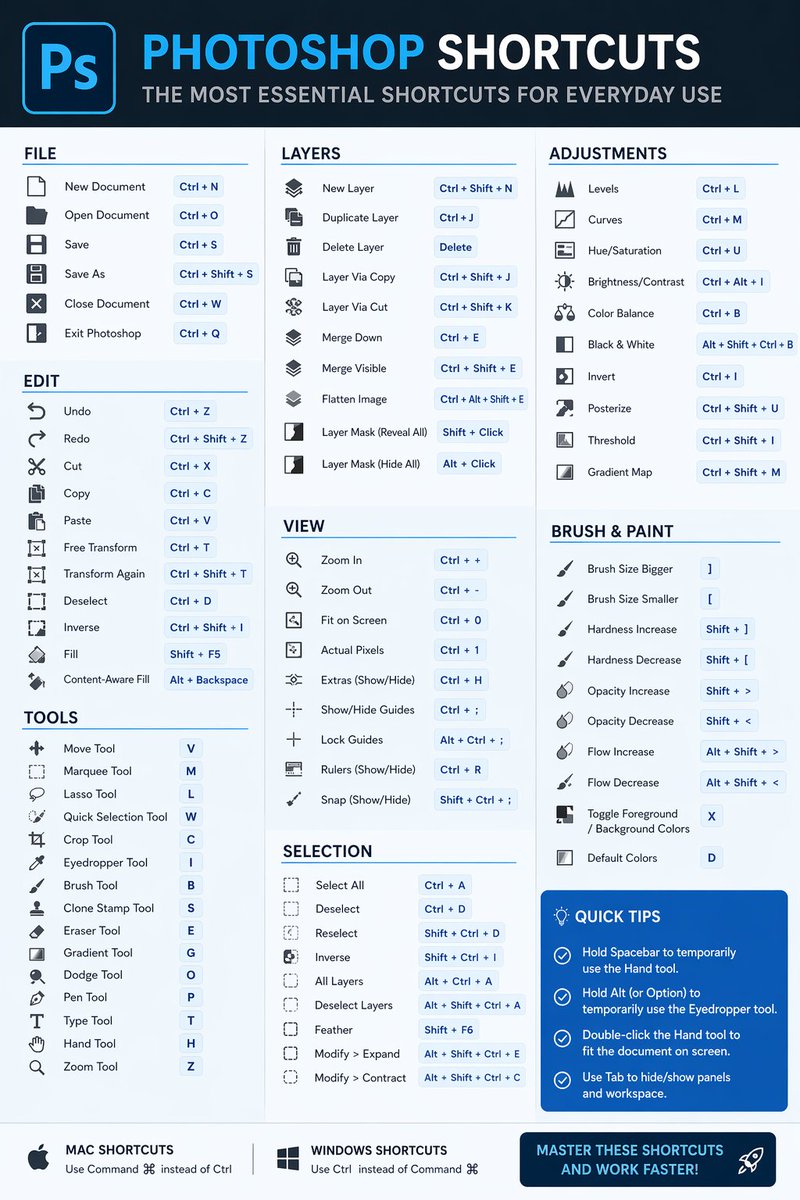
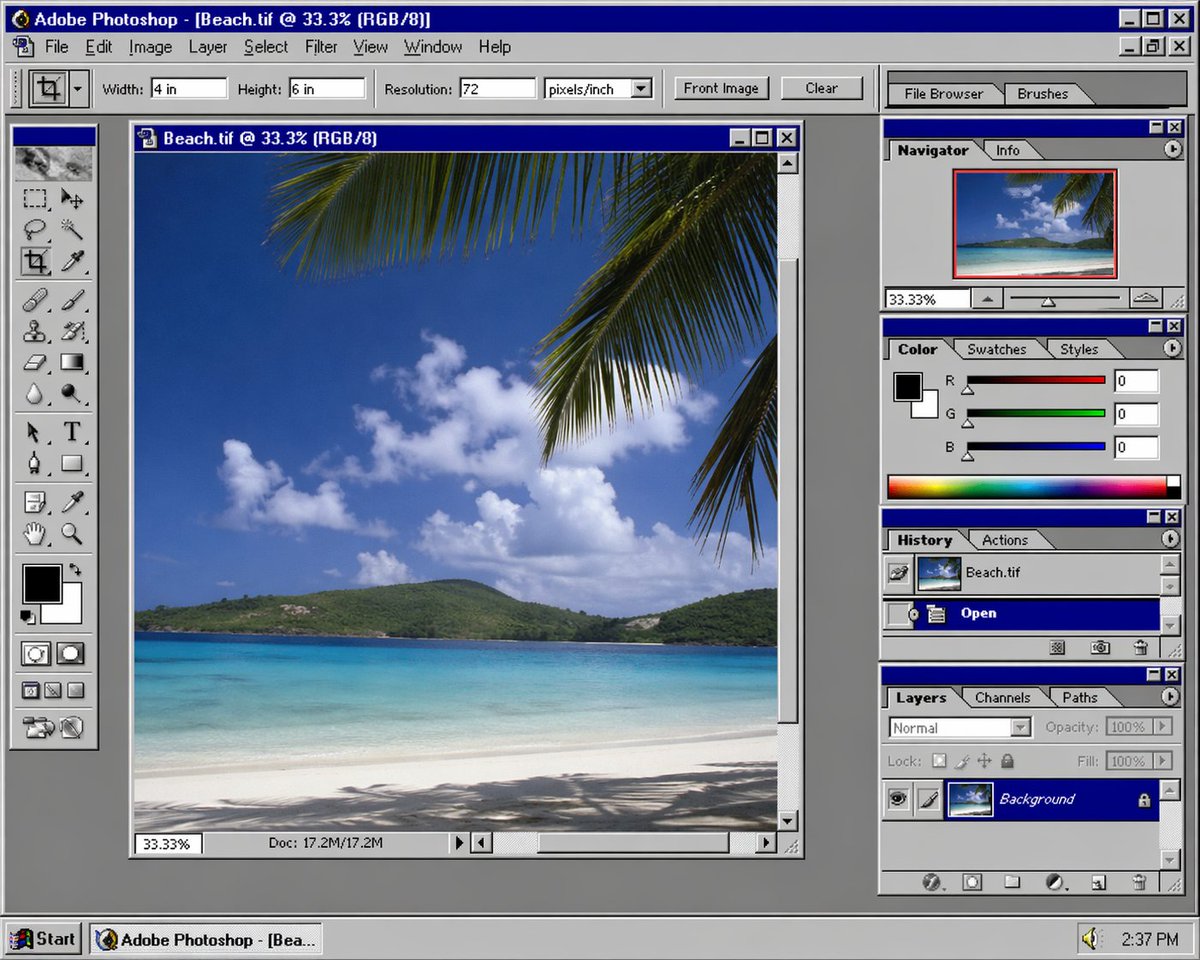
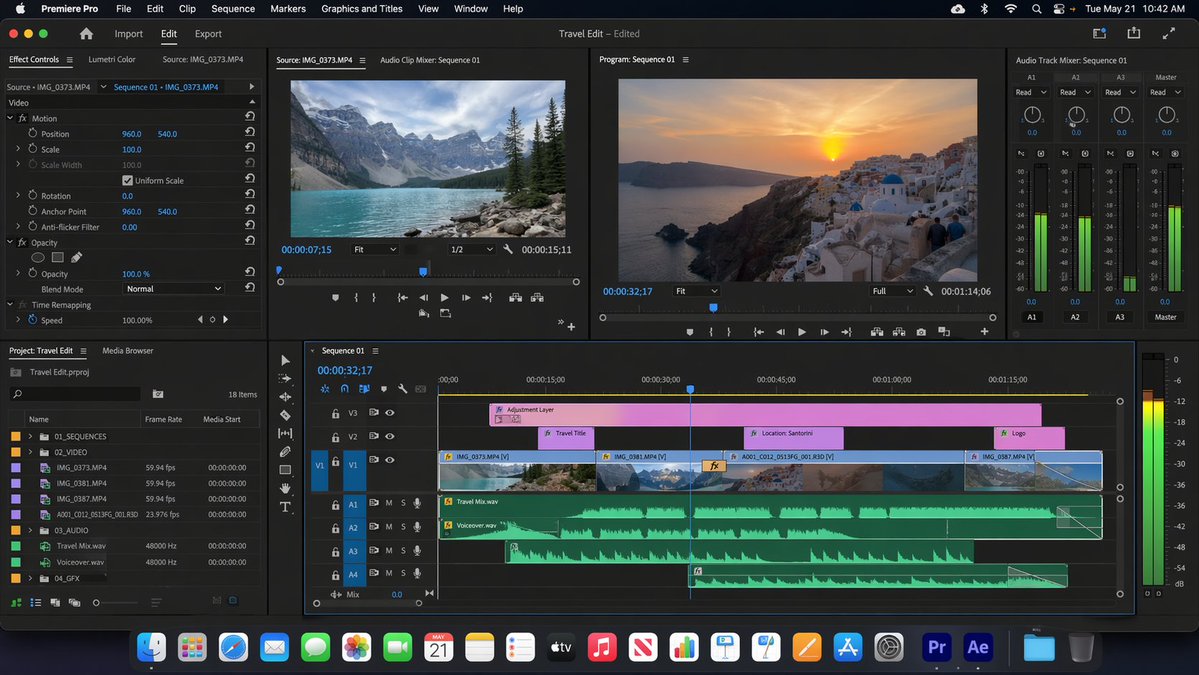
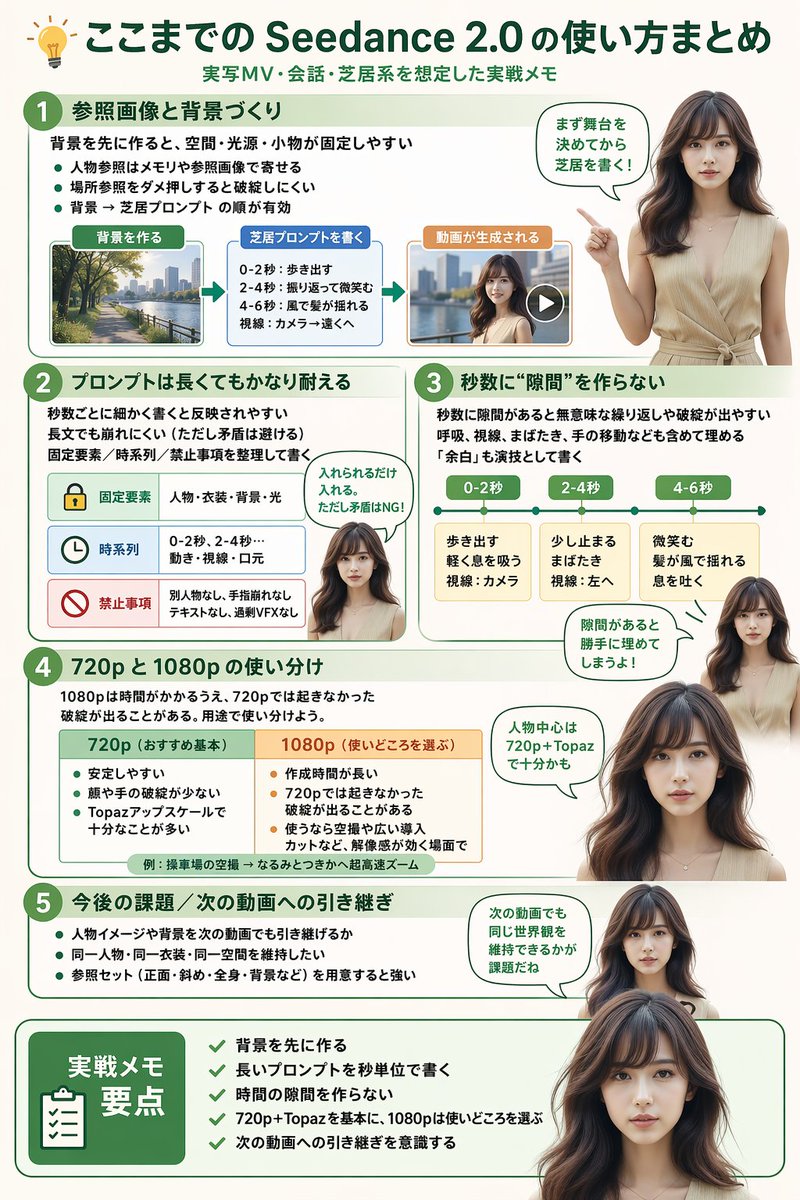
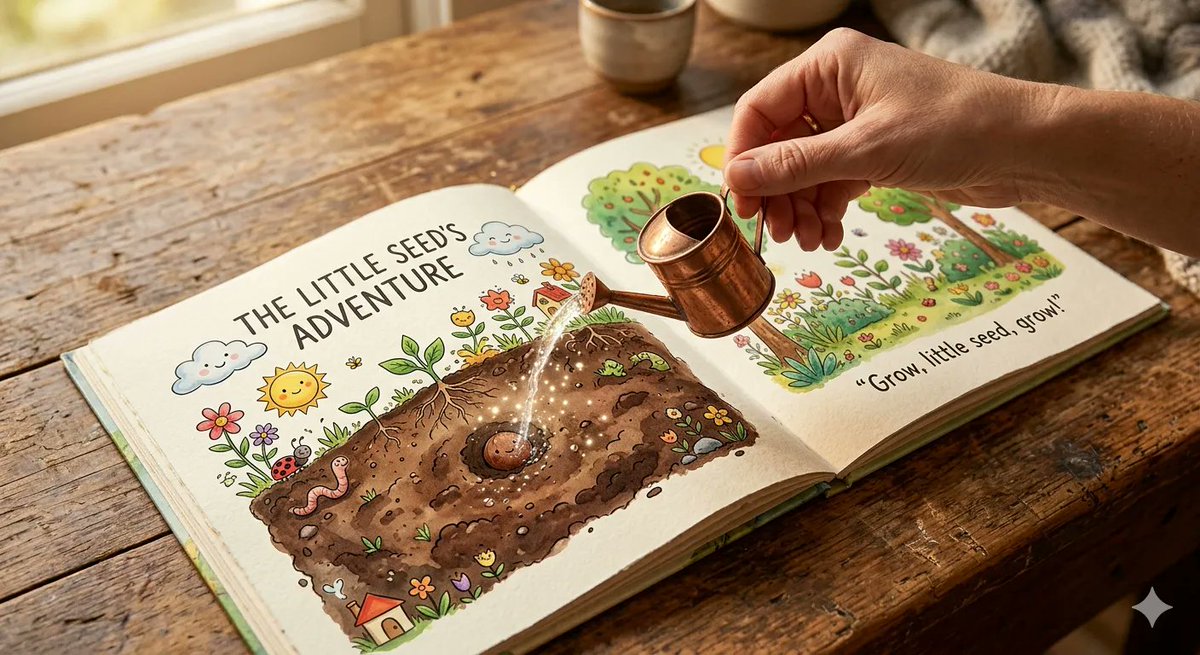
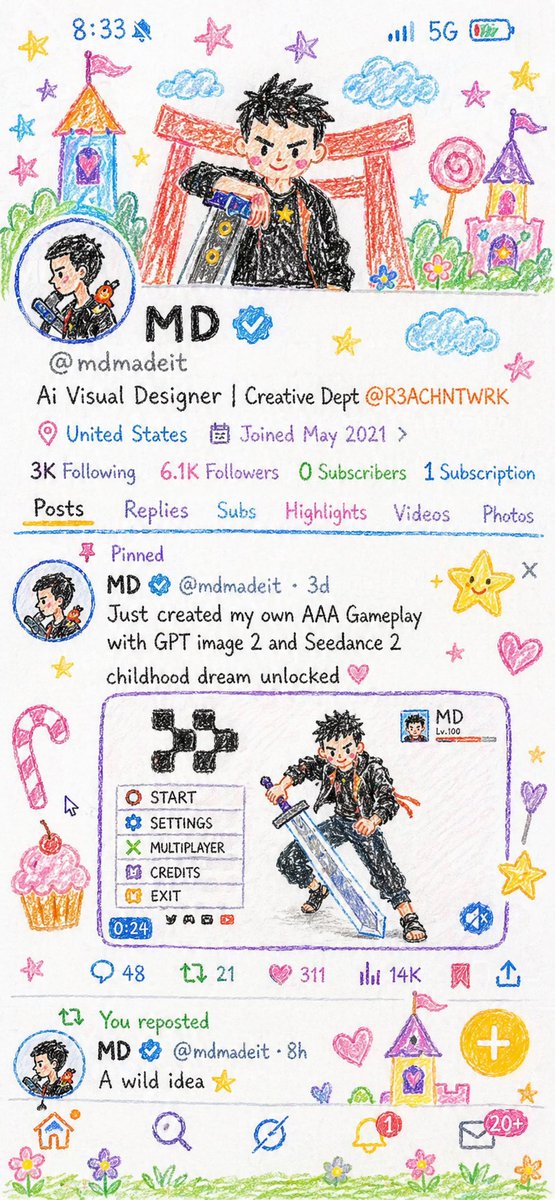
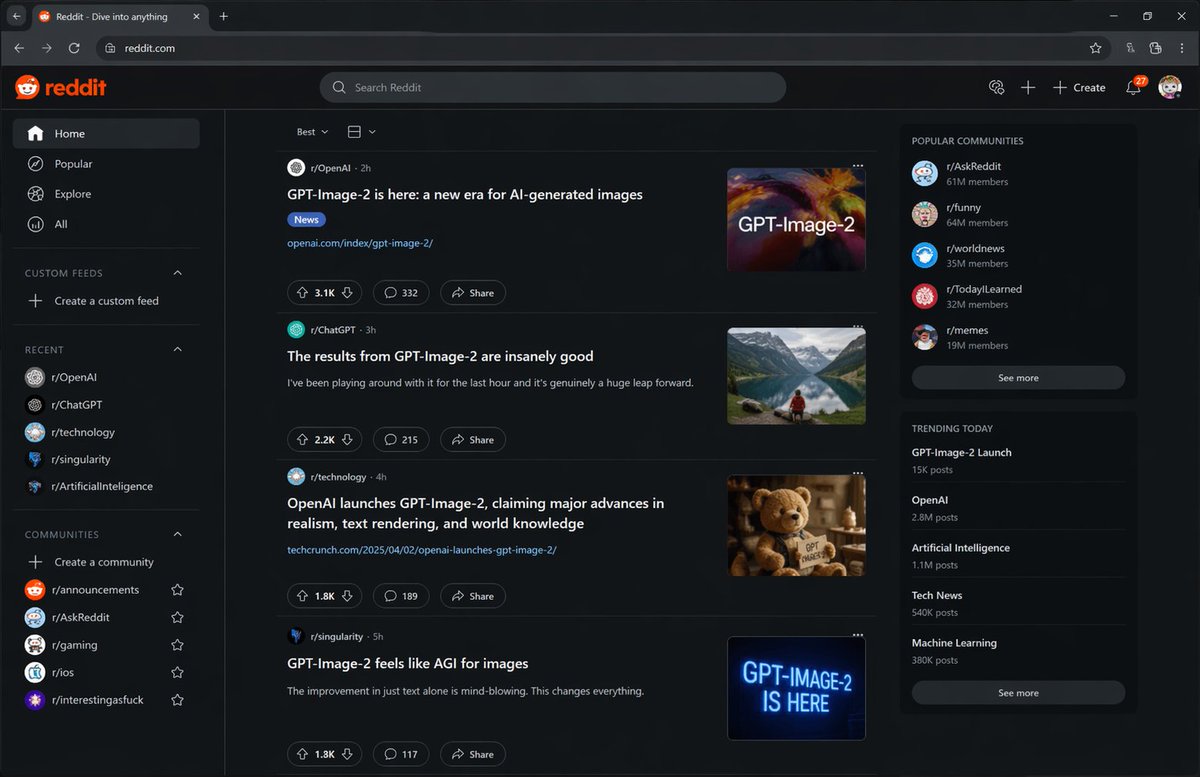
A complex prompt used to test the rendering depth and detail of GPT Image 2, featuring a software editor nested within a chat app and artwork.
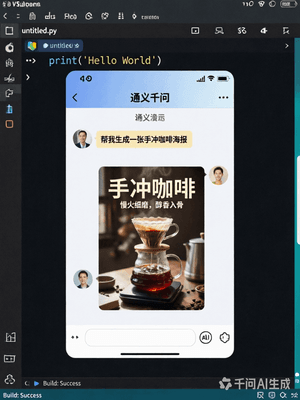
生成一张具有视觉纵深感的‘画中画’图像。最外层是一个真实的 {argument name="编程界面" default="VSCode 编程界面"},中间嵌套一个{argument name="应用名称" default="千问App"}的聊天界面,聊天界面里我正在发送一条消息,内容是‘{argument name="生成请求" default="帮我生成一张手冲咖啡海报"}’。千问回复了一张精美的咖啡海报,这张海报也清晰地显示在聊天界面中。要求每一层UI都保持真实的风格与细节,界面中的时间数字、按钮小字等微观细节清晰可辨。
Choose the primary action to open PicX Studio with the available template settings. Review the model and format, personalize the creative direction, and generate when ready.
Yes. You can change the subject, setting, lighting, mood, format, and available model controls before creating your image.
This template is free to open and customize. Generation usage is shown in PicX Studio before you create.
Start with GPT Image 2, which is the model associated with this template. You can compare another compatible model for a different finish.
Follow a topic to a crawlable collection of related PicX Studio templates.