
Ultra-realistic 3D miniature diorama of a environment built inside
Ultra-realistic 3D miniature diorama of a [BRAND NAME] environment built inside a giant [ICONIC OBJECT OF BRAND], shown in a clean cross-section or partially cut-open view revealing a detailed interior world.
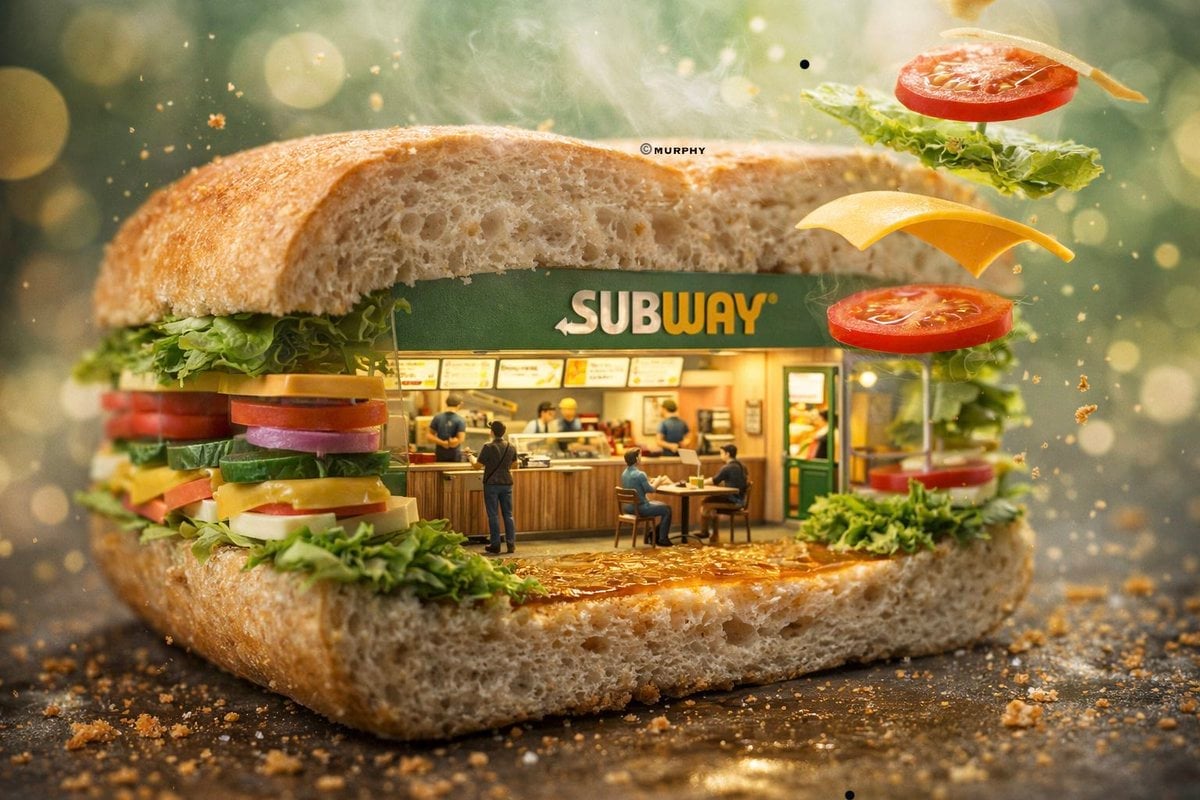
- Prompt included
- Model and format preset
- Free template
The prompt behind this image
Copy the exact prompt behind Ultra-realistic 3D miniature diorama of a environment built inside, or open it in the studio and make it yours.
Ultra-realistic 3D miniature diorama of a [BRAND NAME] environment built inside a giant [ICONIC OBJECT OF BRAND], shown in a clean cross-section or partially cut-open view revealing a detailed interior world. Inside the structure, a fully detailed miniature [brand-specific environment: store / café / restaurant / showroom] exists, with realistic human activity such as staff working, customers interacting, and natural storytelling moments. The [object] acts as both container and environment, with its materials and elements integrated into the architecture (e.g., layers, textures, surfaces forming terrain and structure). Add dynamic storytelling elements: objects or particles suspended mid-air, subtle motion frozen in time (liquid splashes, falling elements, steam, crumbs, etc.). Include volumetric atmosphere such as steam, fog, or light rays interacting with particles in the air to enhance cinematic depth. Surfaces must be hyper-realistic with micro details: imperfections, condensation, reflections, dust, oil sheen, texture variations depending on the material. Lighting should follow a cinematic high-end advertising style, with strong contrast between warm and cool tones, soft rim lighting outlining the subject, and natural light direction enhancing depth and realism. Composition: slightly angled hero shot, clear cross-section visibility, centered subject, minimal but cinematic background with soft bokeh. Shot on a macro lens, shallow depth of field, creamy bokeh background, ultra-detailed textures, 8K resolution, filmic color grading, luxury commercial photography style.
How to use Ultra-realistic 3D miniature diorama of a environment built inside in 3 steps
- 1
Open
The prompt is already in the box next to the preview, with the template's model and format selected.
- 2…a portrait of your subject in softgolden-hour light, 85mm…
Personalize
Edit the subject and creative details for your destination.
- 3Generate
Generate
Press Generate — your image is created in PicX Studio, so you can compare it with the original and refine one variable at a time.
More like this
Templates with the same subject, style or setup. Open one to see its prompt.
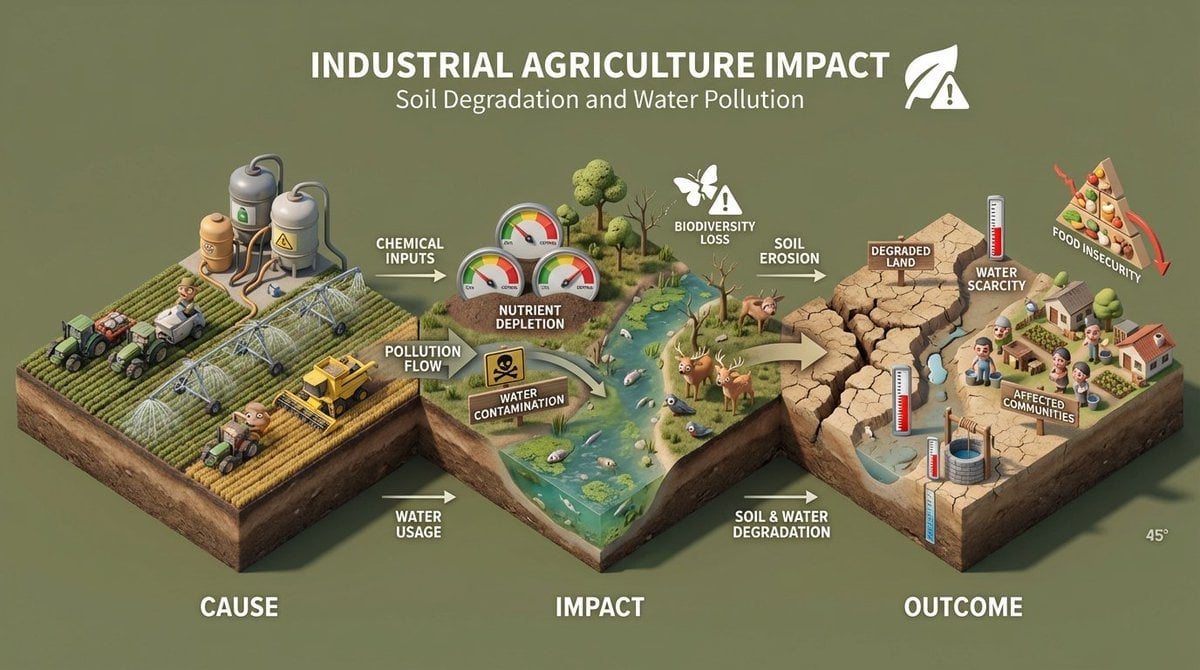
Build an isometric miniature 3D diorama explaining the environmental
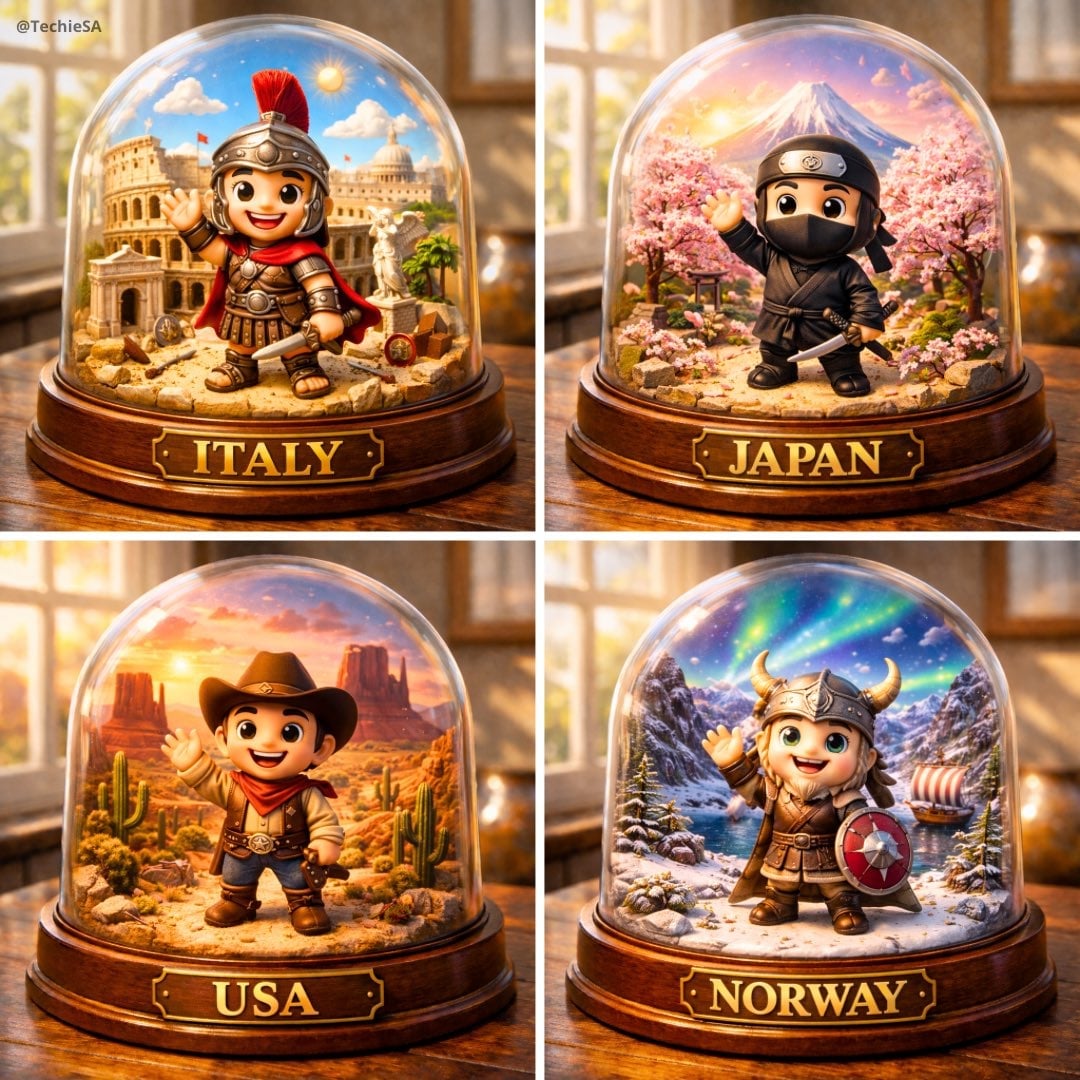
Highly detailed, hyper-realistic image of a miniature diorama inside

Clear, 45 top-down isometric miniature 3D cartoon scene of the iconic
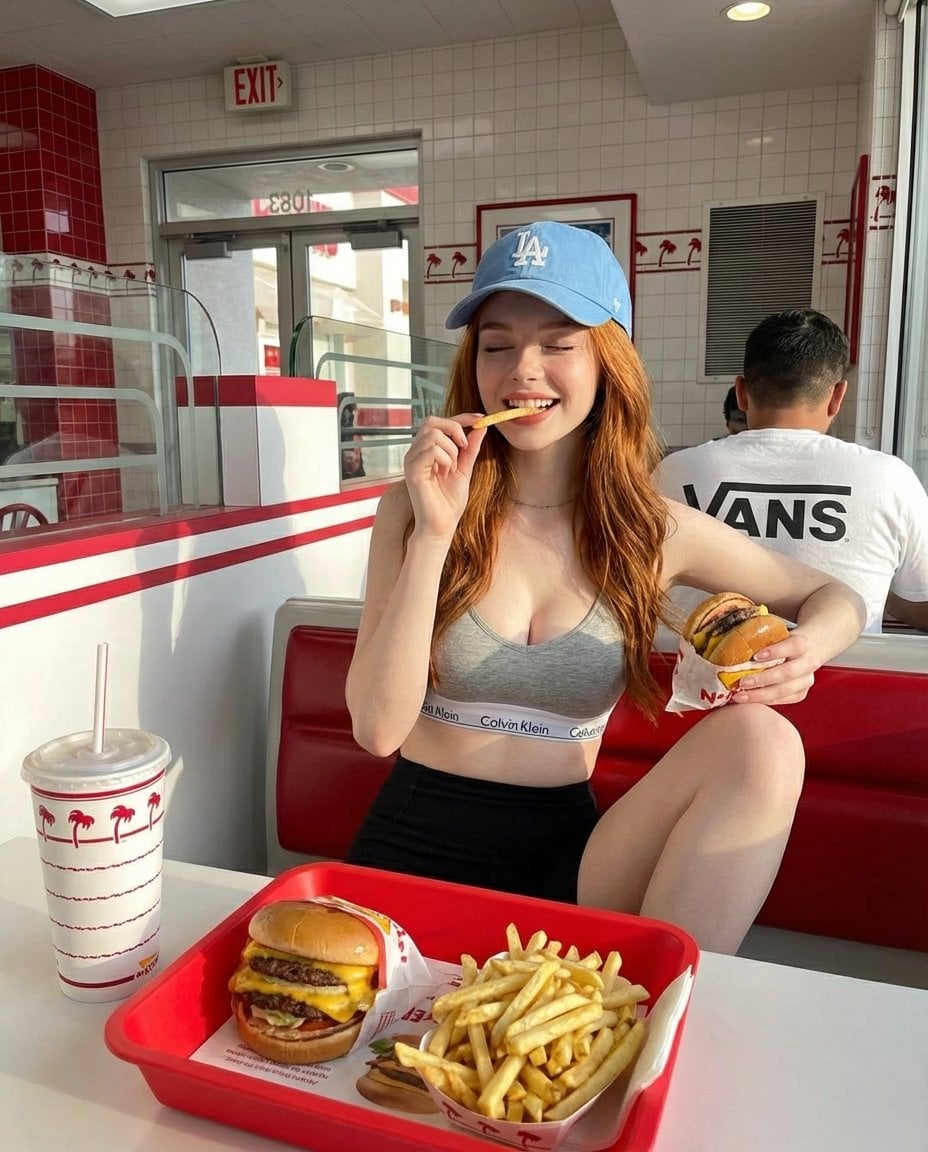
A young red-haired woman sitting inside a bright retro-style fast food

Multiple dark purple berries erupting from inside the can

Stylized Miniature 3D Diorama Craft

Cozy Isometric Bathroom Miniature Diorama
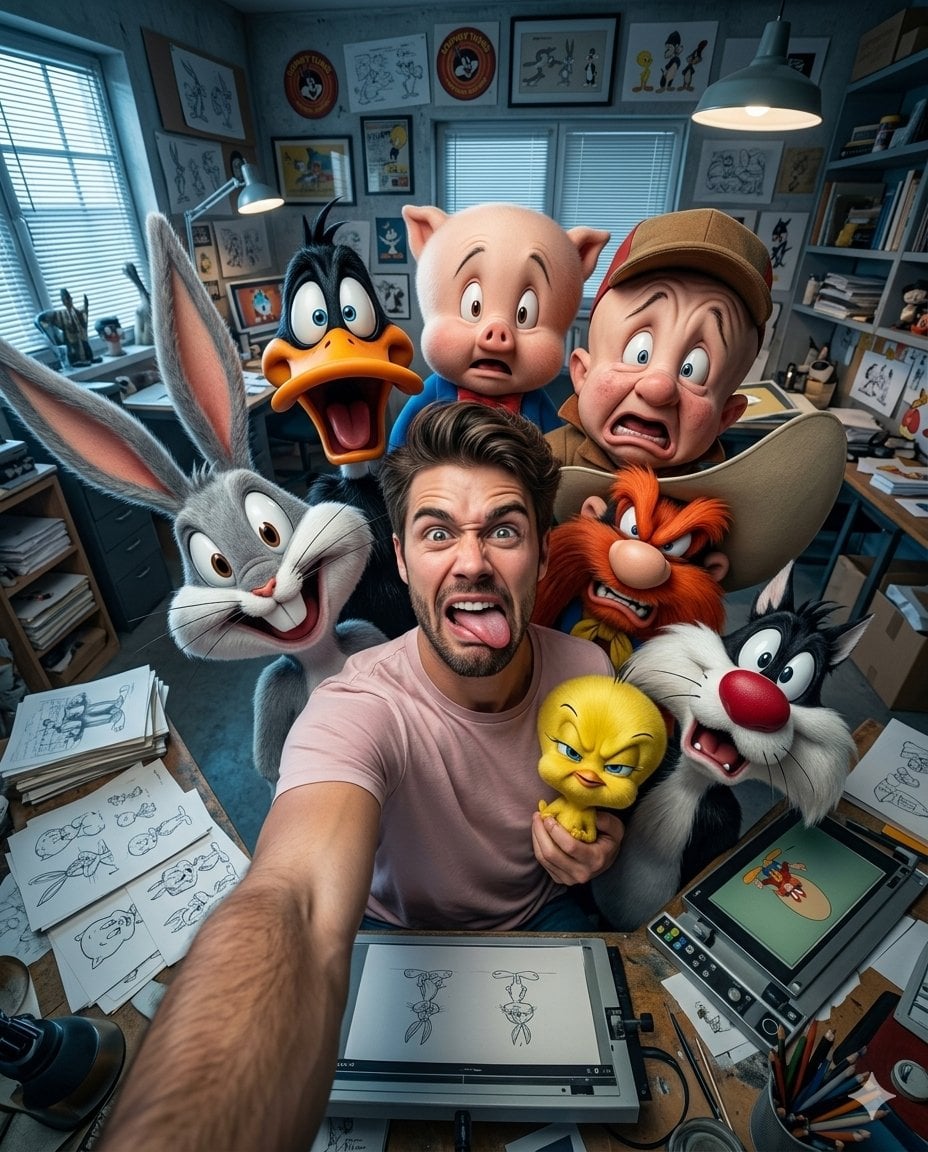
Illustration & 3D Prompt #533
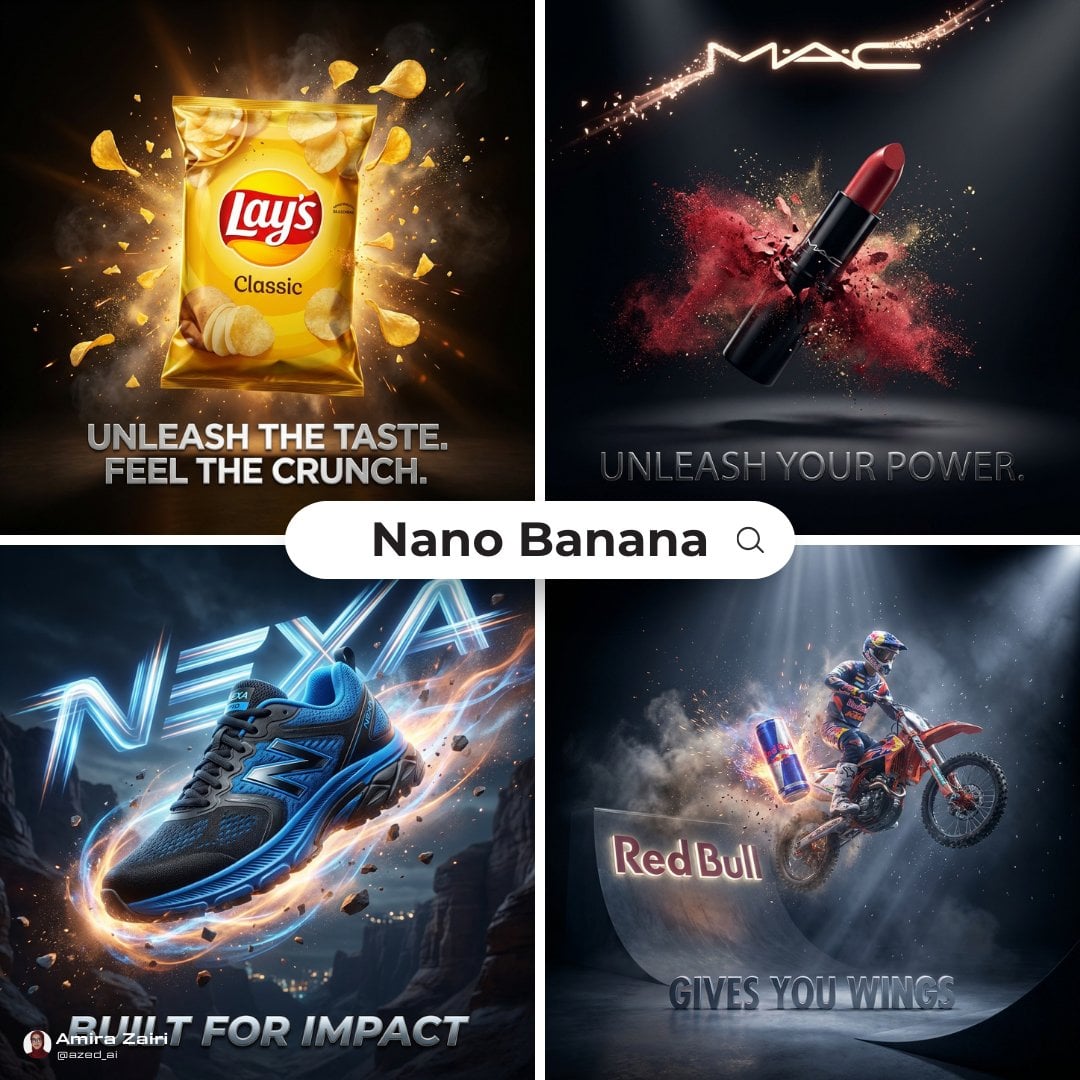
Cinematic 3D action-packed advertisement captured in an intense
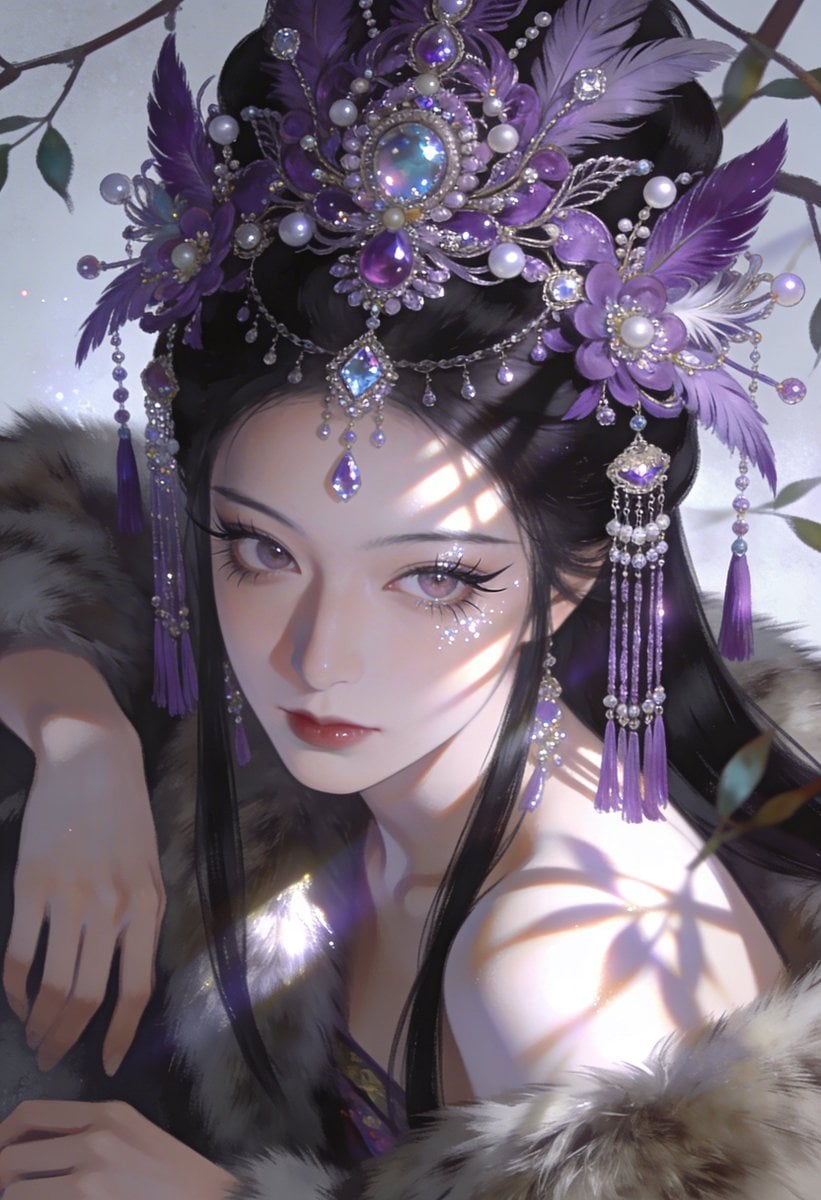
Ime characters into realistic human portraits Convert character
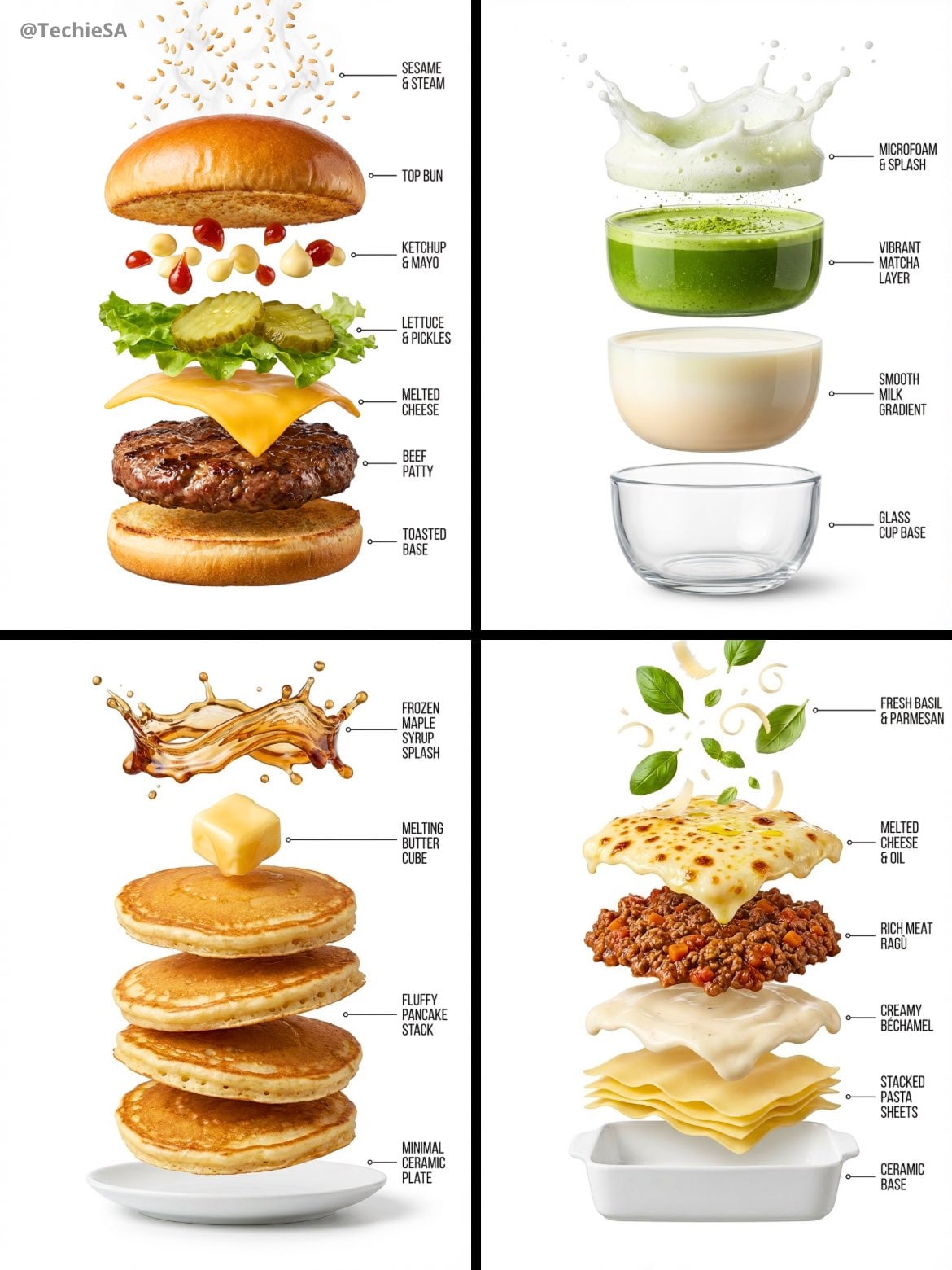
Hyper-realistic exploded vertical infographic composition
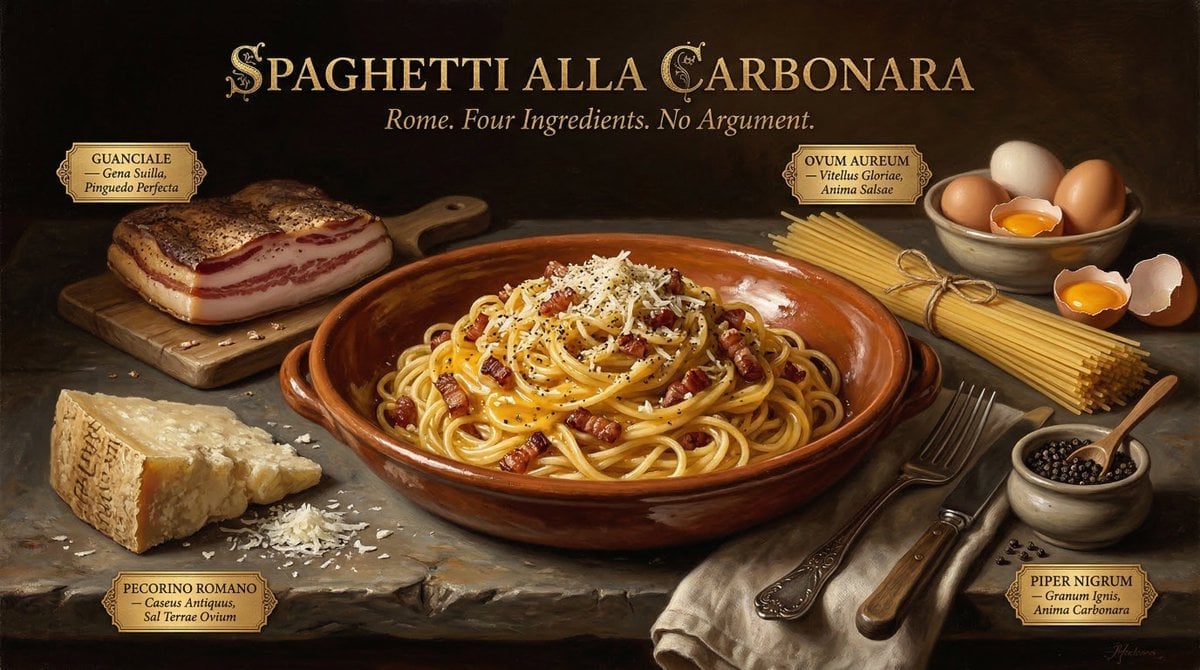
Food & Drink Prompt #913
Make it yours
Ultra-realistic 3D miniature diorama of a environment built inside works as-is. These are the safest ways to change it without losing the look.
Change one field
Copy a single group, rewrite it, and generate again so you can see what that field is doing.
Keep the frame, change the subject
Hold the composition and light of Ultra-realistic 3D miniature diorama of a environment built inside, then swap wardrobe, props or the person for a new take.
| If the result… | Why | Fix |
|---|---|---|
| The result drifts from the preview | Too many fields changed at once. | Reuse Ultra-realistic 3D miniature diorama of a environment built inside as-is first, then change one group — subject, light, or setting. |
| The model over-stylizes the scene | The prose prompt leaves finish and camera underspecified. | Add one camera or lighting sentence and stay on GPT Image 2. |
More GPT Image 2 templates
Other prompts made for GPT Image 2.

Six VTuber Japanese Logo Sheet

Realistic Portrait of Woman and Deer

The Vista Modular Condo Poster

AI Model Routing Comparison Infographic

2.5D Anime Art Board

Isometric Productivity Desk Scene

New York Double Exposure Poster

Four-Panel AI Landscape Comparison

Japanese Tatami Lifestyle Magazine Cover

NESCAFÉ Coffee Map Poster
More image prompts
Fresh picks from across the catalog.
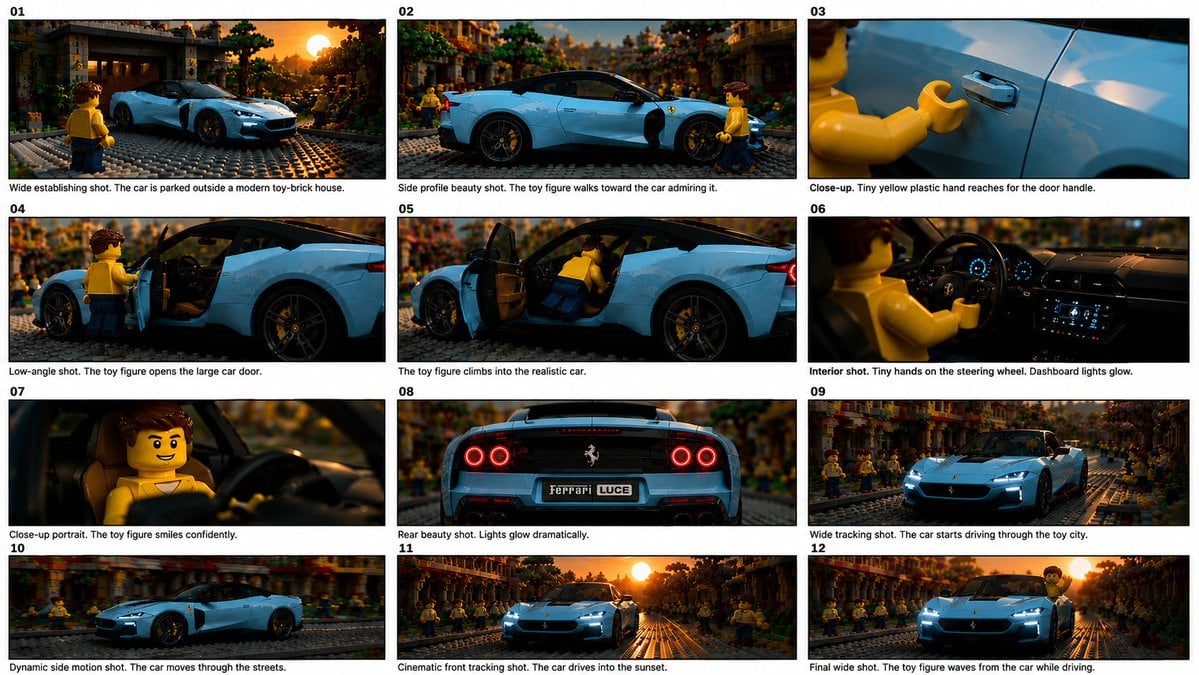
Toy Ferrari Storyboard Contact Sheet

Watercolor Spring Greeting Card Portrait
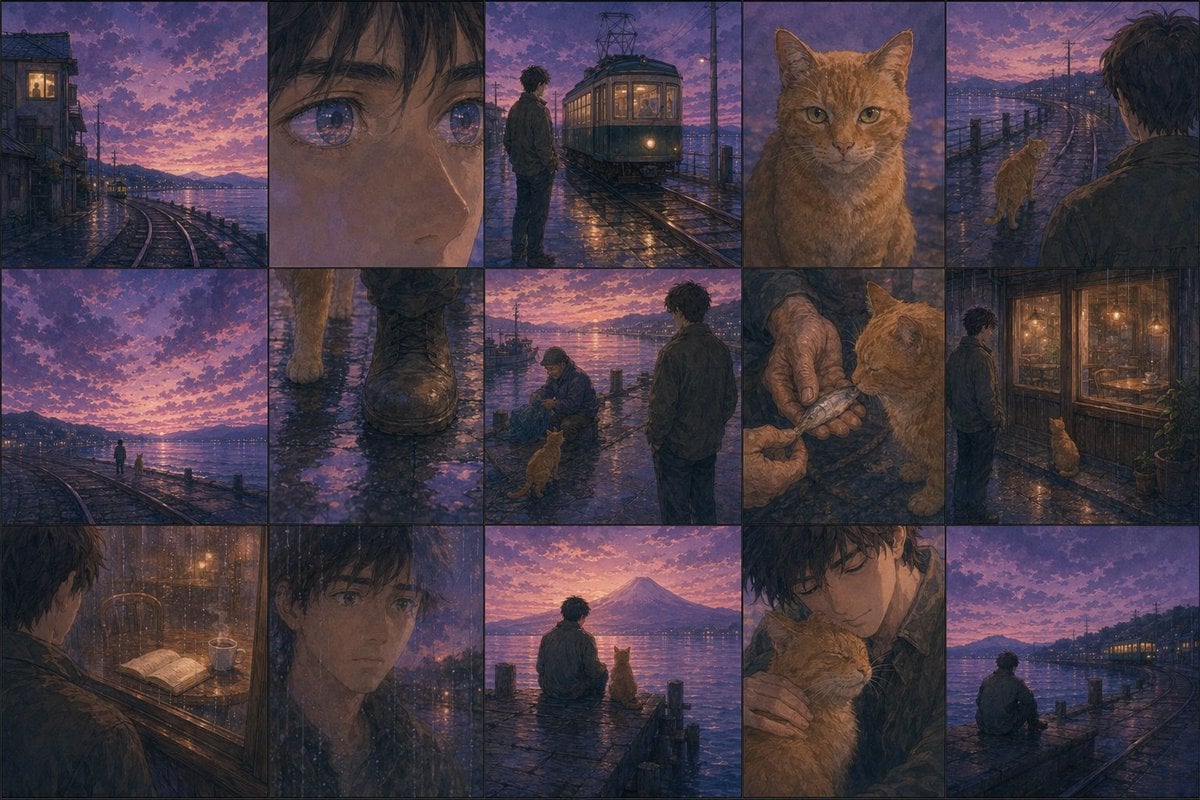
Haruki Murakami Style Comic Prompt
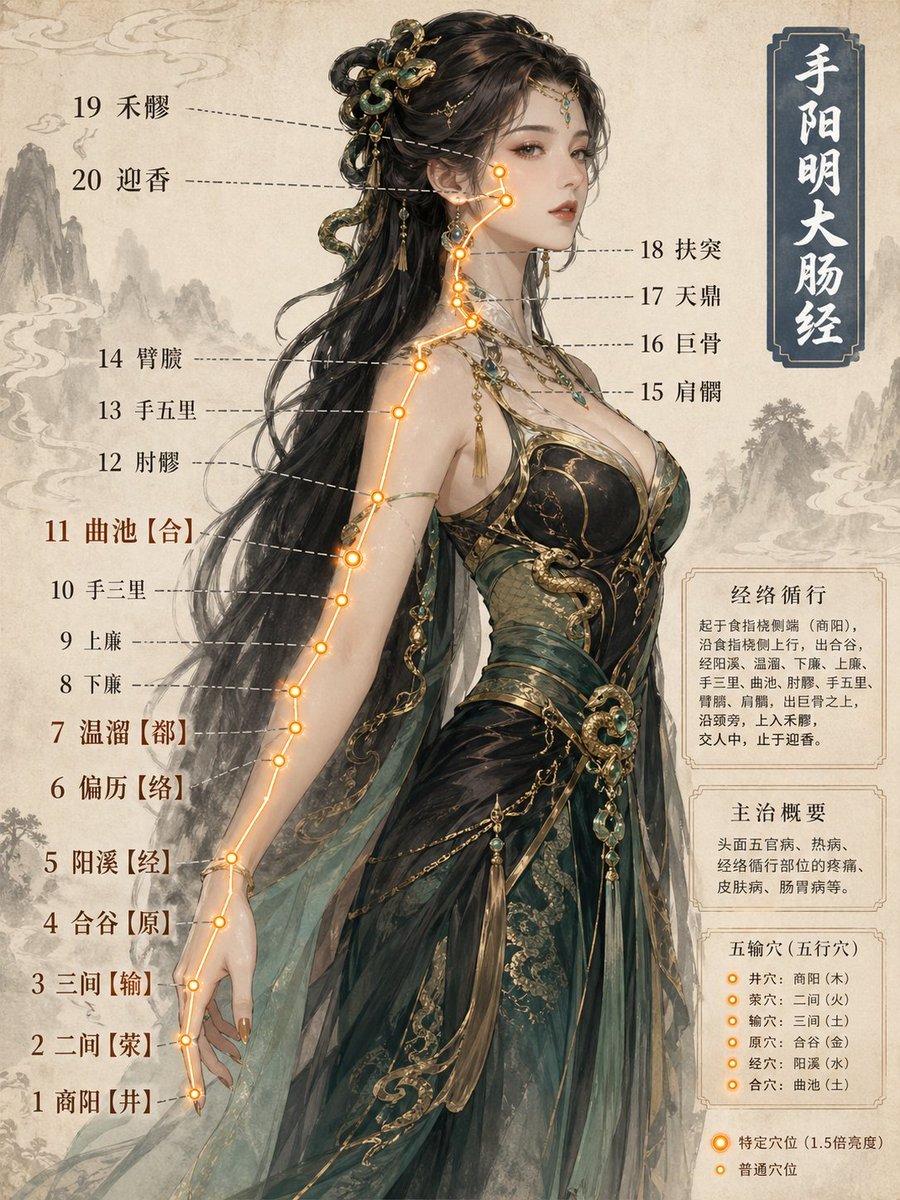
Chinese Medicine Meridian Infographic

Michael Saylor Shonen Jump Manga Style
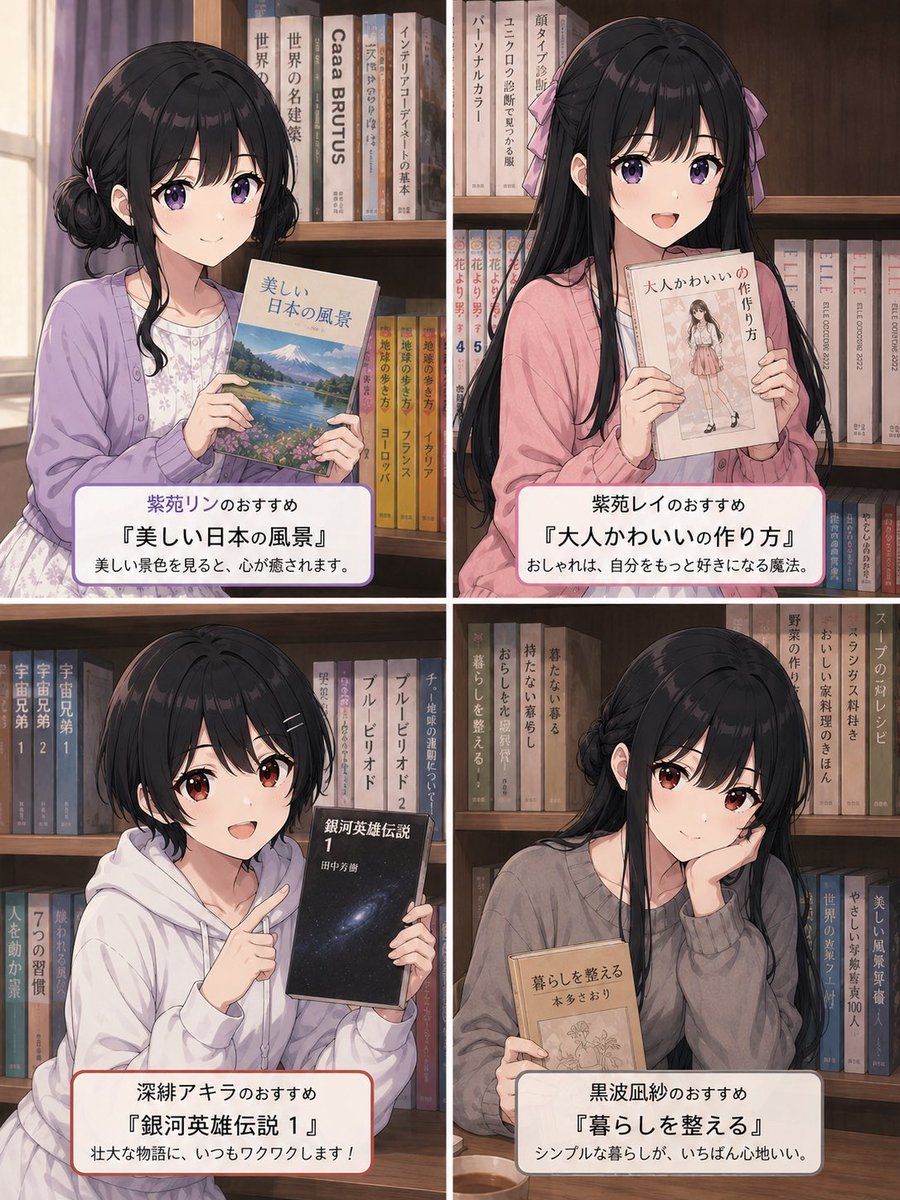
Four Anime Bookshelf Recommendations
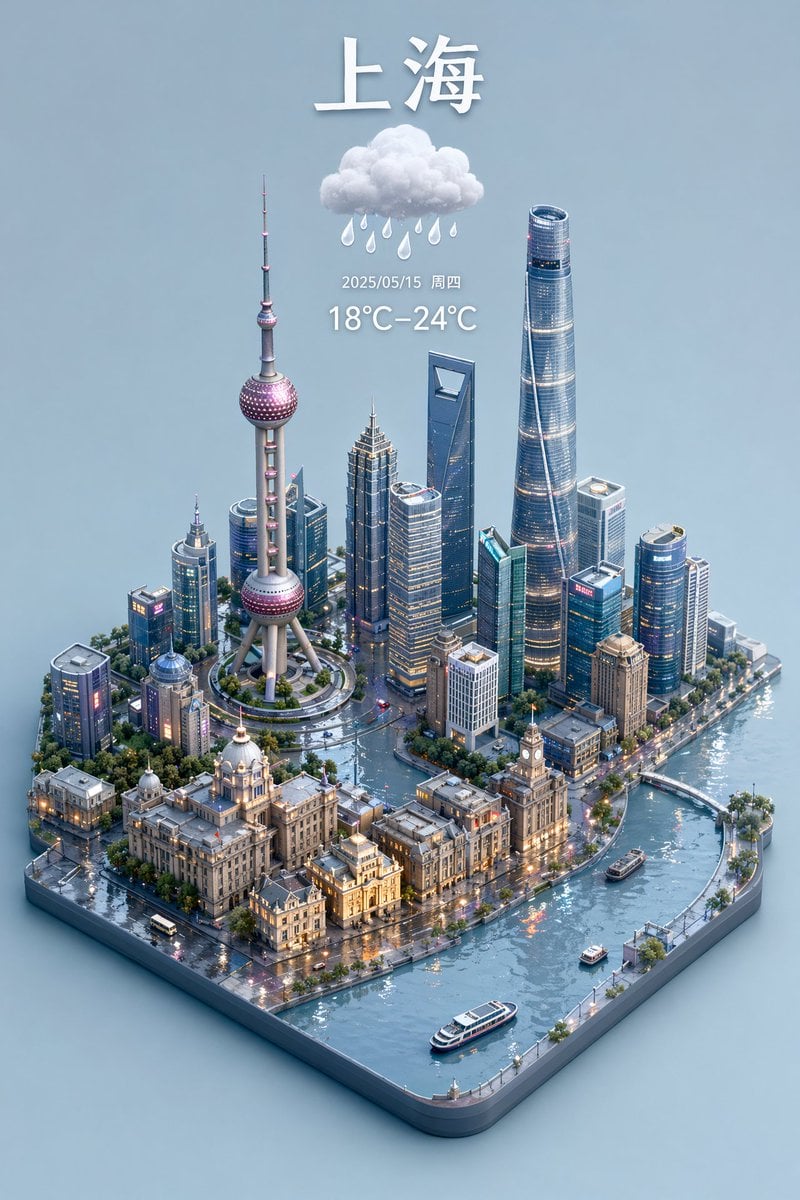
3D Isometric Miniature City Weather Map
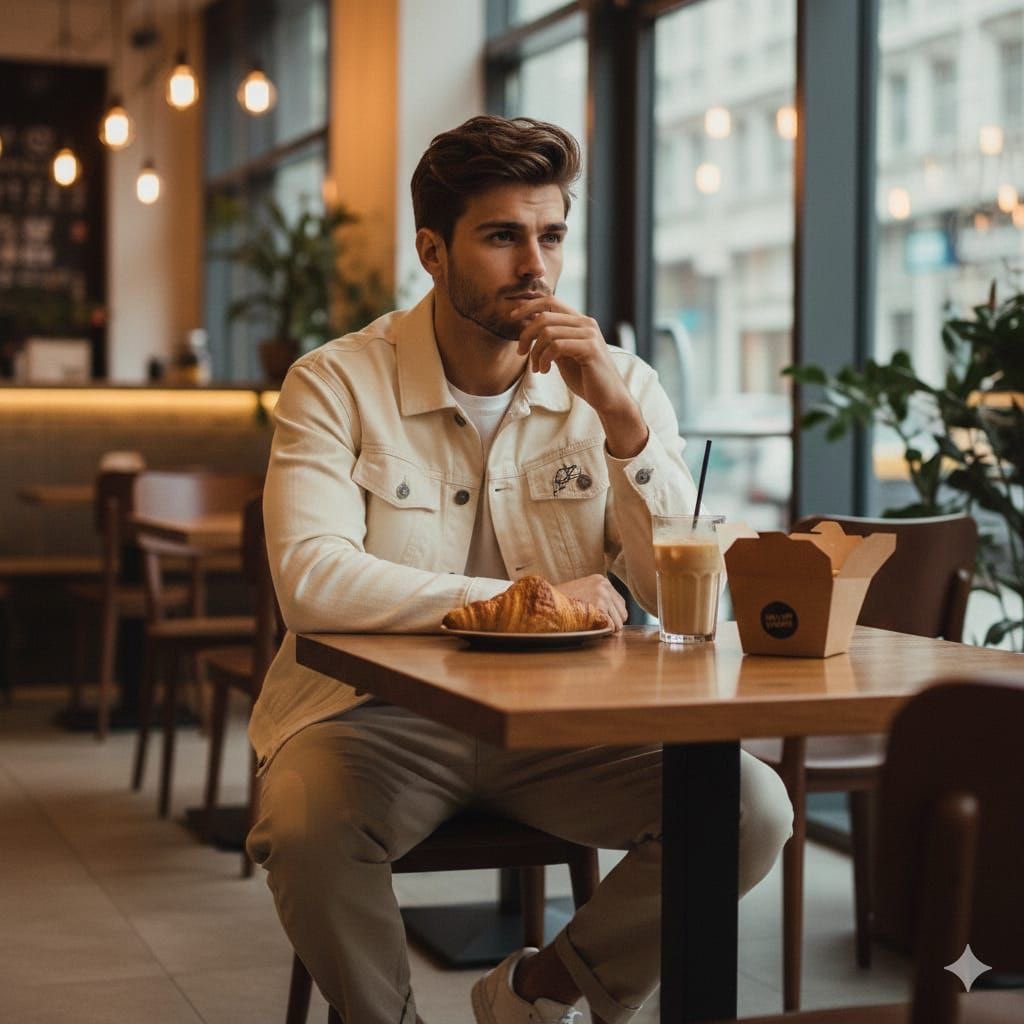
Cinematic Lifestyle Café Portrait Prompt
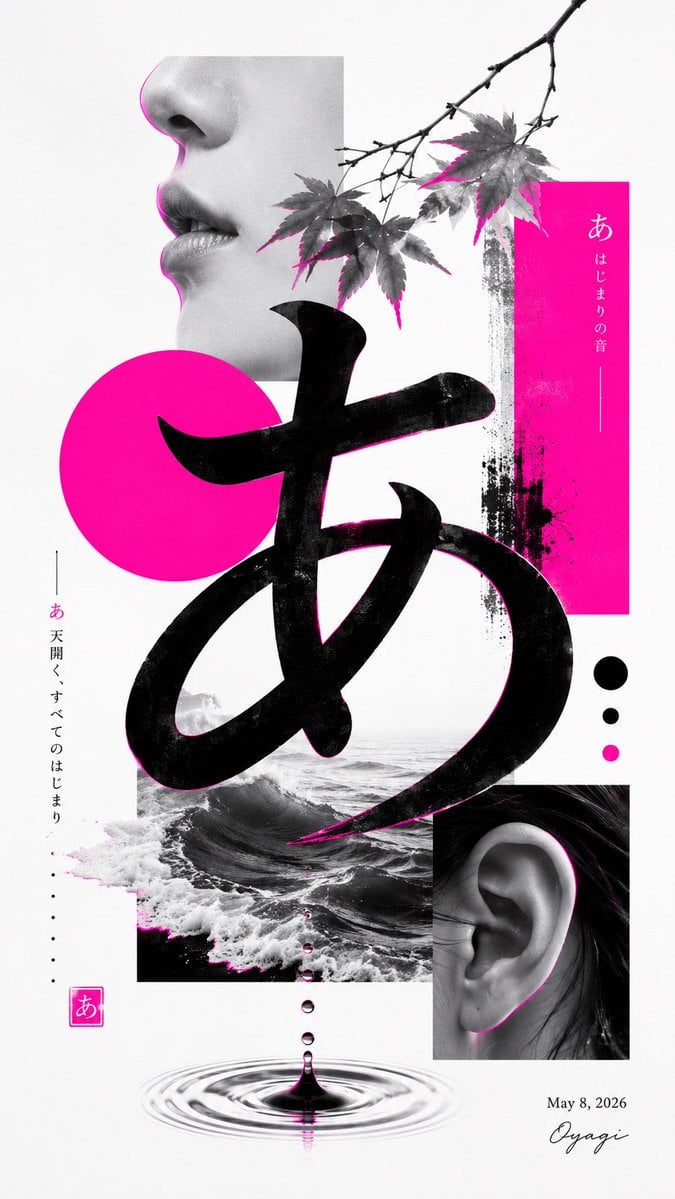
Minimalist Contemporary Typography Art
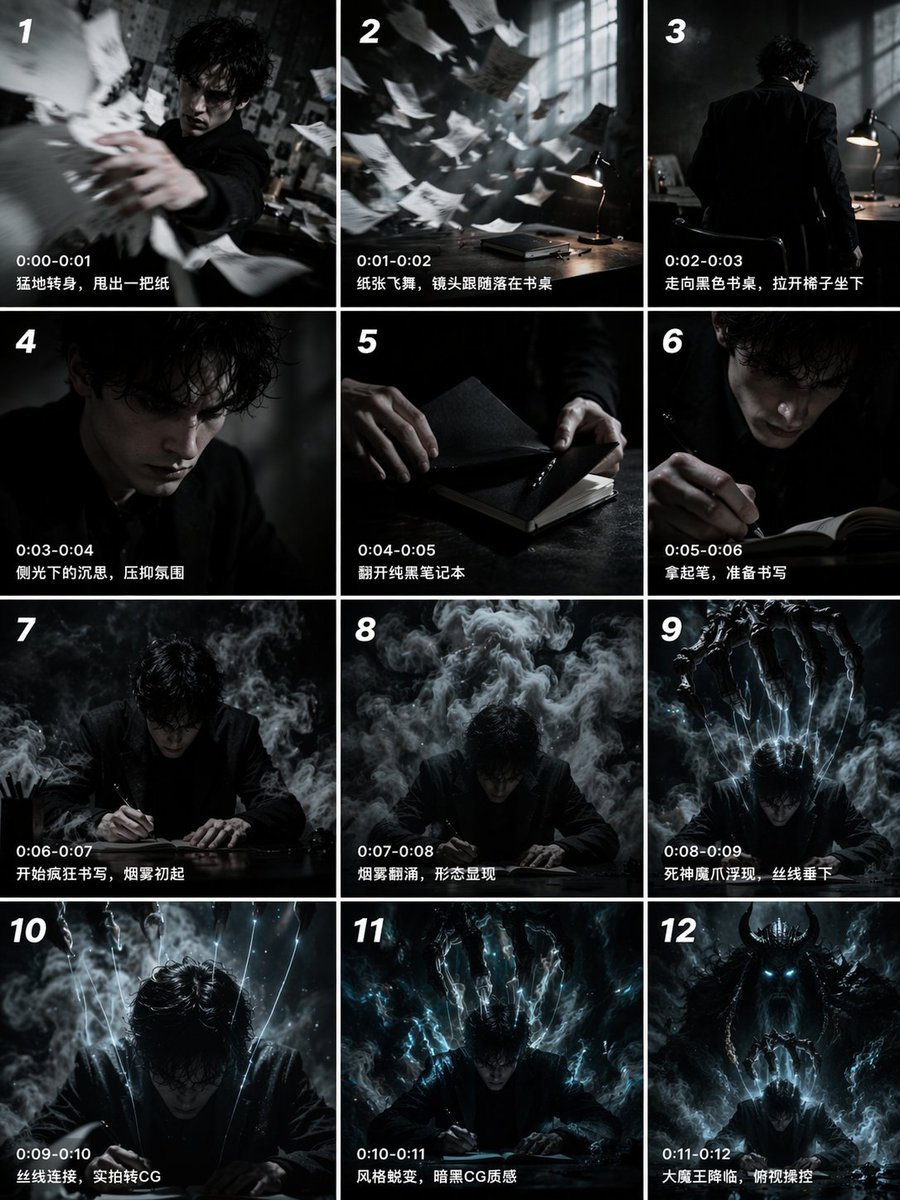
Panel Cinematic Storyboard Grid
Browse template categories
Ultra-realistic 3D miniature diorama of a environment built inside questions
How do I use the Ultra-realistic 3D miniature diorama of a environment built inside template?
Add your photo if the template asks for one, edit the prompt if you like — the template's model and format are already selected — and press Generate. Your version opens in PicX Studio.
Can I customize the Ultra-realistic 3D miniature diorama of a environment built inside template?
Yes. You can change the subject, setting, lighting, mood, format, and available model controls before creating your image.
Is the Ultra-realistic 3D miniature diorama of a environment built inside template free?
Opening and editing this template is free. Generating uses credits, shown on the Generate button when you are signed in.
Which AI model should I use?
Start with GPT Image 2, which is the model associated with this template. You can compare another compatible model for a different finish.
Looking for something else? Browse all templates.

Your photo, any look
Thousands of ready templates for every top image and video model, from one credit balance.