
A hyper-realistic, 8k, high-fidelity photograph captured
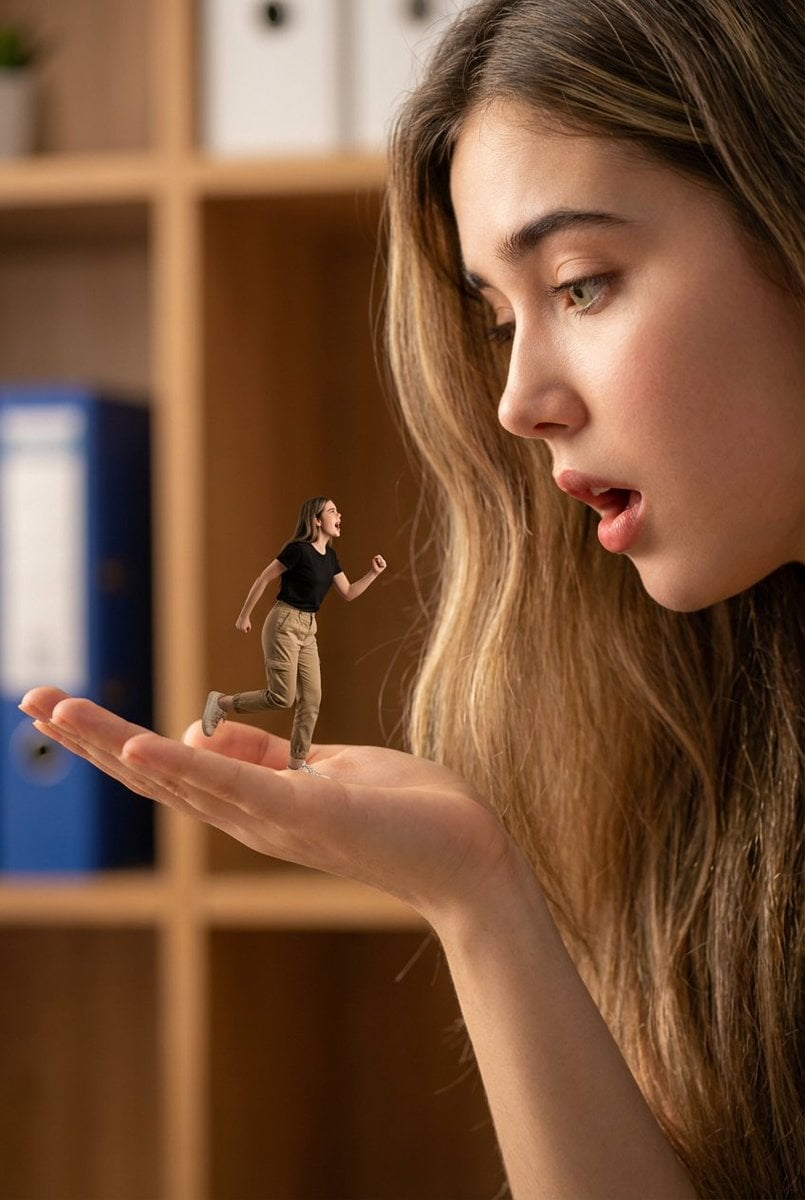
A hyper-realistic, 8k, high-fidelity photograph captured with a wide-angle lens and shallow depth of field, creating a dramatic forced perspective.
- Prompt included
- Model and format preset
- Free template
The prompt behind this image
Copy the exact prompt behind A hyper-realistic, 8k, high-fidelity photograph captured, or open it in the studio and make it yours.
A hyper-realistic, 8k, high-fidelity photograph captured with a wide-angle lens and shallow depth of field, creating a dramatic forced perspective. The composition features a colossal human face and hand on the right side, filling the frame, with the hand extended palm-up towards the left. The giant person, with a full beard and mustache, has their mouth slightly agape in an expression of surprise or speech, looking down towards their palm. On the palm of this giant hand stands a miniature person, appearing tiny in comparison, wearing a black short-sleeved t-shirt and light khaki pants, with dark curly hair. This miniature figure is captured mid-action, with arms slightly bent and legs in a dynamic, running or reacting pose, also with an open mouth as if shouting or speaking. The background is an extremely blurred, warm-toned indoor setting, suggesting an office or study with hints of wooden shelves and a blue binder, providing a soft bokeh effect. Cinematic lighting illuminates the scene with soft, warm light, highlighting the highly detailed texture of the skin, hair, and clothing, while maintaining a natural, diffused quality. The character's face for both the giant and the miniature person is: uploaded face as reference.
How to use A hyper-realistic, 8k, high-fidelity photograph captured in 3 steps
- 1Upload ImagePNG, JPG or paste
Add your photo
Upload the photo the template builds on. The prompt, model and format are already set.
- 2…a portrait of your subject in softgolden-hour light, 85mm…
Personalize
Edit the subject and creative details for your destination.
- 3Generate
Generate
Press Generate — your image is created in PicX Studio, so you can compare it with the original and refine one variable at a time.
More like this
Templates with the same subject, style or setup. Open one to see its prompt.
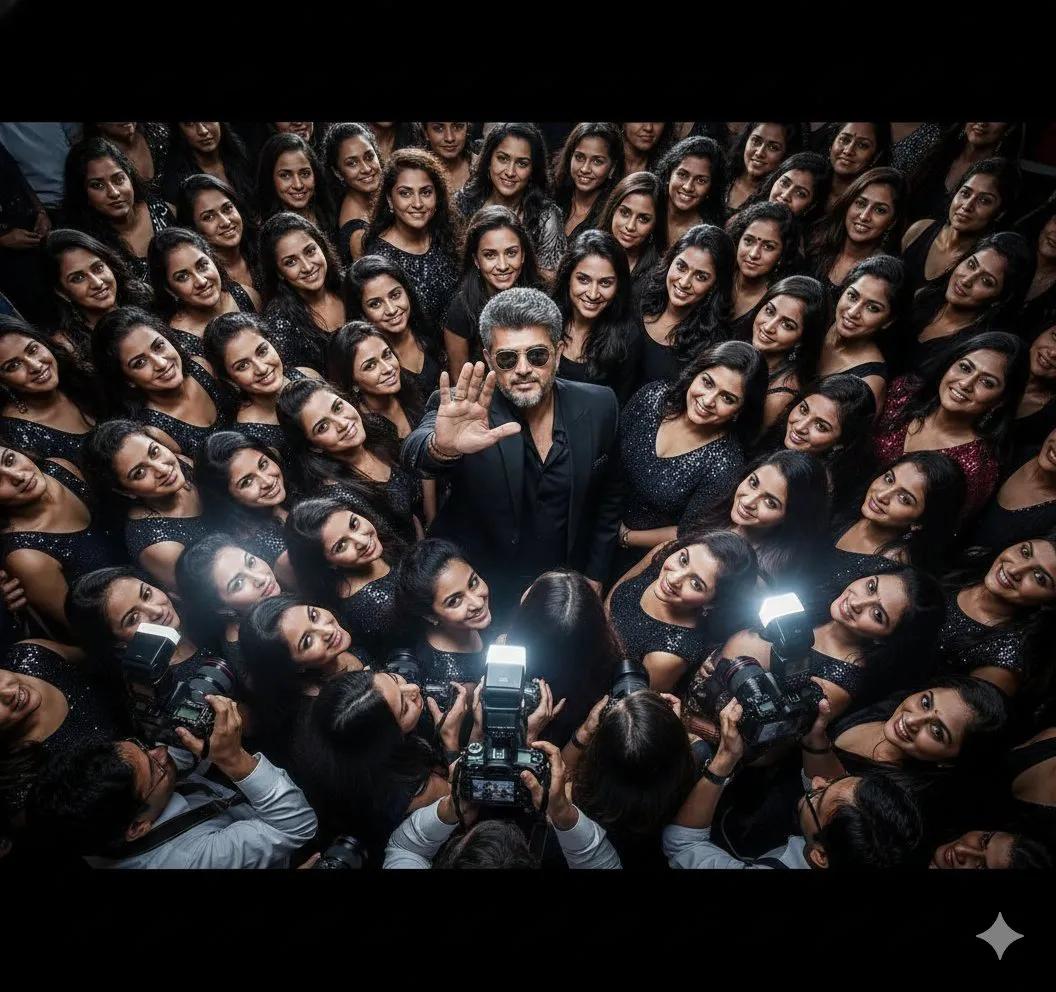
A hyper-realistic, ultra-detailed 8K cinematic photograph captured
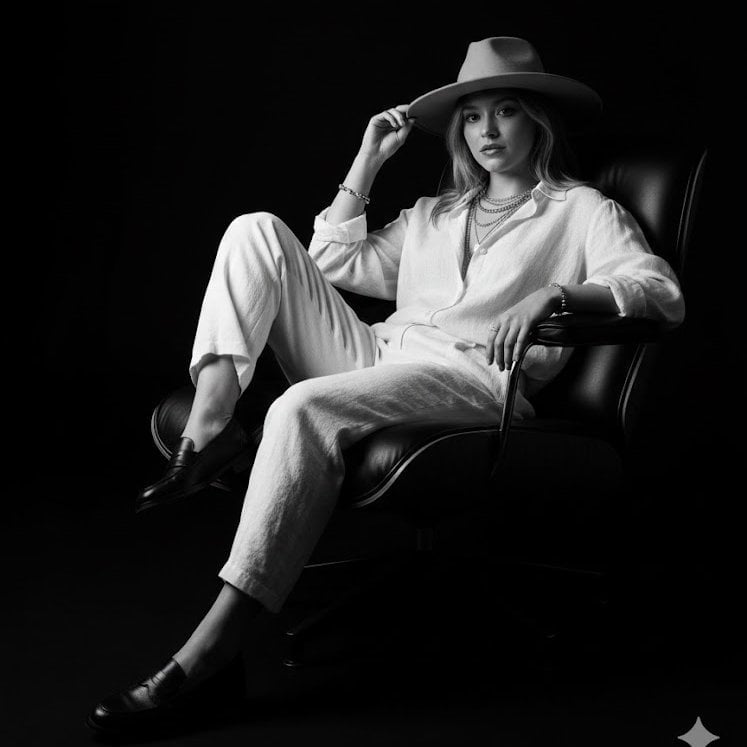
Hyper-realistic 8K black-and-white studio portrait captured as a medium

A double exposure, long exposure editorial photograph of a man Use image
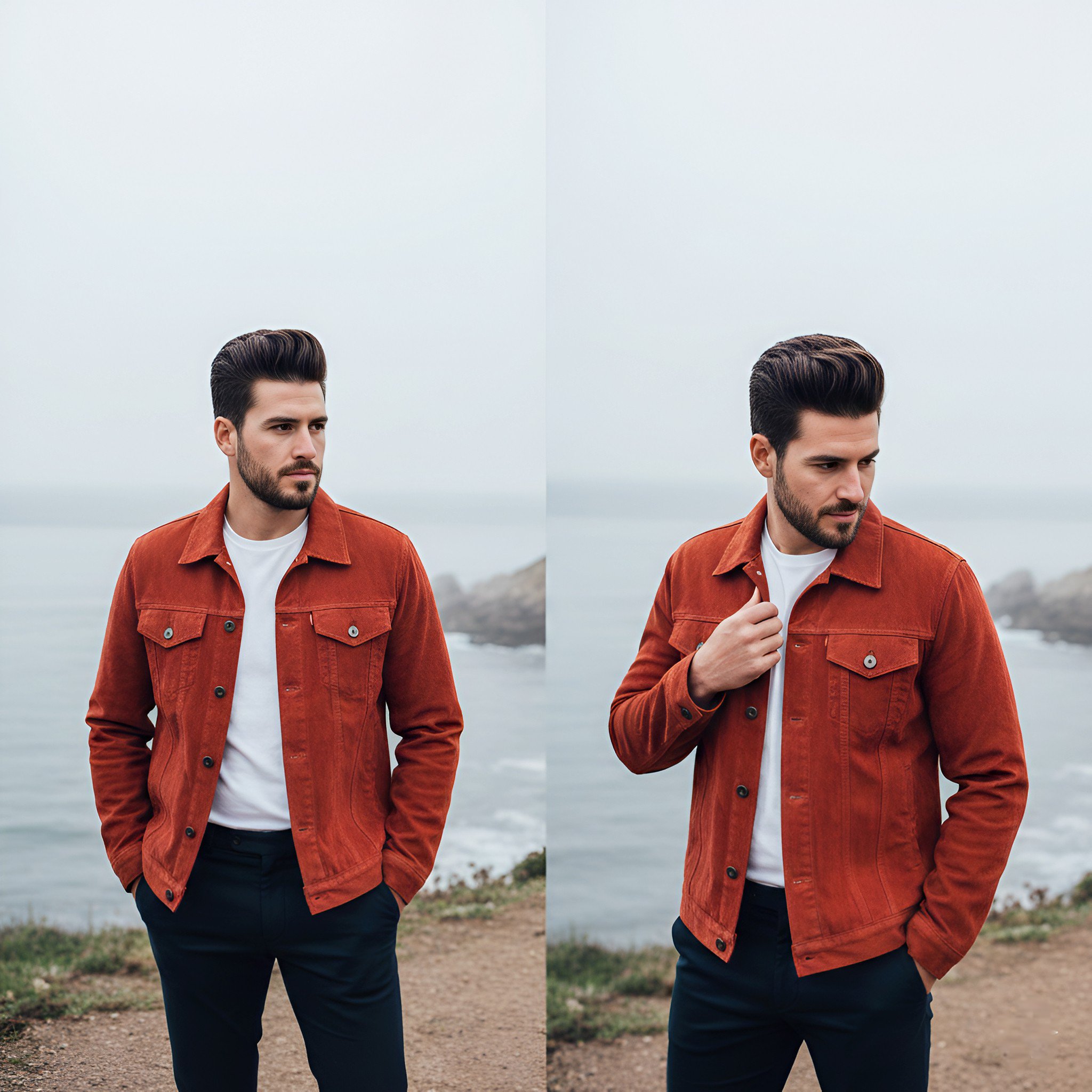
Lifestyle photography, cinematic color grading, shallow depth of field

Dramatic motion blur trails, long-exposure photography effect, dynamic
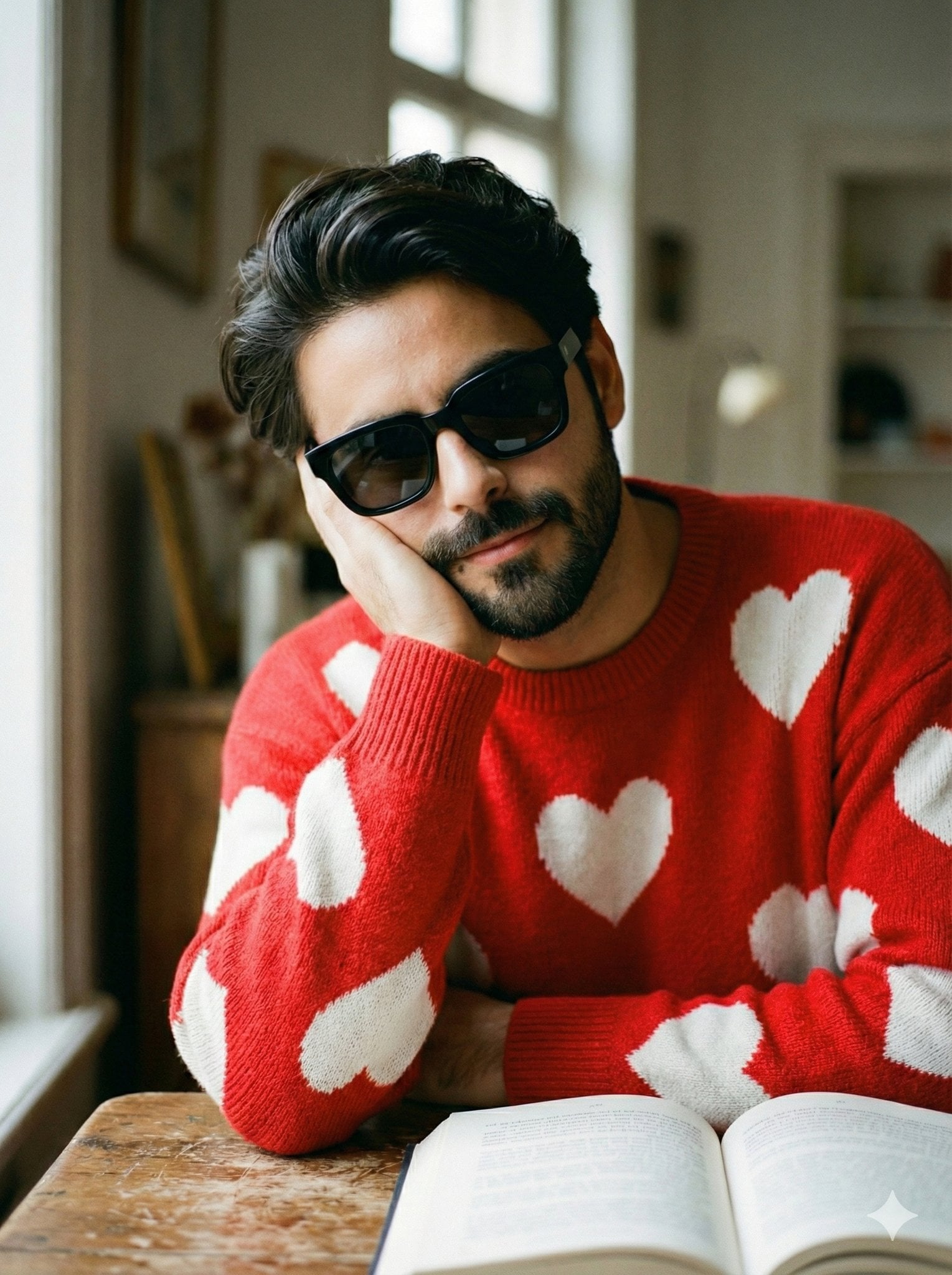
Photography Prompt #1085
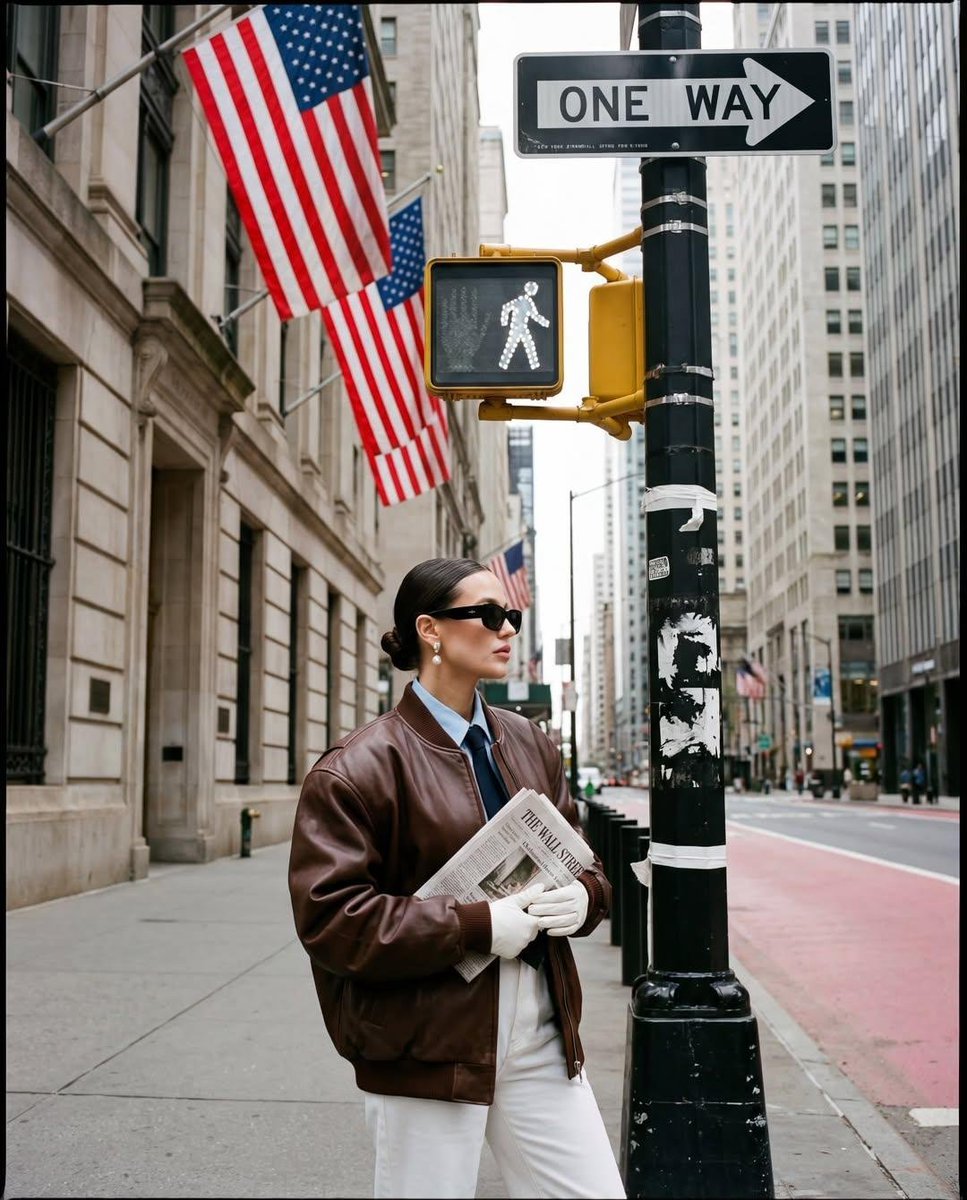
Ultra-realistic street fashion editorial photograph in New York City
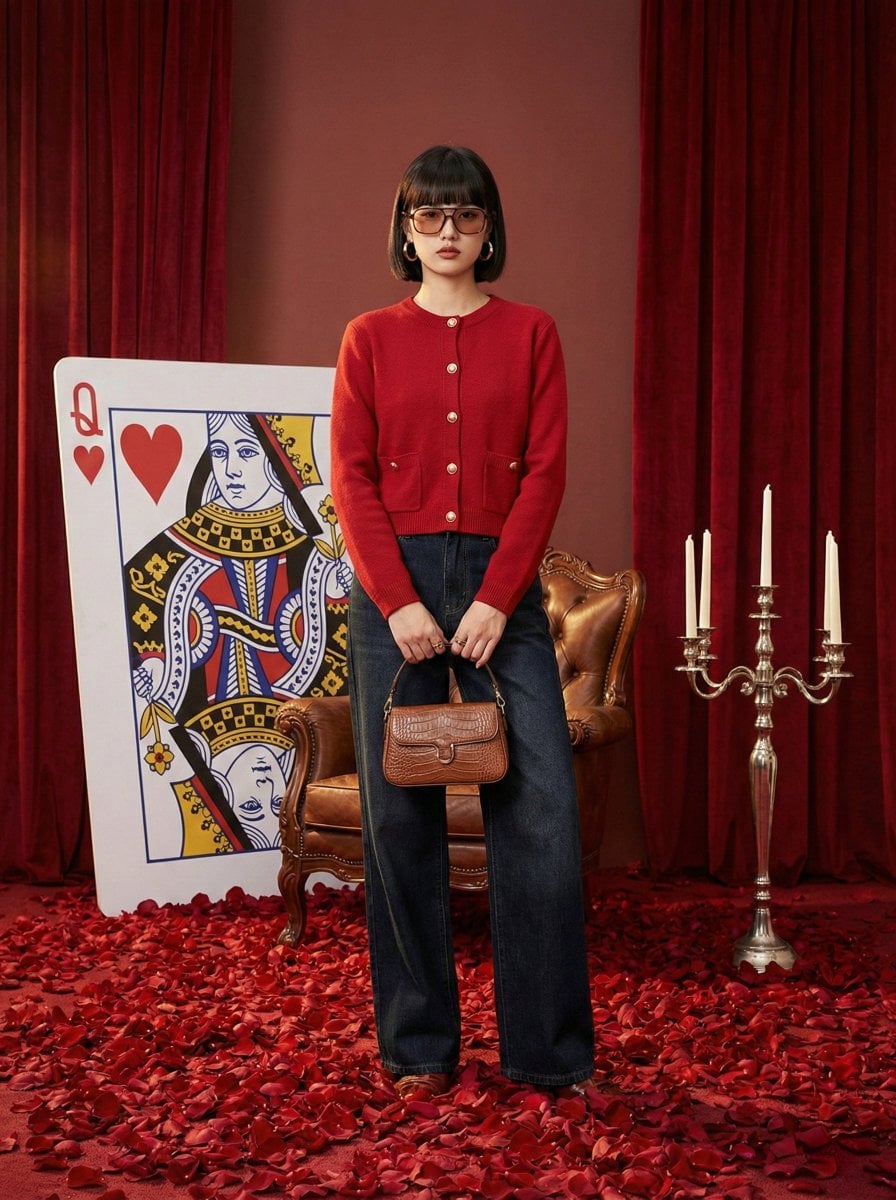
Photography Prompt #982

青蛇小青写真大片,绿色紧身蛇鳞裙,湿发红唇,妖娆妩媚

Portrait of a young woman in her early 20s walking calmly on a beautiful

Artistic portrait of an elegant Asian woman wearing a black silk

A high-quality photo collage featuring the same person with identical
Make it yours
A hyper-realistic, 8k, high-fidelity photograph captured works as-is. These are the safest ways to change it without losing the look.
Change one field
Copy a single group, rewrite it, and generate again so you can see what that field is doing.
Keep the frame, change the subject
Hold the composition and light of A hyper-realistic, 8k, high-fidelity photograph captured, then swap wardrobe, props or the person for a new take.
| If the result… | Why | Fix |
|---|---|---|
| The result drifts from the preview | Too many fields changed at once. | Reuse A hyper-realistic, 8k, high-fidelity photograph captured as-is first, then change one group — subject, light, or setting. |
| The model over-stylizes the scene | The prose prompt leaves finish and camera underspecified. | Add one camera or lighting sentence and stay on Nano Banana 2. |
More Nano Banana 2 templates
Other prompts made for Nano Banana 2.

Photorealistic Leaf Shaped Like a Dragon

K-Pop Idol Portrait Grid for Rapid Selection

Poetic Rain Forest Portrait During Golden Hour

Urban Street Portrait with Cartoon Inner Self Duo

Candid Nighttime Photo with Cat Prompt

High-Concept 3D Diorama Generation Prompt

Cinematic Futuristic Studio Portrait Template

Skincare Editorial Photography Collage Prompt

Hyper-Realistic Commercial Product Photography (Splash Effect)

Hyper-Realistic Nightclub Portrait Prompt
More image prompts
Fresh picks from across the catalog.
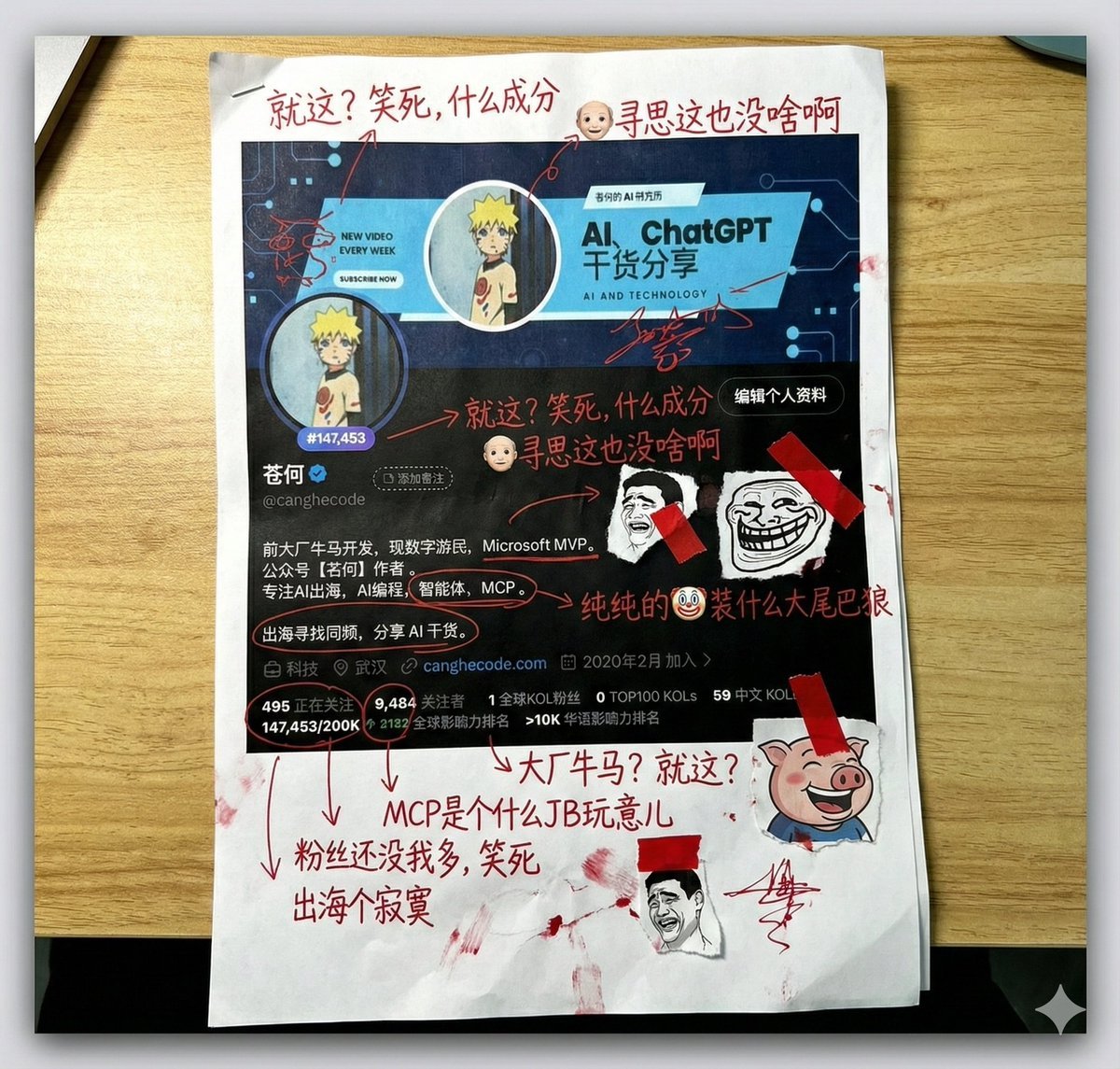
Aggressive Trolling Prompt with Tieba Slang
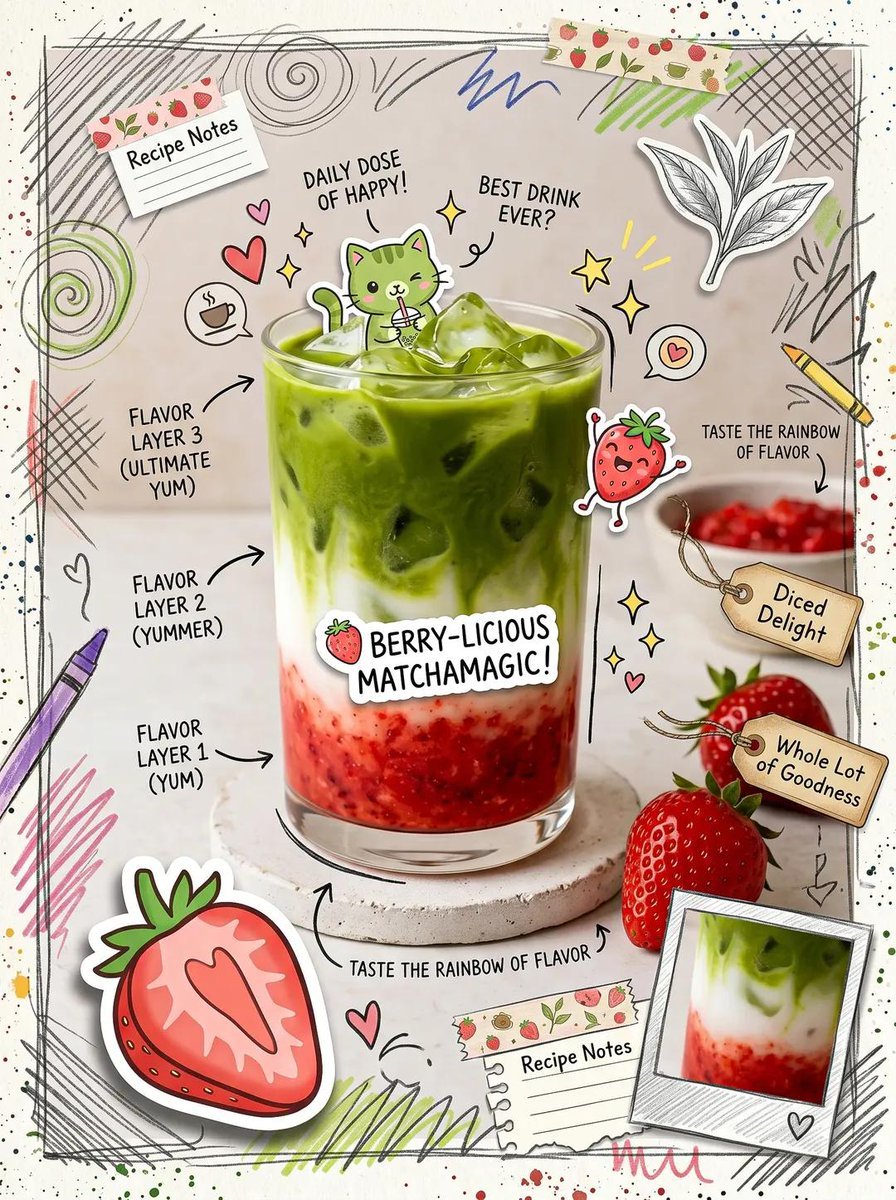
Kawaii Cafe Food Scrapbook Poster
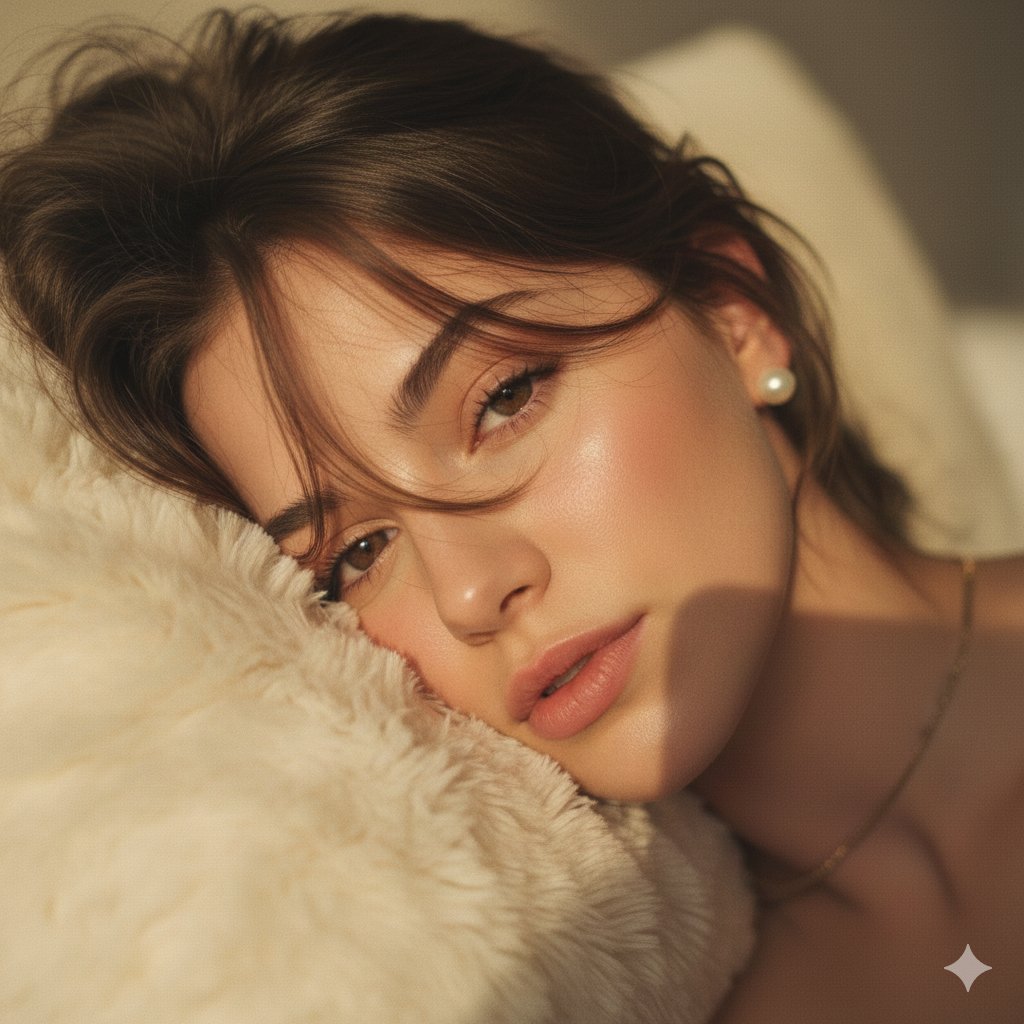
Hyper-Realistic POV Selfie with Bedhead Aesthetic
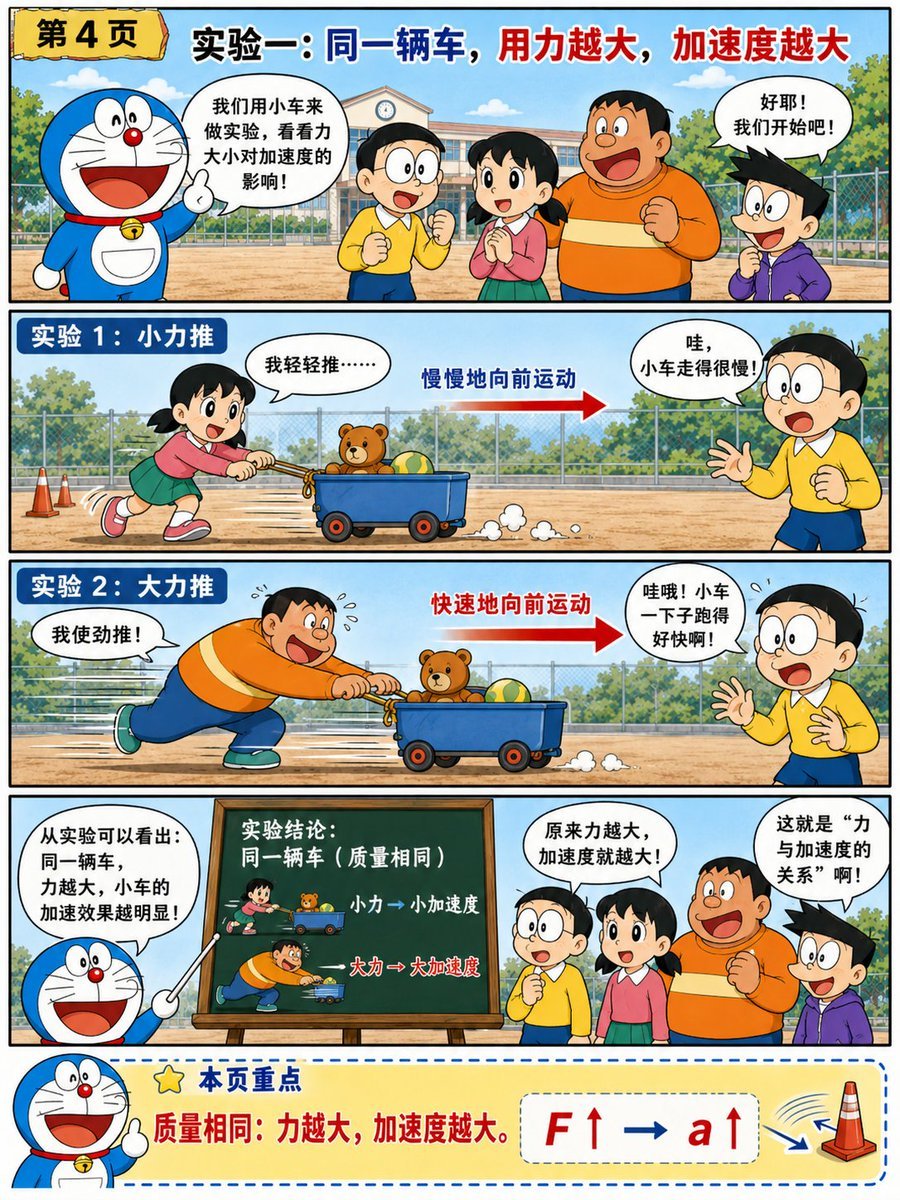
Doraemon-Style Newton’s Second Law Comic
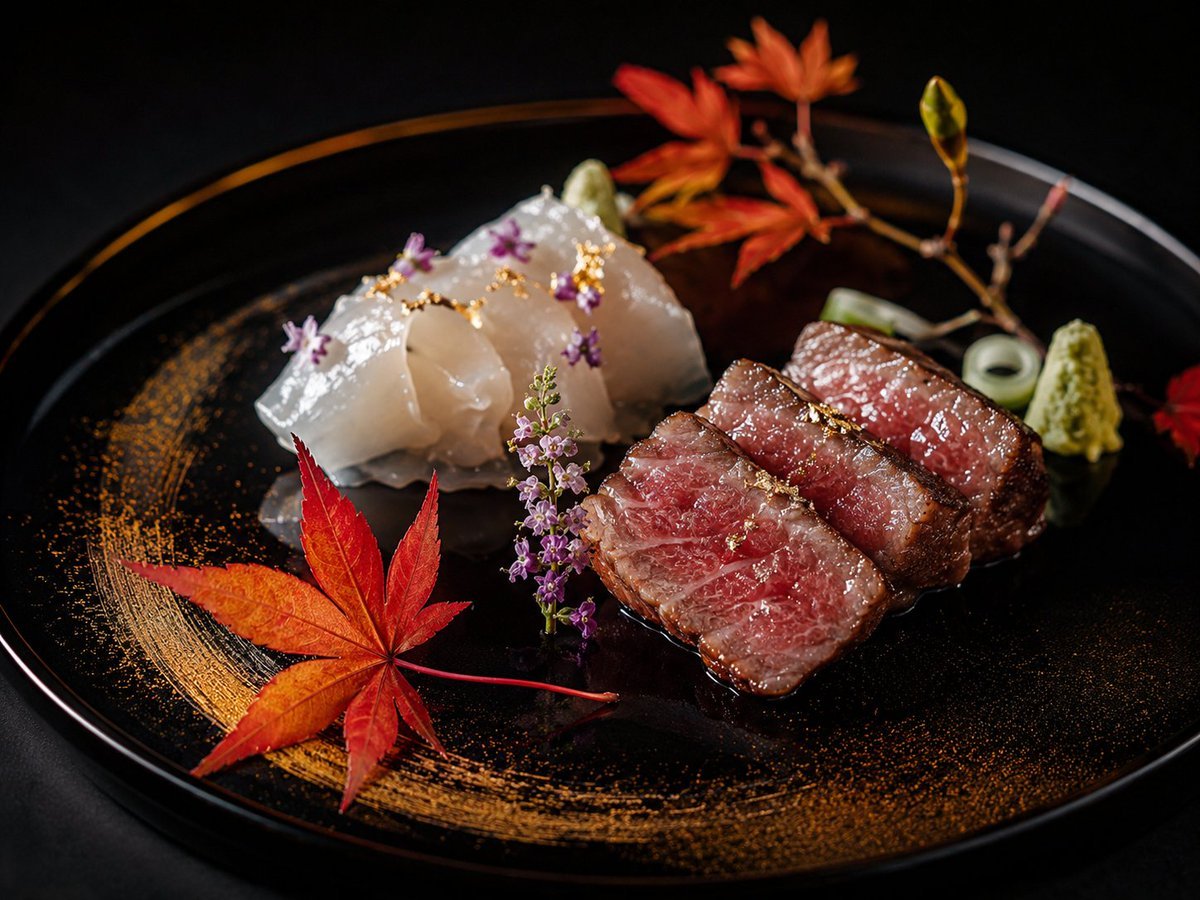
Luxury Kaiseki Wagyu and Sashimi Plate
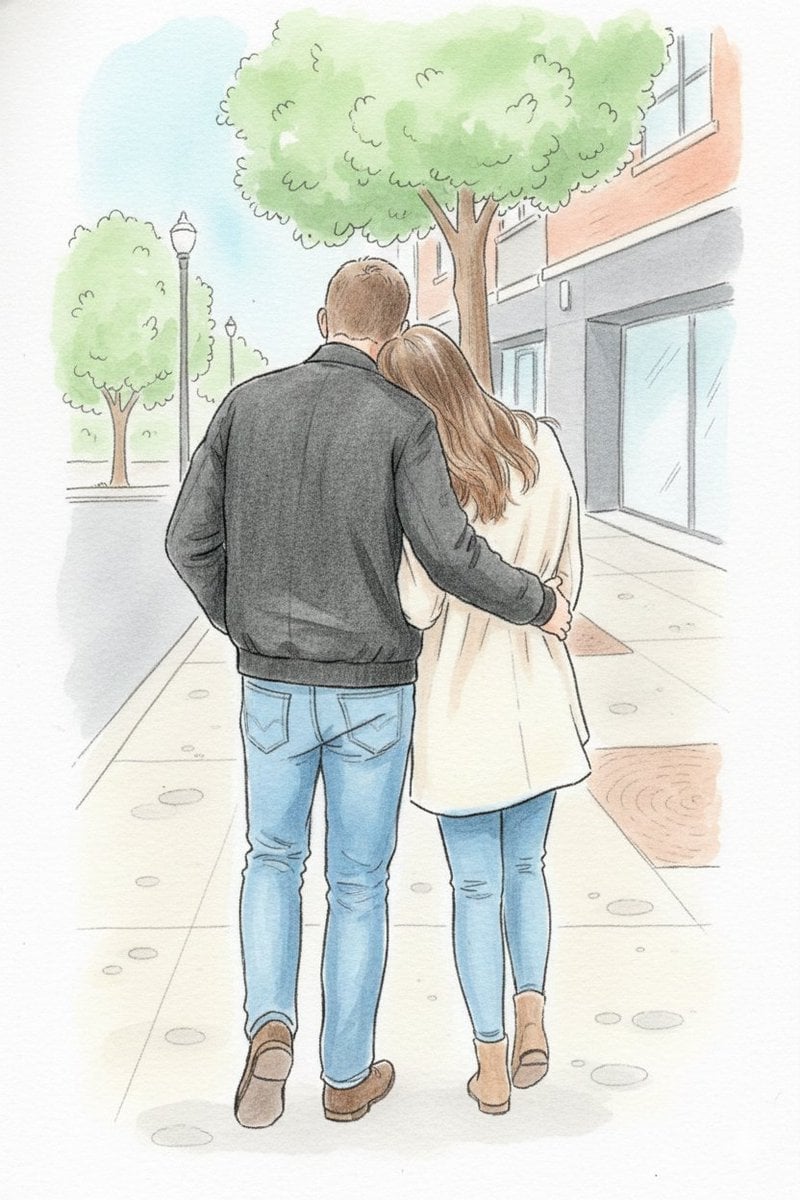
Identity-Preserving Storybook Illustration
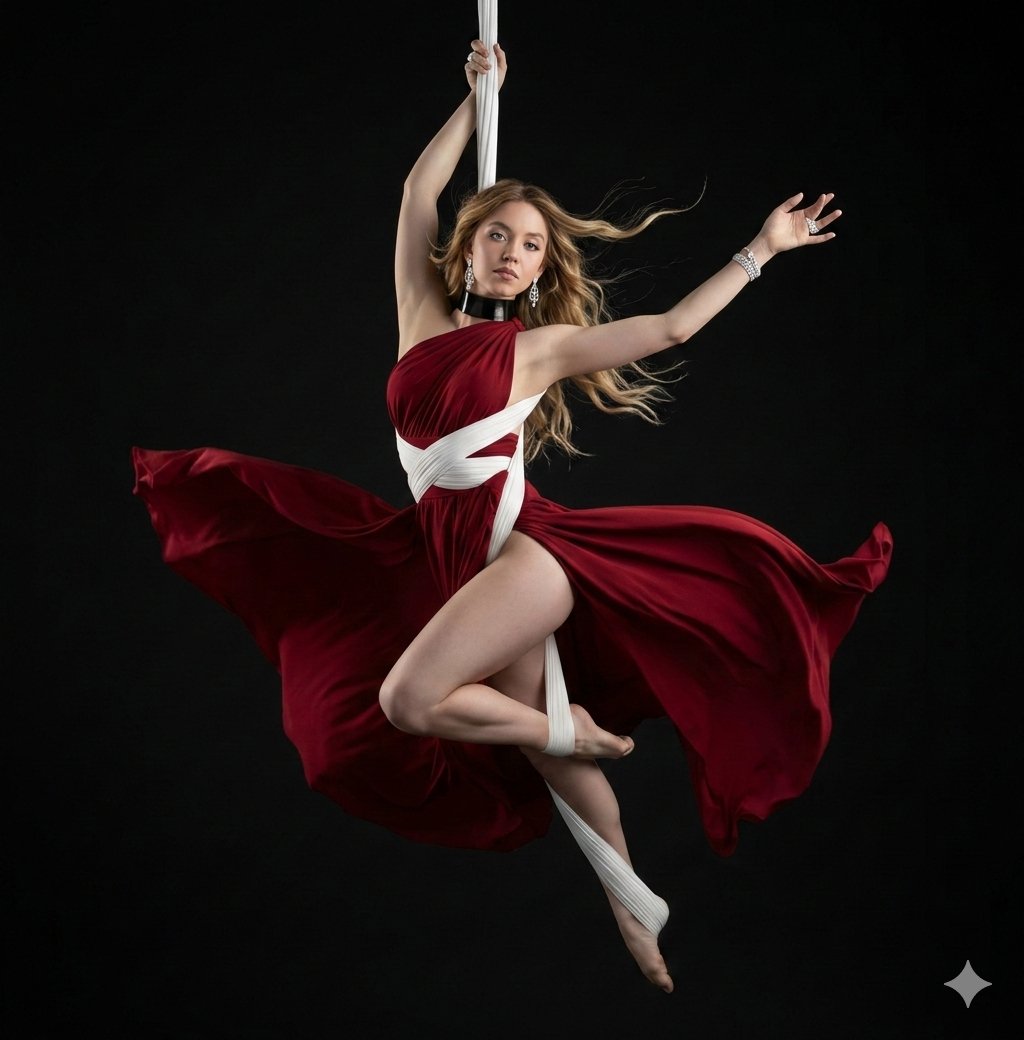
Dramatic Aerial Silk Artist in Red Dress
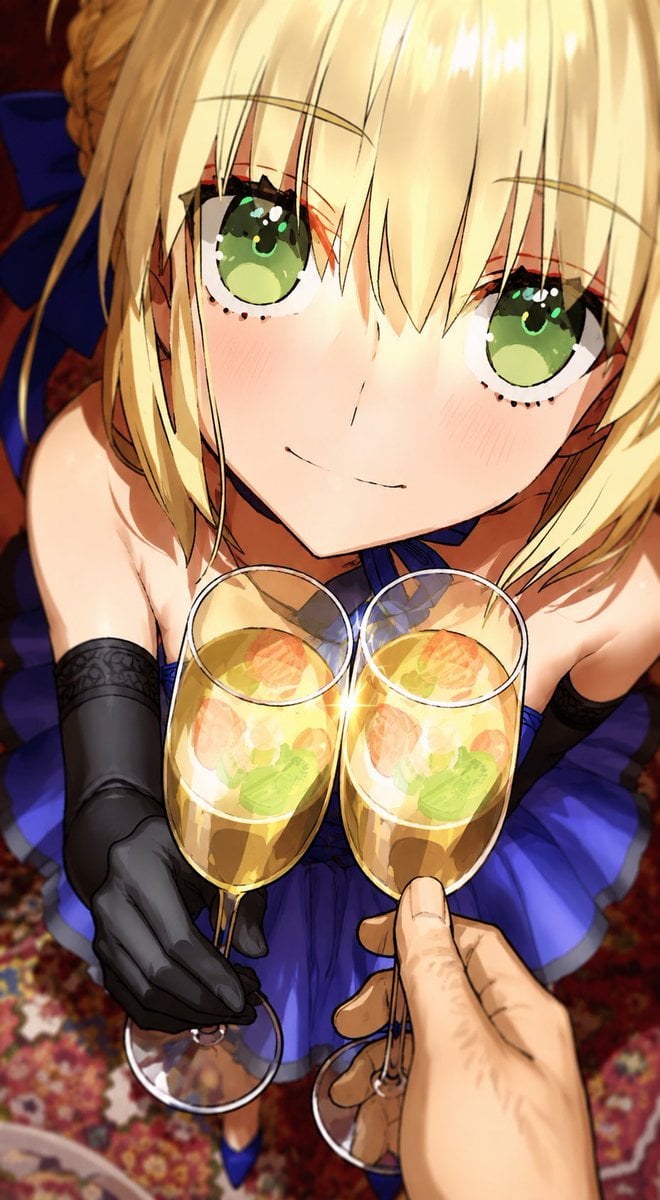
Anime Champagne Toast POV

01 Skincare Split Portrait — Nano Banana 2
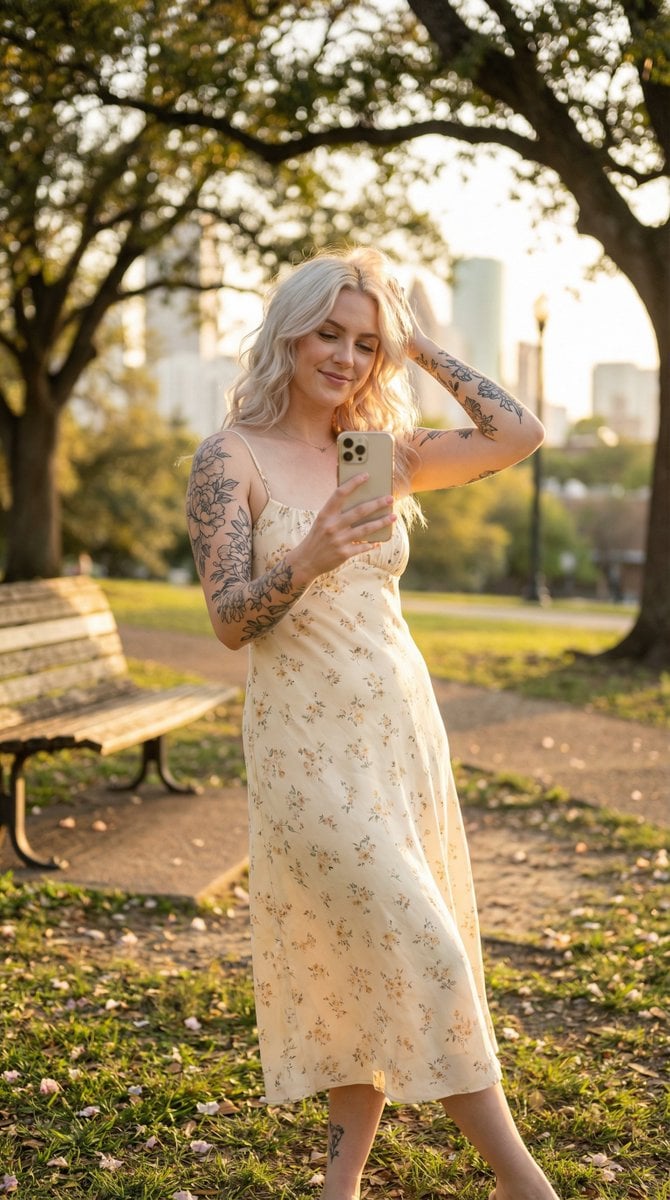
Golden Hour Outdoor Lifestyle Portrait Prompt
Browse template categories
A hyper-realistic, 8k, high-fidelity photograph captured questions
How do I use the A hyper-realistic, 8k, high-fidelity photograph captured template?
Add your photo if the template asks for one, edit the prompt if you like — the template's model and format are already selected — and press Generate. Your version opens in PicX Studio.
Can I customize the A hyper-realistic, 8k, high-fidelity photograph captured template?
Yes. You can change the subject, setting, lighting, mood, format, and available model controls before creating your image.
Is the A hyper-realistic, 8k, high-fidelity photograph captured template free?
Opening and editing this template is free. Generating uses credits, shown on the Generate button when you are signed in.
Which AI model should I use?
Start with Nano Banana 2, which is the model associated with this template. You can compare another compatible model for a different finish.
Looking for something else? Browse all templates.

Your photo, any look
Thousands of ready templates for every top image and video model, from one credit balance.