
例 公園で遊ぶ子ども / 親子の笑顔 / 走る子ども など
【テーマ】 {ここにテーマを入力} 【写真】 {ここに使用する写真の内容を簡潔に入力} (例:公園で遊ぶ子ども / 親子の笑顔 / 走る子ども など) 【タイトル】 {画像内に入れるタイトルを入力} (例:こどもの日 / Happy Mother's Day / 春のはじまり など) --- テーマ「{テーマ}」に基づいた、 写真とクレヨンイラストを融合したライフスタイル系エディトリアルビジュアル。…
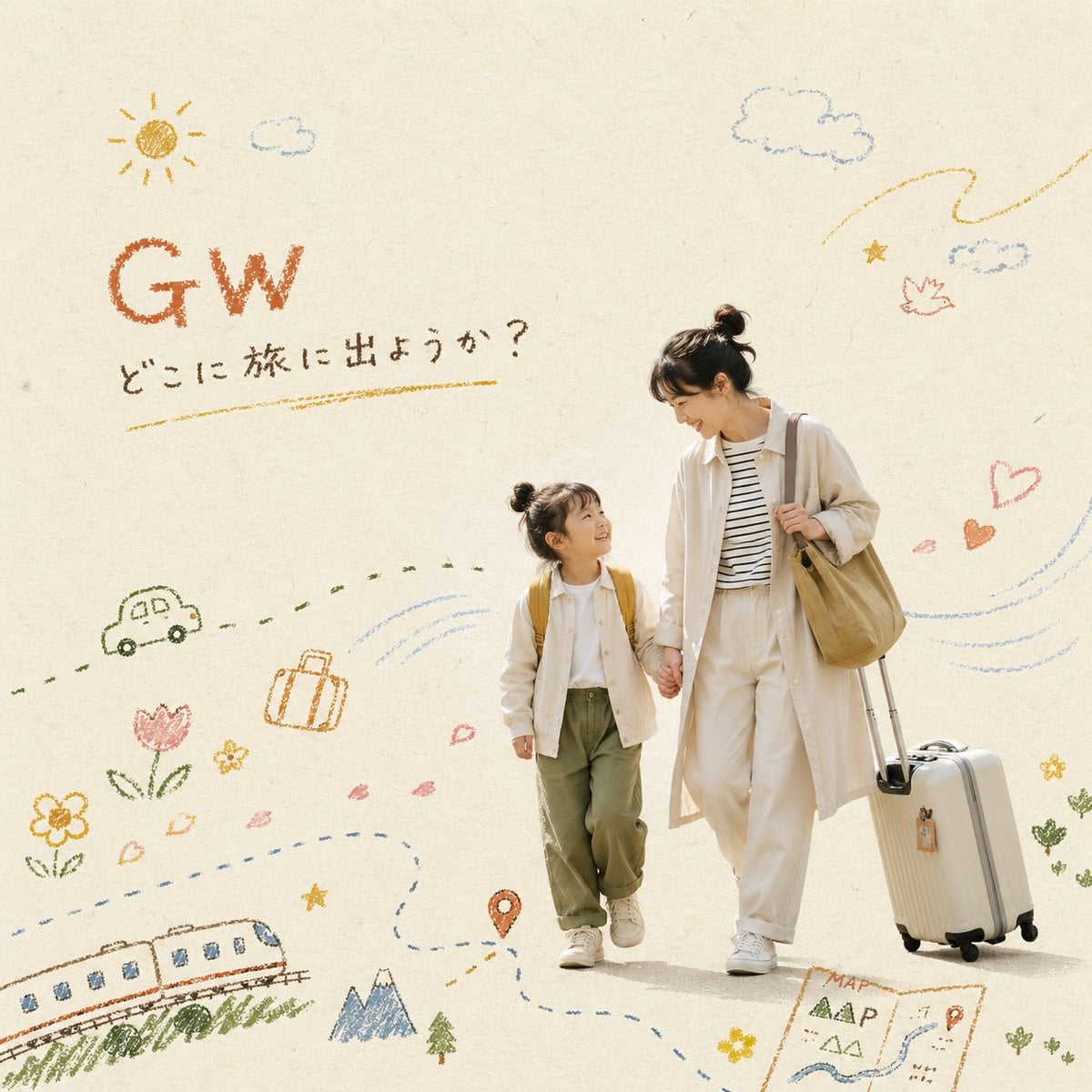
- Prompt included
- Model and format preset
- Free template
The prompt behind this image
Copy the exact prompt behind 例 公園で遊ぶ子ども / 親子の笑顔 / 走る子ども など, or open it in the studio and make it yours.
【テーマ】 {ここにテーマを入力} 【写真】 {ここに使用する写真の内容を簡潔に入力} (例:公園で遊ぶ子ども / 親子の笑顔 / 走る子ども など) 【タイトル】 {画像内に入れるタイトルを入力} (例:こどもの日 / Happy Mother's Day / 春のはじまり など) --- テーマ「{テーマ}」に基づいた、 写真とクレヨンイラストを融合したライフスタイル系エディトリアルビジュアル。 提供された写真をメインビジュアルとして使用する。 ■ シーン 「{写真}」に合った自然な日常の瞬間。 作り込みすぎないリアルな空気感、やわらかい自然光、 人物の自然な動きや感情を重視。 ■ 構図 人物を切り抜いたように配置し、 ざらっとした紙質のクラフト系背景 (生成り、ベージュ、淡いグレー、ミルクティー)の上にレイアウト。 ・余白50%以上 ・左右非対称構図 ・抜け感のあるミニマルなエディトリアルデザイン ■ イラスト(最重要) オイルパステル/クレヨンで描いたような、 ざらつきとかすれのある手描きイラストを重ねる。 ▼ルール ・全体の30〜40%以内 ・線にムラとかすれ、紙のテクスチャが残る ・力の入り具合で濃淡が変化(濃い部分・薄い部分が混在) ・子どもが描いたような少し不器用なタッチ ・影・立体表現は禁止(フラット) ・人物の動きと連動させる(風・軌跡・流れ) ▼モチーフ(テーマ連動) ・{テーマ}を象徴する要素をクレヨンタッチで追加 (例:こどもの日 → 鯉のぼり、風、空、草、雲、紙かぶと) ・風の線、動きの線、小さなアイコン、太陽、雲、お花、ハート、星、ジグザグの動線 ・空気感をクレヨンの粗いストロークで演出 ■ タイトル文字(重要) 画像内に「{タイトル}」を手描きクレヨン文字で配置する。 ・配置は左上または右上の余白部分 ・クレヨンで書いたようなざらつき・かすれのある文字 ・少し不器用で味のある手書き風 ・文字色はアースカラー(テラコッタ、マスタード、ダークブラウン)から選択 ・サイズは控えめでミニマルに(主役は写真) ・装飾枠なし、フラット ■ 色 あたたかみのあるアースカラー、 やわらかいくすみカラー (テラコッタ、マスタード、オリーブ、ミルクティー、淡いブルー) ■ 雰囲気 あたたかい、ノスタルジック、こども心、ハンドメイド感、 やさしい、エモーショナル、ストーリー性のある日常 ■ スタイル 絵本的ぬくもり × 北欧ミニマル × 上質なライフスタイル広告 ■ 品質 高解像度、商用レベルのクオリティ
How to use 例 公園で遊ぶ子ども / 親子の笑顔 / 走る子ども など in 3 steps
- 1
Open
The prompt is already in the box next to the preview, with the template's model and format selected.
- 2…a portrait of your subject in softgolden-hour light, 85mm…
Personalize
Edit the subject and creative details for your destination.
- 3Generate
Generate
Press Generate — your image is created in PicX Studio, so you can compare it with the original and refine one variable at a time.
More like this
Templates with the same subject, style or setup. Open one to see its prompt.
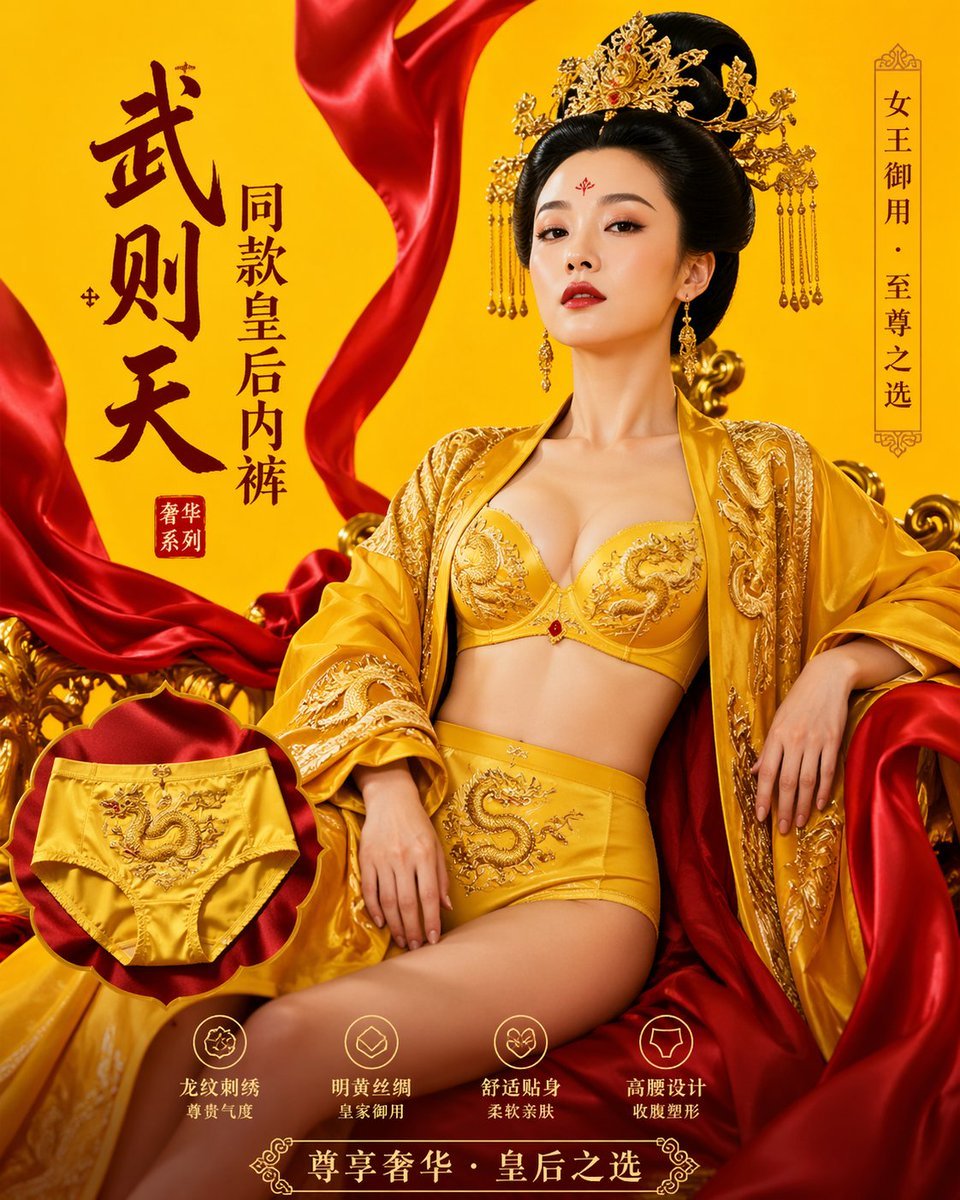
武则天同款皇后内衣广告大片,明黄底色龙纹刺绣,大红丝绸飘带衬托
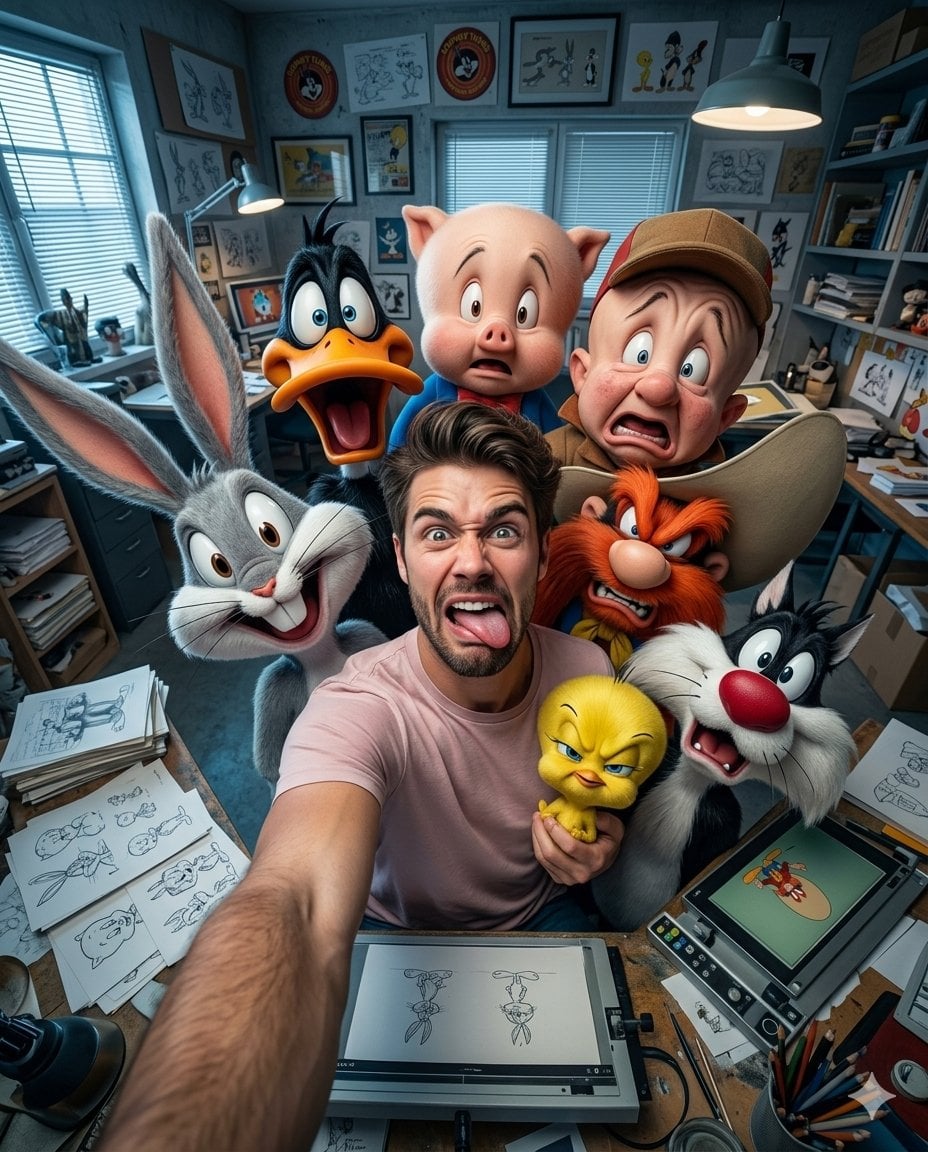
Illustration & 3D Prompt #533
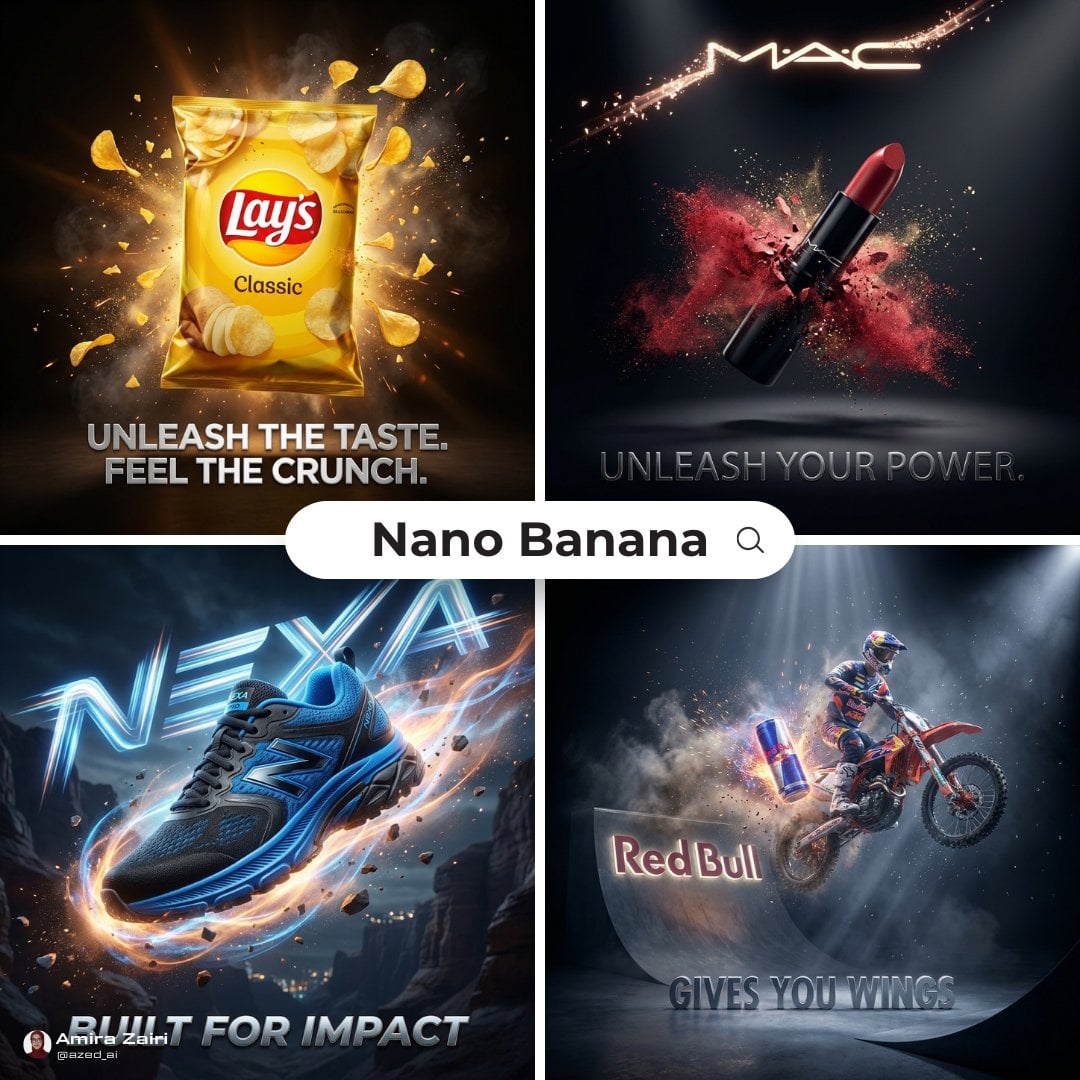
Cinematic 3D action-packed advertisement captured in an intense
Ime characters into realistic human portraits Convert character
Clear, 45 top-down isometric miniature 3D cartoon scene of the iconic
Minimalist conceptual fashion editorial poster, studio shot on a clean
Illustration & 3D Prompt #1437
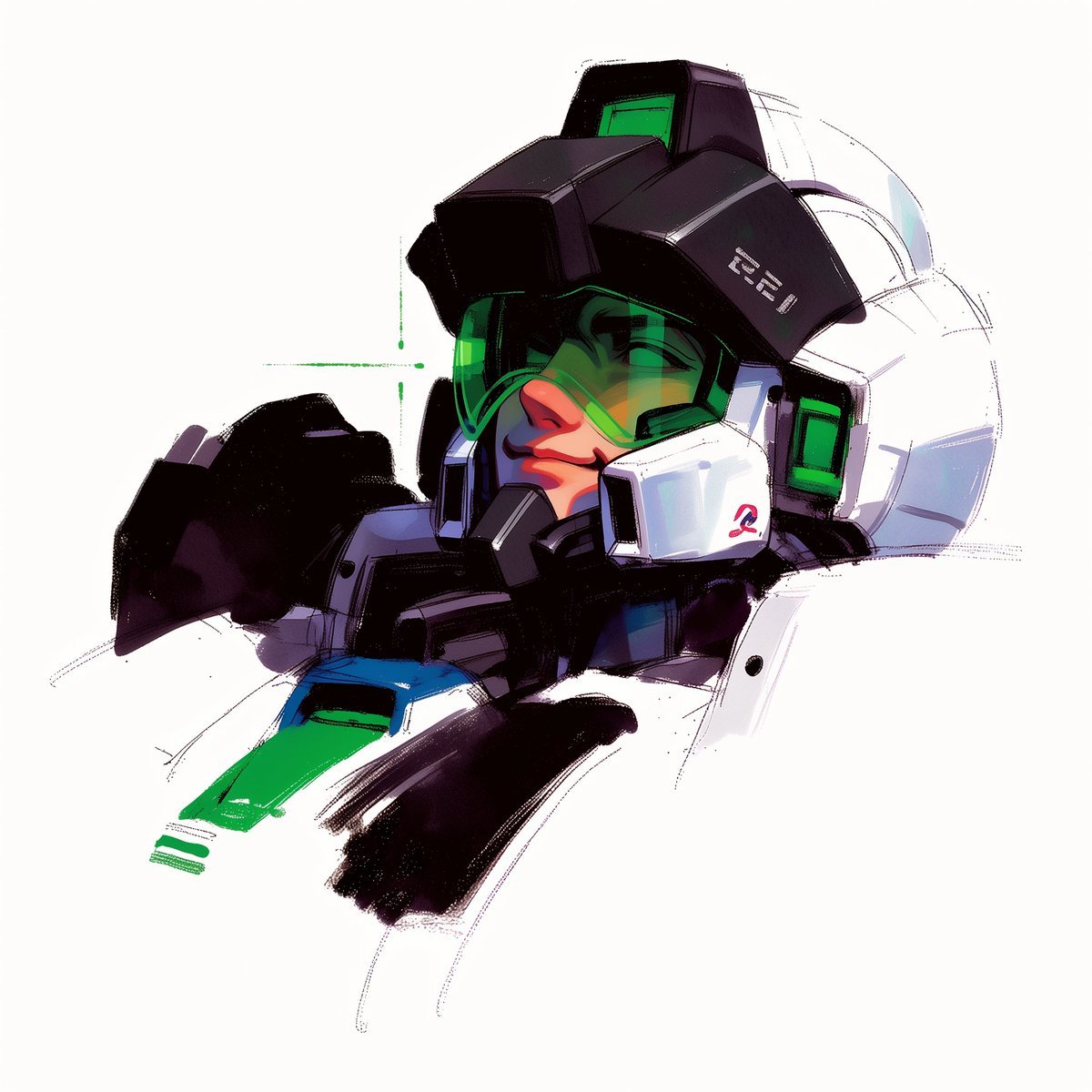
To hyper-realistic 3D CGI collectible figurine render
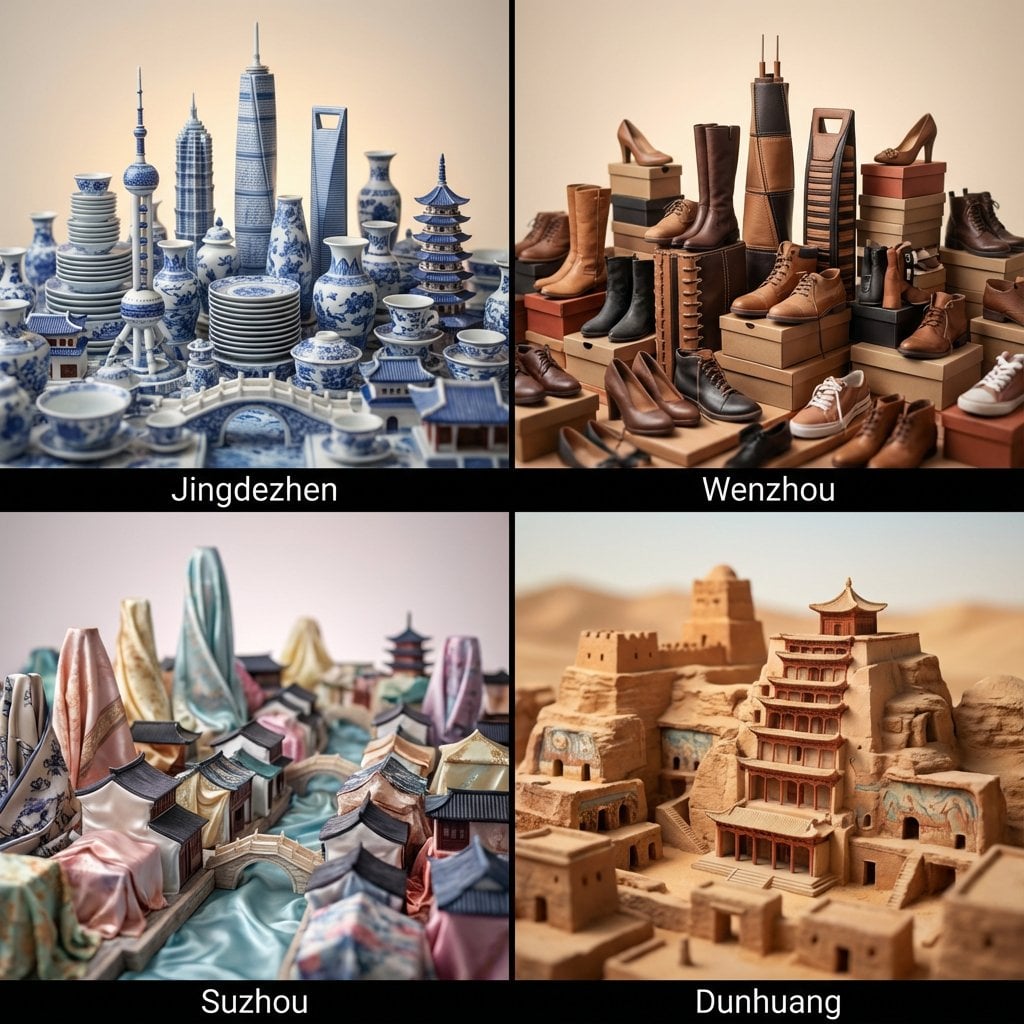
Illustration & 3D Prompt #1419
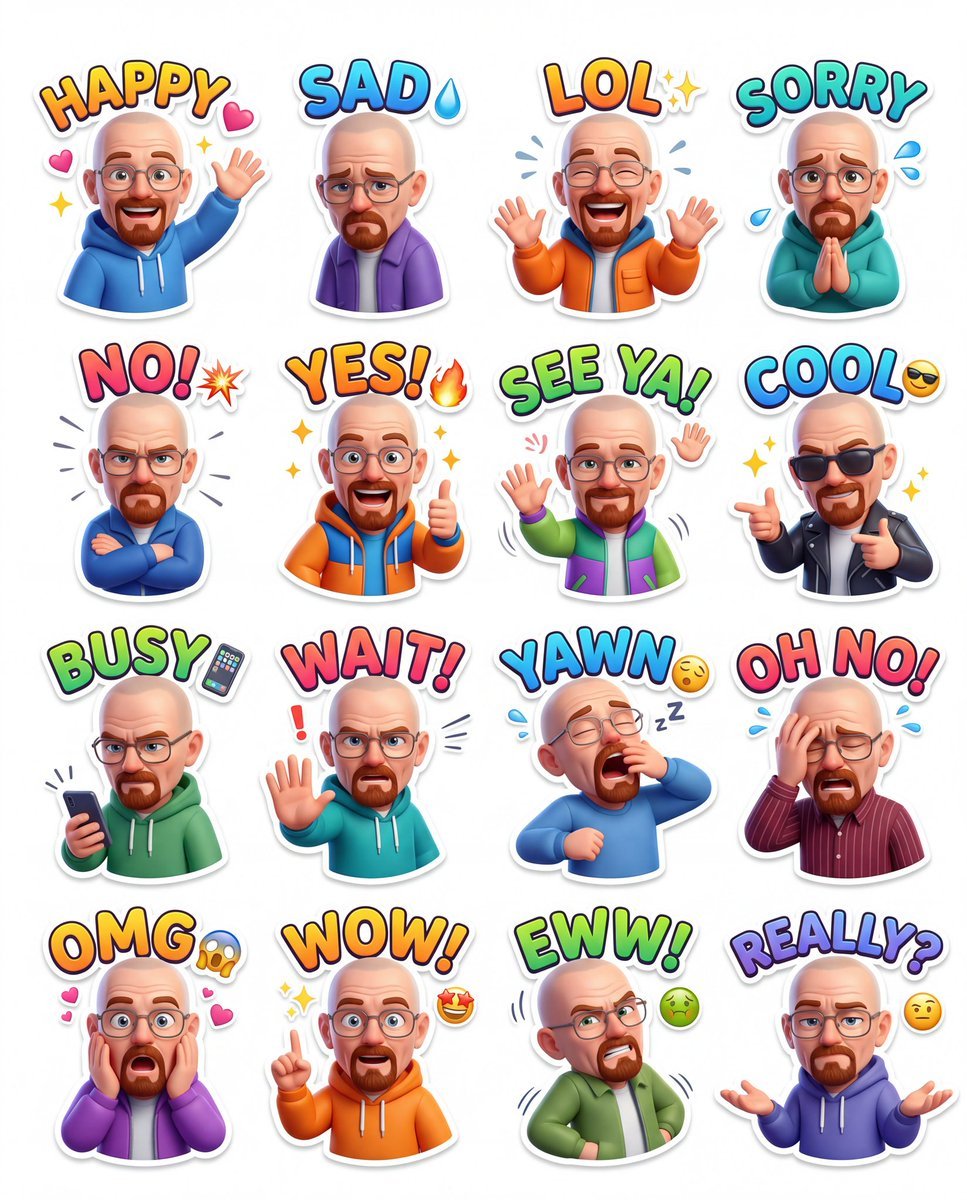
Illustration & 3D Prompt #813
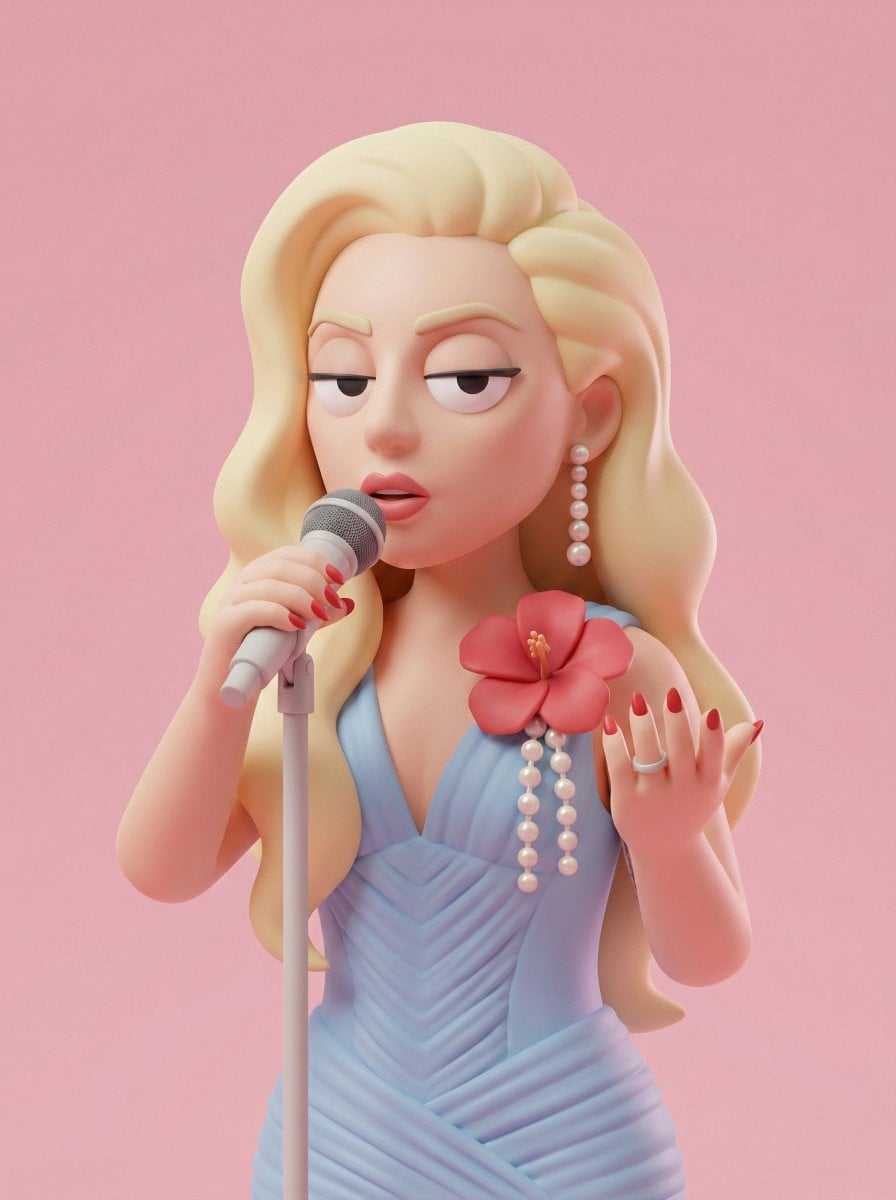
Illustration & 3D Prompt #313
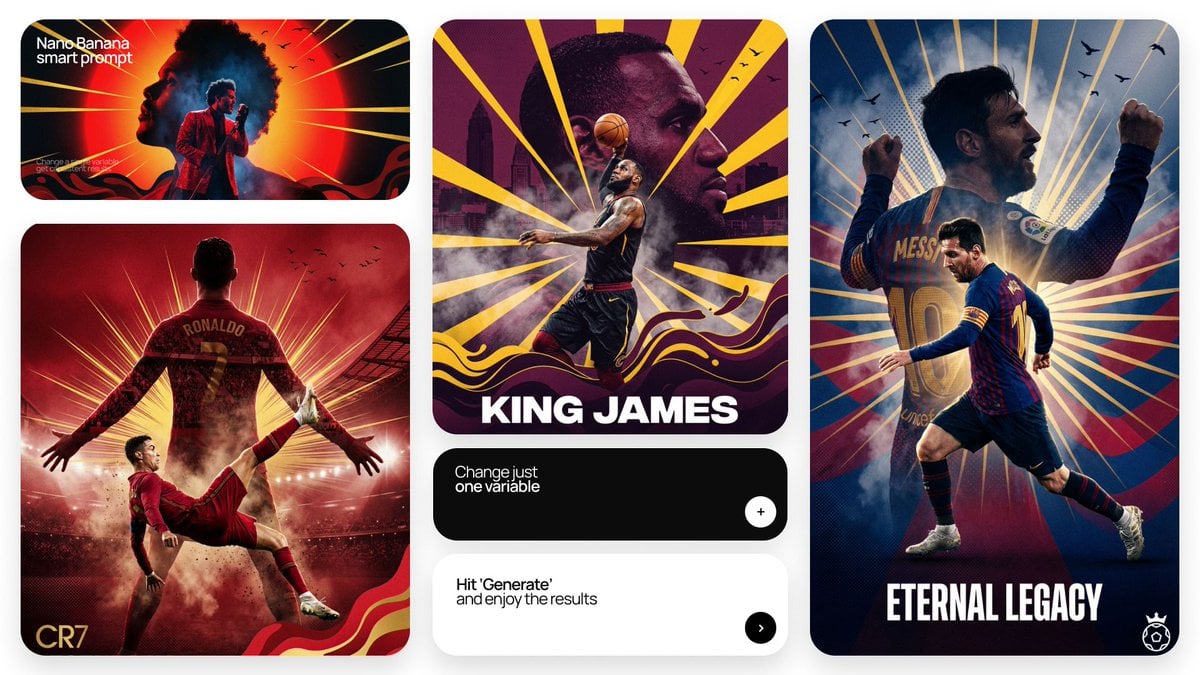
Act as a Senior Art Director
Make it yours
例 公園で遊ぶ子ども / 親子の笑顔 / 走る子ども など works as-is. These are the safest ways to change it without losing the look.
Change one field
Copy a single group, rewrite it, and generate again so you can see what that field is doing.
Keep the frame, change the subject
Hold the composition and light of 例 公園で遊ぶ子ども / 親子の笑顔 / 走る子ども など, then swap wardrobe, props or the person for a new take.
| If the result… | Why | Fix |
|---|---|---|
| The result drifts from the preview | Too many fields changed at once. | Reuse 例 公園で遊ぶ子ども / 親子の笑顔 / 走る子ども など as-is first, then change one group — subject, light, or setting. |
| The model over-stylizes the scene | The prose prompt leaves finish and camera underspecified. | Add one camera or lighting sentence and stay on GPT Image 2. |
More GPT Image 2 templates
Other prompts made for GPT Image 2.
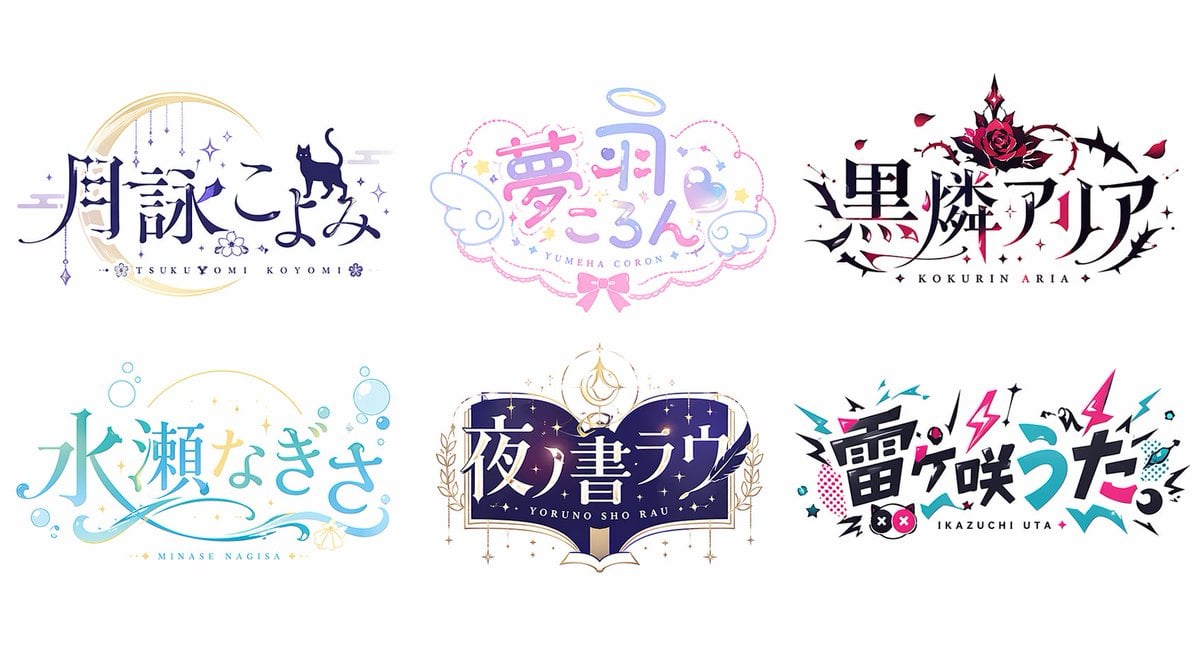
Six VTuber Japanese Logo Sheet
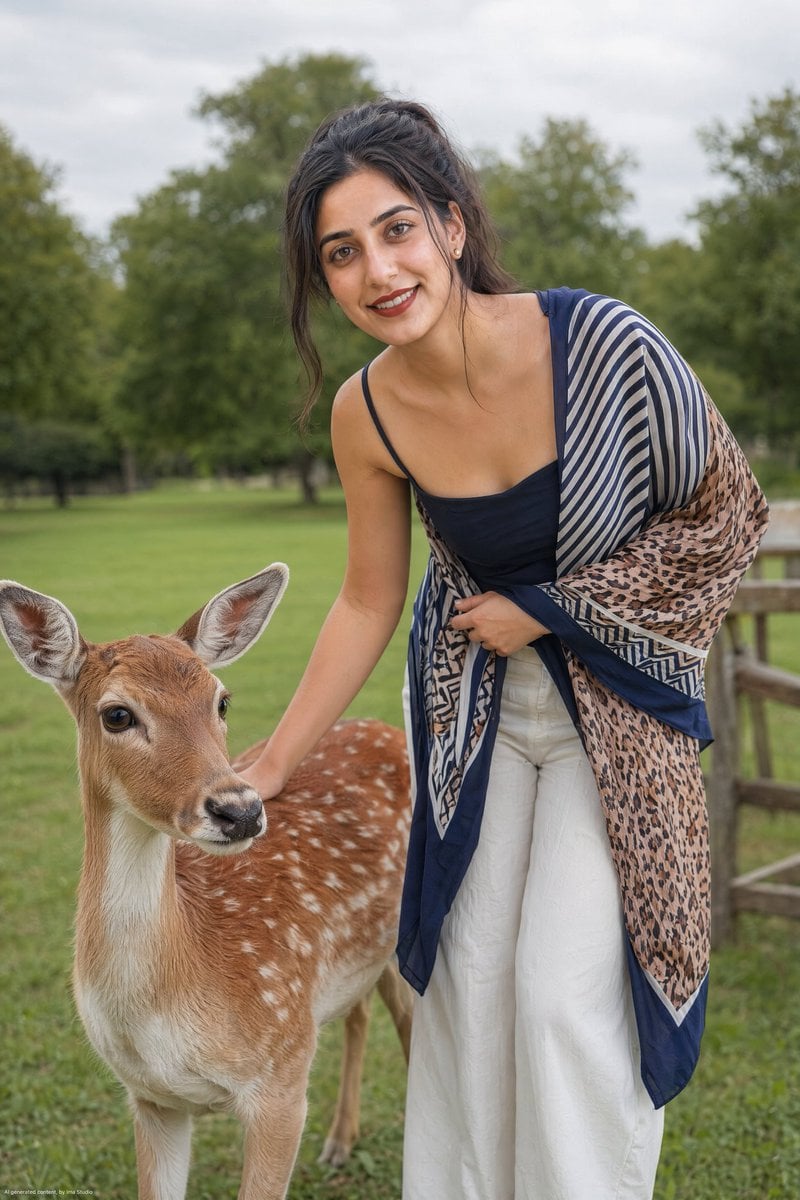
Realistic Portrait of Woman and Deer
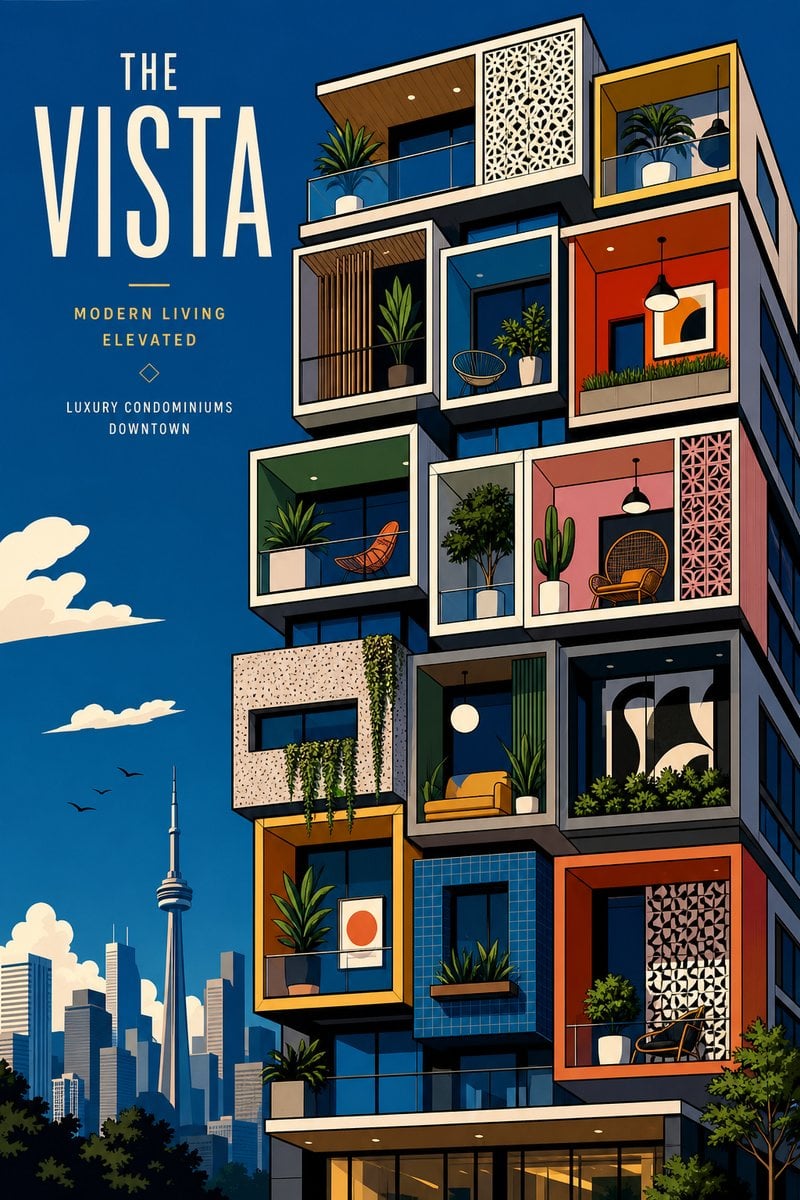
The Vista Modular Condo Poster

AI Model Routing Comparison Infographic
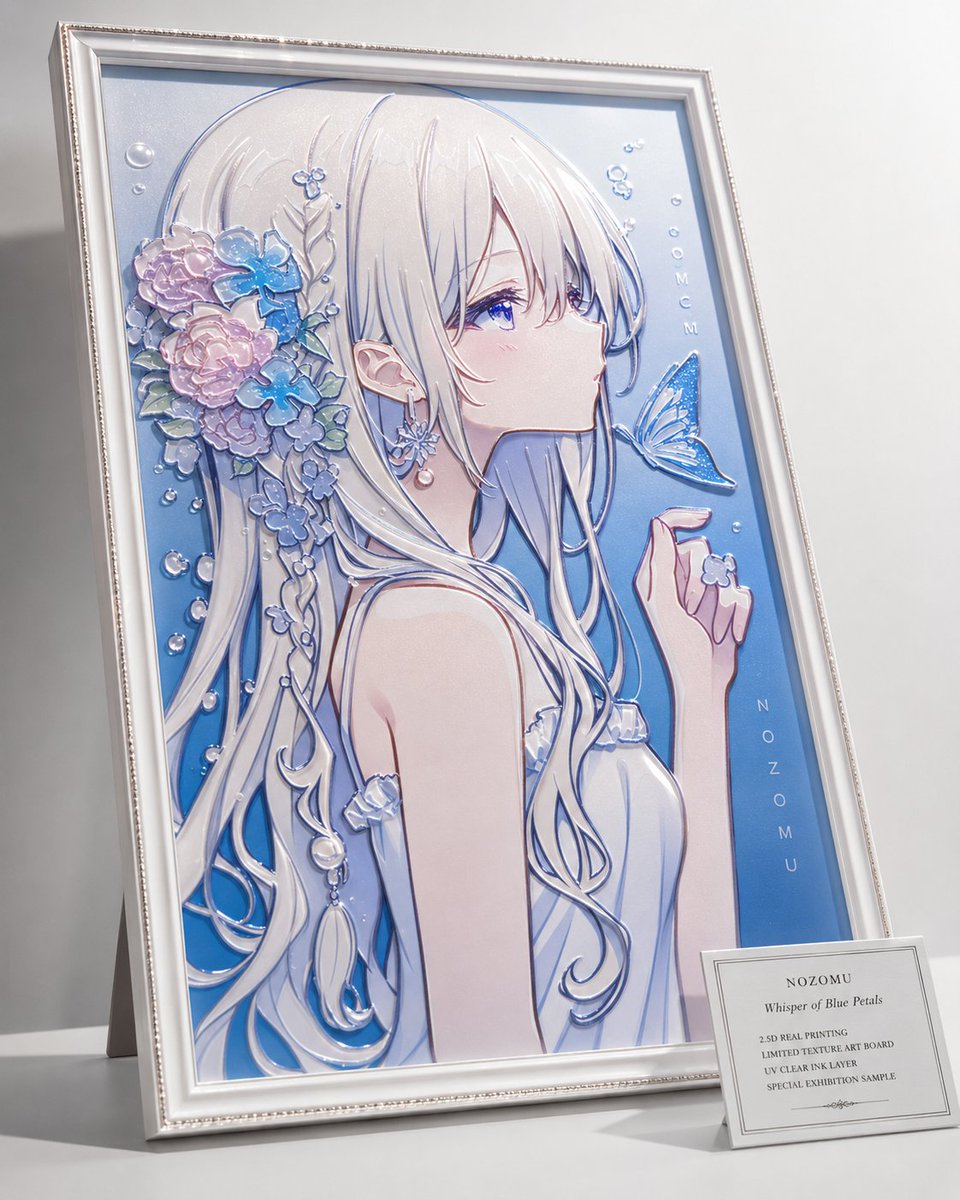
2.5D Anime Art Board

Isometric Productivity Desk Scene
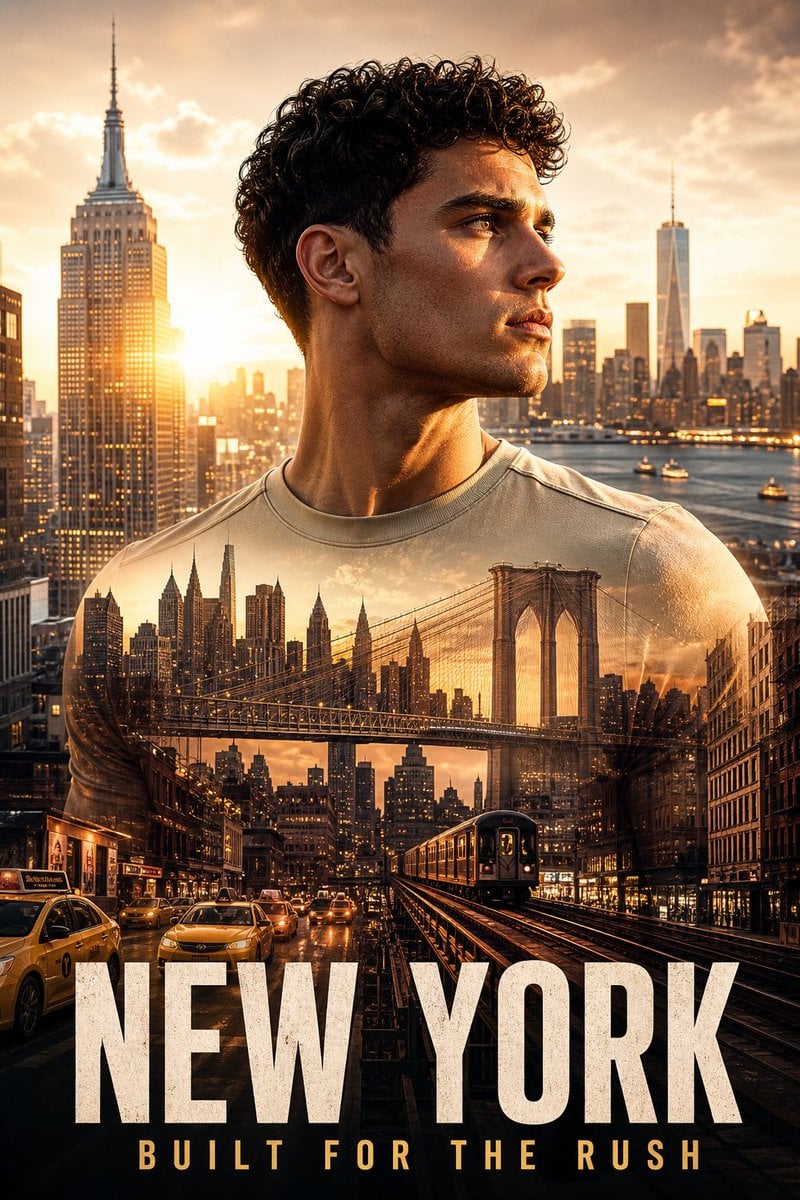
New York Double Exposure Poster
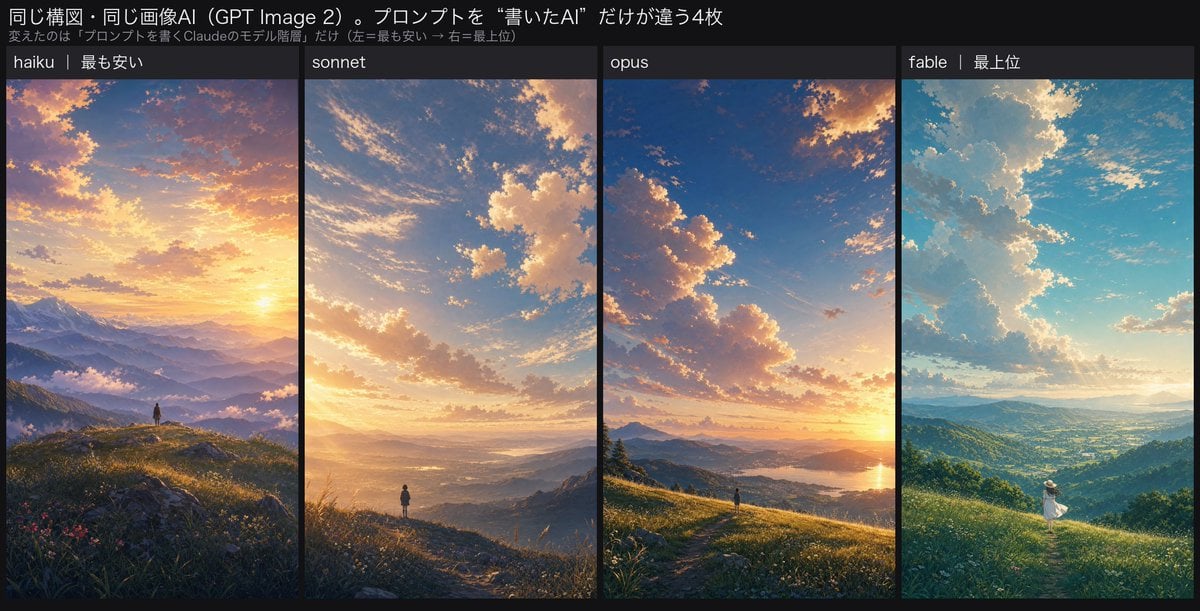
Four-Panel AI Landscape Comparison
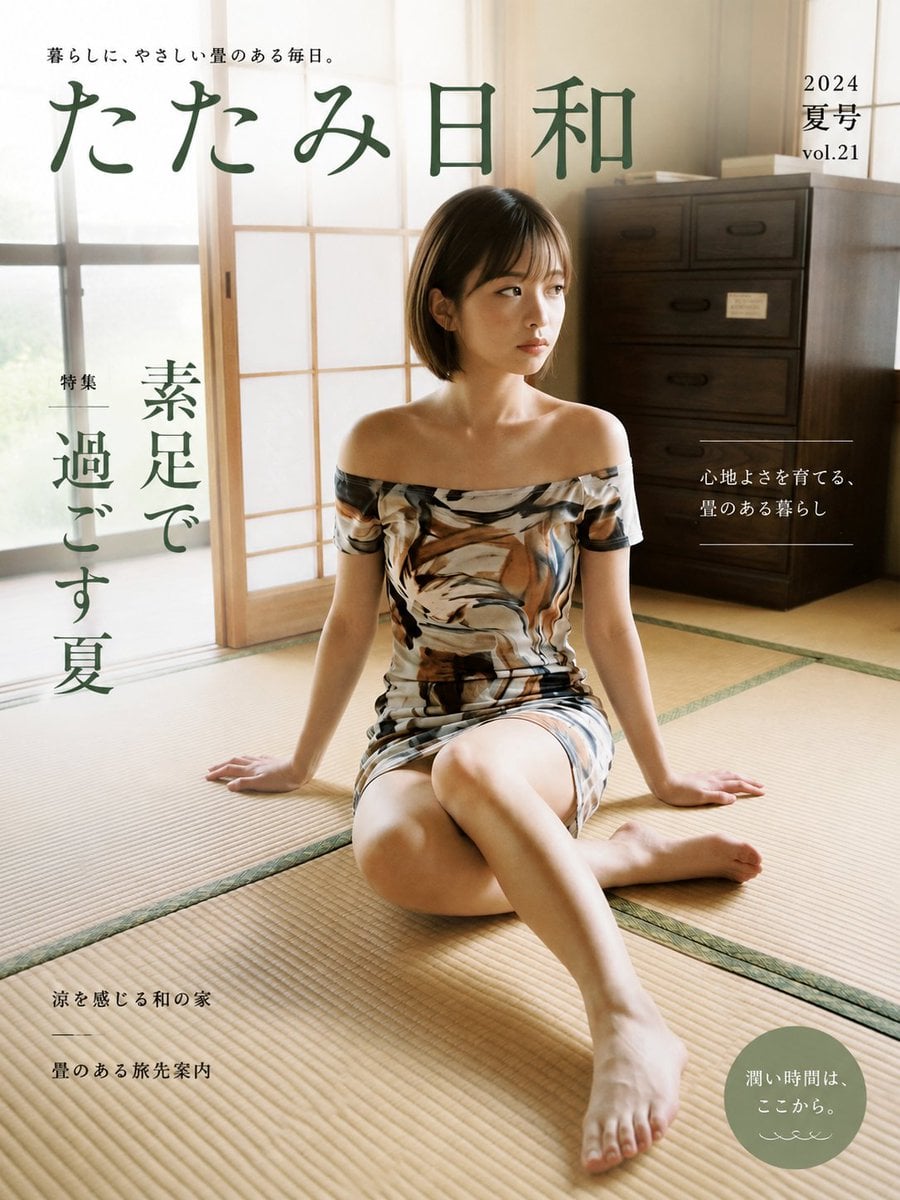
Japanese Tatami Lifestyle Magazine Cover
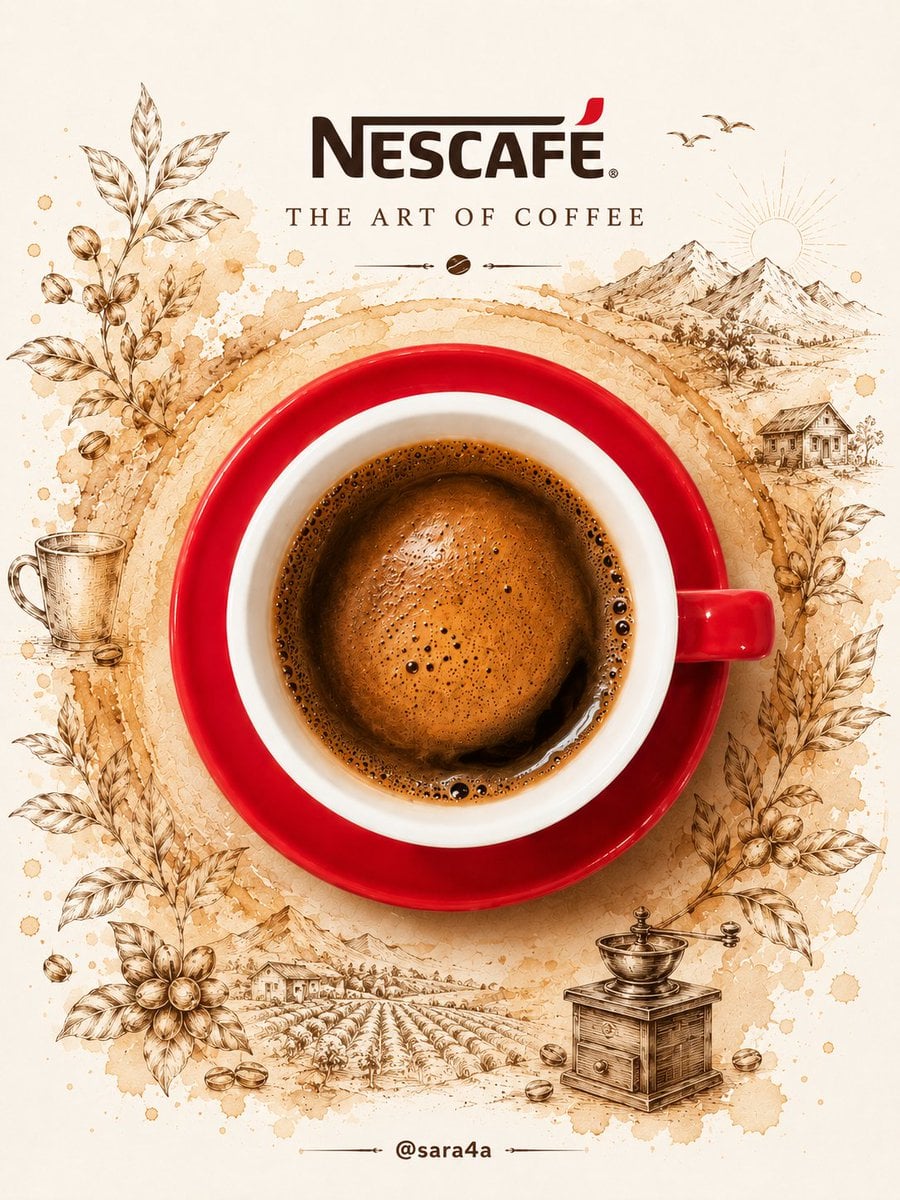
NESCAFÉ Coffee Map Poster
More image prompts
Fresh picks from across the catalog.
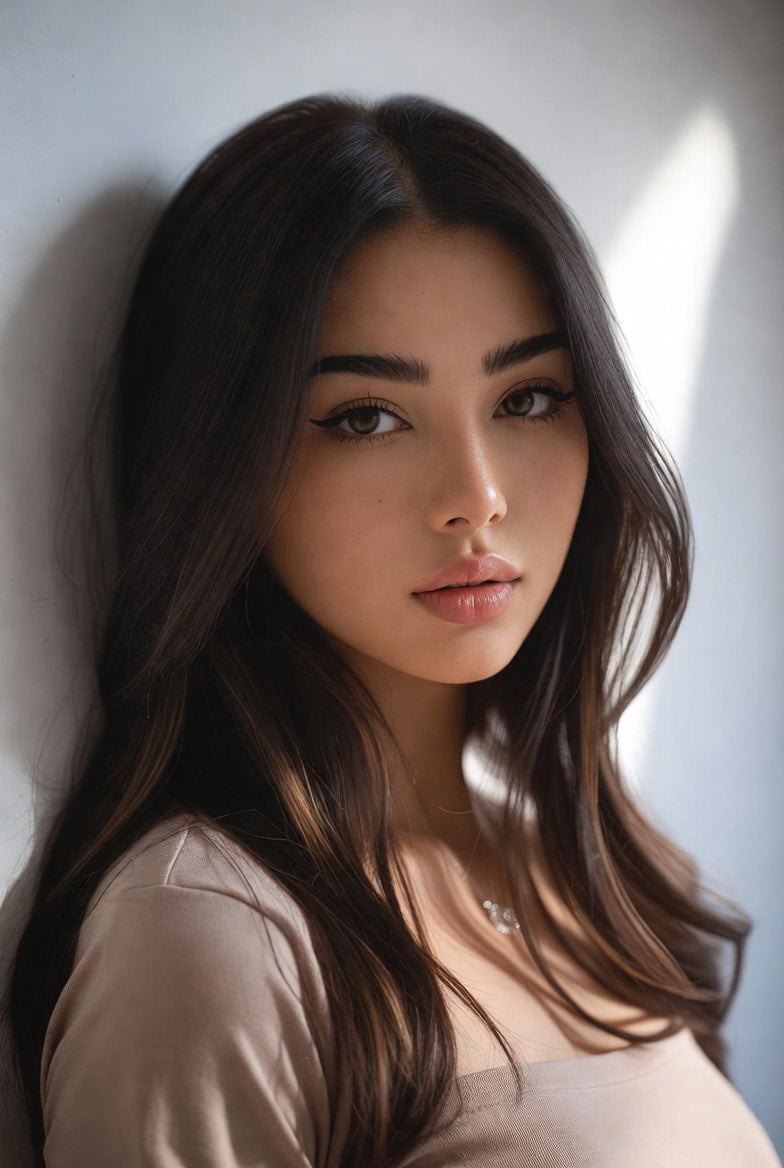
Censored Mixed-Heritage Portrait
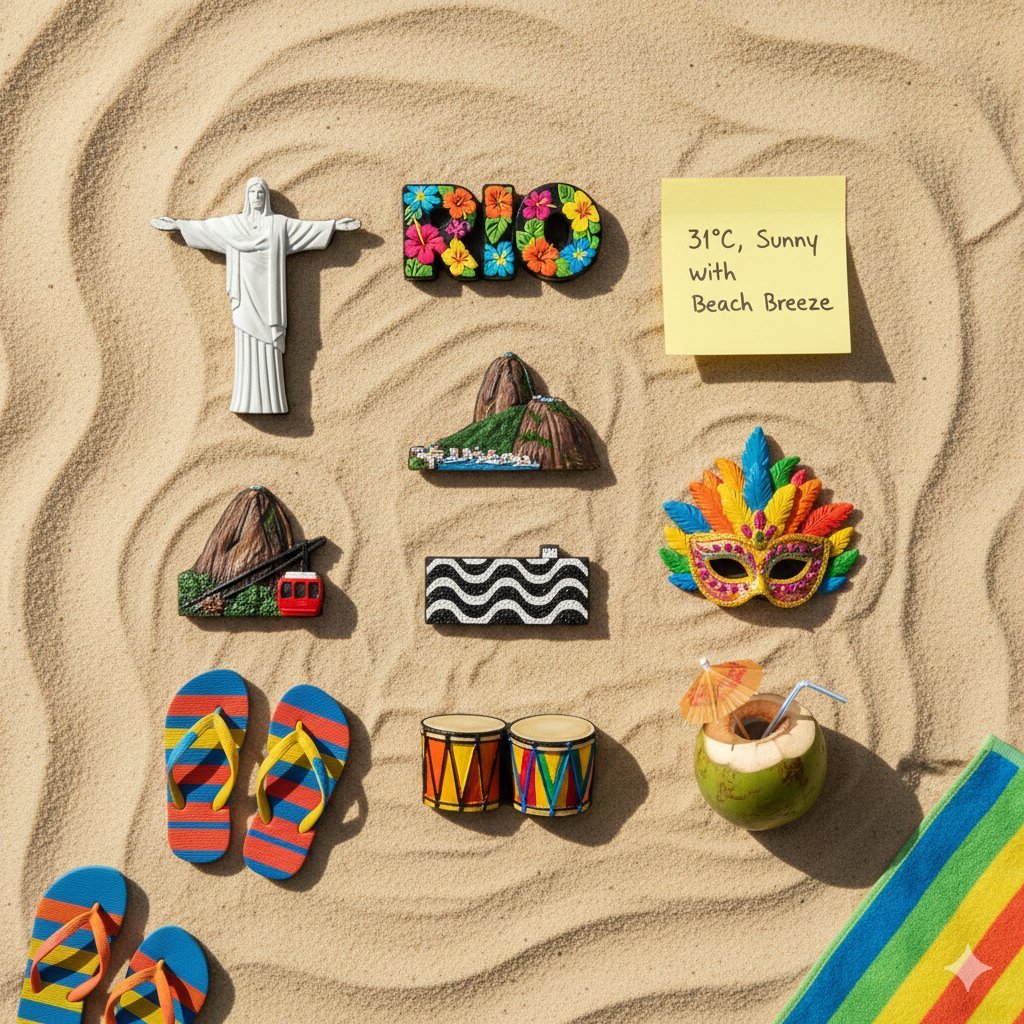
Knolling Flatlay of City Landmark Magnets

Gritty Cinematic Alleyway Portrait at Twilight
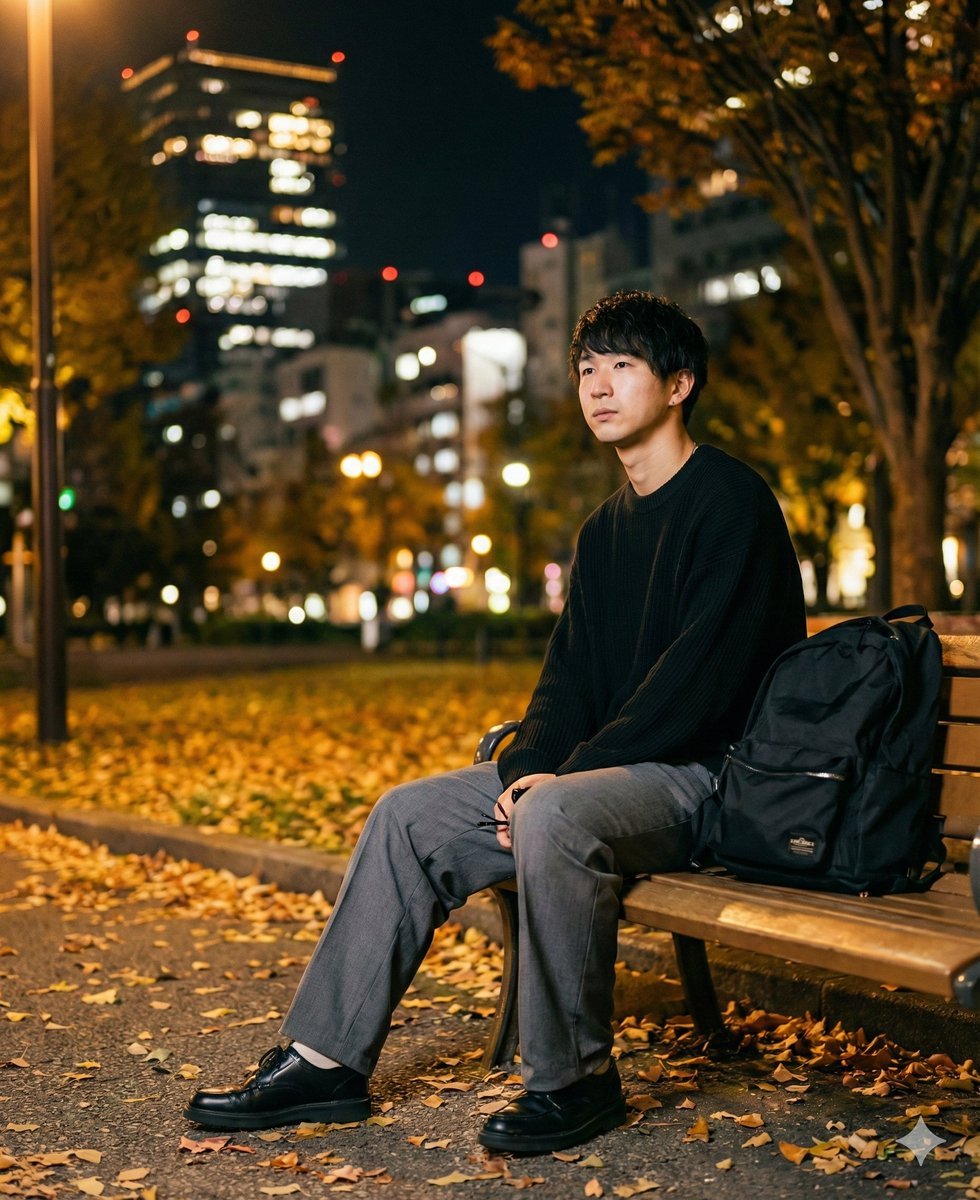
K-Pop Idol Portrait Grid for Rapid Selection
AI Haiga (Haiku Painting) Generation
Pixar-Style 3D Animated Character Portraits
Cat Wife Cooking Meme Photo
Surrealist Painter Dreamscape Diorama Prompt Template
Savanna Portrait with Lions
Cinematic Saree Double Exposure Portrait
Browse template categories
例 公園で遊ぶ子ども / 親子の笑顔 / 走る子ども など questions
How do I use the 例 公園で遊ぶ子ども / 親子の笑顔 / 走る子ども など template?
Add your photo if the template asks for one, edit the prompt if you like — the template's model and format are already selected — and press Generate. Your version opens in PicX Studio.
Can I customize the 例 公園で遊ぶ子ども / 親子の笑顔 / 走る子ども など template?
Yes. You can change the subject, setting, lighting, mood, format, and available model controls before creating your image.
Is the 例 公園で遊ぶ子ども / 親子の笑顔 / 走る子ども など template free?
Opening and editing this template is free. Generating uses credits, shown on the Generate button when you are signed in.
Which AI model should I use?
Start with GPT Image 2, which is the model associated with this template. You can compare another compatible model for a different finish.
Looking for something else? Browse all templates.

Your photo, any look
Thousands of ready templates for every top image and video model, from one credit balance.