
Hyper-realistic 3D diorama-style model
Create a hyper-realistic 3D diorama-style model of [LANDMARK NAME].
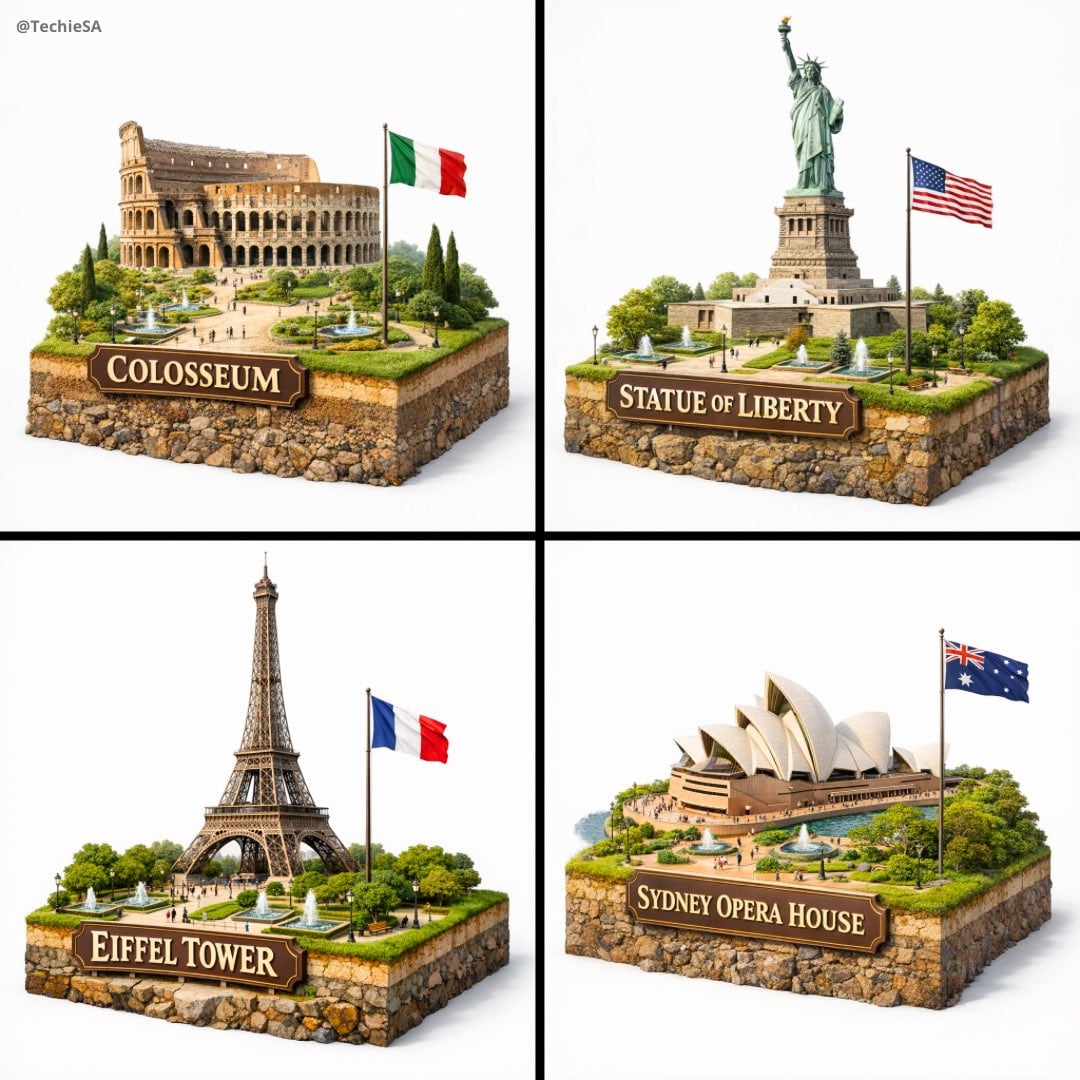
- Prompt included
- Model and format preset
- Free template
The prompt behind this image
Copy the exact prompt behind Hyper-realistic 3D diorama-style model, or open it in the studio and make it yours.
Create a hyper-realistic 3D diorama-style model of [LANDMARK NAME]. The model should appear as a miniature, set on a raised cross-section of earth that reveals soil and rock layers beneath a lush grassy surface. The structure must be highly detailed and proportionally accurate, surrounded by tiny realistic elements like region-appropriate street lamps, native trees, shrubs, water features like small fountains, and historically or culturally fitting pathways. The scene should evoke the unique character of [LANDMARK NAME]’s surrounding landscape. The environment must include a soft white background to draw full attention to the model. Include the text “[LANDMARK NAME]” in large, bold, elegant lettering prominently displayed on a big sign or billboard at the front of the diorama, easily readable and eye-catching, along with a large national flag on a tall, prominent flagpole positioned beside [LANDMARK NAME], clearly visible and waving. 1080x1080 dimension
How to use Hyper-realistic 3D diorama-style model in 3 steps
- 1
Open
The prompt is already in the box next to the preview, with the template's model and format selected.
- 2…a portrait of your subject in softgolden-hour light, 85mm…
Personalize
Edit the subject and creative details for your destination.
- 3Generate
Generate
Press Generate — your image is created in PicX Studio, so you can compare it with the original and refine one variable at a time.
More like this
Templates with the same subject, style or setup. Open one to see its prompt.
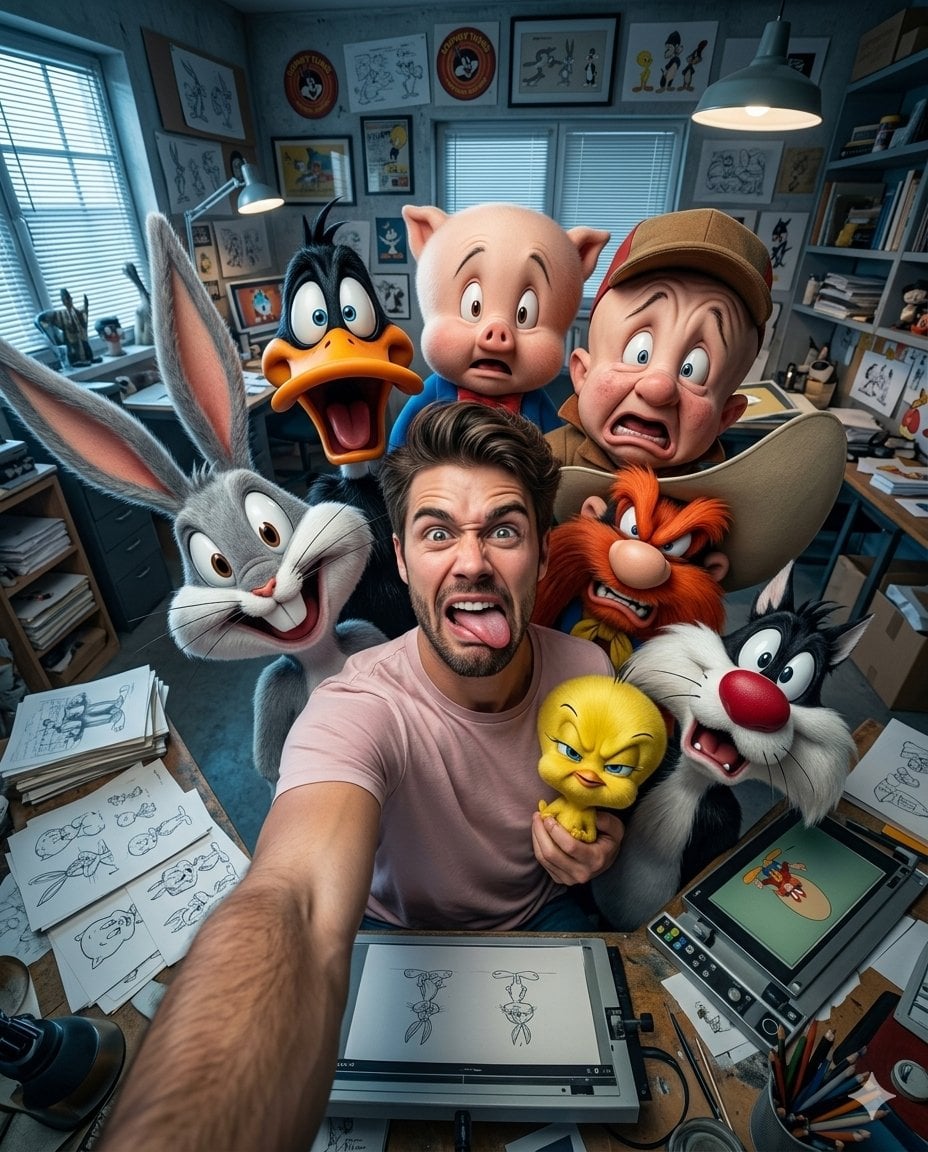
Illustration & 3D Prompt #533

Cinematic 3D action-packed advertisement captured in an intense
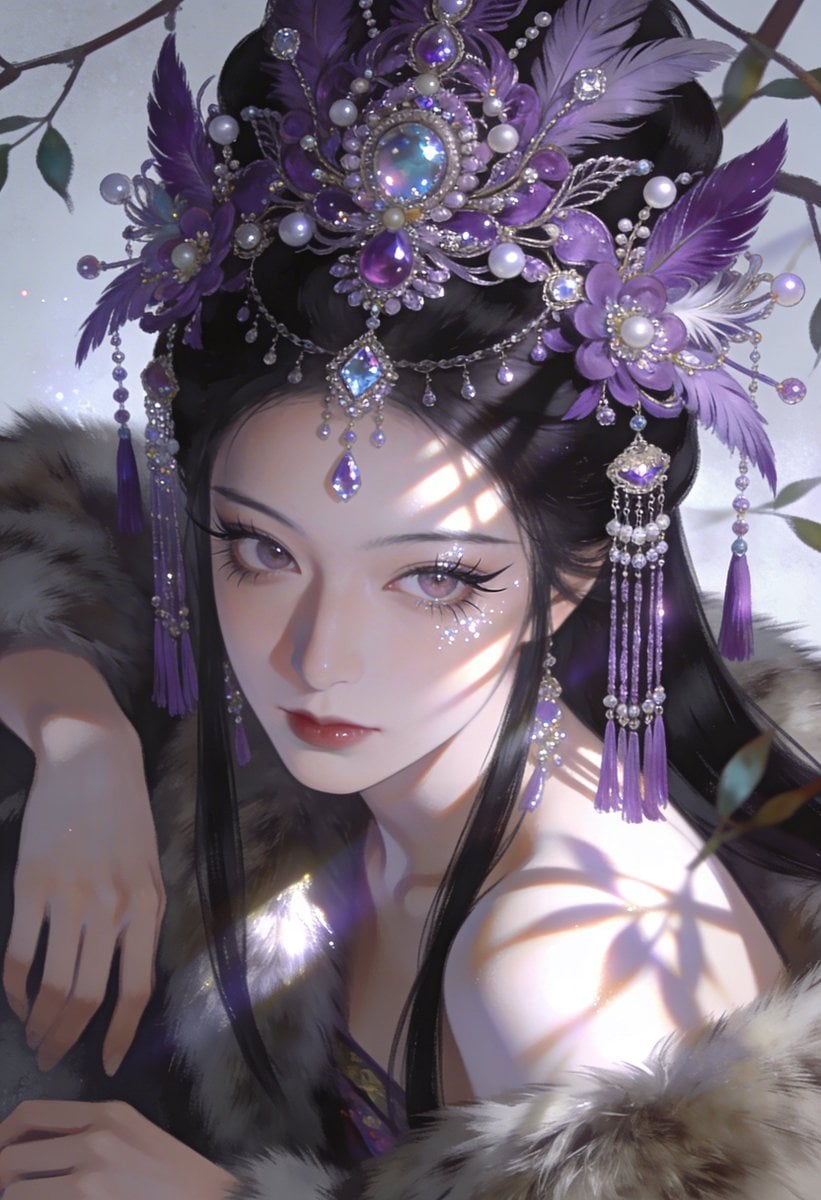
Ime characters into realistic human portraits Convert character

Clear, 45 top-down isometric miniature 3D cartoon scene of the iconic
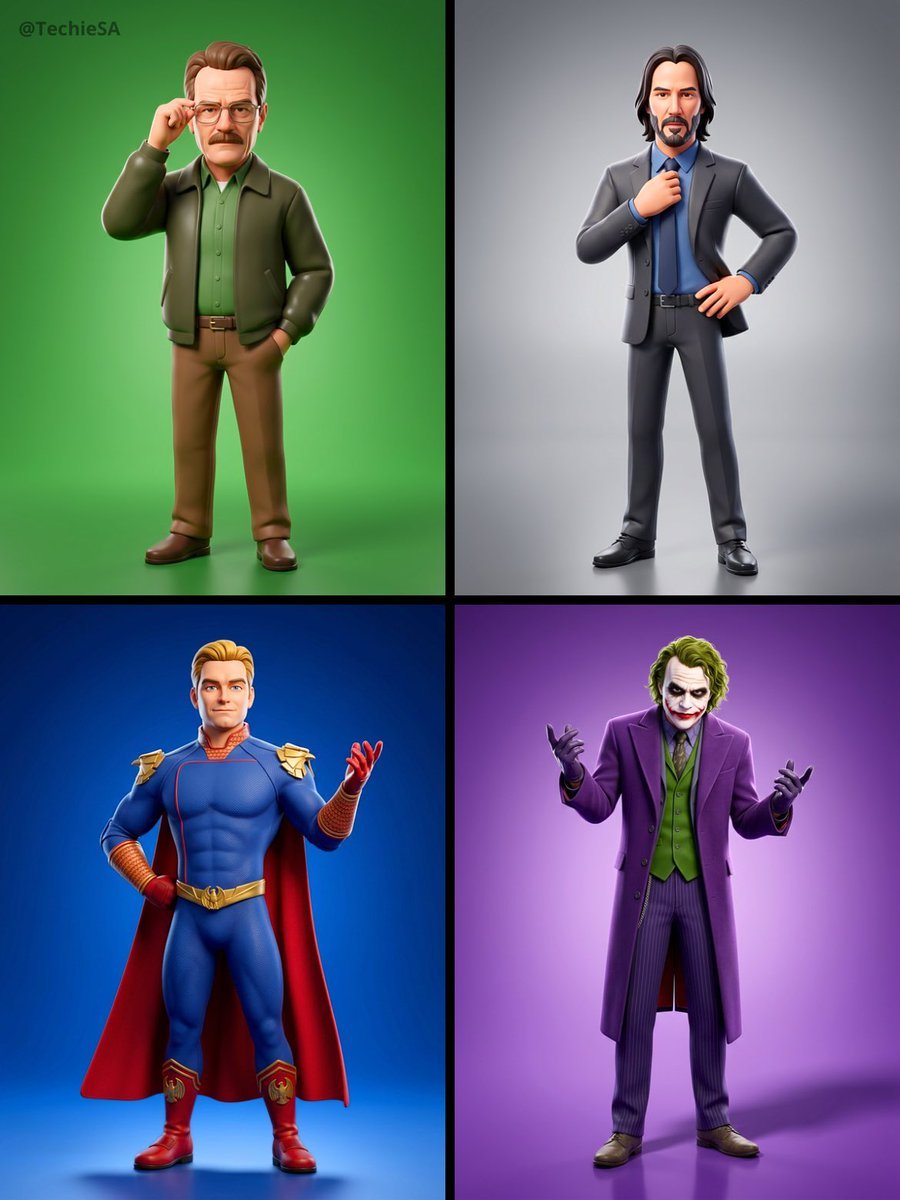
Referenced person into a premium stylized 3D animated character, full
Illustration & 3D Prompt #1437
To hyper-realistic 3D CGI collectible figurine render
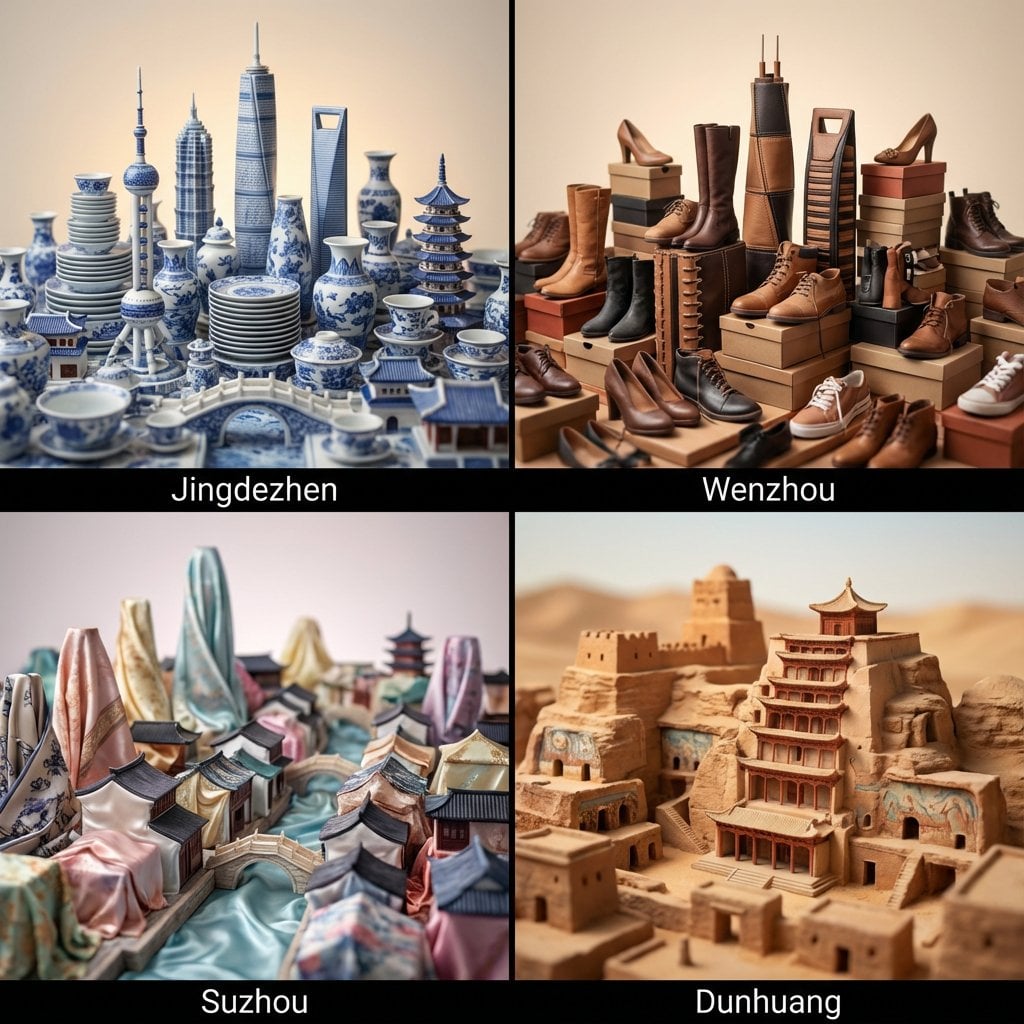
Illustration & 3D Prompt #1419
Illustration & 3D Prompt #813
Illustration & 3D Prompt #313
Illustration & 3D Prompt #1428
Act as a Music Historian and Set Designer
Make it yours
Hyper-realistic 3D diorama-style model works as-is. These are the safest ways to change it without losing the look.
Change one field
Copy a single group, rewrite it, and generate again so you can see what that field is doing.
Keep the frame, change the subject
Hold the composition and light of Hyper-realistic 3D diorama-style model, then swap wardrobe, props or the person for a new take.
| If the result… | Why | Fix |
|---|---|---|
| The result drifts from the preview | Too many fields changed at once. | Reuse Hyper-realistic 3D diorama-style model as-is first, then change one group — subject, light, or setting. |
| The model over-stylizes the scene | The prose prompt leaves finish and camera underspecified. | Add one camera or lighting sentence and stay on GPT Image 2. |
More GPT Image 2 templates
Other prompts made for GPT Image 2.

Six VTuber Japanese Logo Sheet

Realistic Portrait of Woman and Deer

The Vista Modular Condo Poster

AI Model Routing Comparison Infographic

2.5D Anime Art Board

Isometric Productivity Desk Scene

New York Double Exposure Poster

Four-Panel AI Landscape Comparison

Japanese Tatami Lifestyle Magazine Cover

NESCAFÉ Coffee Map Poster
More image prompts
Fresh picks from across the catalog.
Anime Character to Photorealistic Portrait Conversion
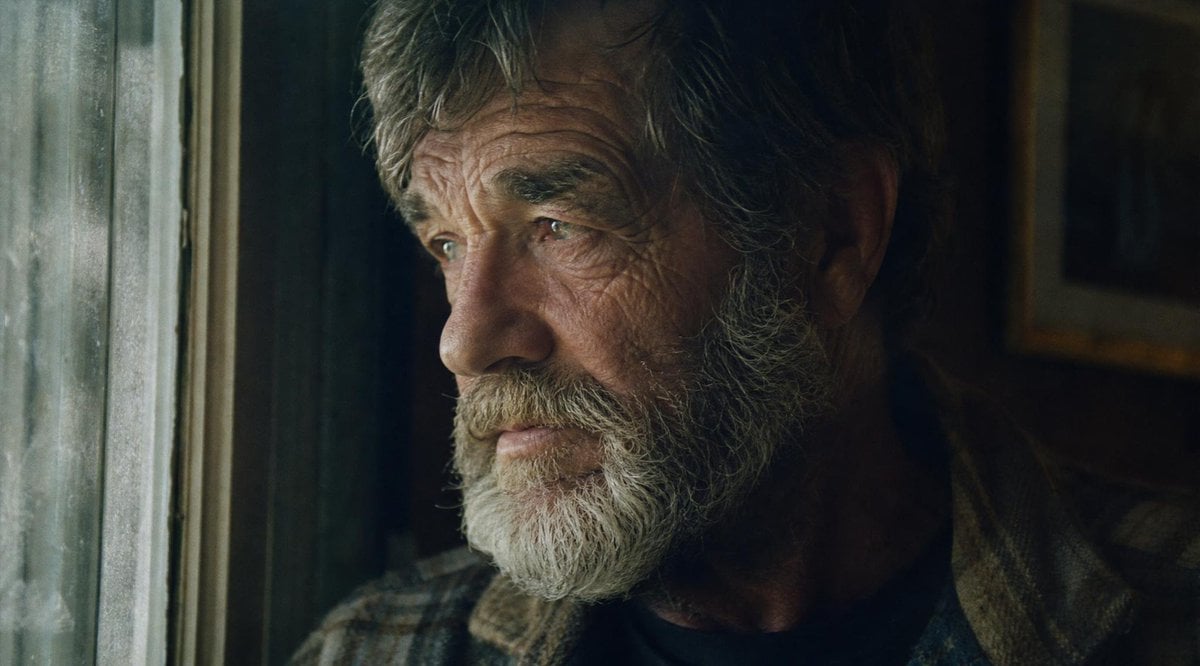
Moody Censored Film Still
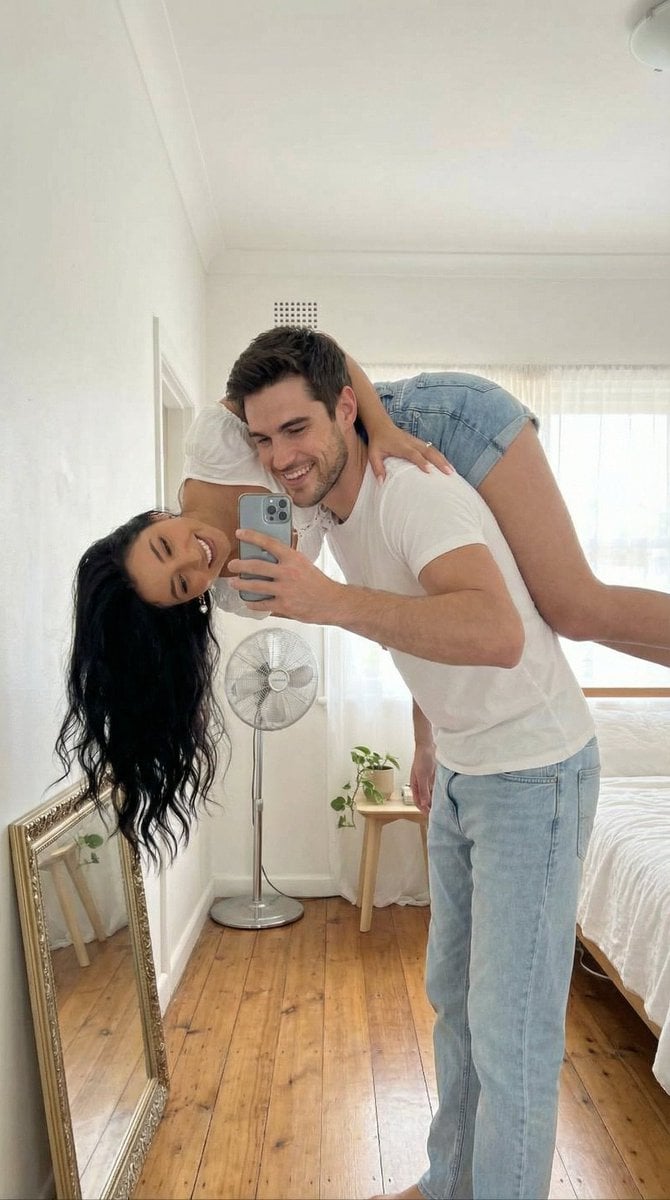
Photo-to-Canvas Artwork Transformation Prompt
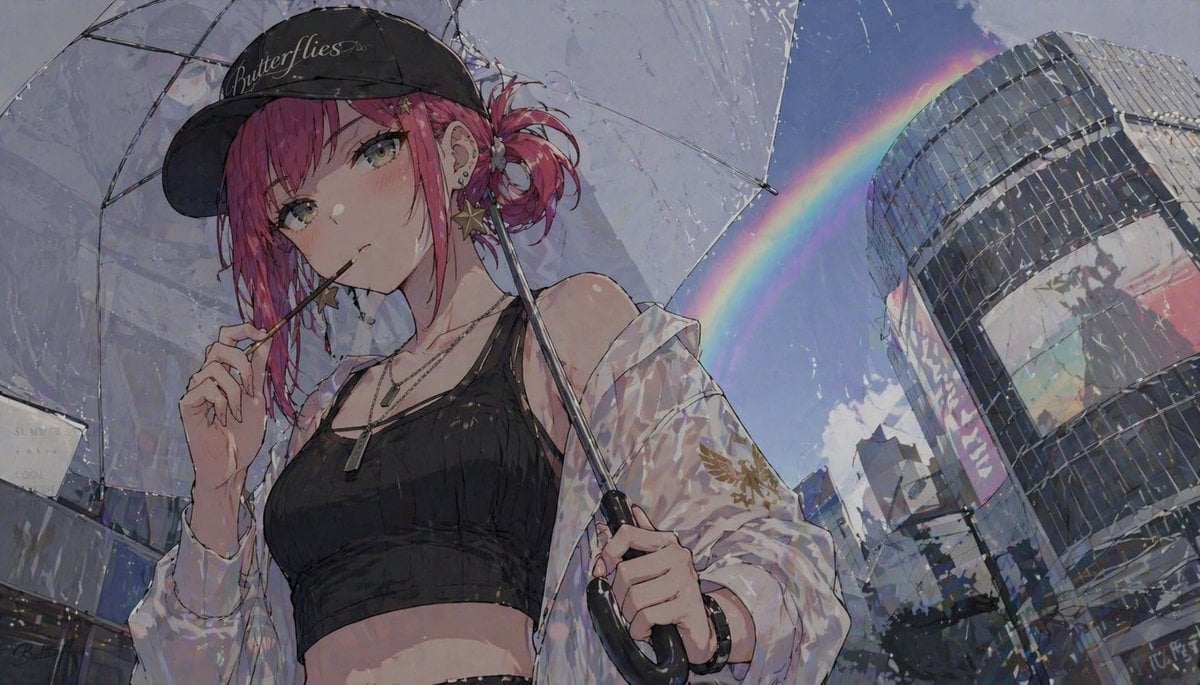
Anime Girl with Umbrella and Rainbow
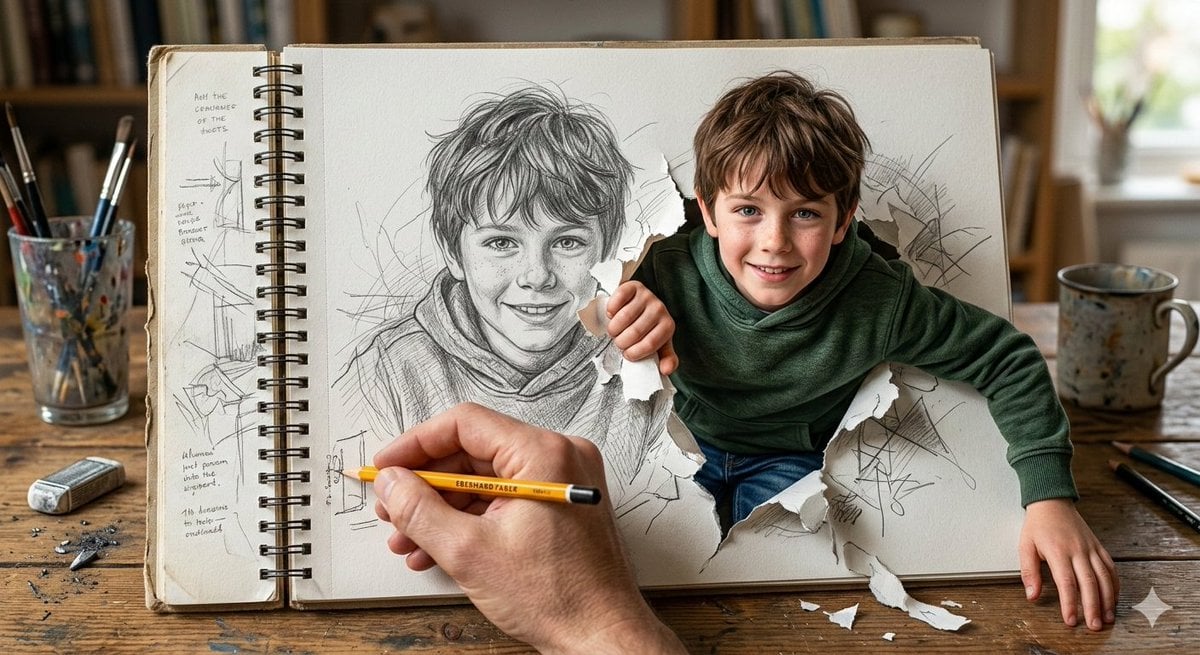
Cinematic 3D Illustration of a Boy Emerging from a Sketchbook
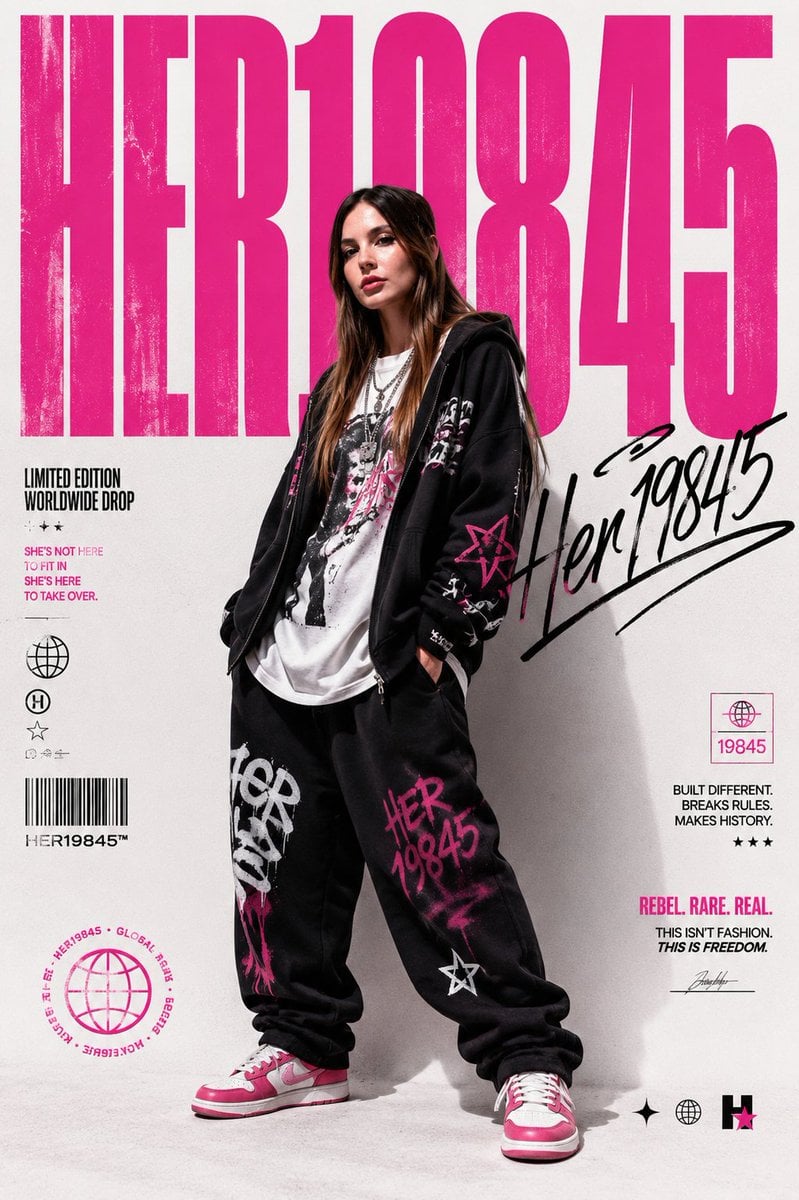
Streetwear Brand Drop Collage Poster
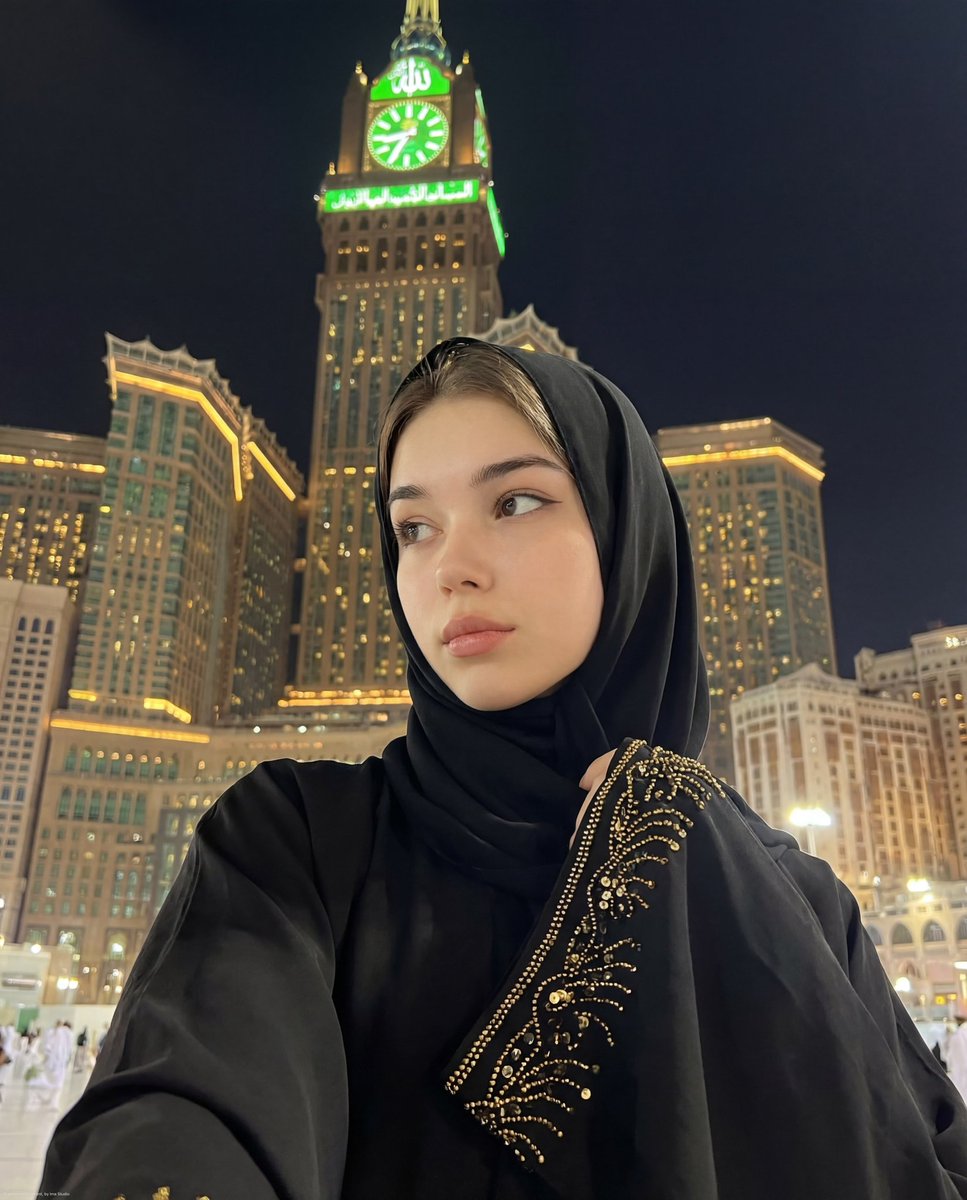
Ultra-Realistic Spiritual Night Selfie in Makkah

Ultra-realistic Urban Skateboarding Action Scene

Himalayan Hiker Adventure Poster
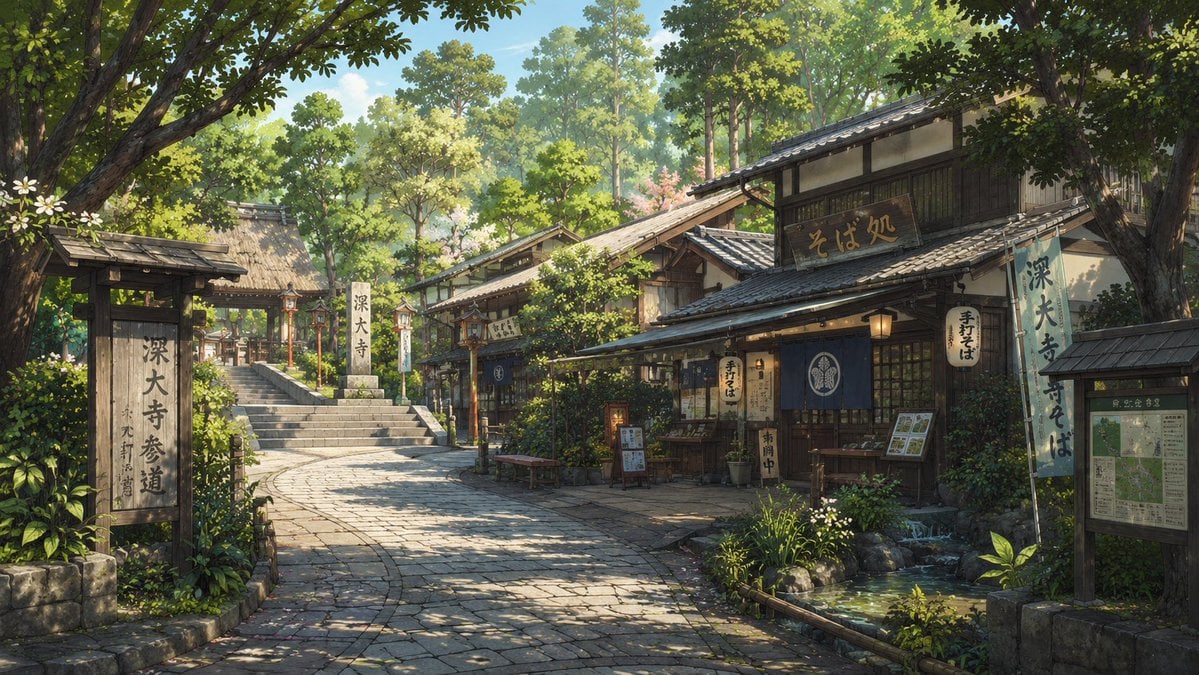
Jindaiji Temple Approach Background
Browse template categories
Hyper-realistic 3D diorama-style model questions
How do I use the Hyper-realistic 3D diorama-style model template?
Add your photo if the template asks for one, edit the prompt if you like — the template's model and format are already selected — and press Generate. Your version opens in PicX Studio.
Can I customize the Hyper-realistic 3D diorama-style model template?
Yes. You can change the subject, setting, lighting, mood, format, and available model controls before creating your image.
Is the Hyper-realistic 3D diorama-style model template free?
Opening and editing this template is free. Generating uses credits, shown on the Generate button when you are signed in.
Which AI model should I use?
Start with GPT Image 2, which is the model associated with this template. You can compare another compatible model for a different finish.
Looking for something else? Browse all templates.

Your photo, any look
Thousands of ready templates for every top image and video model, from one credit balance.