
Jindaiji Temple Approach Background
Generates a serene anime-style Japanese temple approach street background with traditional soba shops, signs, greenery, and dappled sunlight.
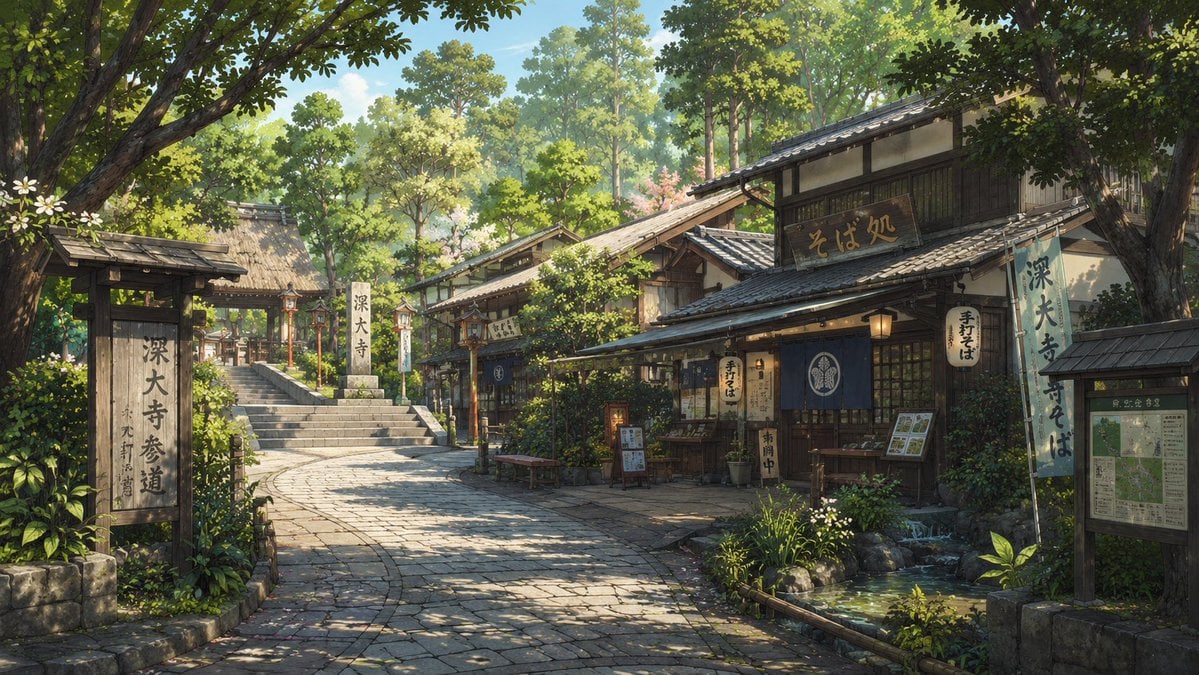
- Prompt included
- Model and format preset
- Free template
The prompt behind this image
Copy the exact prompt behind Jindaiji Temple Approach Background, or open it in the studio and make it yours.
Create a highly detailed anime-style background illustration of a quiet Japanese temple approach street near {argument name="location" default="Jindaiji Temple approach in Chofu, Tokyo"} on a clear spring or early summer morning. Show a gently curving stone-paved path leading from the foreground toward a set of shrine-temple steps and a thatched-roof gate on the left, with traditional wooden shop buildings lining the right side. The main shop is a soba restaurant with dark timber beams, tiled roofs, warm paper lanterns, a blue noren curtain, menu boards, and visible Japanese signage including {argument name="shop sign text" default="そば処"} and {argument name="temple sign text" default="深大寺参道"}. Include exactly 3 prominent vertical signs: one large wooden temple-approach sign in the left foreground, one pale blue hanging banner on the right shop, and one map/information board at the far right. Add exactly 4 visible shop lanterns around the restaurant frontage. Surround the street with dense leafy green trees, shrubs, potted plants, small white flowers, mossy stones, and a shallow clear water basin or stream at the lower right reflecting sunlight. Use soft dappled light filtering through the tree canopy, realistic perspective, lush layered foliage, intricate roof tiles and wood textures, peaceful nostalgic atmosphere, no people, wide cinematic composition, 16:9 aspect ratio, painterly but crisp Studio Ghibli-inspired Japanese background art.
How to use Jindaiji Temple Approach Background in 3 steps
- 1Upload ImagePNG, JPG or paste
Add your photo
Upload the photo the template builds on. The prompt, model and format are already set.
- 2…a portrait of your subject in softgolden-hour light, 85mm…
Personalize
Edit the subject and creative details for your destination.
- 3Generate
Generate
Press Generate — your image is created in PicX Studio, so you can compare it with the original and refine one variable at a time.
More like this
Templates with the same subject, style or setup. Open one to see its prompt.

Photoreal Selfie Minecraft Block World

Ancient Temple Portrait — White Dress Nano Banana
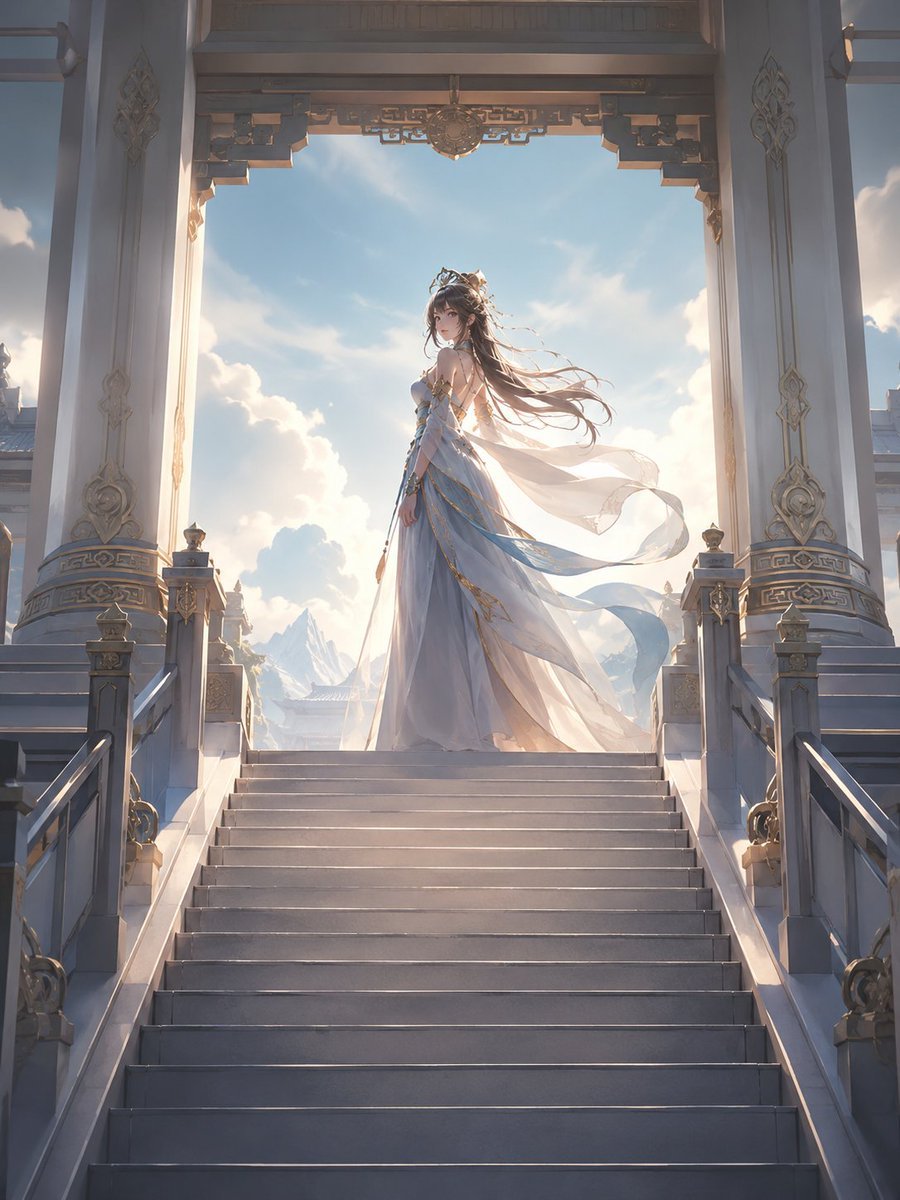
Fantasy Princess Temple Staircase
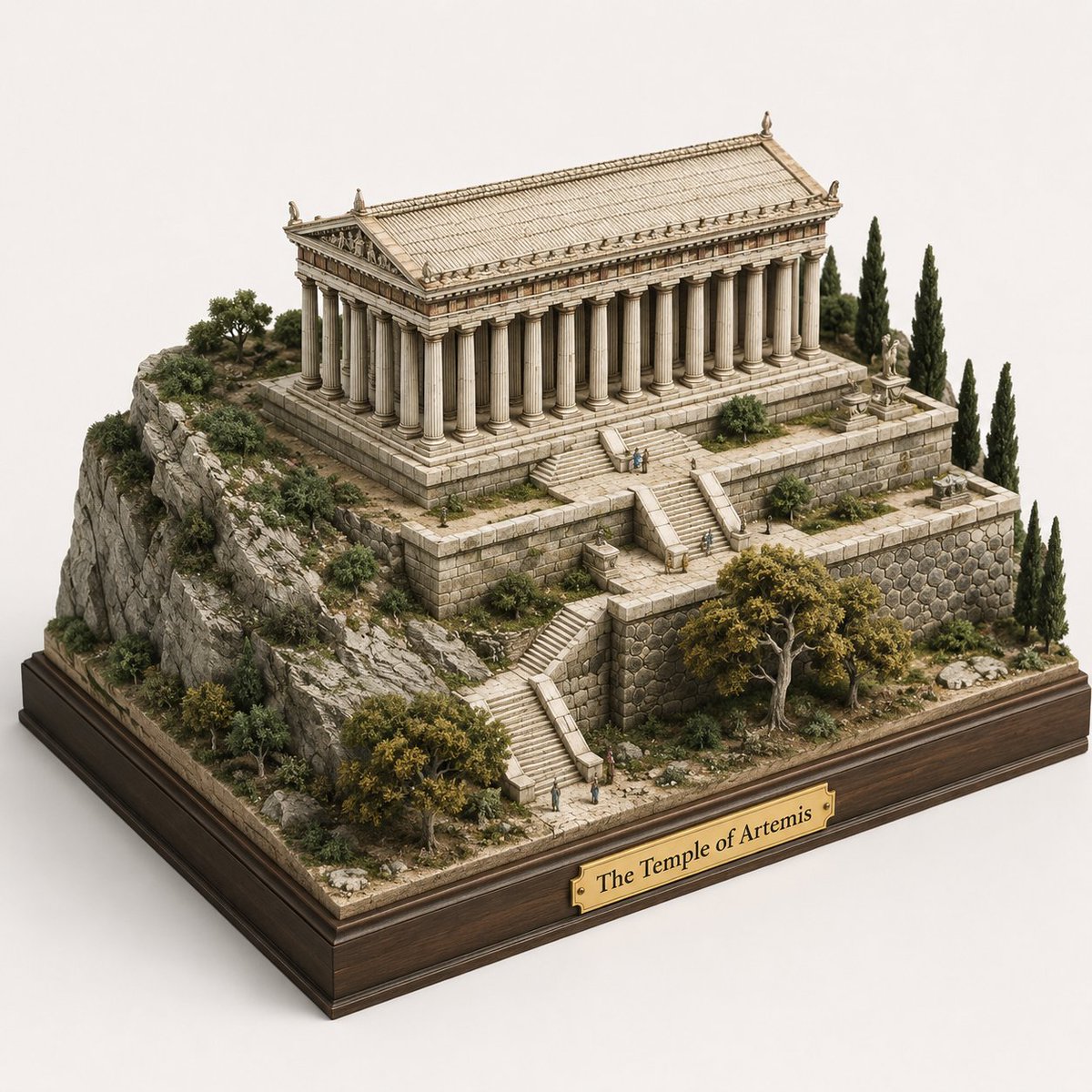
Ancient Temple 3D Diorama
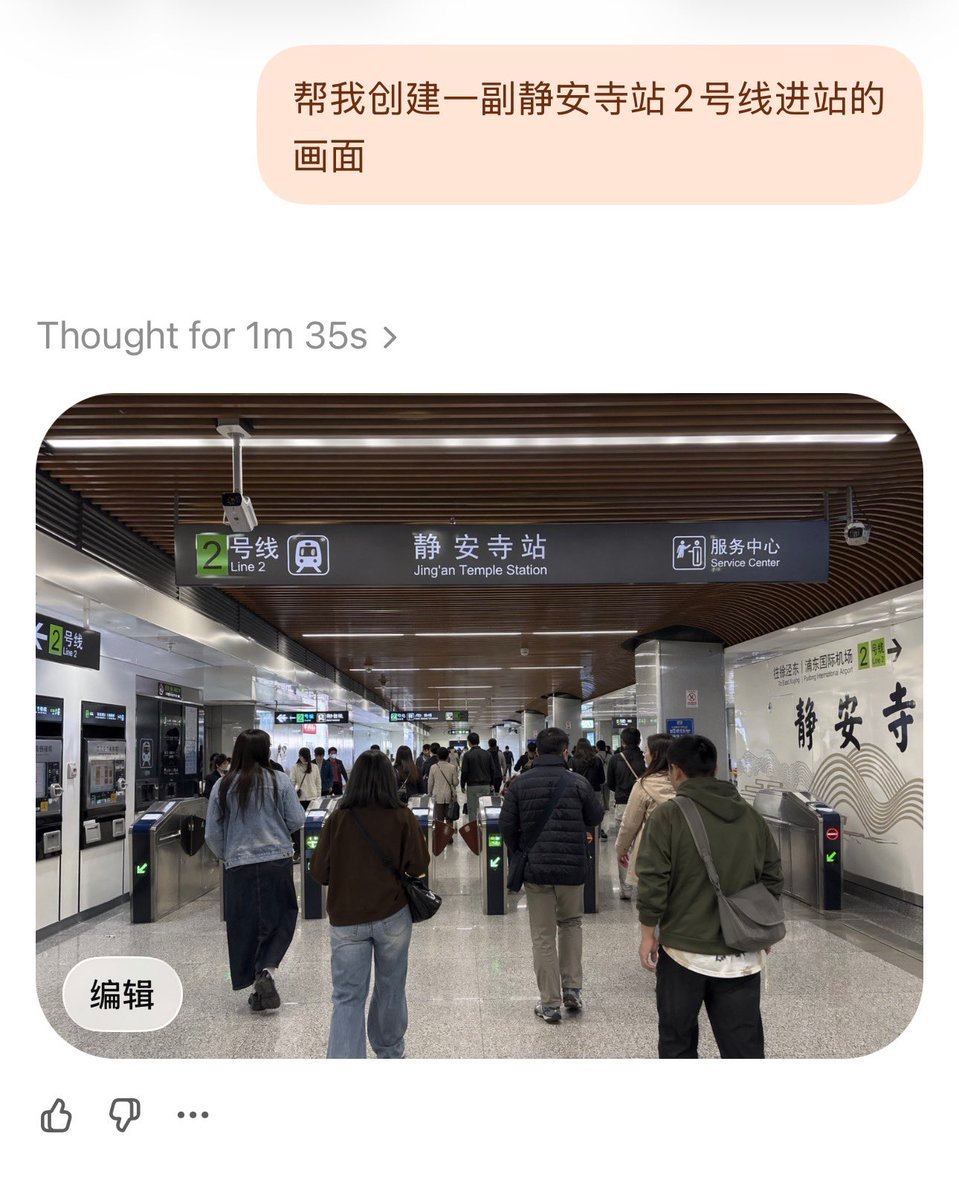
Jing'an Temple Line 2 Station Entrance

Modern Man in Ancient Egyptian Temple
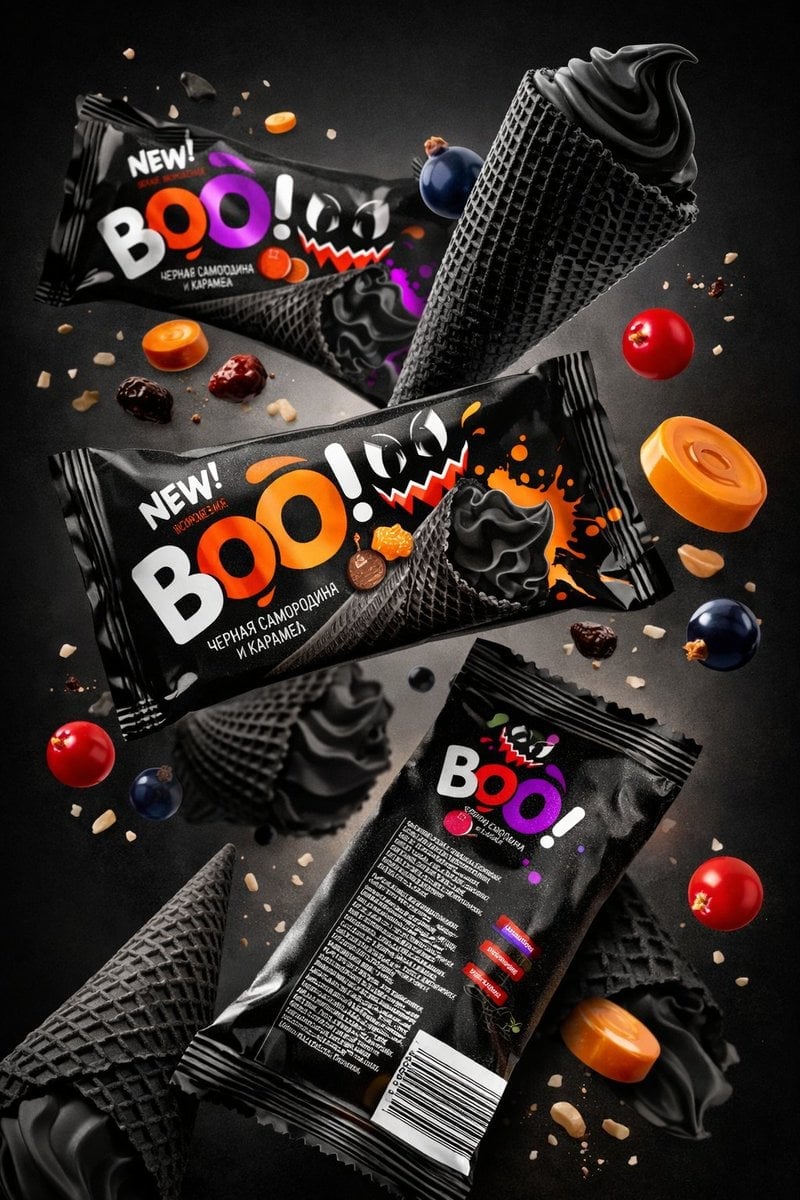
Sharp focus on central package, slightly softer on background elements
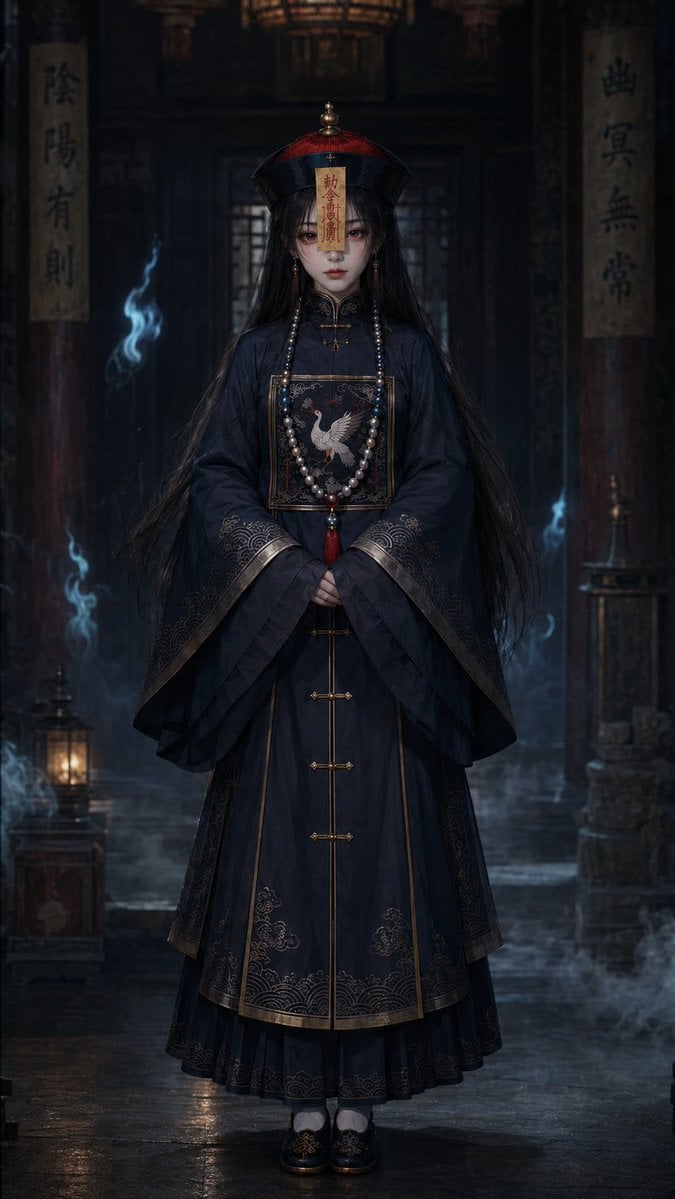
Dark Jiangshi Temple Portrait

Ancient Temple Interior Contact Sheet

Graphic Portrait with Optical Illusion Background
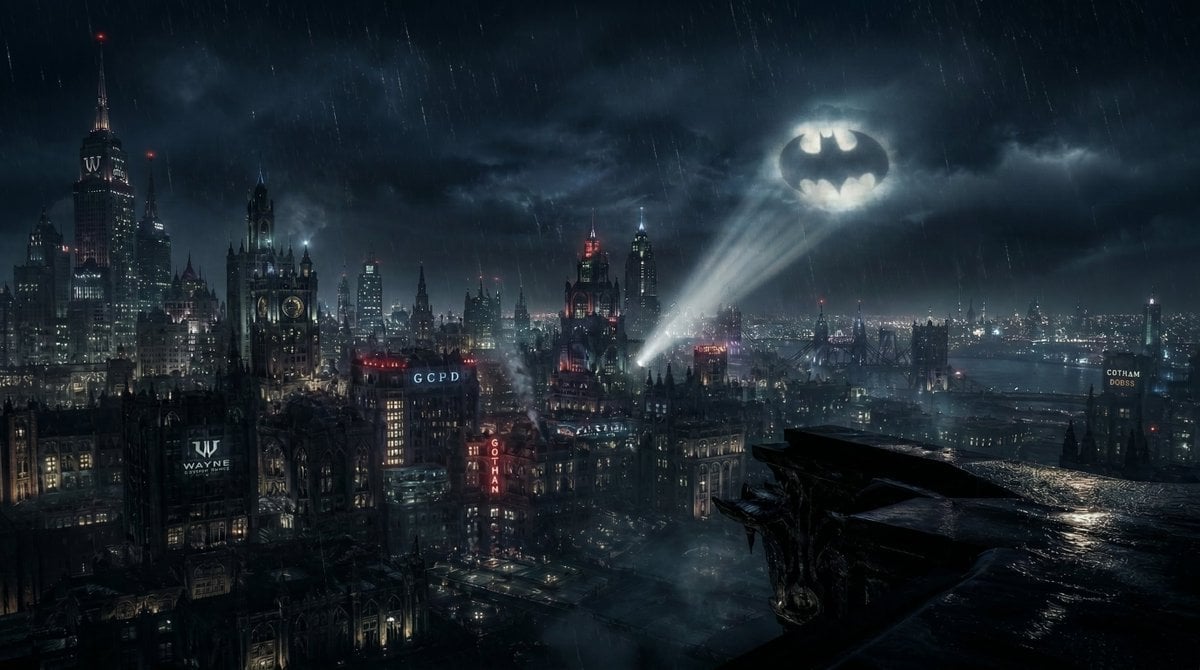
Gotham City Night Background
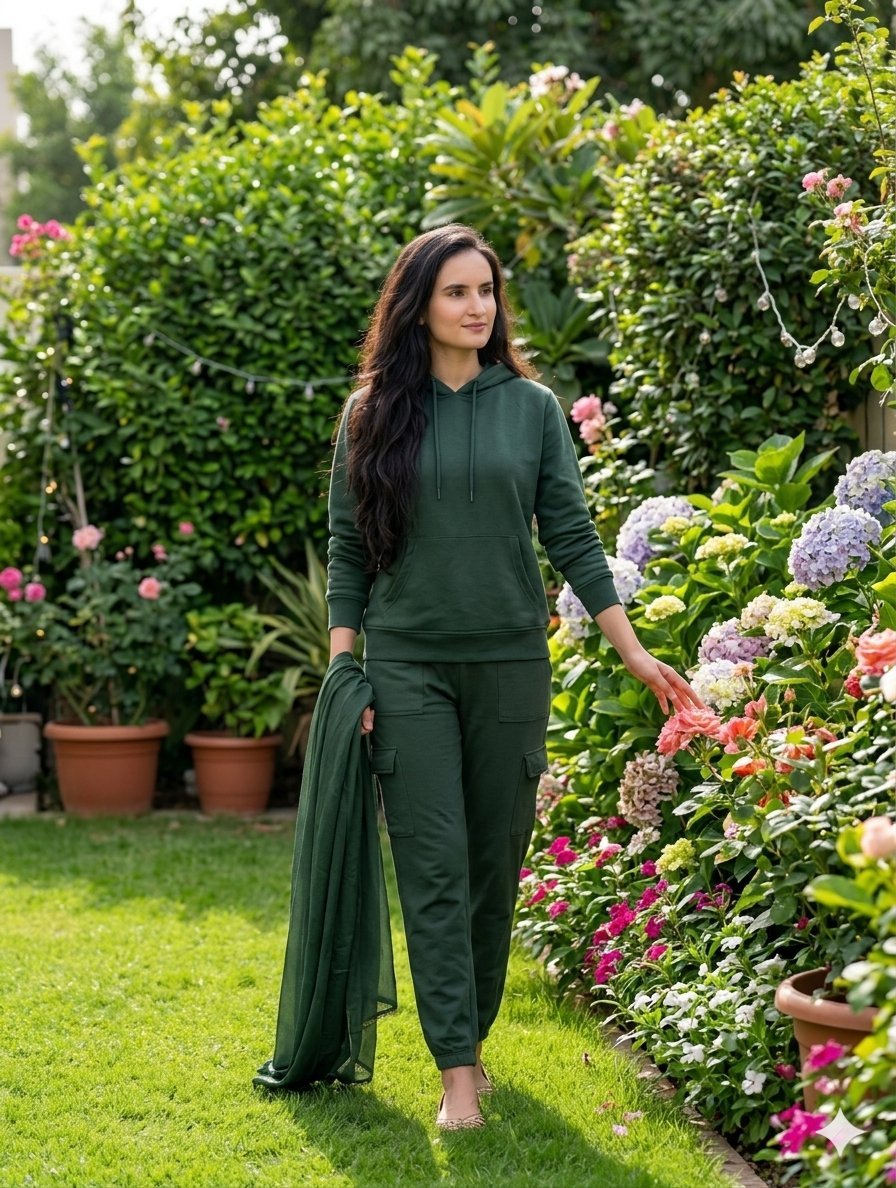
Image-to-Image Clothing and Background Swap
Make it yours
Jindaiji Temple Approach Background works as-is. These are the safest ways to change it without losing the look.
Change one field
Copy a single group, rewrite it, and generate again so you can see what that field is doing.
Keep the frame, change the subject
Hold the composition and light of Jindaiji Temple Approach Background, then swap wardrobe, props or the person for a new take.
| If the result… | Why | Fix |
|---|---|---|
| The result drifts from the preview | Too many fields changed at once. | Reuse Jindaiji Temple Approach Background as-is first, then change one group — subject, light, or setting. |
| The model over-stylizes the scene | The prose prompt leaves finish and camera underspecified. | Add one camera or lighting sentence and stay on GPT Image 2. |
More GPT Image 2 templates
Other prompts made for GPT Image 2.

Six VTuber Japanese Logo Sheet

Realistic Portrait of Woman and Deer

The Vista Modular Condo Poster

AI Model Routing Comparison Infographic

2.5D Anime Art Board

Isometric Productivity Desk Scene

New York Double Exposure Poster

Four-Panel AI Landscape Comparison

Japanese Tatami Lifestyle Magazine Cover

NESCAFÉ Coffee Map Poster
More image prompts
Fresh picks from across the catalog.

Sports Fashion Advertisement Poster
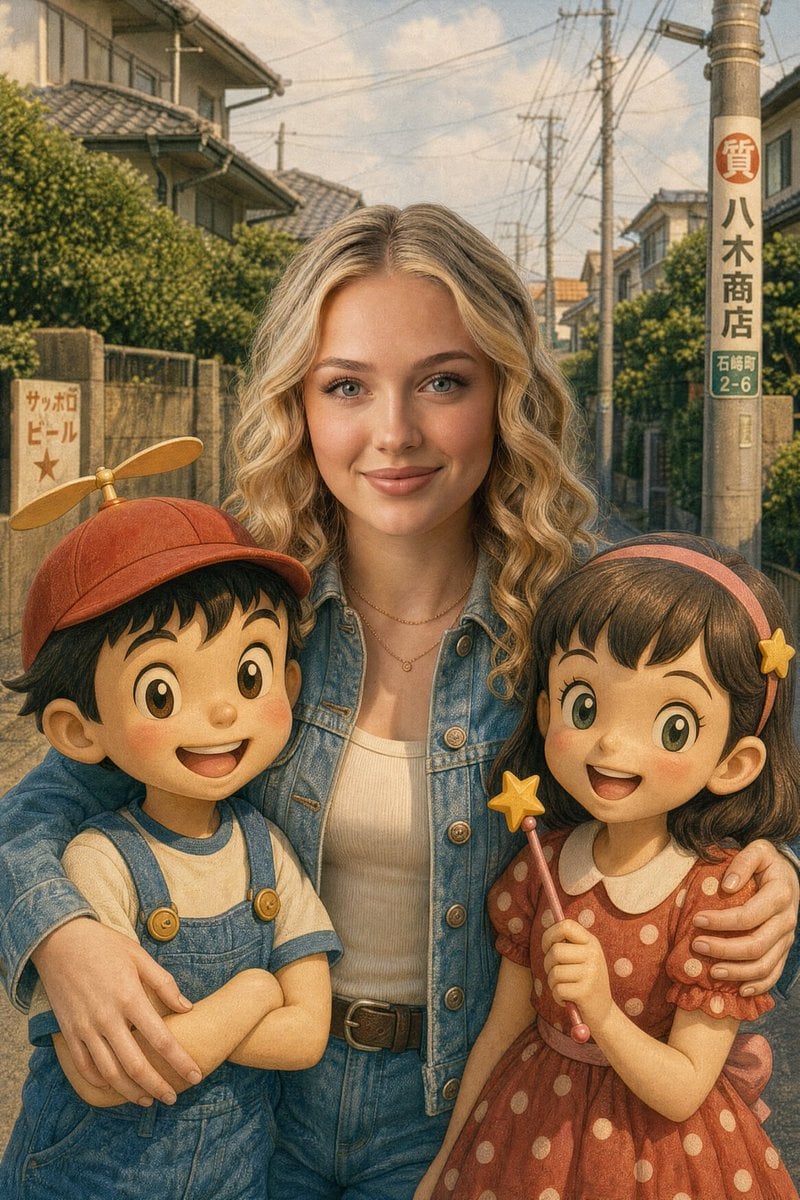
Vintage Anime Figurine Portrait
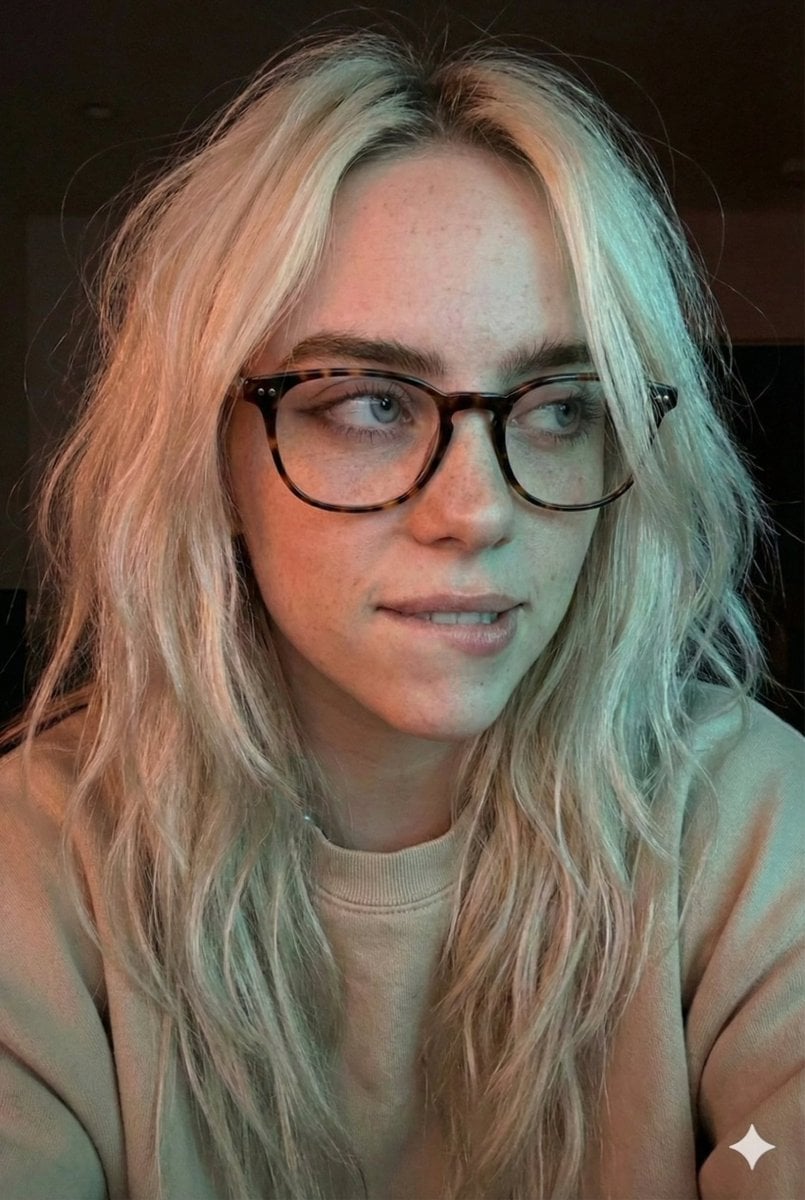
Moody Dual-Tone Selfie Portrait
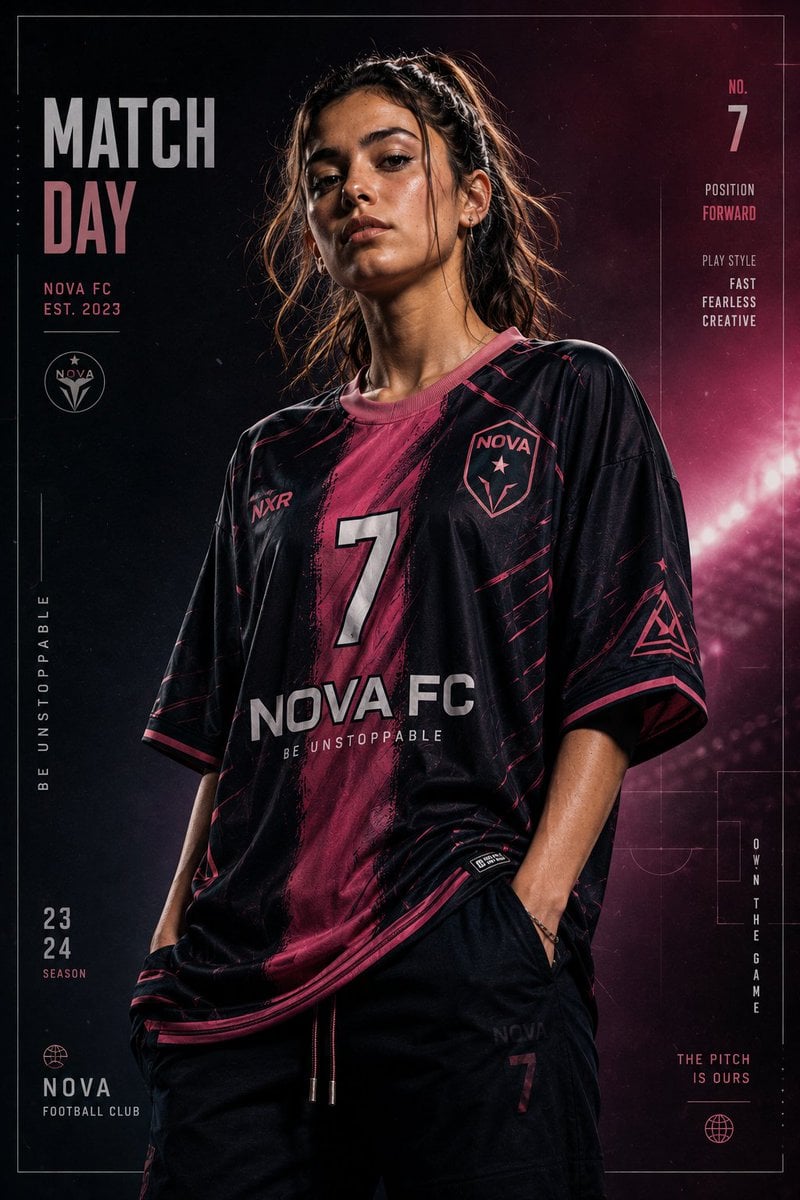
Premium Footballer Studio Portrait
Peaceful anime hillside landscape
Split Style Artistic Portrait
Nighttime Lifestyle Portrait Prompt
X Imgopaltiwari Golden Memories in Soft Light Chatgptapp

Cinematic Christmas Transformation with Composition Lock
Anime Android Agent Lab Poster
Browse template categories
Jindaiji Temple Approach Background questions
How do I use the Jindaiji Temple Approach Background template?
Add your photo if the template asks for one, edit the prompt if you like — the template's model and format are already selected — and press Generate. Your version opens in PicX Studio.
Can I customize the Jindaiji Temple Approach Background template?
Yes. You can change the subject, setting, lighting, mood, format, and available model controls before creating your image.
Is the Jindaiji Temple Approach Background template free?
Opening and editing this template is free. Generating uses credits, shown on the Generate button when you are signed in.
Which AI model should I use?
Start with GPT Image 2, which is the model associated with this template. You can compare another compatible model for a different finish.
Looking for something else? Browse all templates.

Your photo, any look
Thousands of ready templates for every top image and video model, from one credit balance.