How do I use the 3D Fantasy World Map Infographic template?
Edit the prompt in the box under the preview — the template's model and format are already selected — and press Generate. Your version appears right on this page.
Curated from MeiGen gallery (ID: 2045107949639455223) by TechieSA.

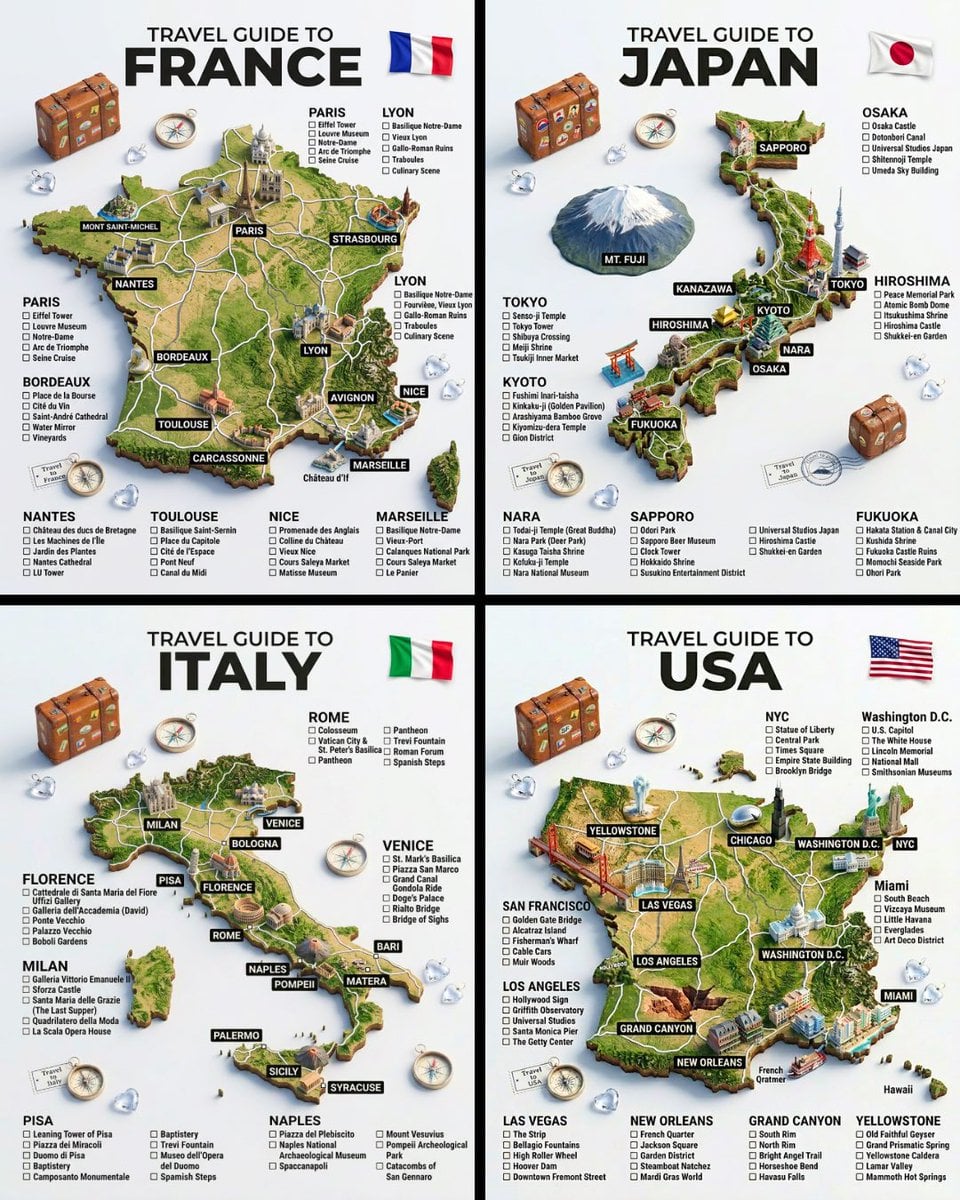
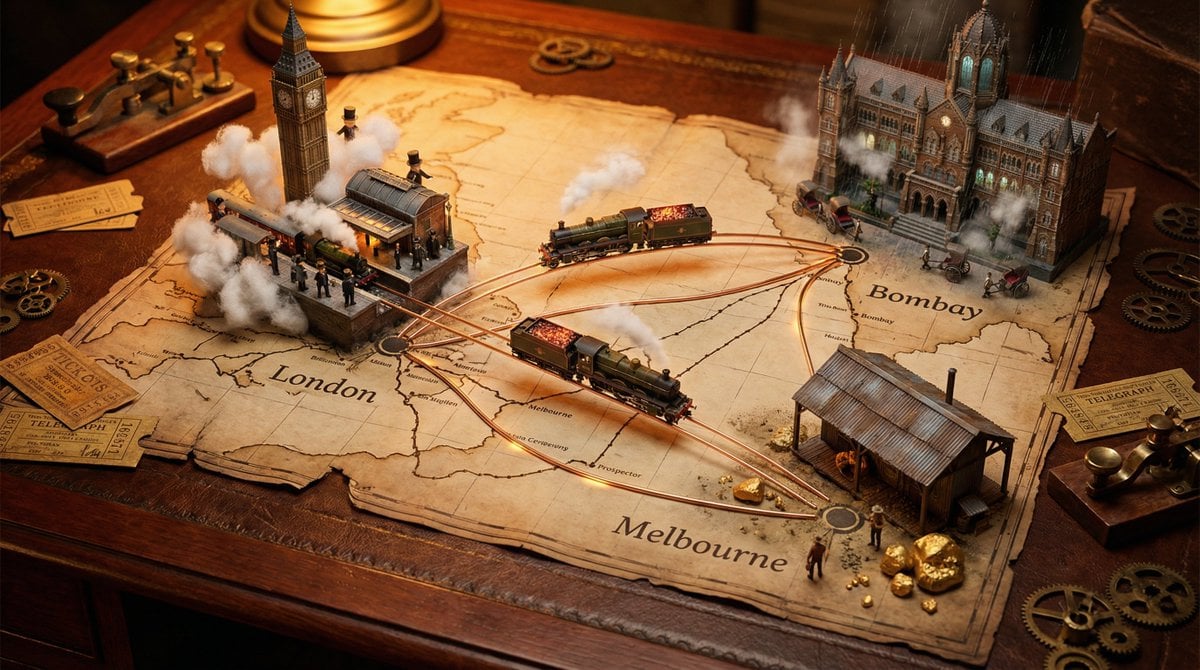
A hyper-realistic 3D world guide infographic poster for [SHOW]. The fictional world of [SHOW] is rendered as a raised, textured terrain map floating on a clean light gray surface — the map shape and landscape must reflect the actual geography and visual aesthetic of [SHOW] (fantasy kingdoms, post-apocalyptic cities, island archipelagos, ninja villages etc). Iconic locations from [SHOW] are placed as miniature 3D sculpted models at their correct canonical positions across the map — each one highly detailed, photorealistic and instantly recognizable to fans. Roads or paths connect key locations as white lines across the terrain. Around the map, floating 3D decorative props and iconic items from [SHOW] are scattered on the light gray surface. The official logo of [SHOW] is shown in the upper right corner. Each major location has a bold black label on the map, and beside the map, each location has a neat checklist of its most iconic characters or moments associated with that place, in clean sans-serif typography. A large bold title at the top reads: "THE WORLD OF SHOW" in black uppercase typography with [SHOW] in heavy bold. The overall aesthetic is premium editorial — soft studio lighting, photorealistic 3D render, white/light gray background, clean layout, 4:5 aspect ratio.
A hyper-realistic 3D world guide infographic poster for [SHOW]. The fictional world of [SHOW] is rendered as a raised, textured terrain map floating on a clean light gray surface — the map shape and landscape must reflect the actual geography and visual aesthetic of [SHOW] (fantasy kingdoms, post-apocalyptic cities, island archipelagos, ninja villages etc). Iconic locations from [SHOW] are placed as miniature 3D sculpted models at their correct canonical positions across the map — each one highly detailed, photorealistic and instantly recognizable to fans. Roads or paths connect key locations as white lines across the terrain. Around the map, floating 3D decorative props and iconic items from [SHOW] are scattered on the light gray surface. The official logo of [SHOW] is shown in the upper right corner. Each major location has a bold black label on the map, and beside the map, each location has a neat checklist of its most iconic characters or moments associated with that place, in clean sans-serif typography. A large bold title at the top reads: "THE WORLD OF SHOW" in black uppercase typography with [SHOW] in heavy bold. The overall aesthetic is premium editorial — soft studio lighting, photorealistic 3D render, white/light gray background, clean layout, 4:5 aspect ratio.
Edit the prompt in the box under the preview — the template's model and format are already selected — and press Generate. Your version appears right on this page.
Yes. You can change the subject, setting, lighting, mood, format, and available model controls before creating your image.
Opening and editing this template is free. Generating uses credits, shown on the Generate button when you are signed in.
Choose a compatible model in PicX Studio based on the style, speed, and output controls your project needs.
Follow a topic to a crawlable collection of related PicX Studio templates.