How do I use the Cinematic Concept Art Illustration template?
Choose the primary action to open PicX Studio with the available template settings. Review the model and format, personalize the creative direction, and generate when ready.
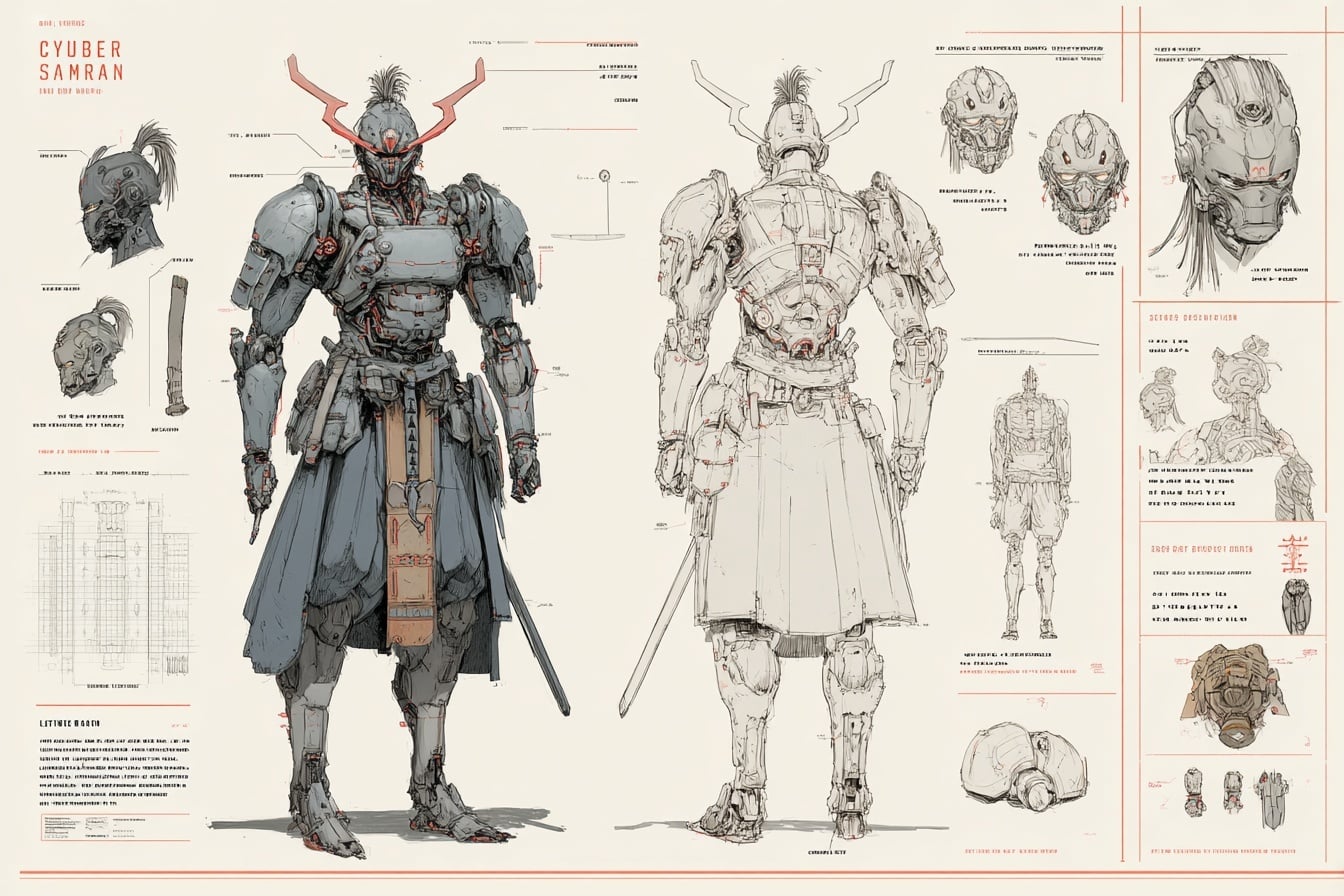
A detailed prompt for generating cinematic concept art with a textured, ink-splatter editorial poster aesthetic.

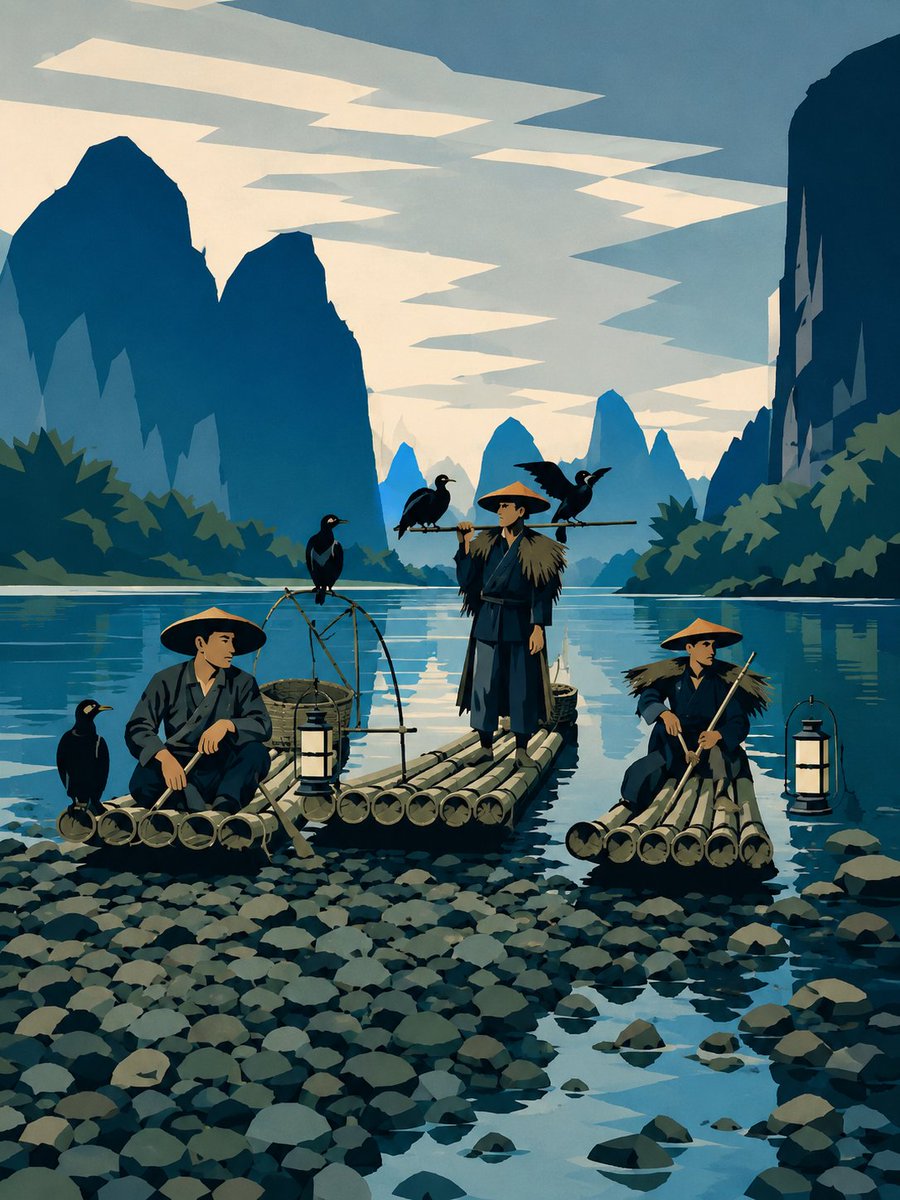
This poster illustration, created using the attached subject, adheres entirely to the aesthetic of modern cinematic concept art. It features a highly dynamic composition, a dramatic low-angle perspective, detailed and realistic clothing rendering, and a weathered texture achieved through semi-realistic, layered brushstrokes combined with sharp, ink-like contours. The illustration employs a limited earthy color palette dominated by {argument name="primary colors" default="warm burnt orange, deep navy blue, soft cream"}, sepia brown, charcoal black, and faded steel gray. The background incorporates abstract geometric blocks, distressed poster textures, rough paper grain, ink stains, paint splatters, and partially erased graphic elements. Key features include high-contrast lighting, moody shadows, subtle vintage print effects, a textured matte finish, and a highly detailed editorial poster 9:16!
Choose the primary action to open PicX Studio with the available template settings. Review the model and format, personalize the creative direction, and generate when ready.
Yes. You can change the subject, setting, lighting, mood, format, and available model controls before creating your image.
This template is free to open and customize. Generation usage is shown in PicX Studio before you create.
Start with gemini-3-pro-image-preview, which is the model associated with this template. You can compare another compatible model for a different finish.
Follow a topic to a crawlable collection of related PicX Studio templates.