
Cinematic Night Meadow Flash Portrait
A complex prompt for a nighttime meadow scene, focusing on camera flash effects, motion blur, and high ISO noise for an authentic raw photography feel.
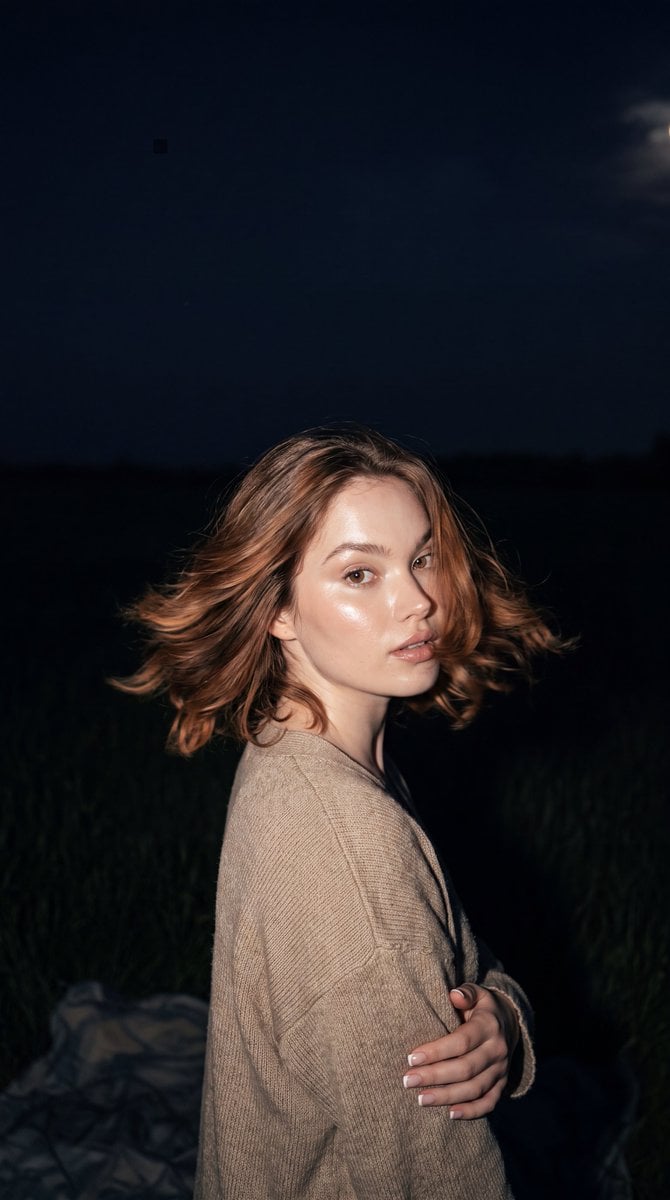
- Prompt included
- Model and format preset
- Free template
The prompt behind this image
Copy the exact prompt behind Cinematic Night Meadow Flash Portrait, or open it in the studio and make it yours.
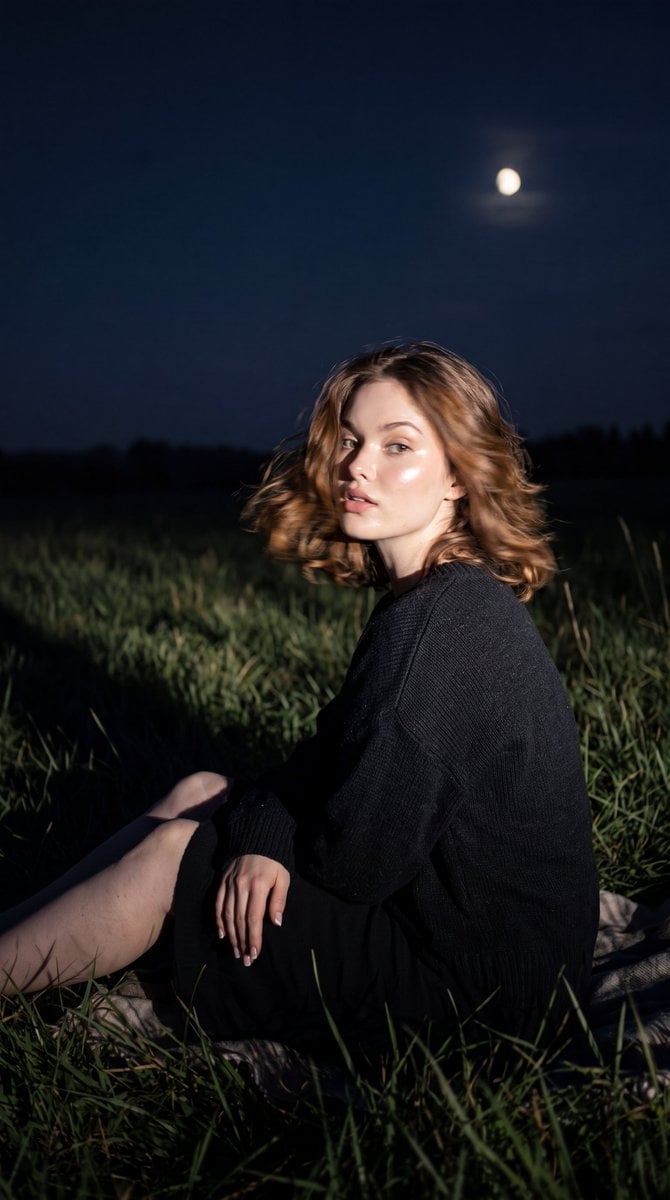
Do not change the facial features, proportions, hair color, or skin tone. Maintain 100% likeness. Preserve natural knitted fabric texture, correct human anatomy, exactly two arms, exactly two hands, exactly two legs, and exactly two feet. Each hand must have exactly five fingers with no duplicated limbs, extra fingers, extra legs, AI artifacts, or plastic-looking skin. Keep natural human imperfections. The uploaded reference image controls everything except the woman's identity. The camera angle must remain almost perfectly side-on (85–90°), and the composition should match the reference almost exactly. The woman should remain relatively small within the frame, while the meadow dominates the composition. The scene should show a {argument name="environment" default="night meadow"} with a {argument name="sky condition" default="dark sky"} and soft moonlight touching the grass. The blanket should remain barely visible. The overall atmosphere should feel calm, nostalgic, and cinematic, capturing the silence of the night and cool air. The colours should remain muted, slightly dark, and film-like, with a deep nighttime palette and subdued tones. The time of day is deep night, with a dark sky, faint moonlight barely reaching the meadow, and long shadows created by the grass. A camera flash hits directly on the girl, creating sharp directional lighting that pulls her figure out of the darkness, with deep shadows behind her and the background fading into the night. Her skin should reflect the flash with a glassy oil-skin effect, featuring natural highlights on the cheekbones, nose, forehead, and shoulders while preserving realistic skin pores and texture. The girl suddenly turns her head toward the camera, creating motion blur from the movement, with slight blur on the hair and edges of the face while keeping her identity recognizable and her gaze captured mid-motion. Use high ISO settings with realistic digital sensor noise, slight flash overexposure on the figure and nearby grass, and a realistic RAW photography feel. The final image should be almost indistinguishable from a genuine Canon EOS R5 RAW lifestyle photograph captured in a quiet park at night. Ultra photorealistic, cinematic realism. The manicure should be {argument name="nails" default="short square-shaped milky French style"}. --ar 9:16 --style raw --style motion 50
Reference images included
Cinematic Night Meadow Flash Portrait needs input media to work. They load alongside the prompt when you open it in the studio.
How to use Cinematic Night Meadow Flash Portrait in 3 steps
- 1Upload ImagePNG, JPG or paste
Add your photo
Upload the photo the template builds on. The prompt, model and format are already set.
- 2…a portrait of your subject in softgolden-hour light, 85mm…
Personalize
Edit the subject and creative details for your destination.
- 3Generate
Generate
Press Generate — your image is created in PicX Studio, so you can compare it with the original and refine one variable at a time.
More like this
Templates with the same subject, style or setup. Open one to see its prompt.

Nano Banana Pro Photoreal Playful Couple

Underwater Macro Face Portrait

Noir Punk Street Portrait

High Contrast Cinematic Face Portrait

Monochrome Studio Portrait with Colored Lens

Ultra-Realistic Yacht Sunset Portrait
Retro Nightlife Flash Portrait
Disposable Flash Tokyo Night Portrait

Found Photograph: Us, 1970

80s Couple Studio Portrait

80s Bollywood Star

80s Golden Hour Cinema
Make it yours
Cinematic Night Meadow Flash Portrait works as-is. These are the safest ways to change it without losing the look.
Change one field
Copy a single group, rewrite it, and generate again so you can see what that field is doing.
Keep the frame, change the subject
Hold the composition and light of Cinematic Night Meadow Flash Portrait, then swap wardrobe, props or the person for a new take.
| If the result… | Why | Fix |
|---|---|---|
| The result drifts from the preview | Too many fields changed at once. | Reuse Cinematic Night Meadow Flash Portrait as-is first, then change one group — subject, light, or setting. |
| The model over-stylizes the scene | The prose prompt leaves finish and camera underspecified. | Add one camera or lighting sentence and stay on Gemini 3 Pro Image Preview. |
More Gemini 3 Pro Image Preview templates
Other prompts made for Gemini 3 Pro Image Preview.

Mushroom Still Life Composition

Whimsical Anthropomorphic Friendly Insect

Cinematic Urban Night Billboard Portrait

Pop Art Summer Fruit Fashion Illustration

Ultra-Realistic iPhone Selfie with Motion Blur

Cinematic Mirror Reflection Portrait

Elegant Men's Twilight Editorial

Coastal Freedom Sunset Portrait

Ergonomic Office Chair E-commerce Mobile Detail Page

Macro Guitar Fret Dressing
More image prompts
Fresh picks from across the catalog.
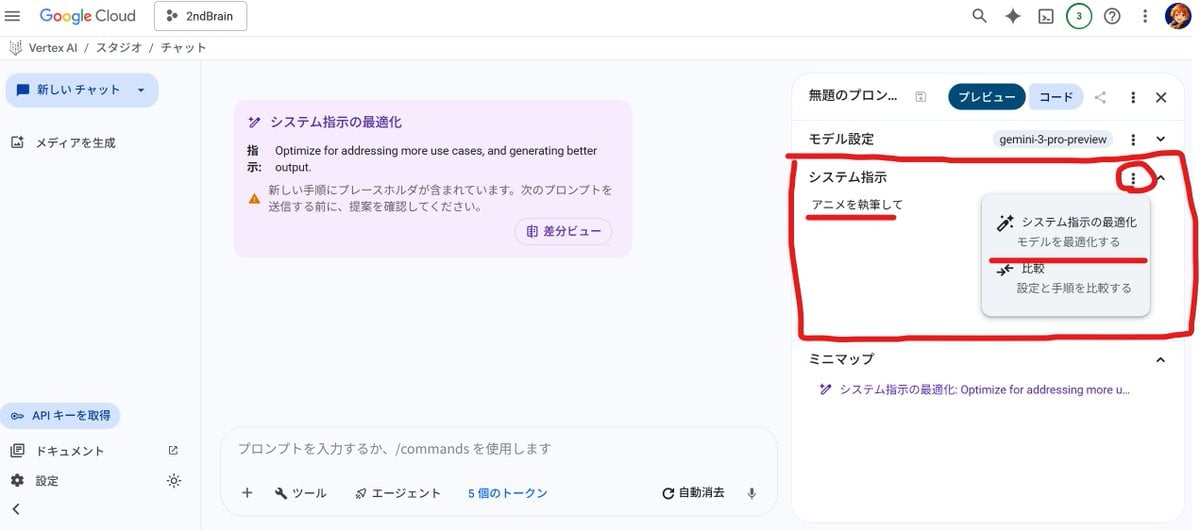
Anime Story Generation Prompt Template
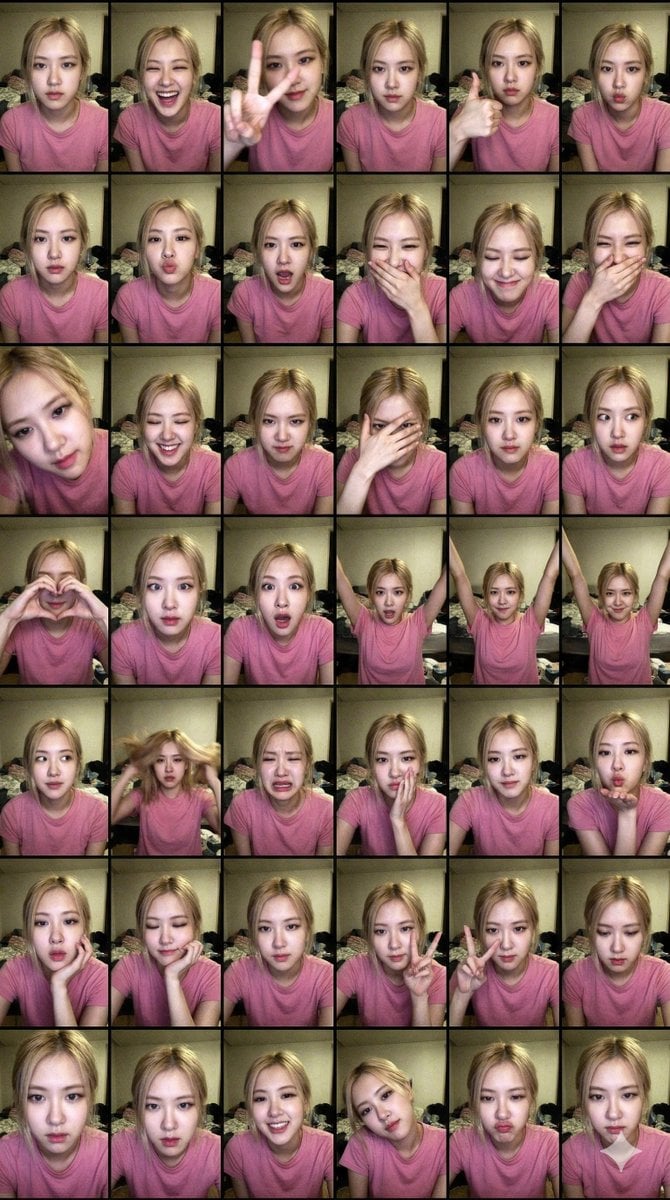
Extreme Lo-Fi Webcam Contact Sheet (Rosé Blackpink)
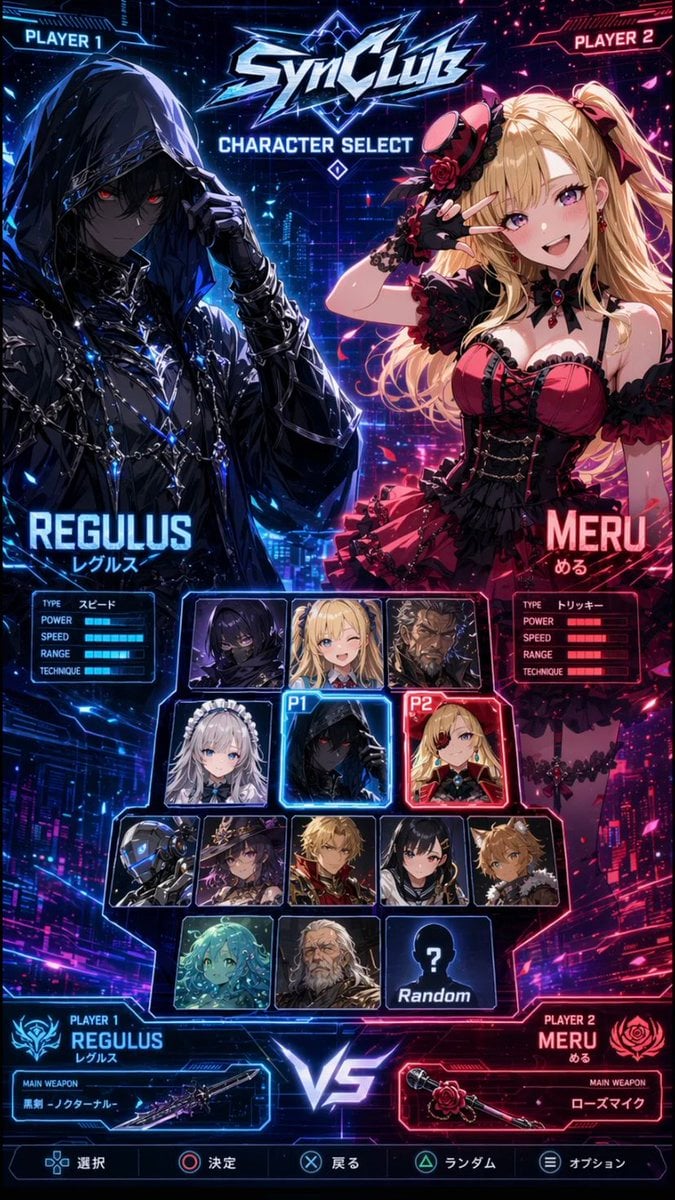
Cyberpunk Anime Character Select Screen
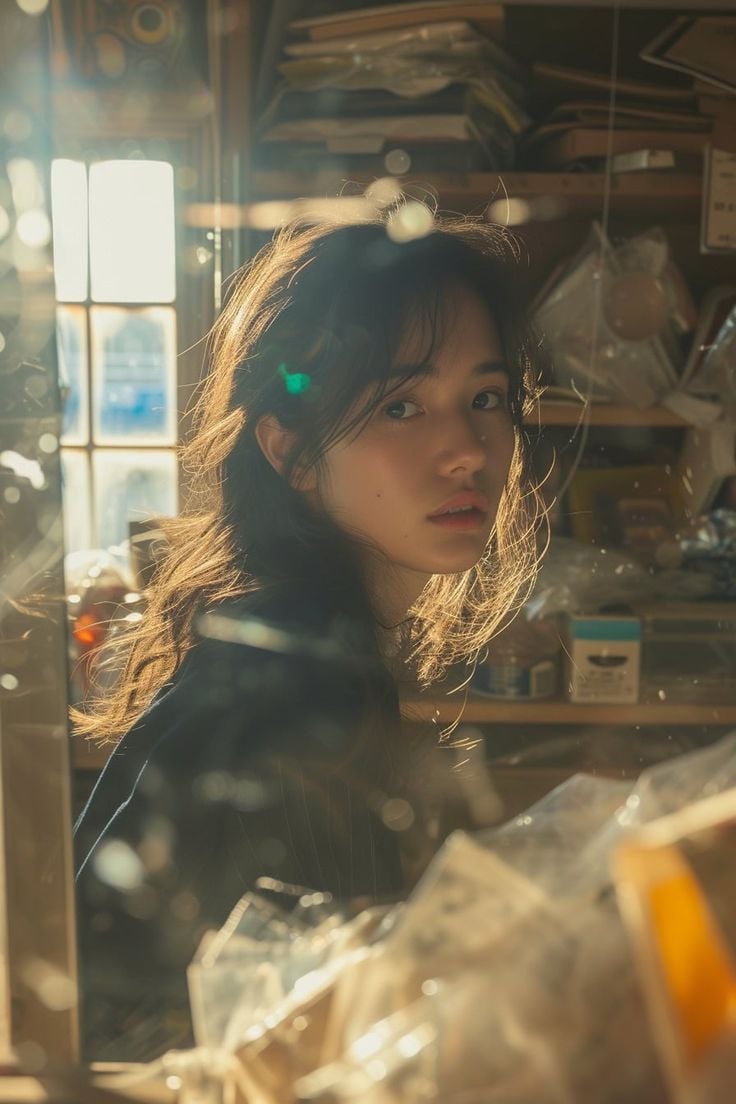
Cinematic Portrait of an East Asian Woman in a Cluttered Interior
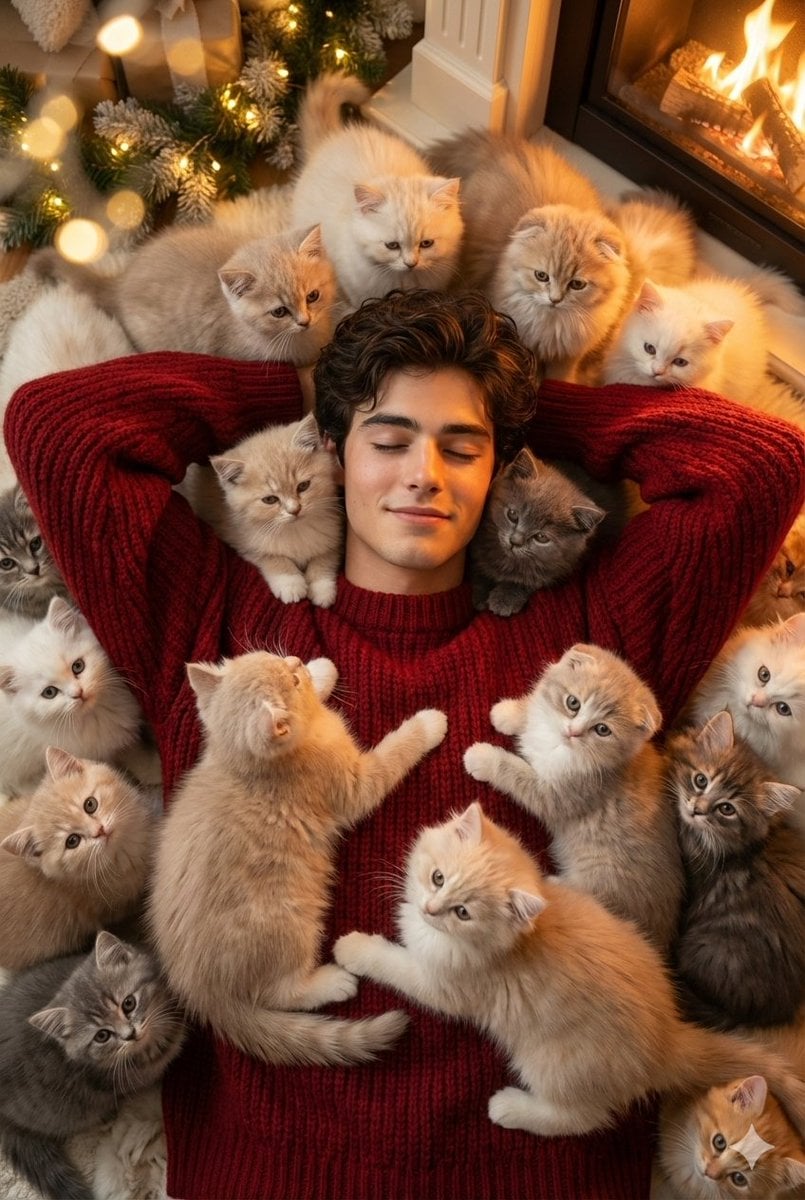
Cozy, Surreal Kitten Overload Portrait
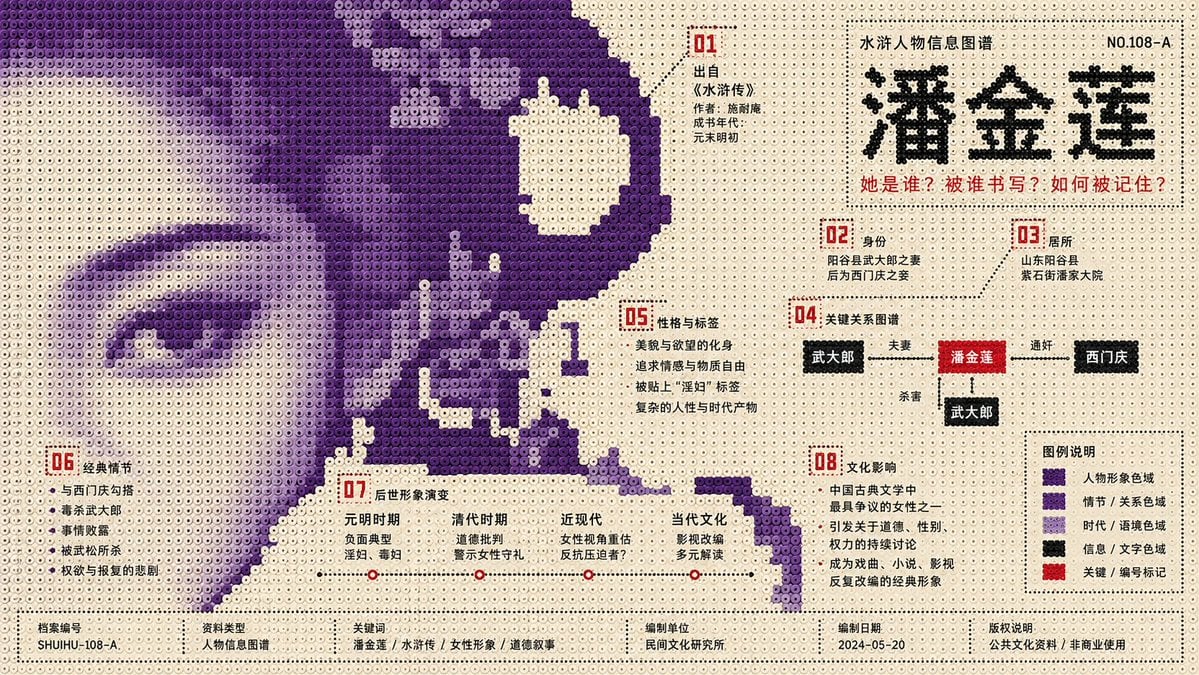
Perler Beads Style Structural Poster

High-Definition Culinary Photography: Chicken Drumsticks
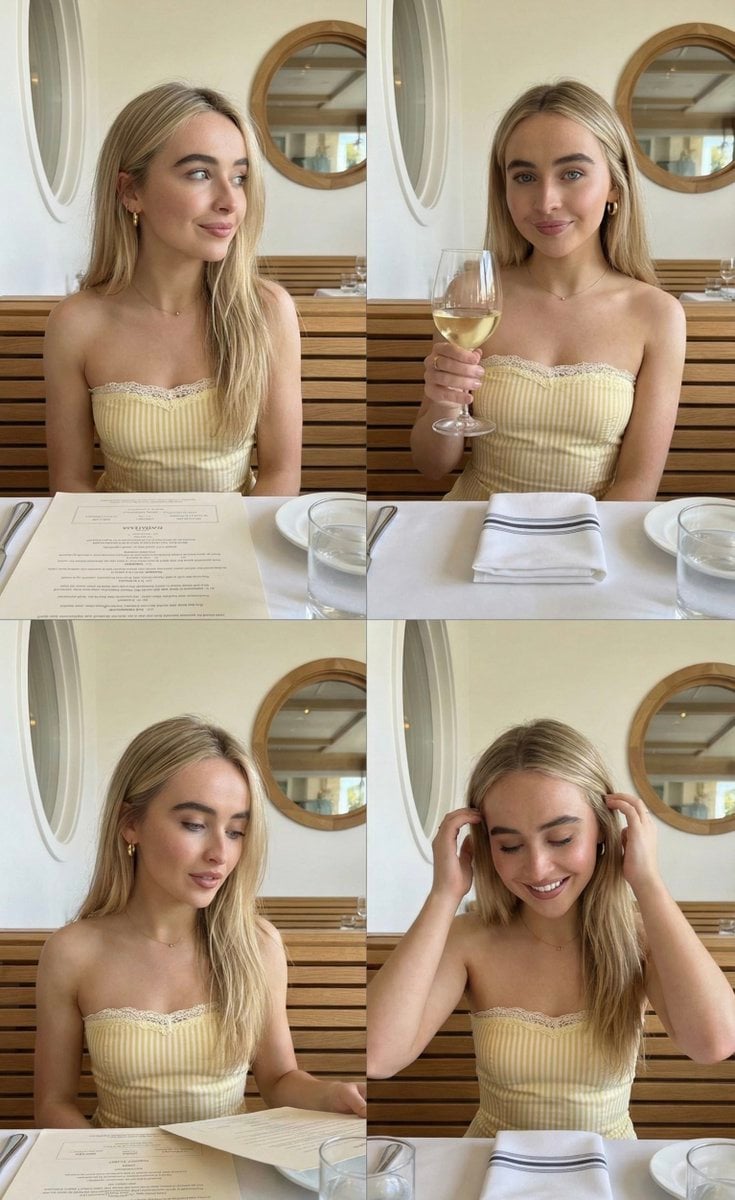
Four-Image Summer Lifestyle Editorial Collage Prompt (Duplicate)
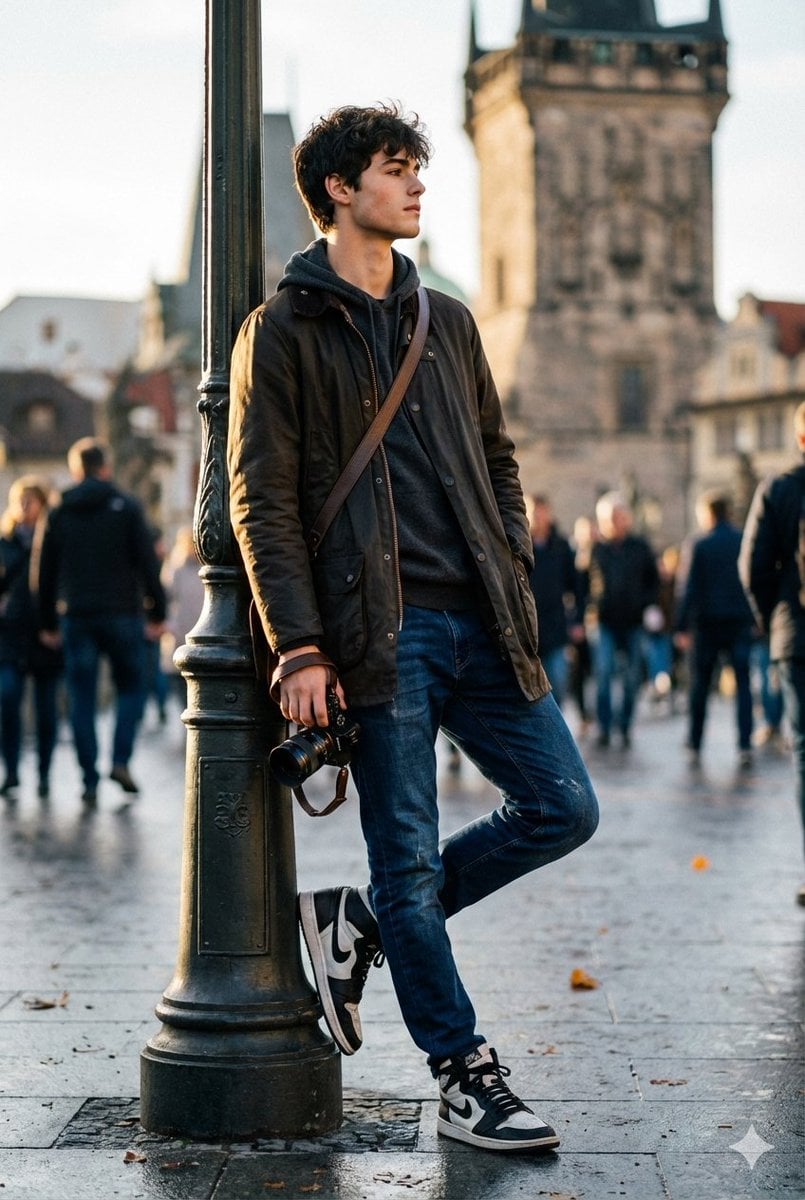
High-End Street Photography Transformation
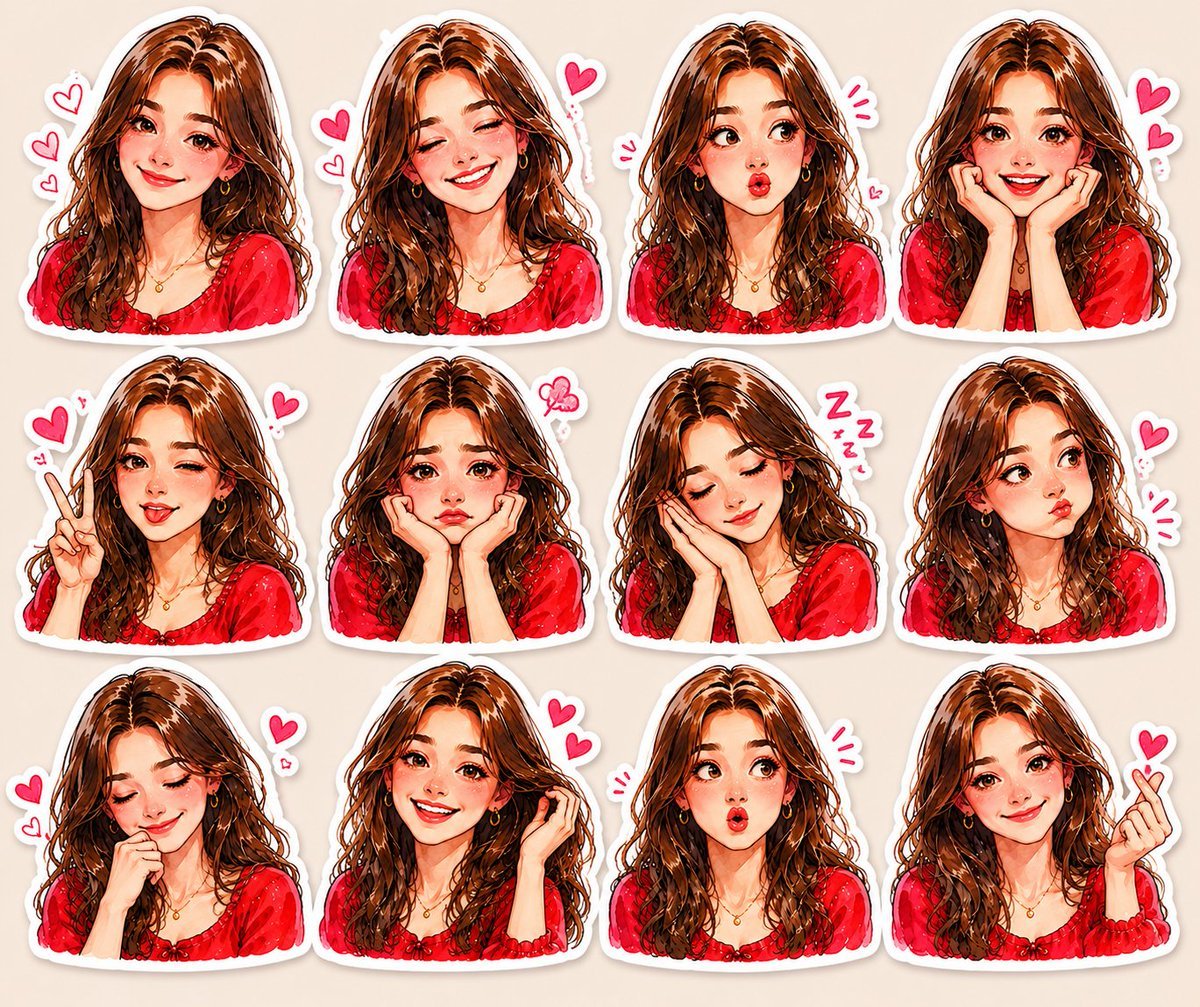
Kawaii Anime Sticker Sheet
Browse template categories
Cinematic Night Meadow Flash Portrait questions
How do I use the Cinematic Night Meadow Flash Portrait template?
Add your photo if the template asks for one, edit the prompt if you like — the template's model and format are already selected — and press Generate. Your version opens in PicX Studio.
Can I customize the Cinematic Night Meadow Flash Portrait template?
Yes. You can change the subject, setting, lighting, mood, format, and available model controls before creating your image.
Is the Cinematic Night Meadow Flash Portrait template free?
Opening and editing this template is free. Generating uses credits, shown on the Generate button when you are signed in.
Which AI model should I use?
Start with Gemini 3 Pro Image Preview, which is the model associated with this template. You can compare another compatible model for a different finish.
Looking for something else? Browse all templates.

Your photo, any look
Thousands of ready templates for every top image and video model, from one credit balance.