
Topographic Contour Line Portrait
An ethereal mixed-media portrait that replaces traditional shading with intricate, organic topographic contour lines inspired by growth rings.
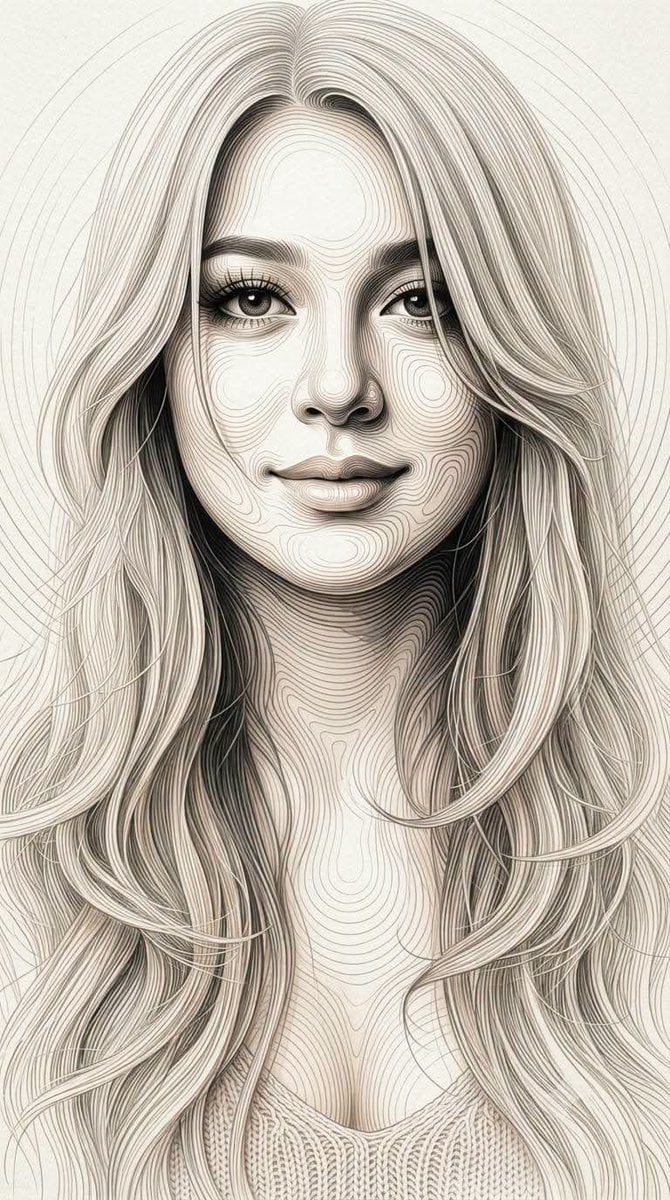
- Prompt included
- Model and format preset
- Free template
The prompt behind this image
Copy the exact prompt behind Topographic Contour Line Portrait, or open it in the studio and make it yours.
A highly refined contemporary mixed-media portrait style combining an ethereal high-key fashion aesthetic with intricate concentric contour-line artwork inspired by natural growth rings and fingerprint-like topographic patterns. The human subject should retain an elegant, soft, luminous, almost dreamlike presence while the entire visual structure is organically constructed through hundreds of delicate continuous concentric and flowing contour lines. Replace conventional flat shading and ordinary outlines with dense nested curved lines that follow the anatomy and three-dimensional structure of the human form. The lines should naturally conform to the contours of the face, forehead, cheeks, nose, lips, jaw, neck, shoulders, clothing, and hair, creating the illusion that the entire subject is sculpted from flowing rings and fine engraved contours. The line patterns should behave like organic topographic growth rings rather than geometric circles. Lines continuously expand, contract, bend, merge, separate, and change direction according to the underlying form. Around the eyes, nose, lips, and facial planes, the contours become tightly concentrated and delicately curved; across larger surfaces they gradually spread into wider flowing rings. Hair should be constructed from extremely fine flowing contour strands, with hundreds of elongated curved lines sweeping outward and merging into larger concentric patterns. The hair should feel weightless and fluid, almost dissolving into the surrounding background while maintaining an intricate line-based structure. Preserve the reference's soft luminous skin, delicate facial modeling, subtle blush, translucent highlights, pale neutral tones, and graceful editorial beauty. The human form should remain recognizable and aesthetically refined beneath the contour-line construction rather than becoming an abstract pattern. Introduce selective high-density black and charcoal contour areas to create depth and visual emphasis. Lines become progressively darker and closer together in recessed areas and shadow regions, while highlights contain sparse, extremely fine pale-gray lines and larger areas of negative space. This creates tonal values entirely through line density and spacing, rather than conventional painted shading. Allow portions of the contour lines to extend beyond the silhouette, forming expansive organic rings and flowing arcs around the subject. These external lines should gradually fade, break apart, become thinner, and dissolve into the background, creating an atmospheric transition between the human figure and the surrounding space. Use a predominantly luminous ivory, white, soft gray, pale beige, and subtle natural skin-tone palette, with deep charcoal-black lines providing controlled contrast. Maintain a clean, airy, almost monochromatic elegance while preserving subtle full-color skin undertones. The surface should have a fine tactile paper or archival-art texture
How to use Topographic Contour Line Portrait in 3 steps
- 1Upload ImagePNG, JPG or paste
Add your photo
Upload the photo the template builds on. The prompt, model and format are already set.
- 2…a portrait of your subject in softgolden-hour light, 85mm…
Personalize
Edit the subject and creative details for your destination.
- 3Generate
Generate
Press Generate — your image is created in PicX Studio, so you can compare it with the original and refine one variable at a time.
More like this
Templates with the same subject, style or setup. Open one to see its prompt.

Underwater Macro Face Portrait

Noir Punk Street Portrait

High Contrast Cinematic Face Portrait

Monochrome Studio Portrait with Colored Lens

Ultra-Realistic Yacht Sunset Portrait

Nano Banana Pro Photoreal Playful Couple

Found Photograph: Us, 1970

80s Couple Studio Portrait

80s Bollywood Star

80s Golden Hour Cinema

Me in 1985

1985 Studio Portrait
Make it yours
Topographic Contour Line Portrait works as-is. These are the safest ways to change it without losing the look.
Change one field
Copy a single group, rewrite it, and generate again so you can see what that field is doing.
Keep the frame, change the subject
Hold the composition and light of Topographic Contour Line Portrait, then swap wardrobe, props or the person for a new take.
| If the result… | Why | Fix |
|---|---|---|
| The result drifts from the preview | Too many fields changed at once. | Reuse Topographic Contour Line Portrait as-is first, then change one group — subject, light, or setting. |
| The model over-stylizes the scene | The prose prompt leaves finish and camera underspecified. | Add one camera or lighting sentence and stay on Gemini 3 Pro Image Preview. |
More Gemini 3 Pro Image Preview templates
Other prompts made for Gemini 3 Pro Image Preview.

Mushroom Still Life Composition

Whimsical Anthropomorphic Friendly Insect

Cinematic Urban Night Billboard Portrait

Pop Art Summer Fruit Fashion Illustration

Ultra-Realistic iPhone Selfie with Motion Blur

Cinematic Mirror Reflection Portrait

Elegant Men's Twilight Editorial

Coastal Freedom Sunset Portrait

Ergonomic Office Chair E-commerce Mobile Detail Page

Macro Guitar Fret Dressing
More image prompts
Fresh picks from across the catalog.
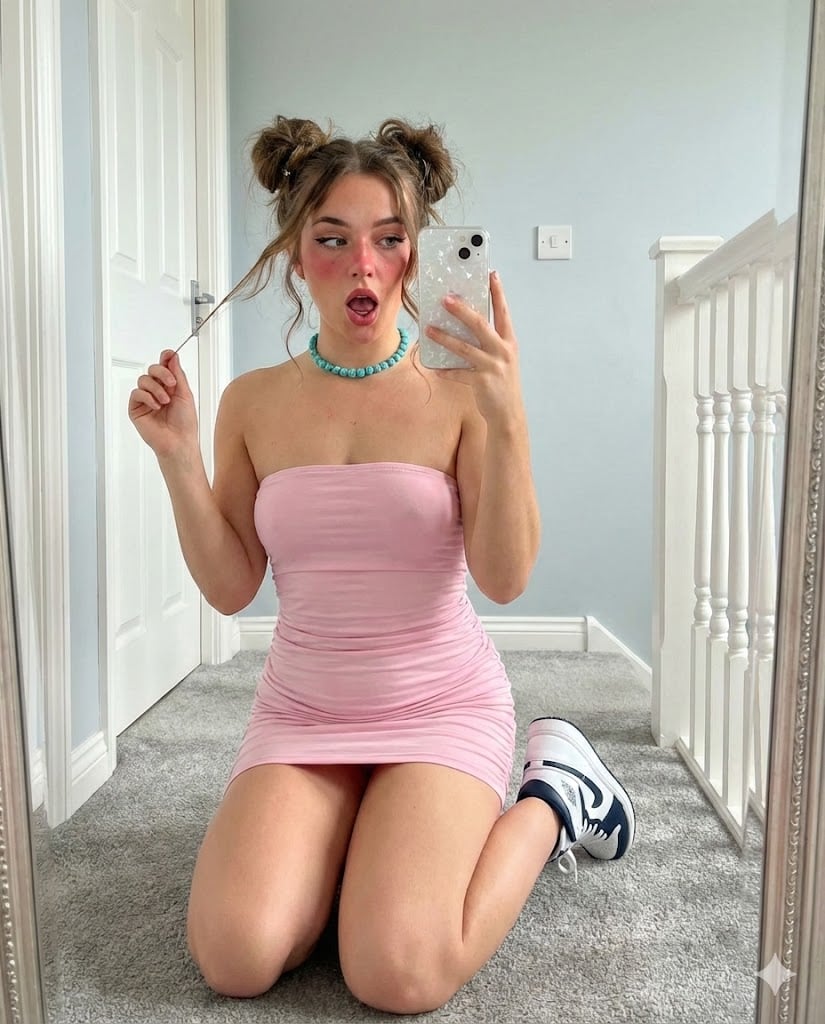
Mirror Selfie with E-Girl Makeup and Space Buns

Photorealistic Close Portrait with Raw Natural Photography Style
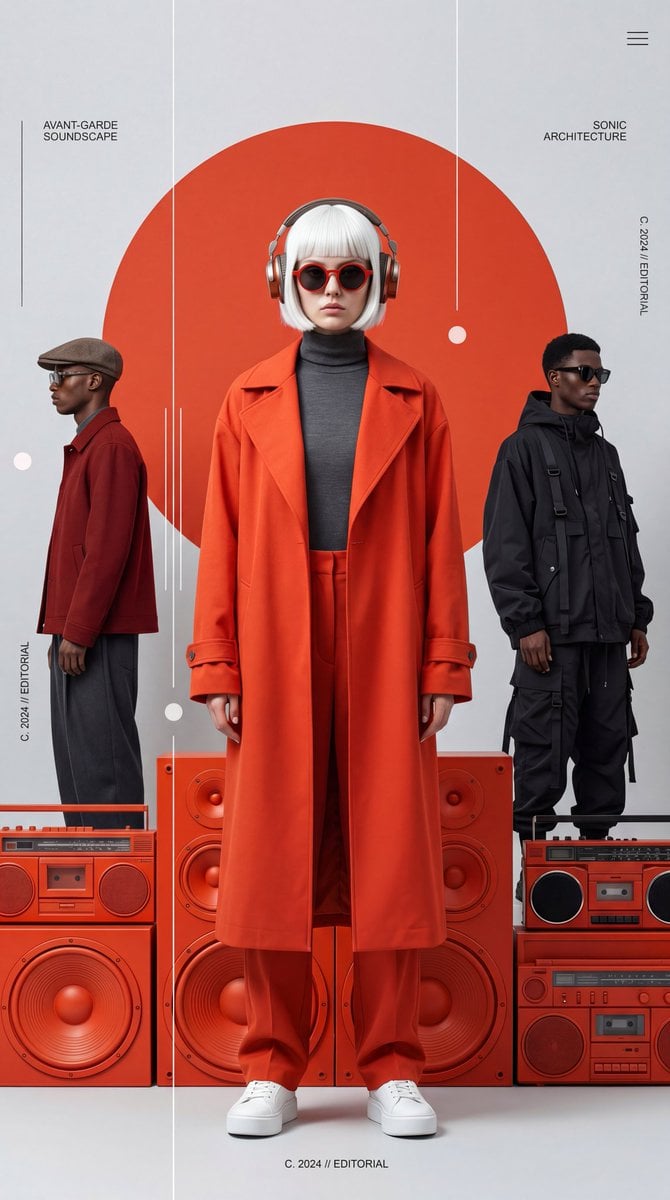
Avant-Garde Electronic Music Poster

Editorial Luxury Photo Analysis Prompt

Maximalist Kawaii Angel Sticker Collage

Realistic Pet and Owner Wide-Angle Selfie

Outdoor Christmas Decoration from Input Image

Kawaii Japanese Anime-Style POP Typography Sticker
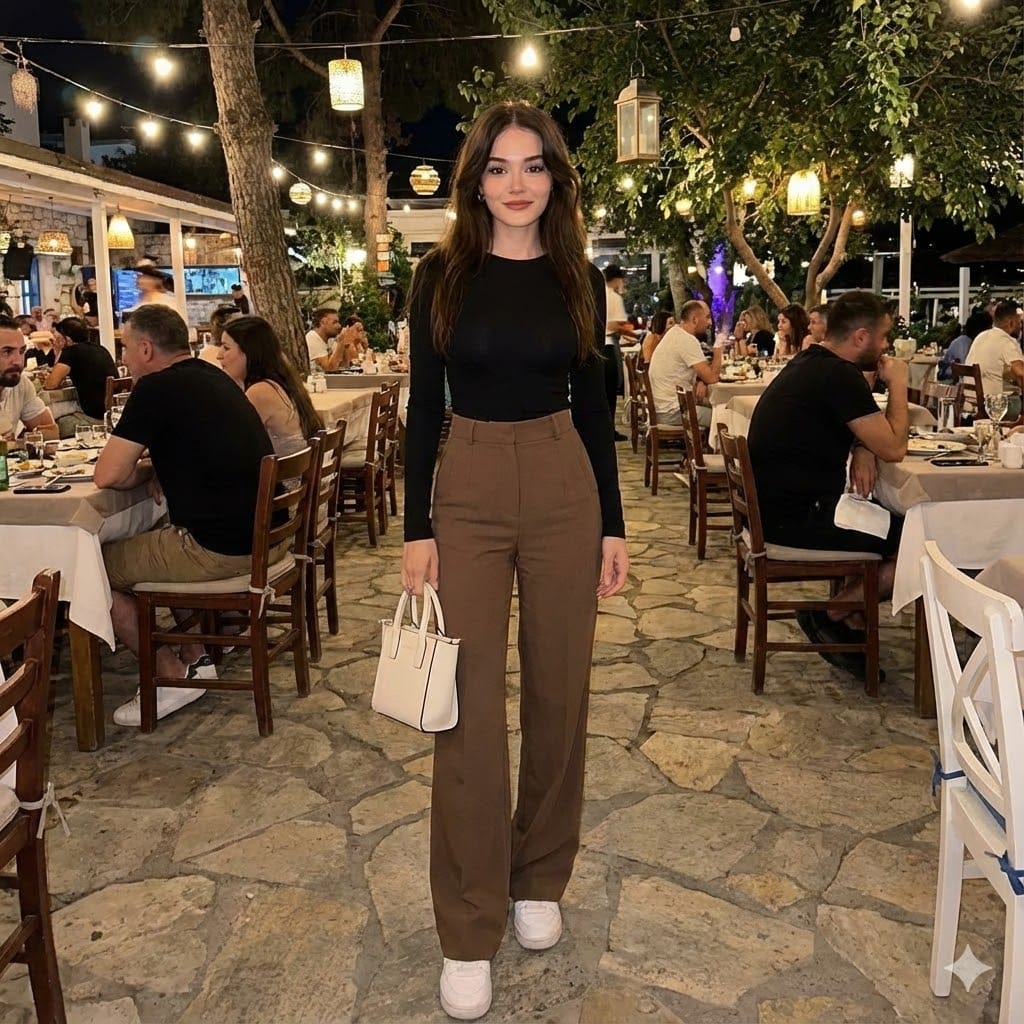
Full-body shot of an individual on an outdoor restaurant patio at night

Comic Cartoon Video Call
Browse template categories
Topographic Contour Line Portrait questions
How do I use the Topographic Contour Line Portrait template?
Add your photo if the template asks for one, edit the prompt if you like — the template's model and format are already selected — and press Generate. Your version opens in PicX Studio.
Can I customize the Topographic Contour Line Portrait template?
Yes. You can change the subject, setting, lighting, mood, format, and available model controls before creating your image.
Is the Topographic Contour Line Portrait template free?
Opening and editing this template is free. Generating uses credits, shown on the Generate button when you are signed in.
Which AI model should I use?
Start with Gemini 3 Pro Image Preview, which is the model associated with this template. You can compare another compatible model for a different finish.
Looking for something else? Browse all templates.

Your photo, any look
Thousands of ready templates for every top image and video model, from one credit balance.