
Cyberpunk Rainy Night Market
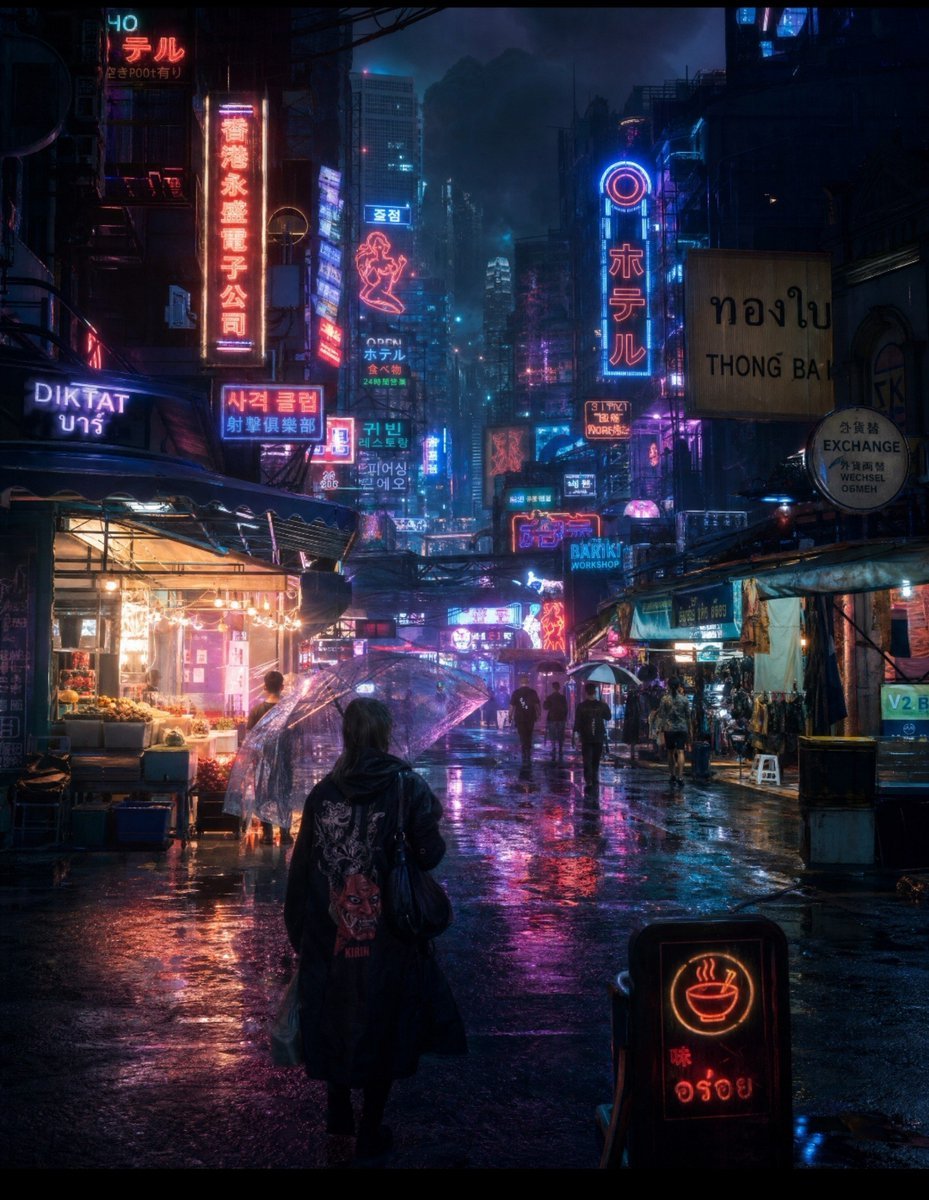
A detailed cinematic prompt for generating a neon-drenched futuristic night market scene with atmospheric rain and reflections.
- Prompt included
- Model and format preset
- Free template
The prompt behind this image
Copy the exact prompt behind Cyberpunk Rainy Night Market, or open it in the studio and make it yours.
Ultra-cinematic {argument name="theme" default="cyberpunk"} night market in a dense futuristic Asian megacity during heavy rain, viewed from street level. A lone mysterious figure in a long black hooded coat walks away from the camera through a crowded neon-lit alley, carrying a dark shoulder bag. Dozens of transparent umbrellas surround them, with silhouettes of pedestrians fading into the rainy haze. Towering buildings disappear into the dark storm clouds above, covered with layers of glowing neon signs in Japanese, Korean, Chinese and Thai-inspired typography, colorful holographic advertisements, hotel signs, restaurants, street stalls and underground shops. The wet asphalt is covered in puddles, creating perfect mirror-like reflections of electric blue, magenta, violet, cyan and warm orange neon lights. Steam rises from food stalls, rain falls visibly through the neon glow, subtle mist fills the distant streets, electrical cables stretch overhead, and atmospheric smoke creates incredible depth. A small glowing street-food sign in the foreground adds warm contrast. Photorealistic cinematic photography, {argument name="aesthetic" default="cyberpunk noir"}, Blade Runner-inspired atmosphere, moody dystopian aesthetic, volumetric lighting, dramatic rim lighting, realistic rain droplets, wet reflective surfaces, deep shadows, rich contrast, atmospheric perspective, extremely detailed architecture, realistic human silhouettes, natural imperfections, shallow depth of field, 35mm cinematic lens, low-angle street photography, HDR, film grain, ultra-realistic textures, 4K, masterpiece, highly immersive, vertical composition, no borders, no watermark, no modern text overlays.
How to use Cyberpunk Rainy Night Market in 3 steps
- 1
Open
The prompt is already in the box next to the preview, with the template's model and format selected.
- 2…a portrait of your subject in softgolden-hour light, 85mm…
Personalize
Edit the subject and creative details for your destination.
- 3Generate
Generate
Press Generate — your image is created in PicX Studio, so you can compare it with the original and refine one variable at a time.
More like this
Templates with the same subject, style or setup. Open one to see its prompt.

Moonlit Fox Mask Night Market

Creative Character in Pink Office

Avant-Garde Asian Fashion Model

Underwater Macro Face Portrait

Water-level Bridge Modification

Noir Punk Street Portrait

High Contrast Cinematic Face Portrait

Monochrome Studio Portrait with Colored Lens

Ultra-Realistic Yacht Sunset Portrait

Mushroom Still Life Composition

Whimsical Anthropomorphic Friendly Insect

Pop Art Summer Fruit Fashion Illustration
Make it yours
Cyberpunk Rainy Night Market works as-is. These are the safest ways to change it without losing the look.
Change one field
Copy a single group, rewrite it, and generate again so you can see what that field is doing.
Keep the frame, change the subject
Hold the composition and light of Cyberpunk Rainy Night Market, then swap wardrobe, props or the person for a new take.
| If the result… | Why | Fix |
|---|---|---|
| The result drifts from the preview | Too many fields changed at once. | Reuse Cyberpunk Rainy Night Market as-is first, then change one group — subject, light, or setting. |
| The model over-stylizes the scene | The prose prompt leaves finish and camera underspecified. | Add one camera or lighting sentence and stay on Gemini 3 Pro Image Preview. |
More Gemini 3 Pro Image Preview templates
Other prompts made for Gemini 3 Pro Image Preview.

Cinematic Urban Night Billboard Portrait

Ultra-Realistic iPhone Selfie with Motion Blur

Cinematic Mirror Reflection Portrait

Elegant Men's Twilight Editorial

Coastal Freedom Sunset Portrait

Ergonomic Office Chair E-commerce Mobile Detail Page

Macro Guitar Fret Dressing

Cinematic Black and White Studio Portrait

1980s Retro Salon Portrait

Felt Frog Diorama Beach
More image prompts
Fresh picks from across the catalog.
Cinematic Fantasy Country Atlas
T. Rex Cutaway Encyclopedia Poster
Passport Journey 3D Atlas
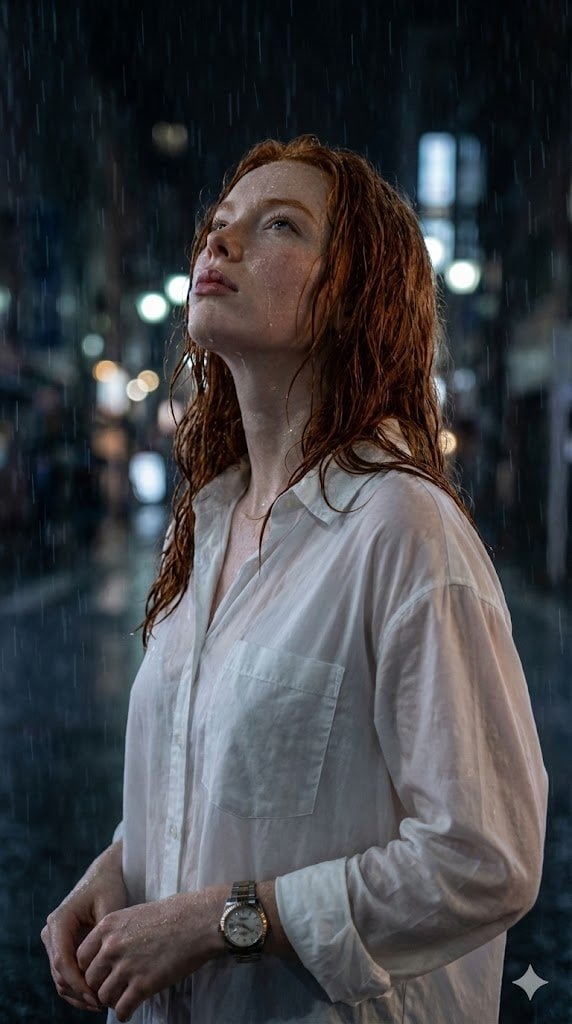
Candid Golden Hour Coffee Shop Portrait
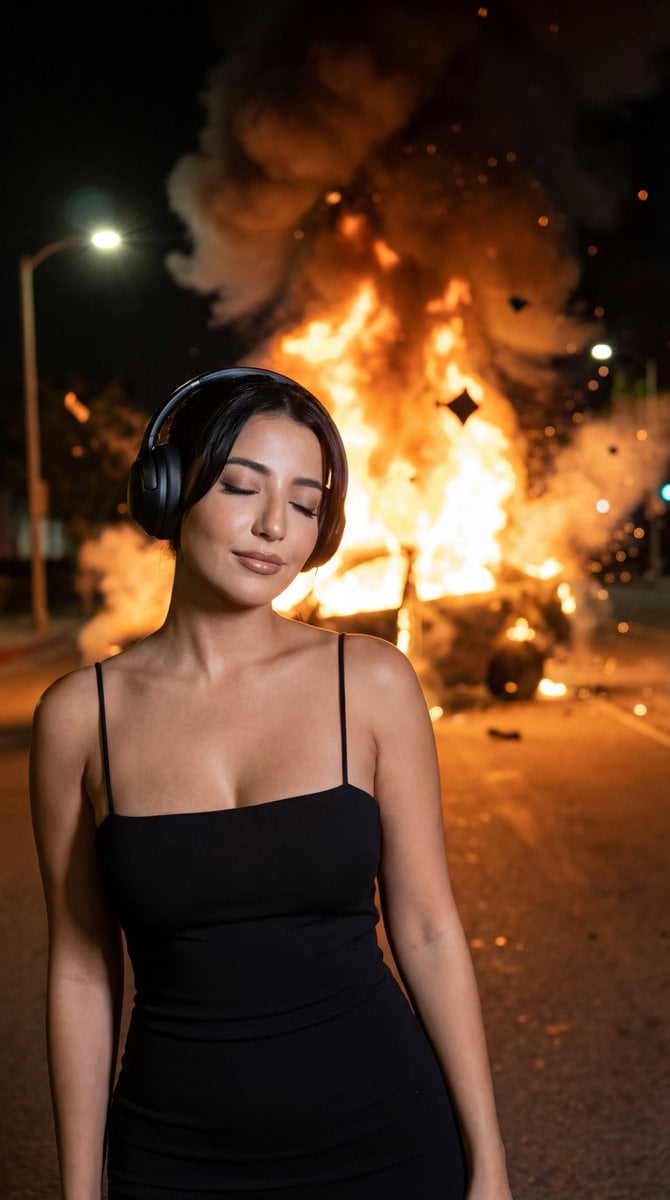
Candid Night Photo with Explosion Background Prompt

Cosmic Catastrophe Blackout Scene

Dreamy Dessert Advertisement Poster
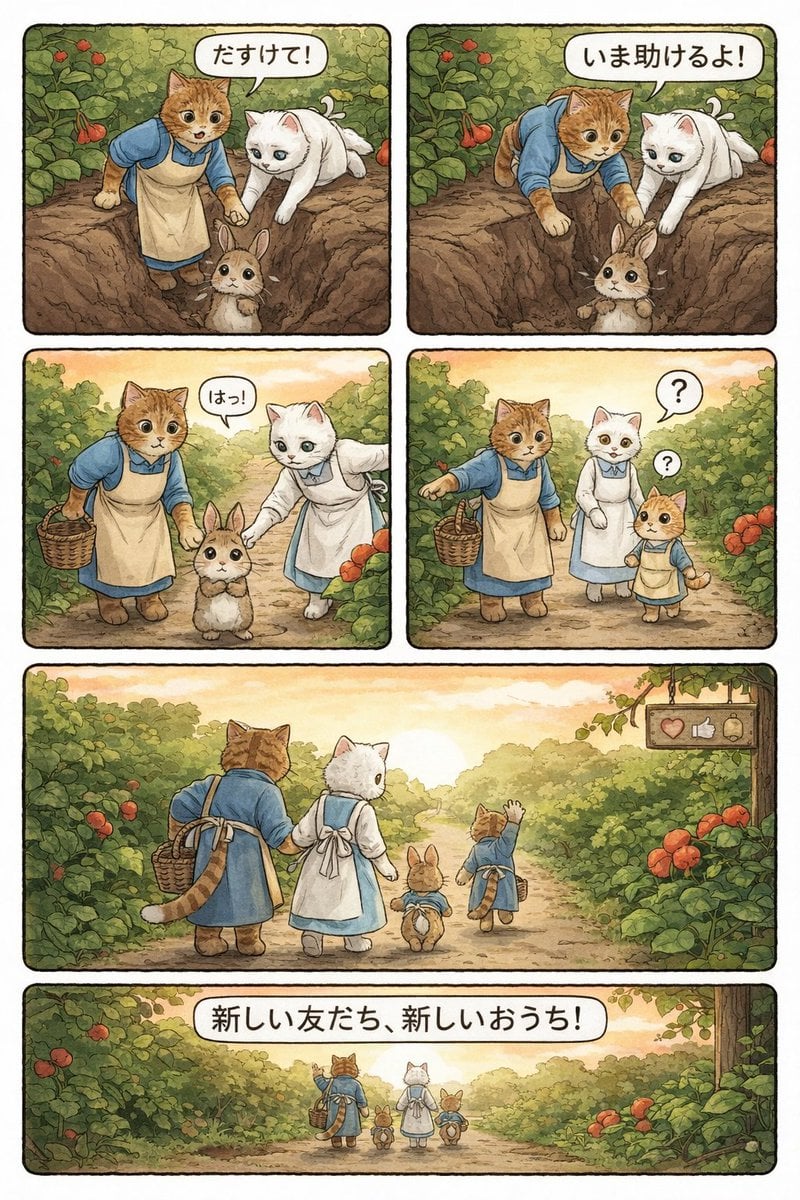
Converting Video to 4-Panel Manga
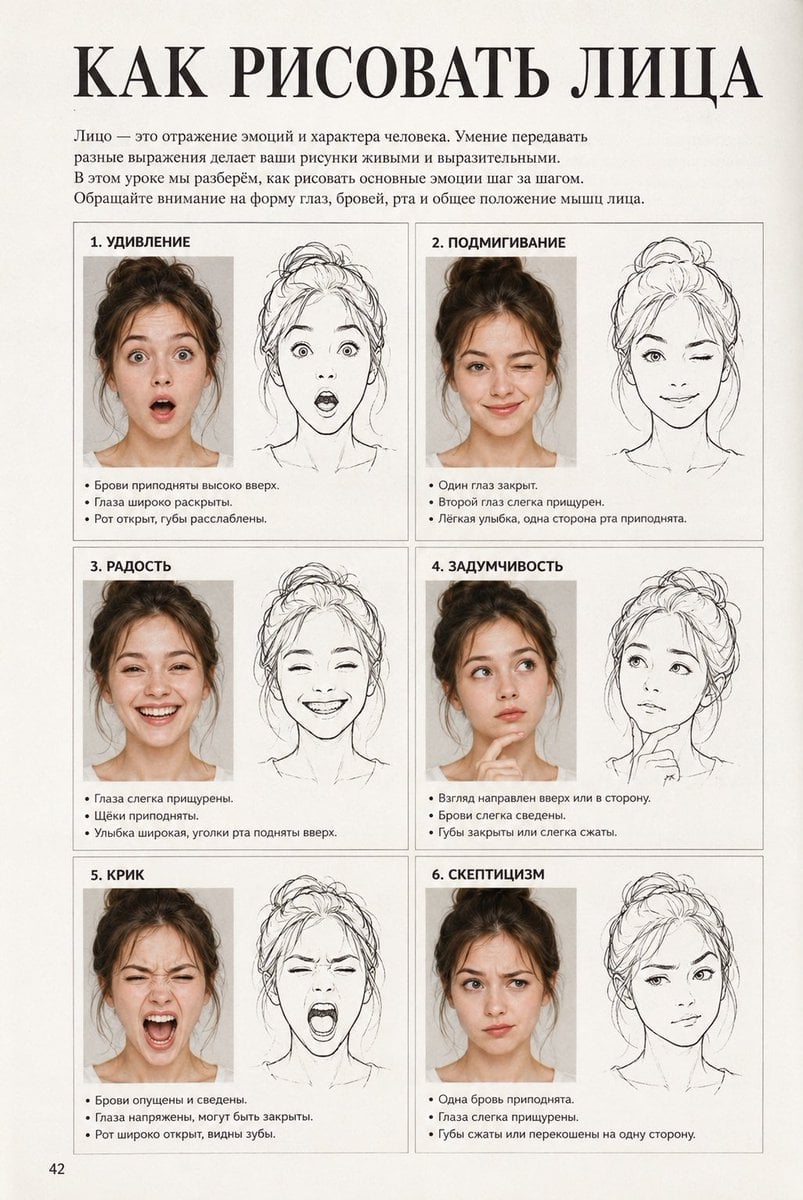
Vintage Russian Face Drawing Lesson
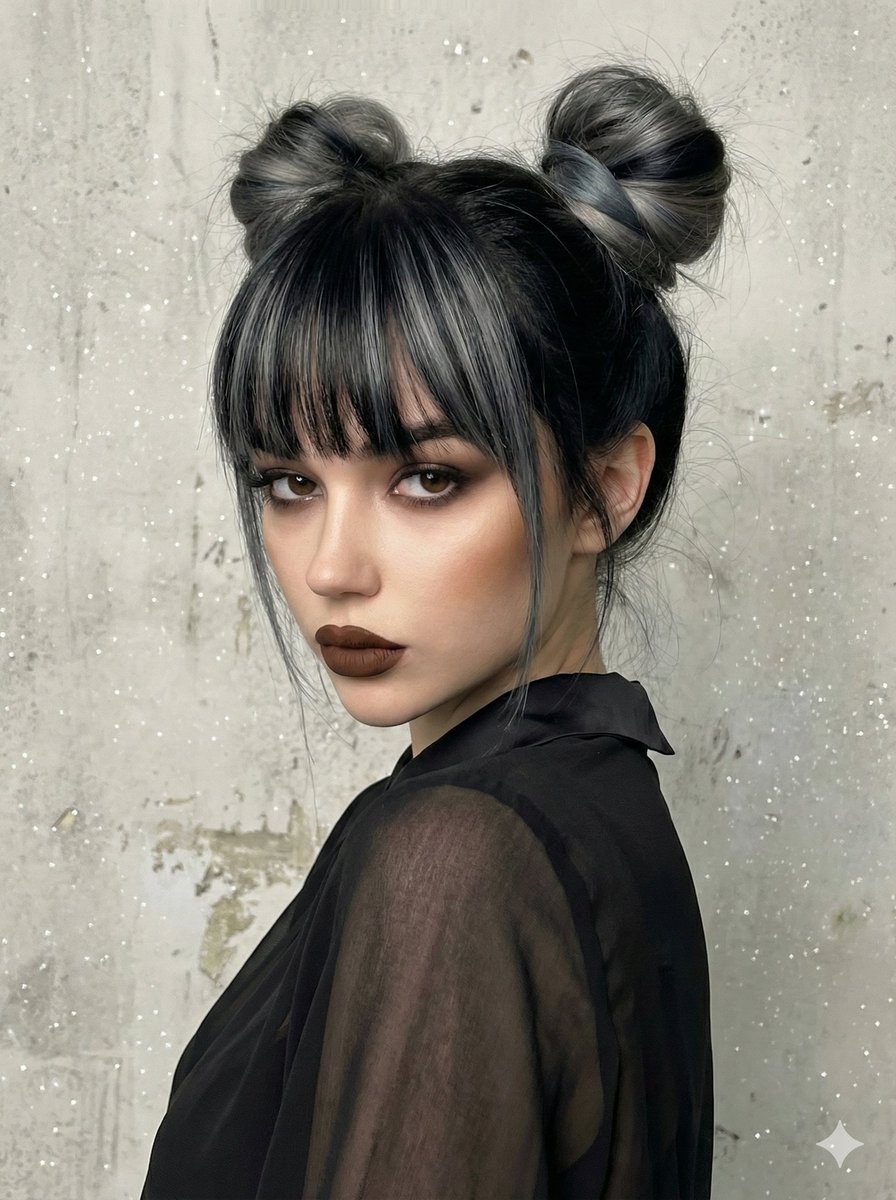
Studio Portrait with Space Buns and Glitter Overlay
Browse template categories
Cyberpunk Rainy Night Market questions
How do I use the Cyberpunk Rainy Night Market template?
Add your photo if the template asks for one, edit the prompt if you like — the template's model and format are already selected — and press Generate. Your version opens in PicX Studio.
Can I customize the Cyberpunk Rainy Night Market template?
Yes. You can change the subject, setting, lighting, mood, format, and available model controls before creating your image.
Is the Cyberpunk Rainy Night Market template free?
Opening and editing this template is free. Generating uses credits, shown on the Generate button when you are signed in.
Which AI model should I use?
Start with Gemini 3 Pro Image Preview, which is the model associated with this template. You can compare another compatible model for a different finish.
Looking for something else? Browse all templates.

Your photo, any look
Thousands of ready templates for every top image and video model, from one credit balance.