
Romantic Chinese Couple in Europe
A multi-panel cinematic story prompt depicting a Chinese couple's romantic stroll through a historic European city from morning to evening.
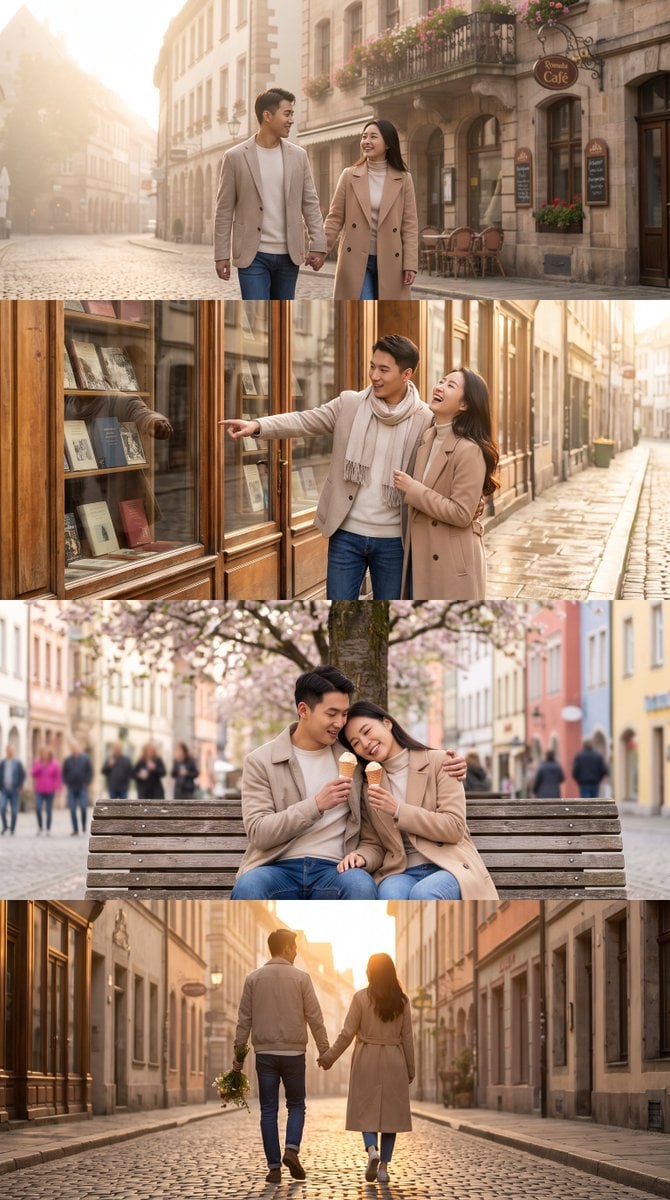
- Prompt included
- Model and format preset
- Free template
The prompt behind this image
Copy the exact prompt behind Romantic Chinese Couple in Europe, or open it in the studio and make it yours.
Four sequential vertical portrait images (tall 9:16 aspect ratio) telling a continuous romantic story of a young Chinese couple strolling on a charming European street, photorealistic, cinematic lighting, highly detailed faces with authentic Chinese features, soft natural skin texture, elegant casual clothing. Panel 1 (top): Early morning golden light, the Chinese couple walking side by side on a quiet cobblestone street in a historic European old town, smiling and holding hands, classic European architecture with flower boxes and cafe signs in the background, soft mist in the air. Panel 2: Mid-morning, the couple stops in front of an old bookstore with large glass windows, the man points excitedly at a book while the woman laughs, warm sunlight reflecting on the cobblestones, authentic Chinese facial features, natural expressions. Panel 3: Afternoon, the couple sits closely on a wooden bench under a blooming tree on the European street, sharing an ice cream, the woman resting her head on his shoulder, soft bokeh of European passersby and colorful buildings in the background, tender and intimate mood. Panel 4 (bottom): Golden hour evening, the Chinese couple walking away down the same European street hand in hand, the man carries a small bouquet of wildflowers, warm orange sunlight casting long shadows, romantic and peaceful atmosphere, cinematic depth of field. Consistent characters across all four panels, same Chinese couple, same clothing, seamless story progression from morning to evening, vertical composition, ultra-realistic, 8K detail, soft film color grading.
How to use Romantic Chinese Couple in Europe in 3 steps
- 1
Open
The prompt is already in the box next to the preview, with the template's model and format selected.
- 2…a portrait of your subject in softgolden-hour light, 85mm…
Personalize
Edit the subject and creative details for your destination.
- 3Generate
Generate
Press Generate — your image is created in PicX Studio, so you can compare it with the original and refine one variable at a time.
More like this
Templates with the same subject, style or setup. Open one to see its prompt.

Romantic Cinematic Still of a Couple in

Nano Banana Pro Photoreal Playful Couple

Sunday Afternoon, 1988

Two Tickets, One Night

If We Met in 1985

Found Photograph: Us, 1970

One Dance Before Midnight

Before We said Goodbye

Our Song was on a Cassette

Meet Me When It Rains

The Date After College

Two Hearts. One Scooter.
Make it yours
Romantic Chinese Couple in Europe works as-is. These are the safest ways to change it without losing the look.
Change one field
Copy a single group, rewrite it, and generate again so you can see what that field is doing.
Keep the frame, change the subject
Hold the composition and light of Romantic Chinese Couple in Europe, then swap wardrobe, props or the person for a new take.
| If the result… | Why | Fix |
|---|---|---|
| The result drifts from the preview | Too many fields changed at once. | Reuse Romantic Chinese Couple in Europe as-is first, then change one group — subject, light, or setting. |
| The model over-stylizes the scene | The prose prompt leaves finish and camera underspecified. | Add one camera or lighting sentence and stay on Gemini 3 Pro Image Preview. |
More Gemini 3 Pro Image Preview templates
Other prompts made for Gemini 3 Pro Image Preview.

Whimsical Anthropomorphic Friendly Insect

Cinematic Urban Night Billboard Portrait

Pop Art Summer Fruit Fashion Illustration

Ultra-Realistic iPhone Selfie with Motion Blur

Cinematic Mirror Reflection Portrait

Elegant Men's Twilight Editorial

Coastal Freedom Sunset Portrait

Ergonomic Office Chair E-commerce Mobile Detail Page

Macro Guitar Fret Dressing

Cinematic Black and White Studio Portrait
More image prompts
Fresh picks from across the catalog.
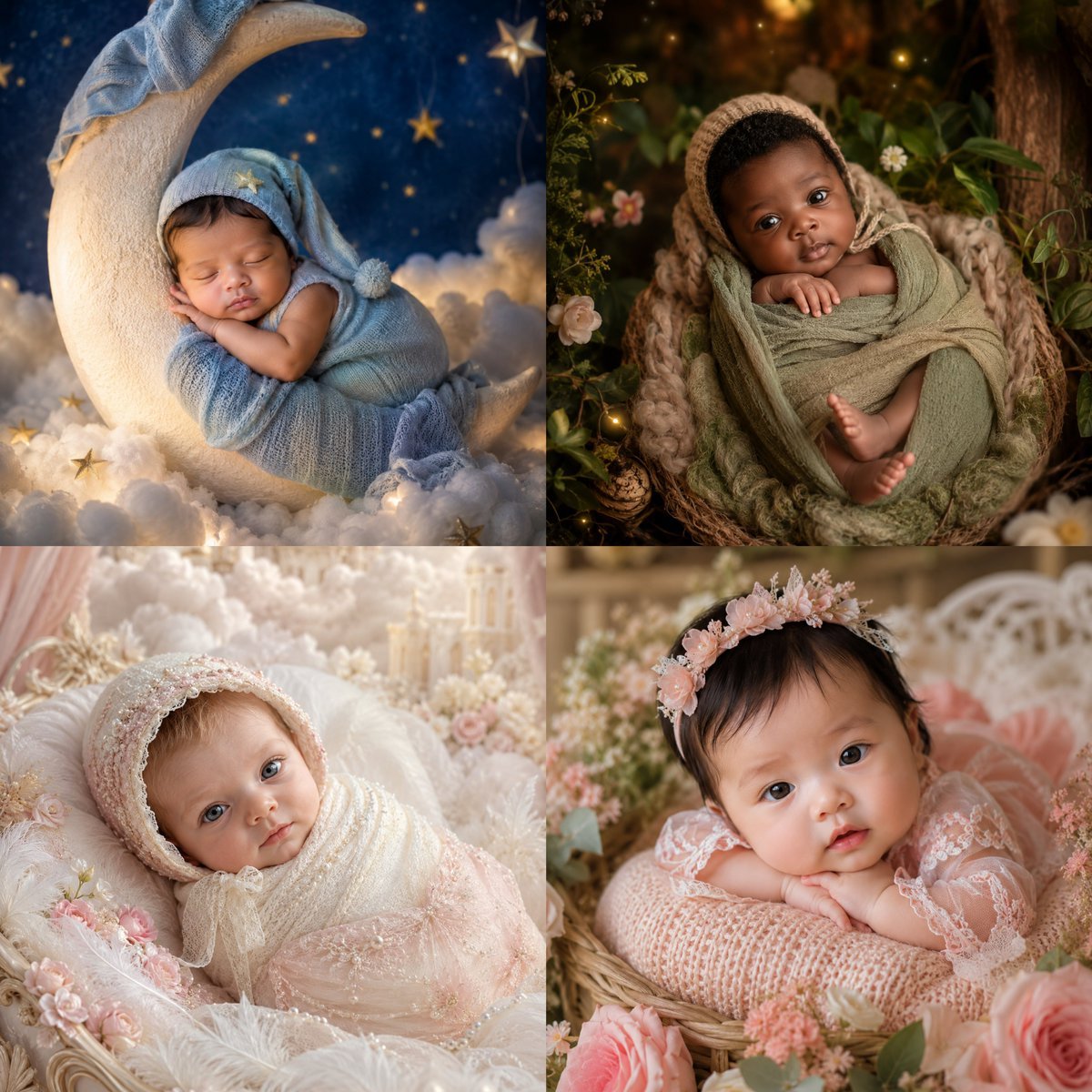
Four-Theme Newborn Portrait Collage
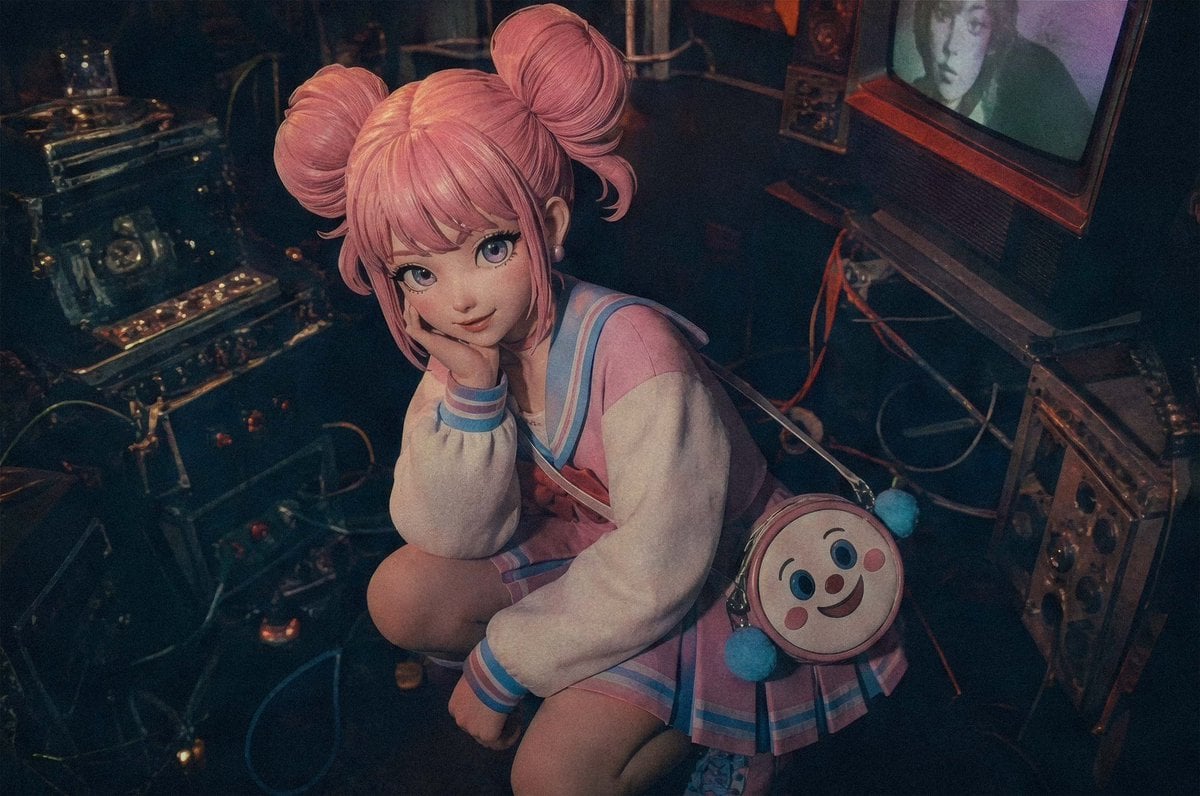
Pastel Cyberpunk Retro Electronics Portrait
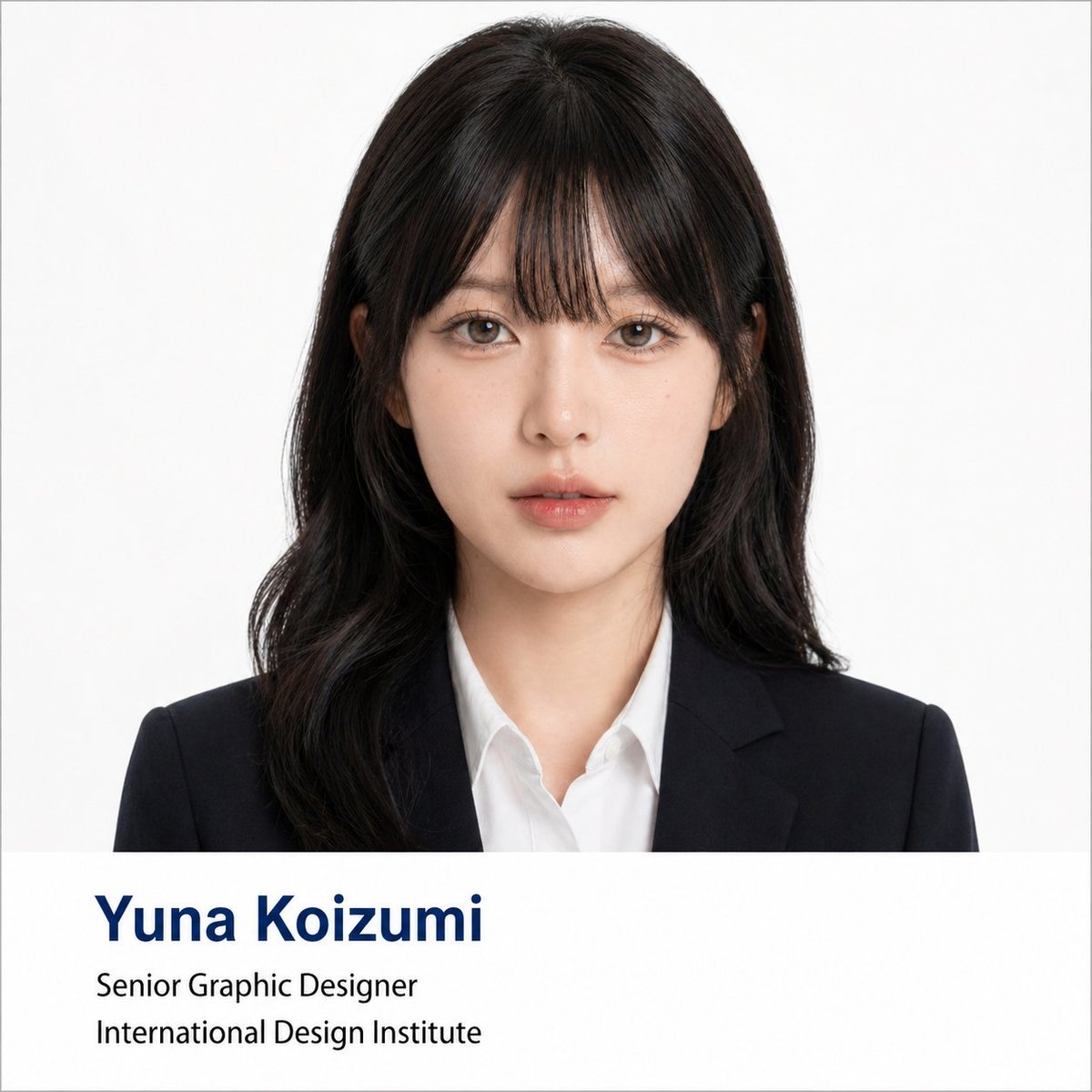
Professional Corporate Headshot Poster Creator
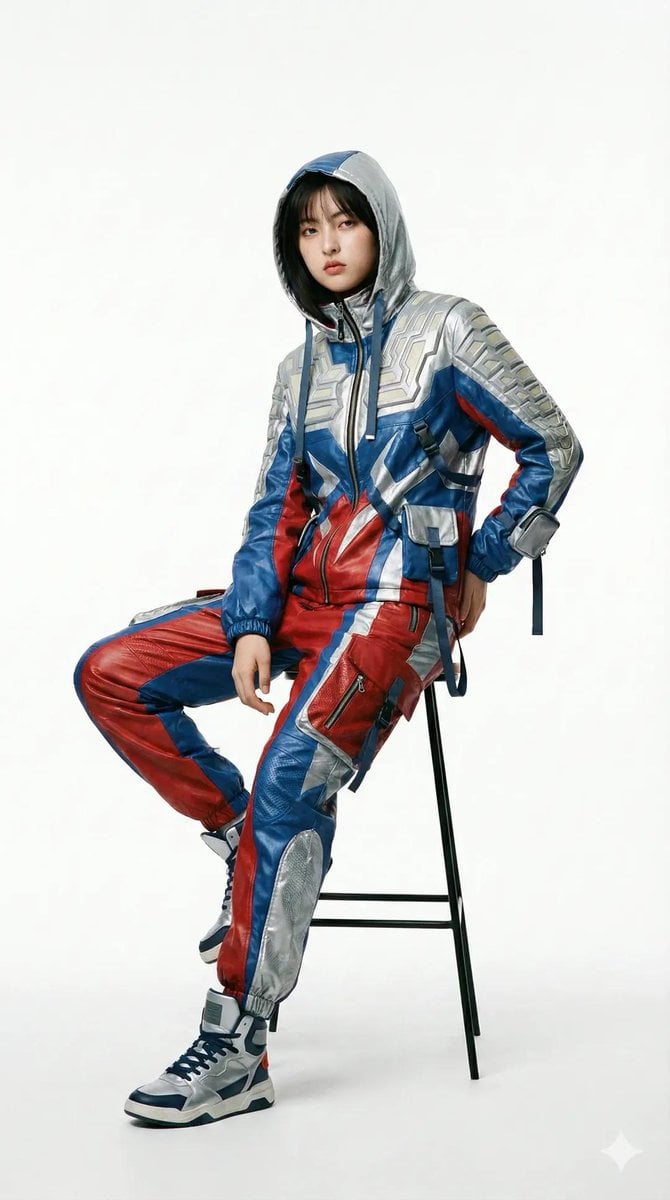
Editorial Fashion Photography with Structural Mimicry Prompt
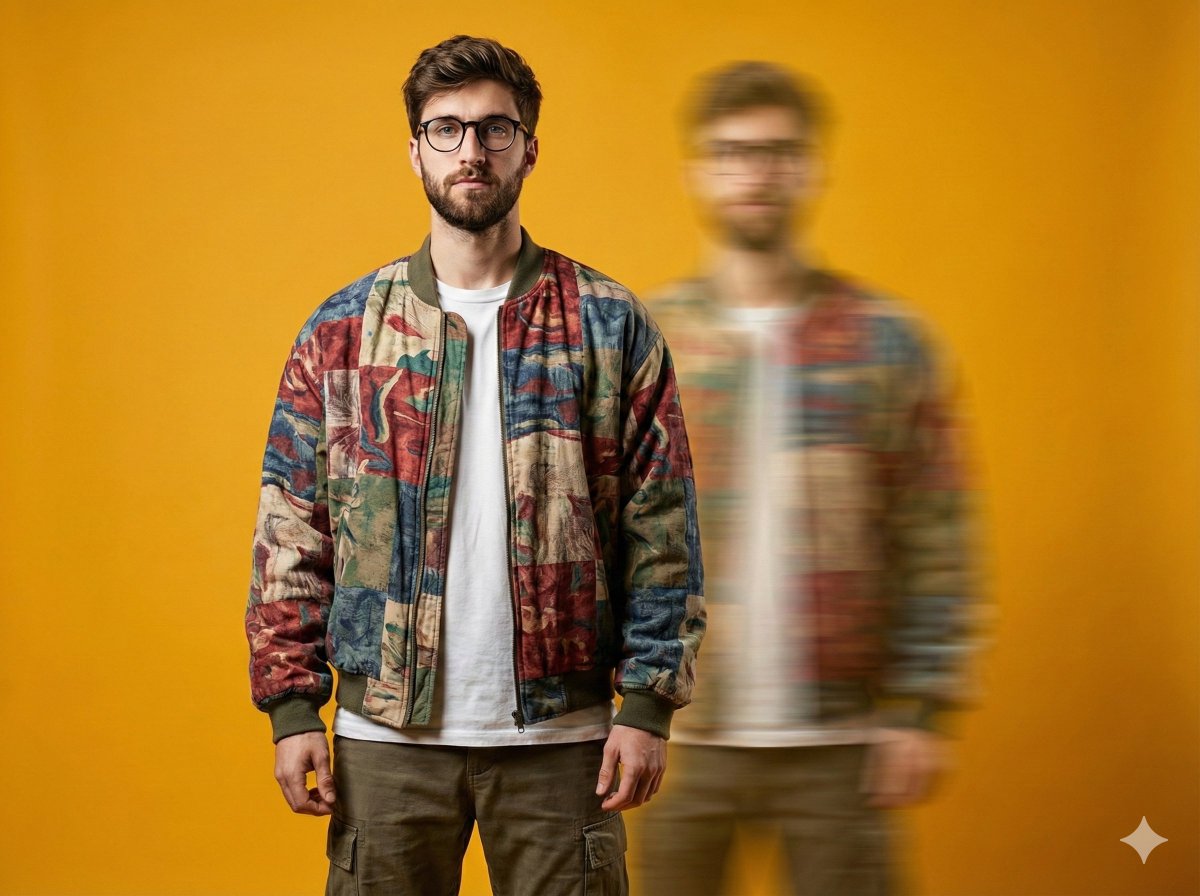
Avant-Garde Fashion Portrait with Ghost Duplicate
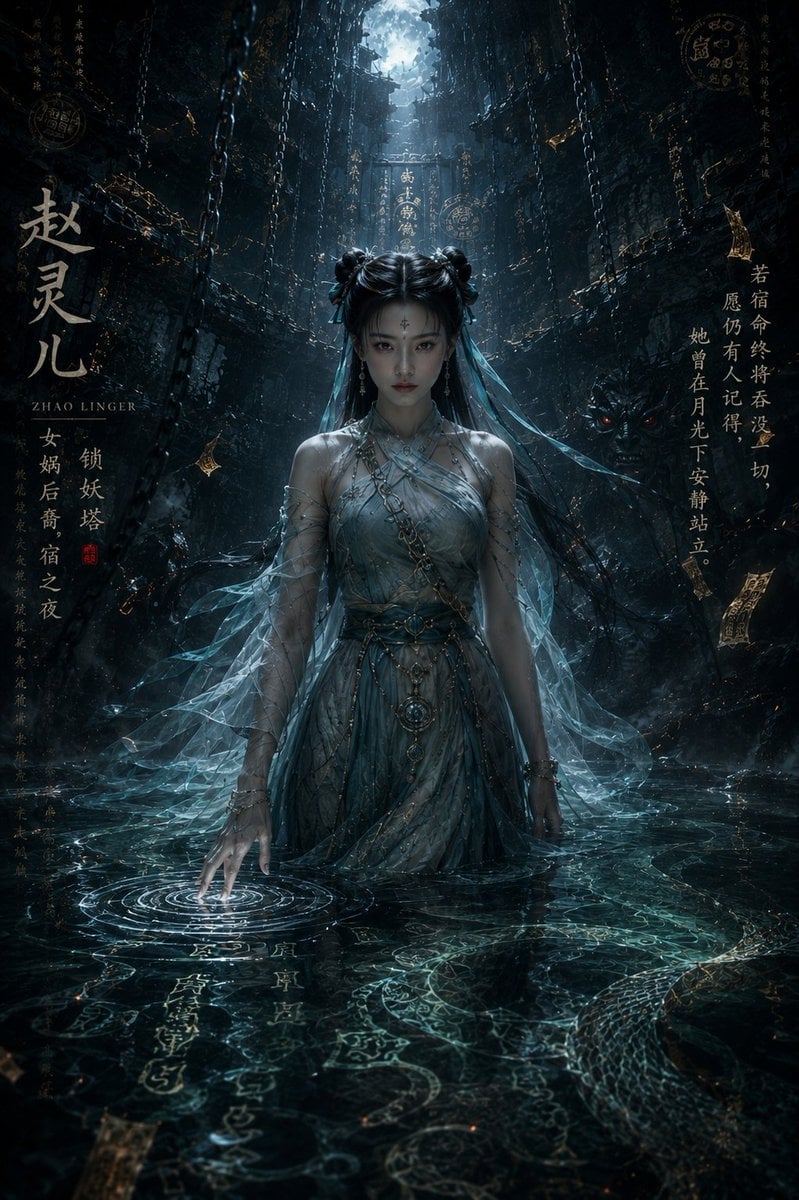
Dark Eastern Fantasy Zhao Ling'er Poster
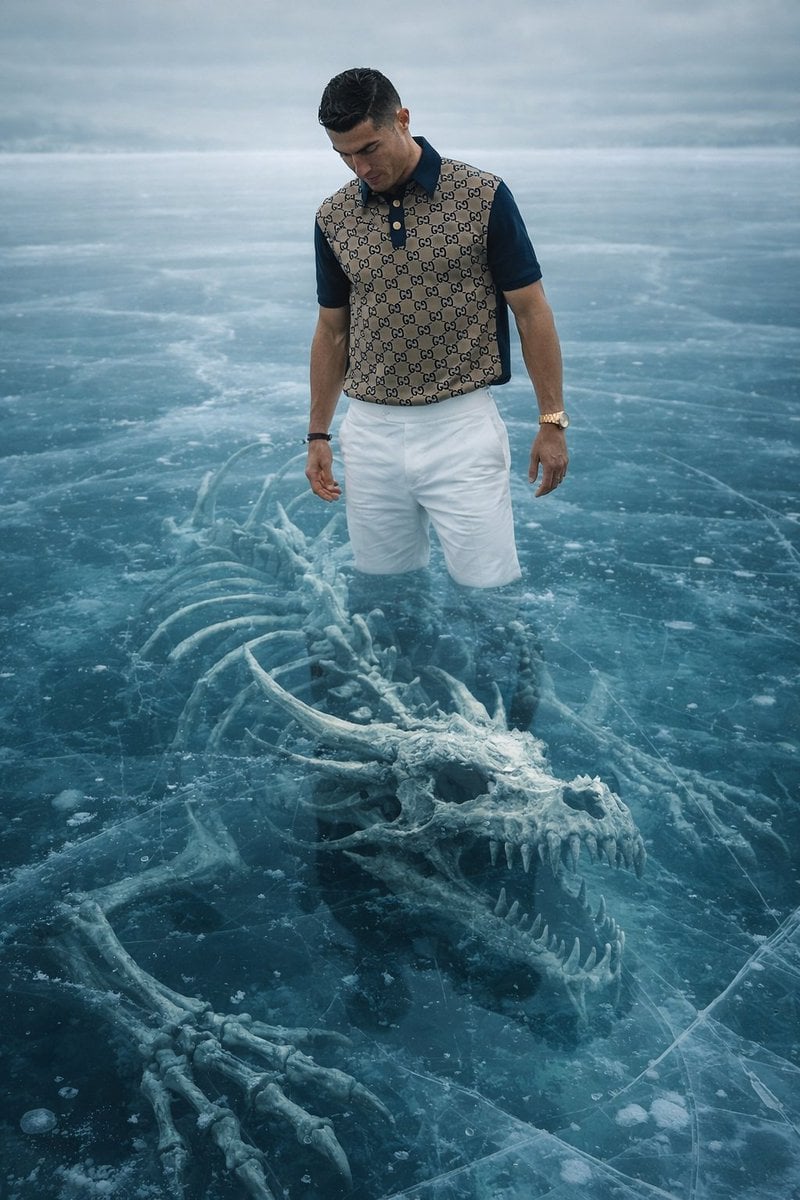
8K Ultra-Realistic Promotional Image of a Man on Ice with a Submerged Skeleton
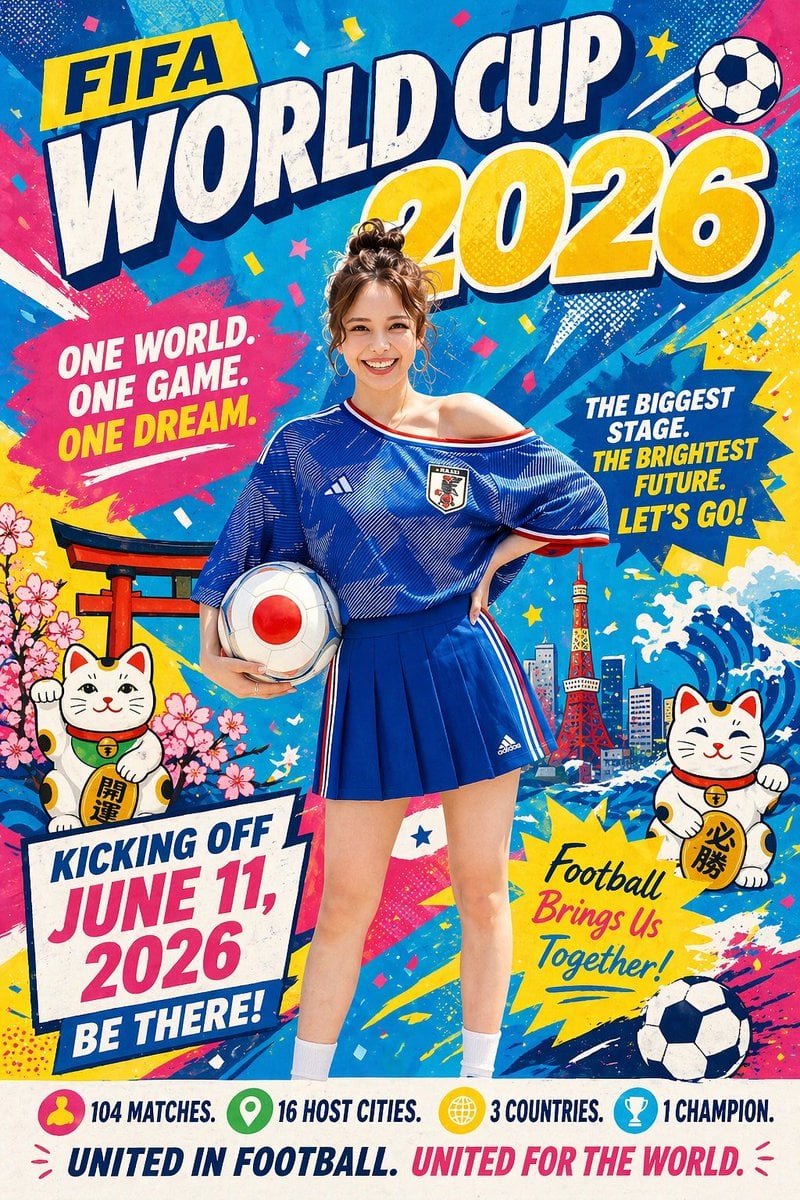
Minimalist World Cup poster
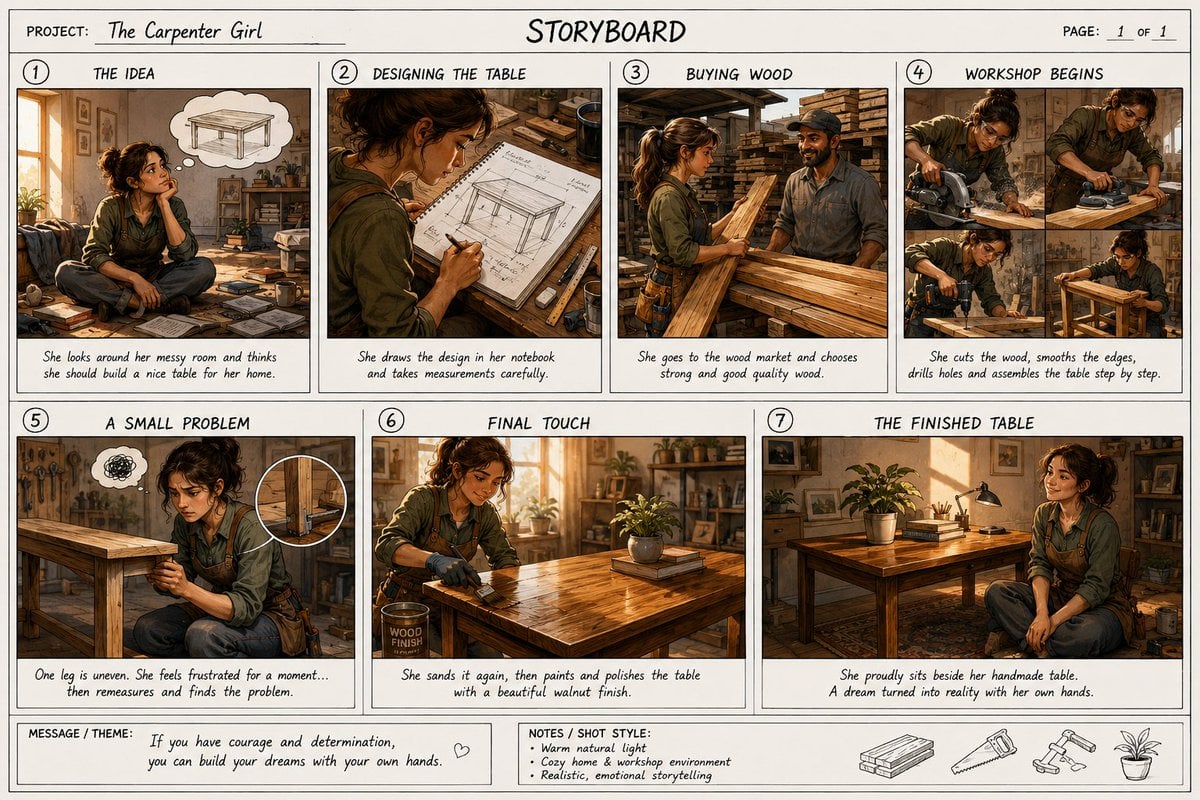
Professional Cinematic Film Storyboard
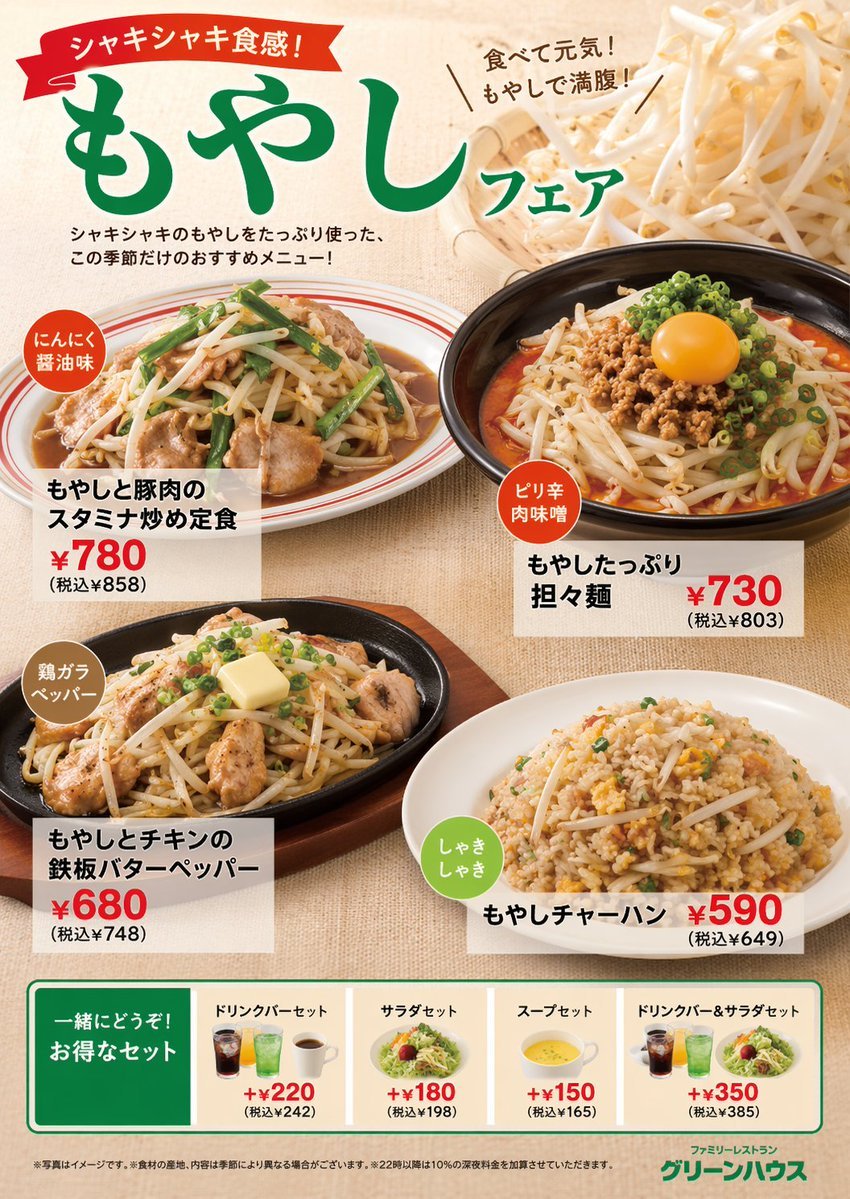
Japanese Restaurant Promotional Menu Poster
Browse template categories
Romantic Chinese Couple in Europe questions
How do I use the Romantic Chinese Couple in Europe template?
Add your photo if the template asks for one, edit the prompt if you like — the template's model and format are already selected — and press Generate. Your version opens in PicX Studio.
Can I customize the Romantic Chinese Couple in Europe template?
Yes. You can change the subject, setting, lighting, mood, format, and available model controls before creating your image.
Is the Romantic Chinese Couple in Europe template free?
Opening and editing this template is free. Generating uses credits, shown on the Generate button when you are signed in.
Which AI model should I use?
Start with Gemini 3 Pro Image Preview, which is the model associated with this template. You can compare another compatible model for a different finish.
Looking for something else? Browse all templates.

Your photo, any look
Thousands of ready templates for every top image and video model, from one credit balance.