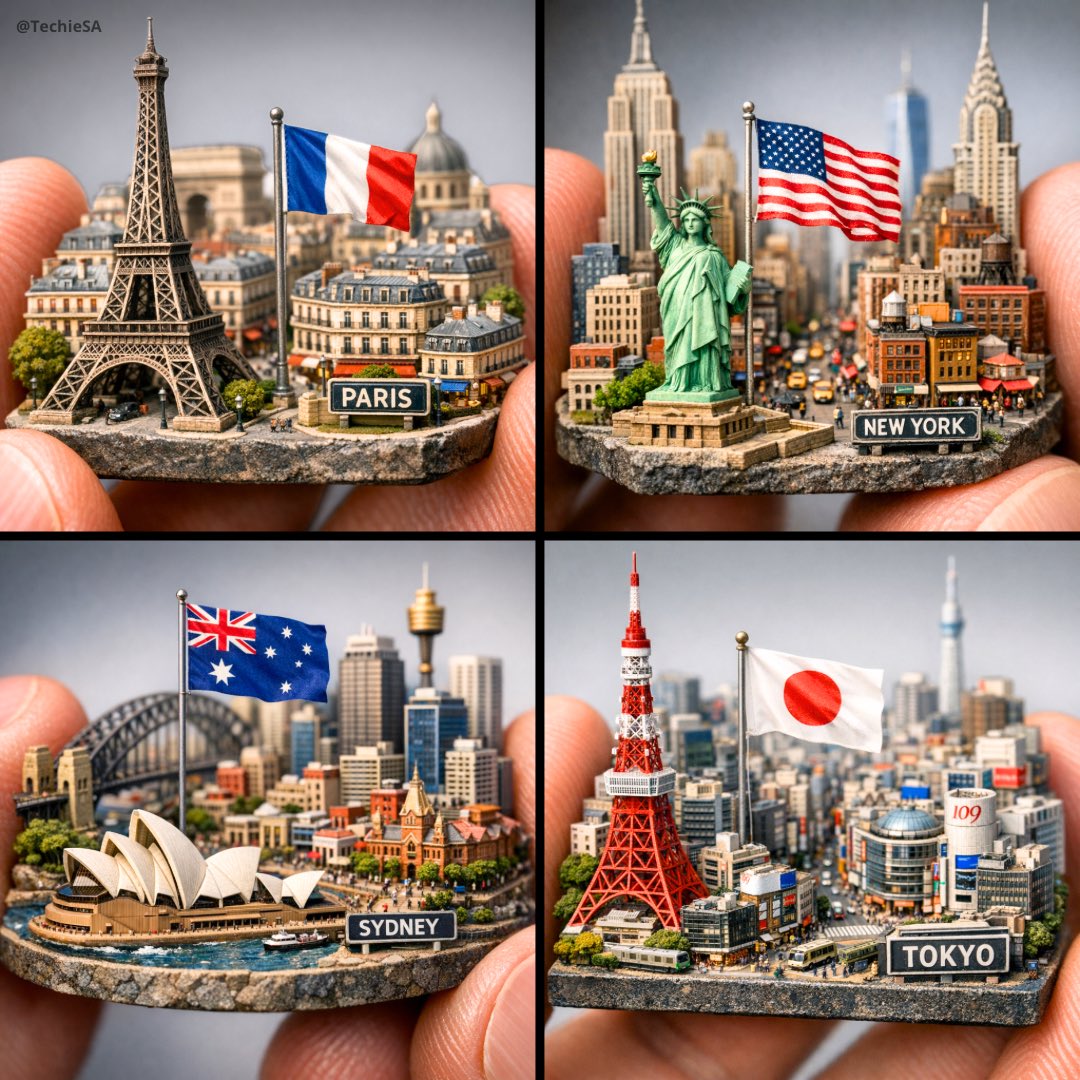
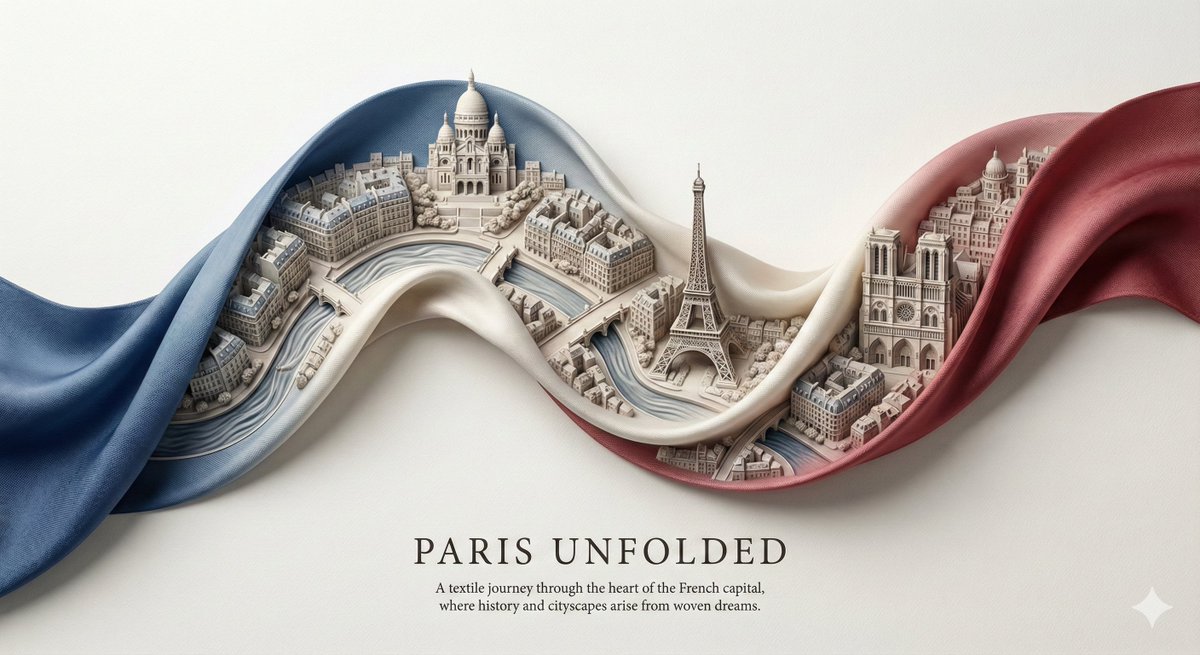
How do I use the Miniature Pop-up Book City Diorama template?
Choose the primary action to open PicX Studio with the available template settings. Review the model and format, personalize the creative direction, and generate when ready.
A specialized prompt for creating photorealistic 3D dioramas designed as elaborate paper-engineered pop-up books representing specific subjects.
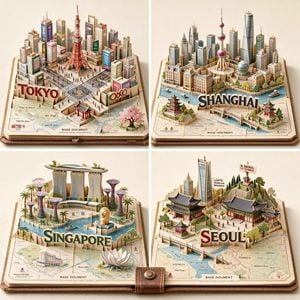
2x2 grid, do this for 4 important Asian cities: Generate a photoreal miniature pop-up book diorama for {argument name="subject" default="[SUBJECT]"}.Rules:- infer SUBJECT_DNA automatically- use {argument name="base document" default="BASE_DOCUMENT"} as the physical foundation- the subject must rise from the page as a paper-engineered 3D world- include inferred landmarks, architecture, terrain, infrastructure, cultural motifs, and small scale cues- show folded platforms, stairs, slots, hinges, support struts, and hidden paper mechanics- integrate the subject name or symbolic typography as raised paper letters or structural forms- the base page should contain an inferred map, diagram, blueprint, or printed context relevant to SUBJECT- everything must feel crafted from paper, cardstock, ink, miniature model materials, and precise pop-up engineering- no hard-coded city, landmark, tower, temple, map, color, or text unless supplied
Choose the primary action to open PicX Studio with the available template settings. Review the model and format, personalize the creative direction, and generate when ready.
Yes. You can change the subject, setting, lighting, mood, format, and available model controls before creating your image.
This template is free to open and customize. Generation usage is shown in PicX Studio before you create.
Start with gemini-3-pro-image-preview, which is the model associated with this template. You can compare another compatible model for a different finish.
Follow a topic to a crawlable collection of related PicX Studio templates.