
Multi-Expression Sliced Fashion Poster
A highly specific multi-expression portrait prompt that divides the subject's face into five vertical slices, each with a different emotion and color grade.
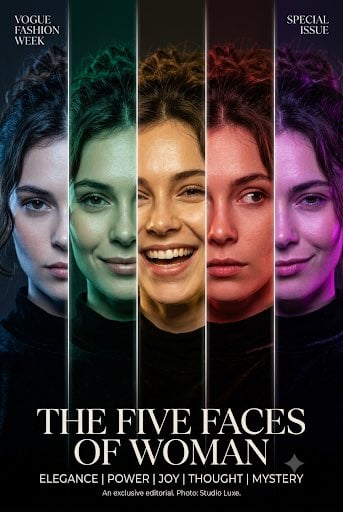
- Prompt included
- Model and format preset
- Free template
The prompt behind this image
Copy the exact prompt behind Multi-Expression Sliced Fashion Poster, or open it in the studio and make it yours.
Create a {argument name="style" default="luxury fashion editorial poster"} based on my reference image. Preserve the exact facial identity, hairstyle, facial structure, skin tone, and overall appearance of the reference person. The portrait is divided into {argument name="layout" default="five perfectly aligned vertical slices"} separated by ultra-thin glowing white lines. The slices must align seamlessly to form one complete face. Each slice represents the exact same person photographed at a different moment with a completely different facial expression. Slice 1: serious, confident, intense eye contact. Slice 2: subtle genuine smile. Slice 3: joyful open-mouth laugh with expressive eyes. Slice 4: thoughtful expression, eyes looking slightly sideways. Slice 5: playful smirk with one eyebrow slightly raised. Every expression must be dramatically different and instantly recognizable. The facial muscles, eyebrows, eyes, mouth shape, smile intensity, and emotional feeling must noticeably change in every slice. Avoid repetitive or identical expressions. Each slice has a unique cinematic color grade: • Slice 1 – Deep Royal Blue • Slice 2 – Emerald Green • Slice 3 – Golden Amber • Slice 4 – Crimson Red • Slice 5 – Purple & Magenta Neon The lighting should also vary subtly between slices while maintaining a premium editorial appearance. {argument name="background" default="Dark charcoal minimalist background"} with no distractions. Luxury magazine cover aesthetic, Vogue fashion campaign, cinematic studio lighting, glossy skin texture, ultra-realistic eyes, razor-sharp focus, HDR, photorealistic, masterpiece, 8K, highly detailed, premium color grading, dramatic contrast, modern fashion photography. Five unique emotional portraits of the same person merged into one sliced composition, each slice appearing as if captured at a different moment during a professional fashion photoshoot. Negative Prompt: black and white, monochrome, grayscale, identical expressions, duplicate face, copied slice, repeated smile, emotionless face, flat lighting, dull colors, low saturation, blurry, distorted face, extra eyes, extra mouth, misaligned slices, low quality, artifacts
How to use Multi-Expression Sliced Fashion Poster in 3 steps
- 1Upload ImagePNG, JPG or paste
Add your photo
Upload the photo the template builds on. The prompt, model and format are already set.
- 2…a portrait of your subject in softgolden-hour light, 85mm…
Personalize
Edit the subject and creative details for your destination.
- 3Generate
Generate
Press Generate — your image is created in PicX Studio, so you can compare it with the original and refine one variable at a time.
More like this
Templates with the same subject, style or setup. Open one to see its prompt.
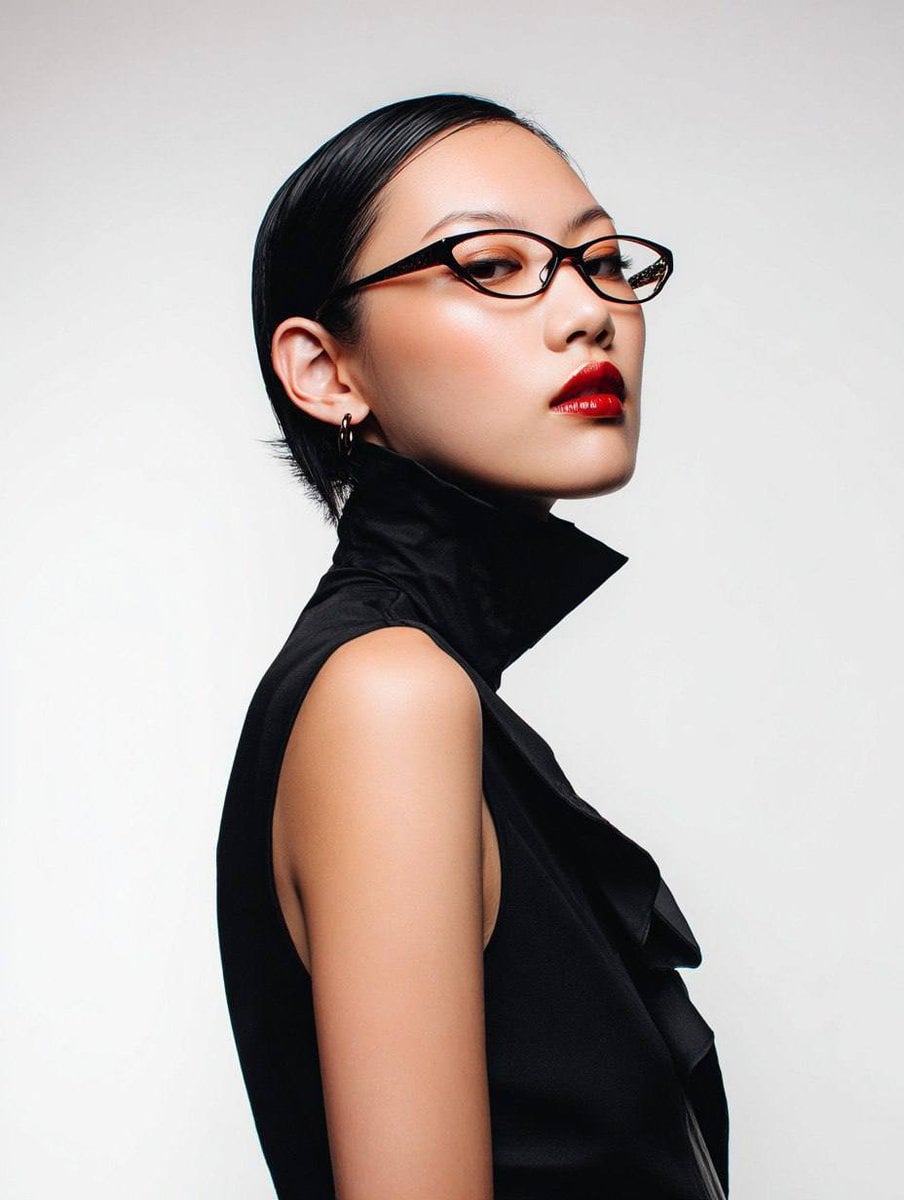
Avant-Garde Asian Fashion Model
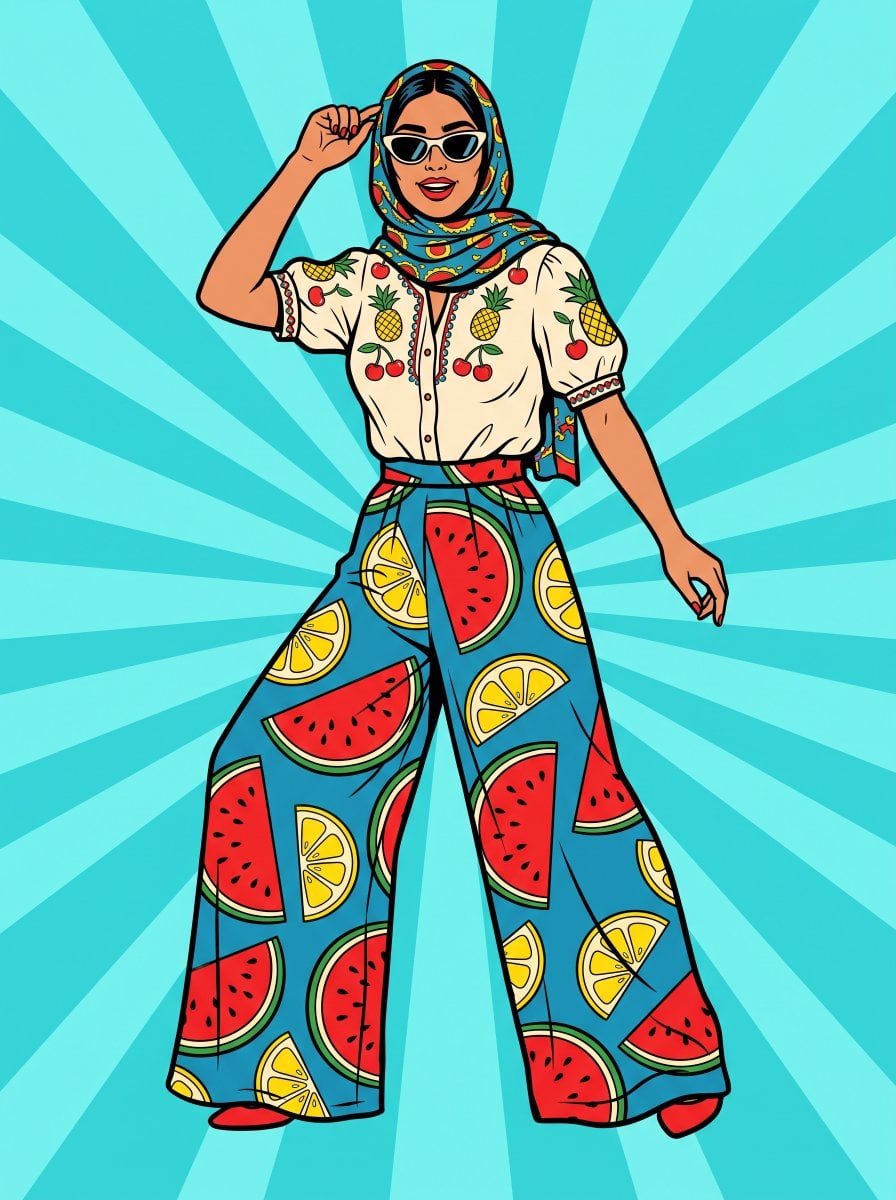
Pop Art Summer Fruit Fashion Illustration
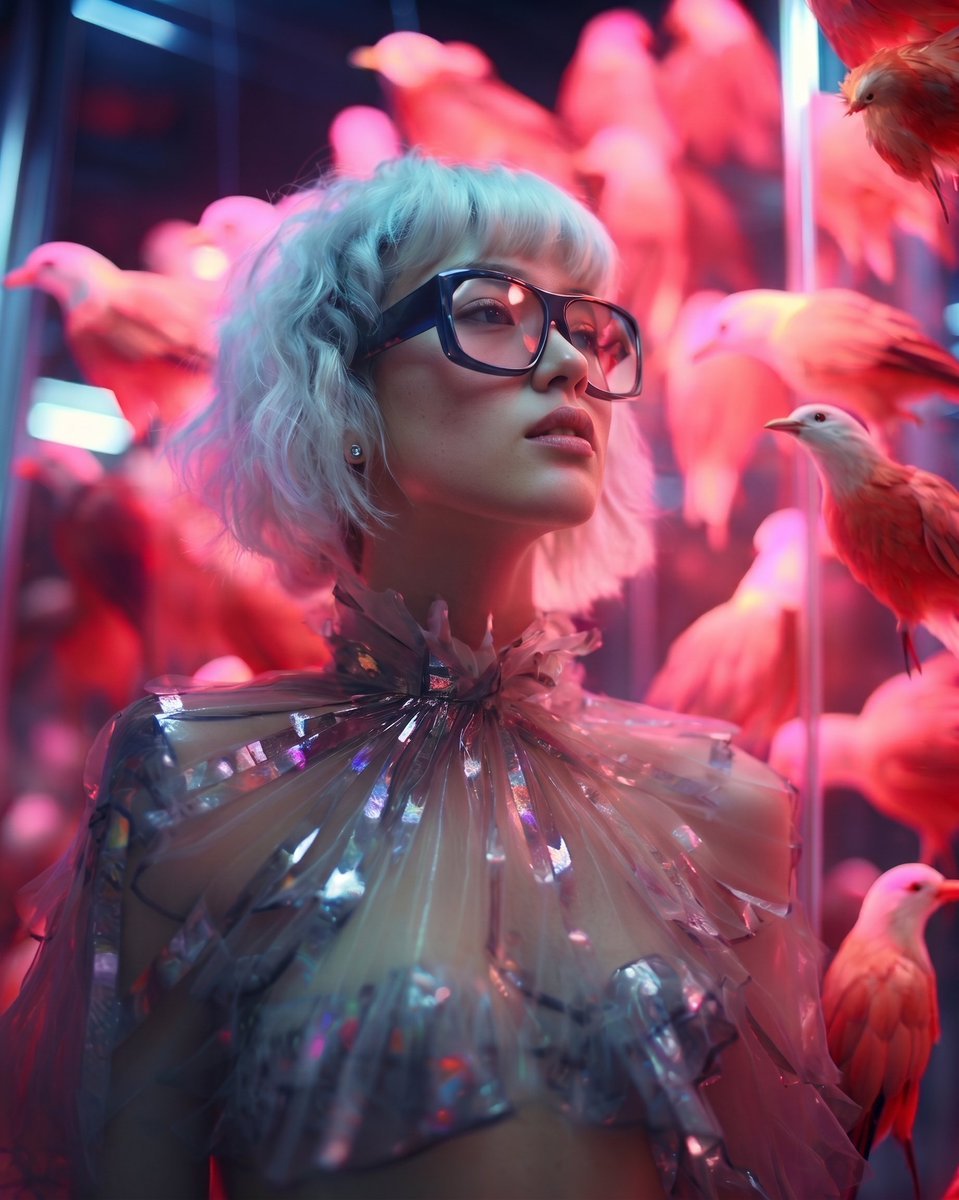
High Fashion Editorial Portrait
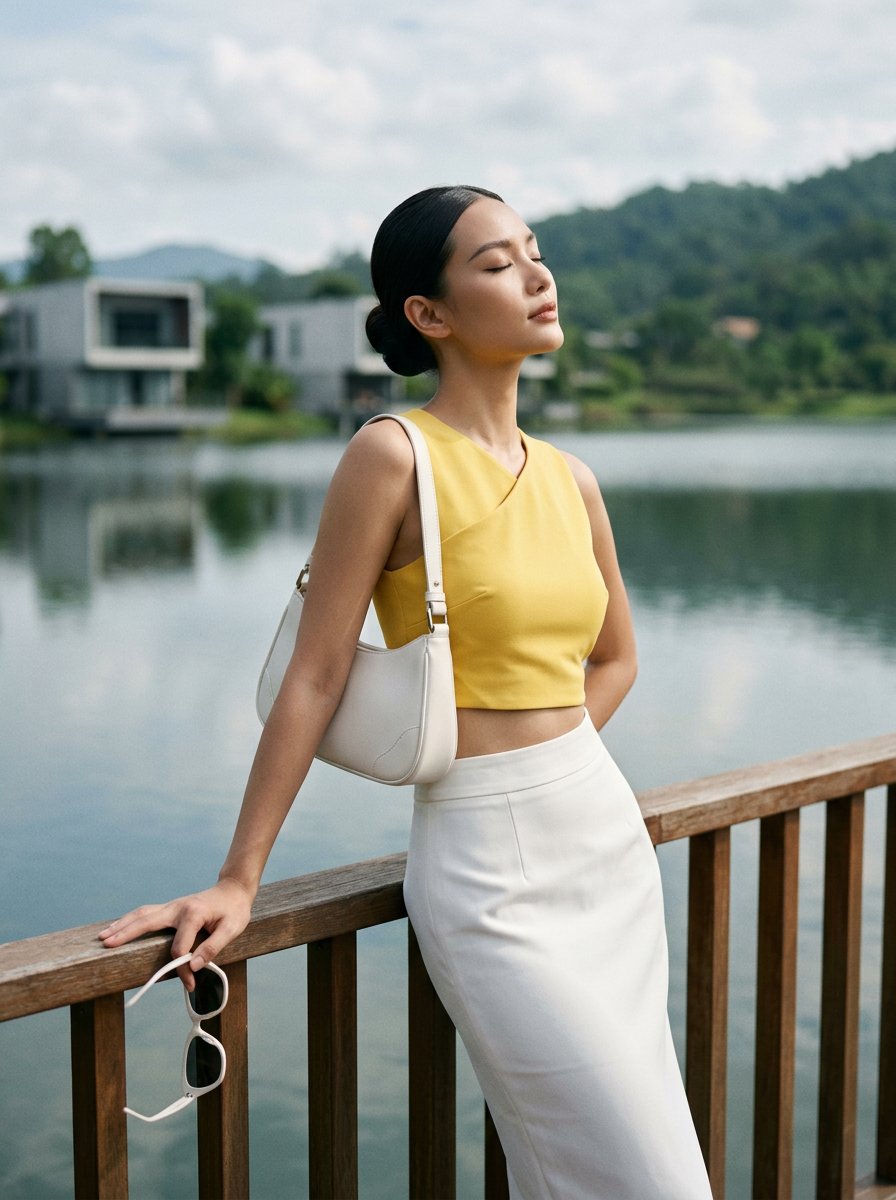
Modern Luxury Lakeside Fashion
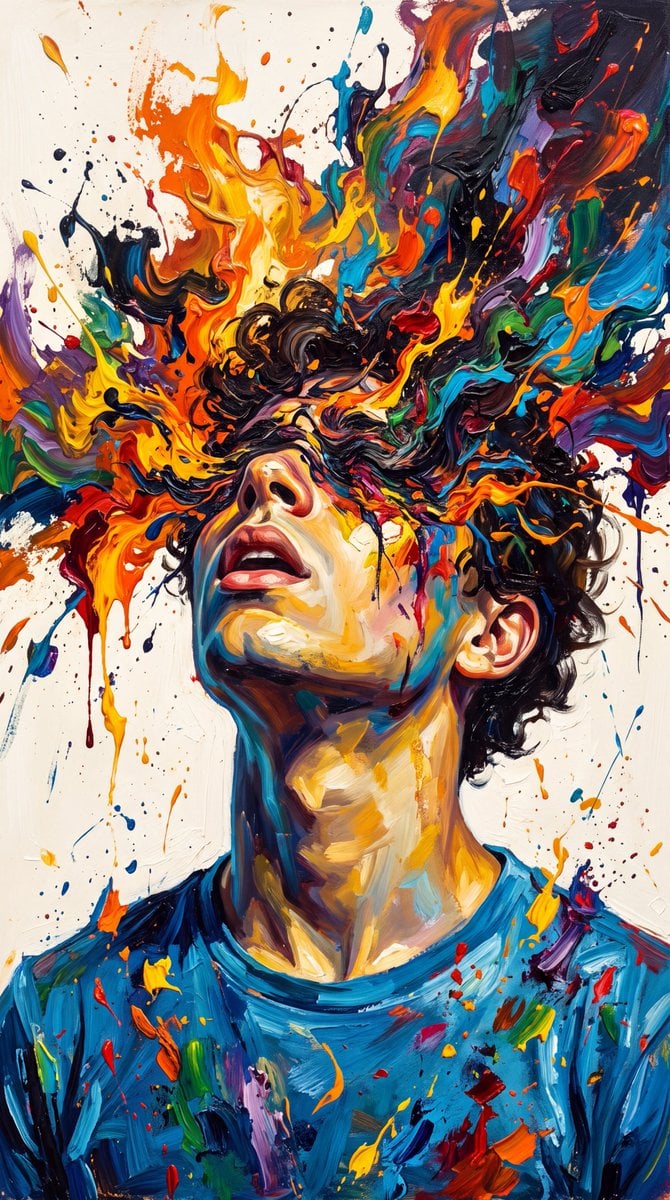
Abstract Expressionist Paint Eruption
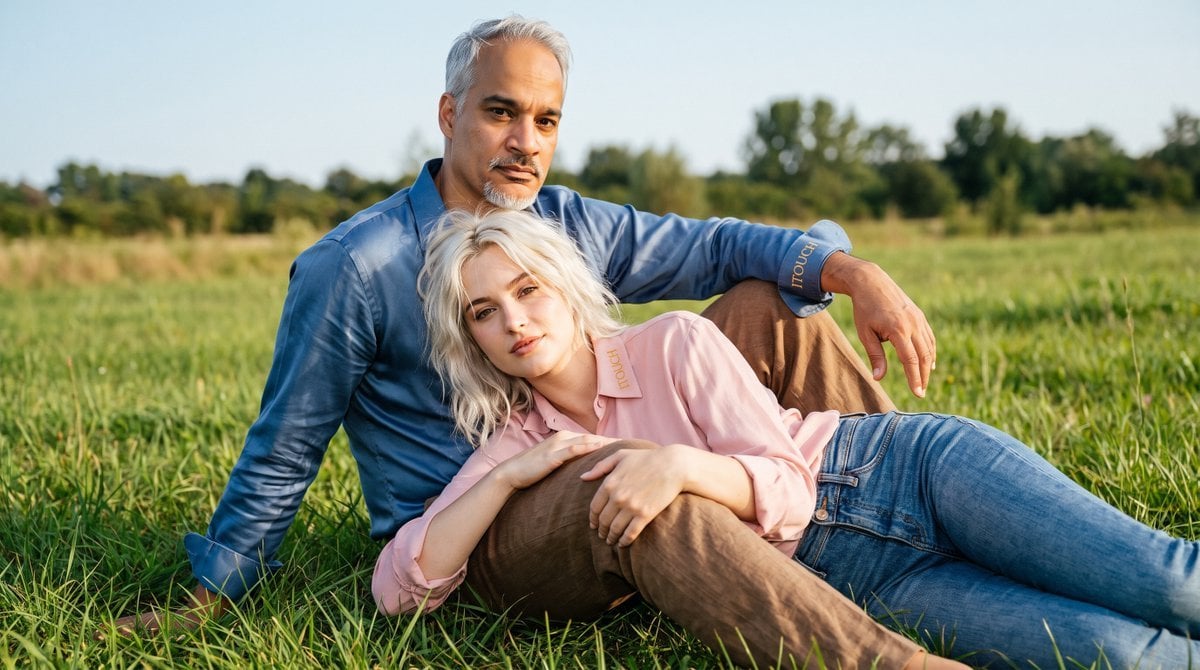
Cinematic Amateur Fashion Editorial
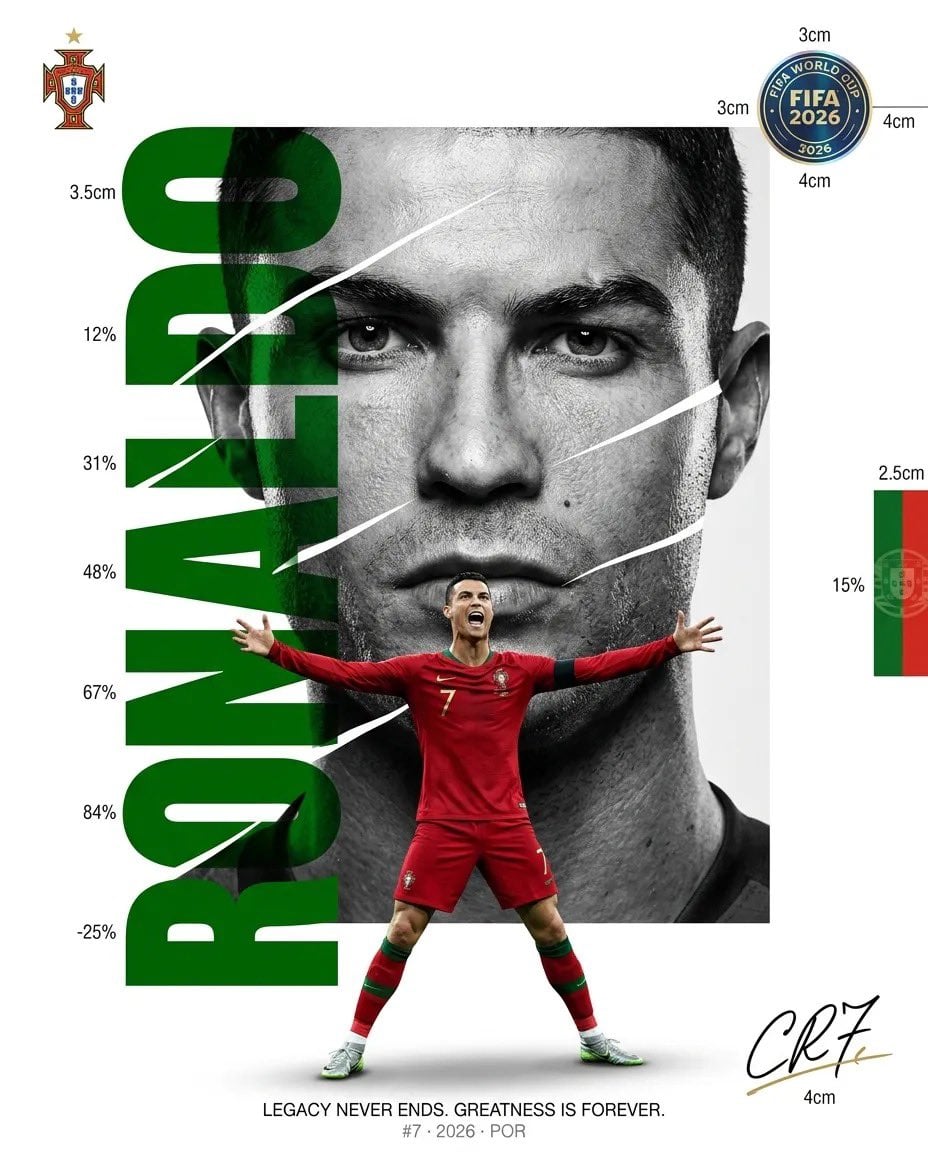
Luxury Sliced Wordmark Player Poster
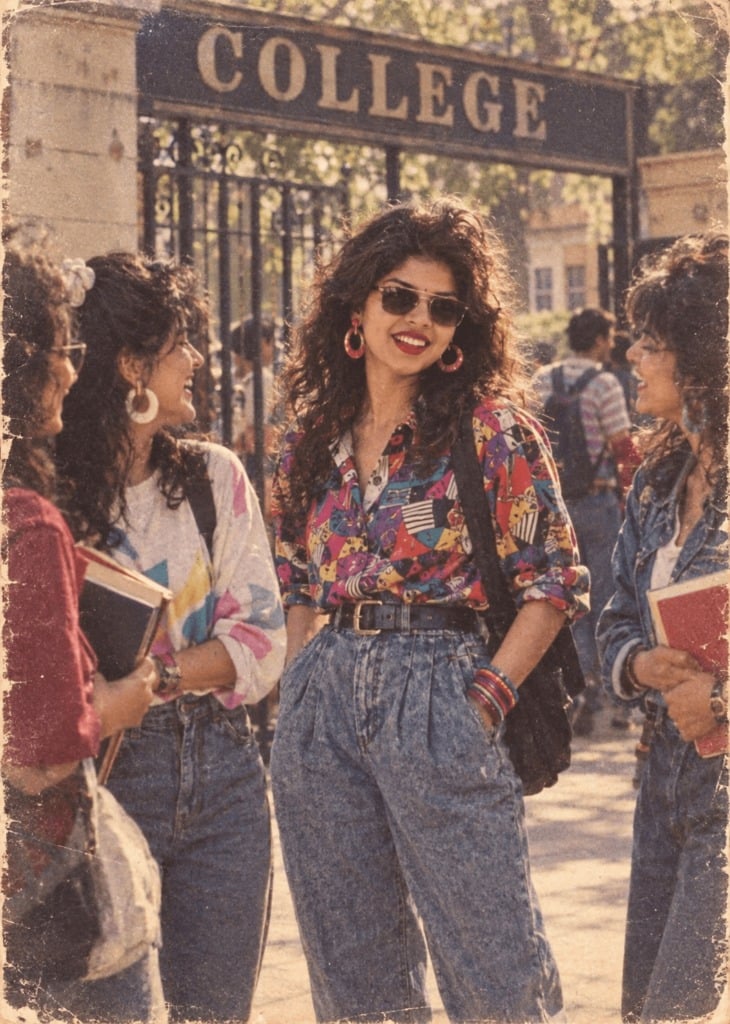
80s College Gate
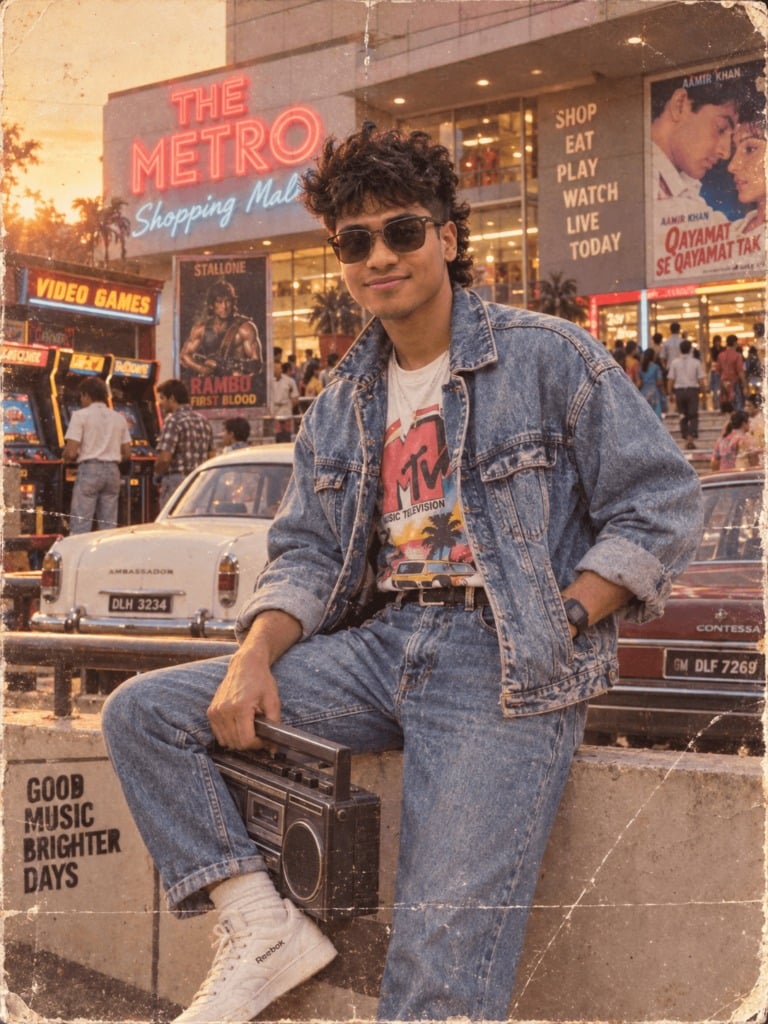
1988 Mall Style
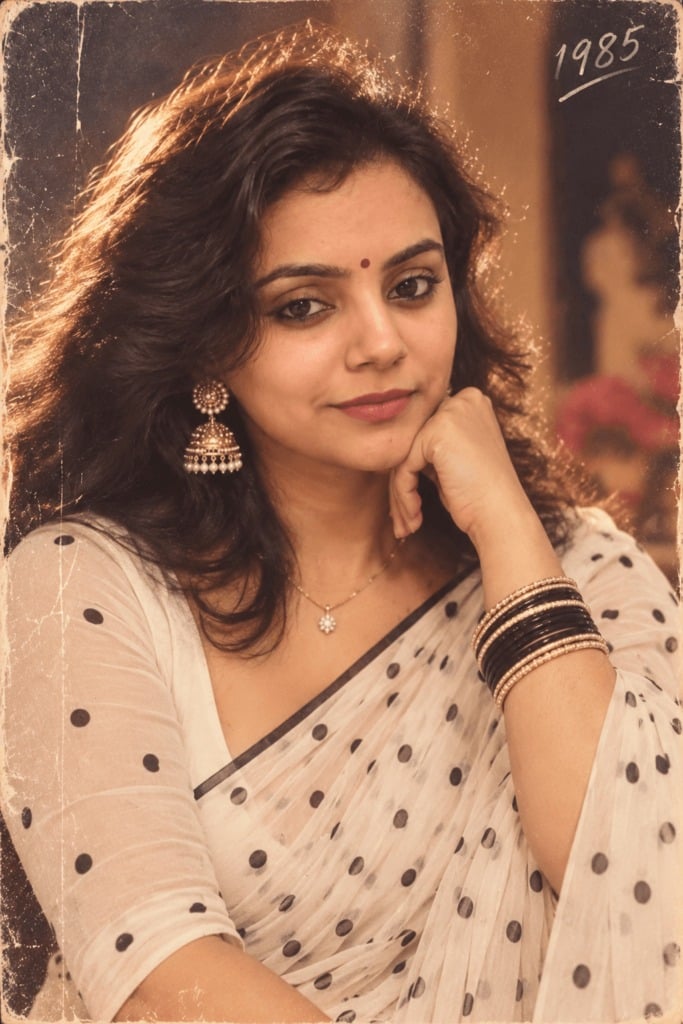
80s Polka Dot Saree
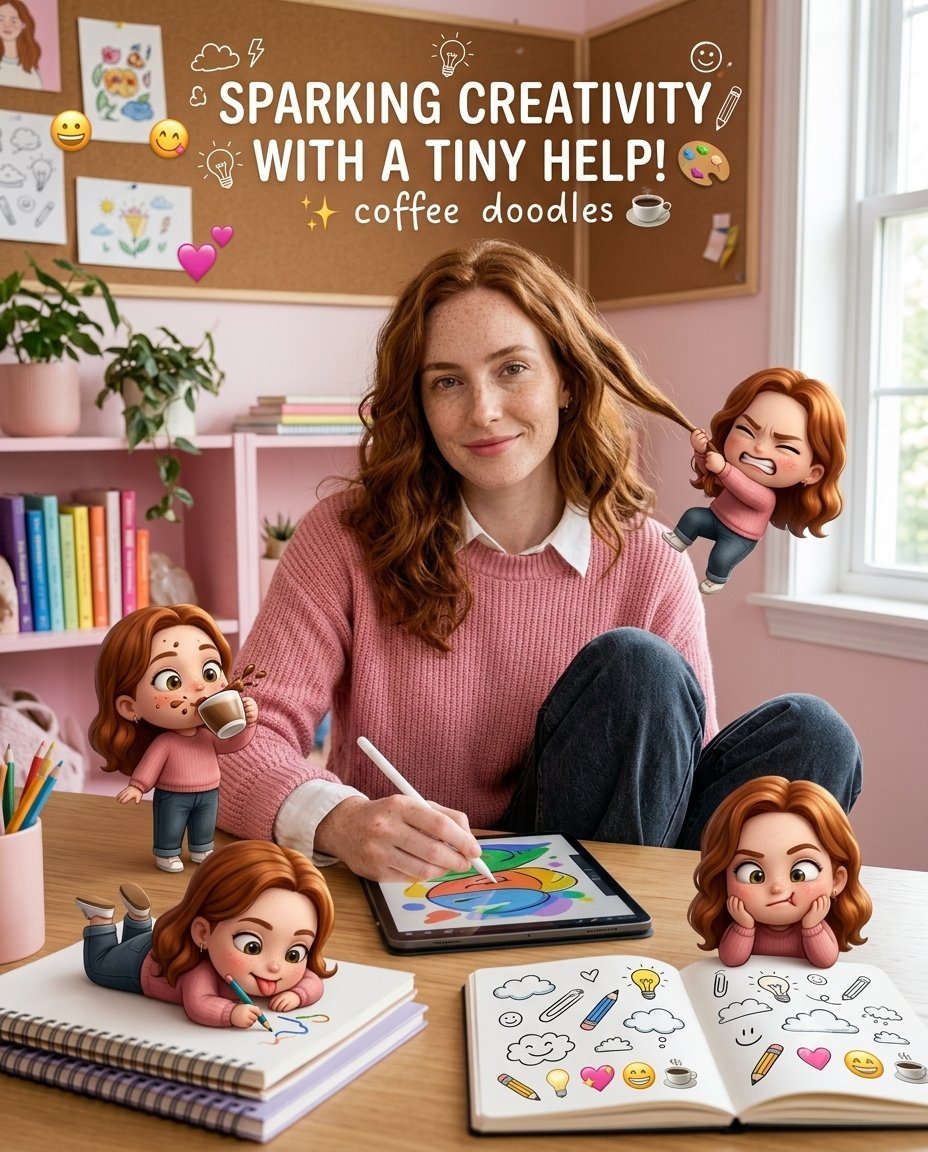
Creative Character in Pink Office
Underwater Macro Face Portrait
Make it yours
Multi-Expression Sliced Fashion Poster works as-is. These are the safest ways to change it without losing the look.
Change one field
Copy a single group, rewrite it, and generate again so you can see what that field is doing.
Keep the frame, change the subject
Hold the composition and light of Multi-Expression Sliced Fashion Poster, then swap wardrobe, props or the person for a new take.
| If the result… | Why | Fix |
|---|---|---|
| The result drifts from the preview | Too many fields changed at once. | Reuse Multi-Expression Sliced Fashion Poster as-is first, then change one group — subject, light, or setting. |
| The model over-stylizes the scene | The prose prompt leaves finish and camera underspecified. | Add one camera or lighting sentence and stay on Gemini 3 Pro Image Preview. |
More Gemini 3 Pro Image Preview templates
Other prompts made for Gemini 3 Pro Image Preview.
Cinematic Urban Night Billboard Portrait
Ultra-Realistic iPhone Selfie with Motion Blur
Cinematic Mirror Reflection Portrait
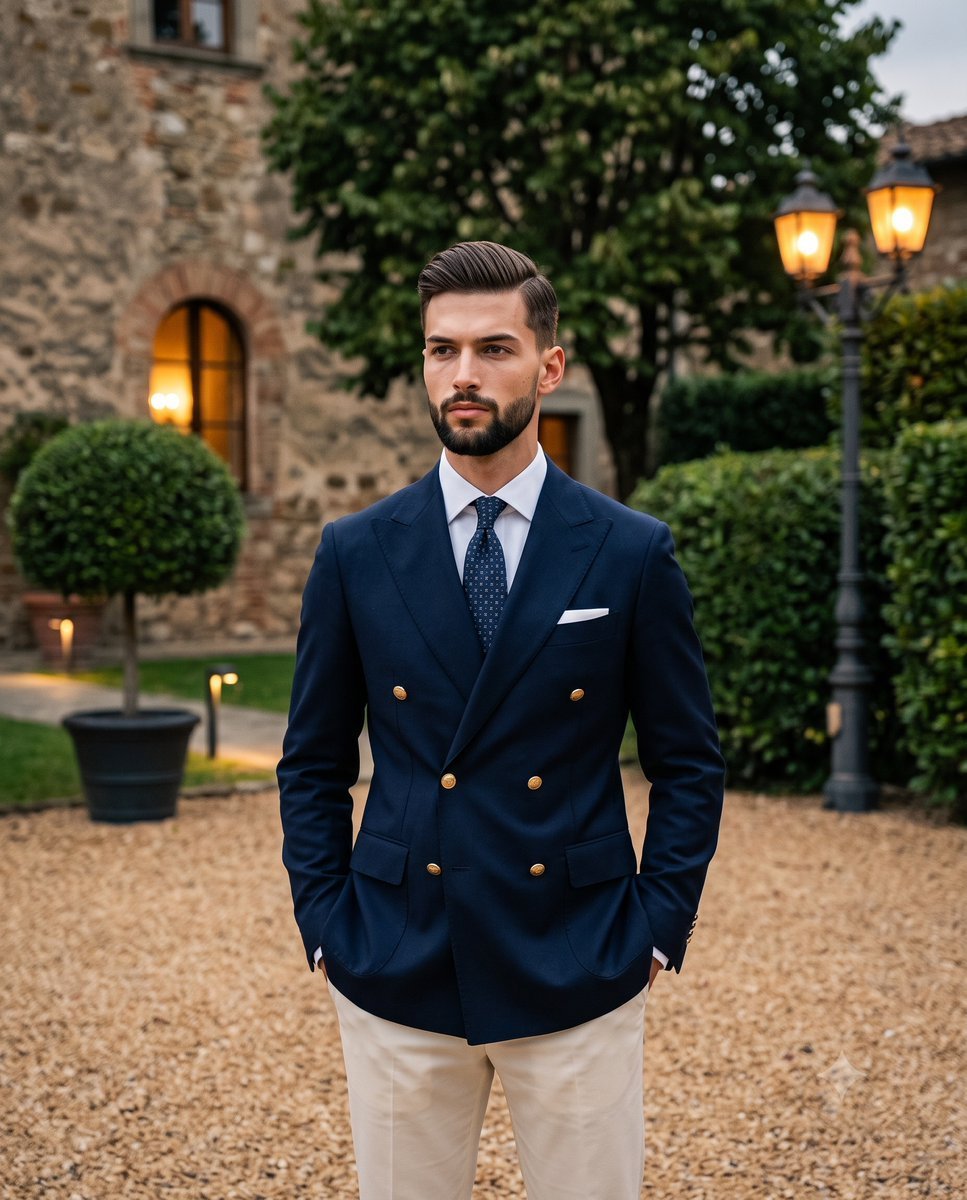
Elegant Men's Twilight Editorial
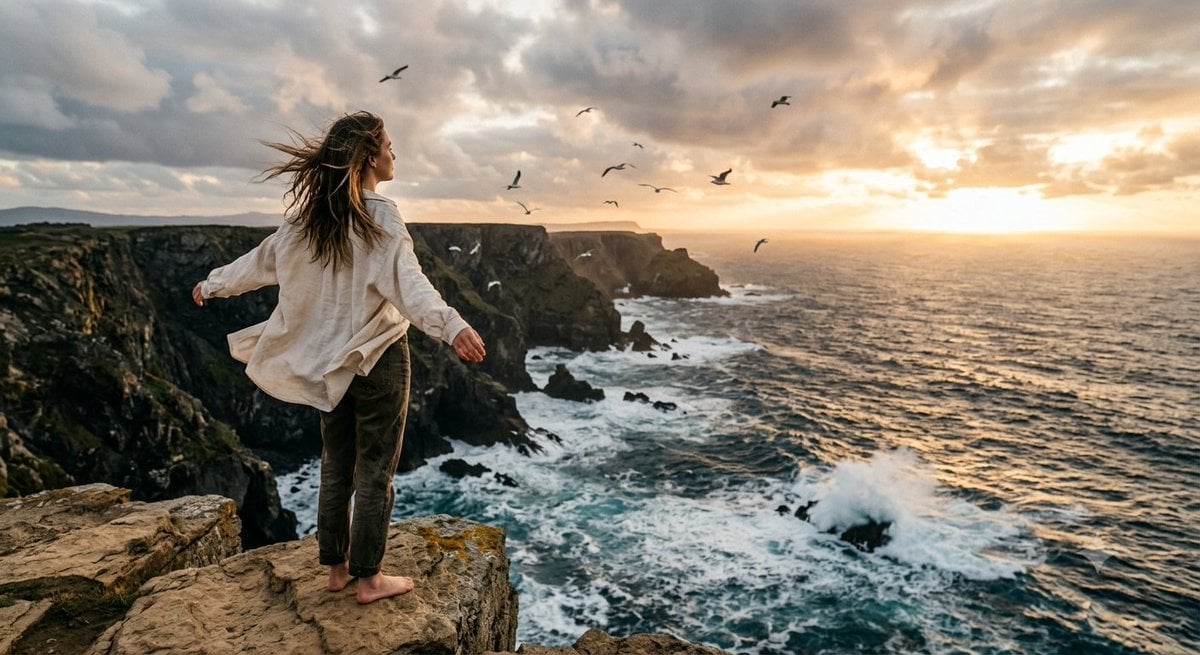
Coastal Freedom Sunset Portrait
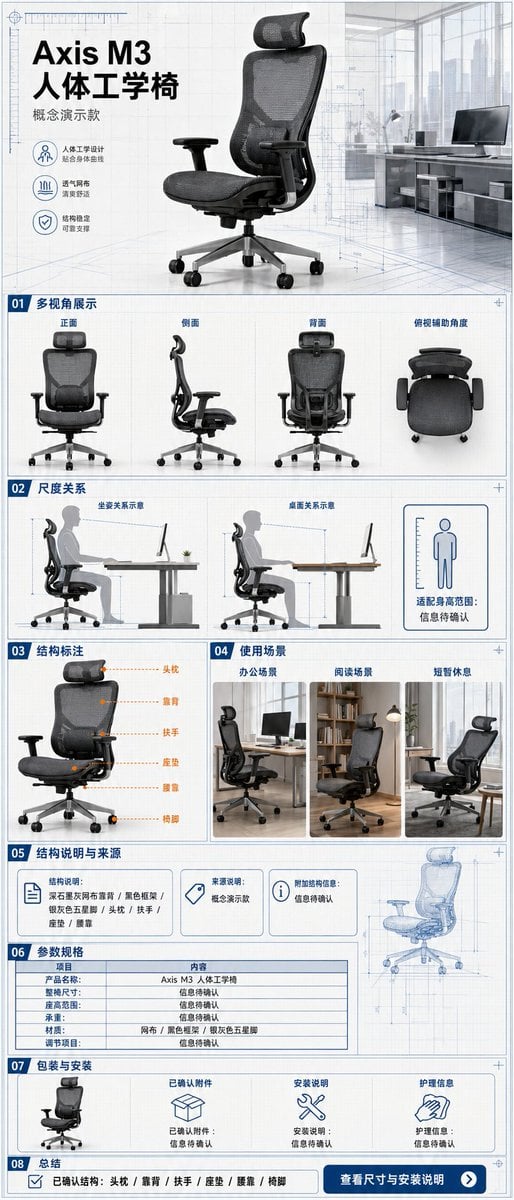
Ergonomic Office Chair E-commerce Mobile Detail Page
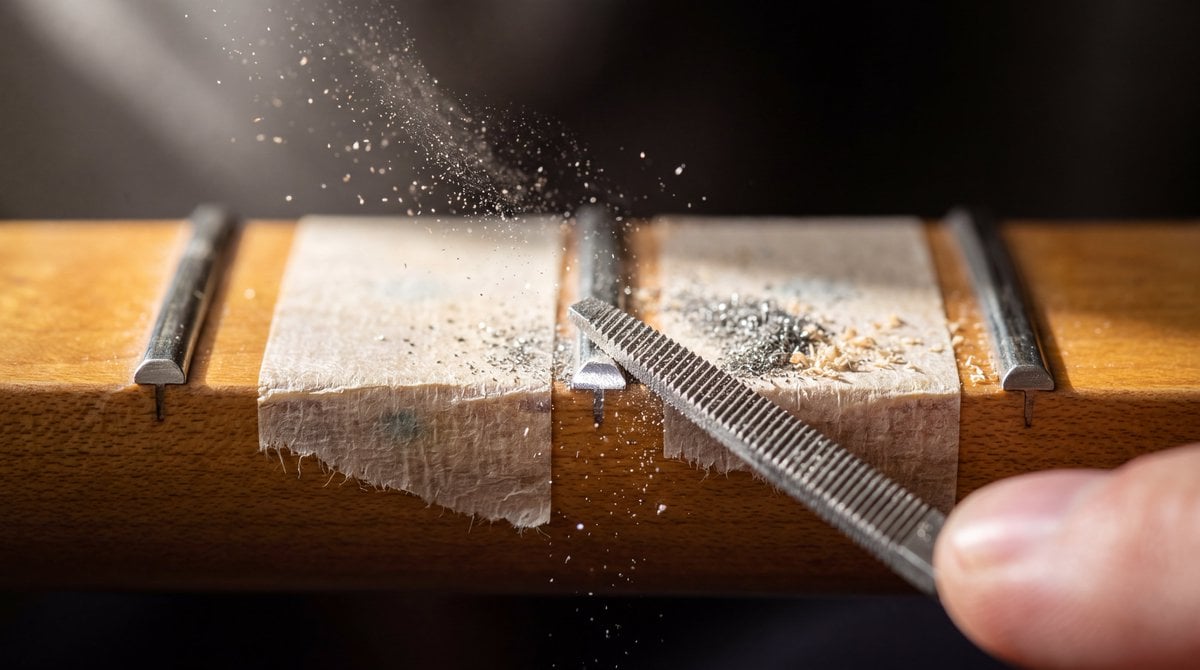
Macro Guitar Fret Dressing
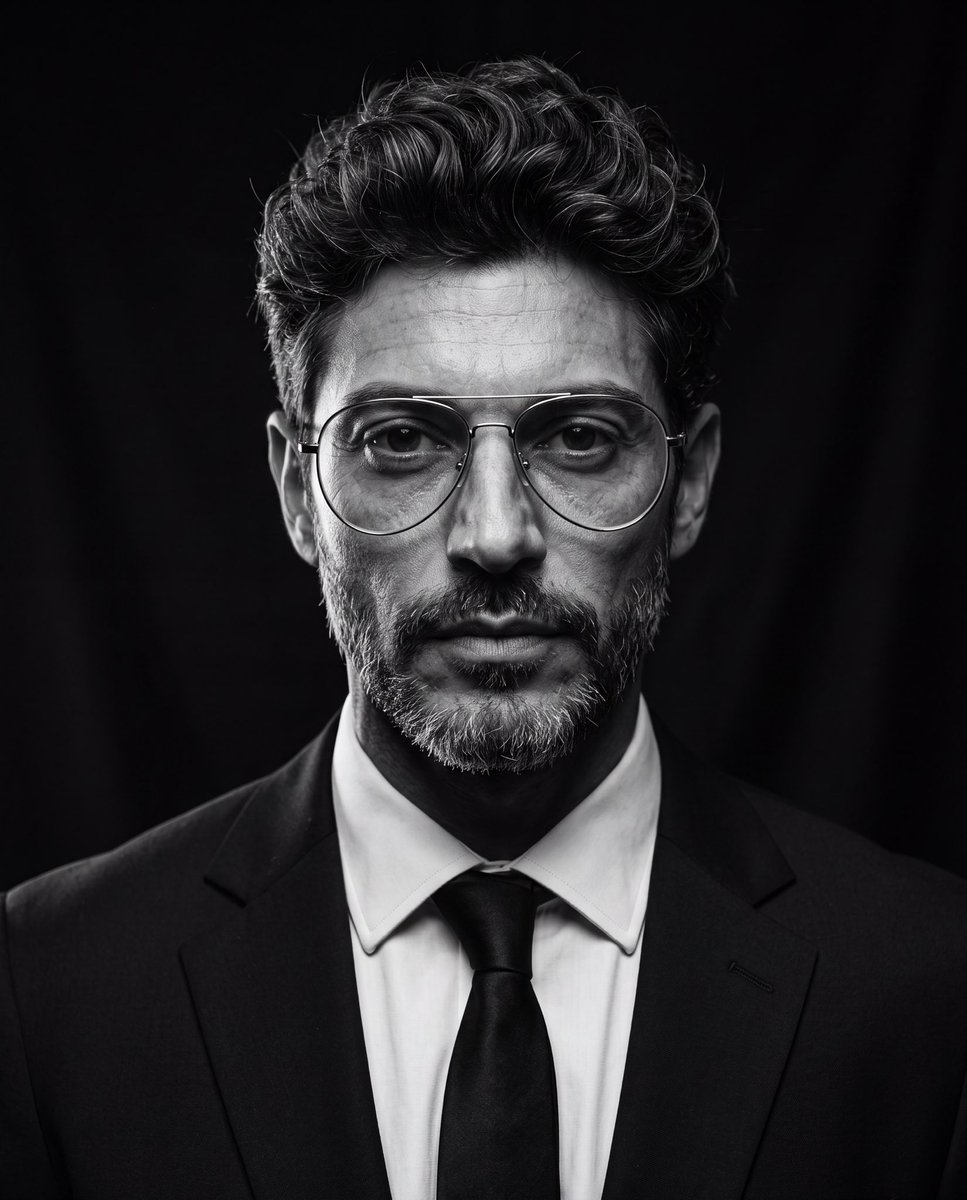
Cinematic Black and White Studio Portrait
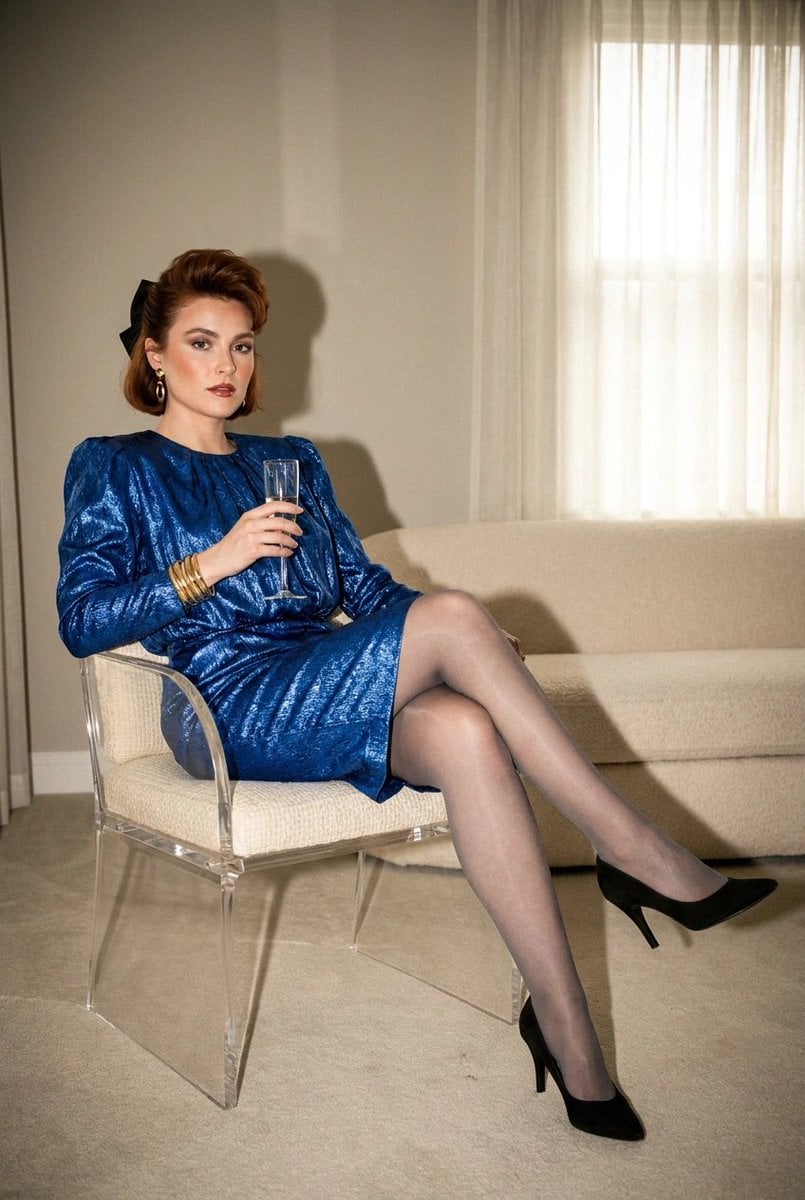
1980s Retro Salon Portrait
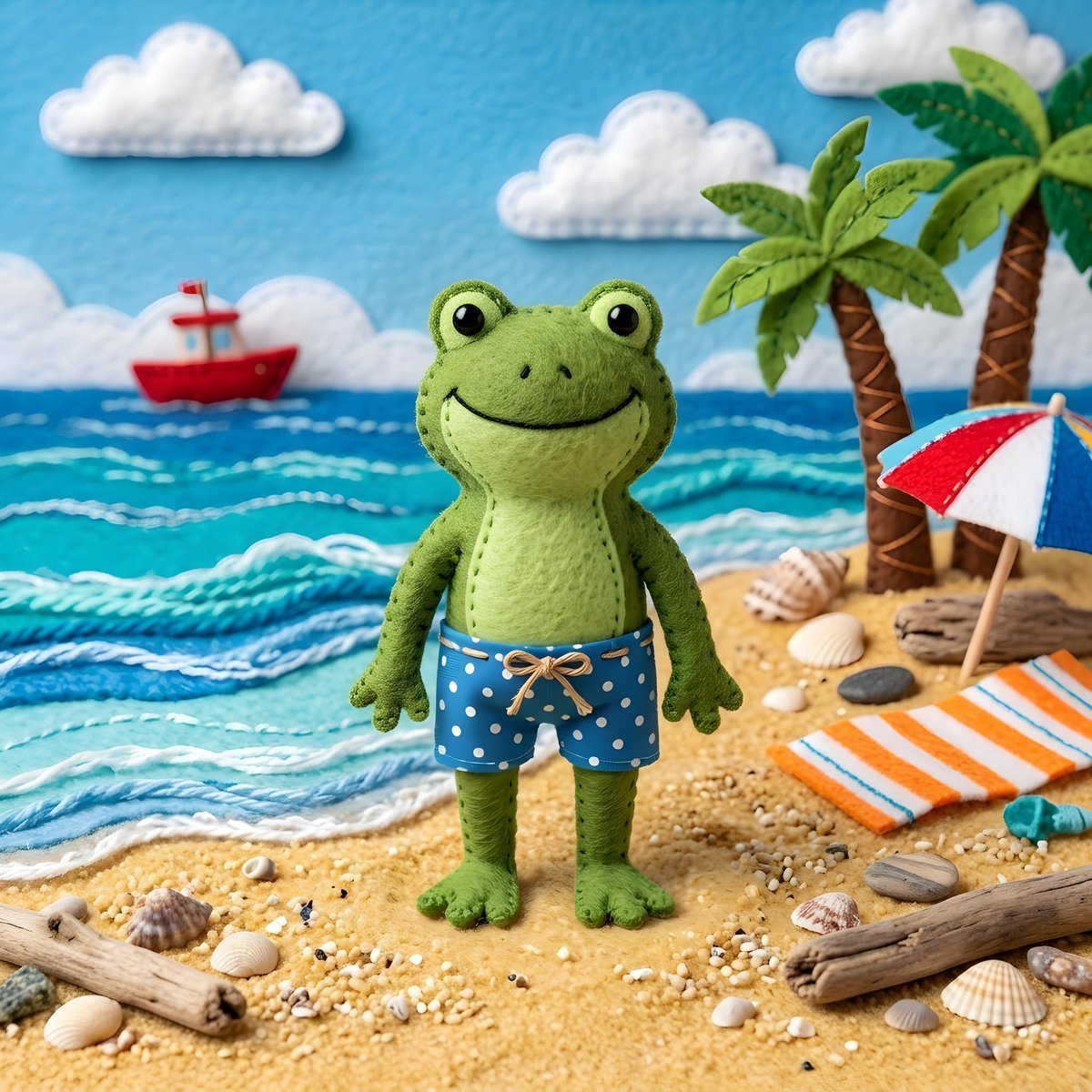
Felt Frog Diorama Beach
More image prompts
Fresh picks from across the catalog.
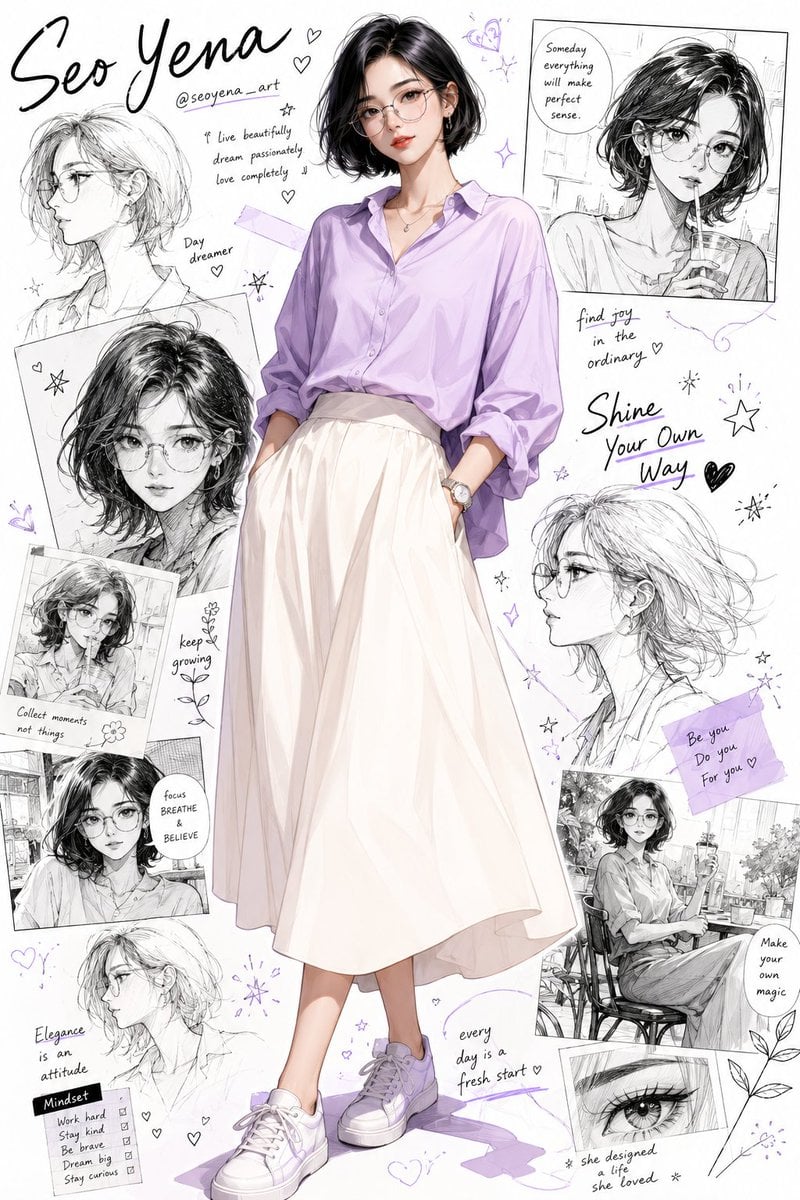
Anime Inspired Korean Fashion Portrait
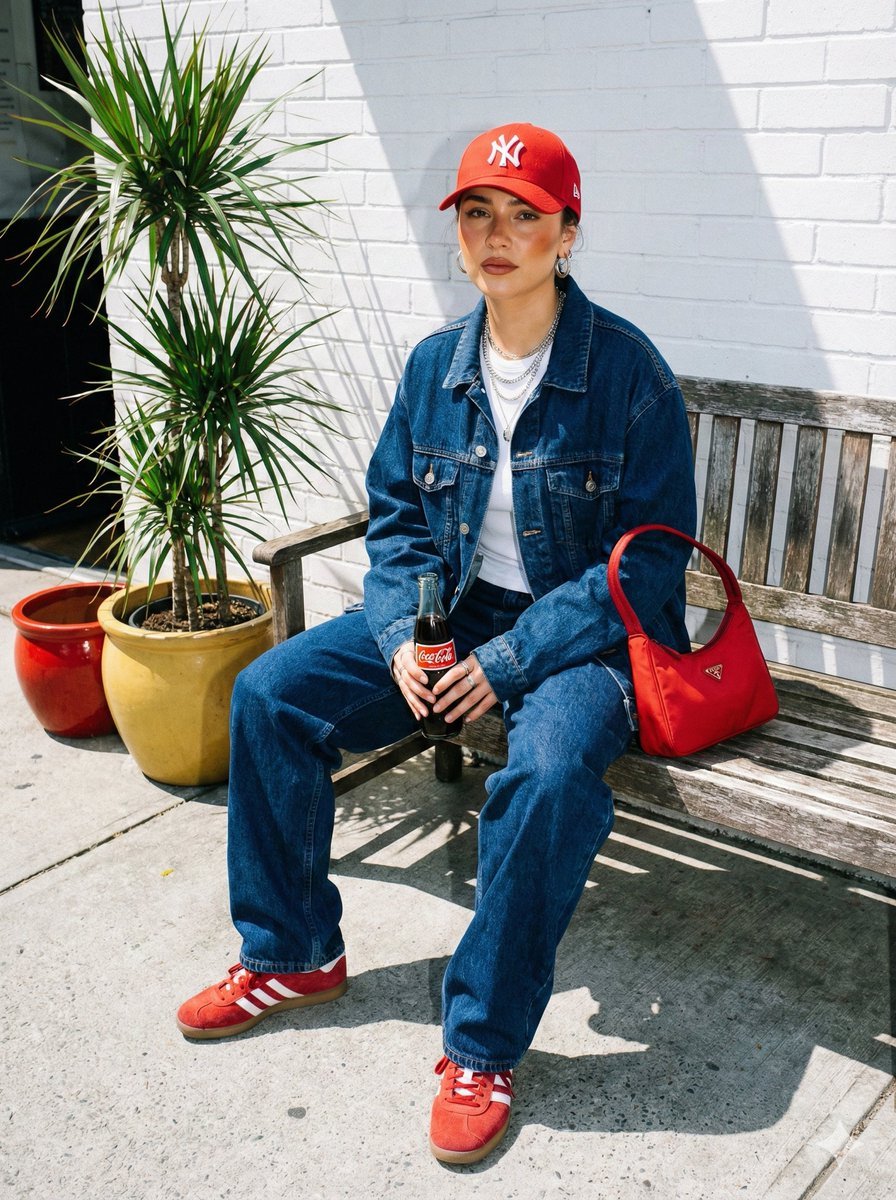
Urban Street Fashion Portrait with Vintage Accents
untitled
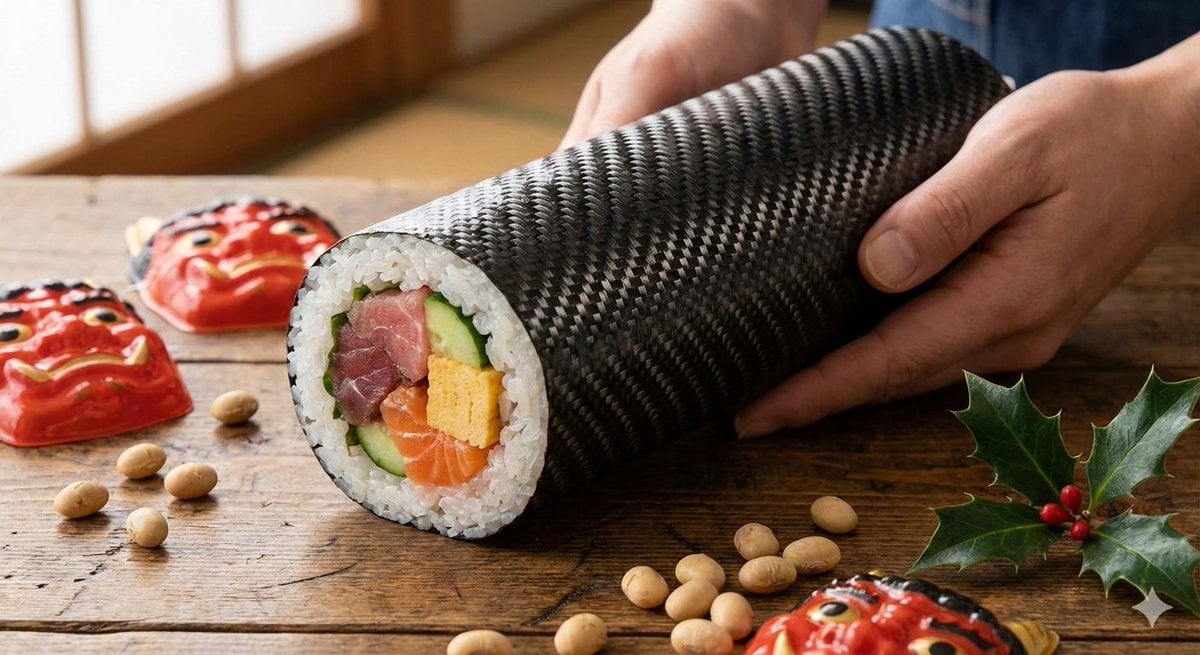
Carbon Pattern Printed Ehomaki Sushi Roll
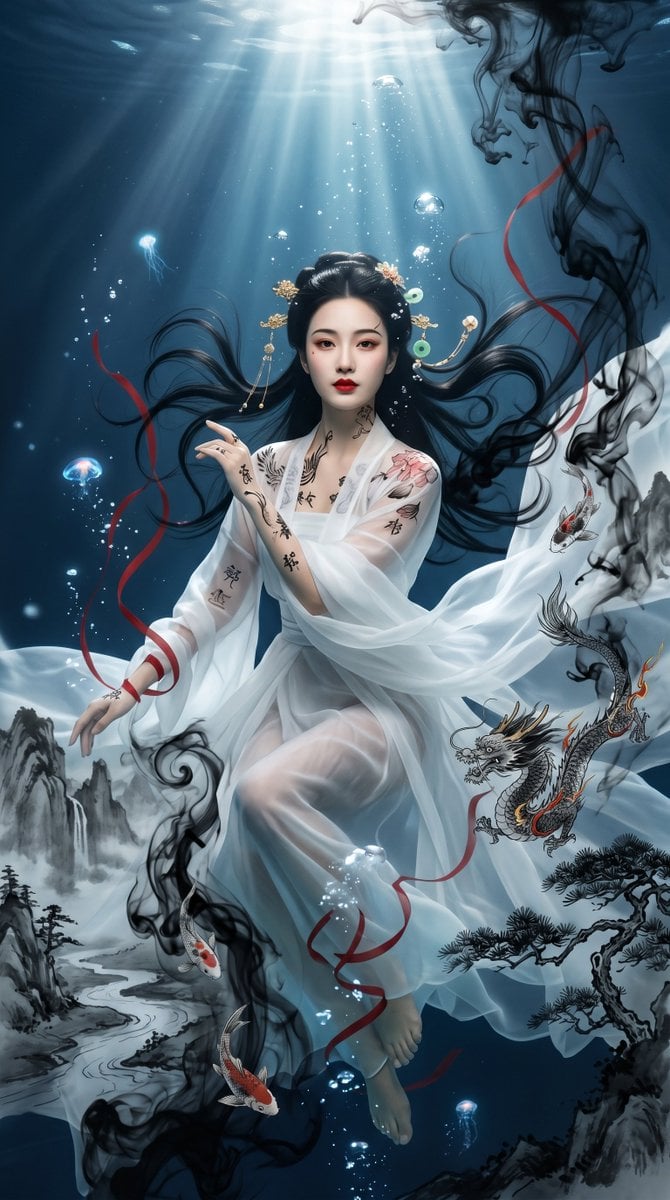
Underwater Chinese Ink Dreamscape Portrait

Commercial Food Photography Modules (Waffles, Biscuits, Ice Cream Bar)
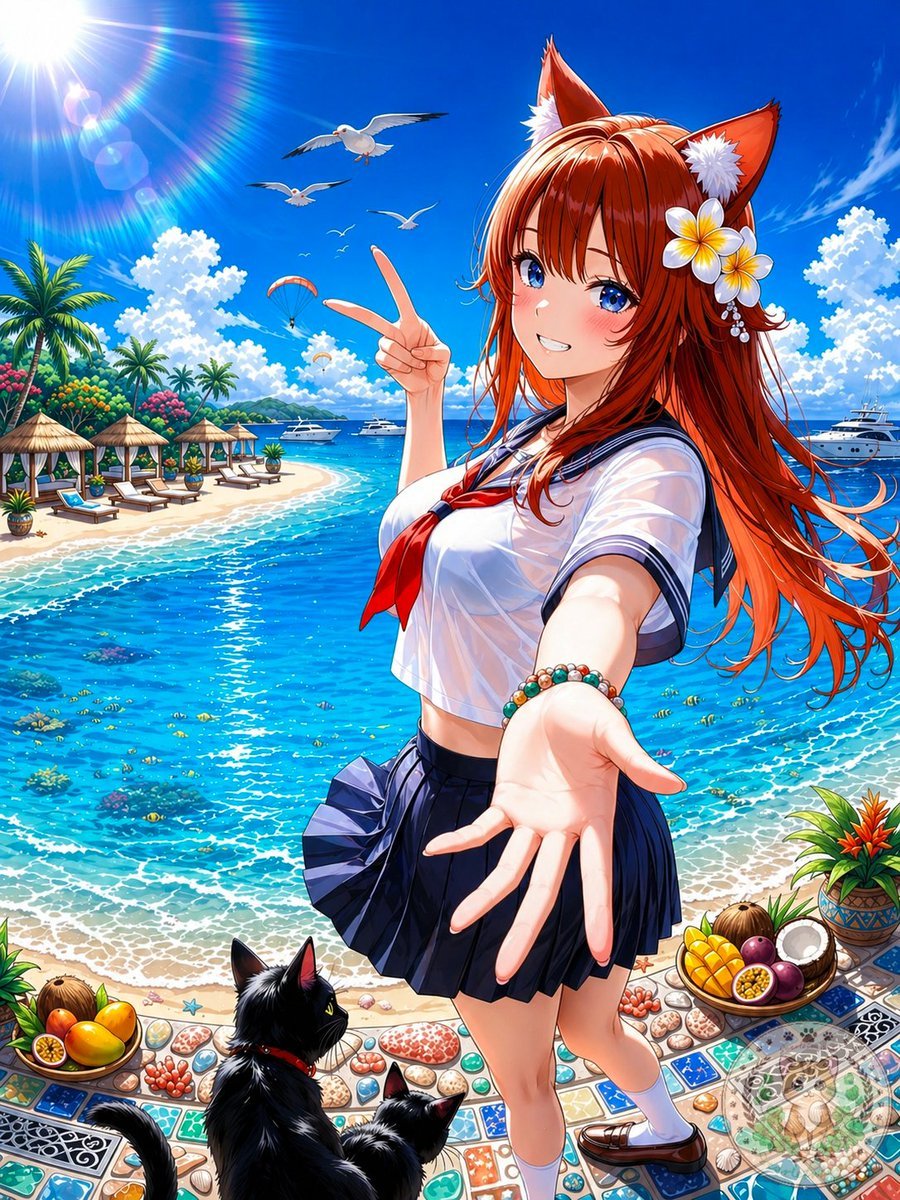
Anime Fox Girl at Tropical Beach
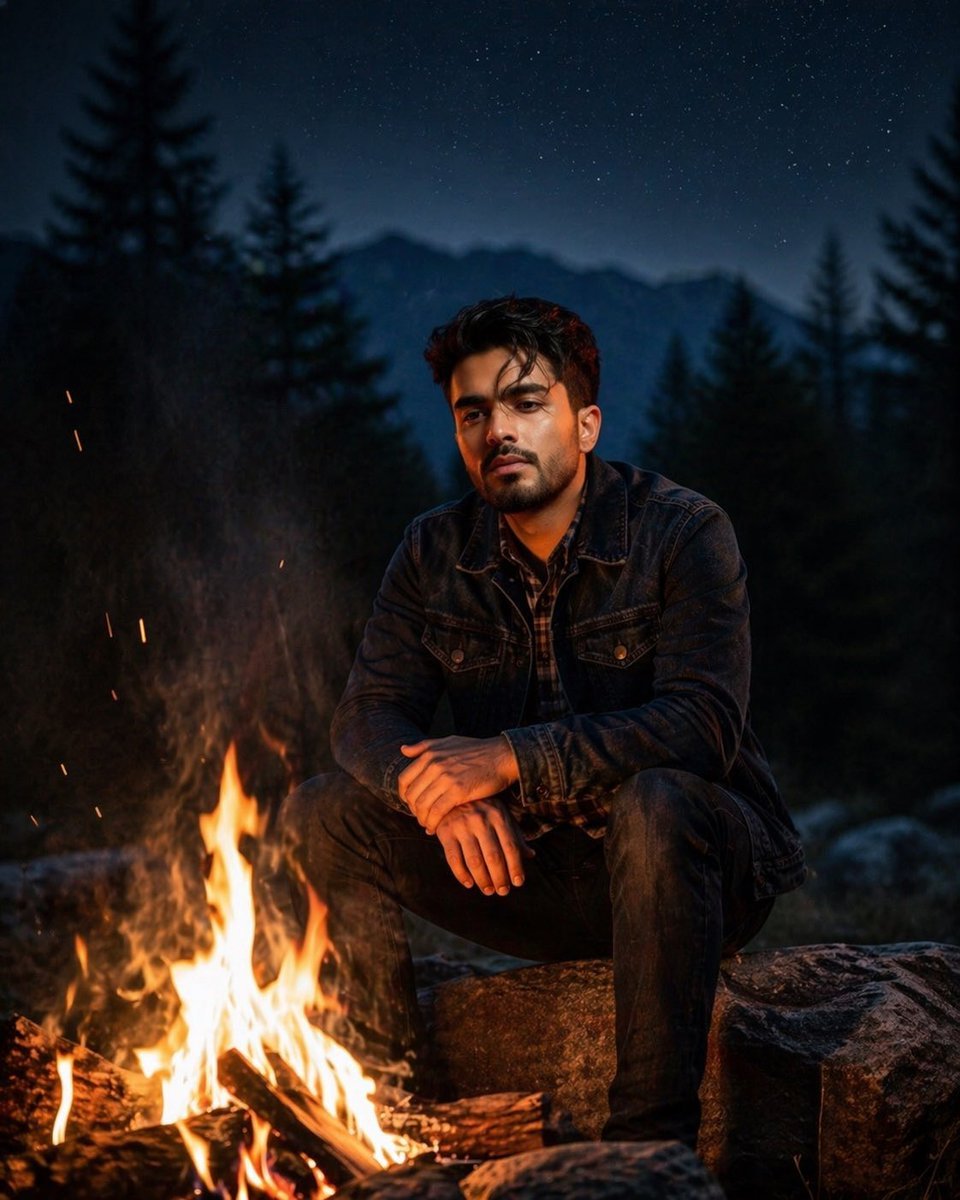
Cinematic Forest Campfire Portrait
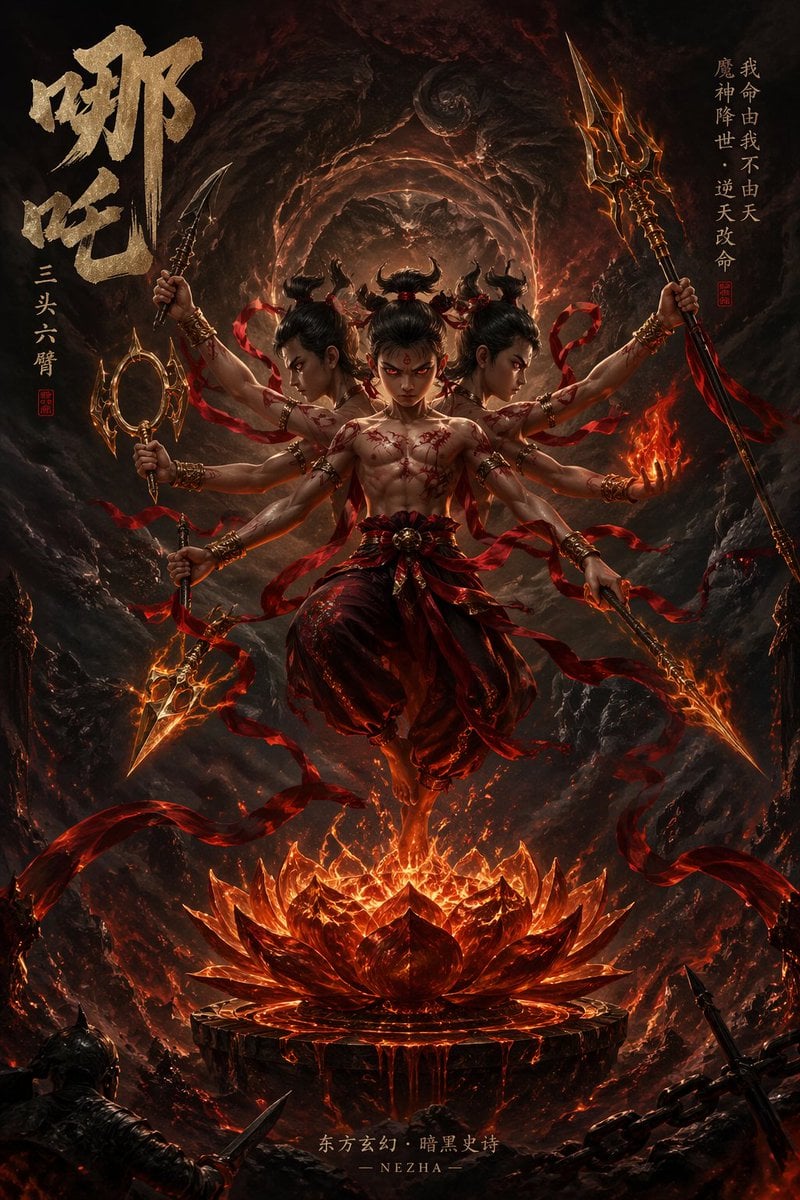
Epic Fantasy Novel Cover for Nezha
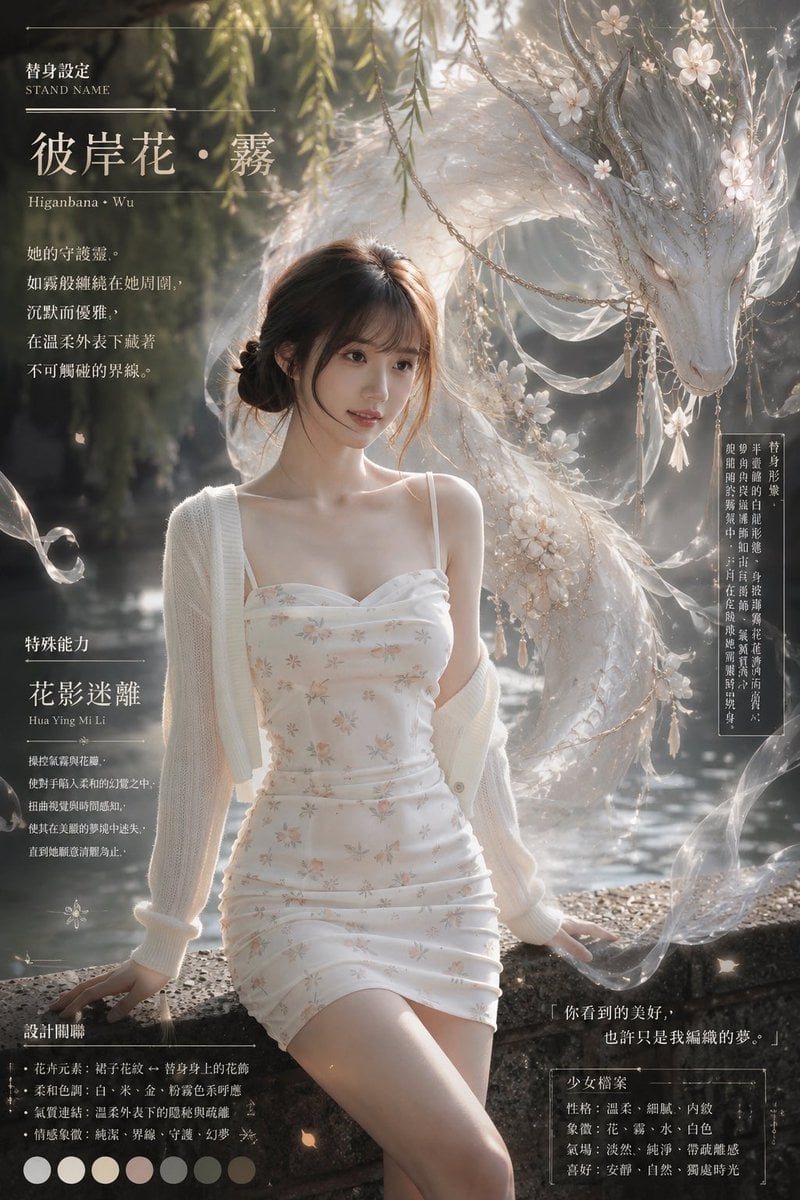
Misty Floral Stand Spirit Poster
Browse template categories
Multi-Expression Sliced Fashion Poster questions
How do I use the Multi-Expression Sliced Fashion Poster template?
Add your photo if the template asks for one, edit the prompt if you like — the template's model and format are already selected — and press Generate. Your version opens in PicX Studio.
Can I customize the Multi-Expression Sliced Fashion Poster template?
Yes. You can change the subject, setting, lighting, mood, format, and available model controls before creating your image.
Is the Multi-Expression Sliced Fashion Poster template free?
Opening and editing this template is free. Generating uses credits, shown on the Generate button when you are signed in.
Which AI model should I use?
Start with Gemini 3 Pro Image Preview, which is the model associated with this template. You can compare another compatible model for a different finish.
Looking for something else? Browse all templates.

Your photo, any look
Thousands of ready templates for every top image and video model, from one credit balance.