
Elite Anime Cinematic Warrior Aura
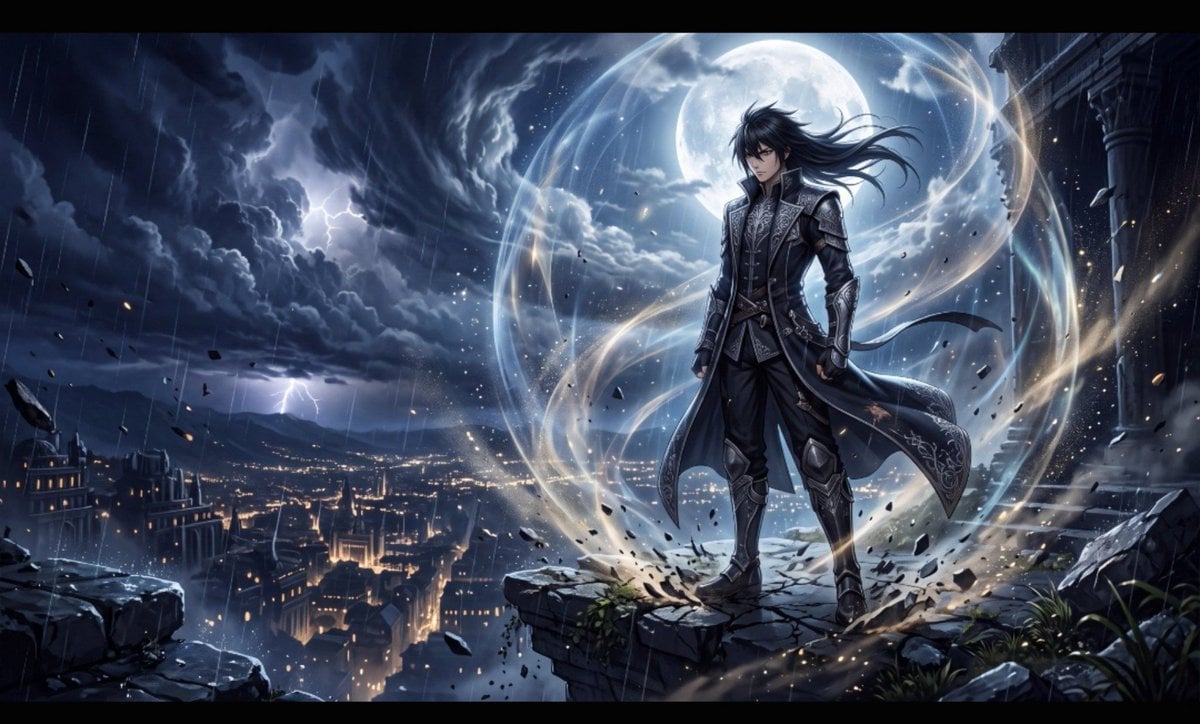
A prompt for generating high-end anime key visuals featuring a charismatic warrior with a dominant, atmospheric energy aura in a ruined temple setting.
- Prompt included
- Model and format preset
- Free template
The prompt behind this image
Copy the exact prompt behind Elite Anime Cinematic Warrior Aura, or open it in the studio and make it yours.
Create a breathtaking, ultra-premium anime cinematic artwork set in a dark fantasy world, designed to look like a frame from the most expensive anime ever produced. {argument name="warrior" default="A calm, impossibly charismatic male warrior"} stands alone on the edge of a massive ruined temple overlooking a futuristic ancient city at night. He has sharp expressive eyes, detailed black hair moving naturally in the wind, an elegant dark combat coat with intricate silver detailing, subtle battle damage, and an effortless, intimidating posture. He is not attacking or shouting. He simply stands completely still, looking slightly downward with an emotionless, confident expression. His presence alone dominates the entire scene. Around him is an {argument name="aura" default="enormous aura field—deep atmospheric energy"} flowing naturally through the environment like invisible pressure made visible. Thin luminous particles, drifting embers, fragments of dust and rain curve around his body. The ground beneath his feet shows subtle cracks from the sheer pressure of his presence. His coat and hair move dramatically in the energy-filled wind. Behind him, enormous storm clouds spiral across the sky, illuminated by distant lightning. A {argument name="moon" default="gigantic moon"} breaks through the clouds, creating a powerful silhouette around his figure. Far below, thousands of tiny city lights create immense depth and scale. The aura should feel beautiful, intimidating and otherworldly, not like a generic glowing outline. Use layered translucent energy, atmospheric distortion, subtle light refraction, floating particles and faint wave-like pressure around the character. Keep the character's face and body sharply defined while the environment reacts to his presence. Composition: low-angle hero shot, character positioned slightly off-center, massive negative space above him, dramatic depth, foreground particles, distant city below, enormous sky, cinematic perspective. Visual style: elite modern anime production, extraordinarily detailed linework, painterly backgrounds, realistic lighting, physically believable shadows, cinematic color grading, realistic atmospheric perspective, highly detailed eyes, hair strands and fabric, subtle skin texture, volumetric moonlight, high contrast, razor-sharp focal subject, breathtaking environmental detail. Blend stylized anime character design with realistic cinematic rendering, so the image feels like a premium anime still rather than a generic illustration. The character should radiate the ultimate “aura farming” energy: silent confidence, overwhelming presence, effortless dominance, mysterious power, elegance and danger. No text, no logos, no watermark, no goofy expression, no exaggerated screaming, no giant muscles, no generic superhero costume, no messy composition, no excessive neon, no blurry face, no distorted anatomy, no extra fingers, no deformed hands, no cheap CGI appearance. Aspect ratio: 16:9. Ultra-detailed, cinematic, breathtaking, premium anime key visual
How to use Elite Anime Cinematic Warrior Aura in 3 steps
- 1
Open
The prompt is already in the box next to the preview, with the template's model and format selected.
- 2…a portrait of your subject in softgolden-hour light, 85mm…
Personalize
Edit the subject and creative details for your destination.
- 3Generate
Generate
Press Generate — your image is created in PicX Studio, so you can compare it with the original and refine one variable at a time.
More like this
Templates with the same subject, style or setup. Open one to see its prompt.
Retro-Modern Neon Anime Painting
Anime Fine Art Moonlight Mountains

Creative Character in Pink Office

Avant-Garde Asian Fashion Model

Underwater Macro Face Portrait

Water-level Bridge Modification

Noir Punk Street Portrait

High Contrast Cinematic Face Portrait

Monochrome Studio Portrait with Colored Lens

Ultra-Realistic Yacht Sunset Portrait

Mushroom Still Life Composition

Whimsical Anthropomorphic Friendly Insect
Make it yours
Elite Anime Cinematic Warrior Aura works as-is. These are the safest ways to change it without losing the look.
Change one field
Copy a single group, rewrite it, and generate again so you can see what that field is doing.
Keep the frame, change the subject
Hold the composition and light of Elite Anime Cinematic Warrior Aura, then swap wardrobe, props or the person for a new take.
| If the result… | Why | Fix |
|---|---|---|
| The result drifts from the preview | Too many fields changed at once. | Reuse Elite Anime Cinematic Warrior Aura as-is first, then change one group — subject, light, or setting. |
| The model over-stylizes the scene | The prose prompt leaves finish and camera underspecified. | Add one camera or lighting sentence and stay on Gemini 3 Pro Image Preview. |
More Gemini 3 Pro Image Preview templates
Other prompts made for Gemini 3 Pro Image Preview.

Cinematic Urban Night Billboard Portrait

Ultra-Realistic iPhone Selfie with Motion Blur

Cinematic Mirror Reflection Portrait

Elegant Men's Twilight Editorial

Coastal Freedom Sunset Portrait

Ergonomic Office Chair E-commerce Mobile Detail Page

Macro Guitar Fret Dressing

Cinematic Black and White Studio Portrait

1980s Retro Salon Portrait

Felt Frog Diorama Beach
More image prompts
Fresh picks from across the catalog.
Warm Portrait of Woman and Kitten Peeking Under Paper
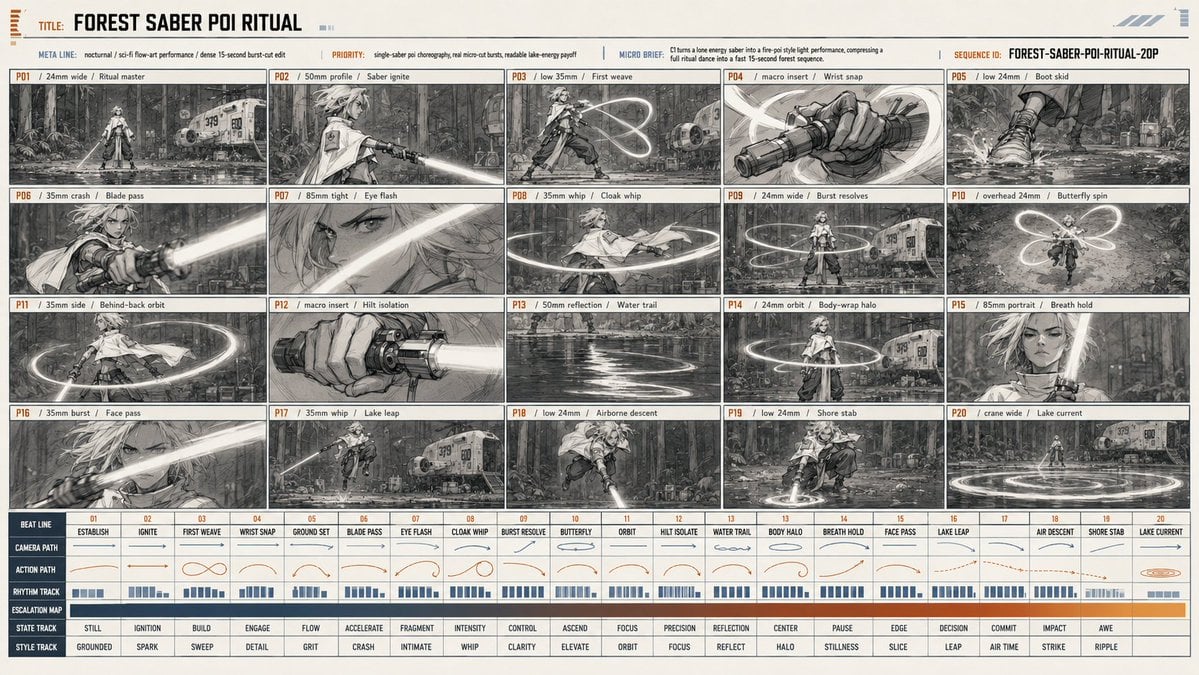
Forest Saber Ritual Storyboard Sheet
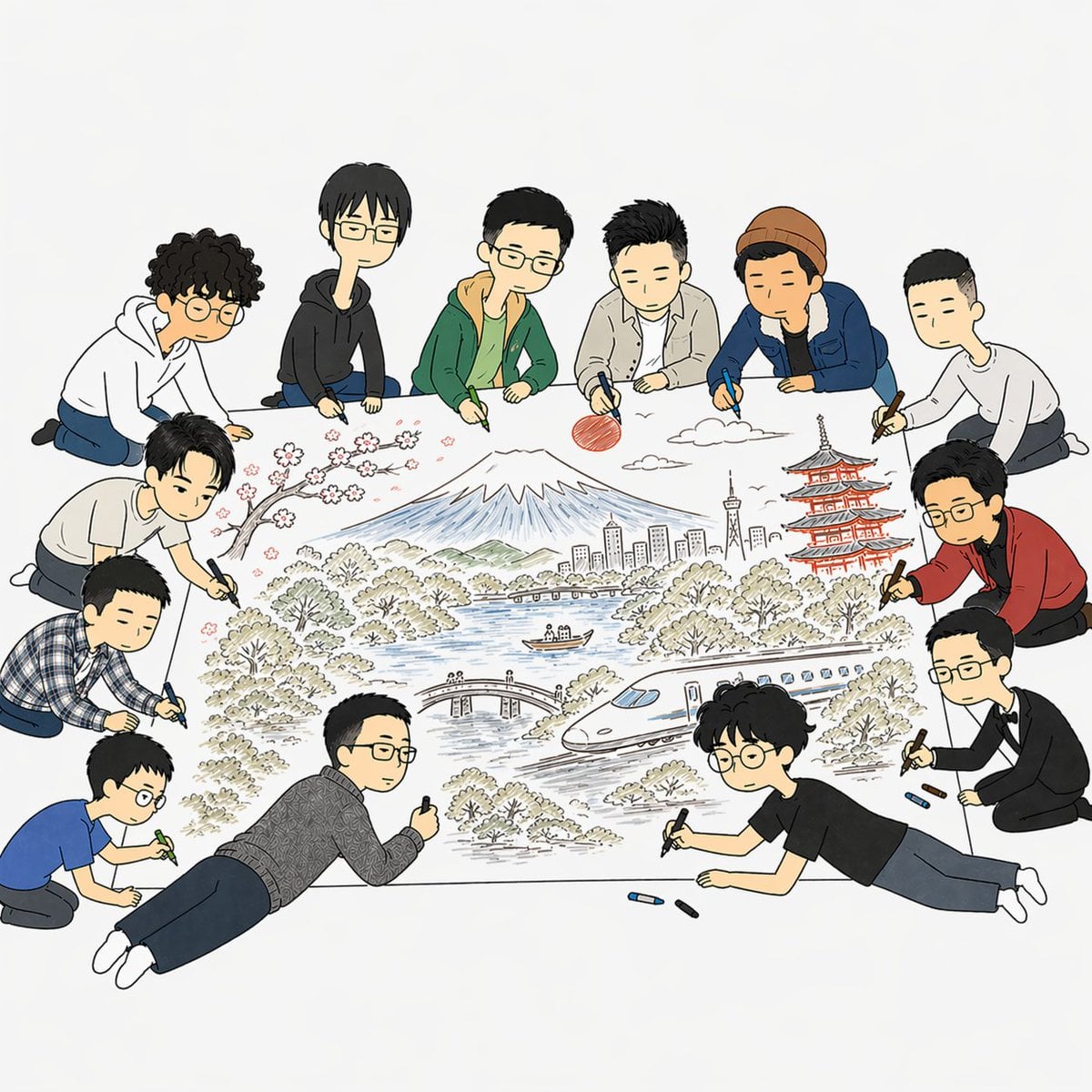
Team Drawing Japan Illustration
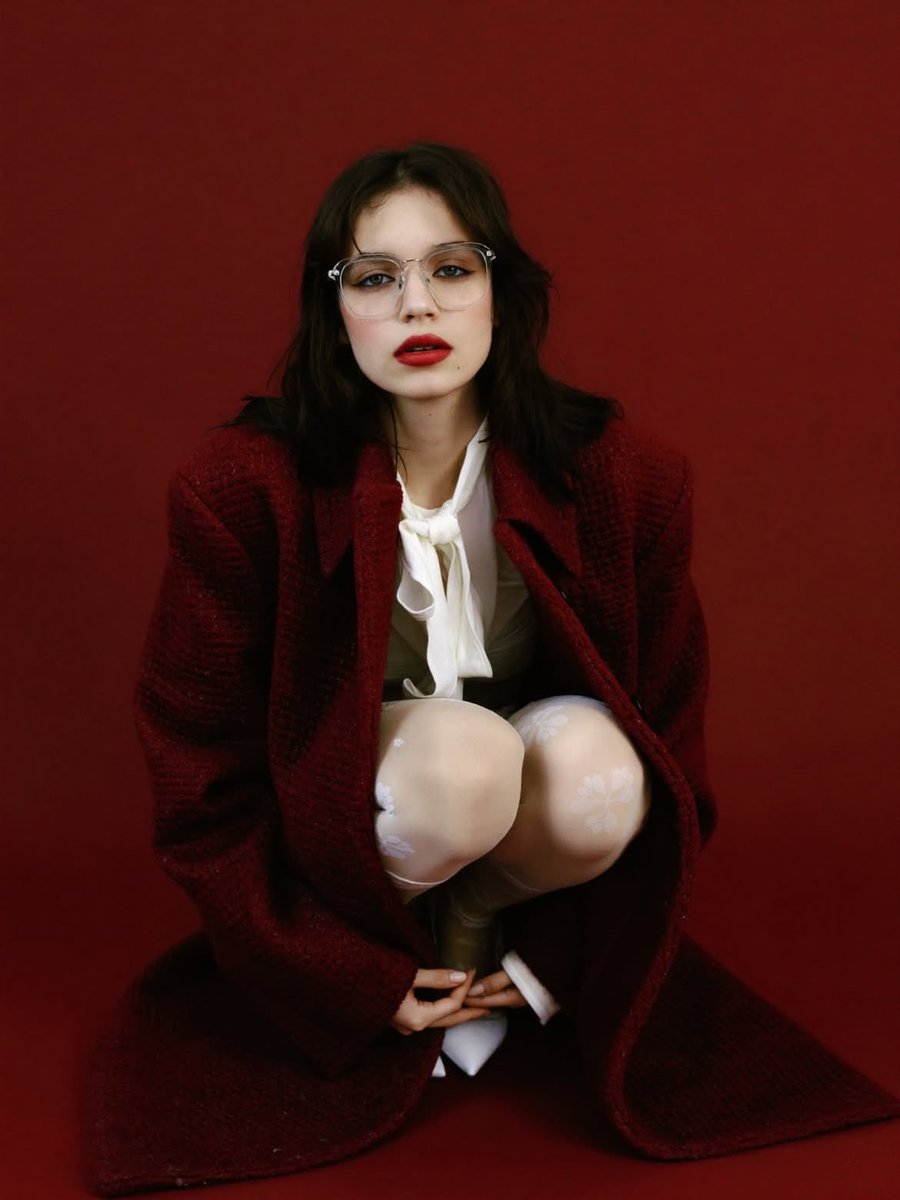
High-Fashion Editorial Portrait with Red Background
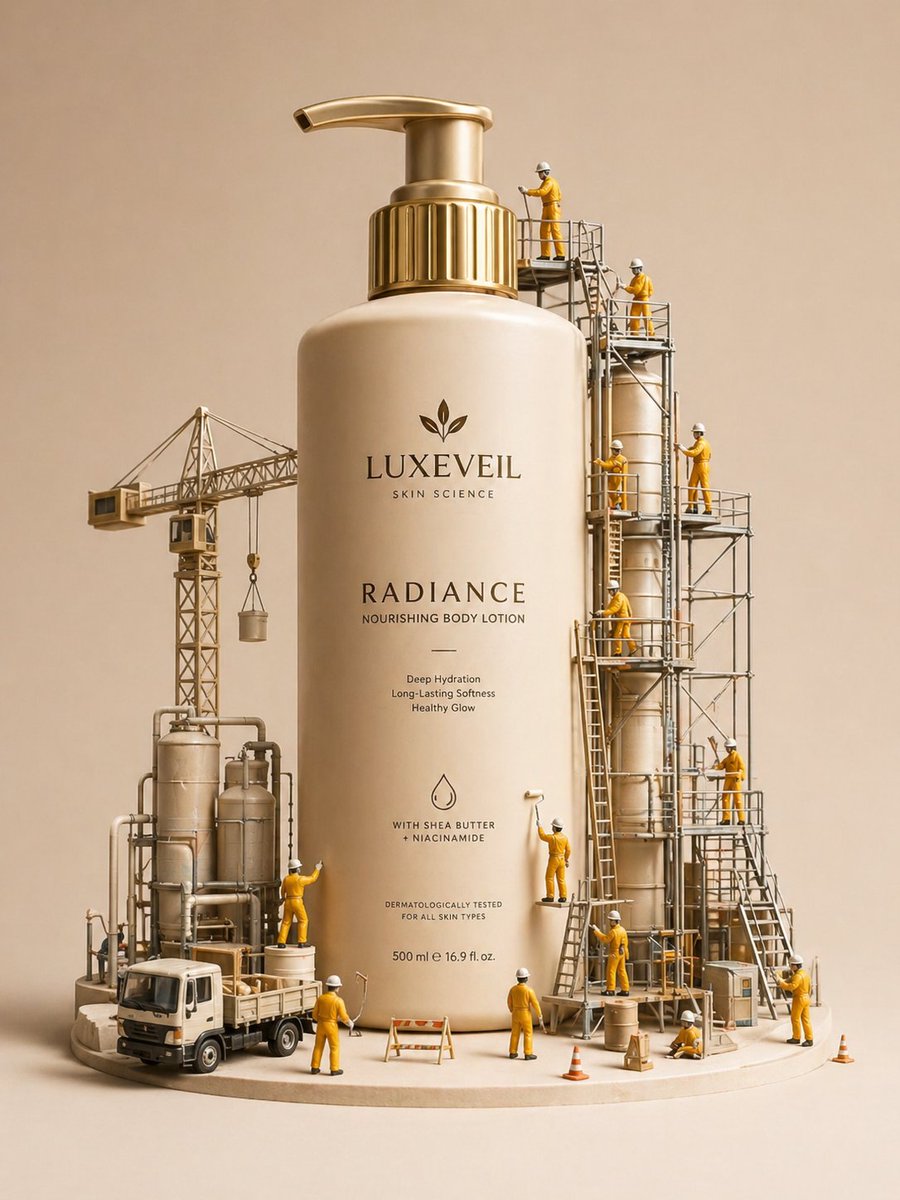
Miniature Diorama Skincare Advertisement
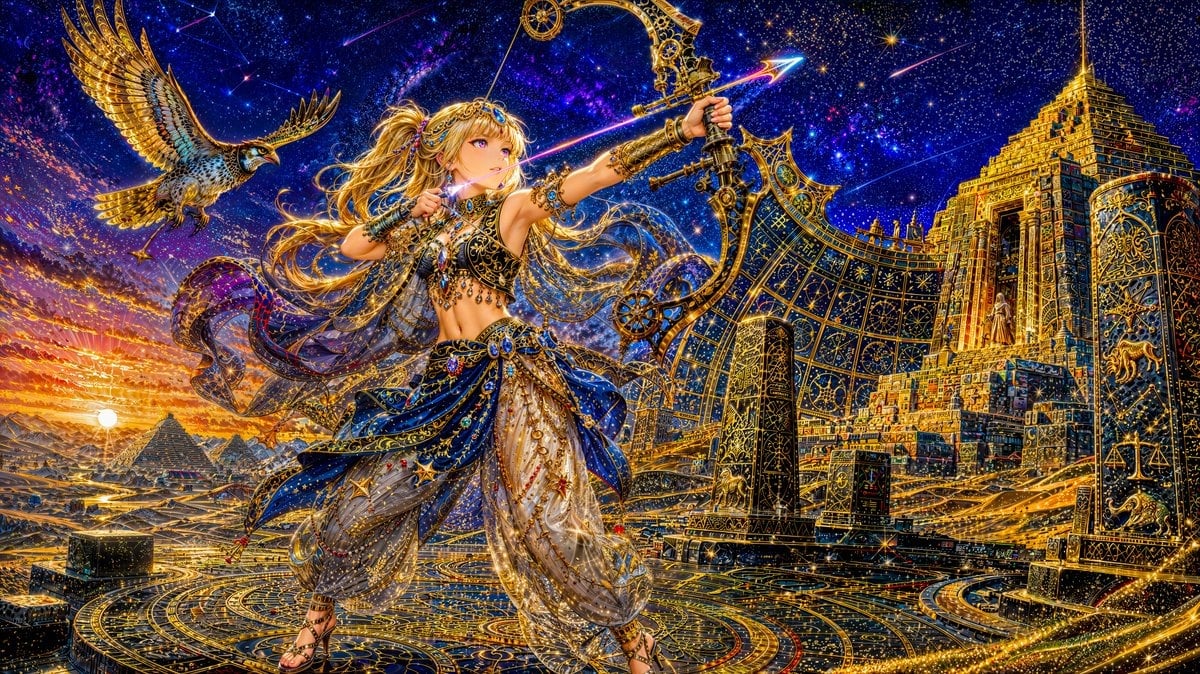
Celestial Archer in Golden Star Temple
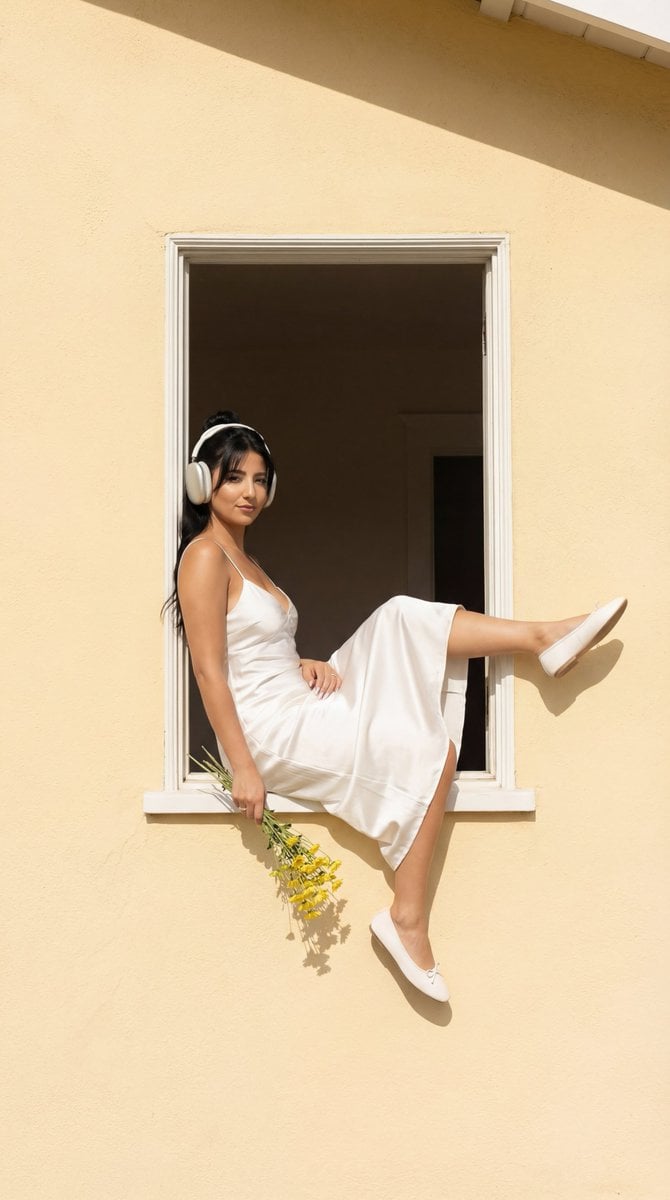
Fashion Editorial: Girl in Yellow House Window

untitled

Christmas Skincare Set Promotion Card
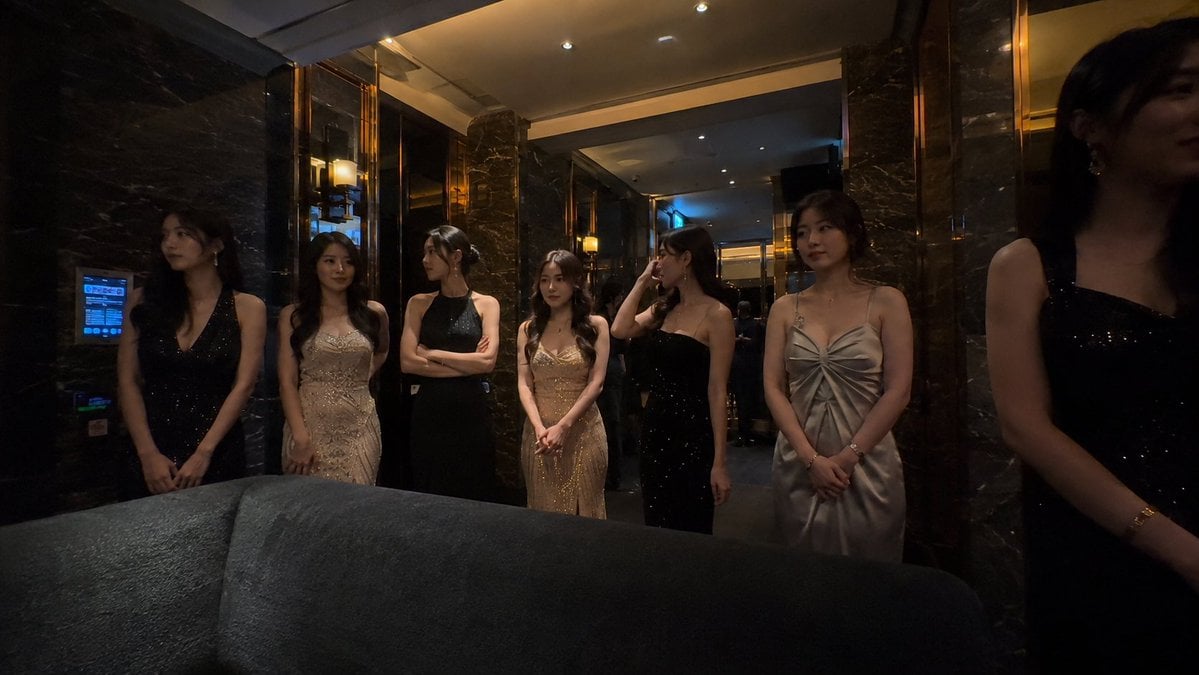
Candid Smartphone Club Portrait
Browse template categories
Elite Anime Cinematic Warrior Aura questions
How do I use the Elite Anime Cinematic Warrior Aura template?
Add your photo if the template asks for one, edit the prompt if you like — the template's model and format are already selected — and press Generate. Your version opens in PicX Studio.
Can I customize the Elite Anime Cinematic Warrior Aura template?
Yes. You can change the subject, setting, lighting, mood, format, and available model controls before creating your image.
Is the Elite Anime Cinematic Warrior Aura template free?
Opening and editing this template is free. Generating uses credits, shown on the Generate button when you are signed in.
Which AI model should I use?
Start with Gemini 3 Pro Image Preview, which is the model associated with this template. You can compare another compatible model for a different finish.
Looking for something else? Browse all templates.

Your photo, any look
Thousands of ready templates for every top image and video model, from one credit balance.