
Pink Heart Editorial Studio
Pink Heart Editorial Studio is a ready photo look.
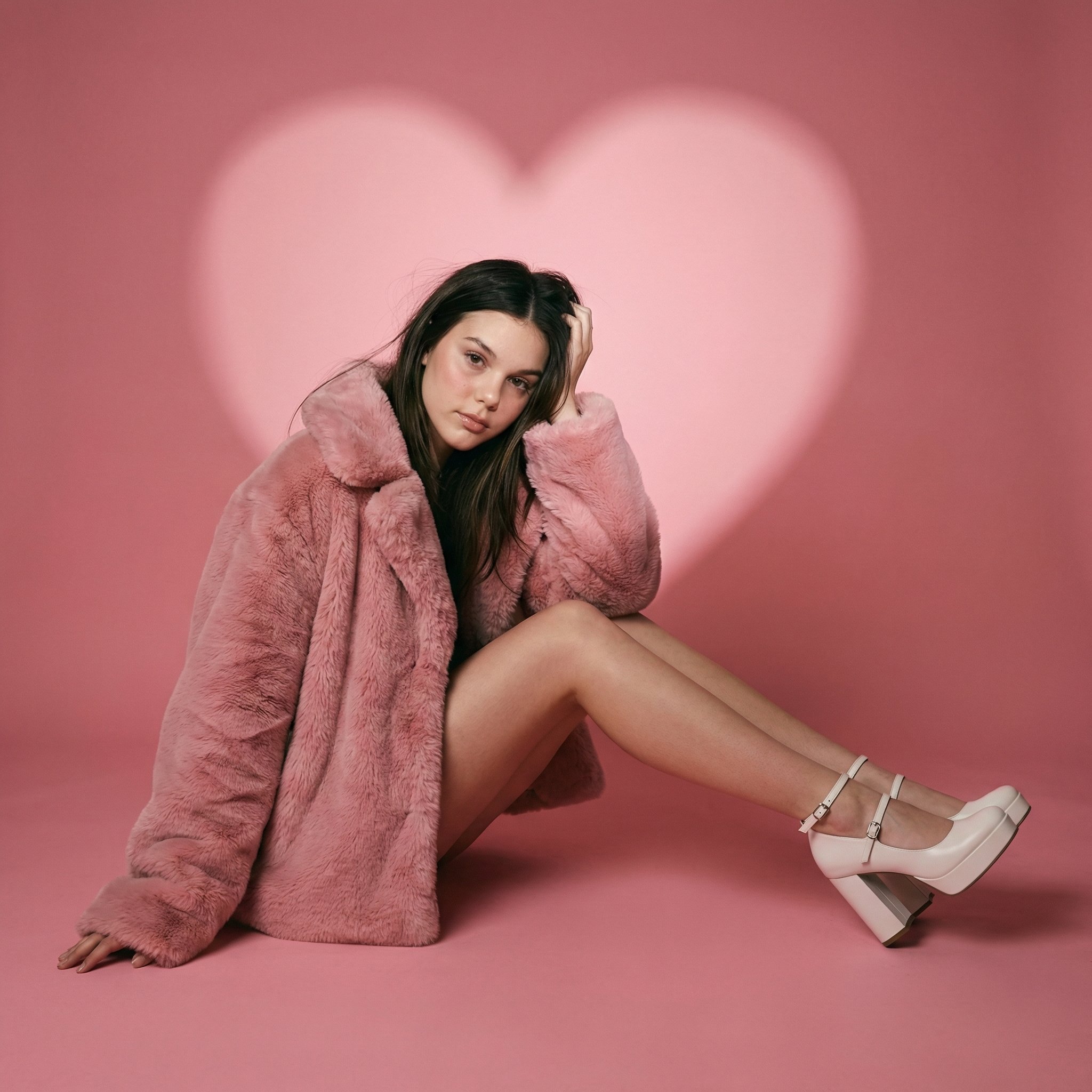
- Prompt included
- Model and format preset
- Premium template
The prompt behind this image
Copy the exact prompt behind Pink Heart Editorial Studio, or open it in the studio and make it yours.
Ultra-realistic studio fashion photograph of a young woman seated on the floor against a matte pink seamless backdrop. A soft heart-shaped light projection is cast on the wall behind her, slightly diffused at the edges, with natural light falloff and mild shadow bleed. She is wearing an oversized plush pink faux-fur jacket loosely draped over her shoulders, bare legs visible, white platform Mary Jane heels with ankle straps. Natural fabric compression where the jacket folds, subtle lint and texture visible. Long dark hair falling naturally with slight flyaways, realistic strand separation, imperfect symmetry. Soft natural makeup with visible skin texture, faint under-eye shadows, gentle blush, neutral lip color with natural sheen (no overlining). Pose is relaxed and candid: one knee bent inward, the other leg extended slightly forward, hand resting near her temple with natural finger tension and joints visible. Shot on a full-frame DSLR, 50mm lens, f/2.8, shallow depth of field, true-to-life proportions, accurate shadows under legs and shoes, realistic studio reflections on the floor. Soft directional lighting from camera-right, creating gentle highlights on hair and jacket, subtle shadow contouring on face and body. Editorial fashion photography style, clean composition, physically accurate lighting, real human presence, magazine-quality realism, no stylization. NEGATIVE PROMPT AI-generated look, CGI, 3D render, plastic skin, over-smoothed face, unreal glow, hyper-symmetry, doll-like features, anime style, painterly effect, fake depth blur, warped anatomy, extra limbs, distorted hands, overly perfect lighting, HDR, digital illustration
How to use Pink Heart Editorial Studio in 3 steps
- 1
Open
The prompt is already in the box next to the preview, with the template's model and format selected.
- 2…a portrait of your subject in softgolden-hour light, 85mm…
Personalize
Edit the subject and creative details for your destination.
- 3Generate
Generate
Press Generate — your image is created in PicX Studio, so you can compare it with the original and refine one variable at a time.
More like this
Templates with the same subject, style or setup. Open one to see its prompt.
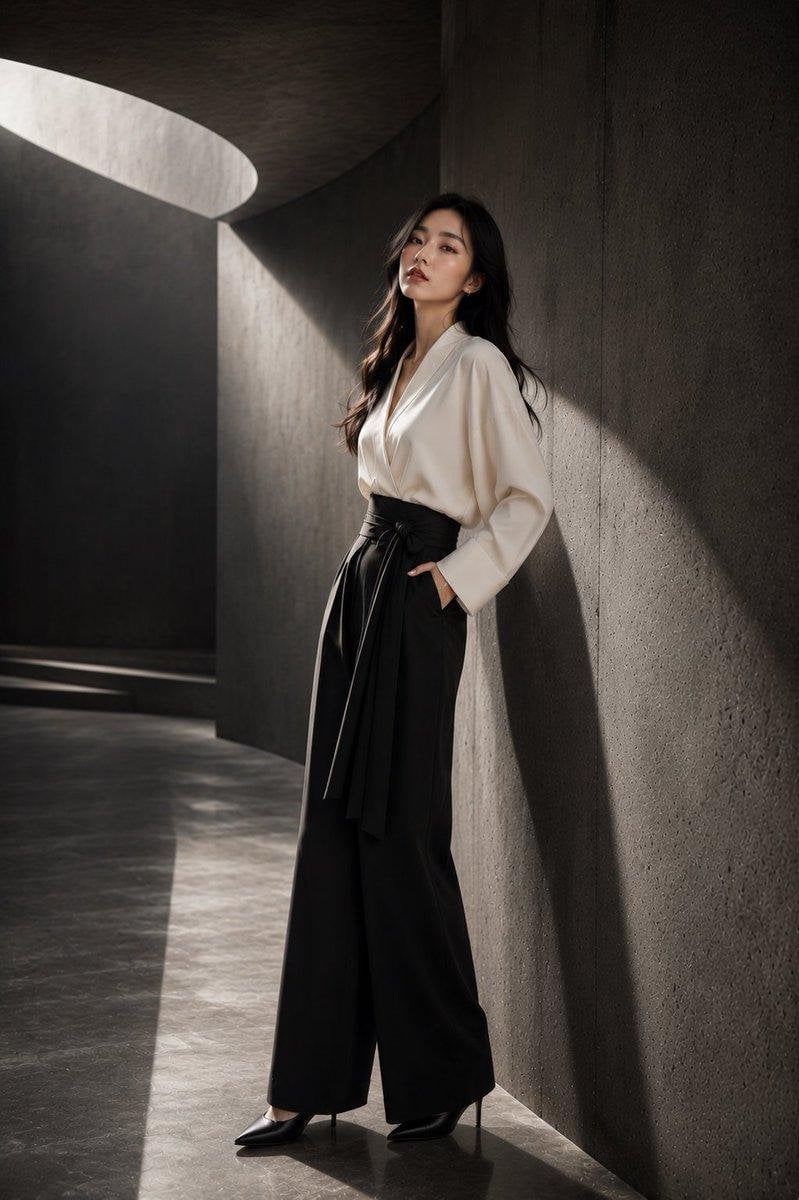
Japanese Architectural Concrete Studio Fashion Campaign
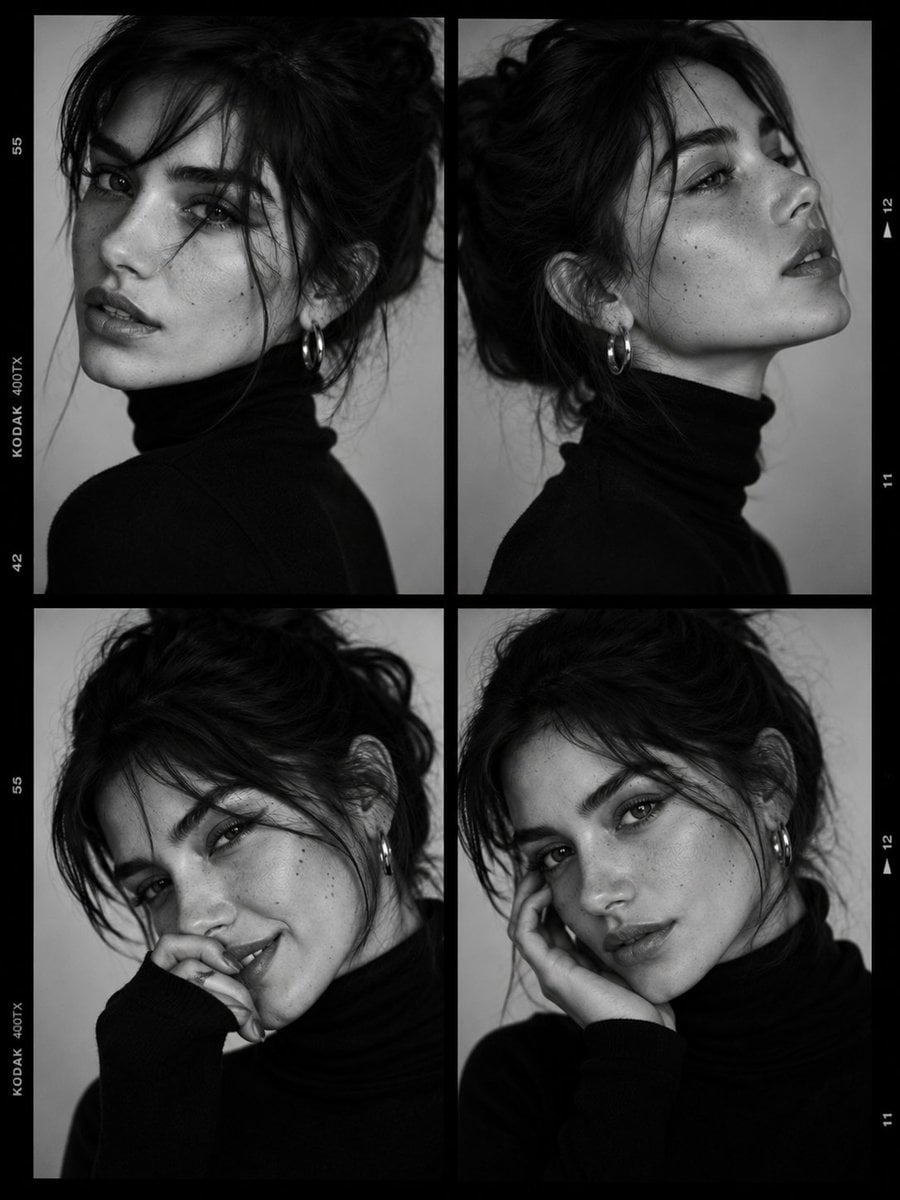
Luxury Black-and-White Fashion Contact Sheet
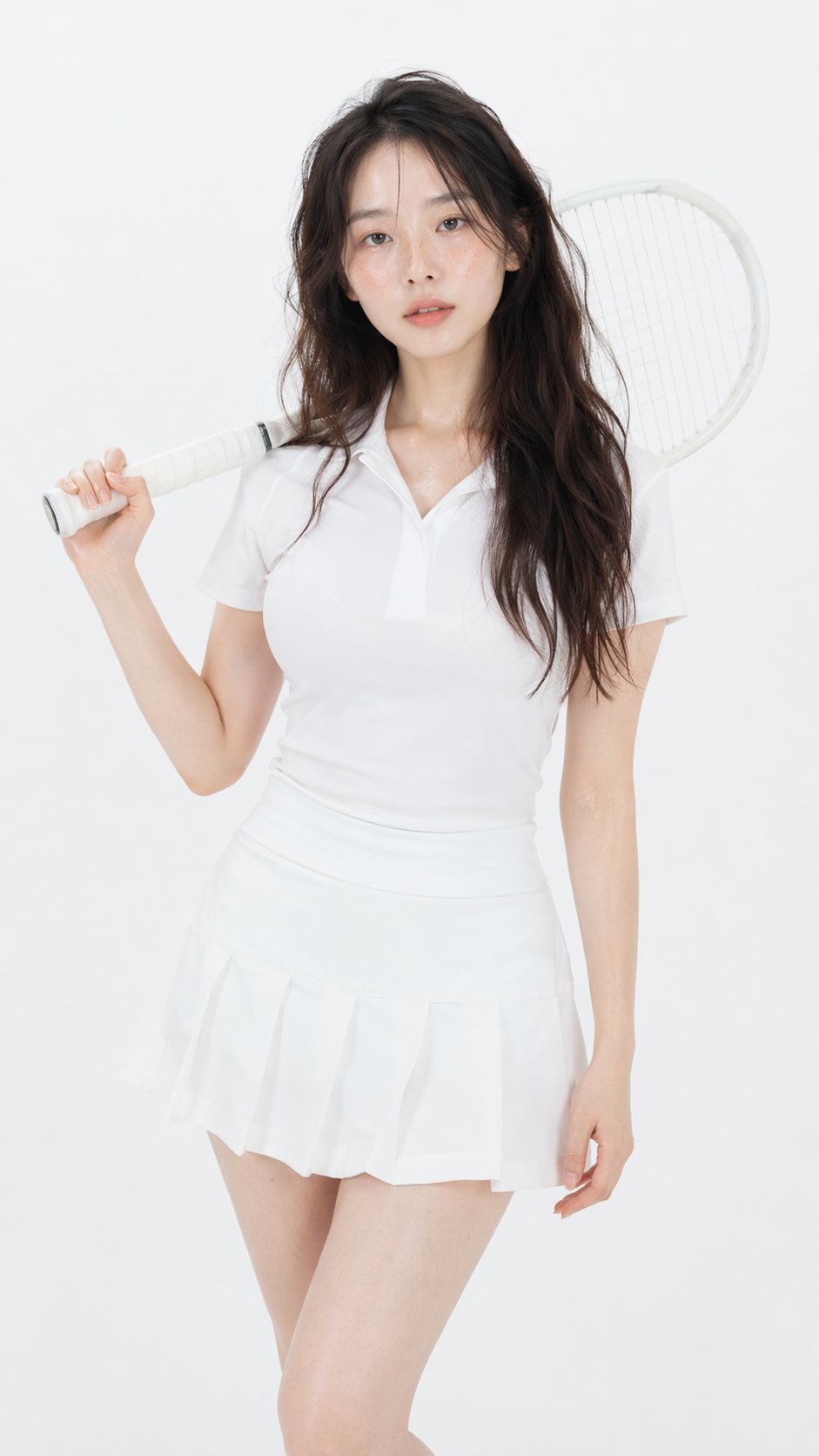
Gpt Image 2 Fashion Portrait
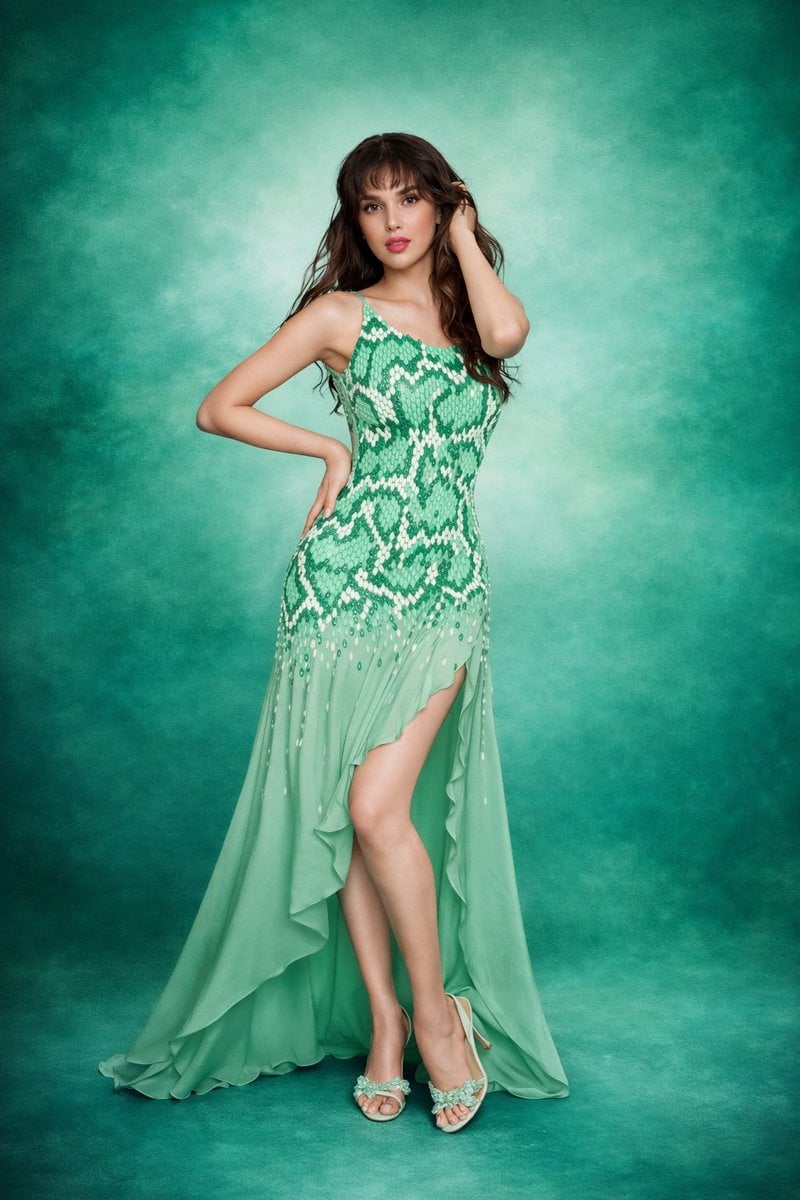
Elegant Green Evening Gown Studio Fashion Portrait
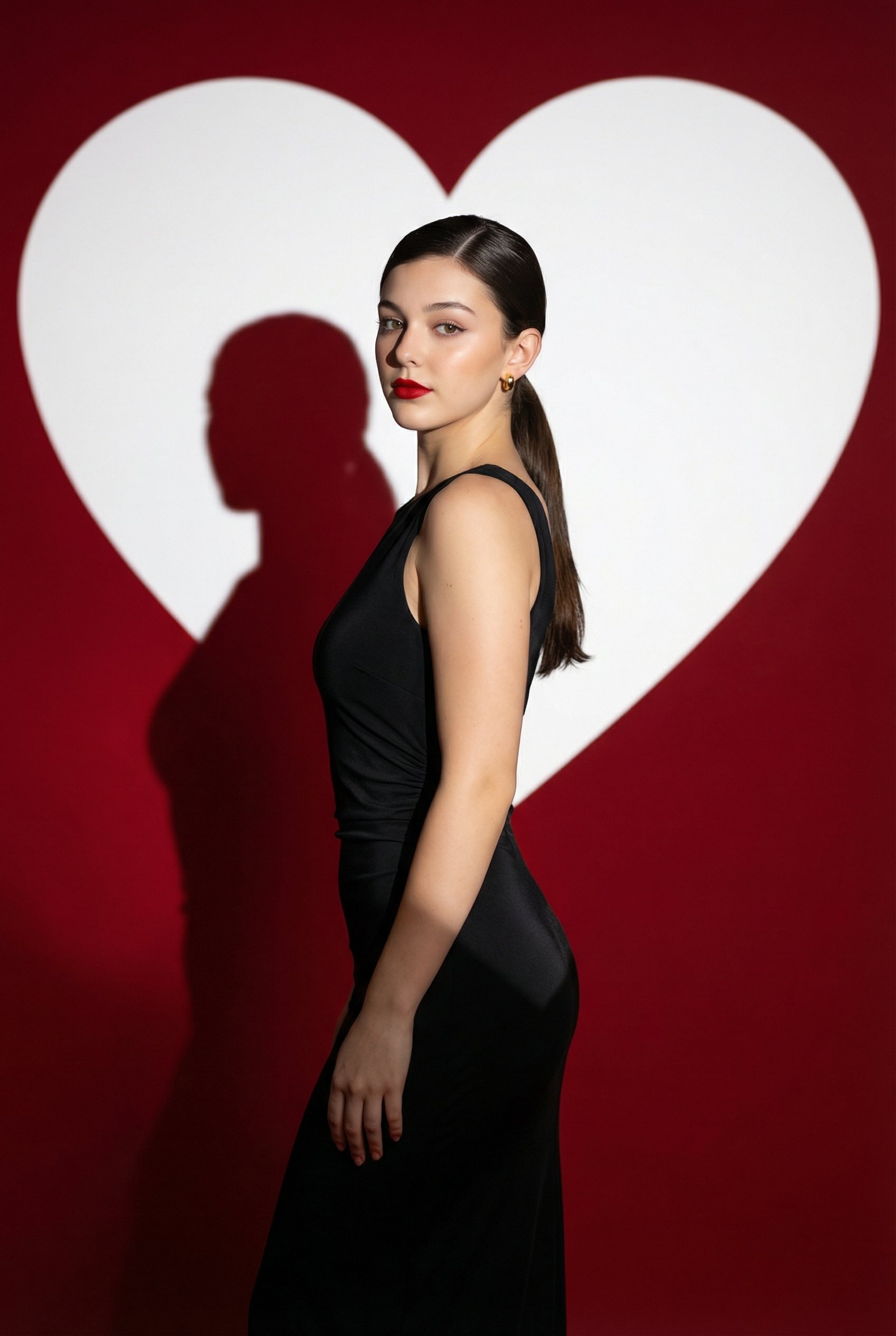
Red Heart Studio Editorial

80s Couple Studio Portrait

1985 Studio Portrait
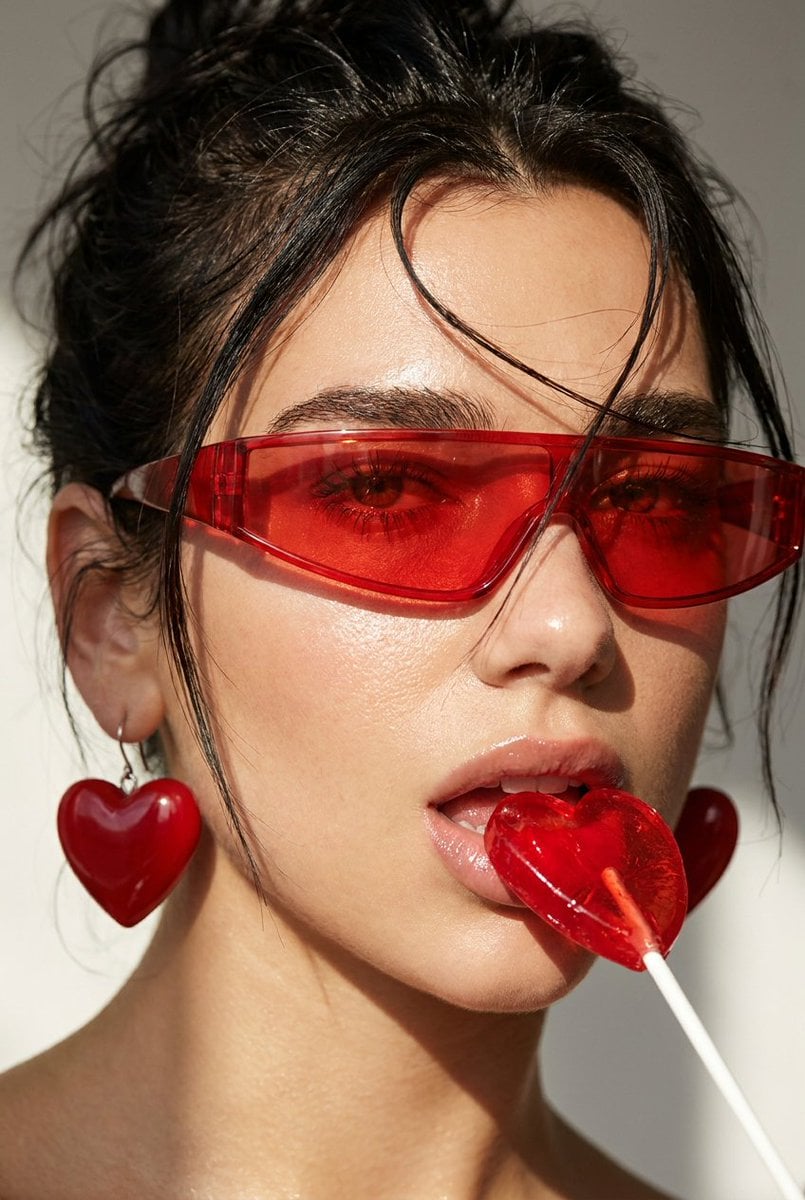
Heart Lollipop Editorial Portrait
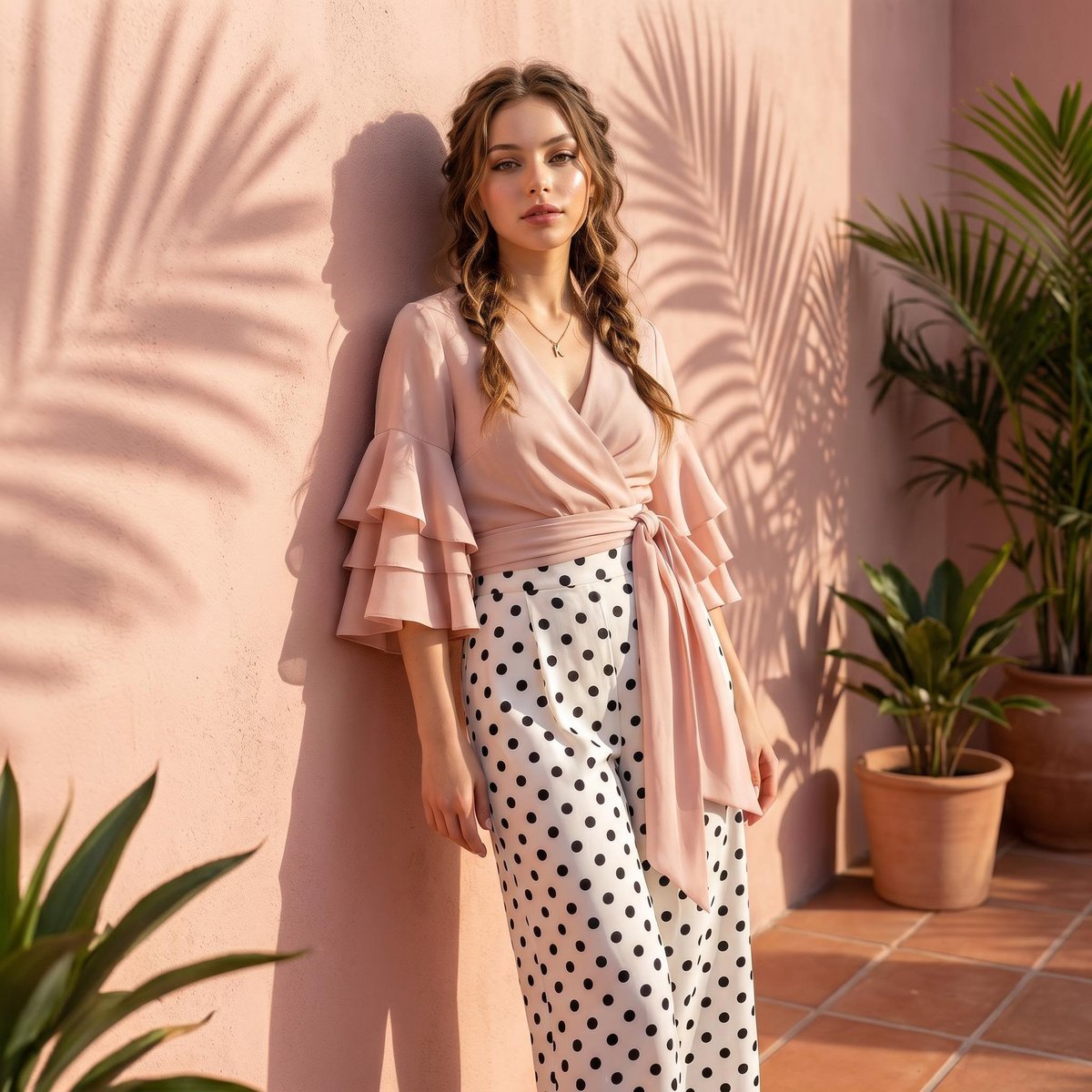
Blush Pink Fashion Editorial
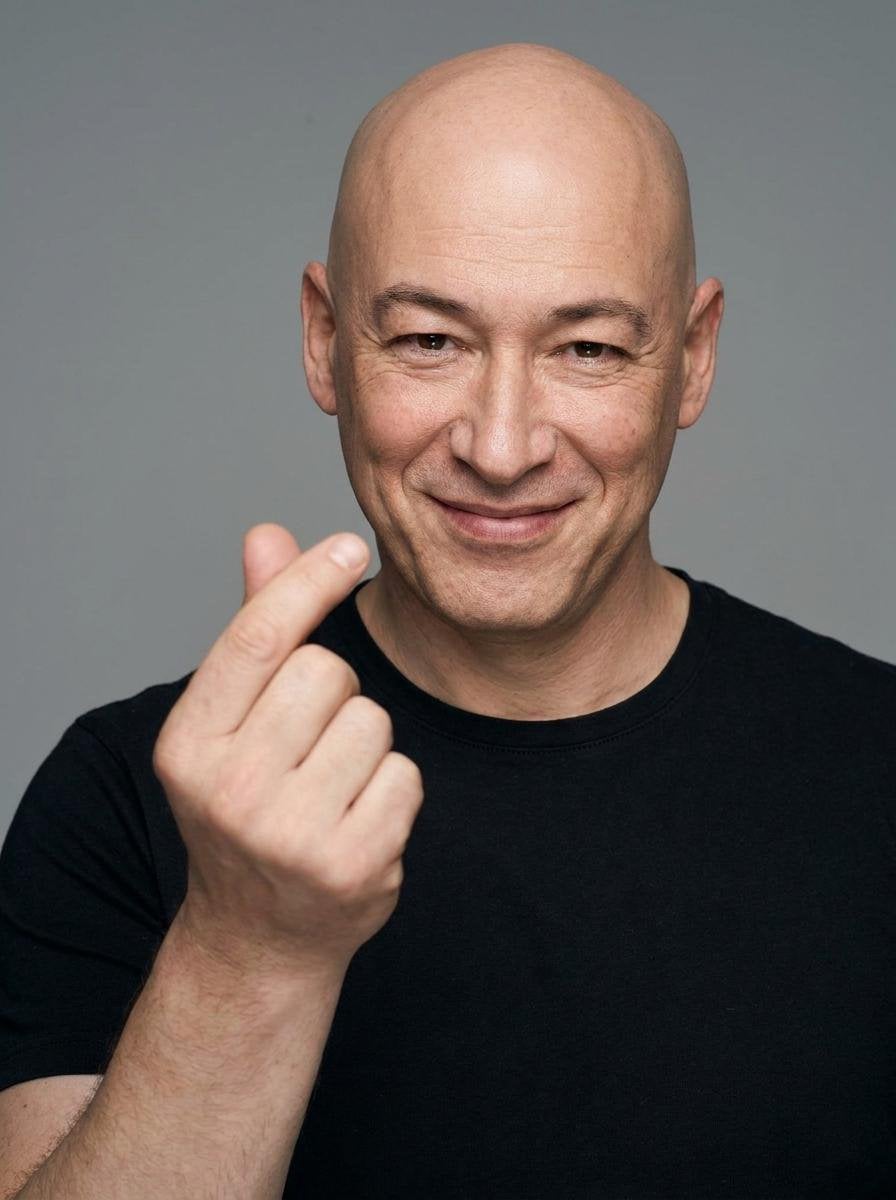
Studio Portrait with Finger Heart Gesture

Urban Fashion Editorial Collage Streetwear Poster
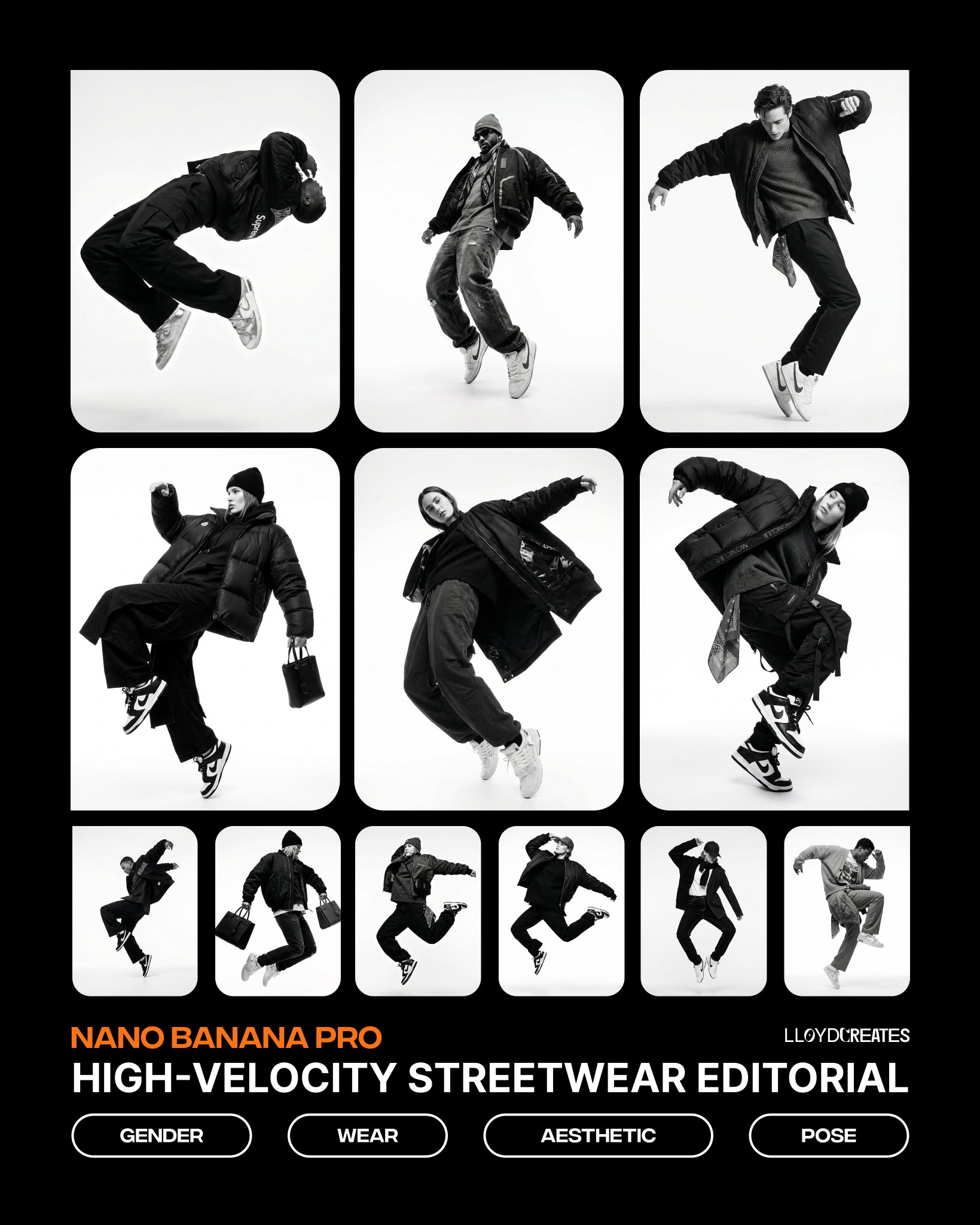
Monochrome Hypebeast Street Fashion Editorial Motion
Make it yours
Pink Heart Editorial Studio works as-is. These are the safest ways to change it without losing the look.
Change one field
Copy a single group, rewrite it, and generate again so you can see what that field is doing.
Keep the frame, change the subject
Hold the composition and light of Pink Heart Editorial Studio, then swap wardrobe, props or the person for a new take.
| If the result… | Why | Fix |
|---|---|---|
| The result drifts from the preview | Too many fields changed at once. | Reuse Pink Heart Editorial Studio as-is first, then change one group — subject, light, or setting. |
| The model over-stylizes the scene | The prose prompt leaves finish and camera underspecified. | Add one camera or lighting sentence and stay on PicX Studio. |
More image prompts
Fresh picks from across the catalog.
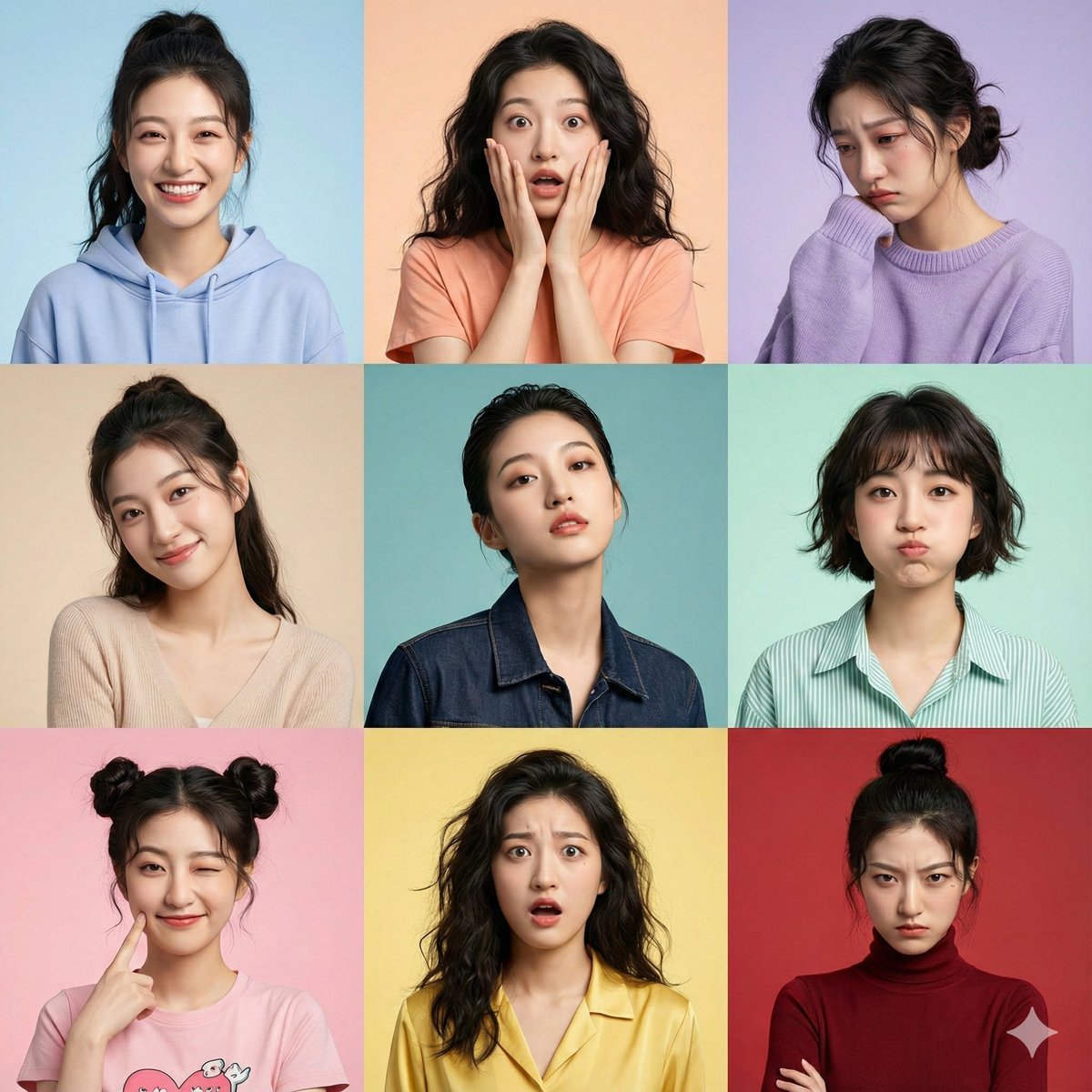
Hyper-Realistic 3x3 Grid Portrait with Fixed Identity
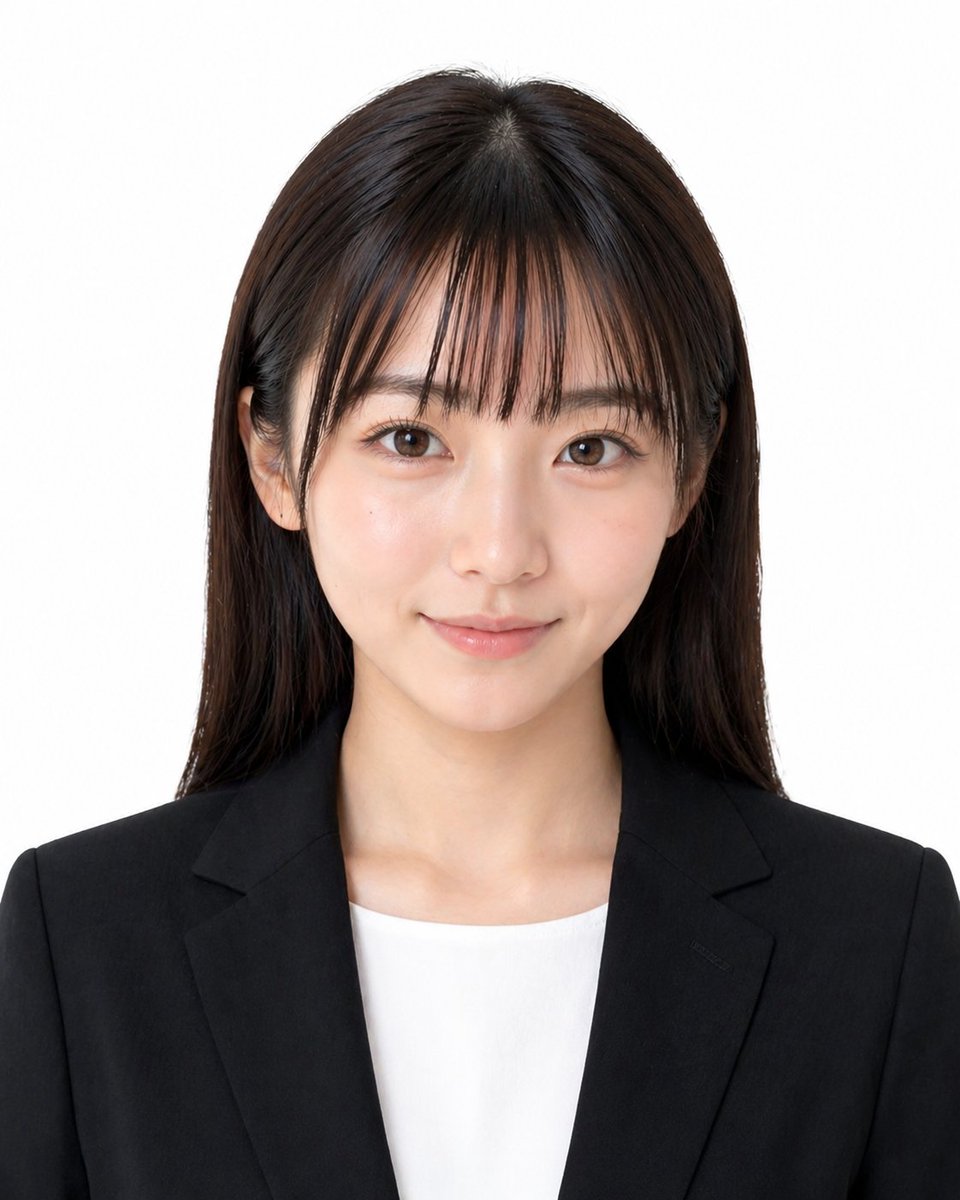
Formal Japanese ID Photo Portrait

Parametrized Movie Poster Generation Prompt
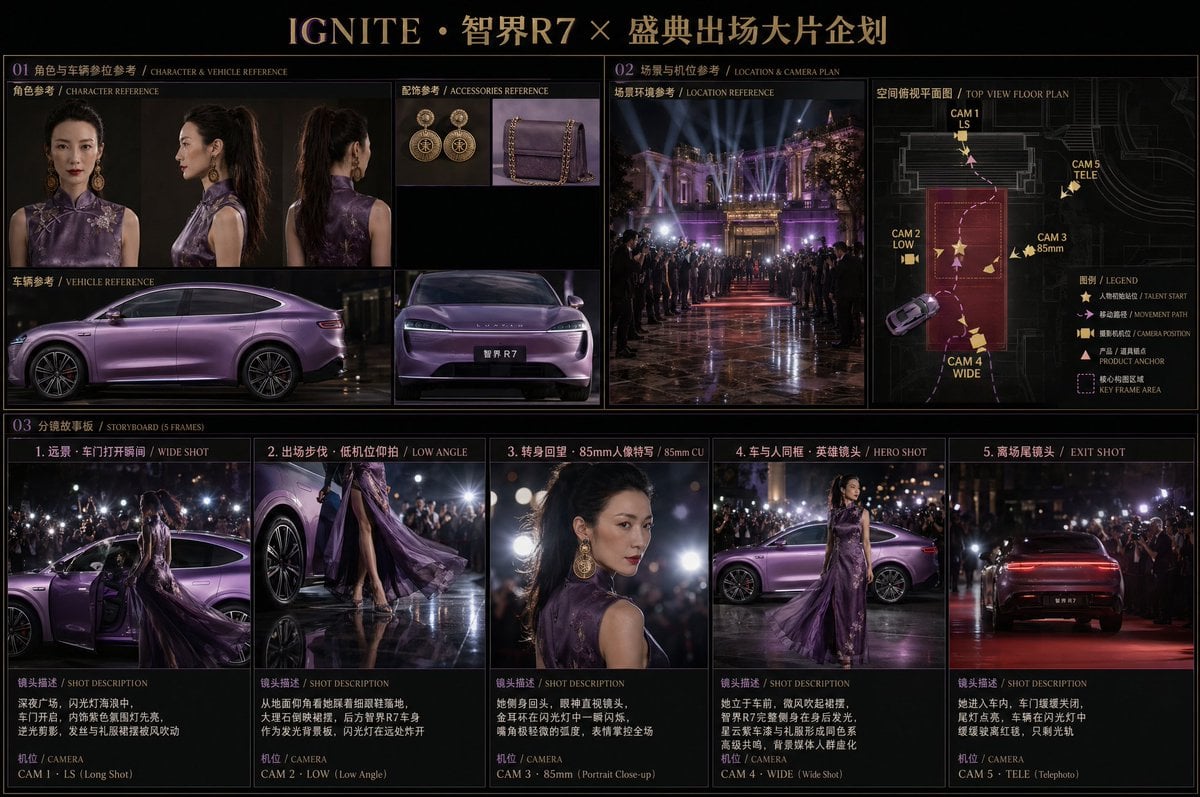
Cinematic Editorial Storyboard
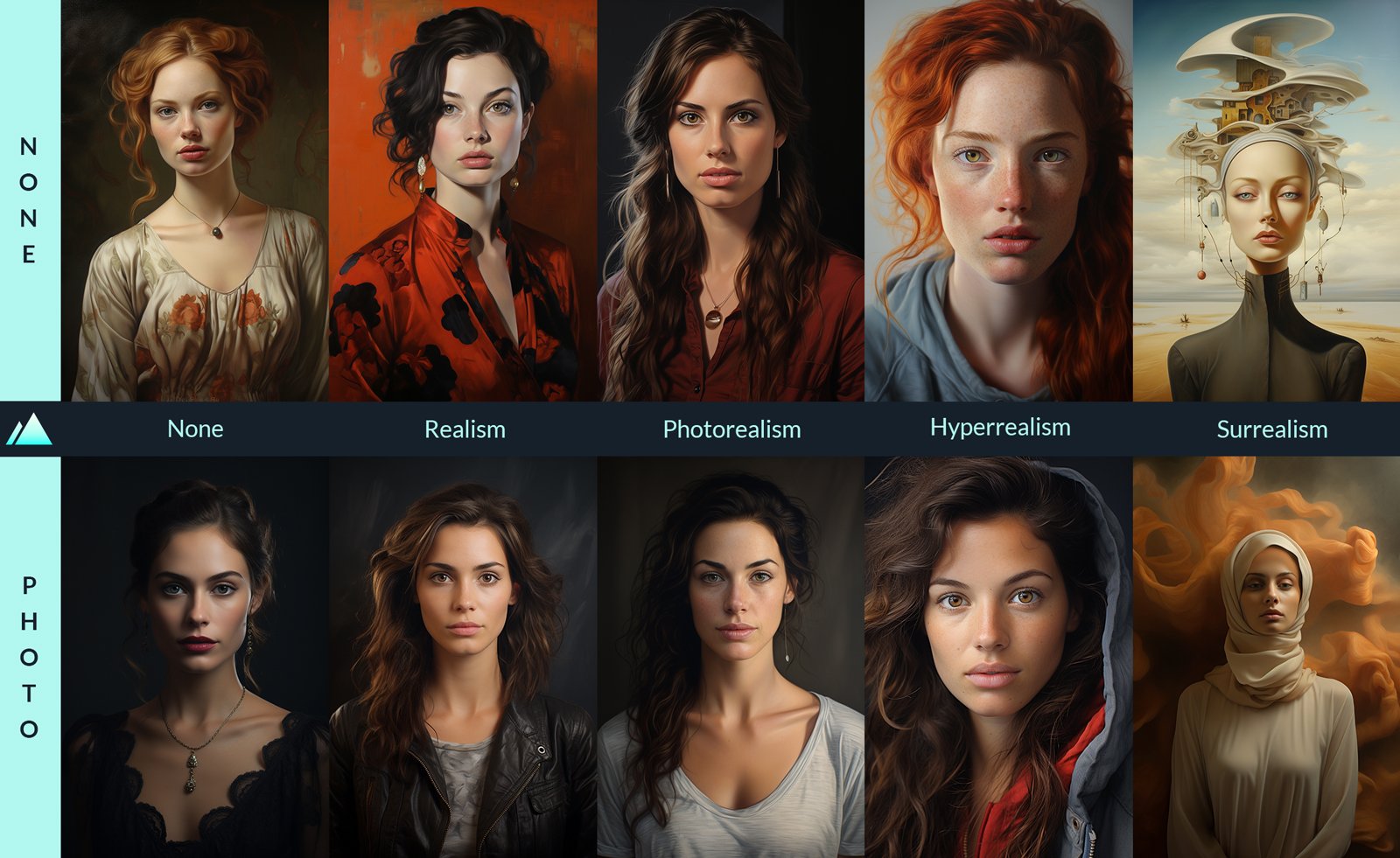
untitled
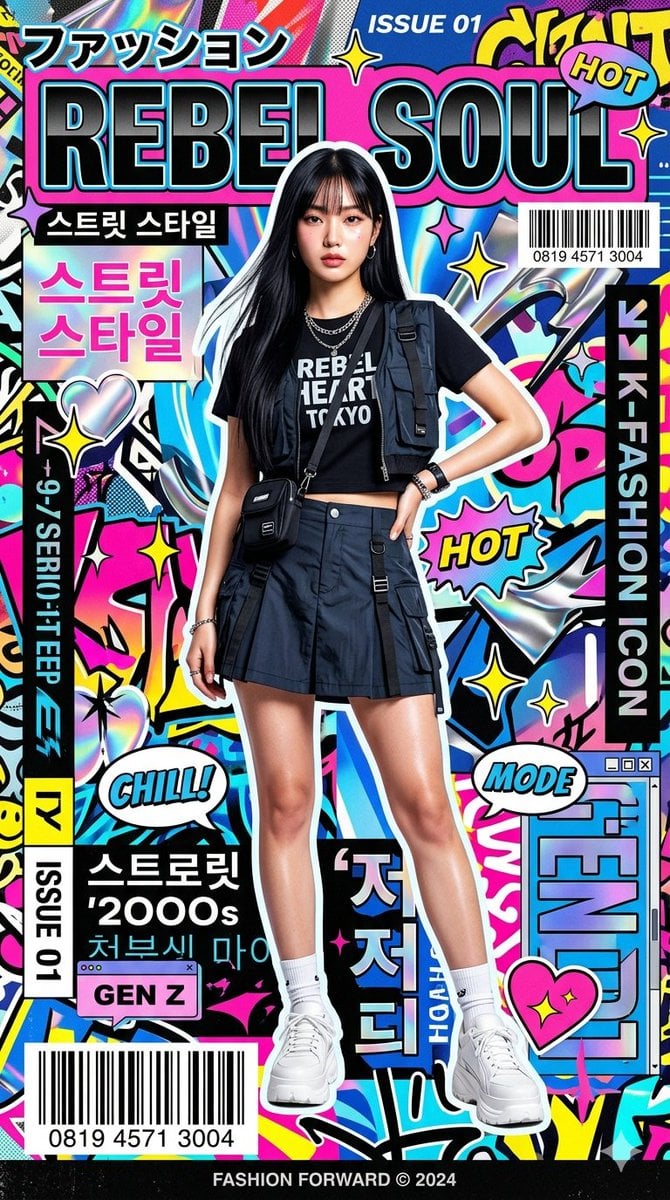
K-Fashion Pop-Art Editorial Poster

Surreal Pop-Art Tuesday Chaos
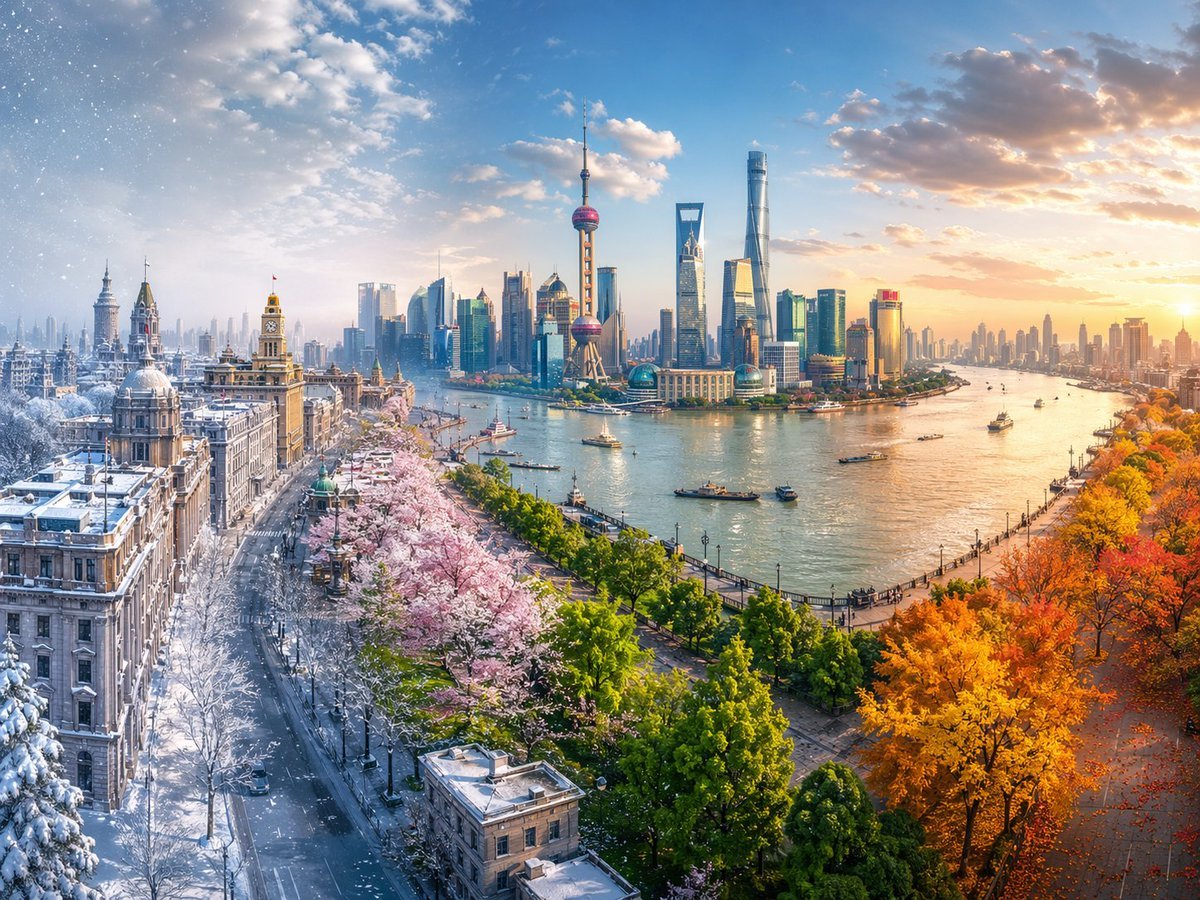
Four Seasons Continuous Panorama
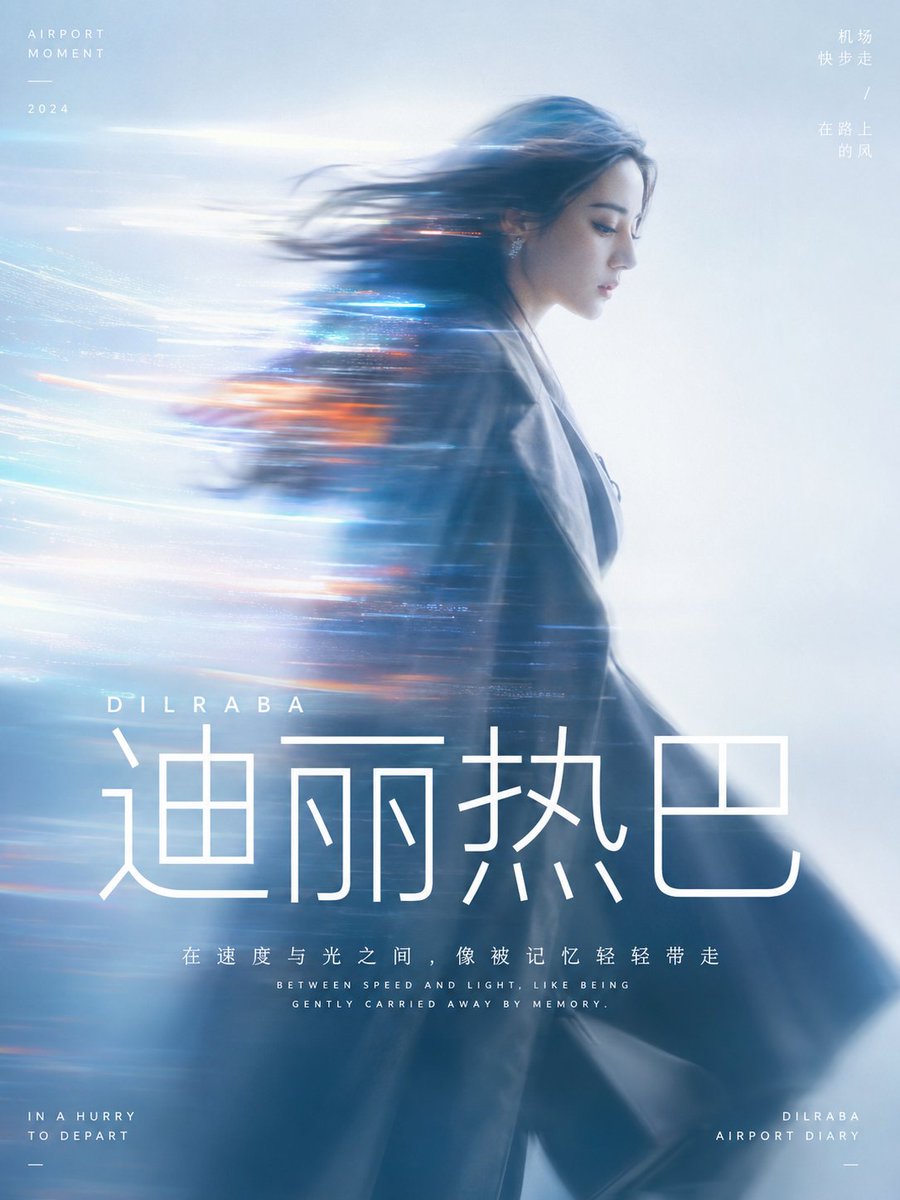
Cinematic Motion Blur Silhouette Portrait
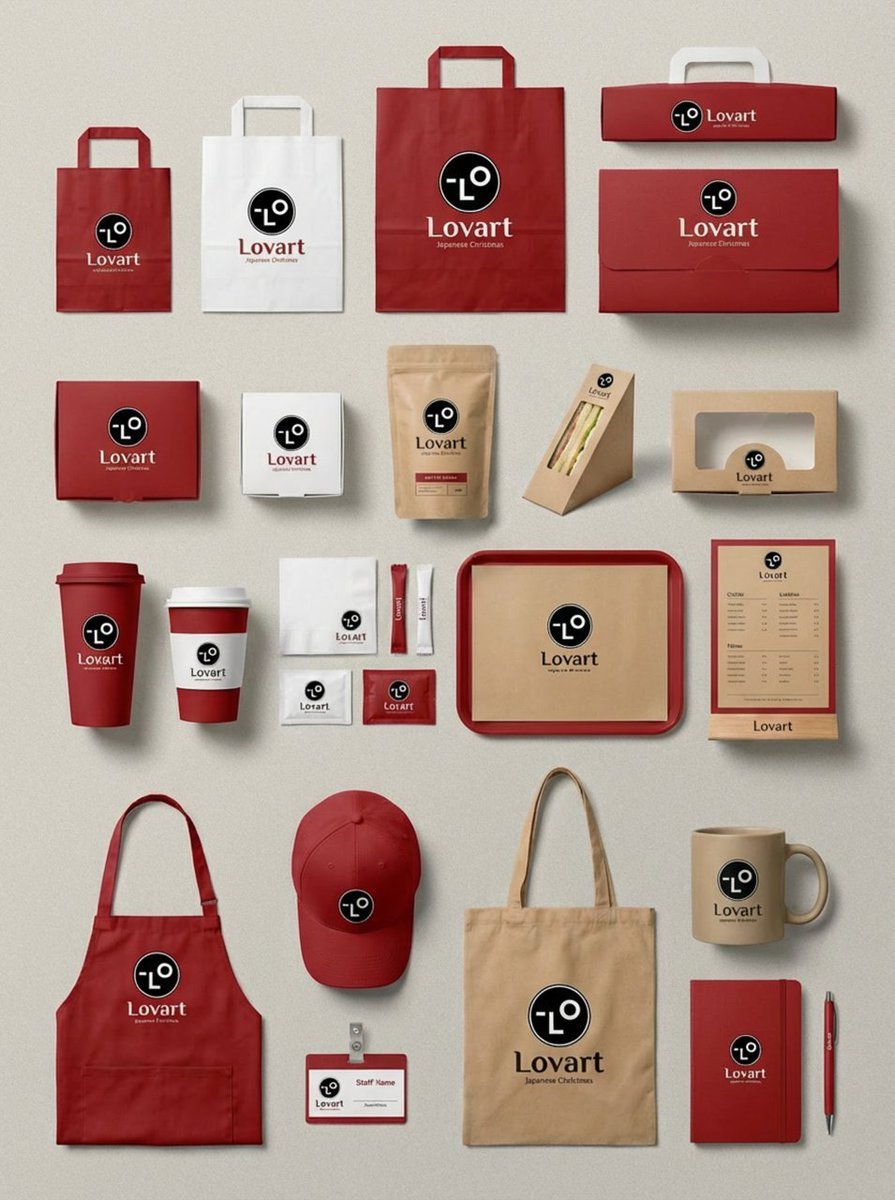
Flagship Brand Identity Mockup (Nano Banana Pro)
Browse template categories
Pink Heart Editorial Studio questions
How do I use the Pink Heart Editorial Studio template?
Add your photo if the template asks for one, edit the prompt if you like — the template's model and format are already selected — and press Generate. Your version opens in PicX Studio.
Can I customize the Pink Heart Editorial Studio template?
Yes. You can change the subject, setting, lighting, mood, format, and available model controls before creating your image.
Is the Pink Heart Editorial Studio template free?
Opening and editing this template is free. Generating uses credits, shown on the Generate button when you are signed in.
Which AI model should I use?
Choose a compatible model in PicX Studio based on the style, speed, and output controls your project needs.
Looking for something else? Browse all templates.

Your photo, any look
Thousands of ready templates for every top image and video model, from one credit balance.