
Watercolor Postcard Ticket Style Poster
A sophisticated layout prompt that transforms any photo into a split-screen design featuring the original photo on top and a watercolor-style postcard or ticket stub at the bottom.
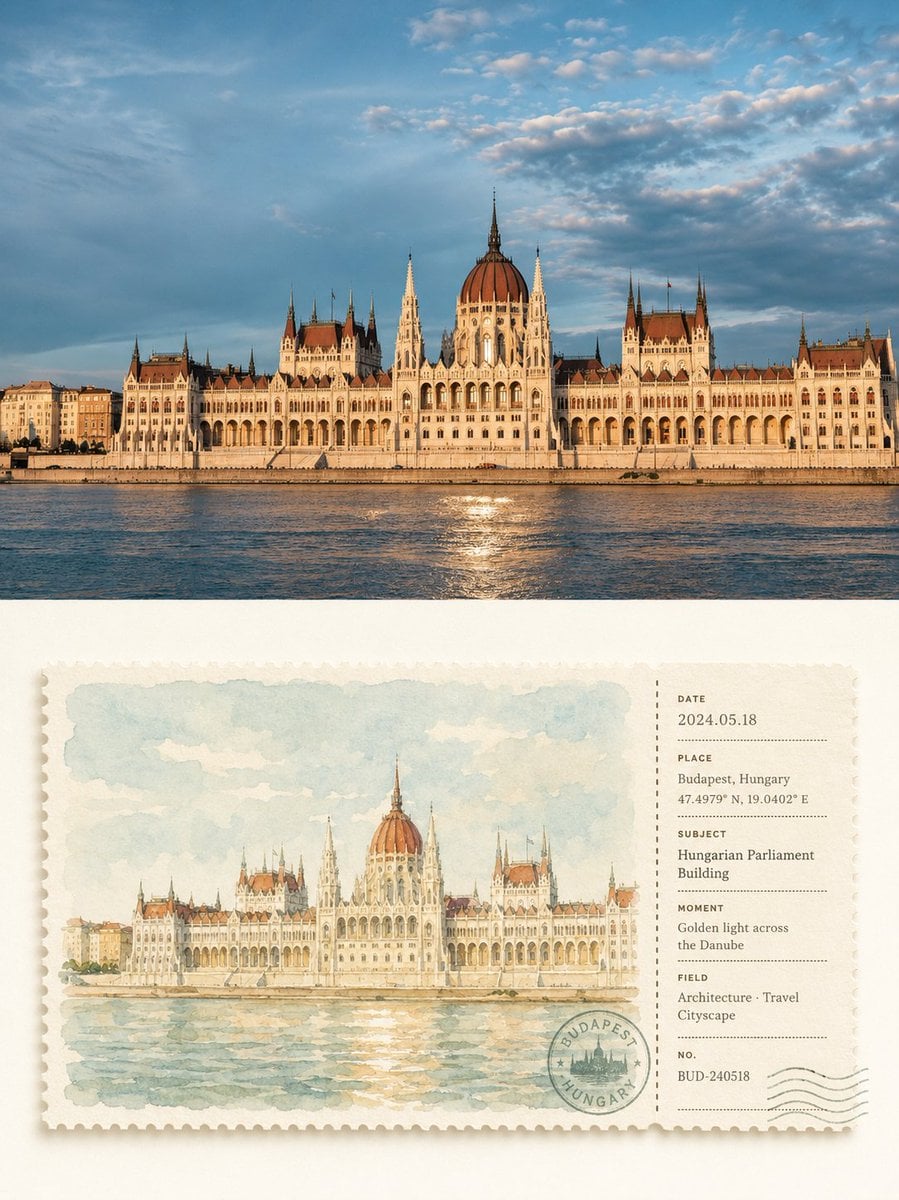
- Prompt included
- Model and format preset
- Free template
The prompt behind this image
Copy the exact prompt behind Watercolor Postcard Ticket Style Poster, or open it in the studio and make it yours.
请将我上传的每一张照片分别制作成一张独立的高级设计海报,不多图拼接,每张照片单独输出。整体采用3:4竖版构图,上下两个区域高度严格1:1,各占画面50%。\n\n上半部分保留原始照片,保持主体结构、真实质感、自然光影和原有色彩氛围,仅进行轻微高级摄影调色,使其具有艺术杂志、旅行出版物与展览摄影质感。为适配画幅,可自然扩展天空、地面或环境背景,但不得拉伸、扭曲或改变主体。\n\n下半部分提取照片中最具识别性的**主体、轮廓、姿态与叙事关系**,将原场景重新概括为一张融合明信片与票据形式的横向水彩票根。不是孤立画一个物体,而是保留主体与必要环境之间最有记忆点的关系,以简洁水彩笔触重新组织,让画面既能一眼对应上方照片,又像一张被精心收藏的旅行速写票据。\n\n票体居中悬置于大面积象牙白留白中,采用严格的**左大右小几何分区**:左侧约74%为水彩画面,右侧约26%为信息票根,中间以竖向虚线、齿孔或撕票线精准分隔;上下边距统一,图像、文字、邮戳、编号均服从同一隐性网格与对齐线,形成规整、安静、专业的编辑秩序。卡纸为厚实哑光水彩纸,边缘细密锯齿,带极轻微自然投影。\n\n左侧水彩以**高明度、低至中等饱和度的治愈系色盘**重新调和原图颜色,不直接复制脏灰色值。优先保留原图中最清新、最有生命力的色彩,再统一转译为柔和的鼠尾草绿、雾蓝、浅青灰、奶油黄、暖沙色、淡陶土色等自然综合色系;以2–4个相近色建立空气感,仅用极少量温暖对比色点亮主体。整体明亮、干净、通透、柔和,避免灰蒙、发黄、重褐、浓艳撞色和廉价复古滤镜。\n\n水彩笔触清晰而轻薄,保留纸张透白、柔和晕染、干湿变化与少量颗粒,主体稍清晰,远景与次要环境自然减弱,不做写实光影和复杂细节,使画面具有安静、松弛、温柔的绘本与旅行手账感。\n\n右侧票根采用克制的**几何信息排版系统**,根据照片内容灵活生成 DATE、PLACE、SUBJECT、MOMENT、FIELD、NO. 等少量字段,并搭配日期、编号、短线、点列、坐标式数字和一枚圆形印章。所有文字严格沿统一左边线、基线和间距排列,字号层级清晰,留白充足;邮戳可与分割线或底部网格轻微交叠,让信息元素与票体结构形成巧妙关系,而不是随意散落。若不是城市或旅行题材,地点字段可自然转化为对象名、状态、项目、章节、季节或情绪记录。\n\n整体参考**高级旅行明信片、复古票据、艺术家手账、水彩出版物与现代编辑设计**,强调治愈色彩、几何秩序、纸张质感和收藏感,呈现清新、温柔、安静、规整、精致而不过度设计的视觉气质。避免脏旧色调、松散排版、信息漂浮、复杂装饰、写实插画、电商模板感和廉价复古效果。
How to use Watercolor Postcard Ticket Style Poster in 3 steps
- 1Upload ImagePNG, JPG or paste
Add your photo
Upload the photo the template builds on. The prompt, model and format are already set.
- 2…a portrait of your subject in softgolden-hour light, 85mm…
Personalize
Edit the subject and creative details for your destination.
- 3Generate
Generate
Press Generate — your image is created in PicX Studio, so you can compare it with the original and refine one variable at a time.
More like this
Templates with the same subject, style or setup. Open one to see its prompt.
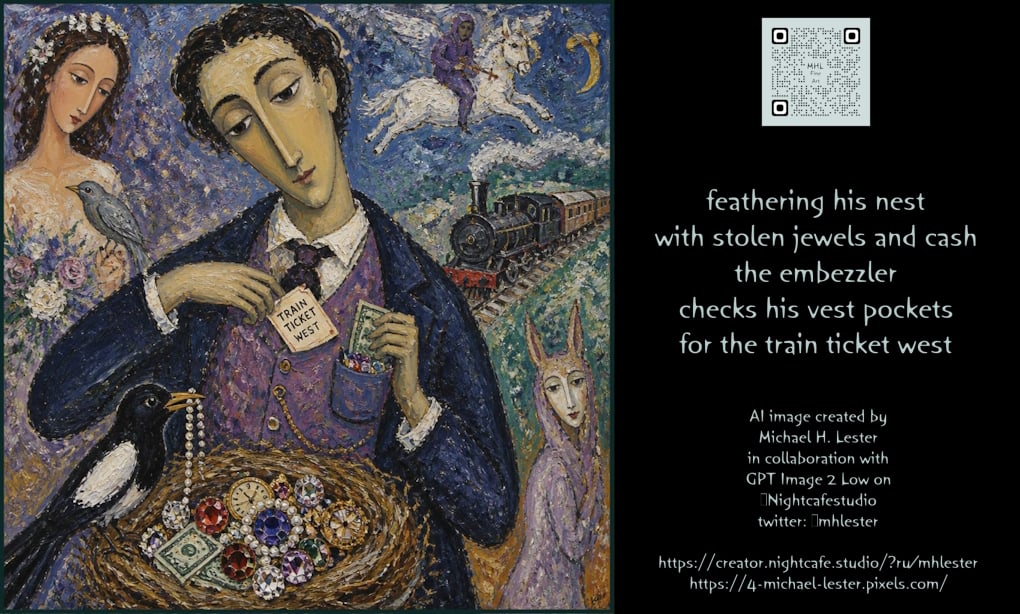
Embezzler Train Ticket Poetry Poster

Japan Travel Brochure Poster
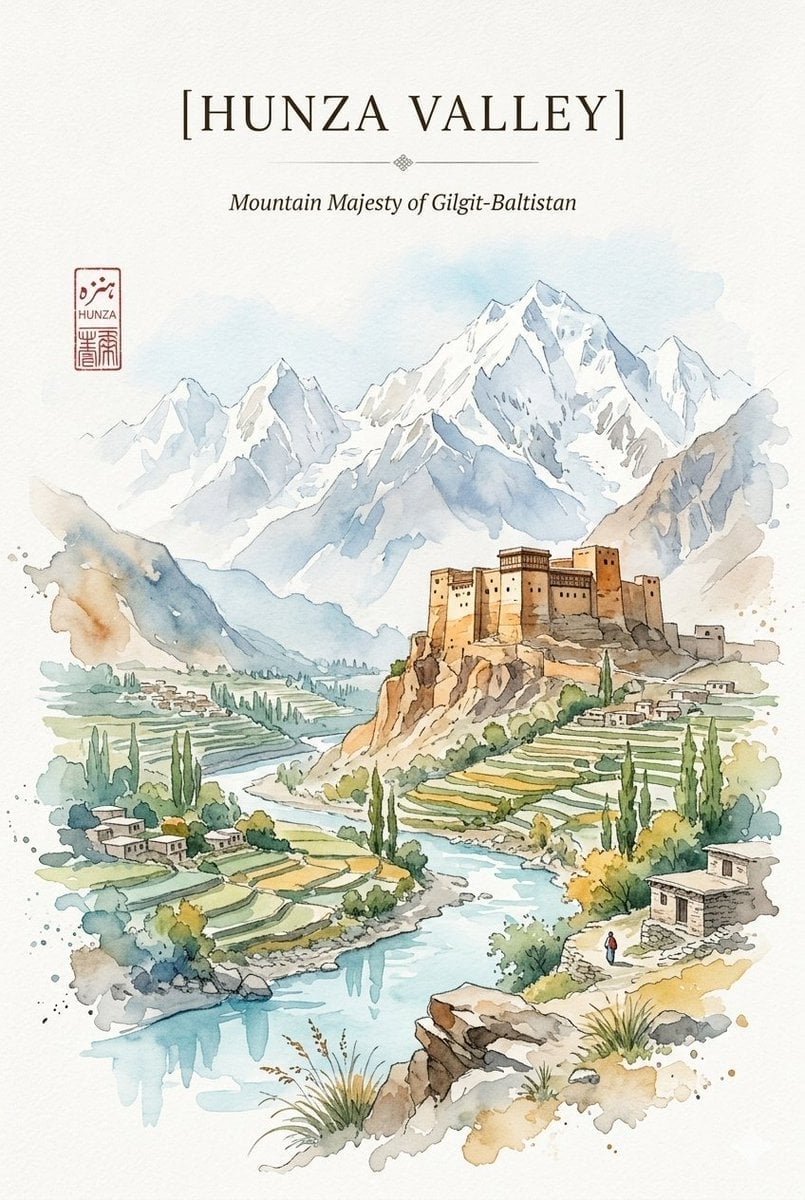
Alpine Watercolor Travel Poster
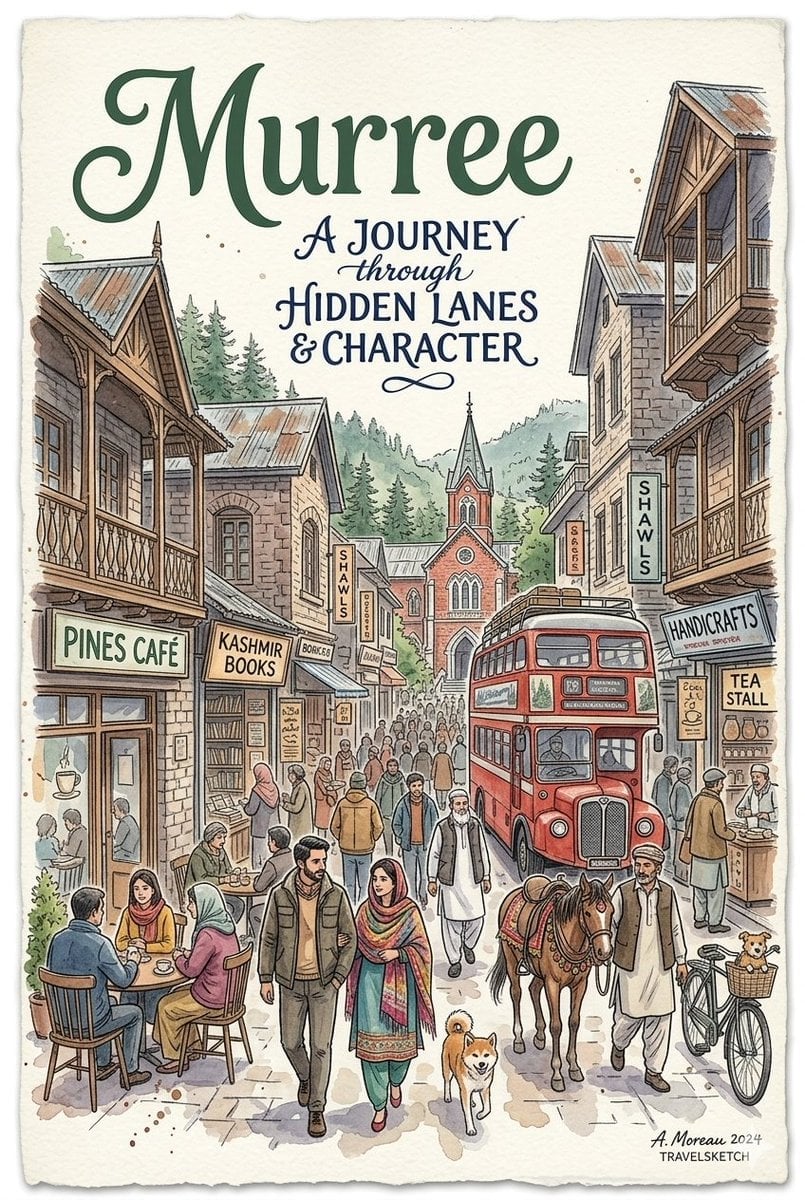
Watercolor Travel Poster Fusion
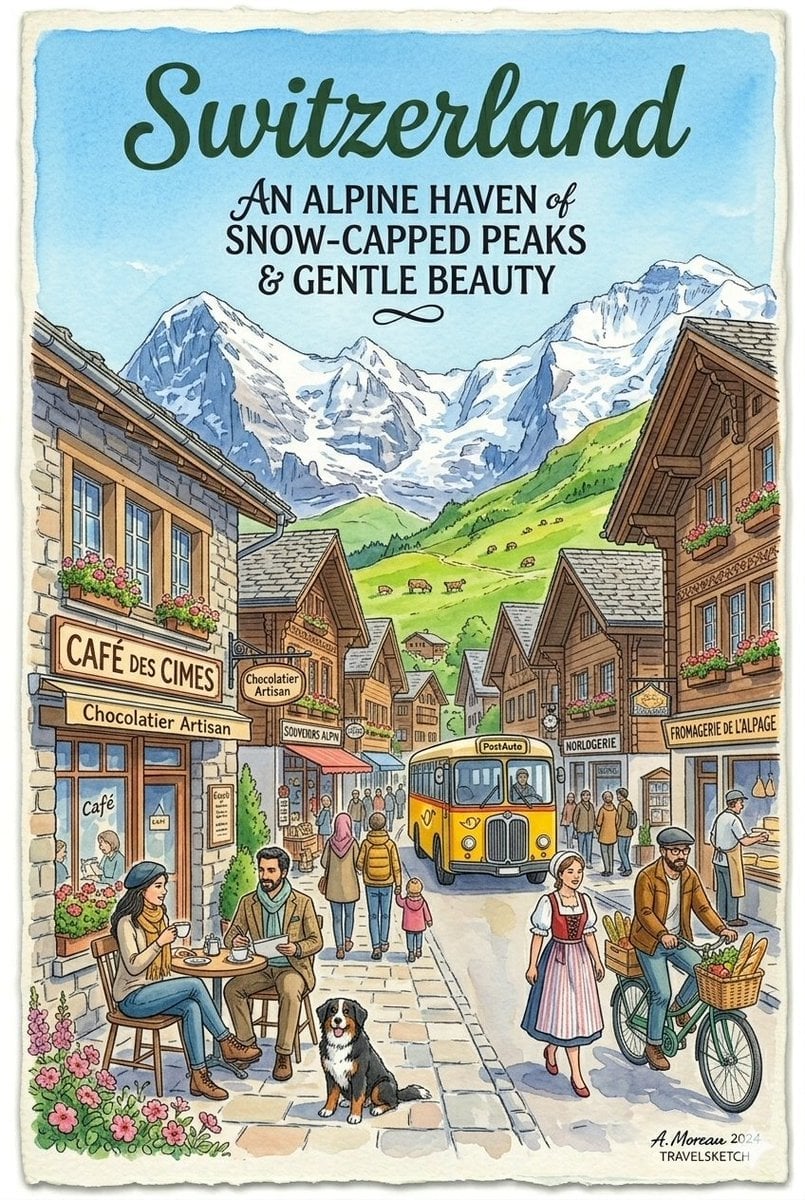
Vintage Watercolor Travel Posters

Watercolor Anim Finale Fireworks

Watercolor Anim Garden Maze

Watercolor Anim Rooftop Concert

Watercolor Anim Bicycle Coast

Watercolor Anim Castle Gate

Watercolor Anim Kitchen Chaos

Watercolor Anim Carnival Ride
Make it yours
Watercolor Postcard Ticket Style Poster works as-is. These are the safest ways to change it without losing the look.
Change one field
Copy a single group, rewrite it, and generate again so you can see what that field is doing.
Keep the frame, change the subject
Hold the composition and light of Watercolor Postcard Ticket Style Poster, then swap wardrobe, props or the person for a new take.
| If the result… | Why | Fix |
|---|---|---|
| The result drifts from the preview | Too many fields changed at once. | Reuse Watercolor Postcard Ticket Style Poster as-is first, then change one group — subject, light, or setting. |
| The model over-stylizes the scene | The prose prompt leaves finish and camera underspecified. | Add one camera or lighting sentence and stay on GPT Image 2. |
More GPT Image 2 templates
Other prompts made for GPT Image 2.

Six VTuber Japanese Logo Sheet

Realistic Portrait of Woman and Deer

The Vista Modular Condo Poster

AI Model Routing Comparison Infographic

2.5D Anime Art Board

Isometric Productivity Desk Scene

New York Double Exposure Poster

Four-Panel AI Landscape Comparison

Japanese Tatami Lifestyle Magazine Cover

NESCAFÉ Coffee Map Poster
More image prompts
Fresh picks from across the catalog.
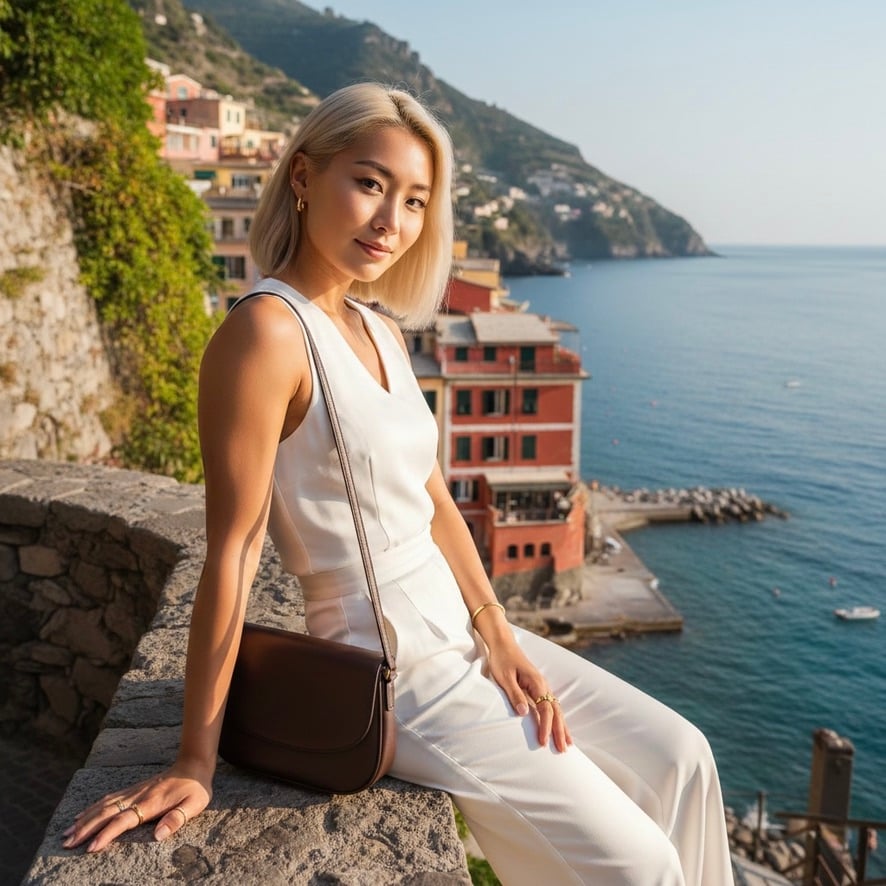
Quiet Luxury Mediterranean Vacation Portrait

Night Portrait by Fairy Light Tree
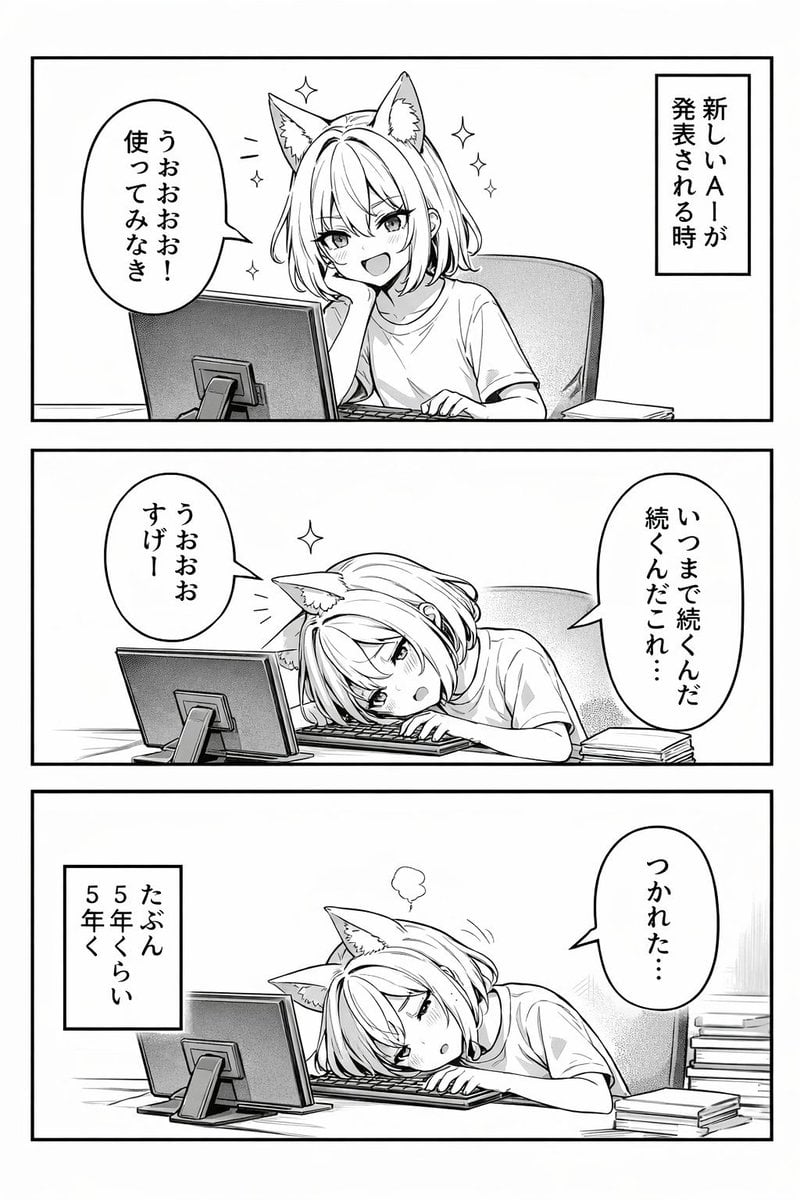
Panel Anime Comic Strip

Premium Brand Infographic with Male Model
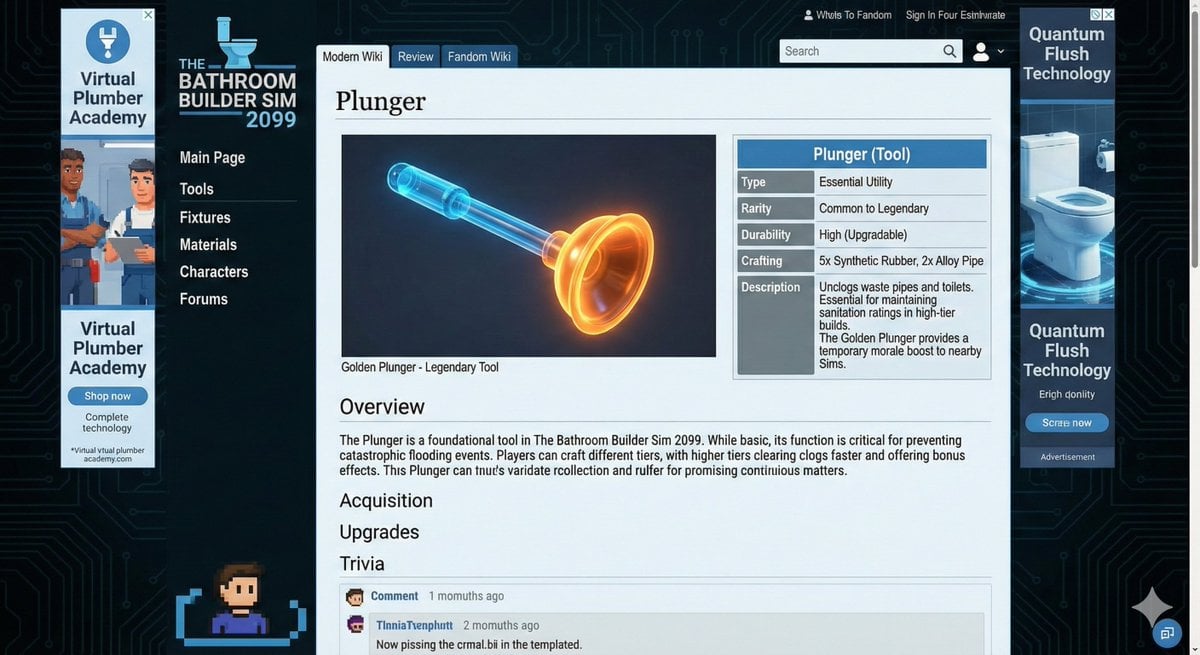
Video Game Wiki Style Plunger
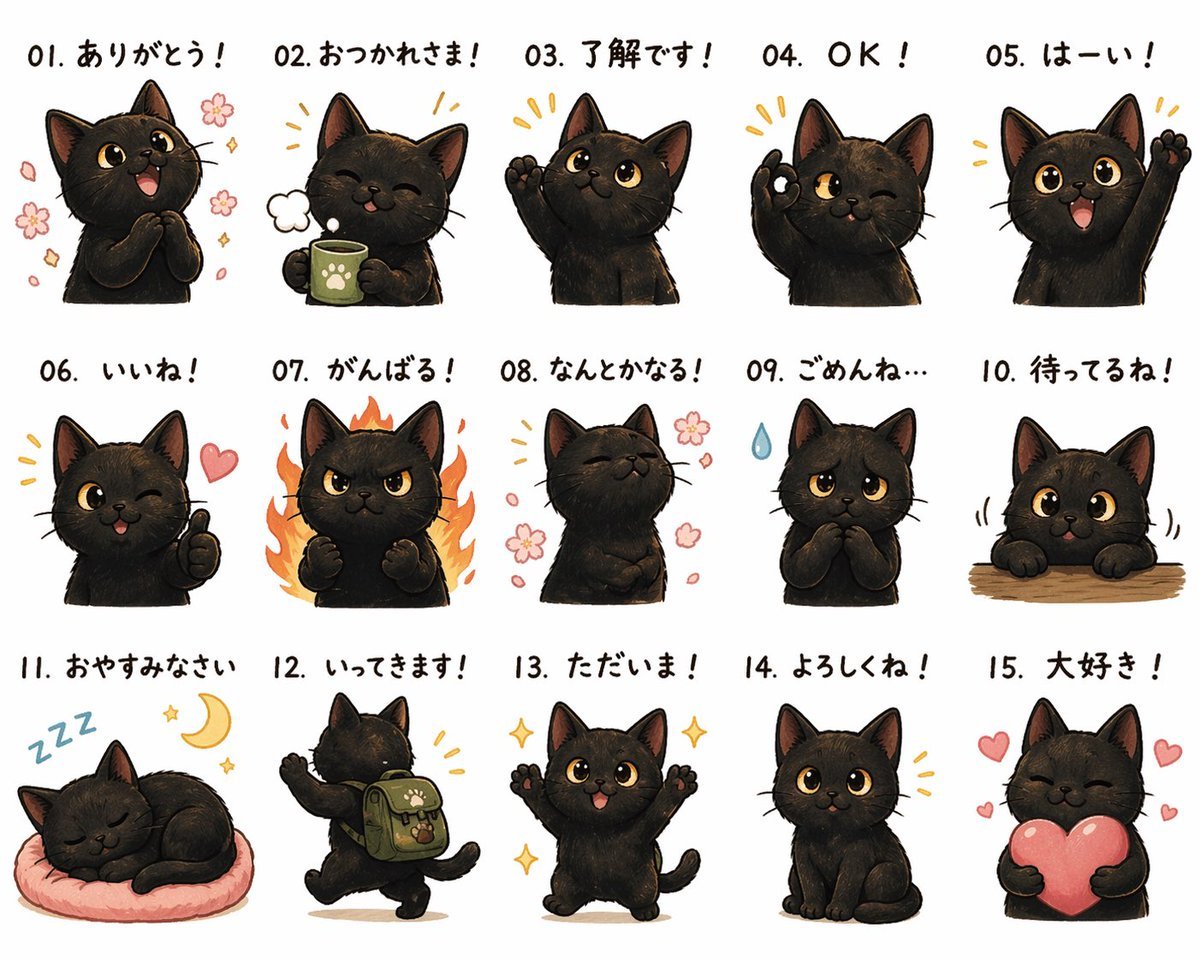
Cute Black Cat Japanese Sticker Sheet

Cinematic Low Angle Portrait in a Dry Field
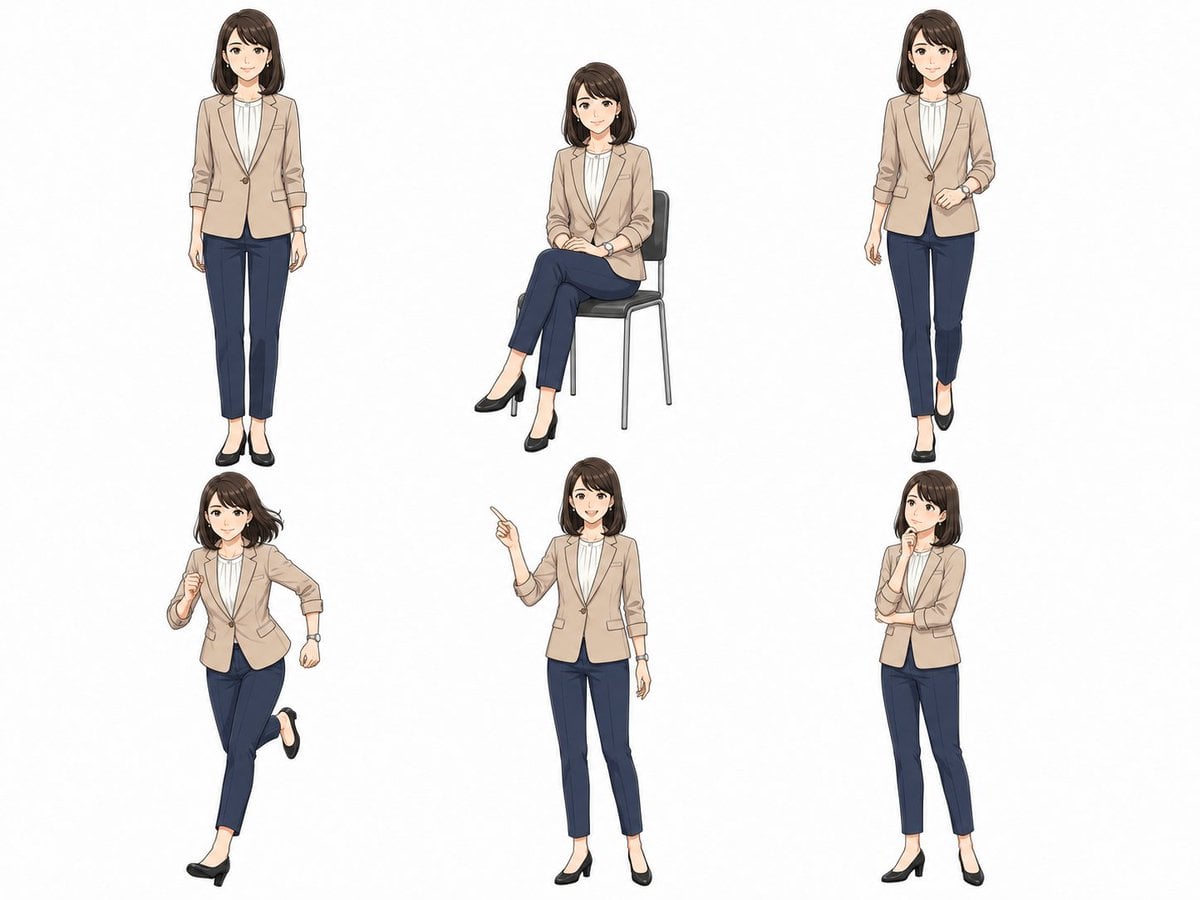
Anime Businesswoman Pose Sheet
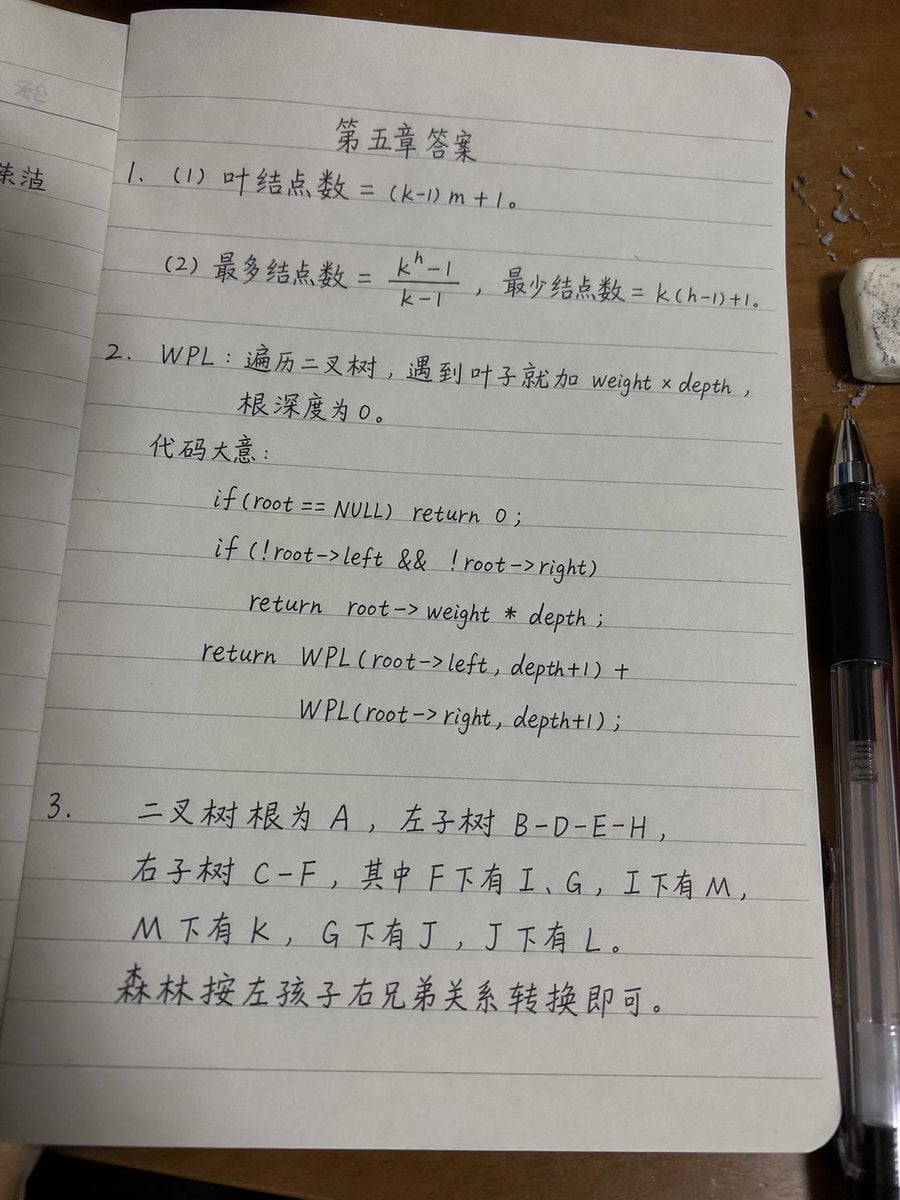
Handwritten Data Structures Homework Photo

Origami Pop-Up T-Rex Book Ad
Browse template categories
Watercolor Postcard Ticket Style Poster questions
How do I use the Watercolor Postcard Ticket Style Poster template?
Add your photo if the template asks for one, edit the prompt if you like — the template's model and format are already selected — and press Generate. Your version opens in PicX Studio.
Can I customize the Watercolor Postcard Ticket Style Poster template?
Yes. You can change the subject, setting, lighting, mood, format, and available model controls before creating your image.
Is the Watercolor Postcard Ticket Style Poster template free?
Opening and editing this template is free. Generating uses credits, shown on the Generate button when you are signed in.
Which AI model should I use?
Start with GPT Image 2, which is the model associated with this template. You can compare another compatible model for a different finish.
Looking for something else? Browse all templates.

Your photo, any look
Thousands of ready templates for every top image and video model, from one credit balance.